---
title: 'dagster cli'
title_meta: 'dagster cli API Documentation - Build Better Data Pipelines | Python Reference Documentation for Dagster'
description: 'dagster cli Dagster API | Comprehensive Python API documentation for Dagster, the data orchestration platform. Learn how to build, test, and maintain data pipelines with our detailed guides and examples.'
last_update:
date: '2025-12-10'
custom_edit_url: null
---
# Dagster CLI
## dagster asset
Commands for working with Dagster assets.
```shell
dagster asset [OPTIONS] COMMAND [ARGS]...
```
Commands:
list
List assets
materialize
Execute a run to materialize a selection of assets
Clears the asset partitions status cache, which is used by the webserver to load partition
>
pages more quickly. The cache will be rebuilt the next time the partition pages are loaded,
if caching is enabled.
Usage:
>
dagster asset wipe-cache –all
dagster asset wipe-cache \
dagster asset wipe-cache \
## dagster debug
Commands for helping debug Dagster issues by dumping or loading artifacts from specific runs.
This can be used to send a file to someone like the Dagster team who doesn’t have direct access
to your instance to allow them to view the events and details of a specific run.
Debug files can be viewed using dagster-webserver-debug cli.
Debug files can also be downloaded from the Dagster UI.
```shell
dagster debug [OPTIONS] COMMAND [ARGS]...
```
Commands:
export
Export the relevant artifacts for a job run from the current instance in to a file.
import
Import the relevant artifacts from debug files in to the current instance.
## dagster definitions validate
The dagster definitions validate command loads and validate your Dagster definitions using a Dagster instance.
This command indicates which code locations contain errors, and which ones can be successfully loaded.
Code locations containing errors are considered invalid, otherwise valid.
When running, this command sets the environment variable DAGSTER_IS_DEFS_VALIDATION_CLI=1.
This environment variable can be used to control the behavior of your code in validation mode.
This command returns an exit code 1 when errors are found, otherwise an exit code 0.
This command should be run in a Python environment where the dagster package is installed.
```shell
dagster definitions validate [OPTIONS]
```
Options:
-v, --verbose
Show verbose stack traces, including system frames in stack traces.
--load-with-grpc
Load the code locations using a gRPC server, instead of in-process.
--log-format \
Format of the logs for dagster services
Default: `'colored'`Options: colored | json | rich
--log-level \
Set the log level for dagster services.
Default: `'info'`Options: critical | error | warning | info | debug
--empty-workspace
Allow an empty workspace
-w, --workspace \
Path to workspace file. Argument can be provided multiple times.
-d, --working-directory \
Specify working directory to use when loading the repository or job
-f, --python-file \
Specify python file or files (flag can be used multiple times) where dagster definitions reside as top-level symbols/variables and load each file as a code location in the current python environment.
-m, --module-name \
Specify module or modules (flag can be used multiple times) where dagster definitions reside as top-level symbols/variables and load each module as a code location in the current python environment.
--autoload-defs-module-name \
A module to import and recursively search through for definitions.
--package-name \
Specify Python package where repository or job function lives
-a, --attribute \
Attribute that is either a 1) repository or job or 2) a function that returns a repository or job
--grpc-port \
Port to use to connect to gRPC server
--grpc-socket \
Named socket to use to connect to gRPC server
--grpc-host \
Host to use to connect to gRPC server, defaults to localhost
--use-ssl
Use a secure channel when connecting to the gRPC server
Environment variables:
DAGSTER_WORKING_DIRECTORY
>
Provide a default for [`--working-directory`](#cmdoption-dagster-definitions-validate-d)
DAGSTER_PYTHON_FILE
>
Provide a default for [`--python-file`](#cmdoption-dagster-definitions-validate-f)
DAGSTER_MODULE_NAME
>
Provide a default for [`--module-name`](#cmdoption-dagster-definitions-validate-m)
DAGSTER_autoload_defs_module_name
>
Provide a default for [`--autoload-defs-module-name`](#cmdoption-dagster-definitions-validate-autoload-defs-module-name)
DAGSTER_PACKAGE_NAME
>
Provide a default for [`--package-name`](#cmdoption-dagster-definitions-validate-package-name)
DAGSTER_ATTRIBUTE
>
Provide a default for [`--attribute`](#cmdoption-dagster-definitions-validate-a)
## dagster dev
Start a local deployment of Dagster, including dagster-webserver running on localhost and the dagster-daemon running in the background
```shell
dagster dev [OPTIONS]
```
Options:
--code-server-log-level \
Set the log level for code servers spun up by dagster services.
Default: `'warning'`Options: critical | error | warning | info | debug
--log-level \
Set the log level for dagster services.
Default: `'info'`Options: critical | error | warning | info | debug
--log-format \
Format of the logs for dagster services
Default: `'colored'`Options: colored | json | rich
-p, --port, --dagit-port \
Port to use for the Dagster webserver.
-h, --host, --dagit-host \
Host to use for the Dagster webserver.
--live-data-poll-rate \
Rate at which the dagster UI polls for updated asset data (in milliseconds)
Default: `'2000'`
--use-legacy-code-server-behavior
Use the legacy behavior of the daemon and webserver each starting up their own code server
-v, --verbose
Show verbose stack traces for errors in the code server.
--use-ssl
Use a secure channel when connecting to the gRPC server
--grpc-host \
Host to use to connect to gRPC server, defaults to localhost
--grpc-socket \
Named socket to use to connect to gRPC server
--grpc-port \
Port to use to connect to gRPC server
-a, --attribute \
Attribute that is either a 1) repository or job or 2) a function that returns a repository or job
--package-name \
Specify Python package where repository or job function lives
--autoload-defs-module-name \
A module to import and recursively search through for definitions.
-m, --module-name \
Specify module or modules (flag can be used multiple times) where dagster definitions reside as top-level symbols/variables and load each module as a code location in the current python environment.
-f, --python-file \
Specify python file or files (flag can be used multiple times) where dagster definitions reside as top-level symbols/variables and load each file as a code location in the current python environment.
-d, --working-directory \
Specify working directory to use when loading the repository or job
-w, --workspace \
Path to workspace file. Argument can be provided multiple times.
--empty-workspace
Allow an empty workspace
Environment variables:
DAGSTER_ATTRIBUTE
>
Provide a default for [`--attribute`](#cmdoption-dagster-dev-a)
DAGSTER_PACKAGE_NAME
>
Provide a default for [`--package-name`](#cmdoption-dagster-dev-package-name)
DAGSTER_autoload_defs_module_name
>
Provide a default for [`--autoload-defs-module-name`](#cmdoption-dagster-dev-autoload-defs-module-name)
DAGSTER_MODULE_NAME
>
Provide a default for [`--module-name`](#cmdoption-dagster-dev-m)
DAGSTER_PYTHON_FILE
>
Provide a default for [`--python-file`](#cmdoption-dagster-dev-f)
DAGSTER_WORKING_DIRECTORY
>
Provide a default for [`--working-directory`](#cmdoption-dagster-dev-d)
## dagster instance
Commands for working with the current Dagster instance.
```shell
dagster instance [OPTIONS] COMMAND [ARGS]...
```
Commands:
concurrency
Commands for working with the instance-wide op concurrency.
info
List the information about the current instance.
migrate
Automatically migrate an out of date instance.
reindex
Rebuild index over historical runs for performance.
## dagster job
Commands for working with Dagster jobs.
```shell
dagster job [OPTIONS] COMMAND [ARGS]...
```
Commands:
backfill
Backfill a partitioned job.
This commands targets a job. The job can be specified in a number of ways:
1. dagster job backfill -j \<\> (works if .workspace.yaml exists)
2. dagster job backfill -j \<\> -w path/to/workspace.yaml
3. dagster job backfill -f /path/to/file.py -a define_some_job
4. dagster job backfill -m a_module.submodule -a define_some_job
5. dagster job backfill -f /path/to/file.py -a define_some_repo -j \<\>
6. dagster job backfill -m a_module.submodule -a define_some_repo -j \<\>
execute
Execute a job.
This commands targets a job. The job can be specified in a number of ways:
1. dagster job execute -f /path/to/file.py -a define_some_job
2. dagster job execute -m a_module.submodule -a define_some_job
3. dagster job execute -f /path/to/file.py -a define_some_repo -j \<\>
4. dagster job execute -m a_module.submodule -a define_some_repo -j \<\>
launch
Launch a job using the run launcher configured on the Dagster instance.
This commands targets a job. The job can be specified in a number of ways:
1. dagster job launch -j \<\> (works if .workspace.yaml exists)
2. dagster job launch -j \<\> -w path/to/workspace.yaml
3. dagster job launch -f /path/to/file.py -a define_some_job
4. dagster job launch -m a_module.submodule -a define_some_job
5. dagster job launch -f /path/to/file.py -a define_some_repo -j \<\>
6. dagster job launch -m a_module.submodule -a define_some_repo -j \<\>
list
List the jobs in a repository. Can only use ONE of –workspace/-w, –python-file/-f, –module-name/-m, –grpc-port, –grpc-socket.
print
Print a job.
This commands targets a job. The job can be specified in a number of ways:
1. dagster job print -j \<\> (works if .workspace.yaml exists)
2. dagster job print -j \<\> -w path/to/workspace.yaml
3. dagster job print -f /path/to/file.py -a define_some_job
4. dagster job print -m a_module.submodule -a define_some_job
5. dagster job print -f /path/to/file.py -a define_some_repo -j \<\>
6. dagster job print -m a_module.submodule -a define_some_repo -j \<\>
scaffold_config
Scaffold the config for a job.
This commands targets a job. The job can be specified in a number of ways:
1. dagster job scaffold_config -f /path/to/file.py -a define_some_job
2. dagster job scaffold_config -m a_module.submodule -a define_some_job
3. dagster job scaffold_config -f /path/to/file.py -a define_some_repo -j \<\>
4. dagster job scaffold_config -m a_module.submodule -a define_some_repo -j \<\>
## dagster run
Commands for working with Dagster job runs.
```shell
dagster run [OPTIONS] COMMAND [ARGS]...
```
Commands:
delete
Delete a run by id and its associated event logs. Warning: Cannot be undone
list
List the runs in the current Dagster instance.
migrate-repository
Migrate the run history for a job from a historic repository to its current repository.
wipe
Eliminate all run history and event logs. Warning: Cannot be undone.
## dagster schedule
Commands for working with Dagster schedules.
```shell
dagster schedule [OPTIONS] COMMAND [ARGS]...
```
Commands:
debug
Debug information about the scheduler.
list
List all schedules that correspond to a repository.
logs
Get logs for a schedule.
preview
Preview changes that will be performed by dagster schedule up.
restart
Restart a running schedule.
start
Start an existing schedule.
stop
Stop an existing schedule.
wipe
Delete the schedule history and turn off all schedules.
## dagster sensor
Commands for working with Dagster sensors.
```shell
dagster sensor [OPTIONS] COMMAND [ARGS]...
```
Commands:
cursor
Set the cursor value for an existing sensor.
list
List all sensors that correspond to a repository.
preview
Preview an existing sensor execution.
start
Start an existing sensor.
stop
Stop an existing sensor.
## dagster project
Commands for bootstrapping new Dagster projects and code locations.
```shell
dagster project [OPTIONS] COMMAND [ARGS]...
```
Commands:
from-example
Download one of the official Dagster examples to the current directory. This CLI enables you to quickly bootstrap your project with an officially maintained example.
list-examples
List the examples that available to bootstrap with.
scaffold
Create a folder structure with a single Dagster code location and other files such as pyproject.toml. This CLI enables you to quickly start building a new Dagster project with everything set up.
scaffold-code-location
(DEPRECATED; Use dagster project scaffold –excludes README.md instead) Create a folder structure with a single Dagster code location, in the current directory. This CLI helps you to scaffold a new Dagster code location within a folder structure that includes multiple Dagster code locations.
scaffold-repository
(DEPRECATED; Use dagster project scaffold –excludes README.md instead) Create a folder structure with a single Dagster repository, in the current directory. This CLI helps you to scaffold a new Dagster repository within a folder structure that includes multiple Dagster repositories
## dagster-graphql
Run a GraphQL query against the dagster interface to a specified repository or pipeline/job.
Can only use ONE of –workspace/-w, –python-file/-f, –module-name/-m, –grpc-port, –grpc-socket.
Examples:
1. dagster-graphql
2. dagster-graphql -w path/to/workspace.yaml
3. dagster-graphql -f path/to/file.py -a define_repo
4. dagster-graphql -m some_module -a define_repo
5. dagster-graphql -f path/to/file.py -a define_pipeline
6. dagster-graphql -m some_module -a define_pipeline
```shell
dagster-graphql [OPTIONS]
```
Options:
--version
Show the version and exit.
-t, --text \
GraphQL document to execute passed as a string
--file \
GraphQL document to execute passed as a file
-p, --predefined \
GraphQL document to execute, from a predefined set provided by dagster-graphql.
Options: launchPipelineExecution
-v, --variables \
A JSON encoded string containing the variables for GraphQL execution.
-r, --remote \
A URL for a remote instance running dagster-webserver to send the GraphQL request to.
-o, --output \
A file path to store the GraphQL response to. This flag is useful when making pipeline/job execution queries, since pipeline/job execution causes logs to print to stdout and stderr.
--ephemeral-instance
Use an ephemeral DagsterInstance instead of resolving via DAGSTER_HOME
--use-ssl
Use a secure channel when connecting to the gRPC server
--grpc-host \
Host to use to connect to gRPC server, defaults to localhost
--grpc-socket \
Named socket to use to connect to gRPC server
--grpc-port \
Port to use to connect to gRPC server
-a, --attribute \
Attribute that is either a 1) repository or job or 2) a function that returns a repository or job
--package-name \
Specify Python package where repository or job function lives
--autoload-defs-module-name \
A module to import and recursively search through for definitions.
-m, --module-name \
Specify module or modules (flag can be used multiple times) where dagster definitions reside as top-level symbols/variables and load each module as a code location in the current python environment.
-f, --python-file \
Specify python file or files (flag can be used multiple times) where dagster definitions reside as top-level symbols/variables and load each file as a code location in the current python environment.
-d, --working-directory \
Specify working directory to use when loading the repository or job
-w, --workspace \
Path to workspace file. Argument can be provided multiple times.
--empty-workspace
Allow an empty workspace
Environment variables:
DAGSTER_ATTRIBUTE
>
Provide a default for [`--attribute`](#cmdoption-dagster-graphql-a)
DAGSTER_PACKAGE_NAME
>
Provide a default for [`--package-name`](#cmdoption-dagster-graphql-package-name)
DAGSTER_autoload_defs_module_name
>
Provide a default for [`--autoload-defs-module-name`](#cmdoption-dagster-graphql-autoload-defs-module-name)
DAGSTER_MODULE_NAME
>
Provide a default for [`--module-name`](#cmdoption-dagster-graphql-m)
DAGSTER_PYTHON_FILE
>
Provide a default for [`--python-file`](#cmdoption-dagster-graphql-f)
DAGSTER_WORKING_DIRECTORY
>
Provide a default for [`--working-directory`](#cmdoption-dagster-graphql-d)
## dagster-webserver
Run dagster-webserver. Loads a code location.
Can only use ONE of –workspace/-w, –python-file/-f, –module-name/-m, –grpc-port, –grpc-socket.
Examples:
1. dagster-webserver (works if ./workspace.yaml exists)
2. dagster-webserver -w path/to/workspace.yaml
3. dagster-webserver -f path/to/file.py
4. dagster-webserver -f path/to/file.py -d path/to/working_directory
5. dagster-webserver -m some_module
6. dagster-webserver -f path/to/file.py -a define_repo
7. dagster-webserver -m some_module -a define_repo
8. dagster-webserver -p 3333
Options can also provide arguments via environment variables prefixed with DAGSTER_WEBSERVER.
For example, DAGSTER_WEBSERVER_PORT=3333 dagster-webserver
```shell
dagster-webserver [OPTIONS]
```
Options:
-h, --host \
Host to run server on
Default: `'127.0.0.1'`
-p, --port \
Port to run server on - defaults to 3000
-l, --path-prefix \
The path prefix where server will be hosted (eg: /dagster-webserver)
Default: `''`
--db-statement-timeout \
The timeout in milliseconds to set on database statements sent to the DagsterInstance. Not respected in all configurations.
Default: `15000`
--db-pool-recycle \
The maximum age of a connection to use from the sqlalchemy pool without connection recycling. Set to -1 to disable. Not respected in all configurations.
Default: `3600`
--db-pool-max-overflow \
The maximum overflow size of the sqlalchemy pool. Set to -1 to disable.Not respected in all configurations.
Default: `20`
--read-only
Start server in read-only mode, where all mutations such as launching runs and turning schedules on/off are turned off.
--suppress-warnings
Filter all warnings when hosting server.
--uvicorn-log-level, --log-level \
Set the log level for the uvicorn web server.
Default: `'warning'`Options: critical | error | warning | info | debug | trace
--dagster-log-level \
Set the log level for dagster log events.
Default: `'info'`Options: critical | error | warning | info | debug
--log-format \
Format of the log output from the webserver
Default: `'colored'`Options: colored | json | rich
--code-server-log-level \
Set the log level for any code servers spun up by the webserver.
Default: `'info'`Options: critical | error | warning | info | debug
--live-data-poll-rate \
Rate at which the dagster UI polls for updated asset data (in milliseconds)
Default: `2000`
--version
Show the version and exit.
--use-ssl
Use a secure channel when connecting to the gRPC server
--grpc-host \
Host to use to connect to gRPC server, defaults to localhost
--grpc-socket \
Named socket to use to connect to gRPC server
--grpc-port \
Port to use to connect to gRPC server
-a, --attribute \
Attribute that is either a 1) repository or job or 2) a function that returns a repository or job
--package-name \
Specify Python package where repository or job function lives
--autoload-defs-module-name \
A module to import and recursively search through for definitions.
-m, --module-name \
Specify module or modules (flag can be used multiple times) where dagster definitions reside as top-level symbols/variables and load each module as a code location in the current python environment.
-f, --python-file \
Specify python file or files (flag can be used multiple times) where dagster definitions reside as top-level symbols/variables and load each file as a code location in the current python environment.
-d, --working-directory \
Specify working directory to use when loading the repository or job
-w, --workspace \
Path to workspace file. Argument can be provided multiple times.
--empty-workspace
Allow an empty workspace
Environment variables:
DAGSTER_WEBSERVER_LOG_LEVEL
>
Provide a default for [`--dagster-log-level`](#cmdoption-dagster-webserver-dagster-log-level)
DAGSTER_ATTRIBUTE
>
Provide a default for [`--attribute`](#cmdoption-dagster-webserver-a)
DAGSTER_PACKAGE_NAME
>
Provide a default for [`--package-name`](#cmdoption-dagster-webserver-package-name)
DAGSTER_autoload_defs_module_name
>
Provide a default for [`--autoload-defs-module-name`](#cmdoption-dagster-webserver-autoload-defs-module-name)
DAGSTER_MODULE_NAME
>
Provide a default for [`--module-name`](#cmdoption-dagster-webserver-m)
DAGSTER_PYTHON_FILE
>
Provide a default for [`--python-file`](#cmdoption-dagster-webserver-f)
DAGSTER_WORKING_DIRECTORY
>
Provide a default for [`--working-directory`](#cmdoption-dagster-webserver-d)
## dagster-daemon run
Run any daemons configured on the DagsterInstance.
```shell
dagster-daemon run [OPTIONS]
```
Options:
--code-server-log-level \
Set the log level for any code servers spun up by the daemon.
Default: `'warning'`Options: critical | error | warning | info | debug
--log-level \
Set the log level for any code servers spun up by the daemon.
Default: `'info'`Options: critical | error | warning | info | debug
--log-format \
Format of the log output from the webserver
Default: `'colored'`Options: colored | json | rich
--use-ssl
Use a secure channel when connecting to the gRPC server
--grpc-host \
Host to use to connect to gRPC server, defaults to localhost
--grpc-socket \
Named socket to use to connect to gRPC server
--grpc-port \
Port to use to connect to gRPC server
-a, --attribute \
Attribute that is either a 1) repository or job or 2) a function that returns a repository or job
--package-name \
Specify Python package where repository or job function lives
--autoload-defs-module-name \
A module to import and recursively search through for definitions.
-m, --module-name \
Specify module or modules (flag can be used multiple times) where dagster definitions reside as top-level symbols/variables and load each module as a code location in the current python environment.
-f, --python-file \
Specify python file or files (flag can be used multiple times) where dagster definitions reside as top-level symbols/variables and load each file as a code location in the current python environment.
-d, --working-directory \
Specify working directory to use when loading the repository or job
-w, --workspace \
Path to workspace file. Argument can be provided multiple times.
--empty-workspace
Allow an empty workspace
Environment variables:
DAGSTER_DAEMON_LOG_LEVEL
>
Provide a default for [`--log-level`](#cmdoption-dagster-daemon-run-log-level)
DAGSTER_ATTRIBUTE
>
Provide a default for [`--attribute`](#cmdoption-dagster-daemon-run-a)
DAGSTER_PACKAGE_NAME
>
Provide a default for [`--package-name`](#cmdoption-dagster-daemon-run-package-name)
DAGSTER_autoload_defs_module_name
>
Provide a default for [`--autoload-defs-module-name`](#cmdoption-dagster-daemon-run-autoload-defs-module-name)
DAGSTER_MODULE_NAME
>
Provide a default for [`--module-name`](#cmdoption-dagster-daemon-run-m)
DAGSTER_PYTHON_FILE
>
Provide a default for [`--python-file`](#cmdoption-dagster-daemon-run-f)
DAGSTER_WORKING_DIRECTORY
>
Provide a default for [`--working-directory`](#cmdoption-dagster-daemon-run-d)
## dagster-daemon wipe
Wipe all heartbeats from storage.
```shell
dagster-daemon wipe [OPTIONS]
```
## dagster api grpc
Serve the Dagster inter-process API over GRPC
```shell
dagster api grpc [OPTIONS]
```
Options:
-p, --port \
Port over which to serve. You must pass one and only one of –port/-p or –socket/-s.
-s, --socket \
Serve over a UDS socket. You must pass one and only one of –port/-p or –socket/-s.
-h, --host \
Hostname at which to serve. Default is localhost.
-n, --max-workers, --max_workers \
Maximum number of (threaded) workers to use in the GRPC server
--heartbeat
If set, the GRPC server will shut itself down when it fails to receive a heartbeat after a timeout configurable with –heartbeat-timeout.
--heartbeat-timeout \
Timeout after which to shutdown if –heartbeat is set and a heartbeat is not received
--lazy-load-user-code
Wait until the first LoadRepositories call to actually load the repositories, instead of waiting to load them when the server is launched. Useful for surfacing errors when the server is managed directly from the Dagster UI.
--use-python-environment-entry-point
If this flag is set, the server will signal to clients that they should launch dagster commands using \ -m dagster, instead of the default dagster entry point. This is useful when there are multiple Python environments running in the same machine, so a single dagster entry point is not enough to uniquely determine the environment.
--empty-working-directory
Indicates that the working directory should be empty and should not set to the current directory as a default
--fixed-server-id \
[INTERNAL] This option should generally not be used by users. Internal param used by dagster to spawn a gRPC server with the specified server id.
--log-level \
Level at which to log output from the code server process
Default: `'info'`Options: critical | error | warning | info | debug
--log-format \
Format of the log output from the code server process
Default: `'colored'`Options: colored | json | rich
--container-image \
Container image to use to run code from this server.
--container-context \
Serialized JSON with configuration for any containers created to run the code from this server.
--inject-env-vars-from-instance
Whether to load env vars from the instance and inject them into the environment.
--location-name \
Name of the code location this server corresponds to.
--instance-ref \
[INTERNAL] Serialized InstanceRef to use for accessing the instance
--enable-metrics
[INTERNAL] Retrieves current utilization metrics from GRPC server.
--defs-state-info \
[INTERNAL] Serialized DefsStateInfo to use for the server.
-a, --attribute \
Attribute that is either a 1) repository or job or 2) a function that returns a repository or job
--package-name \
Specify Python package where repository or job function lives
--autoload-defs-module-name \
A module to import and recursively search through for definitions.
-m, --module-name \
Specify module where dagster definitions reside as top-level symbols/variables and load the module as a code location in the current python environment.
-f, --python-file \
Specify python file where dagster definitions reside as top-level symbols/variables and load the file as a code location in the current python environment.
-d, --working-directory \
Specify working directory to use when loading the repository or job
Environment variables:
DAGSTER_GRPC_PORT
>
Provide a default for [`--port`](#cmdoption-dagster-api-grpc-p)
DAGSTER_GRPC_SOCKET
>
Provide a default for [`--socket`](#cmdoption-dagster-api-grpc-s)
DAGSTER_GRPC_HOST
>
Provide a default for [`--host`](#cmdoption-dagster-api-grpc-h)
DAGSTER_GRPC_MAX_WORKERS
>
Provide a default for [`--max-workers`](#cmdoption-dagster-api-grpc-n)
DAGSTER_LAZY_LOAD_USER_CODE
>
Provide a default for [`--lazy-load-user-code`](#cmdoption-dagster-api-grpc-lazy-load-user-code)
DAGSTER_USE_PYTHON_ENVIRONMENT_ENTRY_POINT
>
Provide a default for [`--use-python-environment-entry-point`](#cmdoption-dagster-api-grpc-use-python-environment-entry-point)
DAGSTER_EMPTY_WORKING_DIRECTORY
>
Provide a default for [`--empty-working-directory`](#cmdoption-dagster-api-grpc-empty-working-directory)
DAGSTER_CONTAINER_IMAGE
>
Provide a default for [`--container-image`](#cmdoption-dagster-api-grpc-container-image)
DAGSTER_CONTAINER_CONTEXT
>
Provide a default for [`--container-context`](#cmdoption-dagster-api-grpc-container-context)
DAGSTER_INJECT_ENV_VARS_FROM_INSTANCE
>
Provide a default for [`--inject-env-vars-from-instance`](#cmdoption-dagster-api-grpc-inject-env-vars-from-instance)
DAGSTER_LOCATION_NAME
>
Provide a default for [`--location-name`](#cmdoption-dagster-api-grpc-location-name)
DAGSTER_INSTANCE_REF
>
Provide a default for [`--instance-ref`](#cmdoption-dagster-api-grpc-instance-ref)
DAGSTER_ENABLE_SERVER_METRICS
>
Provide a default for [`--enable-metrics`](#cmdoption-dagster-api-grpc-enable-metrics)
DAGSTER_ATTRIBUTE
>
Provide a default for [`--attribute`](#cmdoption-dagster-api-grpc-a)
DAGSTER_PACKAGE_NAME
>
Provide a default for [`--package-name`](#cmdoption-dagster-api-grpc-package-name)
DAGSTER_autoload_defs_module_name
>
Provide a default for [`--autoload-defs-module-name`](#cmdoption-dagster-api-grpc-autoload-defs-module-name)
DAGSTER_MODULE_NAME
>
Provide a default for [`--module-name`](#cmdoption-dagster-api-grpc-m)
DAGSTER_PYTHON_FILE
>
Provide a default for [`--python-file`](#cmdoption-dagster-api-grpc-f)
DAGSTER_WORKING_DIRECTORY
>
Provide a default for [`--working-directory`](#cmdoption-dagster-api-grpc-d)
---
---
title: 'create-dagster cli'
title_meta: 'create-dagster cli API Documentation - Build Better Data Pipelines | Python Reference Documentation for Dagster'
description: 'create-dagster cli Dagster API | Comprehensive Python API documentation for Dagster, the data orchestration platform. Learn how to build, test, and maintain data pipelines with our detailed guides and examples.'
last_update:
date: '2025-12-10'
custom_edit_url: null
---
# create-dagster CLI
## Installation
See the [Installation](https://docs.dagster.io/getting-started/installation) guide.
## Commands
### create-dagster project
Scaffold a new Dagster project at PATH. The name of the project will be the final component of PATH.
This command can be run inside or outside of a workspace directory. If run inside a workspace,
the project will be added to the workspace’s list of project specs.
“.” may be passed as PATH to create the new project inside the existing working directory.
Created projects will have the following structure:
```default
├── src
│ └── PROJECT_NAME
│ ├── __init__.py
│ ├── definitions.py
│ ├── defs
│ │ └── __init__.py
│ └── components
│ └── __init__.py
├── tests
│ └── __init__.py
└── pyproject.toml
```
The src.PROJECT_NAME.defs directory holds Python objects that can be targeted by the
dg scaffold command or have dg-inspectable metadata. Custom component types in the project
live in src.PROJECT_NAME.components. These types can be created with dg scaffold component.
Examples:
```default
create-dagster project PROJECT_NAME
Scaffold a new project in new directory PROJECT_NAME. Automatically creates directory
and parent directories.
create-dagster project .
Scaffold a new project in the CWD. The project name is taken from the last component of the CWD.
```
```shell
create-dagster project [OPTIONS] PATH
```
Options:
--uv-sync, --no-uv-sync
Preemptively answer the “Run uv sync?” prompt presented after project initialization.
--use-editable-dagster
Install all Dagster package dependencies from a local Dagster clone. The location of the local Dagster clone will be read from the DAGSTER_GIT_REPO_DIR environment variable.
--verbose
Enable verbose output for debugging.
Arguments:
PATH
Required argument
### create-dagster workspace
Initialize a new Dagster workspace.
The scaffolded workspace folder has the following structure:
```default
├── projects
│ └── Dagster projects go here
├── deployments
│ └── local
│ ├── pyproject.toml
│ └── uv.lock
└── dg.toml
```
Examples:
```default
create-dagster workspace WORKSPACE_NAME
Scaffold a new workspace in new directory WORKSPACE_NAME. Automatically creates directory
and parent directories.
create-dagster workspace .
Scaffold a new workspace in the CWD. The workspace name is the last component of the CWD.
```
```shell
create-dagster workspace [OPTIONS] PATH
```
Options:
--uv-sync, --no-uv-sync
Preemptively answer the “Run uv sync?” prompt presented after project initialization.
--use-editable-dagster
Install all Dagster package dependencies from a local Dagster clone. The location of the local Dagster clone will be read from the DAGSTER_GIT_REPO_DIR environment variable.
--verbose
Enable verbose output for debugging.
Arguments:
PATH
Required argument
---
---
title: 'dg api reference'
title_meta: 'dg api reference API Documentation - Build Better Data Pipelines | Python Reference Documentation for Dagster'
description: 'dg api reference Dagster API | Comprehensive Python API documentation for Dagster, the data orchestration platform. Learn how to build, test, and maintain data pipelines with our detailed guides and examples.'
last_update:
date: '2025-12-10'
custom_edit_url: null
---
# dg api reference
## dg api
Make REST-like API calls to Dagster Plus.
```shell
dg api [OPTIONS] COMMAND [ARGS]...
```
### agent
Manage agents in Dagster Plus.
```shell
dg api agent [OPTIONS] COMMAND [ARGS]...
```
#### get
Get detailed information about a specific agent.
```shell
dg api agent get [OPTIONS] AGENT_ID
```
Options:
--json
Output in JSON format for machine readability
-o, --organization \
Organization to target.
--api-token \
Dagster Cloud API token.
--view-graphql
Print GraphQL queries and responses to stderr for debugging.
Arguments:
AGENT_ID
Required argument
Environment variables:
DAGSTER_CLOUD_ORGANIZATION
>
Provide a default for [`--organization`](#cmdoption-dg-api-agent-get-o)
DAGSTER_CLOUD_API_TOKEN
>
Provide a default for [`--api-token`](#cmdoption-dg-api-agent-get-api-token)
#### list
List all agents in the organization.
```shell
dg api agent list [OPTIONS]
```
Options:
--json
Output in JSON format for machine readability
-o, --organization \
Organization to target.
--api-token \
Dagster Cloud API token.
--view-graphql
Print GraphQL queries and responses to stderr for debugging.
Environment variables:
DAGSTER_CLOUD_ORGANIZATION
>
Provide a default for [`--organization`](#cmdoption-dg-api-agent-list-o)
DAGSTER_CLOUD_API_TOKEN
>
Provide a default for [`--api-token`](#cmdoption-dg-api-agent-list-api-token)
### asset
Manage assets in Dagster Plus.
```shell
dg api asset [OPTIONS] COMMAND [ARGS]...
```
#### get
Get specific asset details.
```shell
dg api asset get [OPTIONS] ASSET_KEY
```
Options:
--view \
View type: ‘status’ for health and runtime information
Options: status
--json
Output in JSON format for machine readability
-d, --deployment \
Deployment to target.
-o, --organization \
Organization to target.
--api-token \
Dagster Cloud API token.
--view-graphql
Print GraphQL queries and responses to stderr for debugging.
Arguments:
ASSET_KEY
Required argument
Environment variables:
DAGSTER_CLOUD_DEPLOYMENT
>
Provide a default for [`--deployment`](#cmdoption-dg-api-asset-get-d)
DAGSTER_CLOUD_ORGANIZATION
>
Provide a default for [`--organization`](#cmdoption-dg-api-asset-get-o)
DAGSTER_CLOUD_API_TOKEN
>
Provide a default for [`--api-token`](#cmdoption-dg-api-asset-get-api-token)
#### list
List assets with pagination.
```shell
dg api asset list [OPTIONS]
```
Options:
--limit \
Number of assets to return (default: 50, max: 1000)
--cursor \
Cursor for pagination
--view \
View type: ‘status’ for health and runtime information
Options: status
--json
Output in JSON format for machine readability
-d, --deployment \
Deployment to target.
-o, --organization \
Organization to target.
--api-token \
Dagster Cloud API token.
--view-graphql
Print GraphQL queries and responses to stderr for debugging.
Environment variables:
DAGSTER_CLOUD_DEPLOYMENT
>
Provide a default for [`--deployment`](#cmdoption-dg-api-asset-list-d)
DAGSTER_CLOUD_ORGANIZATION
>
Provide a default for [`--organization`](#cmdoption-dg-api-asset-list-o)
DAGSTER_CLOUD_API_TOKEN
>
Provide a default for [`--api-token`](#cmdoption-dg-api-asset-list-api-token)
### deployment
Manage deployments in Dagster Plus.
```shell
dg api deployment [OPTIONS] COMMAND [ARGS]...
```
#### get
Show detailed information about a specific deployment.
```shell
dg api deployment get [OPTIONS] NAME
```
Options:
--json
Output in JSON format for machine readability
-o, --organization \
Organization to target.
--api-token \
Dagster Cloud API token.
--view-graphql
Print GraphQL queries and responses to stderr for debugging.
Arguments:
NAME
Required argument
Environment variables:
DAGSTER_CLOUD_ORGANIZATION
>
Provide a default for [`--organization`](#cmdoption-dg-api-deployment-get-o)
DAGSTER_CLOUD_API_TOKEN
>
Provide a default for [`--api-token`](#cmdoption-dg-api-deployment-get-api-token)
#### list
List all deployments in the organization.
```shell
dg api deployment list [OPTIONS]
```
Options:
--json
Output in JSON format for machine readability
-o, --organization \
Organization to target.
--api-token \
Dagster Cloud API token.
--view-graphql
Print GraphQL queries and responses to stderr for debugging.
Environment variables:
DAGSTER_CLOUD_ORGANIZATION
>
Provide a default for [`--organization`](#cmdoption-dg-api-deployment-list-o)
DAGSTER_CLOUD_API_TOKEN
>
Provide a default for [`--api-token`](#cmdoption-dg-api-deployment-list-api-token)
### log
Retrieve logs from Dagster Plus runs.
```shell
dg api log [OPTIONS] COMMAND [ARGS]...
```
#### get
Get logs for a specific run ID.
```shell
dg api log get [OPTIONS] RUN_ID
```
Options:
--level \
Filter by log level (DEBUG, INFO, WARNING, ERROR, CRITICAL)
--step \
Filter by step key (partial matching)
--limit \
Maximum number of log entries to return
--cursor \
Pagination cursor for retrieving more logs
--json
Output in JSON format for machine readability
-d, --deployment \
Deployment to target.
-o, --organization \
Organization to target.
--api-token \
Dagster Cloud API token.
--view-graphql
Print GraphQL queries and responses to stderr for debugging.
Arguments:
RUN_ID
Required argument
Environment variables:
DAGSTER_CLOUD_DEPLOYMENT
>
Provide a default for [`--deployment`](#cmdoption-dg-api-log-get-d)
DAGSTER_CLOUD_ORGANIZATION
>
Provide a default for [`--organization`](#cmdoption-dg-api-log-get-o)
DAGSTER_CLOUD_API_TOKEN
>
Provide a default for [`--api-token`](#cmdoption-dg-api-log-get-api-token)
### run
Manage runs in Dagster Plus.
```shell
dg api run [OPTIONS] COMMAND [ARGS]...
```
#### get
Get run metadata by ID.
```shell
dg api run get [OPTIONS] RUN_ID
```
Options:
--json
Output in JSON format for machine readability
-d, --deployment \
Deployment to target.
-o, --organization \
Organization to target.
--api-token \
Dagster Cloud API token.
--view-graphql
Print GraphQL queries and responses to stderr for debugging.
Arguments:
RUN_ID
Required argument
Environment variables:
DAGSTER_CLOUD_DEPLOYMENT
>
Provide a default for [`--deployment`](#cmdoption-dg-api-run-get-d)
DAGSTER_CLOUD_ORGANIZATION
>
Provide a default for [`--organization`](#cmdoption-dg-api-run-get-o)
DAGSTER_CLOUD_API_TOKEN
>
Provide a default for [`--api-token`](#cmdoption-dg-api-run-get-api-token)
### run-events
Manage run events in Dagster Plus.
```shell
dg api run-events [OPTIONS] COMMAND [ARGS]...
```
#### get
Get run events with filtering options.
```shell
dg api run-events get [OPTIONS] RUN_ID
```
Options:
--type \
Filter by event type (comma-separated)
--step \
Filter by step key (partial matching)
--limit \
Maximum number of events to return
--json
Output in JSON format for machine readability
-d, --deployment \
Deployment to target.
-o, --organization \
Organization to target.
--api-token \
Dagster Cloud API token.
--view-graphql
Print GraphQL queries and responses to stderr for debugging.
Arguments:
RUN_ID
Required argument
Environment variables:
DAGSTER_CLOUD_DEPLOYMENT
>
Provide a default for [`--deployment`](#cmdoption-dg-api-run-events-get-d)
DAGSTER_CLOUD_ORGANIZATION
>
Provide a default for [`--organization`](#cmdoption-dg-api-run-events-get-o)
DAGSTER_CLOUD_API_TOKEN
>
Provide a default for [`--api-token`](#cmdoption-dg-api-run-events-get-api-token)
### schedule
Manage schedules in Dagster Plus.
```shell
dg api schedule [OPTIONS] COMMAND [ARGS]...
```
#### get
Get specific schedule details.
```shell
dg api schedule get [OPTIONS] SCHEDULE_NAME
```
Options:
--json
Output in JSON format for machine readability
-d, --deployment \
Deployment to target.
-o, --organization \
Organization to target.
--api-token \
Dagster Cloud API token.
--view-graphql
Print GraphQL queries and responses to stderr for debugging.
Arguments:
SCHEDULE_NAME
Required argument
Environment variables:
DAGSTER_CLOUD_DEPLOYMENT
>
Provide a default for [`--deployment`](#cmdoption-dg-api-schedule-get-d)
DAGSTER_CLOUD_ORGANIZATION
>
Provide a default for [`--organization`](#cmdoption-dg-api-schedule-get-o)
DAGSTER_CLOUD_API_TOKEN
>
Provide a default for [`--api-token`](#cmdoption-dg-api-schedule-get-api-token)
#### list
List schedules in the deployment.
```shell
dg api schedule list [OPTIONS]
```
Options:
--status \
Filter schedules by status
Options: RUNNING | STOPPED
--json
Output in JSON format for machine readability
-d, --deployment \
Deployment to target.
-o, --organization \
Organization to target.
--api-token \
Dagster Cloud API token.
--view-graphql
Print GraphQL queries and responses to stderr for debugging.
Environment variables:
DAGSTER_CLOUD_DEPLOYMENT
>
Provide a default for [`--deployment`](#cmdoption-dg-api-schedule-list-d)
DAGSTER_CLOUD_ORGANIZATION
>
Provide a default for [`--organization`](#cmdoption-dg-api-schedule-list-o)
DAGSTER_CLOUD_API_TOKEN
>
Provide a default for [`--api-token`](#cmdoption-dg-api-schedule-list-api-token)
### secret
Manage secrets in Dagster Plus.
Secrets are environment variables that are encrypted and securely stored
in Dagster Plus. They can be scoped to different deployment levels and
code locations.
Security Note: Secret values are hidden by default. Use appropriate flags
and caution when displaying sensitive values.
```shell
dg api secret [OPTIONS] COMMAND [ARGS]...
```
#### get
Get details for a specific secret.
By default, the secret value is not shown for security reasons.
Use –show-value flag to display the actual secret value.
WARNING: When using –show-value, the secret will be visible in your terminal
and may be stored in shell history. Use with caution.
```shell
dg api secret get [OPTIONS] SECRET_NAME
```
Options:
--location \
Filter by code location name
--show-value
Include secret value in output (use with caution - values will be visible in terminal)
--json
Output in JSON format for machine readability
-o, --organization \
Organization to target.
--api-token \
Dagster Cloud API token.
--view-graphql
Print GraphQL queries and responses to stderr for debugging.
Arguments:
SECRET_NAME
Required argument
Environment variables:
DAGSTER_CLOUD_ORGANIZATION
>
Provide a default for [`--organization`](#cmdoption-dg-api-secret-get-o)
DAGSTER_CLOUD_API_TOKEN
>
Provide a default for [`--api-token`](#cmdoption-dg-api-secret-get-api-token)
#### list
List secrets in the organization.
By default, secret values are not shown for security reasons.
Use ‘dg api secret get NAME –show-value’ to view specific values.
```shell
dg api secret list [OPTIONS]
```
Options:
--location \
Filter secrets by code location name
--scope \
Filter secrets by scope
Options: deployment | organization
--json
Output in JSON format for machine readability
-o, --organization \
Organization to target.
--api-token \
Dagster Cloud API token.
--view-graphql
Print GraphQL queries and responses to stderr for debugging.
Environment variables:
DAGSTER_CLOUD_ORGANIZATION
>
Provide a default for [`--organization`](#cmdoption-dg-api-secret-list-o)
DAGSTER_CLOUD_API_TOKEN
>
Provide a default for [`--api-token`](#cmdoption-dg-api-secret-list-api-token)
### sensor
Manage sensors in Dagster Plus.
```shell
dg api sensor [OPTIONS] COMMAND [ARGS]...
```
#### get
Get specific sensor details.
```shell
dg api sensor get [OPTIONS] SENSOR_NAME
```
Options:
--json
Output in JSON format for machine readability
-d, --deployment \
Deployment to target.
-o, --organization \
Organization to target.
--api-token \
Dagster Cloud API token.
--view-graphql
Print GraphQL queries and responses to stderr for debugging.
Arguments:
SENSOR_NAME
Required argument
Environment variables:
DAGSTER_CLOUD_DEPLOYMENT
>
Provide a default for [`--deployment`](#cmdoption-dg-api-sensor-get-d)
DAGSTER_CLOUD_ORGANIZATION
>
Provide a default for [`--organization`](#cmdoption-dg-api-sensor-get-o)
DAGSTER_CLOUD_API_TOKEN
>
Provide a default for [`--api-token`](#cmdoption-dg-api-sensor-get-api-token)
#### list
List sensors in the deployment.
```shell
dg api sensor list [OPTIONS]
```
Options:
--status \
Filter sensors by status
Options: RUNNING | STOPPED | PAUSED
--json
Output in JSON format for machine readability
-d, --deployment \
Deployment to target.
-o, --organization \
Organization to target.
--api-token \
Dagster Cloud API token.
--view-graphql
Print GraphQL queries and responses to stderr for debugging.
Environment variables:
DAGSTER_CLOUD_DEPLOYMENT
>
Provide a default for [`--deployment`](#cmdoption-dg-api-sensor-list-d)
DAGSTER_CLOUD_ORGANIZATION
>
Provide a default for [`--organization`](#cmdoption-dg-api-sensor-list-o)
DAGSTER_CLOUD_API_TOKEN
>
Provide a default for [`--api-token`](#cmdoption-dg-api-sensor-list-api-token)
---
---
description: Configure dg from both configuration files and the command line.
title: dg cli configuration
---
`dg` can be configured from both configuration files and the command line.
There are three kinds of settings:
- Application-level settings configure the `dg` application as a whole. They can be set
in configuration files or on the command line, where they are listed as
"global options" in the `dg --help` text.
- Project-level settings configure a `dg` project. They can only be
set in the configuration file for a project.
- Workspace-level settings configure a `dg` workspace. They can only
be set in the configuration file for a workspace.
:::tip
The application-level settings used in any given invocation of `dg` are the
result of merging settings from one or more configuration files and the command
line. The order of precedence is:
```
user config file < project/workspace config file < command line
```
Note that project and workspace config files are combined above. This is
because, when projects are inside a workspace, application-level settings are
sourced from the workspace configuration file and disallowed in the constituent
project configuration files. In other words, application-level settings are
only allowed in project configuration files if the project is not inside a
workspace.
:::
## Configuration files
There are three kinds of `dg` configuration files: user, project, and workspace.
- [User configuration files](#user-configuration-file) are optional and contain only application-level settings. They are located in a platform-specific location, `~/.config/dg.toml` (Unix) or `%APPDATA%/dg/dg.toml` (Windows).
- [Project configuration files](#project-configuration-file) are required to mark a directory as a `dg` project. They are located in the root of a `dg` project and contain project-specific settings. They may also contain application-level settings if the project is not inside a workspace.
- [Workspace configuration files](#workspace-configuration-file) are required to mark a directory as a `dg` workspace. They are located in the root of a `dg` workspace and contain workspace-specific settings. They may also contain application-level settings. When projects are inside a workspace, the application-level settings of the workspace apply to all contained projects as well.
When `dg` is launched, it will attempt to discover all three configuration files by looking up the directory hierarchy from the CWD (and in the dedicated location for user configuration files). Many commands require a project or workspace to be in scope. If the corresponding configuration file is not found when launching such a command, `dg` will raise an error.
### User configuration file
A user configuration file can be placed at `~/.config/dg.toml` (Unix) or
`%APPDATA%/dg/dg.toml` (Windows).
Below is an example of a user configuration file. The `cli` section contains
application-level settings and is the only permitted section. The settings
listed in the below sample are comprehensive:
### Project configuration file
A project configuration file is located in the root of a `dg` project. It may
either be a `pyproject.toml` file or a `dg.toml` file. If it is a
`pyproject.toml`, then all settings are nested under the `tool.dg` key. If it
is a `dg.toml` file, then settings should be placed at the top level. Usually
`pyproject.toml` is used for project configuration.
Below is an example of the dg-scoped part of a `pyproject.toml` (note all settings are part of `tool.dg.*` tables) for a project named `my-project`. The `tool.dg.project` section is a comprehensive list of supported settings:
### Workspace configuration file
A workspace configuration file is located in the root of a `dg` workspace. It
may either be a `pyproject.toml` file or a `dg.toml` file. If it is a `pyproject.toml`,
then all settings are nested under the `tool.dg` key. If it is a `dg.toml` file,
then all settings are top-level keys. Usually `dg.toml` is used for workspace
configuration.
Below is an example of a `dg.toml` file for a workspace. The
`workspace` section is a comprehensive list of supported settings:
---
---
title: 'dg cli local build command reference'
title_meta: 'dg cli local build command reference API Documentation - Build Better Data Pipelines | Python Reference Documentation for Dagster'
description: 'dg cli local build command reference Dagster API | Comprehensive Python API documentation for Dagster, the data orchestration platform. Learn how to build, test, and maintain data pipelines with our detailed guides and examples.'
last_update:
date: '2025-12-10'
custom_edit_url: null
---
# dg CLI local build command reference
`dg` commands for scaffolding, checking, and listing Dagster entities, and running pipelines in a local Dagster instance.
Scaffolds a Dockerfile to build the given Dagster project or workspace.
>
NOTE: This command is maintained for backward compatibility.
Consider using dg plus deploy configure [serverless|hybrid] instead for a complete
deployment setup including CI/CD configuration.
component
Scaffold of a custom Dagster component type.
>
This command must be run inside a Dagster project directory. The component type scaffold
will be placed in submodule \.lib.\.
defs
Commands for scaffolding Dagster code.
github-actions
Scaffold a GitHub Actions workflow for a Dagster project.
>
This command will create a GitHub Actions workflow in the .github/workflows directory.
NOTE: This command is maintained for backward compatibility.
Consider using dg plus deploy configure [serverless|hybrid] –git-provider github
instead for a complete deployment setup.
## dg dev
Start a local instance of Dagster.
If run inside a workspace directory, this command will launch all projects in the
workspace. If launched inside a project directory, it will launch only that project.
```shell
dg dev [OPTIONS]
```
Options:
--code-server-log-level \
Set the log level for code servers spun up by dagster services.
Default: `'warning'`Options: critical | error | warning | info | debug
--log-level \
Set the log level for dagster services.
Default: `'info'`Options: critical | error | warning | info | debug
--log-format \
Format of the logs for dagster services
Default: `'colored'`Options: colored | json | rich
-p, --port \
Port to use for the Dagster webserver.
-h, --host \
Host to use for the Dagster webserver.
--live-data-poll-rate \
Rate at which the dagster UI polls for updated asset data (in milliseconds)
Default: `2000`
--check-yaml, --no-check-yaml
Whether to schema-check defs.yaml files for the project before starting the dev server.
--target-path \
Specify a directory to use to load the context for this command. This will typically be a folder with a dg.toml or pyproject.toml file in it.
--verbose
Enable verbose output for debugging.
--use-active-venv
Use the active virtual environment as defined by $VIRTUAL_ENV for all projects instead of attempting to resolve individual project virtual environments.
--autoload-defs-module-name \
A module to import and recursively search through for definitions.
-m, --module-name \
Specify module or modules (flag can be used multiple times) where dagster definitions reside as top-level symbols/variables and load each module as a code location in the current python environment.
-f, --python-file \
Specify python file or files (flag can be used multiple times) where dagster definitions reside as top-level symbols/variables and load each file as a code location in the current python environment.
-d, --working-directory \
Specify working directory to use when loading the repository or job
-w, --workspace \
Path to workspace file. Argument can be provided multiple times.
--empty-workspace
Allow an empty workspace
Environment variables:
DAGSTER_autoload_defs_module_name
>
Provide a default for [`--autoload-defs-module-name`](#cmdoption-dg-dev-autoload-defs-module-name)
DAGSTER_MODULE_NAME
>
Provide a default for [`--module-name`](#cmdoption-dg-dev-m)
DAGSTER_PYTHON_FILE
>
Provide a default for [`--python-file`](#cmdoption-dg-dev-f)
DAGSTER_WORKING_DIRECTORY
>
Provide a default for [`--working-directory`](#cmdoption-dg-dev-d)
## dg check
Commands for checking the integrity of your Dagster code.
```shell
dg check [OPTIONS] COMMAND [ARGS]...
```
### defs
Loads and validates your Dagster definitions using a Dagster instance.
If run inside a deployment directory, this command will launch all code locations in the
deployment. If launched inside a code location directory, it will launch only that code
location.
When running, this command sets the environment variable DAGSTER_IS_DEFS_VALIDATION_CLI=1.
This environment variable can be used to control the behavior of your code in validation mode.
This command returns an exit code 1 when errors are found, otherwise an exit code 0.
```shell
dg check defs [OPTIONS]
```
Options:
--log-level \
Set the log level for dagster services.
Default: `'warning'`Options: critical | error | warning | info | debug
--log-format \
Format of the logs for dagster services
Default: `'colored'`Options: colored | json | rich
--check-yaml, --no-check-yaml
Whether to schema-check defs.yaml files for the project before loading and checking all definitions.
--target-path \
Specify a directory to use to load the context for this command. This will typically be a folder with a dg.toml or pyproject.toml file in it.
--verbose
Enable verbose output for debugging.
--use-active-venv
Use the active virtual environment as defined by $VIRTUAL_ENV for all projects instead of attempting to resolve individual project virtual environments.
Validate environment variables in requirements for all components in the given module.
--verbose
Enable verbose output for debugging.
--target-path \
Specify a directory to use to load the context for this command. This will typically be a folder with a dg.toml or pyproject.toml file in it.
Arguments:
PATHS
Optional argument(s)
## dg list
Commands for listing Dagster entities.
```shell
dg list [OPTIONS] COMMAND [ARGS]...
```
### component-tree
```shell
dg list component-tree [OPTIONS]
```
Options:
--output-file \
Write to file instead of stdout. If not specified, will write to stdout.
--target-path \
Specify a directory to use to load the context for this command. This will typically be a folder with a dg.toml or pyproject.toml file in it.
--verbose
Enable verbose output for debugging.
### components
List all available Dagster component types in the current Python environment.
```shell
dg list components [OPTIONS]
```
Options:
-p, --package \
Filter by package name.
--json
Output as JSON instead of a table.
--target-path \
Specify a directory to use to load the context for this command. This will typically be a folder with a dg.toml or pyproject.toml file in it.
--verbose
Enable verbose output for debugging.
### defs
List registered Dagster definitions in the current project environment.
```shell
dg list defs [OPTIONS]
```
Options:
--json
Output as JSON instead of a table.
-p, --path \
Path to the definitions to list.
-a, --assets \
Asset selection to list.
-c, --columns \
Columns to display. Either a comma-separated list of column names, or multiple invocations of the flag. Available columns: key, group, deps, kinds, description, tags, cron, is_executable
--verbose
Enable verbose output for debugging.
--target-path \
Specify a directory to use to load the context for this command. This will typically be a folder with a dg.toml or pyproject.toml file in it.
### envs
List environment variables from the .env file of the current project.
```shell
dg list envs [OPTIONS]
```
Options:
--target-path \
Specify a directory to use to load the context for this command. This will typically be a folder with a dg.toml or pyproject.toml file in it.
--verbose
Enable verbose output for debugging.
### projects
List projects in the current workspace or emit the current project directory.
```shell
dg list projects [OPTIONS]
```
Options:
--verbose
Enable verbose output for debugging.
--target-path \
Specify a directory to use to load the context for this command. This will typically be a folder with a dg.toml or pyproject.toml file in it.
### registry-modules
List dg plugins and their corresponding objects in the current Python environment.
```shell
dg list registry-modules [OPTIONS]
```
Options:
--json
Output as JSON instead of a table.
--target-path \
Specify a directory to use to load the context for this command. This will typically be a folder with a dg.toml or pyproject.toml file in it.
JSON string of config to use for the launched run.
-c, --config \
Specify one or more run config files. These can also be file patterns. If more than one run config file is captured then those files are merged. Files listed first take precedence.
--target-path \
Specify a directory to use to load the context for this command. This will typically be a folder with a dg.toml or pyproject.toml file in it.
--verbose
Enable verbose output for debugging.
-a, --attribute \
Attribute that is either a 1) repository or job or 2) a function that returns a repository or job
--package-name \
Specify Python package where repository or job function lives
--autoload-defs-module-name \
A module to import and recursively search through for definitions.
-m, --module-name \
Specify module where dagster definitions reside as top-level symbols/variables and load the module as a code location in the current python environment.
-f, --python-file \
Specify python file where dagster definitions reside as top-level symbols/variables and load the file as a code location in the current python environment.
-d, --working-directory \
Specify working directory to use when loading the repository or job
Environment variables:
DAGSTER_ATTRIBUTE
>
Provide a default for [`--attribute`](#cmdoption-dg-launch-a)
DAGSTER_PACKAGE_NAME
>
Provide a default for [`--package-name`](#cmdoption-dg-launch-package-name)
DAGSTER_autoload_defs_module_name
>
Provide a default for [`--autoload-defs-module-name`](#cmdoption-dg-launch-autoload-defs-module-name)
DAGSTER_MODULE_NAME
>
Provide a default for [`--module-name`](#cmdoption-dg-launch-m)
DAGSTER_PYTHON_FILE
>
Provide a default for [`--python-file`](#cmdoption-dg-launch-f)
DAGSTER_WORKING_DIRECTORY
>
Provide a default for [`--working-directory`](#cmdoption-dg-launch-d)
## dg scaffold defs example
Note: Before scaffolding definitions with `dg`, you must [create a project](https://docs.dagster.io/guides/build/projects/creating-a-new-project) with the [create-dagster CLI](https://docs.dagster.io/api/clis/create-dagster) and activate its virtual environment.
You can use the `dg scaffold defs` command to scaffold a new asset underneath the `defs` folder. In this example, we scaffold an asset named `my_asset.py` and write it to the `defs/assets` directory:
```bash
dg scaffold defs dagster.asset assets/my_asset.py
Creating a component at /.../my-project/src/my_project/defs/assets/my_asset.py.
```
Once the asset has been scaffolded, we can see that a new file has been added to `defs/assets`, and view its contents:
```bash
tree
.
├── pyproject.toml
├── src
│ └── my_project
│ ├── __init__.py
│ └── defs
│ ├── __init__.py
│ └── assets
│ └── my_asset.py
├── tests
│ └── __init__.py
└── uv.lock
```
```python
cat src/my_project/defs/assets/my_asset.py
import dagster as dg
@dg.asset
def my_asset(context: dg.AssetExecutionContext) -> dg.MaterializeResult: ...
```
Note: You can run `dg scaffold defs` from within any directory in your project and the resulting files will always be created in the `/src//defs/` folder.
In the above example, the scaffolded asset contains a basic commented-out definition. You can replace this definition with working code:
```python
import dagster as dg
@dg.asset(group_name="my_group")
def my_asset(context: dg.AssetExecutionContext) -> None:
"""Asset that greets you."""
context.log.info("hi!")
```
To confirm that the new asset now appears in the list of definitions, run dg list defs:
```bash
dg list defs
┏━━━━━━━━━┳━━━━━━━━━━━━━━━━━━━━━━━━━━━━━━━━━━━━━━━━━━━━━━━━━━━━━━━━━━━━━━━━━┓
┃ Section ┃ Definitions ┃
┡━━━━━━━━━╇━━━━━━━━━━━━━━━━━━━━━━━━━━━━━━━━━━━━━━━━━━━━━━━━━━━━━━━━━━━━━━━━━┩
│ Assets │ ┏━━━━━━━━━━┳━━━━━━━━━━┳━━━━━━┳━━━━━━━┳━━━━━━━━━━━━━━━━━━━━━━━━┓ │
│ │ ┃ Key ┃ Group ┃ Deps ┃ Kinds ┃ Description ┃ │
│ │ ┡━━━━━━━━━━╇━━━━━━━━━━╇━━━━━━╇━━━━━━━╇━━━━━━━━━━━━━━━━━━━━━━━━┩ │
│ │ │ my_asset │ my_group │ │ │ Asset that greets you. │ │
│ │ └──────────┴──────────┴──────┴───────┴────────────────────────┘ │
└─────────┴─────────────────────────────────────────────────────────────────┘
```
---
---
title: 'dg plus reference'
title_meta: 'dg plus reference API Documentation - Build Better Data Pipelines | Python Reference Documentation for Dagster'
description: 'dg plus reference Dagster API | Comprehensive Python API documentation for Dagster, the data orchestration platform. Learn how to build, test, and maintain data pipelines with our detailed guides and examples.'
last_update:
date: '2025-12-10'
custom_edit_url: null
---
# dg plus reference
## dg plus
Commands for interacting with Dagster Plus.
```shell
dg plus [OPTIONS] COMMAND [ARGS]...
```
### create
Commands for creating configuration in Dagster Plus.
```shell
dg plus create [OPTIONS] COMMAND [ARGS]...
```
#### ci-api-token
Create a Dagster Plus API token for CI.
```shell
dg plus create ci-api-token [OPTIONS]
```
Options:
--description \
Description for the token
--verbose
Enable verbose output for debugging.
#### env
Create or update an environment variable in Dagster Plus.
```shell
dg plus create env [OPTIONS] ENV_NAME [ENV_VALUE]
```
Options:
--from-local-env
Pull the environment variable value from your shell environment or project .env file.
--scope \
The deployment scope to set the environment variable in. Defaults to all scopes.
Options: full | branch | local
--global
Whether to set the environment variable at the deployment level, for all locations.
-y, --yes
Do not confirm the creation of the environment variable, if it already exists.
--target-path \
Specify a directory to use to load the context for this command. This will typically be a folder with a dg.toml or pyproject.toml file in it.
--verbose
Enable verbose output for debugging.
Arguments:
ENV_NAME
Required argument
ENV_VALUE
Optional argument
### deploy
Deploy a project or workspace to Dagster Plus. Handles all state management for the deploy
session, building and pushing a new code artifact for each project.
To run a full end-to-end deploy, run dg plus deploy. This will start a new session, build
and push the image for the project or workspace, and inform Dagster+ to deploy the newly built
code.
Each of the individual stages of the deploy is also available as its own subcommand for additional
customization.
```shell
dg plus deploy [OPTIONS] COMMAND [ARGS]...
```
Options:
--deployment \
Name of the Dagster+ deployment to which to deploy (or use as the base deployment if deploying to a branch deployment). If not set, defaults to the value set by dg plus login.
Default: `'deployment'`
--organization \
Dagster+ organization to which to deploy. If not set, defaults to the value set by dg plus login.
Default: `'organization'`
--python-version \
Python version used to deploy the project. If not set, defaults to the calling process’s Python minor version.
Options: 3.9 | 3.10 | 3.11 | 3.12
--deployment-type \
Whether to deploy to a full deployment or a branch deployment. If unset, will attempt to infer from the current git branch.
Options: full | branch
--agent-type \
Whether this a Hybrid or serverless code location.
Options: serverless | hybrid
-y, --yes
Skip confirmation prompts.
--git-url \
--commit-hash \
--location-name \
Name of the code location to set the build output for. Defaults to the current project’s code location, or every project’s code location when run in a workspace.
--status-url \
--snapshot-base-condition \
Options: on-create | on-update
--use-editable-dagster
Install all Dagster package dependencies from a local Dagster clone. The location of the local Dagster clone will be read from the DAGSTER_GIT_REPO_DIR environment variable.
--target-path \
Specify a directory to use to load the context for this command. This will typically be a folder with a dg.toml or pyproject.toml file in it.
--verbose
Enable verbose output for debugging.
Environment variables:
DAGSTER_CLOUD_DEPLOYMENT
>
Provide a default for [`--deployment`](#cmdoption-dg-plus-deploy-deployment)
DAGSTER_CLOUD_ORGANIZATION
>
Provide a default for [`--organization`](#cmdoption-dg-plus-deploy-organization)
#### build-and-push
Builds a Docker image to be deployed, and pushes it to the registry
that was configured when the deploy session was started.
```shell
dg plus deploy build-and-push [OPTIONS]
```
Options:
--agent-type \
Whether this a Hybrid or serverless code location.
Options: serverless | hybrid
--python-version \
Python version used to deploy the project. If not set, defaults to the calling process’s Python minor version.
Options: 3.9 | 3.10 | 3.11 | 3.12
--location-name \
Name of the code location to set the build output for. Defaults to the current project’s code location, or every project’s code location when run in a workspace.
--use-editable-dagster
Install all Dagster package dependencies from a local Dagster clone. The location of the local Dagster clone will be read from the DAGSTER_GIT_REPO_DIR environment variable.
--target-path \
Specify a directory to use to load the context for this command. This will typically be a folder with a dg.toml or pyproject.toml file in it.
--verbose
Enable verbose output for debugging.
#### configure
Scaffold deployment configuration files for Dagster Plus.
If no subcommand is specified, will attempt to auto-detect the agent type from your
Dagster Plus deployment. If detection fails, you will be prompted to choose between
serverless or hybrid.
```shell
dg plus deploy configure [OPTIONS] COMMAND [ARGS]...
```
Options:
--git-provider \
Git provider for CI/CD scaffolding
Options: github | gitlab
--verbose
Enable verbose output for debugging.
##### hybrid
Scaffold deployment configuration for Dagster Plus Hybrid.
This creates:
- Dockerfile and build.yaml for containerization
- container_context.yaml with platform-specific config (k8s/ecs/docker)
- Required files for CI/CD based on your Git provider (GitHub Actions or GitLab CI)
```shell
dg plus deploy configure hybrid [OPTIONS]
```
Options:
--git-provider \
Git provider for CI/CD scaffolding
Options: github | gitlab
Container registry URL for Docker images (e.g., 123456789012.dkr.ecr.us-east-1.amazonaws.com/my-repo)
--python-version \
Python version used to deploy the project
Options: 3.9 | 3.10 | 3.11 | 3.12 | 3.13
--organization \
Dagster Plus organization name
--deployment \
Deployment name
--git-root \
Path to the git repository root
-y, --yes
Skip confirmation prompts
--use-editable-dagster
Install all Dagster package dependencies from a local Dagster clone. The location of the local Dagster clone will be read from the DAGSTER_GIT_REPO_DIR environment variable.
--verbose
Enable verbose output for debugging.
##### serverless
Scaffold deployment configuration for Dagster Plus Serverless.
This creates:
- Required files for CI/CD based on your Git provider (GitHub Actions or GitLab CI)
- Dockerfile and build.yaml for containerization (if –no-pex-deploy is used)
```shell
dg plus deploy configure serverless [OPTIONS]
```
Options:
--git-provider \
Git provider for CI/CD scaffolding
Options: github | gitlab
--python-version \
Python version used to deploy the project
Options: 3.9 | 3.10 | 3.11 | 3.12 | 3.13
--organization \
Dagster Plus organization name
--deployment \
Deployment name
--git-root \
Path to the git repository root
--pex-deploy, --no-pex-deploy
Enable PEX-based fast deploys (default: True). If disabled, Docker builds will be used.
-y, --yes
Skip confirmation prompts
--use-editable-dagster
Install all Dagster package dependencies from a local Dagster clone. The location of the local Dagster clone will be read from the DAGSTER_GIT_REPO_DIR environment variable.
--verbose
Enable verbose output for debugging.
#### finish
Once all needed images have been built and pushed, completes the deploy session, signaling
to the Dagster+ API that the deployment can be updated to the newly built and pushed code.
```shell
dg plus deploy finish [OPTIONS]
```
Options:
--location-name \
Name of the code location to set the build output for. Defaults to the current project’s code location, or every project’s code location when run in a workspace.
--verbose
Enable verbose output for debugging.
--target-path \
Specify a directory to use to load the context for this command. This will typically be a folder with a dg.toml or pyproject.toml file in it.
#### refresh-defs-state
[Experimental] If using StateBackedComponents, this command will execute the refresh_state on each of them,
and set the defs_state_info for each location.
```shell
dg plus deploy refresh-defs-state [OPTIONS]
```
Options:
--use-editable-dagster
Install all Dagster package dependencies from a local Dagster clone. The location of the local Dagster clone will be read from the DAGSTER_GIT_REPO_DIR environment variable.
--target-path \
Specify a directory to use to load the context for this command. This will typically be a folder with a dg.toml or pyproject.toml file in it.
--verbose
Enable verbose output for debugging.
--management-type \
Only refresh components with the specified management type. Can be specified multiple times to include multiple types. By default, refreshes VERSIONED_STATE_STORAGE and LOCAL_FILESYSTEM components.
Options: LOCAL_FILESYSTEM | VERSIONED_STATE_STORAGE
#### set-build-output
If building a Docker image was built outside of the dg CLI, configures the deploy session
to indicate the correct tag to use when the session is finished.
```shell
dg plus deploy set-build-output [OPTIONS]
```
Options:
--image-tag \
Required Tag for the built docker image.
--location-name \
Name of the code location to set the build output for. Defaults to the current project’s code location, or every project’s code location when run in a workspace.
--verbose
Enable verbose output for debugging.
--target-path \
Specify a directory to use to load the context for this command. This will typically be a folder with a dg.toml or pyproject.toml file in it.
#### start
Start a new deploy session. Determines which code locations will be deployed and what
deployment is being targeted (creating a new branch deployment if needed), and initializes a
folder on the filesystem where state about the deploy session will be stored.
```shell
dg plus deploy start [OPTIONS]
```
Options:
--deployment \
Name of the Dagster+ deployment to which to deploy (or use as the base deployment if deploying to a branch deployment). If not set, defaults to the value set by dg plus login.
Default: `'deployment'`
--organization \
Dagster+ organization to which to deploy. If not set, defaults to the value set by dg plus login.
Default: `'organization'`
--deployment-type \
Whether to deploy to a full deployment or a branch deployment. If unset, will attempt to infer from the current git branch.
Options: full | branch
-y, --yes
Skip confirmation prompts.
--git-url \
--commit-hash \
--location-name \
Name of the code location to set the build output for. Defaults to the current project’s code location, or every project’s code location when run in a workspace.
--target-path \
Specify a directory to use to load the context for this command. This will typically be a folder with a dg.toml or pyproject.toml file in it.
--status-url \
--snapshot-base-condition \
Options: on-create | on-update
--verbose
Enable verbose output for debugging.
Environment variables:
DAGSTER_CLOUD_DEPLOYMENT
>
Provide a default for [`--deployment`](#cmdoption-dg-plus-deploy-start-deployment)
DAGSTER_CLOUD_ORGANIZATION
>
Provide a default for [`--organization`](#cmdoption-dg-plus-deploy-start-organization)
### login
Login to Dagster Plus.
```shell
dg plus login [OPTIONS]
```
### pull
Commands for pulling configuration from Dagster Plus.
```shell
dg plus pull [OPTIONS] COMMAND [ARGS]...
```
#### env
Pull environment variables from Dagster Plus and save to a .env file for local use.
```shell
dg plus pull env [OPTIONS]
```
Options:
--verbose
Enable verbose output for debugging.
--target-path \
Specify a directory to use to load the context for this command. This will typically be a folder with a dg.toml or pyproject.toml file in it.
---
---
description: The Dagster CLIs provides a robust framework for building, deploying, and monitoring Dagster data pipelines from the command line.
sidebar_class_name: hidden
title: CLI reference
canonicalUrl: '/api/clis'
slug: '/api/clis'
---
import DocCardList from '@theme/DocCardList';
---
---
title: 'asset checks'
title_meta: 'asset checks API Documentation - Build Better Data Pipelines | Python Reference Documentation for Dagster'
description: 'asset checks Dagster API | Comprehensive Python API documentation for Dagster, the data orchestration platform. Learn how to build, test, and maintain data pipelines with our detailed guides and examples.'
last_update:
date: '2025-12-10'
custom_edit_url: null
---
# Asset Checks
Dagster allows you to define and execute checks on your software-defined assets. Each asset check verifies some property of a data asset, e.g. that is has no null values in a particular column.
Create a definition for how to execute an asset check.
Parameters:
- asset (Union[[*AssetKey*](assets.mdx#dagster.AssetKey), Sequence[str], str, [*AssetsDefinition*](assets.mdx#dagster.AssetsDefinition), [*SourceAsset*](assets.mdx#dagster.SourceAsset)]) – The asset that the check applies to.
- name (Optional[str]) – The name of the check. If not specified, the name of the decorated function will be used. Checks for the same asset must have unique names.
- description (Optional[str]) – The description of the check.
- blocking (bool) – When enabled, runs that include this check and any downstream assets that depend on asset will wait for this check to complete before starting the downstream assets. If the check fails with severity AssetCheckSeverity.ERROR, then the downstream assets won’t execute.
- additional_ins (Optional[Mapping[str, [*AssetIn*](assets.mdx#dagster.AssetIn)]]) – A mapping from input name to information about the input. These inputs will apply to the underlying op that executes the check. These should not include the asset parameter, which is always included as a dependency.
- additional_deps (Optional[Iterable[CoercibleToAssetDep]]) – Assets that are upstream dependencies, but do not correspond to a parameter of the decorated function. These dependencies will apply to the underlying op that executes the check. These should not include the asset parameter, which is always included as a dependency.
- required_resource_keys (Optional[Set[str]]) – A set of keys for resources that are required by the function that execute the check. These can alternatively be specified by including resource-typed parameters in the function signature.
- config_schema (Optional[[*ConfigSchema*](config.mdx#dagster.ConfigSchema)) – The configuration schema for the check’s underlying op. If set, Dagster will check that config provided for the op matches this schema and fail if it does not. If not set, Dagster will accept any config provided for the op.
- op_tags (Optional[Dict[str, Any]]) – A dictionary of tags for the op that executes the check. Frameworks may expect and require certain metadata to be attached to a op. Values that are not strings will be json encoded and must meet the criteria that json.loads(json.dumps(value)) == value.
- compute_kind (Optional[str]) – A string to represent the kind of computation that executes the check, e.g. “dbt” or “spark”.
- retry_policy (Optional[[*RetryPolicy*](ops.mdx#dagster.RetryPolicy)]) – The retry policy for the op that executes the check.
- metadata (Optional[Mapping[str, Any]]) – A dictionary of static metadata for the check.
- automation_condition (Optional[[*AutomationCondition*](assets.mdx#dagster.AutomationCondition)]) – An AutomationCondition which determines when this check should be executed.
- pool (Optional[str]) – A string that identifies the concurrency pool that governs this asset check’s execution.
Produces an [`AssetChecksDefinition`](#dagster.AssetChecksDefinition) object.
Example:
```python
from dagster import asset, asset_check, AssetCheckResult
@asset
def my_asset() -> None:
...
@asset_check(asset=my_asset, description="Check that my asset has enough rows")
def my_asset_has_enough_rows() -> AssetCheckResult:
num_rows = ...
return AssetCheckResult(passed=num_rows > 5, metadata={"num_rows": num_rows})
```
Example with a DataFrame Output:
```python
from dagster import asset, asset_check, AssetCheckResult
from pandas import DataFrame
@asset
def my_asset() -> DataFrame:
...
@asset_check(asset=my_asset, description="Check that my asset has enough rows")
def my_asset_has_enough_rows(my_asset: DataFrame) -> AssetCheckResult:
num_rows = my_asset.shape[0]
return AssetCheckResult(passed=num_rows > 5, metadata={"num_rows": num_rows})
```
The result of an asset check.
Parameters:
- asset_key (Optional[[*AssetKey*](assets.mdx#dagster.AssetKey)]) – The asset key that was checked.
- check_name (Optional[str]) – The name of the check.
- passed (bool) – The pass/fail result of the check.
- metadata (Optional[Dict[str, RawMetadataValue]]) – Arbitrary metadata about the asset. Keys are displayed string labels, and values are one of the following: string, float, int, JSON-serializable dict, JSON-serializable list, and one of the data classes returned by a MetadataValue static method.
- severity ([*AssetCheckSeverity*](#dagster.AssetCheckSeverity)) – Severity of the check. Defaults to ERROR.
- description (Optional[str]) – A text description of the result of the check evaluation.
Severity level for an AssetCheckResult.
- WARN: a potential issue with the asset
- ERROR: a definite issue with the asset
Severity does not impact execution of the asset or downstream assets.
Check names are expected to be unique per-asset. Thus, this combination of asset key and
check name uniquely identifies an asset check within a deployment.
Defines a set of asset checks that can be executed together with the same op.
Parameters:
- specs (Sequence[[*AssetCheckSpec*](#dagster.AssetCheckSpec)]) – Specs for the asset checks.
- name (Optional[str]) – The name of the op. If not specified, the name of the decorated function will be used.
- description (Optional[str]) – Description of the op.
- required_resource_keys (Optional[Set[str]]) – A set of keys for resources that are required by the function that execute the checks. These can alternatively be specified by including resource-typed parameters in the function signature.
- config_schema (Optional[[*ConfigSchema*](config.mdx#dagster.ConfigSchema)) – The configuration schema for the asset checks’ underlying op. If set, Dagster will check that config provided for the op matches this schema and fail if it does not. If not set, Dagster will accept any config provided for the op.
- op_tags (Optional[Dict[str, Any]]) – A dictionary of tags for the op that executes the checks. Frameworks may expect and require certain metadata to be attached to a op. Values that are not strings will be json encoded and must meet the criteria that json.loads(json.dumps(value)) == value.
- compute_kind (Optional[str]) – A string to represent the kind of computation that executes the checks, e.g. “dbt” or “spark”.
- retry_policy (Optional[[*RetryPolicy*](ops.mdx#dagster.RetryPolicy)]) – The retry policy for the op that executes the checks.
- can_subset (bool) – Whether the op can emit results for a subset of the asset checks keys, based on the context.selected_asset_check_keys argument. Defaults to False.
- ins (Optional[Mapping[str, Union[[*AssetKey*](assets.mdx#dagster.AssetKey), [*AssetIn*](assets.mdx#dagster.AssetIn)]]]) – A mapping from input name to AssetIn depended upon by a given asset check. If an AssetKey is provided, it will be converted to an AssetIn with the same key.
- pool (Optional[str]) – A string that identifies the concurrency pool that governs this multi asset check’s execution.
Examples:
```python
@multi_asset_check(
specs=[
AssetCheckSpec("enough_rows", asset="asset1"),
AssetCheckSpec("no_dupes", asset="asset1"),
AssetCheckSpec("enough_rows", asset="asset2"),
],
)
def checks():
yield AssetCheckResult(passed=True, asset_key="asset1", check_name="enough_rows")
yield AssetCheckResult(passed=False, asset_key="asset1", check_name="no_dupes")
yield AssetCheckResult(passed=True, asset_key="asset2", check_name="enough_rows")
```
Constructs a list of asset checks from the given modules. This is most often used in
conjunction with a call to load_assets_from_modules.
Parameters:
- modules (Iterable[ModuleType]) – The Python modules to look for checks inside.
- asset_key_prefix (Optional[Union[str, Sequence[str]]]) – The prefix for the asset keys targeted by the loaded checks. This should match the key_prefix argument to load_assets_from_modules.
Returns: A list containing asset checks defined in the given modules.Return type: Sequence[[AssetChecksDefinition](#dagster.AssetChecksDefinition)]
Constructs a list of asset checks from the module where this function is called. This is most
often used in conjunction with a call to load_assets_from_current_module.
Parameters: asset_key_prefix (Optional[Union[str, Sequence[str]]]) – The prefix for the asset keys targeted by the loaded checks. This should match the
key_prefix argument to load_assets_from_current_module.Returns: A list containing asset checks defined in the current module.Return type: Sequence[[AssetChecksDefinition](#dagster.AssetChecksDefinition)]
Constructs a list of asset checks from all sub-modules of the given package module. This is
most often used in conjunction with a call to load_assets_from_package_module.
Parameters:
- package_module (ModuleType) – The Python module to look for checks inside.
- asset_key_prefix (Optional[Union[str, Sequence[str]]]) – The prefix for the asset keys targeted by the loaded checks. This should match the key_prefix argument to load_assets_from_package_module.
Returns: A list containing asset checks defined in the package.Return type: Sequence[[AssetChecksDefinition](#dagster.AssetChecksDefinition)]
Constructs a list of asset checks from all sub-modules of the given package. This is most
often used in conjunction with a call to load_assets_from_package_name.
Parameters:
- package_name (str) – The name of the Python package to look for checks inside.
- asset_key_prefix (Optional[Union[str, Sequence[str]]]) – The prefix for the asset keys targeted by the loaded checks. This should match the key_prefix argument to load_assets_from_package_name.
Returns: A list containing asset checks defined in the package.Return type: Sequence[[AssetChecksDefinition](#dagster.AssetChecksDefinition)]
Defines a set of checks that are produced by the same op or op graph.
AssetChecksDefinition should not be instantiated directly, but rather produced using the @asset_check decorator or AssetChecksDefinition.create method.
:::warning[superseded]
This API has been superseded.
Attach `FreshnessPolicy` objects to your assets instead..
:::
Constructs an AssetChecksDefinition that checks the freshness of the provided assets.
This check passes if the asset is found to be “fresh”, and fails if the asset is found to be
“overdue”. An asset is considered fresh if a record (i.e. a materialization or observation)
exists with a timestamp greater than the “lower bound” derived from the parameters of this
function.
deadline_cron is a cron schedule that defines the deadline for when we should expect the asset
to arrive by; if not provided, we consider the deadline to be the execution time of the check.
lower_bound_delta is a timedelta that defines the lower bound for when a record could have
arrived by. If the most recent recent record’s timestamp is earlier than
deadline-lower_bound_delta, the asset is considered overdue.
Let’s use two examples, one with a deadline_cron set and one without.
Let’s say I have an asset which runs on a schedule every day at 8:00 AM UTC, and usually takes
around 45 minutes to complete. To account for operational delays, I would expect the asset to be
done materializing every day by 9:00 AM UTC. I would set the deadline_cron to “0 9 * * *”, and
the lower_bound_delta to “45 minutes”. This would mean that starting at 9:00 AM, this check
will expect a materialization record to have been created no earlier than 8:15 AM. Note that if
the check runs at 8:59 AM, the deadline has not yet passed, and we’ll instead be checking for
the most recently passed deadline, which is yesterday.
Let’s say I have an observable source asset on a data source which I expect should never be more
than 3 hours out of date. In this case, there’s no fixed schedule for when the data should be
updated, so I would not provide a deadline_cron. Instead, I would set the lower_bound_delta
parameter to “3 hours”. This would mean that the check will expect the most recent observation
record to indicate data no older than 3 hours, relative to the current time, regardless of when it runs.
The check result will contain the following metadata:
“dagster/freshness_params”: A dictionary containing the parameters used to construct the
check
“dagster/last_updated_time”: The time of the most recent update to the asset
“dagster/overdue_seconds”: (Only present if asset is overdue) The number of seconds that the
asset is overdue by.
“dagster/overdue_deadline_timestamp”: The timestamp that we are expecting the asset to have
arrived by. In the case of a provided deadline_cron, this is the timestamp of the most recent
tick of the cron schedule. In the case of no deadline_cron, this is the current time.
Examples:
```python
# Example 1: Assets that are expected to be updated every day within 45 minutes of
# 9:00 AM UTC
from dagster import build_last_update_freshness_checks, AssetKey
from .somewhere import my_daily_scheduled_assets_def
checks_def = build_last_update_freshness_checks(
[my_daily_scheduled_assets_def, AssetKey("my_other_daily_asset_key")],
lower_bound_delta=datetime.timedelta(minutes=45),
deadline_cron="0 9 * * *",
)
# Example 2: Assets that are expected to be updated within 3 hours of the current time
from dagster import build_last_update_freshness_checks, AssetKey
from .somewhere import my_observable_source_asset
checks_def = build_last_update_freshness_checks(
[my_observable_source_asset, AssetKey("my_other_observable_asset_key")],
lower_bound_delta=datetime.timedelta(hours=3),
)
```
Parameters:
- assets (Sequence[Union[CoercibleToAssetKey, [*AssetsDefinition*](assets.mdx#dagster.AssetsDefinition), [*SourceAsset*](assets.mdx#dagster.SourceAsset)]) – The assets to construct checks for. All checks are incorporated into the same AssetChecksDefinition, which can be subsetted to run checks for specific assets.
- lower_bound_delta (datetime.timedelta) – The check will pass if the asset was updated within lower_bound_delta of the current_time (no cron) or the most recent tick of the cron (cron provided).
- deadline_cron (Optional[str]) – Defines the deadline for when we should start checking that the asset arrived. If not provided, the deadline is the execution time of the check.
- timezone (Optional[str]) – The timezone to use when calculating freshness and deadline. If not provided, defaults to “UTC”.
- blocking (bool) – Whether the check should block execution if it fails. Defaults to False.
Returns:
AssetChecksDefinition objects which execute freshness checks
for the provided assets.
Return type: Sequence[[AssetChecksDefinition](#dagster.AssetChecksDefinition)]
:::warning[superseded]
This API has been superseded.
Attach `FreshnessPolicy` objects to your assets instead..
:::
Construct an AssetChecksDefinition that checks the freshness of the provided assets.
This check passes if the asset is considered “fresh” by the time that execution begins. We
consider an asset to be “fresh” if there exists a record for the most recent partition, once
the deadline has passed.
deadline_cron is a cron schedule that defines the deadline for when we should expect the most
recent partition to arrive by. Once a tick of the cron schedule has passed, this check will fail
if the most recent partition has not been observed/materialized.
Let’s say I have a daily-partitioned asset which runs every day at 8:00 AM UTC, and takes around
45 minutes to complete. To account for operational delays, I would expect the asset to be done
materializing every day by 9:00 AM UTC. I would set the deadline_cron to “0 9 * * *”. This
means that starting at 9:00 AM, this check will expect a record to exist for the previous day’s
partition. Note that if the check runs at 8:59 AM, the deadline has not yet passed, and we’ll
instead be checking for the most recently passed deadline, which is yesterday (meaning the
partition representing the day before yesterday).
The timestamp of an observation record is the timestamp indicated by the
“dagster/last_updated_timestamp” metadata key. The timestamp of a materialization record is the
timestamp at which that record was created.
The check will fail at runtime if a non-time-window partitioned asset is passed in.
The check result will contain the following metadata:
“dagster/freshness_params”: A dictionary containing the parameters used to construct the
check.
“dagster/last_updated_time”: (Only present if the asset has been observed/materialized before)
The time of the most recent update to the asset.
“dagster/overdue_seconds”: (Only present if asset is overdue) The number of seconds that the
asset is overdue by.
“dagster/overdue_deadline_timestamp”: The timestamp that we are expecting the asset to have
arrived by. This is the timestamp of the most recent tick of the cron schedule.
Examples:
```python
from dagster import build_time_partition_freshness_checks, AssetKey
# A daily partitioned asset that is expected to be updated every day within 45 minutes
# of 9:00 AM UTC
from .somewhere import my_daily_scheduled_assets_def
checks_def = build_time_partition_freshness_checks(
[my_daily_scheduled_assets_def],
deadline_cron="0 9 * * *",
)
```
Parameters:
- assets (Sequence[Union[CoercibleToAssetKey, [*AssetsDefinition*](assets.mdx#dagster.AssetsDefinition), [*SourceAsset*](assets.mdx#dagster.SourceAsset)]) – The assets to construct checks for. For each passed in asset, there will be a corresponding constructed AssetChecksDefinition.
- deadline_cron (str) – The check will pass if the partition time window most recently completed by the time of the last cron tick has been observed/materialized.
- timezone (Optional[str]) – The timezone to use when calculating freshness and deadline. If not provided, defaults to “UTC”.
- severity ([*AssetCheckSeverity*](#dagster.AssetCheckSeverity)) – The severity of the check. Defaults to “ERROR”.
- blocking (bool) – Whether the check should block execution if it fails. Defaults to False.
Returns:
AssetChecksDefinition objects which execute freshness
checks for the provided assets.
Return type: Sequence[[AssetChecksDefinition](#dagster.AssetChecksDefinition)]
:::warning[superseded]
This API has been superseded.
Use `FreshnessPolicy` objects, which do not require a sensor, instead..
:::
Builds a sensor which kicks off evaluation of freshness checks.
This sensor will kick off an execution of a check in the following cases:
- The check has never been executed before.
- The check has been executed before, and the previous result was a success, but it is again
possible for the check to be overdue based on the dagster/fresh_until_timestamp metadata
on the check result.
Note that we will not execute if:
- The freshness check has been executed before, and the previous result was a failure. This is
because whichever run materializes/observes the run to bring the check back to a passing
state will end up also running the check anyway, so until that run occurs, there’s no point
in evaluating the check.
- The freshness check has been executed before, and the previous result was a success, but it is
not possible for the check to be overdue based on the dagster/fresh_until_timestamp
metadata on the check result. Since the check cannot be overdue, we know the check
result would not change with an additional execution.
Parameters:
- freshness_checks (Sequence[[*AssetChecksDefinition*](#dagster.AssetChecksDefinition)]) – The freshness checks to evaluate.
- minimum_interval_seconds (Optional[int]) – The duration in seconds between evaluations of the sensor.
- name (Optional[str]) – The name of the sensor. Defaults to “freshness_check_sensor”, but a name may need to be provided in case of multiple calls of this function.
- default_status (Optional[DefaultSensorStatus]) – The default status of the sensor. Defaults to stopped.
- tags (Optional[Dict[str, Any]]) – A dictionary of tags (string key-value pairs) to attach to the launched run.
Returns: The sensor that kicks off freshness evaluations.Return type: [SensorDefinition](schedules-sensors.mdx#dagster.SensorDefinition)
:::info[beta]
This API is currently in beta, and may have breaking changes in minor version releases, with behavior changes in patch releases.
:::
Returns asset checks that pass if the column schema of the asset’s latest materialization
is the same as the column schema of the asset’s previous materialization.
The underlying materializations are expected to have a metadata entry with key dagster/column_schema and type [`TableSchema`](metadata.mdx#dagster.TableSchema).
To learn more about how to add column schema metadata and other forms of tabular metadata to assets, see
[https://docs.dagster.io/guides/build/assets/metadata-and-tags/table-metadata#attaching-column-schema](https://docs.dagster.io/guides/build/assets/metadata-and-tags/table-metadata#attaching-column-schema).
The resulting checks will fail if any changes are detected in the column schema between
materializations, including:
- Added columns
- Removed columns
- Changes to column types
The check failure message will detail exactly what changed in the schema.
Parameters:
- assets (Sequence[Union[[*AssetKey*](assets.mdx#dagster.AssetKey), str, [*AssetsDefinition*](assets.mdx#dagster.AssetsDefinition), [*SourceAsset*](assets.mdx#dagster.SourceAsset)]]) – The assets to create asset checks for.
- severity ([*AssetCheckSeverity*](#dagster.AssetCheckSeverity)) – The severity if the check fails. Defaults to WARN.
Returns: Sequence[AssetsChecksDefinition]
Examples:
First, define an asset with column schema metadata. You can attach schema metadata either as
definition metadata (when schema is known at definition time) or as materialization metadata
(when schema is only known at runtime):
```python
import dagster as dg
# Using definition metadata when schema is known upfront
@dg.asset
def people_table():
column_names = ...
column_types = ...
columns = [
dg.TableColumn(name, column_type)
for name, column_type in zip(column_names, column_types)
]
yield dg.MaterializeResult(
metadata={"dagster/column_schema": dg.TableSchema(columns=columns)}
)
```
Once you have assets with column schema metadata, you can create schema change checks to monitor
for changes in the schema between materializations:
```python
# Create schema change checks for one or more assets
schema_checks = dg.build_column_schema_change_checks(
assets=[people_table]
)
```
:::info[beta]
This API is currently in beta, and may have breaking changes in minor version releases, with behavior changes in patch releases.
:::
Returns asset checks that pass if the metadata value of the asset’s latest materialization
is within the specified range.
Parameters:
- assets (Sequence[Union[[*AssetKey*](assets.mdx#dagster.AssetKey), str, [*AssetsDefinition*](assets.mdx#dagster.AssetsDefinition), [*SourceAsset*](assets.mdx#dagster.SourceAsset)]]) – The assets to create asset checks for.
- severity ([*AssetCheckSeverity*](#dagster.AssetCheckSeverity)) – The severity if the check fails. Defaults to WARN.
- metadata_key (str) – The metadata key to check.
- min_value (Optional[Union[int, float]]) – The minimum value to check for. If None, no minimum value check is performed.
- max_value (Optional[Union[int, float]]) – The maximum value to check for. If None, no maximum value check is performed.
- exclusive_min (bool) – If True, the check will fail if the metadata value is equal to min_value. Defaults to False.
- exclusive_max (bool) – If True, the check will fail if the metadata value is equal to max_value. Defaults to False.
Returns: Sequence[AssetsChecksDefinition]
---
---
title: 'assets'
title_meta: 'assets API Documentation - Build Better Data Pipelines | Python Reference Documentation for Dagster'
description: 'assets Dagster API | Comprehensive Python API documentation for Dagster, the data orchestration platform. Learn how to build, test, and maintain data pipelines with our detailed guides and examples.'
last_update:
date: '2025-12-10'
custom_edit_url: null
---
# Assets
An asset is an object in persistent storage, such as a table, file, or persisted machine learning model. An asset definition is a description, in code, of an asset that should exist and how to produce and update that asset.
## Asset definitions
Refer to the [Asset definitions](https://docs.dagster.io/guides/build/assets/defining-assets) documentation for more information.
Create a definition for how to compute an asset.
A software-defined asset is the combination of:
1. An asset key, e.g. the name of a table.
2. A function, which can be run to compute the contents of the asset.
3. A set of upstream assets that are provided as inputs to the function when computing the asset.
Unlike an op, whose dependencies are determined by the graph it lives inside, an asset knows
about the upstream assets it depends on. The upstream assets are inferred from the arguments
to the decorated function. The name of the argument designates the name of the upstream asset.
An asset has an op inside it to represent the function that computes it. The name of the op
will be the segments of the asset key, separated by double-underscores.
Parameters:
- name (Optional[str]) – The name of the asset. If not provided, defaults to the name of the decorated function. The asset’s name must be a valid name in dagster (ie only contains letters, numbers, and _) and may not contain python reserved keywords.
- key_prefix (Optional[Union[str, Sequence[str]]]) – If provided, the asset’s key is the concatenation of the key_prefix and the asset’s name, which defaults to the name of the decorated function. Each item in key_prefix must be a valid name in dagster (ie only contains letters, numbers, and _) and may not contain python reserved keywords.
- ins (Optional[Mapping[str, [*AssetIn*](#dagster.AssetIn)]]) – A dictionary that maps input names to information about the input.
- deps (Optional[Sequence[Union[[*AssetDep*](#dagster.AssetDep), [*AssetsDefinition*](#dagster.AssetsDefinition), [*SourceAsset*](#dagster.SourceAsset), [*AssetKey*](#dagster.AssetKey), str]]]) – The assets that are upstream dependencies, but do not correspond to a parameter of the decorated function. If the AssetsDefinition for a multi_asset is provided, dependencies on all assets created by the multi_asset will be created.
- config_schema (Optional[[*ConfigSchema*](config.mdx#dagster.ConfigSchema)) – The configuration schema for the asset’s underlying op. If set, Dagster will check that config provided for the op matches this schema and fail if it does not. If not set, Dagster will accept any config provided for the op.
- metadata (Optional[Dict[str, Any]]) – A dict of metadata entries for the asset.
- tags (Optional[Mapping[str, str]]) – Tags for filtering and organizing. These tags are not attached to runs of the asset.
- required_resource_keys (Optional[Set[str]]) – Set of resource handles required by the op.
- io_manager_key (Optional[str]) – The resource key of the IOManager used for storing the output of the op as an asset, and for loading it in downstream ops (default: “io_manager”). Only one of io_manager_key and io_manager_def can be provided.
- io_manager_def (Optional[object]) – beta (Beta) The IOManager used for storing the output of the op as an asset, and for loading it in downstream ops. Only one of io_manager_def and io_manager_key can be provided.
- dagster_type (Optional[[*DagsterType*](types.mdx#dagster.DagsterType)]) – Allows specifying type validation functions that will be executed on the output of the decorated function after it runs.
- partitions_def (Optional[[*PartitionsDefinition*](partitions.mdx#dagster.PartitionsDefinition)]) – Defines the set of partition keys that compose the asset.
- op_tags (Optional[Dict[str, Any]]) – A dictionary of tags for the op that computes the asset. Frameworks may expect and require certain metadata to be attached to a op. Values that are not strings will be json encoded and must meet the criteria that json.loads(json.dumps(value)) == value.
- group_name (Optional[str]) – A string name used to organize multiple assets into groups. If not provided, the name “default” is used.
- resource_defs (Optional[Mapping[str, object]]) – beta (Beta) A mapping of resource keys to resources. These resources will be initialized during execution, and can be accessed from the context within the body of the function.
- hooks (Optional[AbstractSet[[*HookDefinition*](hooks.mdx#dagster.HookDefinition)]]) – A set of hooks to attach to the asset. These hooks will be executed when the asset is materialized.
- output_required (bool) – Whether the decorated function will always materialize an asset. Defaults to True. If False, the function can conditionally not yield a result. If no result is yielded, no output will be materialized to storage and downstream assets will not be materialized. Note that for output_required to work at all, you must use yield in your asset logic rather than return. return will not respect this setting and will always produce an asset materialization, even if None is returned.
- automation_condition ([*AutomationCondition*](#dagster.AutomationCondition)) – A condition describing when Dagster should materialize this asset.
- backfill_policy ([*BackfillPolicy*](partitions.mdx#dagster.BackfillPolicy)) – beta (Beta) Configure Dagster to backfill this asset according to its BackfillPolicy.
- retry_policy (Optional[[*RetryPolicy*](ops.mdx#dagster.RetryPolicy)]) – The retry policy for the op that computes the asset.
- code_version (Optional[str]) – Version of the code that generates this asset. In general, versions should be set only for code that deterministically produces the same output when given the same inputs.
- check_specs (Optional[Sequence[[*AssetCheckSpec*](asset-checks.mdx#dagster.AssetCheckSpec)]]) – Specs for asset checks that execute in the decorated function after materializing the asset.
- key (Optional[CoeercibleToAssetKey]) – The key for this asset. If provided, cannot specify key_prefix or name.
- owners (Optional[Sequence[str]]) – A list of strings representing owners of the asset. Each string can be a user’s email address, or a team name prefixed with team:, e.g. team:finops.
- kinds (Optional[Set[str]]) – A list of strings representing the kinds of the asset. These will be made visible in the Dagster UI.
- pool (Optional[str]) – A string that identifies the concurrency pool that governs this asset’s execution.
- non_argument_deps (Optional[Union[Set[[*AssetKey*](#dagster.AssetKey)], Set[str]]]) – deprecated Deprecated, use deps instead. Set of asset keys that are upstream dependencies, but do not pass an input to the asset. Hidden parameter not exposed in the decorator signature, but passed in kwargs.
Examples:
```python
@asset
def my_upstream_asset() -> int:
return 5
@asset
def my_asset(my_upstream_asset: int) -> int:
return my_upstream_asset + 1
should_materialize = True
@asset(output_required=False)
def conditional_asset():
if should_materialize:
yield Output(5) # you must `yield`, not `return`, the result
# Will also only materialize if `should_materialize` is `True`
@asset
def downstream_asset(conditional_asset):
return conditional_asset + 1
```
An object representing a successful materialization of an asset. These can be returned from
@asset and @multi_asset decorated functions to pass metadata or specify specific assets were
materialized.
Parameters:
- asset_key (Optional[[*AssetKey*](#dagster.AssetKey)]) – Optional in @asset, required in @multi_asset to discern which asset this refers to.
- metadata (Optional[RawMetadataMapping]) – Metadata to record with the corresponding AssetMaterialization event.
- check_results (Optional[Sequence[[*AssetCheckResult*](asset-checks.mdx#dagster.AssetCheckResult)]]) – Check results to record with the corresponding AssetMaterialization event.
- data_version (Optional[DataVersion]) – The data version of the asset that was observed.
- tags (Optional[Mapping[str, str]]) – Tags to record with the corresponding AssetMaterialization event.
- value (Optional[Any]) – The output value of the asset that was materialized.
Specifies the core attributes of an asset, except for the function that materializes or
observes it.
An asset spec plus any materialization or observation function for the asset constitutes an
“asset definition”.
Parameters:
- key ([*AssetKey*](#dagster.AssetKey)) – The unique identifier for this asset.
- deps (Optional[AbstractSet[[*AssetKey*](#dagster.AssetKey)]]) – The asset keys for the upstream assets that materializing this asset depends on.
- description (Optional[str]) – Human-readable description of this asset.
- metadata (Optional[Dict[str, Any]]) – A dict of static metadata for this asset. For example, users can provide information about the database table this asset corresponds to.
- skippable (bool) – Whether this asset can be omitted during materialization, causing downstream dependencies to skip.
- group_name (Optional[str]) – A string name used to organize multiple assets into groups. If not provided, the name “default” is used.
- code_version (Optional[str]) – The version of the code for this specific asset, overriding the code version of the materialization function
- backfill_policy (Optional[[*BackfillPolicy*](partitions.mdx#dagster.BackfillPolicy)]) – BackfillPolicy to apply to the specified asset.
- owners (Optional[Sequence[str]]) – A list of strings representing owners of the asset. Each string can be a user’s email address, or a team name prefixed with team:, e.g. team:finops.
- automation_condition (Optional[[*AutomationCondition*](#dagster.AutomationCondition)]) – The automation condition to apply to the asset.
- tags (Optional[Mapping[str, str]]) – Tags for filtering and organizing. These tags are not attached to runs of the asset.
- kinds – (Optional[Set[str]]): A set of strings representing the kinds of the asset. These will be made visible in the Dagster UI.
- partitions_def (Optional[[*PartitionsDefinition*](partitions.mdx#dagster.PartitionsDefinition)]) – Defines the set of partition keys that compose the asset.
Returns a new AssetSpec with the specified attributes merged with the current attributes.
Parameters:
- deps (Optional[Iterable[CoercibleToAssetDep]]) – A set of asset dependencies to add to the asset self.
- metadata (Optional[Mapping[str, Any]]) – A set of metadata to add to the asset self. Will overwrite any existing metadata with the same key.
- owners (Optional[Sequence[str]]) – A set of owners to add to the asset self.
- tags (Optional[Mapping[str, str]]) – A set of tags to add to the asset self. Will overwrite any existing tags with the same key.
- kinds (Optional[Set[str]]) – A set of kinds to add to the asset self.
Returns: AssetSpec
Returns a copy of this AssetSpec with an extra metadata value that dictates which I/O
manager to use to load the contents of this asset in downstream computations.
Parameters: io_manager_key (str) – The I/O manager key. This will be used as the value for the
“dagster/io_manager_key” metadata key.Returns: AssetSpec
Defines a set of assets that are produced by the same op or graph.
AssetsDefinitions are typically not instantiated directly, but rather produced using the
[`@asset`](#dagster.asset) or [`@multi_asset`](#dagster.multi_asset) decorators.
Constructs an AssetsDefinition from a GraphDefinition.
Parameters:
- graph_def ([*GraphDefinition*](graphs.mdx#dagster.GraphDefinition)) – The GraphDefinition that is an asset.
- keys_by_input_name (Optional[Mapping[str, [*AssetKey*](#dagster.AssetKey)]]) – A mapping of the input names of the decorated graph to their corresponding asset keys. If not provided, the input asset keys will be created from the graph input names.
- keys_by_output_name (Optional[Mapping[str, [*AssetKey*](#dagster.AssetKey)]]) – A mapping of the output names of the decorated graph to their corresponding asset keys. If not provided, the output asset keys will be created from the graph output names.
- key_prefix (Optional[Union[str, Sequence[str]]]) – If provided, key_prefix will be prepended to each key in keys_by_output_name. Each item in key_prefix must be a valid name in dagster (ie only contains letters, numbers, and _) and may not contain python reserved keywords.
- internal_asset_deps (Optional[Mapping[str, Set[[*AssetKey*](#dagster.AssetKey)]]]) – By default, it is assumed that all assets produced by the graph depend on all assets that are consumed by that graph. If this default is not correct, you pass in a map of output names to a corrected set of AssetKeys that they depend on. Any AssetKeys in this list must be either used as input to the asset or produced within the graph.
- partitions_def (Optional[[*PartitionsDefinition*](partitions.mdx#dagster.PartitionsDefinition)]) – Defines the set of partition keys that compose the assets.
- partition_mappings (Optional[Mapping[str, [*PartitionMapping*](partitions.mdx#dagster.PartitionMapping)]]) – Defines how to map partition keys for this asset to partition keys of upstream assets. Each key in the dictionary correponds to one of the input assets, and each value is a PartitionMapping. If no entry is provided for a particular asset dependency, the partition mapping defaults to the default partition mapping for the partitions definition, which is typically maps partition keys to the same partition keys in upstream assets.
- resource_defs (Optional[Mapping[str, [*ResourceDefinition*](resources.mdx#dagster.ResourceDefinition)]]) – beta (Beta) A mapping of resource keys to resource definitions. These resources will be initialized during execution, and can be accessed from the body of ops in the graph during execution.
- group_name (Optional[str]) – A group name for the constructed asset. Assets without a group name are assigned to a group called “default”.
- group_names_by_output_name (Optional[Mapping[str, Optional[str]]]) – Defines a group name to be associated with some or all of the output assets for this node. Keys are names of the outputs, and values are the group name. Cannot be used with the group_name argument.
- descriptions_by_output_name (Optional[Mapping[str, Optional[str]]]) – Defines a description to be associated with each of the output asstes for this graph.
- metadata_by_output_name (Optional[Mapping[str, Optional[RawMetadataMapping]]]) – Defines metadata to be associated with each of the output assets for this node. Keys are names of the outputs, and values are dictionaries of metadata to be associated with the related asset.
- tags_by_output_name (Optional[Mapping[str, Optional[Mapping[str, str]]]]) – Defines tags to be associated with each of the output assets for this node. Keys are the names of outputs, and values are dictionaries of tags to be associated with the related asset.
- legacy_freshness_policies_by_output_name (Optional[Mapping[str, Optional[LegacyFreshnessPolicy]]]) – deprecated Defines a LegacyFreshnessPolicy to be associated with some or all of the output assets for this node. Keys are the names of the outputs, and values are the LegacyFreshnessPolicies to be attached to the associated asset.
- automation_conditions_by_output_name (Optional[Mapping[str, Optional[[*AutomationCondition*](#dagster.AutomationCondition)]]]) – Defines an AutomationCondition to be associated with some or all of the output assets for this node. Keys are the names of the outputs, and values are the AutoMaterializePolicies to be attached to the associated asset.
- backfill_policy (Optional[[*BackfillPolicy*](partitions.mdx#dagster.BackfillPolicy)]) – Defines this asset’s BackfillPolicy
- owners_by_key (Optional[Mapping[[*AssetKey*](#dagster.AssetKey), Sequence[str]]]) – Defines owners to be associated with each of the asset keys for this node.
Constructs an AssetsDefinition from an OpDefinition.
Parameters:
- op_def ([*OpDefinition*](ops.mdx#dagster.OpDefinition)) – The OpDefinition that is an asset.
- keys_by_input_name (Optional[Mapping[str, [*AssetKey*](#dagster.AssetKey)]]) – A mapping of the input names of the decorated op to their corresponding asset keys. If not provided, the input asset keys will be created from the op input names.
- keys_by_output_name (Optional[Mapping[str, [*AssetKey*](#dagster.AssetKey)]]) – A mapping of the output names of the decorated op to their corresponding asset keys. If not provided, the output asset keys will be created from the op output names.
- key_prefix (Optional[Union[str, Sequence[str]]]) – If provided, key_prefix will be prepended to each key in keys_by_output_name. Each item in key_prefix must be a valid name in dagster (ie only contains letters, numbers, and _) and may not contain python reserved keywords.
- internal_asset_deps (Optional[Mapping[str, Set[[*AssetKey*](#dagster.AssetKey)]]]) – By default, it is assumed that all assets produced by the op depend on all assets that are consumed by that op. If this default is not correct, you pass in a map of output names to a corrected set of AssetKeys that they depend on. Any AssetKeys in this list must be either used as input to the asset or produced within the op.
- partitions_def (Optional[[*PartitionsDefinition*](partitions.mdx#dagster.PartitionsDefinition)]) – Defines the set of partition keys that compose the assets.
- partition_mappings (Optional[Mapping[str, [*PartitionMapping*](partitions.mdx#dagster.PartitionMapping)]]) – Defines how to map partition keys for this asset to partition keys of upstream assets. Each key in the dictionary correponds to one of the input assets, and each value is a PartitionMapping. If no entry is provided for a particular asset dependency, the partition mapping defaults to the default partition mapping for the partitions definition, which is typically maps partition keys to the same partition keys in upstream assets.
- group_name (Optional[str]) – A group name for the constructed asset. Assets without a group name are assigned to a group called “default”.
- group_names_by_output_name (Optional[Mapping[str, Optional[str]]]) – Defines a group name to be associated with some or all of the output assets for this node. Keys are names of the outputs, and values are the group name. Cannot be used with the group_name argument.
- descriptions_by_output_name (Optional[Mapping[str, Optional[str]]]) – Defines a description to be associated with each of the output asstes for this graph.
- metadata_by_output_name (Optional[Mapping[str, Optional[RawMetadataMapping]]]) – Defines metadata to be associated with each of the output assets for this node. Keys are names of the outputs, and values are dictionaries of metadata to be associated with the related asset.
- tags_by_output_name (Optional[Mapping[str, Optional[Mapping[str, str]]]]) – Defines tags to be associated with each othe output assets for this node. Keys are the names of outputs, and values are dictionaries of tags to be associated with the related asset.
- legacy_freshness_policies_by_output_name (Optional[Mapping[str, Optional[LegacyFreshnessPolicy]]]) – deprecated Defines a LegacyFreshnessPolicy to be associated with some or all of the output assets for this node. Keys are the names of the outputs, and values are the LegacyFreshnessPolicies to be attached to the associated asset.
- automation_conditions_by_output_name (Optional[Mapping[str, Optional[[*AutomationCondition*](#dagster.AutomationCondition)]]]) – Defines an AutomationCondition to be associated with some or all of the output assets for this node. Keys are the names of the outputs, and values are the AutoMaterializePolicies to be attached to the associated asset.
- backfill_policy (Optional[[*BackfillPolicy*](partitions.mdx#dagster.BackfillPolicy)]) – Defines this asset’s BackfillPolicy
Returns a representation of this asset as an [`AssetSpec`](#dagster.AssetSpec).
If this is a multi-asset, the “key” argument allows selecting which asset to return the
spec for.
Parameters: key (Optional[[*AssetKey*](#dagster.AssetKey)]) – If this is a multi-asset, select which asset to return its
AssetSpec. If not a multi-asset, this can be left as None.Returns: AssetSpec
Returns a representation of this asset as a [`SourceAsset`](#dagster.SourceAsset).
If this is a multi-asset, the “key” argument allows selecting which asset to return a
SourceAsset representation of.
Parameters: key (Optional[Union[str, Sequence[str], [*AssetKey*](#dagster.AssetKey)]]]) – If this is a multi-asset, select
which asset to return a SourceAsset representation of. If not a multi-asset, this
can be left as None.Returns: SourceAsset
Returns a SourceAsset for each asset in this definition.
Each produced SourceAsset will have the same key, metadata, io_manager_key, etc. as the
corresponding asset
Maps assets that are produced by this definition to assets that they depend on. The
dependencies can be either “internal”, meaning that they refer to other assets that are
produced by this definition, or “external”, meaning that they refer to assets that aren’t
produced by this definition.
If True, indicates that this AssetsDefinition may materialize any subset of its
asset keys in a given computation (as opposed to being required to materialize all asset
keys).
Type: bool
Returns the asset check specs defined on this AssetsDefinition, i.e. the checks that can
be executed while materializing the assets.
Return type: Iterable[AssetsCheckSpec]
Returns a mapping from the asset keys in this AssetsDefinition
to the descriptions assigned to them. If there is no assigned description for a given AssetKey,
it will not be present in this dictionary.
Type: Mapping[[AssetKey](#dagster.AssetKey), str]
Returns a mapping from the asset keys in this AssetsDefinition
to the group names assigned to them. If there is no assigned group name for a given AssetKey,
it will not be present in this dictionary.
Type: Mapping[[AssetKey](#dagster.AssetKey), str]
The asset key associated with this AssetsDefinition. If this AssetsDefinition
has more than one asset key, this will produce an error.
Type: [AssetKey](#dagster.AssetKey)
A mapping from resource name to ResourceDefinition for
the resources bound to this AssetsDefinition.
Type: Mapping[str, [ResourceDefinition](resources.mdx#dagster.ResourceDefinition)]
Object representing the structure of an asset key. Takes in a sanitized string, list of
strings, or tuple of strings.
Example usage:
```python
from dagster import AssetKey
AssetKey("asset1")
AssetKey(["asset1"]) # same as the above
AssetKey(["prefix", "asset1"])
AssetKey(["prefix", "subprefix", "asset1"])
```
Parameters: path (Union[str, Sequence[str]]) – String, list of strings, or tuple of strings. A list of
strings represent the hierarchical structure of the asset_key.
Map a function over a sequence of AssetSpecs or AssetsDefinitions, replacing specs in the sequence
or specs in an AssetsDefinitions with the result of the function.
Parameters:
- func (Callable[[[*AssetSpec*](#dagster.AssetSpec)], [*AssetSpec*](#dagster.AssetSpec)]) – The function to apply to each AssetSpec.
- iterable (Iterable[Union[[*AssetsDefinition*](#dagster.AssetsDefinition), [*AssetSpec*](#dagster.AssetSpec)]]) – The sequence of AssetSpecs or AssetsDefinitions.
Returns:
A sequence of AssetSpecs or AssetsDefinitions with the function applied
to each spec.
Return type: Sequence[Union[[AssetsDefinition](#dagster.AssetsDefinition), [AssetSpec](#dagster.AssetSpec)]]
Examples:
```python
from dagster import AssetSpec, map_asset_specs
asset_specs = [
AssetSpec(key="my_asset"),
AssetSpec(key="my_asset_2"),
]
mapped_specs = map_asset_specs(lambda spec: spec.replace_attributes(owners=["nelson@hooli.com"]), asset_specs)
```
## Graph-backed asset definitions
Refer to the [Graph-backed asset](https://docs.dagster.io/guides/build/assets/defining-assets#graph-asset) documentation for more information.
Creates a software-defined asset that’s computed using a graph of ops.
This decorator is meant to decorate a function that composes a set of ops or graphs to define
the dependencies between them.
Parameters:
- name (Optional[str]) – The name of the asset. If not provided, defaults to the name of the decorated function. The asset’s name must be a valid name in Dagster (ie only contains letters, numbers, and underscores) and may not contain Python reserved keywords.
- description (Optional[str]) – A human-readable description of the asset.
- ins (Optional[Mapping[str, [*AssetIn*](#dagster.AssetIn)]]) – A dictionary that maps input names to information about the input.
- config (Optional[Union[[*ConfigMapping*](config.mdx#dagster.ConfigMapping)], Mapping[str, Any]) –
Describes how the graph underlying the asset is configured at runtime.
If a [`ConfigMapping`](config.mdx#dagster.ConfigMapping) object is provided, then the graph takes on the config schema of this object. The mapping will be applied at runtime to generate the config for the graph’s constituent nodes.
If a dictionary is provided, then it will be used as the default run config for the graph. This means it must conform to the config schema of the underlying nodes. Note that the values provided will be viewable and editable in the Dagster UI, so be careful with secrets.
- key_prefix (Optional[Union[str, Sequence[str]]]) – If provided, the asset’s key is the concatenation of the key_prefix and the asset’s name, which defaults to the name of the decorated function. Each item in key_prefix must be a valid name in Dagster (ie only contains letters, numbers, and underscores) and may not contain Python reserved keywords.
- group_name (Optional[str]) – A string name used to organize multiple assets into groups. If not provided, the name “default” is used.
- partitions_def (Optional[[*PartitionsDefinition*](partitions.mdx#dagster.PartitionsDefinition)]) – Defines the set of partition keys that compose the asset.
- hooks (Optional[AbstractSet[[*HookDefinition*](hooks.mdx#dagster.HookDefinition)]]) – A set of hooks to attach to the asset. These hooks will be executed when the asset is materialized.
- metadata (Optional[RawMetadataMapping]) – Dictionary of metadata to be associated with the asset.
- tags (Optional[Mapping[str, str]]) – Tags for filtering and organizing. These tags are not attached to runs of the asset.
- owners (Optional[Sequence[str]]) – A list of strings representing owners of the asset. Each string can be a user’s email address, or a team name prefixed with team:, e.g. team:finops.
- kinds (Optional[Set[str]]) – A list of strings representing the kinds of the asset. These will be made visible in the Dagster UI.
- automation_condition (Optional[[*AutomationCondition*](#dagster.AutomationCondition)]) – The AutomationCondition to use for this asset.
- backfill_policy (Optional[[*BackfillPolicy*](partitions.mdx#dagster.BackfillPolicy)]) – The BackfillPolicy to use for this asset.
- code_version (Optional[str]) – Version of the code that generates this asset. In general, versions should be set only for code that deterministically produces the same output when given the same inputs.
- key (Optional[CoeercibleToAssetKey]) – The key for this asset. If provided, cannot specify key_prefix or name.
Examples:
```python
@op
def fetch_files_from_slack(context) -> pd.DataFrame:
...
@op
def store_files(files) -> None:
files.to_sql(name="slack_files", con=create_db_connection())
@graph_asset
def slack_files_table():
return store_files(fetch_files_from_slack())
```
Create a combined definition of multiple assets that are computed using the same graph of
ops, and the same upstream assets.
Each argument to the decorated function references an upstream asset that this asset depends on.
The name of the argument designates the name of the upstream asset.
Parameters:
- name (Optional[str]) – The name of the graph.
- outs – (Optional[Dict[str, AssetOut]]): The AssetOuts representing the produced assets.
- ins (Optional[Mapping[str, [*AssetIn*](#dagster.AssetIn)]]) – A dictionary that maps input names to information about the input.
- partitions_def (Optional[[*PartitionsDefinition*](partitions.mdx#dagster.PartitionsDefinition)]) – Defines the set of partition keys that compose the assets.
- hooks (Optional[AbstractSet[[*HookDefinition*](hooks.mdx#dagster.HookDefinition)]]) – A list of hooks to attach to the asset.
- backfill_policy (Optional[[*BackfillPolicy*](partitions.mdx#dagster.BackfillPolicy)]) – The backfill policy for the asset.
- group_name (Optional[str]) – A string name used to organize multiple assets into groups. This group name will be applied to all assets produced by this multi_asset.
- can_subset (bool) – Whether this asset’s computation can emit a subset of the asset keys based on the context.selected_assets argument. Defaults to False.
- config (Optional[Union[[*ConfigMapping*](config.mdx#dagster.ConfigMapping)], Mapping[str, Any]) –
Describes how the graph underlying the asset is configured at runtime.
If a [`ConfigMapping`](config.mdx#dagster.ConfigMapping) object is provided, then the graph takes on the config schema of this object. The mapping will be applied at runtime to generate the config for the graph’s constituent nodes.
If a dictionary is provided, then it will be used as the default run config for the graph. This means it must conform to the config schema of the underlying nodes. Note that the values provided will be viewable and editable in the Dagster UI, so be careful with secrets.
If no value is provided, then the config schema for the graph is the default (derived
## Multi-asset definitions
Refer to the [Multi-asset](https://docs.dagster.io/guides/build/assets/defining-assets#multi-asset) documentation for more information.
Create a combined definition of multiple assets that are computed using the same op and same
upstream assets.
Each argument to the decorated function references an upstream asset that this asset depends on.
The name of the argument designates the name of the upstream asset.
You can set I/O managers keys, auto-materialize policies, freshness policies, group names, etc.
on an individual asset within the multi-asset by attaching them to the [`AssetOut`](#dagster.AssetOut)
corresponding to that asset in the outs parameter.
Parameters:
- name (Optional[str]) – The name of the op.
- outs – (Optional[Dict[str, AssetOut]]): The AssetOuts representing the assets materialized by this function. AssetOuts detail the output, IO management, and core asset properties. This argument is required except when AssetSpecs are used.
- ins (Optional[Mapping[str, [*AssetIn*](#dagster.AssetIn)]]) – A dictionary that maps input names to information about the input.
- deps (Optional[Sequence[Union[[*AssetsDefinition*](#dagster.AssetsDefinition), [*SourceAsset*](#dagster.SourceAsset), [*AssetKey*](#dagster.AssetKey), str]]]) – The assets that are upstream dependencies, but do not correspond to a parameter of the decorated function. If the AssetsDefinition for a multi_asset is provided, dependencies on all assets created by the multi_asset will be created.
- config_schema (Optional[[*ConfigSchema*](config.mdx#dagster.ConfigSchema)) – The configuration schema for the asset’s underlying op. If set, Dagster will check that config provided for the op matches this schema and fail if it does not. If not set, Dagster will accept any config provided for the op.
- required_resource_keys (Optional[Set[str]]) – Set of resource handles required by the underlying op.
- internal_asset_deps (Optional[Mapping[str, Set[[*AssetKey*](#dagster.AssetKey)]]]) – By default, it is assumed that all assets produced by a multi_asset depend on all assets that are consumed by that multi asset. If this default is not correct, you pass in a map of output names to a corrected set of AssetKeys that they depend on. Any AssetKeys in this list must be either used as input to the asset or produced within the op.
- partitions_def (Optional[[*PartitionsDefinition*](partitions.mdx#dagster.PartitionsDefinition)]) – Defines the set of partition keys that compose the assets.
- hooks (Optional[AbstractSet[[*HookDefinition*](hooks.mdx#dagster.HookDefinition)]]) – A set of hooks to attach to the asset. These hooks will be executed when the asset is materialized.
- backfill_policy (Optional[[*BackfillPolicy*](partitions.mdx#dagster.BackfillPolicy)]) – The backfill policy for the op that computes the asset.
- op_tags (Optional[Dict[str, Any]]) – A dictionary of tags for the op that computes the asset. Frameworks may expect and require certain metadata to be attached to a op. Values that are not strings will be json encoded and must meet the criteria that json.loads(json.dumps(value)) == value.
- can_subset (bool) – If this asset’s computation can emit a subset of the asset keys based on the context.selected_asset_keys argument. Defaults to False.
- resource_defs (Optional[Mapping[str, object]]) – beta (Beta) A mapping of resource keys to resources. These resources will be initialized during execution, and can be accessed from the context within the body of the function.
- group_name (Optional[str]) – A string name used to organize multiple assets into groups. This group name will be applied to all assets produced by this multi_asset.
- retry_policy (Optional[[*RetryPolicy*](ops.mdx#dagster.RetryPolicy)]) – The retry policy for the op that computes the asset.
- code_version (Optional[str]) – Version of the code encapsulated by the multi-asset. If set, this is used as a default code version for all defined assets.
- specs (Optional[Sequence[[*AssetSpec*](#dagster.AssetSpec)]]) – The specifications for the assets materialized by this function.
- check_specs (Optional[Sequence[[*AssetCheckSpec*](asset-checks.mdx#dagster.AssetCheckSpec)]]) – Specs for asset checks that execute in the decorated function after materializing the assets.
- pool (Optional[str]) – A string that identifies the concurrency pool that governs this multi-asset’s execution.
- non_argument_deps (Optional[Union[Set[[*AssetKey*](#dagster.AssetKey)], Set[str]]]) – deprecated Deprecated, use deps instead. Set of asset keys that are upstream dependencies, but do not pass an input to the multi_asset.
Examples:
```python
@multi_asset(
specs=[
AssetSpec("asset1", deps=["asset0"]),
AssetSpec("asset2", deps=["asset0"]),
]
)
def my_function():
asset0_value = load(path="asset0")
asset1_result, asset2_result = do_some_transformation(asset0_value)
write(asset1_result, path="asset1")
write(asset2_result, path="asset2")
# Or use IO managers to handle I/O:
@multi_asset(
outs={
"asset1": AssetOut(),
"asset2": AssetOut(),
}
)
def my_function(asset0):
asset1_value = do_some_transformation(asset0)
asset2_value = do_some_other_transformation(asset0)
return asset1_value, asset2_value
```
:::info[beta]
This API is currently in beta, and may have breaking changes in minor version releases, with behavior changes in patch releases.
:::
Defines a set of assets that can be observed together with the same function.
Parameters:
- name (Optional[str]) – The name of the op.
- required_resource_keys (Optional[Set[str]]) – Set of resource handles required by the underlying op.
- partitions_def (Optional[[*PartitionsDefinition*](partitions.mdx#dagster.PartitionsDefinition)]) – Defines the set of partition keys that compose the assets.
- can_subset (bool) – If this asset’s computation can emit a subset of the asset keys based on the context.selected_assets argument. Defaults to False.
- resource_defs (Optional[Mapping[str, object]]) – beta (Beta) A mapping of resource keys to resources. These resources will be initialized during execution, and can be accessed from the context within the body of the function.
- group_name (Optional[str]) – A string name used to organize multiple assets into groups. This group name will be applied to all assets produced by this multi_asset.
- specs (Optional[Sequence[[*AssetSpec*](#dagster.AssetSpec)]]) – The specifications for the assets observed by this function.
- check_specs (Optional[Sequence[[*AssetCheckSpec*](asset-checks.mdx#dagster.AssetCheckSpec)]]) – Specs for asset checks that execute in the decorated function after observing the assets.
Examples:
```python
@multi_observable_source_asset(
specs=[AssetSpec("asset1"), AssetSpec("asset2")],
)
def my_function():
yield ObserveResult(asset_key="asset1", metadata={"foo": "bar"})
yield ObserveResult(asset_key="asset2", metadata={"baz": "qux"})
```
Defines one of the assets produced by a [`@multi_asset`](#dagster.multi_asset).
Parameters:
- key_prefix (Optional[Union[str, Sequence[str]]]) – If provided, the asset’s key is the concatenation of the key_prefix and the asset’s name. When using `@multi_asset`, the asset name defaults to the key of the “outs” dictionary Only one of the “key_prefix” and “key” arguments should be provided.
- key (Optional[Union[str, Sequence[str], [*AssetKey*](#dagster.AssetKey)]]) – The asset’s key. Only one of the “key_prefix” and “key” arguments should be provided.
- dagster_type (Optional[Union[Type, [*DagsterType*](types.mdx#dagster.DagsterType)]]]) – The type of this output. Should only be set if the correct type can not be inferred directly from the type signature of the decorated function.
- description (Optional[str]) – Human-readable description of the output.
- is_required (bool) – Whether the presence of this field is required. (default: True)
- io_manager_key (Optional[str]) – The resource key of the IO manager used for this output. (default: “io_manager”).
- metadata (Optional[Dict[str, Any]]) – A dict of the metadata for the output. For example, users can provide a file path if the data object will be stored in a filesystem, or provide information of a database table when it is going to load the data into the table.
- group_name (Optional[str]) – A string name used to organize multiple assets into groups. If not provided, the name “default” is used.
- code_version (Optional[str]) – The version of the code that generates this asset.
- automation_condition (Optional[[*AutomationCondition*](#dagster.AutomationCondition)]) – AutomationCondition to apply to the specified asset.
- backfill_policy (Optional[[*BackfillPolicy*](partitions.mdx#dagster.BackfillPolicy)]) – BackfillPolicy to apply to the specified asset.
- owners (Optional[Sequence[str]]) – A list of strings representing owners of the asset. Each string can be a user’s email address, or a team name prefixed with team:, e.g. team:finops.
- tags (Optional[Mapping[str, str]]) – Tags for filtering and organizing. These tags are not attached to runs of the asset.
- kinds (Optional[set[str]]) – A set of strings representing the kinds of the asset. These
will be made visible in the Dagster UI.
Builds an AssetOut from the passed spec.
Parameters:
- spec ([*AssetSpec*](#dagster.AssetSpec)) – The spec to build the AssetOut from.
- dagster_type (Optional[Union[Type, [*DagsterType*](types.mdx#dagster.DagsterType)]]) – The type of this output. Should only be set if the correct type can not be inferred directly from the type signature of the decorated function.
- is_required (bool) – Whether the presence of this field is required. (default: True)
- io_manager_key (Optional[str]) – The resource key of the IO manager used for this output. (default: “io_manager”).
- backfill_policy (Optional[[*BackfillPolicy*](partitions.mdx#dagster.BackfillPolicy)]) – BackfillPolicy to apply to the specified asset.
Returns: The AssetOut built from the spec.Return type: [AssetOut](#dagster.AssetOut)
## Source assets
Refer to the [External asset dependencies](https://docs.dagster.io/guides/build/assets/external-assets) documentation for more information.
:::warning[deprecated]
This API will be removed in version 2.0.0.
Use AssetSpec instead. If using the SourceAsset io_manager_key property, use AssetSpec(...).with_io_manager_key(...)..
:::
A SourceAsset represents an asset that will be loaded by (but not updated by) Dagster.
Parameters:
- key (Union[[*AssetKey*](#dagster.AssetKey), Sequence[str], str]) – The key of the asset.
- metadata (Mapping[str, [*MetadataValue*](metadata.mdx#dagster.MetadataValue)]) – Metadata associated with the asset.
- io_manager_key (Optional[str]) – The key for the IOManager that will be used to load the contents of the asset when it’s used as an input to other assets inside a job.
- io_manager_def (Optional[[*IOManagerDefinition*](io-managers.mdx#dagster.IOManagerDefinition)]) – beta (Beta) The definition of the IOManager that will be used to load the contents of the asset when it’s used as an input to other assets inside a job.
- resource_defs (Optional[Mapping[str, [*ResourceDefinition*](resources.mdx#dagster.ResourceDefinition)]]) – beta (Beta) resource definitions that may be required by the [`dagster.IOManagerDefinition`](io-managers.mdx#dagster.IOManagerDefinition) provided in the io_manager_def argument.
- description (Optional[str]) – The description of the asset.
- partitions_def (Optional[[*PartitionsDefinition*](partitions.mdx#dagster.PartitionsDefinition)]) – Defines the set of partition keys that compose the asset.
- observe_fn (Optional[SourceAssetObserveFunction])
- op_tags (Optional[Dict[str, Any]]) – A dictionary of tags for the op that computes the asset. Frameworks may expect and require certain metadata to be attached to a op. Values that are not strings will be json encoded and must meet the criteria that json.loads(json.dumps(value)) == value.
- auto_observe_interval_minutes (Optional[float]) – While the asset daemon is turned on, a run of the observation function for this asset will be launched at this interval. observe_fn must be provided.
- freshness_policy ([*FreshnessPolicy*](#dagster.FreshnessPolicy)) – A constraint telling Dagster how often this asset is intended to be updated with respect to its root data.
- tags (Optional[Mapping[str, str]]) – Tags for filtering and organizing. These tags are not attached to runs of the asset.
The OpDefinition associated with the observation function of an observable
source asset.
Throws an error if the asset is not observable.
Type: [OpDefinition](ops.mdx#dagster.OpDefinition)
:::info[beta]
This API is currently in beta, and may have breaking changes in minor version releases, with behavior changes in patch releases.
:::
Create a SourceAsset with an associated observation function.
The observation function of a source asset is wrapped inside of an op and can be executed as
part of a job. Each execution generates an AssetObservation event associated with the source
asset. The source asset observation function should return a `DataVersion`,
a ~dagster.DataVersionsByPartition, or an [`ObserveResult`](#dagster.ObserveResult).
Parameters:
- name (Optional[str]) – The name of the source asset. If not provided, defaults to the name of the decorated function. The asset’s name must be a valid name in dagster (ie only contains letters, numbers, and _) and may not contain python reserved keywords.
- key_prefix (Optional[Union[str, Sequence[str]]]) – If provided, the source asset’s key is the concatenation of the key_prefix and the asset’s name, which defaults to the name of the decorated function. Each item in key_prefix must be a valid name in dagster (ie only contains letters, numbers, and _) and may not contain python reserved keywords.
- metadata (Mapping[str, RawMetadataValue]) – Metadata associated with the asset.
- io_manager_key (Optional[str]) – The key for the IOManager that will be used to load the contents of the source asset when it’s used as an input to other assets inside a job.
- io_manager_def (Optional[[*IOManagerDefinition*](io-managers.mdx#dagster.IOManagerDefinition)]) – beta (Beta) The definition of the IOManager that will be used to load the contents of the source asset when it’s used as an input to other assets inside a job.
- description (Optional[str]) – The description of the asset.
- group_name (Optional[str]) – A string name used to organize multiple assets into groups. If not provided, the name “default” is used.
- required_resource_keys (Optional[Set[str]]) – Set of resource keys required by the observe op.
- resource_defs (Optional[Mapping[str, [*ResourceDefinition*](resources.mdx#dagster.ResourceDefinition)]]) – beta (Beta) resource definitions that may be required by the [`dagster.IOManagerDefinition`](io-managers.mdx#dagster.IOManagerDefinition) provided in the io_manager_def argument.
- partitions_def (Optional[[*PartitionsDefinition*](partitions.mdx#dagster.PartitionsDefinition)]) – Defines the set of partition keys that compose the asset.
- op_tags (Optional[Dict[str, Any]]) – A dictionary of tags for the op that computes the asset. Frameworks may expect and require certain metadata to be attached to a op. Values that are not strings will be json encoded and must meet the criteria that json.loads(json.dumps(value)) == value.
- tags (Optional[Mapping[str, str]]) – Tags for filtering and organizing. These tags are not attached to runs of the asset.
- observe_fn (Optional[SourceAssetObserveFunction]) – Observation function for the source asset.
- automation_condition (Optional[[*AutomationCondition*](#dagster.AutomationCondition)]) – A condition describing when Dagster should materialize this asset.
An object representing a successful observation of an asset. These can be returned from an
@observable_source_asset decorated function to pass metadata.
Parameters:
- asset_key (Optional[[*AssetKey*](#dagster.AssetKey)]) – The asset key. Optional to include.
- metadata (Optional[RawMetadataMapping]) – Metadata to record with the corresponding AssetObservation event.
- check_results (Optional[Sequence[[*AssetCheckResult*](asset-checks.mdx#dagster.AssetCheckResult)]]) – Check results to record with the corresponding AssetObservation event.
- data_version (Optional[DataVersion]) – The data version of the asset that was observed.
- tags (Optional[Mapping[str, str]]) – Tags to record with the corresponding AssetObservation event.
Specifies a dependency on an upstream asset.
Parameters:
- asset (Union[[*AssetKey*](#dagster.AssetKey), str, [*AssetSpec*](#dagster.AssetSpec), [*AssetsDefinition*](#dagster.AssetsDefinition), [*SourceAsset*](#dagster.SourceAsset)]) – The upstream asset to depend on.
- partition_mapping (Optional[[*PartitionMapping*](partitions.mdx#dagster.PartitionMapping)]) – Defines what partitions to depend on in the upstream asset. If not provided and the upstream asset is partitioned, defaults to the default partition mapping for the partitions definition, which is typically maps partition keys to the same partition keys in upstream assets.
Examples:
```python
upstream_asset = AssetSpec("upstream_asset")
downstream_asset = AssetSpec(
"downstream_asset",
deps=[
AssetDep(
upstream_asset,
partition_mapping=TimeWindowPartitionMapping(start_offset=-1, end_offset=-1)
)
]
)
```
Defines an asset dependency.
Parameters:
- key_prefix (Optional[Union[str, Sequence[str]]]) – If provided, the asset’s key is the concatenation of the key_prefix and the input name. Only one of the “key_prefix” and “key” arguments should be provided.
- key (Optional[Union[str, Sequence[str], [*AssetKey*](#dagster.AssetKey)]]) – The asset’s key. Only one of the “key_prefix” and “key” arguments should be provided.
- metadata (Optional[Dict[str, Any]]) – A dict of the metadata for the input. For example, if you only need a subset of columns from an upstream table, you could include that in metadata and the IO manager that loads the upstream table could use the metadata to determine which columns to load.
- partition_mapping (Optional[[*PartitionMapping*](partitions.mdx#dagster.PartitionMapping)]) – Defines what partitions to depend on in the upstream asset. If not provided, defaults to the default partition mapping for the partitions definition, which is typically maps partition keys to the same partition keys in upstream assets.
- dagster_type ([*DagsterType*](types.mdx#dagster.DagsterType)) – Allows specifying type validation functions that will be executed on the input of the decorated function before it runs.
## Asset jobs
[Asset jobs](https://docs.dagster.io/guides/build/jobs/asset-jobs) enable the automation of asset materializations. Dagster’s [asset selection syntax](https://docs.dagster.io/guides/build/assets/asset-selection-syntax) can be used to select assets and assign them to a job.
Creates a definition of a job which will either materialize a selection of assets or observe
a selection of source assets. This will only be resolved to a JobDefinition once placed in a
project.
Parameters:
- name (str) – The name for the job.
- selection (Union[str, Sequence[str], Sequence[[*AssetKey*](#dagster.AssetKey)], Sequence[Union[[*AssetsDefinition*](#dagster.AssetsDefinition), [*SourceAsset*](#dagster.SourceAsset)]], [*AssetSelection*](#dagster.AssetSelection)]) –
The assets that will be materialized or observed when the job is run.
The selected assets must all be included in the assets that are passed to the assets argument of the Definitions object that this job is included on.
The string “my_asset*” selects my_asset and all downstream assets within the code location. A list of strings represents the union of all assets selected by strings within the list.
- config –
Describes how the Job is parameterized at runtime.
If no value is provided, then the schema for the job’s run config is a standard format based on its ops and resources.
If a dictionary is provided, then it must conform to the standard config schema, and it will be used as the job’s run config for the job whenever the job is executed. The values provided will be viewable and editable in the Dagster UI, so be careful with secrets.
- tags (Optional[Mapping[str, object]]) – A set of key-value tags that annotate the job and can be used for searching and filtering in the UI. Values that are not already strings will be serialized as JSON. If run_tags is not set, then the content of tags will also be automatically appended to the tags of any runs of this job.
- run_tags (Optional[Mapping[str, object]]) – A set of key-value tags that will be automatically attached to runs launched by this job. Values that are not already strings will be serialized as JSON. These tag values may be overwritten by tag values provided at invocation time. If run_tags is set, then tags are not automatically appended to the tags of any runs of this job.
- metadata (Optional[Mapping[str, RawMetadataValue]]) – Arbitrary metadata about the job. Keys are displayed string labels, and values are one of the following: string, float, int, JSON-serializable dict, JSON-serializable list, and one of the data classes returned by a MetadataValue static method.
- description (Optional[str]) – A description for the Job.
- executor_def (Optional[[*ExecutorDefinition*](internals.mdx#dagster.ExecutorDefinition)]) – How this Job will be executed. Defaults to [`multi_or_in_process_executor`](execution.mdx#dagster.multi_or_in_process_executor), which can be switched between multi-process and in-process modes of execution. The default mode of execution is multi-process.
- hooks (Optional[AbstractSet[[*HookDefinition*](hooks.mdx#dagster.HookDefinition)]]) – A set of hooks to be attached to each asset in the job. These hooks define logic that runs in response to events such as success or failure during the execution of individual assets.
- op_retry_policy (Optional[[*RetryPolicy*](ops.mdx#dagster.RetryPolicy)]) – The default retry policy for all ops that compute assets in this job. Only used if retry policy is not defined on the asset definition.
- partitions_def (Optional[[*PartitionsDefinition*](partitions.mdx#dagster.PartitionsDefinition)]) – deprecated (Deprecated) Defines the set of partitions for this job. Deprecated because partitioning is inferred from the selected assets, so setting this is redundant.
Returns: The job, which can be placed inside a project.Return type: UnresolvedAssetJobDefinition
Examples:
```python
# A job that targets all assets in the project:
@asset
def asset1():
...
Definitions(
assets=[asset1],
jobs=[define_asset_job("all_assets")],
)
# A job that targets a single asset
@asset
def asset1():
...
Definitions(
assets=[asset1],
jobs=[define_asset_job("all_assets", selection=[asset1])],
)
# A job that targets all the assets in a group:
Definitions(
assets=assets,
jobs=[define_asset_job("marketing_job", selection=AssetSelection.groups("marketing"))],
)
@observable_source_asset
def source_asset():
...
# A job that observes a source asset:
Definitions(
assets=assets,
jobs=[define_asset_job("observation_job", selection=[source_asset])],
)
# Resources are supplied to the assets, not the job:
@asset(required_resource_keys={"slack_client"})
def asset1():
...
Definitions(
assets=[asset1],
jobs=[define_asset_job("all_assets")],
resources={"slack_client": prod_slack_client},
)
```
An AssetSelection defines a query over a set of assets and asset checks, normally all that are defined in a project.
You can use the “|”, “&”, and “-” operators to create unions, intersections, and differences of selections, respectively.
AssetSelections are typically used with [`define_asset_job()`](#dagster.define_asset_job).
By default, selecting assets will also select all of the asset checks that target those assets.
Examples:
```python
# Select all assets in group "marketing":
AssetSelection.groups("marketing")
# Select all assets in group "marketing", as well as the asset with key "promotion":
AssetSelection.groups("marketing") | AssetSelection.assets("promotion")
# Select all assets in group "marketing" that are downstream of asset "leads":
AssetSelection.groups("marketing") & AssetSelection.assets("leads").downstream()
# Select a list of assets:
AssetSelection.assets(*my_assets_list)
# Select all assets except for those in group "marketing"
AssetSelection.all() - AssetSelection.groups("marketing")
# Select all assets which are materialized by the same op as "projections":
AssetSelection.assets("projections").required_multi_asset_neighbors()
# Select all assets in group "marketing" and exclude their asset checks:
AssetSelection.groups("marketing") - AssetSelection.all_asset_checks()
# Select all asset checks that target a list of assets:
AssetSelection.checks_for_assets(*my_assets_list)
# Select a specific asset check:
AssetSelection.checks(my_asset_check)
```
Returns a selection that includes all assets and their asset checks.
Parameters: include_sources (bool) – beta If True, then include all external assets.
Returns a selection that includes all of the provided assets and asset checks that target
them.
Parameters: *assets_defs (Union[[*AssetsDefinition*](#dagster.AssetsDefinition), str, Sequence[str], [*AssetKey*](#dagster.AssetKey)]) – The assets to
select.
Examples:
```python
AssetSelection.assets(AssetKey(["a"]))
AssetSelection.assets("a")
AssetSelection.assets(AssetKey(["a"]), AssetKey(["b"]))
AssetSelection.assets("a", "b")
@asset
def asset1():
...
AssetSelection.assets(asset1)
asset_key_list = [AssetKey(["a"]), AssetKey(["b"])]
AssetSelection.assets(*asset_key_list)
```
Returns a selection with the asset checks that target the provided assets.
Parameters: *assets_defs (Union[[*AssetsDefinition*](#dagster.AssetsDefinition), str, Sequence[str], [*AssetKey*](#dagster.AssetKey)]) – The assets to
select checks for.
Returns a selection that includes materializable assets that belong to any of the
provided groups and all the asset checks that target them.
Parameters: include_sources (bool) – beta If True, then include external assets matching the group in the
selection.
Returns a selection that includes assets that match any of the provided key prefixes and all the asset checks that target them.
Parameters: include_sources (bool) – beta If True, then include external assets matching the key prefix(es)
in the selection.
Examples:
```python
# match any asset key where the first segment is equal to "a" or "b"
# e.g. AssetKey(["a", "b", "c"]) would match, but AssetKey(["abc"]) would not.
AssetSelection.key_prefixes("a", "b")
# match any asset key where the first two segments are ["a", "b"] or ["a", "c"]
AssetSelection.key_prefixes(["a", "b"], ["a", "c"])
```
:::warning[deprecated]
This API will be removed in version 2.0.
Use AssetSelection.assets instead..
:::
Returns a selection that includes assets with any of the provided keys and all asset
checks that target them.
Deprecated: use AssetSelection.assets instead.
Examples:
```python
AssetSelection.keys(AssetKey(["a"]))
AssetSelection.keys("a")
AssetSelection.keys(AssetKey(["a"]), AssetKey(["b"]))
AssetSelection.keys("a", "b")
asset_key_list = [AssetKey(["a"]), AssetKey(["b"])]
AssetSelection.keys(*asset_key_list)
```
Returns a selection that includes materializable assets that have the provided tag, and
all the asset checks that target them.
Parameters: include_sources (bool) – beta If True, then include external assets matching the group in the
selection.
Returns a selection that includes all assets that are downstream of any of the assets in
this selection, selecting the assets in this selection by default. Includes the asset checks targeting the returned assets. Iterates through each
asset in this selection and returns the union of all downstream assets.
depth (Optional[int]): If provided, then only include assets to the given depth. A depth
of 2 means all assets that are children or grandchildren of the assets in this
selection.
include_self (bool): If True, then include the assets in this selection in the result.
If the include_self flag is False, return each downstream asset that is not part of the
original selection. By default, set to True.
Given an asset selection, returns a new asset selection that contains all of the assets
that are materializable. Removes any assets which are not materializable.
Given an asset selection in which some assets are output from a multi-asset compute op
which cannot be subset, returns a new asset selection that contains all of the assets
required to execute the original asset selection. Includes the asset checks targeting the returned assets.
Given an asset selection, returns a new asset selection that contains all of the root
assets within the original asset selection. Includes the asset checks targeting the returned assets.
A root asset is an asset that has no upstream dependencies within the asset selection.
The root asset can have downstream dependencies outside of the asset selection.
Because mixed selections of external and materializable assets are currently not supported,
keys corresponding to external assets will not be included as roots. To select external assets,
use the upstream_source_assets method.
Given an asset selection, returns a new asset selection that contains all of the sink
assets within the original asset selection. Includes the asset checks targeting the returned assets.
A sink asset is an asset that has no downstream dependencies within the asset selection.
The sink asset can have downstream dependencies outside of the asset selection.
:::warning[deprecated]
This API will be removed in version 2.0.
Use AssetSelection.roots instead..
:::
Given an asset selection, returns a new asset selection that contains all of the root
assets within the original asset selection. Includes the asset checks targeting the returned assets.
A root asset is a materializable asset that has no upstream dependencies within the asset
selection. The root asset can have downstream dependencies outside of the asset selection.
Because mixed selections of external and materializable assets are currently not supported,
keys corresponding to external assets will not be included as roots. To select external assets,
use the upstream_source_assets method.
Returns a selection that includes all materializable assets that are upstream of any of
the assets in this selection, selecting the assets in this selection by default. Includes
the asset checks targeting the returned assets. Iterates through each asset in this
selection and returns the union of all upstream assets.
Because mixed selections of external and materializable assets are currently not supported,
keys corresponding to external assets will not be included as upstream of regular assets.
Parameters:
- depth (Optional[int]) – If provided, then only include assets to the given depth. A depth of 2 means all assets that are parents or grandparents of the assets in this selection.
- include_self (bool) – If True, then include the assets in this selection in the result. If the include_self flag is False, return each upstream asset that is not part of the original selection. By default, set to True.
Given an asset selection, returns a new asset selection that contains all of the external
assets that are parents of assets in the original selection. Includes the asset checks
targeting the returned assets.
## Code locations
Loading assets and asset jobs into a [code location](https://docs.dagster.io/deployment/code-locations) makes them available to Dagster tools like the UI, CLI, and GraphQL API.
Constructs a list of assets and source assets from the given modules.
Parameters:
- modules (Iterable[ModuleType]) – The Python modules to look for assets inside.
- group_name (Optional[str]) – Group name to apply to the loaded assets. The returned assets will be copies of the loaded objects, with the group name added.
- key_prefix (Optional[Union[str, Sequence[str]]]) – Prefix to prepend to the keys of the loaded assets. The returned assets will be copies of the loaded objects, with the prefix prepended.
- automation_condition (Optional[[*AutomationCondition*](#dagster.AutomationCondition)]) – AutomationCondition to apply to all the loaded assets.
- backfill_policy (Optional[[*BackfillPolicy*](partitions.mdx#dagster.BackfillPolicy)]) – BackfillPolicy to apply to all the loaded assets.
- source_key_prefix (bool) – Prefix to prepend to the keys of loaded SourceAssets. The returned assets will be copies of the loaded objects, with the prefix prepended.
Returns: A list containing assets and source assets defined in the given modules.Return type: Sequence[Union[[AssetsDefinition](#dagster.AssetsDefinition), [SourceAsset](#dagster.SourceAsset)]]
Constructs a list of assets, source assets, and cacheable assets from the module where
this function is called.
Parameters:
- group_name (Optional[str]) – Group name to apply to the loaded assets. The returned assets will be copies of the loaded objects, with the group name added.
- key_prefix (Optional[Union[str, Sequence[str]]]) – Prefix to prepend to the keys of the loaded assets. The returned assets will be copies of the loaded objects, with the prefix prepended.
- automation_condition (Optional[[*AutomationCondition*](#dagster.AutomationCondition)]) – AutomationCondition to apply to all the loaded assets.
- backfill_policy (Optional[[*BackfillPolicy*](partitions.mdx#dagster.BackfillPolicy)]) – BackfillPolicy to apply to all the loaded assets.
- source_key_prefix (bool) – Prefix to prepend to the keys of loaded SourceAssets. The returned assets will be copies of the loaded objects, with the prefix prepended.
Returns: A list containing assets, source assets, and cacheable assets defined in the module.Return type: Sequence[Union[[AssetsDefinition](#dagster.AssetsDefinition), [SourceAsset](#dagster.SourceAsset), CachableAssetsDefinition]]
Constructs a list of assets and source assets that includes all asset
definitions, source assets, and cacheable assets in all sub-modules of the given package module.
A package module is the result of importing a package.
Parameters:
- package_module (ModuleType) – The package module to looks for assets inside.
- group_name (Optional[str]) – Group name to apply to the loaded assets. The returned assets will be copies of the loaded objects, with the group name added.
- key_prefix (Optional[Union[str, Sequence[str]]]) – Prefix to prepend to the keys of the loaded assets. The returned assets will be copies of the loaded objects, with the prefix prepended.
- automation_condition (Optional[[*AutomationCondition*](#dagster.AutomationCondition)]) – AutomationCondition to apply to all the loaded assets.
- backfill_policy (Optional[[*BackfillPolicy*](partitions.mdx#dagster.BackfillPolicy)]) – BackfillPolicy to apply to all the loaded assets.
- source_key_prefix (bool) – Prefix to prepend to the keys of loaded SourceAssets. The returned assets will be copies of the loaded objects, with the prefix prepended.
Returns: A list containing assets, source assets, and cacheable assets defined in the module.Return type: Sequence[Union[[AssetsDefinition](#dagster.AssetsDefinition), [SourceAsset](#dagster.SourceAsset), CacheableAssetsDefinition]]
Constructs a list of assets, source assets, and cacheable assets that includes all asset
definitions and source assets in all sub-modules of the given package.
Parameters:
- package_name (str) – The name of a Python package to look for assets inside.
- group_name (Optional[str]) – Group name to apply to the loaded assets. The returned assets will be copies of the loaded objects, with the group name added.
- key_prefix (Optional[Union[str, Sequence[str]]]) – Prefix to prepend to the keys of the loaded assets. The returned assets will be copies of the loaded objects, with the prefix prepended.
- backfill_policy (Optional[[*BackfillPolicy*](partitions.mdx#dagster.BackfillPolicy)]) – BackfillPolicy to apply to all the loaded assets.
- source_key_prefix (bool) – Prefix to prepend to the keys of loaded SourceAssets. The returned assets will be copies of the loaded objects, with the prefix prepended.
Returns: A list containing assets, source assets, and cacheable assets defined in the module.Return type: Sequence[Union[[AssetsDefinition](#dagster.AssetsDefinition), [SourceAsset](#dagster.SourceAsset), CacheableAssetsDefinition]]
## Observations
Refer to the [Asset observation](https://docs.dagster.io/guides/build/assets/metadata-and-tags/asset-observations) documentation for more information.
Event that captures metadata about an asset at a point in time.
Parameters:
- asset_key (Union[str, List[str], [*AssetKey*](#dagster.AssetKey)]) – A key to identify the asset.
- partition (Optional[str]) – The name of a partition of the asset that the metadata corresponds to.
- tags (Optional[Mapping[str, str]]) – A mapping containing tags for the observation.
- metadata (Optional[Dict[str, Union[str, float, int, [*MetadataValue*](metadata.mdx#dagster.MetadataValue)]]]) – Arbitrary metadata about the asset. Keys are displayed string labels, and values are one of the following: string, float, int, JSON-serializable dict, JSON-serializable list, and one of the data classes returned by a MetadataValue static method.
## Freshness policies
Freshness policies allow you to define freshness expectations for your assets and track their freshness state over time.
Base class for all freshness policies.
A freshness policy allows you to define expectations for the timing and frequency of asset materializations.
An asset with a defined freshness policy can take on different freshness states:
- `PASS`: The asset is passing its freshness policy.
- `WARN`: The asset is close to failing its freshness policy.
- `FAIL`: The asset is failing its freshness policy.
- `UNKNOWN`: The asset has no materialization events, and the freshness state cannot be determined.
If an asset does not have a freshness policy defined, it will have a freshness state of `NOT_APPLICABLE`.
This class provides static constructors for each of the supported freshness policy types. It is preferred to use these constructors to instantiate freshness policies, instead of instantiating the policy subtypes directly.
Defines freshness with reference to a time window.
Parameters:
- fail_window – a timedelta that defines the failure window for the asset.
- warn_window – an optional timedelta that defines the warning window for the asset.
Returns: A `TimeWindowFreshnessPolicy` instance.
Examples:
```python
policy = FreshnessPolicy.time_window(
fail_window=timedelta(hours=24), warn_window=timedelta(hours=12)
)
```
This policy expects the asset to materialize at least once every 24 hours, and warns if the latest materialization is older than 12 hours.
- If it has been less than 12 hours since the latest materialization, the asset is passing its freshness policy, and will have a freshness state of `PASS`.
- If it has been between 12 and 24 hours since the latest materialization, the asset will have a freshness state of `WARN`.
- If it has been more than 24 hours since the latest materialization, the asset is failing its freshness policy, and will have a freshness state of `FAIL`.
Defines freshness with reference to a predetermined cron schedule.
Parameters:
- deadline_cron – a cron string that defines a deadline for the asset to be materialized.
- lower_bound_delta – a timedelta that defines the lower bound for when the asset could have been materialized. If a deadline cron tick has passed and the most recent materialization is older than (deadline cron tick timestamp - lower bound delta), the asset is considered stale until it materializes again.
- timezone – optionally provide a timezone for cron evaluation. IANA time zone strings are supported. If not provided, defaults to UTC.
Returns: A `CronFreshnessPolicy` instance.
Examples:
```python
policy = FreshnessPolicy.cron(
deadline_cron="0 10 * * *", # 10am daily
lower_bound_delta=timedelta(hours=1),
)
```
This policy expects the asset to materialize every day between 9:00 AM and 10:00 AM.
- If the asset is materialized at 9:30 AM, the asset is passing its freshness policy, and will have a freshness state of `PASS`. The asset will continue to pass the freshness policy until at least the deadline next day (10AM).
- If the asset is materialized at 9:59 AM, the asset is passing its freshness policy, and will have a freshness state of `PASS`. The asset will continue to pass the freshness policy until at least the deadline next day (10AM).
- If the asset is not materialized by 10:00 AM, the asset is failing its freshness policy, and will have a freshness state of `FAIL`. The asset will continue to fail the freshness policy until it is materialized again.
- If the asset is then materialized at 10:30AM, it will pass the freshness policy again until at least the deadline the next day (10AM).
Keep in mind that the policy will always look at the last completed cron tick.
So in the example above, if asset freshness is evaluated at 9:59 AM, the policy will still consider the previous day’s 9-10AM window.
## Declarative Automation
Refer to the [Declarative Automation](https://docs.dagster.io/guides/automate/declarative-automation) documentation for more information.
An AutomationCondition represents a condition of an asset that impacts whether it should be
automatically executed. For example, you can have a condition which becomes true whenever the
code version of the asset is changed, or whenever an upstream dependency is updated.
```python
from dagster import AutomationCondition, asset
@asset(automation_condition=AutomationCondition.on_cron("0 0 * * *"))
def my_asset(): ...
```
AutomationConditions may be combined together into expressions using a variety of operators.
```python
from dagster import AssetSelection, AutomationCondition, asset
# any dependencies from the "important" group are missing
any_important_deps_missing = AutomationCondition.any_deps_match(
AutomationCondition.missing(),
).allow(AssetSelection.groups("important"))
# there is a new code version for this asset since the last time it was requested
new_code_version = AutomationCondition.code_version_changed().since(
AutomationCondition.newly_requested()
)
# there is a new code version and no important dependencies are missing
my_condition = new_code_version & ~any_important_deps_missing
@asset(automation_condition=my_condition)
def my_asset(): ...
```
Returns an AutomationCondition that is true for an asset partition if all of its checks
evaluate to True for the given condition.
Parameters:
- condition ([*AutomationCondition*](#dagster.AutomationCondition)) – The AutomationCondition that will be evaluated against this asset’s checks.
- blocking_only (bool) – Determines if this condition will only be evaluated against blocking checks. Defaults to False.
Returns an AutomationCondition that is true for any partition where all upstream
blocking checks have passed, or will be requested on this tick.
In-tick requests are allowed to enable creating runs that target both a parent with
blocking checks and a child. Even though the checks have not currently passed, if
they fail within the run, the run machinery will prevent the child from being
materialized.
Returns an AutomationCondition that is true for a if at least one partition
of the all of the target’s dependencies evaluate to True for the given condition.
Parameters: condition ([*AutomationCondition*](#dagster.AutomationCondition)) – The AutomationCondition that will be evaluated against
this target’s dependencies.
Returns an AutomationCondition that is true for if at least one of the target’s
checks evaluate to True for the given condition.
Parameters:
- condition ([*AutomationCondition*](#dagster.AutomationCondition)) – The AutomationCondition that will be evaluated against this asset’s checks.
- blocking_only (bool) – Determines if this condition will only be evaluated against blocking checks. Defaults to False.
Returns an AutomationCondition that is true for a if at least one partition
of the any of the target’s dependencies evaluate to True for the given condition.
Parameters: condition ([*AutomationCondition*](#dagster.AutomationCondition)) – The AutomationCondition that will be evaluated against
this target’s dependencies.
Returns an AutomationCondition that is true if the target has at least one dependency
that has updated since the previous tick, or will be requested on this tick.
Will ignore parent updates if the run that updated the parent also plans to update
the asset or check that this condition is applied to.
:::info[beta]
This API is currently in beta, and may have breaking changes in minor version releases, with behavior changes in patch releases.
:::
Returns an AutomationCondition which represents the union of all distinct downstream conditions.
Returns an AutomationCondition which will cause a target to be executed if any of
its dependencies update, and will execute missing partitions if they become missing
after this condition is applied to the target.
This will not execute targets that have any missing or in progress dependencies, or
are currently in progress.
For time partitioned assets, only the latest time partition will be considered.
Returns an AutomationCondition that is true when the target it is within the latest
time window.
Parameters: lookback_delta (Optional, datetime.timedelta) – If provided, the condition will
return all partitions within the provided delta of the end of the latest time window.
For example, if this is used on a daily-partitioned asset with a lookback_delta of
48 hours, this will return the latest two partitions.
Returns an AutomationCondition which will cause a target to be executed on a given
cron schedule, after all of its dependencies have been updated since the latest
tick of that cron schedule.
For time partitioned assets, only the latest time partition will be considered.
Returns an AutomationCondition which will execute partitions of the target that
are added after this condition is applied to the asset.
This will not execute targets that have any missing dependencies.
For time partitioned assets, only the latest time partition will be considered.
Replaces all instances of `old` across any sub-conditions with `new`.
If `old` is a string, then conditions with a label or name matching
that string will be replaced.
Parameters:
- old (Union[[*AutomationCondition*](#dagster.AutomationCondition), str]) – The condition to replace.
- new ([*AutomationCondition*](#dagster.AutomationCondition)) – The condition to replace with.
Targets a set of assets and repeatedly evaluates all the AutomationConditions on all of
those assets to determine which to request runs for.
Parameters:
- name – The name of the sensor.
- target (Union[str, Sequence[str], Sequence[[*AssetKey*](#dagster.AssetKey)], Sequence[Union[[*AssetsDefinition*](#dagster.AssetsDefinition), [*SourceAsset*](#dagster.SourceAsset)]], [*AssetSelection*](#dagster.AssetSelection)]) – A selection of assets to evaluate AutomationConditions of and request runs for.
- tags (Optional[Mapping[str, str]]) – A set of key-value tags that annotate the sensor and can be used for searching and filtering in the UI.
- run_tags (Optional[Mapping[str, Any]]) – Tags that will be automatically attached to runs launched by this sensor.
- metadata (Optional[Mapping[str, object]]) – A set of metadata entries that annotate the sensor. Values will be normalized to typed MetadataValue objects.
- default_status (DefaultSensorStatus) – Whether the sensor starts as running or not. The default status can be overridden from the Dagster UI or via the GraphQL API.
- minimum_interval_seconds (Optional[int]) – The frequency at which to try to evaluate the sensor. The actual interval will be longer if the sensor evaluation takes longer than the provided interval.
- description (Optional[str]) – A human-readable description of the sensor.
- emit_backfills (bool) – If set to True, will emit a backfill on any tick where more than one partition of any single asset is requested, rather than individual runs. Defaults to True.
- use_user_code_server (bool) – beta (Beta) If set to True, this sensor will be evaluated in the user code server, rather than the AssetDaemon. This enables evaluating custom AutomationCondition subclasses, and ensures that the condition definitions will remain in sync with your user code version, eliminating version skew. Note: currently a maximum of 500 assets or checks may be targeted at a time by a sensor that has this value set.
- default_condition (Optional[[*AutomationCondition*](#dagster.AutomationCondition)]) – beta (Beta) If provided, this condition will be used for any selected assets or asset checks which do not have an automation condition defined. Requires use_user_code_server to be set to True.
Examples:
```python
import dagster as dg
# automation condition sensor that defaults to running
defs1 = dg.Definitions(
assets=...,
sensors=[
dg.AutomationConditionSensorDefinition(
name="automation_condition_sensor",
target=dg.AssetSelection.all(),
default_status=dg.DefaultSensorStatus.RUNNING,
),
]
)
# one automation condition sensor per group
defs2 = dg.Definitions(
assets=...,
sensors=[
dg.AutomationConditionSensorDefinition(
name="raw_data_automation_condition_sensor",
target=dg.AssetSelection.groups("raw_data"),
),
dg.AutomationConditionSensorDefinition(
name="ml_automation_condition_sensor",
target=dg.AssetSelection.groups("machine_learning"),
),
]
)
```
Caches resource definitions that are used to load asset values across multiple load
invocations.
Should not be instantiated directly. Instead, use
[`get_asset_value_loader()`](repositories.mdx#dagster.RepositoryDefinition.get_asset_value_loader).
Loads the contents of an asset as a Python object.
Invokes load_input on the [`IOManager`](io-managers.mdx#dagster.IOManager) associated with the asset.
Parameters:
- asset_key (Union[[*AssetKey*](#dagster.AssetKey), Sequence[str], str]) – The key of the asset to load.
- python_type (Optional[Type]) – The python type to load the asset as. This is what will be returned inside load_input by context.dagster_type.typing_type.
- partition_key (Optional[str]) – The partition of the asset to load.
- input_definition_metadata (Optional[Dict[str, Any]]) – Input metadata to pass to the [`IOManager`](io-managers.mdx#dagster.IOManager) (is equivalent to setting the metadata argument in In or AssetIn).
- resource_config (Optional[Any]) – A dictionary of resource configurations to be passed to the [`IOManager`](io-managers.mdx#dagster.IOManager).
Returns: The contents of an asset as a Python object.
---
---
title: 'components'
title_meta: 'components API Documentation - Build Better Data Pipelines | Python Reference Documentation for Dagster'
description: 'components Dagster API | Comprehensive Python API documentation for Dagster, the data orchestration platform. Learn how to build, test, and maintain data pipelines with our detailed guides and examples.'
last_update:
date: '2025-12-10'
custom_edit_url: null
---
Abstract base class for creating Dagster components.
Components are the primary building blocks for programmatically creating Dagster
definitions. They enable building multiple interrelated definitions for specific use cases,
provide schema-based configuration, and built-in scaffolding support to simplify
component instantiation in projects. Components are automatically discovered by
Dagster tooling and can be instantiated from YAML configuration files or Python code that
conform to the declared schema.
Key Capabilities:
- Definition Factory: Creates Dagster assets, jobs, schedules, and other definitions
- Schema-Based Configuration: Optional parameterization via YAML or Python objects
- Scaffolding Support: Custom project structure generation via `dg scaffold` commands
- Tool Integration: Automatic discovery by Dagster CLI and UI tools
- Testing Utilities: Built-in methods for testing component behavior
Implementing a component:
- Every component must implement the `build_defs()` method, which serves as a factory for creating Dagster definitions.
- Components can optionally inherit from `Resolvable` to add schema-based configuration capabilities, enabling parameterization through YAML files or structured Python objects.
- Components can attach a custom scaffolder with the `@scaffold_with` decorator.
Examples:
Simple component with hardcoded definitions:
```python
import dagster as dg
class SimpleDataComponent(dg.Component):
"""Component that creates a toy, hardcoded data processing asset."""
def build_defs(self, context: dg.ComponentLoadContext) -> dg.Definitions:
@dg.asset
def raw_data():
return [1, 2, 3, 4, 5]
@dg.asset
def processed_data(raw_data):
return [x * 2 for x in raw_data]
return dg.Definitions(assets=[raw_data, processed_data])
```
Configurable component with schema:
```python
import dagster as dg
from typing import List
class DatabaseTableComponent(dg.Component, dg.Resolvable, dg.Model):
"""Component for creating assets from database tables."""
table_name: str
columns: List[str]
database_url: str = "postgresql://localhost/mydb"
def build_defs(self, context: dg.ComponentLoadContext) -> dg.Definitions:
@dg.asset(key=f"{self.table_name}_data")
def table_asset():
# Use self.table_name, self.columns, etc.
return execute_query(f"SELECT {', '.join(self.columns)} FROM {self.table_name}")
return dg.Definitions(assets=[table_asset])
```
Using the component in a YAML file (`defs.yaml`):
```yaml
type: my_project.components.DatabaseTableComponent
attributes:
table_name: "users"
columns: ["id", "name", "email"]
database_url: "postgresql://prod-db/analytics"
```
Component Discovery:
Components are automatically discovered by Dagster tooling when defined in modules
specified in your project’s `pyproject.toml` registry configuration:
```toml
[tool.dagster]
module_name = "my_project"
registry_modules = ["my_project.components"]
```
This enables CLI commands like:
```bash
dg list components # List all available components in the Python environment
dg scaffold defs MyComponent path/to/component # Generate component instance with scaffolding
```
Schema and Configuration:
To make a component configurable, inherit from both `Component` and `Resolvable`,
along with a model base class. Pydantic models and dataclasses are supported largely
so that pre-existing code can be used as schema without having to modify it. We recommend
using `dg.Model` for new components, which wraps Pydantic with Dagster defaults for better
developer experience.
- `dg.Model`: Recommended for new components (wraps Pydantic with Dagster defaults)
- `pydantic.BaseModel`: Direct Pydantic usage
- `@dataclass`: Python dataclasses with validation
Custom Scaffolding:
Components can provide custom scaffolding behavior using the `@scaffold_with` decorator:
```python
import textwrap
import dagster as dg
from dagster.components import Scaffolder, ScaffoldRequest
class DatabaseComponentScaffolder(Scaffolder):
def scaffold(self, request: ScaffoldRequest) -> None:
# Create component directory
component_dir = request.target_path
component_dir.mkdir(parents=True, exist_ok=True)
# Generate defs.yaml with template
defs_file = component_dir / "defs.yaml"
defs_file.write_text(
textwrap.dedent(
f'''
type: {request.type_name}
attributes:
table_name: "example_table"
columns: ["id", "name"]
database_url: "${{DATABASE_URL}}"
'''.strip()
)
)
# Generate SQL query template
sql_file = component_dir / "query.sql"
sql_file.write_text("SELECT * FROM example_table;")
@dg.scaffold_with(DatabaseComponentScaffolder)
class DatabaseTableComponent(dg.Component, dg.Resolvable, dg.Model):
table_name: str
columns: list[str]
def build_defs(self, context: dg.ComponentLoadContext) -> dg.Definitions:
# Component implementation
pass
```
See also: - [`dagster.Definitions`](definitions.mdx#dagster.Definitions)
- [`dagster.ComponentLoadContext`](#dagster.ComponentLoadContext)
- [`dagster.components.resolved.base.Resolvable`](#dagster.Resolvable)
- [`dagster.Model`](#dagster.Model)
- `dagster.scaffold_with()`
Base class for components that depend on external state that needs to be fetched and cached.
State-backed components are designed for integrations where Dagster definitions depend on
information from external systems (like APIs or compiled artifacts) rather than just code
and configuration files. The component framework manages the lifecycle of fetching, storing,
and loading this state.
Subclasses must implement:
- `write_state_to_path`: Fetches state from external sources and writes it to a local path
- `build_defs_from_state`: Builds Dagster definitions from the cached state
- `defs_state_config`: Property that returns configuration for state management
Example:
```python
import json
from dataclasses import dataclass
from pathlib import Path
from typing import Optional
import dagster as dg
from dagster.components import DefsStateConfig, DefsStateConfigArgs, ResolvedDefsStateConfig
@dataclass
class MyStateBackedComponent(dg.StateBackedComponent):
base_url: str
defs_state: ResolvedDefsStateConfig = DefsStateConfigArgs.local_filesystem()
@property
def defs_state_config(self) -> DefsStateConfig:
return DefsStateConfig.from_args(
self.defs_state, default_key=f"MyComponent[{self.base_url}]"
)
def write_state_to_path(self, state_path: Path) -> None:
# Fetch table metadata from external API
response = requests.get(f"{self.base_url}/api/tables")
tables = response.json()
# Write state to file as JSON
state_path.write_text(json.dumps(tables))
def build_defs_from_state(
self, context: dg.ComponentLoadContext, state_path: Optional[Path]
) -> dg.Definitions:
if state_path is None:
return dg.Definitions()
# Read cached state
tables = json.loads(state_path.read_text())
# Create one asset per table found in the state
assets = []
for table in tables:
@dg.asset(key=dg.AssetKey(table["name"]))
def table_asset():
# Fetch and return the actual table data
return fetch_table_data(table["name"])
assets.append(table_asset)
return dg.Definitions(assets=assets)
```
YAML configuration:
```yaml
# defs.yaml
type: my_package.MyStateBackedComponent
attributes:
base_url: "{{ env.MY_API_URL }}"
defs_state:
management_type: LOCAL_FILESYSTEM
```
Base class for making a class resolvable from yaml.
This framework is designed to allow complex nested objects to be resolved
from yaml documents. This allows for a single class to be instantiated from
either yaml or python without limiting the types of fields that can exist on
the python class.
Key Features:
- Automatic yaml schema derivation: A pydantic model is automatically generated from the class definition using its fields or __init__ arguments and their annotations.
- Jinja template resolution: Fields in the yaml document may be templated strings, which are rendered from the available scope and may be arbitrary python objects.
- Customizable resolution behavior: Each field can customize how it is resolved from the yaml document using a :py:class:~dagster.Resolver.
Resolvable subclasses must be one of the following:
* pydantic model
* @dataclass
* plain class with an annotated __init__
* @record
Example:
```python
import datetime
from typing import Annotated
import dagster as dg
def resolve_timestamp(
context: dg.ResolutionContext,
raw_timestamp: str,
) -> datetime.datetime:
return datetime.datetime.fromisoformat(
context.resolve_value(raw_timestamp, as_type=str),
)
# the yaml field will be a string, which is then parsed into a datetime object
ResolvedTimestamp = Annotated[
datetime.datetime,
dg.Resolver(resolve_timestamp, model_field_type=str),
]
class MyClass(dg.Resolvable, dg.Model):
event: str
start_timestamp: ResolvedTimestamp
end_timestamp: ResolvedTimestamp
# python instantiation
in_python = MyClass(
event="test",
start_timestamp=datetime.datetime(2021, 1, 1, 0, 0, 0, tzinfo=datetime.timezone.utc),
end_timestamp=datetime.datetime(2021, 1, 2, 0, 0, 0, tzinfo=datetime.timezone.utc),
)
# yaml instantiation
in_yaml = MyClass.resolve_from_yaml(
'''
event: test
start_timestamp: '{{ start_year }}-01-01T00:00:00Z'
end_timestamp: '{{ end_timestamp }}'
''',
scope={
# string templating
"start_year": "2021",
# object templating
"end_timestamp": in_python.end_timestamp,
},
)
assert in_python == in_yaml
```
The context available to Resolver functions when “resolving” from yaml in to a Resolvable object.
This class should not be instantiated directly.
Provides a resolve_value method that can be used to resolve templated values in a nested object before
being transformed into the final Resolvable object. This is typically invoked inside a
[`Resolver`](#dagster.Resolver)’s resolve_fn to ensure that jinja-templated values are turned into their
respective python types using the available template variables.
Example:
```python
import datetime
import dagster as dg
def resolve_timestamp(
context: dg.ResolutionContext,
raw_timestamp: str,
) -> datetime.datetime:
return datetime.datetime.fromisoformat(
context.resolve_value(raw_timestamp, as_type=str),
)
```
Recursively resolves templated values in a nested object. This is typically
invoked inside a [`Resolver`](#dagster.Resolver)’s resolve_fn to resolve all
nested template values in the input object.
Parameters:
- val (Any) – The value to resolve.
- as_type (Optional[type]) – If provided, the type to cast the resolved value to. Used purely for type hinting and does not impact runtime behavior.
Returns: The input value after all nested template values have been resolved.
Contains information on how to resolve a value from YAML into the corresponding `Resolved` class field.
You can attach a resolver to a field’s type annotation to control how the value is resolved.
Example:
```python
import datetime
from typing import Annotated
import dagster as dg
def resolve_timestamp(
context: dg.ResolutionContext,
raw_timestamp: str,
) -> datetime.datetime:
return datetime.datetime.fromisoformat(
context.resolve_value(raw_timestamp, as_type=str),
)
class MyClass(dg.Resolvable, dg.Model):
event: str
# the yaml field will be a string, which is then parsed into a datetime object
timestamp: Annotated[
datetime.datetime,
dg.Resolver(resolve_timestamp, model_field_type=str),
]
```
pydantic BaseModel configured with recommended default settings for use with the Resolved framework.
Extra fields are disallowed when instantiating this model to help catch errors earlier.
Example:
```python
import dagster as dg
class MyModel(dg.Resolvable, dg.Model):
name: str
age: int
# raises exception
MyModel(name="John", age=30, other="field")
```
Decorator that marks a function as a template variable for use in component YAML definitions.
Template variables provide dynamic values and functions that can be injected into component
YAML definitions using Jinja2 templating syntax (\{\{ variable_name }}). They are evaluated
at component load time and can optionally receive a ComponentLoadContext parameter for
context-aware behavior.
These values can be any python object and are passed directly to the component as Python object.
They can be injected at any level of the defs file.
There are two main usage patterns:
1. Module-level template variables: Functions defined in a separate module and referenced via the `template_vars_module` field in component YAML
2. Component class static methods: Template variables defined as `@staticmethod` on a Component class, automatically available to instances of that component
Template vars can themselves be functions, in which case they are user-defined functions, invoked
with function syntax within the defs file.
Parameters: fn – The function to decorate as a template variable. If None, returns a decorator.Returns: The decorated function with template variable metadata, or a decorator function.
Note: Template variables are evaluated at component load time, not at runtime. They provide
configuration values and functions for YAML templating, not runtime component logic.
Function Signatures:
Template variable functions can have one of two valid signatures:
Zero parameters (static values):
```python
@dg.template_var
def static_value() -> Any:
# Returns a static value computed at load time
return "computed_value"
```
Single ComponentLoadContext parameter (context-aware):
```python
@dg.template_var
def context_value(context: dg.ComponentLoadContext) -> Any:
# Returns a value based on the component's loading context
return f"value_{context.path.name}"
```
Return Types:
Template variables can return any type, including:
- Primitive values: `str`, `int`, `bool`, `float`
- Collections: `list`, `dict`, `set`, `tuple`
- Complex objects: `PartitionsDefinition`, custom classes, etc.
- Functions: `Callable` objects for use as UDFs in Jinja2 templates
Invalid Signatures:
```python
# ❌ Multiple parameters not allowed
@dg.template_var
def invalid_multiple_params(context: ComponentLoadContext, other_param: str):
pass
# ❌ Wrong context type
@dg.template_var
def invalid_context_type(context: ComponentDeclLoadContext):
pass
# ❌ Static methods with parameters other than context
class MyComponent(dg.Component):
@staticmethod
@dg.template_var
def invalid_static(param: str): # Only 0 or 1 (context) params allowed
pass
```
Examples:
Basic template variable (no context needed):
```python
import dagster as dg
import os
@dg.template_var
def database_url() -> str:
if os.getenv("ENVIRONMENT") == "prod":
return "postgresql://prod-server:5432/db"
else:
return "postgresql://localhost:5432/dev_db"
```
Context-aware template variable:
```python
@dg.template_var
def component_specific_table(context: dg.ComponentLoadContext) -> str:
return f"table_{context.path.name}"
```
Template variable returning a function:
This is colloquially called a “udf” (user-defined function).
```python
@dg.template_var
def table_name_generator() -> Callable[[str], str]:
return lambda prefix: f"{prefix}_processed_data"
```
Using template variables in YAML:
```yaml
# defs.yaml
type: my_project.components.DataProcessor
template_vars_module: .template_vars
attributes:
database_url: "{{ database_url }}"
table_name: "{{ component_specific_table }}"
processed_table: "{{ table_name_generator('sales') }}"
```
Component class static methods:
```python
class MyComponent(dg.Component):
@staticmethod
@dg.template_var
def default_config() -> dict:
return {"timeout": 30, "retries": 3}
@staticmethod
@dg.template_var
def context_aware_value(context: dg.ComponentLoadContext) -> str:
return f"value_for_{context.path.name}"
```
Using in YAML (component static methods):
```yaml
type: my_project.components.MyComponent
attributes:
config: "{{ default_config }}"
name: "{{ context_aware_value }}"
```
See also: - [`dagster.ComponentLoadContext`](#dagster.ComponentLoadContext): Context object available to template variables
### Core Models
These Annotated TypeAliases can be used when defining custom Components for
common Dagster types.
A component that represents a directory containing multiple Dagster definition modules.
DefsFolderComponent serves as a container for organizing and managing multiple subcomponents
within a folder structure. It automatically discovers and loads components from subdirectories
and files, enabling hierarchical organization of Dagster definitions. This component also
supports post-processing capabilities to modify metadata and properties of definitions
created by its child components.
Key Features:
- Post-Processing: Allows modification of child component definitions via configuration
- Automatic Discovery: Recursively finds and loads components from subdirectories
- Hierarchical Organization: Enables nested folder structures for complex projects
The component automatically scans its directory for:
- YAML component definitions (`defs.yaml` files)
- Python modules containing Dagster definitions
- Nested subdirectories containing more components
Here is how a DefsFolderComponent is used in a project by the framework, along
with other framework-defined classes.
```text
my_project/
└── defs/
├── analytics/ # DefsFolderComponent
│ ├── defs.yaml # Post-processing configuration
│ ├── user_metrics/ # User-defined component
│ │ └── defs.yaml
│ └── sales_reports/ # User-defined component
│ └── defs.yaml
└── data_ingestion/ # DefsFolderComponent
├── api_sources/ # DefsFolderComponent
│ └── some_defs.py # PythonFileComponent
└── file_sources/ # DefsFolderComponent
└── files.py # PythonFileComponent
```
Parameters:
- path – The filesystem path to the directory containing child components.
- children – A mapping of child paths to their corresponding Component instances. This is typically populated automatically during component discovery.
DefsFolderComponent supports post-processing through its `defs.yaml` configuration,
allowing you to modify definitions created by child components using target selectors
Examples:
Using post-processing in a folder’s `defs.yaml`:
```yaml
# analytics/defs.yaml
type: dagster.DefsFolderComponent
post_processing:
assets:
- target: "*" # add a top level tag to all assets in the folder
attributes:
tags:
top_level_tag: "true"
- target: "tag:defs_tag=true" # add a tag to all assets in the folder with the tag "defs_tag"
attributes:
tags:
new_tag: "true"
```
Please see documentation on post processing and the selection syntax for more examples.
Component Discovery:
The component automatically discovers children using these patterns:
1. YAML Components: Subdirectories with `defs.yaml` files
2. Python Modules: Any `.py` files containing Dagster definitions
3. Nested Folders: Subdirectories that contain any of the above
Files and directories matching these patterns are ignored:
- `__pycache__` directories
- Hidden directories (starting with `.`)
Note: DefsFolderComponent instances are typically created automatically by Dagster’s
component loading system. Manual instantiation is rarely needed unless building
custom loading logic or testing scenarios.
When used with post-processing, the folder’s `defs.yaml` should only contain
post-processing configuration, not component type definitions.
Represents a Python script, alongside the set of assets or asset checks that it is responsible for executing.
Accepts a path to a Python script which will be executed in a dagster-pipes subprocess using the uv run command.
Example:
```yaml
type: dagster.UvRunComponent
attributes:
execution:
path: update_table.py
assets:
- key: my_table
```
Represents a Python script, alongside the set of assets and asset checks that it is responsible for executing.
Accepts a path to a Python script which will be executed in a dagster-pipes subprocess using your installed python executable.
Examples:
```yaml
type: dagster.PythonScriptComponent
attributes:
execution:
path: update_table.py
assets:
- key: my_table
```
Represents a Python function, alongside the set of assets or asset checks that it is responsible for executing.
The provided function should return either a MaterializeResult or an AssetCheckResult.
Examples:
```yaml
type: dagster.FunctionComponent
attributes:
execution:
fn: .my_module.update_table
assets:
- key: my_table
```
```python
from dagster import MaterializeResult
def update_table(context: AssetExecutionContext) -> MaterializeResult:
# ...
return MaterializeResult(metadata={"rows_updated": 100})
@component
def my_component():
return FunctionComponent(
execution=update_table,
assets=[AssetSpec(key="my_table")],
)
```
:::info[preview]
This API is currently in preview, and may have breaking changes in patch version releases. This API is not considered ready for production use.
:::
Base component which executes templated SQL. Subclasses
implement instructions on where to load the SQL content from.
:::info[preview]
This API is currently in preview, and may have breaking changes in patch version releases. This API is not considered ready for production use.
:::
A component which executes templated SQL from a string or file.
Create a lightweight sandbox to scaffold and instantiate components. Useful
for those authoring custom components.
This function creates a temporary project that mimics the `defs` folder portion
of a real Dagster project. It then yields a [`DefsFolderSandbox`](#dagster.components.testing.DefsFolderSandbox) object which can be used to
scaffold and load components.
[`DefsFolderSandbox`](#dagster.components.testing.DefsFolderSandbox) has a few properties useful for different types of tests:
- `defs_folder_path`: The absolute path to the `defs` folder. The user can inspect and load files from scaffolded components, e.g. `(defs_folder_path / "my_component" / "defs.yaml").exists()`
- `project_name`: If not provided, a random name is generated.
Once the sandbox is created, you can load all definitions using the `load` method on [`DefsFolderSandbox`](#dagster.components.testing.DefsFolderSandbox), or with the `load_component_at_path` method.
This sandbox does not provide complete environmental isolation, but does provide some isolation guarantees
to do its best to isolate the test from and restore the environment after the test.
- A file structure like this is created: `\<\> / src / \<\> / defs`
- `\<\> / src` is placed in `sys.path` during the loading process
- Any modules loaded during the process that descend from defs module are evicted from `sys.modules` on cleanup.
Parameters: project_name – Optional name for the project (default: random name).Returns: A context manager that yields a DefsFolderSandboxReturn type: Iterator[[DefsFolderSandbox](#dagster.components.testing.DefsFolderSandbox)]
Example:
```python
with create_defs_folder_sandbox() as sandbox:
defs_path = sandbox.scaffold_component(component_cls=MyComponent)
assert (defs_path / "defs.yaml").exists()
assert (defs_path / "my_component_config_file.yaml").exists() # produced by MyComponentScaffolder
with create_defs_folder_sandbox() as sandbox:
defs_path = sandbox.scaffold_component(
component_cls=MyComponent,
defs_yaml_contents={"type": "MyComponent", "attributes": {"asset_key": "my_asset"}},
)
with sandbox.load_component_and_build_defs(defs_path=defs_path) as (component, defs):
assert isinstance(component, MyComponent)
assert defs.get_asset_def("my_asset").key == AssetKey("my_asset")
```
A sandbox for testing components.
This sandbox provides a number of utilities for scaffolding, modifying, and loading components
from a temporary defs folder. This makes it easy to test components in isolation.
Loads a Component object at the given path and builds the corresponding Definitions.
Parameters: defs_path – The path to the component to load.Returns: A tuple of the Component and Definitions objects.
Example:
```python
with scaffold_defs_sandbox() as sandbox:
defs_path = sandbox.scaffold_component(component_cls=MyComponent)
with sandbox.load_component_and_build_defs(defs_path=defs_path) as (
component,
defs,
):
assert isinstance(component, MyComponent)
assert defs.get_asset_def("my_asset").key == AssetKey("my_asset")
```
Scaffolds a component into the defs folder.
Parameters:
- component_cls – The component class to scaffold.
- defs_path – The path to the component. (defaults to a random name)
- scaffold_params – The parameters to pass to the scaffolder.
- scaffold_format – The format to use for scaffolding.
- defs_yaml_contents – The body of the component to update the defs.yaml file with.
Returns: The path to the component.
Example:
```python
with scaffold_defs_sandbox() as sandbox:
defs_path = sandbox.scaffold_component(component_cls=MyComponent)
assert (defs_path / "defs.yaml").exists()
```
Decorator for a function to be used to load an instance of a Component.
This is used when instantiating components in python instead of via yaml.
Example:
```python
import dagster as dg
class MyComponent(dg.Component):
...
@dg.component_instance
def load(context: dg.ComponentLoadContext) -> MyComponent:
return MyComponent(...)
```
Context object that provides environment and path information during component loading.
This context is automatically created and passed to component definitions when loading
a project’s defs folder. Each Python module or folder in the defs directory receives
a unique context instance that provides access to the underlying ComponentDecl,
project structure, paths, and utilities for dynamic component instantiation.
The context enables components to:
- Access project and module path information
- Load other modules and definitions within the project
- Resolve relative imports and module names
- Access templating and resolution capabilities
Parameters:
- path – The filesystem path of the component currently being loaded. For a file: `/path/to/project/src/project/defs/my_component.py` For a directory: `/path/to/project/src/project/defs/my_component/`
- project_root – The root directory of the Dagster project, typically containing `pyproject.toml` or `setup.py`. Example: `/path/to/project`
- defs_module_path – The filesystem path to the root defs folder. Example: `/path/to/project/src/project/defs`
- defs_module_name – The Python module name for the root defs folder, used for import resolution. Typically follows the pattern `"project_name.defs"`. Example: `"my_project.defs"`
- resolution_context – The resolution context used by the component templating system for parameter resolution and variable substitution.
- component_tree – The component tree that contains the component currently being loaded.
- terminate_autoloading_on_keyword_files – Controls whether autoloading stops when encountering `definitions.py` or `component.py` files. Deprecated: This parameter will be removed after version 1.11.
- component_decl – The associated ComponentDecl to the component being loaded.
Note: This context is automatically provided by Dagster’s autoloading system and
should not be instantiated manually in most cases. For testing purposes,
use `ComponentTree.for_test().load_context` to create a test instance.
See also: - [`dagster.definitions()`](definitions.mdx#dagster.definitions): Decorator that receives this context
- [`dagster.Definitions`](definitions.mdx#dagster.Definitions): The object typically returned by context-using functions
- [`dagster.components.resolved.context.ResolutionContext`](#dagster.ResolutionContext): Underlying resolution context
- `dagster.ComponentDeclLoadContext`: Context available when loading ComponentDecls
The hierarchy of Component instances defined in the project.
Manages and caches the component loading process, including finding component declarations
to build the initial declaration tree, loading these Components, and eventually building the
Definitions.
Constructs a Definitions object by automatically discovering and loading all Dagster
definitions from a project’s defs folder structure.
This function serves as the primary entry point for loading definitions in dg-managed
projects. It reads the project configuration (dg.toml or pyproject.toml), identifies
the defs module, and recursively loads all components, assets, jobs, and other Dagster
definitions from the project structure.
The function automatically handles:
- Reading project configuration to determine the defs module location
- Importing and traversing the defs module hierarchy
- Loading component definitions and merging them into a unified Definitions object
- Enriching definitions with plugin component metadata from entry points
Parameters: path_within_project (Path) – A path within the dg project directory.
This directory or a parent of should contain the project’s configuration file
(dg.toml or pyproject.toml with [tool.dg] section).Returns:
A merged Definitions object containing all discovered definitions
from the project’s defs folder, enriched with component metadata.
Return type: [Definitions](definitions.mdx#dagster.Definitions)
Example:
```python
from pathlib import Path
import dagster as dg
@dg.definitions
def defs():
project_path = Path("/path/to/my/dg/project")
return dg.load_from_defs_folder(project_root=project_path)
```
---
---
title: 'config'
title_meta: 'config API Documentation - Build Better Data Pipelines | Python Reference Documentation for Dagster'
description: 'config Dagster API | Comprehensive Python API documentation for Dagster, the data orchestration platform. Learn how to build, test, and maintain data pipelines with our detailed guides and examples.'
last_update:
date: '2025-12-10'
custom_edit_url: null
---
# Config
## Pythonic config system
The following classes are used as part of the new [Pythonic config system](https://docs.dagster.io/guides/operate/configuration/advanced-config-types). They are used in conjunction with builtin types.
Subclass of [`Config`](#dagster.Config) that allows arbitrary extra fields. This is useful for
config classes which may have open-ended inputs.
Example definition:
```python
class MyPermissiveOpConfig(PermissiveConfig):
my_explicit_parameter: bool
my_other_explicit_parameter: str
```
Example usage:
```python
@op
def op_with_config(config: MyPermissiveOpConfig):
assert config.my_explicit_parameter == True
assert config.my_other_explicit_parameter == "foo"
assert config.dict().get("my_implicit_parameter") == "bar"
op_with_config(
MyPermissiveOpConfig(
my_explicit_parameter=True,
my_other_explicit_parameter="foo",
my_implicit_parameter="bar"
)
)
```
Container for all the configuration that can be passed to a run. Accepts Pythonic definitions
for op and asset config and resources and converts them under the hood to the appropriate config dictionaries.
Example usage:
```python
class MyAssetConfig(Config):
a_str: str
@asset
def my_asset(config: MyAssetConfig):
assert config.a_str == "foo"
materialize(
[my_asset],
run_config=RunConfig(
ops={"my_asset": MyAssetConfig(a_str="foo")}
)
)
```
Converts the RunConfig to a dictionary representation.
Returns: The dictionary representation of the RunConfig.Return type: Dict[str, Any]
## Legacy Dagster config types
The following types are used as part of the legacy [Dagster config system](https://docs.dagster.io/guides/operate/configuration). They are used in conjunction with builtin types.
Placeholder type for config schemas.
Any time that it appears in documentation, it means that any of the following types are
acceptable:
1. A Python scalar type that resolves to a Dagster config type (`python:int`, `python:float`, `python:bool`, or `python:str`). For example:
- `@op(config_schema=int)`
- `@op(config_schema=str)`
2. A built-in python collection (`python:list`, or `python:dict`). `python:list` is exactly equivalent to [`Array`](#dagster.Array) [ `Any` ] and `python:dict` is equivalent to [`Permissive`](#dagster.Permissive). For example:
- `@op(config_schema=list)`
- `@op(config_schema=dict)`
3. A Dagster config type:
- `Any`
- [`Array`](#dagster.Array)
- `Bool`
- [`Enum`](#dagster.Enum)
- `Float`
- `Int`
- [`IntSource`](#dagster.IntSource)
- [`Noneable`](#dagster.Noneable)
- [`Permissive`](#dagster.Permissive)
- [`Map`](#dagster.Map)
- [`ScalarUnion`](#dagster.ScalarUnion)
- [`Selector`](#dagster.Selector)
- [`Shape`](#dagster.Shape)
- `String`
- [`StringSource`](#dagster.StringSource)
4. A bare python dictionary, which will be automatically wrapped in [`Shape`](#dagster.Shape). Values of the dictionary are resolved recursively according to the same rules. For example:
- `\{'some_config': str}` is equivalent to `Shape(\{'some_config: str})`.
- `\{'some_config1': \{'some_config2': str}}` is equivalent to
5. A bare python list of length one, whose single element will be wrapped in a [`Array`](#dagster.Array) is resolved recursively according to the same rules. For example:
- `[str]` is equivalent to `Array[str]`.
- `[[str]]` is equivalent to `Array[Array[str]]`.
- `[\{'some_config': str}]` is equivalent to `Array(Shape(\{'some_config: str}))`.
6. An instance of [`Field`](#dagster.Field).
Defines the schema for a configuration field.
Fields are used in config schema instead of bare types when one wants to add a description,
a default value, or to mark it as not required.
Config fields are parsed according to their schemas in order to yield values available at
job execution time through the config system. Config fields can be set on ops, on
loaders for custom, and on other pluggable components of the system, such as resources, loggers,
and executors.
Parameters:
- config (Any) –
The schema for the config. This value can be any of:
1. A Python primitive type that resolves to a Dagster config type (`python:int`, `python:float`, `python:bool`, `python:str`, or `python:list`).
2. A Dagster config type:
- `Any`
- [`Array`](#dagster.Array)
- `Bool`
- [`Enum`](#dagster.Enum)
- `Float`
- `Int`
- [`IntSource`](#dagster.IntSource)
- [`Noneable`](#dagster.Noneable)
- [`Permissive`](#dagster.Permissive)
- [`ScalarUnion`](#dagster.ScalarUnion)
- [`Selector`](#dagster.Selector)
- [`Shape`](#dagster.Shape)
- `String`
- [`StringSource`](#dagster.StringSource)
3. A bare python dictionary, which will be automatically wrapped in [`Shape`](#dagster.Shape). Values of the dictionary are resolved recursively according to the same rules.
4. A bare python list of length one which itself is config type. Becomes [`Array`](#dagster.Array) with list element as an argument.
- default_value (Any) –
A default value for this field, conformant to the schema set by the `dagster_type` argument. If a default value is provided, `is_required` should be `False`.
- is_required (bool) – Whether the presence of this field is required. Defaults to true. If `is_required` is `True`, no default value should be provided.
- description (str) – A human-readable description of this config field.
Examples:
```python
@op(
config_schema={
'word': Field(str, description='I am a word.'),
'repeats': Field(Int, default_value=1, is_required=False),
}
)
def repeat_word(context):
return context.op_config['word'] * context.op_config['repeats']
```
Define a config field requiring the user to select one option.
Selectors are used when you want to be able to present several different options in config but
allow only one to be selected. For example, a single input might be read in from either a csv
file or a parquet file, but not both at once.
Note that in some other type systems this might be called an ‘input union’.
Functionally, a selector is like a `Dict`, except that only one key from the dict can
be specified in valid config.
Parameters: fields (Dict[str, [*Field*](#dagster.Field)]) – The fields from which the user must select.
Examples:
```python
@op(
config_schema=Field(
Selector(
{
'haw': {'whom': Field(String, default_value='honua', is_required=False)},
'cn': {'whom': Field(String, default_value='世界', is_required=False)},
'en': {'whom': Field(String, default_value='world', is_required=False)},
}
),
is_required=False,
default_value={'en': {'whom': 'world'}},
)
)
def hello_world_with_default(context):
if 'haw' in context.op_config:
return 'Aloha {whom}!'.format(whom=context.op_config['haw']['whom'])
if 'cn' in context.op_config:
return '你好, {whom}!'.format(whom=context.op_config['cn']['whom'])
if 'en' in context.op_config:
return 'Hello, {whom}!'.format(whom=context.op_config['en']['whom'])
```
Defines a config dict with a partially specified schema.
A permissive dict allows partial specification of the config schema. Any fields with a
specified schema will be type checked. Other fields will be allowed, but will be ignored by
the type checker.
Parameters: fields (Dict[str, [*Field*](#dagster.Field)]) – The partial specification of the config dict.
Examples:
```python
@op(config_schema=Field(Permissive({'required': Field(String)})))
def map_config_op(context) -> List:
return sorted(list(context.op_config.items()))
```
Schema for configuration data with string keys and typed values via [`Field`](#dagster.Field).
Unlike [`Permissive`](#dagster.Permissive), unspecified fields are not allowed and will throw a
[`DagsterInvalidConfigError`](errors.mdx#dagster.DagsterInvalidConfigError).
Parameters:
- fields (Dict[str, [*Field*](#dagster.Field)]) – The specification of the config dict.
- field_aliases (Dict[str, str]) – Maps a string key to an alias that can be used instead of the original key. For example, an entry \{“foo”: “bar”} means that someone could use “bar” instead of “foo” as a top level string key.
Defines a config dict with arbitrary scalar keys and typed values.
A map can contrain arbitrary keys of the specified scalar type, each of which has
type checked values. Unlike [`Shape`](#dagster.Shape) and [`Permissive`](#dagster.Permissive), scalar
keys other than strings can be used, and unlike [`Permissive`](#dagster.Permissive), all
values are type checked.
Parameters:
- key_type (type) – The type of keys this map can contain. Must be a scalar type.
- inner_type (type) – The type of the values that this map type can contain.
- key_label_name (string) – Optional name which describes the role of keys in the map.
Examples:
```python
@op(config_schema=Field(Map({str: int})))
def partially_specified_config(context) -> List:
return sorted(list(context.op_config.items()))
```
Defines an array (list) configuration type that contains values of type `inner_type`.
Parameters: inner_type (type) – The type of the values that this configuration type can contain.
Defines a configuration type that is the union of `NoneType` and the type `inner_type`.
Parameters: inner_type (type) – The type of the values that this configuration type can contain.
Examples:
```python
config_schema={"name": Noneable(str)}
config={"name": "Hello"} # Ok
config={"name": None} # Ok
config={} # Error
```
Defines a enum configuration type that allows one of a defined set of possible values.
Parameters:
- name (str) – The name of the enum configuration type.
- enum_values (List[[*EnumValue*](#dagster.EnumValue)]) – The set of possible values for the enum configuration type.
Examples:
```python
from dagster import Field, op
from dagster._config.config_type import Enum, EnumValue
@op(
config_schema=Field(
Enum(
'CowboyType',
[
EnumValue('good'),
EnumValue('bad'),
EnumValue('ugly'),
]
)
)
)
def resolve_standoff(context):
# Implementation here
pass
```
Define an entry in a [`Enum`](#dagster.Enum).
Parameters:
- config_value (str) – The string representation of the config to accept when passed.
- python_value (Optional[Any]) – The python value to convert the enum entry in to. Defaults to the `config_value`.
- description (Optional[str]) – A human-readable description of the enum entry.
Defines a configuration type that accepts a scalar value OR a non-scalar value like a
`List`, `Dict`, or [`Selector`](#dagster.Selector).
This allows runtime scalars to be configured without a dictionary with the key `value` and
instead just use the scalar value directly. However this still leaves the option to
load scalars from a json or pickle file.
Parameters:
- scalar_type (type) – The scalar type of values that this configuration type can hold. For example, `python:int`, `python:float`, `python:bool`, or `python:str`.
- non_scalar_schema ([*ConfigSchema*](#dagster.ConfigSchema)) – The schema of a non-scalar Dagster configuration type. For example, `List`, `Dict`, or [`Selector`](#dagster.Selector).
- key (Optional[str]) – The configuation type’s unique key. If not set, then the key will be set to `ScalarUnion.\{scalar_type}-\{non_scalar_schema}`.
Examples:
```yaml
graph:
transform_word:
inputs:
word:
value: foobar
```
becomes, optionally,
```yaml
graph:
transform_word:
inputs:
word: foobar
```
dagster.StringSource
Use this type when you want to read a string config value from an environment variable. The value
passed to a config field of this type may either be a string literal, or a selector describing
how to look up the value from the executing process’s environment variables.
Examples:
```python
from dagster import job, op, StringSource
@op(config_schema=StringSource)
def secret_op(context) -> str:
return context.op_config
@job
def secret_job():
secret_op()
secret_job.execute_in_process(
run_config={
'ops': {'secret_op': {'config': 'test_value'}}
}
)
secret_job.execute_in_process(
run_config={
'ops': {'secret_op': {'config': {'env': 'VERY_SECRET_ENV_VARIABLE'}}}
}
)
```
dagster.IntSource
Use this type when you want to read an integer config value from an environment variable. The
value passed to a config field of this type may either be a integer literal, or a selector
describing how to look up the value from the executing process’s environment variables.
Examples:
```python
from dagster import job, op, IntSource
@op(config_schema=IntSource)
def secret_int_op(context) -> int:
return context.op_config
@job
def secret_job():
secret_int_op()
secret_job.execute_in_process(
run_config={
'ops': {'secret_int_op': {'config': 1234}}
}
)
secret_job.execute_in_process(
run_config={
'ops': {'secret_int_op': {'config': {'env': 'VERY_SECRET_ENV_VARIABLE_INT'}}}
}
)
```
dagster.BoolSource
Use this type when you want to read an boolean config value from an environment variable. The
value passed to a config field of this type may either be a boolean literal, or a selector
describing how to look up the value from the executing process’s environment variables. Set the
value of the corresponding environment variable to `""` to indicate `False`.
Examples:
```python
from dagster import job, op, BoolSource
@op(config_schema=BoolSource)
def secret_bool_op(context) -> bool:
return context.op_config
@job
def secret_job():
secret_bool_op()
secret_job.execute_in_process(
run_config={
'ops': {'secret_bool_op': {'config': False}}
}
)
secret_job.execute_in_process(
run_config={
'ops': {'secret_bool_op': {'config': {'env': 'VERY_SECRET_ENV_VARIABLE_BOOL'}}}
}
)
```
Defines a config mapping for a graph (or job).
By specifying a config mapping function, you can override the configuration for the child
ops and graphs contained within a graph.
Config mappings require the configuration schema to be specified as `config_schema`, which will
be exposed as the configuration schema for the graph, as well as a configuration mapping
function, `config_fn`, which maps the config provided to the graph to the config
that will be provided to the child nodes.
Parameters:
- config_fn (Callable[[dict], dict]) – The function that will be called to map the graph config to a config appropriate for the child nodes.
- config_schema ([*ConfigSchema*](#dagster.ConfigSchema)) – The schema of the graph config.
- receive_processed_config_values (Optional[bool]) – If true, config values provided to the config_fn will be converted to their dagster types before being passed in. For example, if this value is true, enum config passed to config_fn will be actual enums, while if false, then enum config passed to config_fn will be strings.
A decorator that makes it easy to create a function-configured version of an object.
The following definition types can be configured using this function:
- [`GraphDefinition`](graphs.mdx#dagster.GraphDefinition)
- [`ExecutorDefinition`](internals.mdx#dagster.ExecutorDefinition)
- [`LoggerDefinition`](loggers.mdx#dagster.LoggerDefinition)
- [`ResourceDefinition`](resources.mdx#dagster.ResourceDefinition)
- [`OpDefinition`](ops.mdx#dagster.OpDefinition)
Using `configured` may result in config values being displayed in the Dagster UI,
so it is not recommended to use this API with sensitive values, such as
secrets.
If the config that will be supplied to the object is constant, you may alternatively invoke this
and call the result with a dict of config values to be curried. Examples of both strategies
below.
Parameters:
- configurable (ConfigurableDefinition) – An object that can be configured.
- config_schema ([*ConfigSchema*](#dagster.ConfigSchema)) – The config schema that the inputs to the decorated function must satisfy. Alternatively, annotate the config parameter to the decorated function with a subclass of [`Config`](#dagster.Config) and omit this argument.
- **kwargs – Arbitrary keyword arguments that will be passed to the initializer of the returned object.
Returns: (Callable[[Union[Any, Callable[[Any], Any]]], ConfigurableDefinition])
Examples:
```python
class GreetingConfig(Config):
message: str
@op
def greeting_op(config: GreetingConfig):
print(config.message)
class HelloConfig(Config):
name: str
@configured(greeting_op)
def hello_op(config: HelloConfig):
return GreetingConfig(message=f"Hello, {config.name}!")
```
```python
dev_s3 = configured(S3Resource, name="dev_s3")({'bucket': 'dev'})
@configured(S3Resource)
def dev_s3(_):
return {'bucket': 'dev'}
@configured(S3Resource, {'bucket_prefix', str})
def dev_s3(config):
return {'bucket': config['bucket_prefix'] + 'dev'}
```
---
---
title: 'definitions'
title_meta: 'definitions API Documentation - Build Better Data Pipelines | Python Reference Documentation for Dagster'
description: 'definitions Dagster API | Comprehensive Python API documentation for Dagster, the data orchestration platform. Learn how to build, test, and maintain data pipelines with our detailed guides and examples.'
last_update:
date: '2025-12-10'
custom_edit_url: null
---
A set of definitions explicitly available and loadable by Dagster tools.
Parameters:
- assets (Optional[Iterable[Union[[*AssetsDefinition*](assets.mdx#dagster.AssetsDefinition), [*SourceAsset*](assets.mdx#dagster.SourceAsset), CacheableAssetsDefinition]]]) – A list of assets. Assets can be created by annotating a function with [`@asset`](assets.mdx#dagster.asset) or [`@observable_source_asset`](assets.mdx#dagster.observable_source_asset). Or they can by directly instantiating [`AssetsDefinition`](assets.mdx#dagster.AssetsDefinition), [`SourceAsset`](assets.mdx#dagster.SourceAsset), or `CacheableAssetsDefinition`.
- asset_checks (Optional[Iterable[[*AssetChecksDefinition*](asset-checks.mdx#dagster.AssetChecksDefinition)]]) – A list of asset checks.
- schedules (Optional[Iterable[Union[[*ScheduleDefinition*](schedules-sensors.mdx#dagster.ScheduleDefinition), UnresolvedPartitionedAssetScheduleDefinition]]]) – List of schedules.
- sensors (Optional[Iterable[[*SensorDefinition*](schedules-sensors.mdx#dagster.SensorDefinition)]]) – List of sensors, typically created with [`@sensor`](schedules-sensors.mdx#dagster.sensor).
- jobs (Optional[Iterable[Union[[*JobDefinition*](jobs.mdx#dagster.JobDefinition), UnresolvedAssetJobDefinition]]]) – List of jobs. Typically created with [`define_asset_job`](assets.mdx#dagster.define_asset_job) or with [`@job`](jobs.mdx#dagster.job) for jobs defined in terms of ops directly. Jobs created with [`@job`](jobs.mdx#dagster.job) must already have resources bound at job creation time. They do not respect the resources argument here.
- resources (Optional[Mapping[str, Any]]) – Dictionary of resources to bind to assets. The resources dictionary takes raw Python objects, not just instances of [`ResourceDefinition`](resources.mdx#dagster.ResourceDefinition). If that raw object inherits from [`IOManager`](io-managers.mdx#dagster.IOManager), it gets coerced to an [`IOManagerDefinition`](io-managers.mdx#dagster.IOManagerDefinition). Any other object is coerced to a [`ResourceDefinition`](resources.mdx#dagster.ResourceDefinition). These resources will be automatically bound to any assets passed to this Definitions instance using [`with_resources`](resources.mdx#dagster.with_resources). Assets passed to Definitions with resources already bound using [`with_resources`](resources.mdx#dagster.with_resources) will override this dictionary.
- executor (Optional[Union[[*ExecutorDefinition*](internals.mdx#dagster.ExecutorDefinition), [*Executor*](internals.mdx#dagster.Executor)]]) – Default executor for jobs. Individual jobs can override this and define their own executors by setting the executor on [`@job`](jobs.mdx#dagster.job) or [`define_asset_job`](assets.mdx#dagster.define_asset_job) explicitly. This executor will also be used for materializing assets directly outside of the context of jobs. If an [`Executor`](internals.mdx#dagster.Executor) is passed, it is coerced into an [`ExecutorDefinition`](internals.mdx#dagster.ExecutorDefinition).
- loggers (Optional[Mapping[str, [*LoggerDefinition*](loggers.mdx#dagster.LoggerDefinition)]) – Default loggers for jobs. Individual jobs can define their own loggers by setting them explictly.
- metadata (Optional[MetadataMapping]) – Arbitrary metadata for the Definitions. Not displayed in the UI but accessible on the Definitions instance at runtime.
- component_tree (Optional[[*ComponentTree*](components.mdx#dagster.ComponentTree)]) – Information about the Components that were used to construct part of this Definitions object.
Example usage:
```python
Definitions(
assets=[asset_one, asset_two],
schedules=[a_schedule],
sensors=[a_sensor],
jobs=[a_job],
resources={
"a_resource": some_resource,
},
asset_checks=[asset_one_check_one]
)
```
Dagster separates user-defined code from system tools such the web server and
the daemon. Rather than loading code directly into process, a tool such as the
webserver interacts with user-defined code over a serialization boundary.
These tools must be able to locate and load this code when they start. Via CLI
arguments or config, they specify a Python module to inspect.
A Python module is loadable by Dagster tools if there is a top-level variable
that is an instance of [`Definitions`](#dagster.Definitions).
Merges multiple Definitions objects into a single Definitions object.
The returned Definitions object has the union of all the definitions in the input
Definitions objects.
Raises an error if the Definitions objects to be merged contain conflicting values for the
same resource key or logger key, or if they have different executors defined.
Examples:
```python
import submodule1
import submodule2
defs = Definitions.merge(submodule1.defs, submodule2.defs)
```
Returns: The merged definitions.Return type: [Definitions](#dagster.Definitions)
Validates that the enclosed definitions will be loadable by Dagster:
- No assets have conflicting keys.
- No jobs, sensors, or schedules have conflicting names.
- All asset jobs can be resolved.
- All resource requirements are satisfied.
- All partition mappings are valid.
Meant to be used in unit tests.
Raises an error if any of the above are not true.
:::warning[deprecated]
This API will be removed in version 1.11.
Use resolve_all_asset_specs instead.
:::
Returns an AssetSpec object for AssetsDefinitions and AssetSpec passed directly to the Definitions object.
Returns an object that can load the contents of assets as Python objects.
Invokes load_input on the [`IOManager`](io-managers.mdx#dagster.IOManager) associated with the assets. Avoids
spinning up resources separately for each asset.
Usage:
```python
with defs.get_asset_value_loader() as loader:
asset1 = loader.load_asset_value("asset1")
asset2 = loader.load_asset_value("asset2")
```
Get a job definition by name. This will only return a JobDefinition if it was directly passed in to the Definitions object.
If that is not found, the Definitions object is resolved (transforming UnresolvedAssetJobDefinitions to JobDefinitions and an example). It
also finds jobs passed to sensors and schedules and retrieves them from the repository.
After dagster 1.11, this resolution step will not happen, and will throw an error if the job is not found.
Get a [`ScheduleDefinition`](schedules-sensors.mdx#dagster.ScheduleDefinition) by name.
If your passed-in schedule had resource dependencies, or the job targeted by the schedule had
resource dependencies, those resource dependencies will be fully resolved on the returned object.
Get a [`SensorDefinition`](schedules-sensors.mdx#dagster.SensorDefinition) by name.
If your passed-in sensor had resource dependencies, or the job targeted by the sensor had
resource dependencies, those resource dependencies will be fully resolved on the returned object.
Load the contents of an asset as a Python object.
Invokes load_input on the [`IOManager`](io-managers.mdx#dagster.IOManager) associated with the asset.
If you want to load the values of multiple assets, it’s more efficient to use
[`get_asset_value_loader()`](#dagster.Definitions.get_asset_value_loader), which avoids spinning up
resources separately for each asset.
Parameters:
- asset_key (Union[[*AssetKey*](assets.mdx#dagster.AssetKey), Sequence[str], str]) – The key of the asset to load.
- python_type (Optional[Type]) – The python type to load the asset as. This is what will be returned inside load_input by context.dagster_type.typing_type.
- partition_key (Optional[str]) – The partition of the asset to load.
- metadata (Optional[Dict[str, Any]]) – Input metadata to pass to the [`IOManager`](io-managers.mdx#dagster.IOManager) (is equivalent to setting the metadata argument in In or AssetIn).
Returns: The contents of an asset as a Python object.
:::info[preview]
This API is currently in preview, and may have breaking changes in patch version releases. This API is not considered ready for production use.
:::
Map a function over the included AssetSpecs or AssetsDefinitions in this Definitions object, replacing specs in the sequence
or specs in an AssetsDefinitions with the result of the function.
Parameters:
- func (Callable[[[*AssetSpec*](assets.mdx#dagster.AssetSpec)], [*AssetSpec*](assets.mdx#dagster.AssetSpec)]) – The function to apply to each AssetSpec.
- selection (Optional[Union[str, Sequence[str], Sequence[[*AssetKey*](assets.mdx#dagster.AssetKey)], Sequence[Union[[*AssetsDefinition*](assets.mdx#dagster.AssetsDefinition), [*SourceAsset*](assets.mdx#dagster.SourceAsset)]], [*AssetSelection*](assets.mdx#dagster.AssetSelection)]]) – An asset selection to narrow down the set of assets to apply the function to. If not provided, applies to all assets.
Returns: A Definitions object where the AssetSpecs have been replaced with the result of the function where the selection applies.Return type: [Definitions](#dagster.Definitions)
Examples:
```python
import dagster as dg
my_spec = dg.AssetSpec("asset1")
@dg.asset
def asset1(_): ...
@dg.asset
def asset2(_): ...
defs = Definitions(
assets=[asset1, asset2]
)
# Applies to asset1 and asset2
mapped_defs = defs.map_asset_specs(
func=lambda s: s.merge_attributes(metadata={"new_key": "new_value"}),
)
```
:::info[preview]
This API is currently in preview, and may have breaking changes in patch version releases. This API is not considered ready for production use.
:::
Map a function over the included AssetSpecs or AssetsDefinitions in this Definitions object, replacing specs in the sequence.
See map_asset_specs for more details.
Supports selection and therefore requires resolving the Definitions object to a RepositoryDefinition when there is a selection.
Examples:
```python
import dagster as dg
my_spec = dg.AssetSpec("asset1")
@dg.asset
def asset1(_): ...
@dg.asset
def asset2(_): ...
# Applies only to asset1
mapped_defs = defs.map_resolved_asset_specs(
func=lambda s: s.replace_attributes(metadata={"new_key": "new_value"}),
selection="asset1",
)
```
Decorator that marks a function as an entry point for loading Dagster definitions.
This decorator provides a lazy loading mechanism for Definitions objects, which is the
preferred approach over directly instantiating Definitions at module import time. It
enables Dagster’s tools to discover and load definitions on-demand without executing
the definition creation logic during module imports. The user can also import this
function and import it for test cases.
The decorated function must return a Definitions object and can optionally accept a
ComponentLoadContext parameter, populated when loaded in the context of
autoloaded defs folders in the dg project layout.
Parameters: fn – A function that returns a Definitions object. The function can either:
- Accept no parameters: `() -> Definitions`
- Accept a ComponentLoadContext: `(ComponentLoadContext) -> Definitions`Returns: A callable that will invoke the original function and return its
Definitions object when called by Dagster’s loading mechanisms or directly
by the user.Raises: [DagsterInvariantViolationError](errors.mdx#dagster.DagsterInvariantViolationError)DagsterInvariantViolationError – If the function signature doesn’t match the expected
patterns (no parameters or exactly one ComponentLoadContext parameter).
Examples:
Basic usage without context:
```python
import dagster as dg
@dg.definitions
def my_definitions():
@dg.asset
def sales_data():
return [1, 2, 3]
return dg.Definitions(assets=[sales_data])
```
Usage with ComponentLoadContext for autoloaded definitions:
```python
import dagster as dg
@dg.definitions
def my_definitions(context: dg.ComponentLoadContext):
@dg.asset
def sales_data():
# Can use context for environment-specific logic
return load_data_from(context.path)
return dg.Definitions(assets=[sales_data])
```
The decorated function can be imported and used by Dagster tools:
```python
# my_definitions.py
@dg.definitions
def defs():
return dg.Definitions(assets=[my_asset])
# dg dev -f my_definitions.py
```
Note: When used in autoloaded defs folders, the ComponentLoadContext provides access to
environment variables and other contextual information for dynamic definition loading.
See also: - [`dagster.Definitions`](#dagster.Definitions): The object that should be returned by the decorated function
- [`dagster.ComponentLoadContext`](components.mdx#dagster.ComponentLoadContext): Context object for autoloaded definitions
Create a named repository using the same arguments as [`Definitions`](#dagster.Definitions). In older
versions of Dagster, repositories were the mechanism for organizing assets, schedules, sensors,
and jobs. There could be many repositories per code location. This was a complicated ontology but
gave users a way to organize code locations that contained large numbers of heterogenous definitions.
As a stopgap for those who both want to 1) use the new [`Definitions`](#dagster.Definitions) API and 2) but still
want multiple logical groups of assets in the same code location, we have introduced this function.
Example usage:
```python
named_repo = create_repository_using_definitions_args(
name="a_repo",
assets=[asset_one, asset_two],
schedules=[a_schedule],
sensors=[a_sensor],
jobs=[a_job],
resources={
"a_resource": some_resource,
}
)
```
:::info[preview]
This API is currently in preview, and may have breaking changes in patch version releases. This API is not considered ready for production use.
:::
Constructs the [`dagster.Definitions`](#dagster.Definitions) from the module where this function is called.
Automatically discovers all objects defined at module scope that can be passed into the
[`dagster.Definitions`](#dagster.Definitions) constructor.
Parameters:
- resources (Optional[Mapping[str, Any]]) – Dictionary of resources to bind to assets in the loaded [`dagster.Definitions`](#dagster.Definitions).
- loggers (Optional[Mapping[str, [*LoggerDefinition*](loggers.mdx#dagster.LoggerDefinition)]]) – Default loggers for jobs in the loaded [`dagster.Definitions`](#dagster.Definitions). Individual jobs can define their own loggers by setting them explicitly.
- executor (Optional[Union[[*Executor*](internals.mdx#dagster.Executor), [*ExecutorDefinition*](internals.mdx#dagster.ExecutorDefinition)]]) – Default executor for jobs in the loaded [`dagster.Definitions`](#dagster.Definitions). Individual jobs can define their own executors by setting them explicitly.
Returns: The [`dagster.Definitions`](#dagster.Definitions) defined in the current module.Return type: [Definitions](#dagster.Definitions)
:::info[preview]
This API is currently in preview, and may have breaking changes in patch version releases. This API is not considered ready for production use.
:::
Constructs the [`dagster.Definitions`](#dagster.Definitions) from the given module. Automatically
discovers all objects defined at module scope that can be passed into the [`dagster.Definitions`](#dagster.Definitions)
constructor.
Parameters:
- module (ModuleType) – The Python module to look for [`dagster.Definitions`](#dagster.Definitions) inside.
- resources (Optional[Mapping[str, Any]]) – Dictionary of resources to bind to assets in the loaded [`dagster.Definitions`](#dagster.Definitions).
- loggers (Optional[Mapping[str, [*LoggerDefinition*](loggers.mdx#dagster.LoggerDefinition)]]) – Default loggers for jobs in the loaded [`dagster.Definitions`](#dagster.Definitions). Individual jobs can define their own loggers by setting them explicitly.
- executor (Optional[Union[[*Executor*](internals.mdx#dagster.Executor), [*ExecutorDefinition*](internals.mdx#dagster.ExecutorDefinition)]]) – Default executor for jobs in the loaded [`dagster.Definitions`](#dagster.Definitions). Individual jobs can define their own executors by setting them explicitly.
Returns: The [`dagster.Definitions`](#dagster.Definitions) defined in the given module.Return type: [Definitions](#dagster.Definitions)
:::info[preview]
This API is currently in preview, and may have breaking changes in patch version releases. This API is not considered ready for production use.
:::
Constructs the [`dagster.Definitions`](#dagster.Definitions) from the given modules. Automatically
discovers all objects defined at module scope that can be passed into the [`dagster.Definitions`](#dagster.Definitions)
constructor.
Parameters:
- modules (Iterable[ModuleType]) – The Python modules to look for [`dagster.Definitions`](#dagster.Definitions) inside.
- resources (Optional[Mapping[str, Any]]) – Dictionary of resources to bind to assets in the loaded [`dagster.Definitions`](#dagster.Definitions).
- loggers (Optional[Mapping[str, [*LoggerDefinition*](loggers.mdx#dagster.LoggerDefinition)]]) – Default loggers for jobs in the loaded [`dagster.Definitions`](#dagster.Definitions). Individual jobs can define their own loggers by setting them explicitly.
- executor (Optional[Union[[*Executor*](internals.mdx#dagster.Executor), [*ExecutorDefinition*](internals.mdx#dagster.ExecutorDefinition)]]) – Default executor for jobs in the loaded [`dagster.Definitions`](#dagster.Definitions). Individual jobs can define their own executors by setting them explicitly.
Returns: The [`dagster.Definitions`](#dagster.Definitions) defined in the given modules.Return type: [Definitions](#dagster.Definitions)
:::info[preview]
This API is currently in preview, and may have breaking changes in patch version releases. This API is not considered ready for production use.
:::
Constructs the [`dagster.Definitions`](#dagster.Definitions) from the given package module. Automatically
discovers all objects defined at module scope that can be passed into the
[`dagster.Definitions`](#dagster.Definitions) constructor.
Parameters:
- package_module (ModuleType) – The package module to look for [`dagster.Definitions`](#dagster.Definitions) inside.
- resources (Optional[Mapping[str, Any]]) – Dictionary of resources to bind to assets in the loaded [`dagster.Definitions`](#dagster.Definitions).
- loggers (Optional[Mapping[str, [*LoggerDefinition*](loggers.mdx#dagster.LoggerDefinition)]]) – Default loggers for jobs in the loaded [`dagster.Definitions`](#dagster.Definitions). Individual jobs can define their own loggers by setting them explicitly.
- executor (Optional[Union[[*Executor*](internals.mdx#dagster.Executor), [*ExecutorDefinition*](internals.mdx#dagster.ExecutorDefinition)]]) – Default executor for jobs in the loaded [`dagster.Definitions`](#dagster.Definitions). Individual jobs can define their own executors by setting them explicitly.
Returns: The [`dagster.Definitions`](#dagster.Definitions) defined in the given package module.Return type: [Definitions](#dagster.Definitions)
:::info[preview]
This API is currently in preview, and may have breaking changes in patch version releases. This API is not considered ready for production use.
:::
Constructs the [`dagster.Definitions`](#dagster.Definitions) from the package module for the given package name.
Automatically discovers all objects defined at module scope that can be passed into the
[`dagster.Definitions`](#dagster.Definitions) constructor.
Parameters:
- package_name (str) – The name of the package module to look for [`dagster.Definitions`](#dagster.Definitions) inside.
- resources (Optional[Mapping[str, Any]]) – Dictionary of resources to bind to assets in the loaded [`dagster.Definitions`](#dagster.Definitions).
- loggers (Optional[Mapping[str, [*LoggerDefinition*](loggers.mdx#dagster.LoggerDefinition)]]) – Default loggers for jobs in the loaded [`dagster.Definitions`](#dagster.Definitions). Individual jobs can define their own loggers by setting them explicitly.
- executor (Optional[Union[[*Executor*](internals.mdx#dagster.Executor), [*ExecutorDefinition*](internals.mdx#dagster.ExecutorDefinition)]]) – Default executor for jobs in the loaded [`dagster.Definitions`](#dagster.Definitions). Individual jobs can define their own executors by setting them explicitly.
Returns: The [`dagster.Definitions`](#dagster.Definitions) defined in the package module for the given package name.Return type: [Definitions](#dagster.Definitions)
---
---
title: 'dynamic mapping & collect'
title_meta: 'dynamic mapping & collect API Documentation - Build Better Data Pipelines | Python Reference Documentation for Dagster'
description: 'dynamic mapping & collect Dagster API | Comprehensive Python API documentation for Dagster, the data orchestration platform. Learn how to build, test, and maintain data pipelines with our detailed guides and examples.'
last_update:
date: '2025-12-10'
custom_edit_url: null
---
# Dynamic Mapping & Collect
These APIs provide the means for a simple kind of dynamic orchestration — where the work to be orchestrated is determined not at job definition time but at runtime, dependent on data that’s observed as part of job execution.
Variant of [`Out`](ops.mdx#dagster.Out) for an output that will dynamically alter the graph at
runtime.
When using in a composition function such as [`@graph`](graphs.mdx#dagster.graph),
dynamic outputs must be used with either
- `map` - clone downstream ops for each separate [`DynamicOut`](#dagster.DynamicOut)
- `collect` - gather across all [`DynamicOut`](#dagster.DynamicOut) in to a list
Uses the same constructor as [`Out`](ops.mdx#dagster.Out)
>
```python
@op(
config_schema={
"path": Field(str, default_value=file_relative_path(__file__, "sample"))
},
out=DynamicOut(str),
)
def files_in_directory(context):
path = context.op_config["path"]
dirname, _, filenames = next(os.walk(path))
for file in filenames:
yield DynamicOutput(os.path.join(dirname, file), mapping_key=_clean(file))
@job
def process_directory():
files = files_in_directory()
# use map to invoke an op on each dynamic output
file_results = files.map(process_file)
# use collect to gather the results in to a list
summarize_directory(file_results.collect())
```
Variant of [`Output`](ops.mdx#dagster.Output) used to support
dynamic mapping & collect. Each `DynamicOutput` produced by an op represents
one item in a set that can be processed individually with `map` or gathered
with `collect`.
Each `DynamicOutput` must have a unique `mapping_key` to distinguish it with it’s set.
Parameters:
- value (Any) – The value returned by the compute function.
- mapping_key (str) – The key that uniquely identifies this dynamic value relative to its peers. This key will be used to identify the downstream ops when mapped, ie `mapped_op[example_mapping_key]`
- output_name (Optional[str]) – Name of the corresponding [`DynamicOut`](#dagster.DynamicOut) defined on the op. (default: “result”)
- metadata (Optional[Dict[str, Union[str, float, int, [*MetadataValue*](metadata.mdx#dagster.MetadataValue)]]]) – Arbitrary metadata about the failure. Keys are displayed string labels, and values are one of the following: string, float, int, JSON-serializable dict, JSON-serializable list, and one of the data classes returned by a MetadataValue static method.
The value that is returned by the compute function for this DynamicOut.
---
---
title: 'errors'
title_meta: 'errors API Documentation - Build Better Data Pipelines | Python Reference Documentation for Dagster'
description: 'errors Dagster API | Comprehensive Python API documentation for Dagster, the data orchestration platform. Learn how to build, test, and maintain data pipelines with our detailed guides and examples.'
last_update:
date: '2025-12-10'
custom_edit_url: null
---
# Errors
Core Dagster error classes.
All errors thrown by the Dagster framework inherit from [`DagsterError`](#dagster.DagsterError). Users
should not subclass this base class for their own exceptions.
There is another exception base class, [`DagsterUserCodeExecutionError`](#dagster.DagsterUserCodeExecutionError), which is
used by the framework in concert with the [`user_code_error_boundary()`](internals.mdx#dagster._core.errors.user_code_error_boundary).
Dagster uses this construct to wrap user code into which it calls. User code can perform arbitrary
computations and may itself throw exceptions. The error boundary catches these user code-generated
exceptions, and then reraises them wrapped in a subclass of
[`DagsterUserCodeExecutionError`](#dagster.DagsterUserCodeExecutionError).
The wrapped exceptions include additional context for the original exceptions, injected by the
Dagster runtime.
Indicates that an unexpected error occurred while executing the body of a config mapping
function defined in a [`JobDefinition`](jobs.mdx#dagster.JobDefinition) or ~dagster.GraphDefinition during
config parsing.
Indicates that you have attempted to construct a config with an invalid value.
Acceptable values for config types are any of:
1. A Python primitive type that resolves to a Dagster config type
(`python:int`, `python:float`, `python:bool`, `python:str`, or `python:list`).
2. A Dagster config type: `Int`, `Float`,
`Bool`, `String`, [`StringSource`](config.mdx#dagster.StringSource), `Any`, [`Array`](config.mdx#dagster.Array), [`Noneable`](config.mdx#dagster.Noneable), [`Enum`](config.mdx#dagster.Enum), [`Selector`](config.mdx#dagster.Selector), [`Shape`](config.mdx#dagster.Shape), or [`Permissive`](config.mdx#dagster.Permissive).
3. A bare python dictionary, which will be automatically wrapped in
[`Shape`](config.mdx#dagster.Shape). Values of the dictionary are resolved recursively according to the same rules.
4. A bare python list of length one which itself is config type.
Becomes [`Array`](config.mdx#dagster.Array) with list element as an argument.
5. An instance of [`Field`](config.mdx#dagster.Field).
Indicates that a subset of a pipeline is invalid because either:
- One or more ops in the specified subset do not exist on the job.’
- The subset produces an invalid job.
Indicates an error occurred while executing the body of the `resource_fn` in a
[`ResourceDefinition`](resources.mdx#dagster.ResourceDefinition) during resource initialization.
An exception has occurred in one or more of the child processes dagster manages.
This error forwards the message and stack trace for all of the collected errors.
Indicates that a type check failed.
This is raised when `raise_on_error` is `True` in calls to the synchronous job and
graph execution APIs (e.g. graph.execute_in_process(), job.execute_in_process() – typically
within a test), and a [`DagsterType`](types.mdx#dagster.DagsterType)’s type check fails by returning either
`False` or an instance of [`TypeCheck`](ops.mdx#dagster.TypeCheck) whose `success` member is `False`.
Indicates an error in the op type system at runtime. E.g. a op receives an
unexpected input, or produces an output that does not match the type of the output definition.
Indicates that an unknown resource was accessed in the body of an execution step. May often
happen by accessing a resource in the compute function of an op without first supplying the
op with the correct required_resource_keys argument.
This is the base class for any exception that is meant to wrap an
`python:Exception` thrown by user code. It wraps that existing user code.
The `original_exc_info` argument to the constructor is meant to be a tuple of the type
returned by `sys.exc_info` at the call site of the constructor.
Users should not subclass this base class for their own exceptions and should instead throw
freely from user code. User exceptions will be automatically wrapped and rethrown.
Returns true if this error is attributable to user code.
---
---
title: 'execution'
title_meta: 'execution API Documentation - Build Better Data Pipelines | Python Reference Documentation for Dagster'
description: 'execution Dagster API | Comprehensive Python API documentation for Dagster, the data orchestration platform. Learn how to build, test, and maintain data pipelines with our detailed guides and examples.'
last_update:
date: '2025-12-10'
custom_edit_url: null
---
Executes a single-threaded, in-process run which materializes provided assets.
By default, will materialize assets to the local filesystem.
Parameters:
- assets (Sequence[Union[[*AssetsDefinition*](assets.mdx#dagster.AssetsDefinition), [*AssetSpec*](assets.mdx#dagster.AssetSpec), [*SourceAsset*](assets.mdx#dagster.SourceAsset)]]) –
The assets to materialize.
Unless you’re using deps or non_argument_deps, you must also include all assets that are upstream of the assets that you want to materialize. This is because those upstream asset definitions have information that is needed to load their contents while materializing the downstream assets.
- resources (Optional[Mapping[str, object]]) – The resources needed for execution. Can provide resource instances directly, or resource definitions. Note that if provided resources conflict with resources directly on assets, an error will be thrown.
- run_config (Optional[Any]) – The run config to use for the run that materializes the assets.
- partition_key – (Optional[str]) The string partition key that specifies the run config to execute. Can only be used to select run config for assets with partitioned config.
- tags (Optional[Mapping[str, str]]) – Tags for the run.
- selection (Optional[Union[str, Sequence[str], Sequence[[*AssetKey*](assets.mdx#dagster.AssetKey)], Sequence[Union[[*AssetsDefinition*](assets.mdx#dagster.AssetsDefinition), [*SourceAsset*](assets.mdx#dagster.SourceAsset)]], [*AssetSelection*](assets.mdx#dagster.AssetSelection)]]) –
A sub-selection of assets to materialize.
If not provided, then all assets will be materialized.
Returns: The result of the execution.Return type: [ExecuteInProcessResult](#dagster.ExecuteInProcessResult)
Examples:
```python
@asset
def asset1():
...
@asset
def asset2(asset1):
...
# executes a run that materializes asset1 and then asset2
materialize([asset1, asset2])
# executes a run that materializes just asset2, loading its input from asset1
materialize([asset1, asset2], selection=[asset2])
```
Executes a single-threaded, in-process run which materializes provided assets in memory.
Will explicitly use [`mem_io_manager()`](io-managers.mdx#dagster.mem_io_manager) for all required io manager
keys. If any io managers are directly provided using the resources
argument, a [`DagsterInvariantViolationError`](errors.mdx#dagster.DagsterInvariantViolationError) will be thrown.
Parameters:
- assets (Sequence[Union[[*AssetsDefinition*](assets.mdx#dagster.AssetsDefinition), [*AssetSpec*](assets.mdx#dagster.AssetSpec), [*SourceAsset*](assets.mdx#dagster.SourceAsset)]]) – The assets to materialize. Can also provide [`SourceAsset`](assets.mdx#dagster.SourceAsset) objects to fill dependencies for asset defs.
- run_config (Optional[Any]) – The run config to use for the run that materializes the assets.
- resources (Optional[Mapping[str, object]]) – The resources needed for execution. Can provide resource instances directly, or resource definitions. If provided resources conflict with resources directly on assets, an error will be thrown.
- partition_key – (Optional[str]) The string partition key that specifies the run config to execute. Can only be used to select run config for assets with partitioned config.
- tags (Optional[Mapping[str, str]]) – Tags for the run.
- selection (Optional[Union[str, Sequence[str], Sequence[[*AssetKey*](assets.mdx#dagster.AssetKey)], Sequence[Union[[*AssetsDefinition*](assets.mdx#dagster.AssetsDefinition), [*SourceAsset*](assets.mdx#dagster.SourceAsset)]], [*AssetSelection*](assets.mdx#dagster.AssetSelection)]]) –
A sub-selection of assets to materialize.
If not provided, then all assets will be materialized.
Returns: The result of the execution.Return type: [ExecuteInProcessResult](#dagster.ExecuteInProcessResult)
Examples:
```python
@asset
def asset1():
...
@asset
def asset2(asset1):
...
# executes a run that materializes asset1 and then asset2
materialize([asset1, asset2])
# executes a run that materializes just asset1
materialize([asset1, asset2], selection=[asset1])
```
Execute the Job in-process, gathering results in-memory.
The executor_def on the Job will be ignored, and replaced with the in-process executor.
If using the default io_manager, it will switch from filesystem to in-memory.
Parameters:
- run_config (Optional[Mapping[str, Any]]) – The configuration for the run
- instance (Optional[[*DagsterInstance*](internals.mdx#dagster.DagsterInstance)]) – The instance to execute against, an ephemeral one will be used if none provided.
- partition_key (Optional[str]) – The string partition key that specifies the run config to execute. Can only be used to select run config for jobs with partitioned config.
- raise_on_error (Optional[bool]) – Whether or not to raise exceptions when they occur. Defaults to `True`.
- op_selection (Optional[Sequence[str]]) – A list of op selection queries (including single op names) to execute. For example: * `['some_op']`: selects `some_op` itself. * `['*some_op']`: select `some_op` and all its ancestors (upstream dependencies). * `['*some_op+++']`: select `some_op`, all its ancestors, and its descendants (downstream dependencies) within 3 levels down. * `['*some_op', 'other_op_a', 'other_op_b+']`: select `some_op` and all its ancestors, `other_op_a` itself, and `other_op_b` and its direct child ops.
- input_values (Optional[Mapping[str, Any]]) – A dictionary that maps python objects to the top-level inputs of the job. Input values provided here will override input values that have been provided to the job directly.
- resources (Optional[Mapping[str, Any]]) – The resources needed if any are required. Can provide resource instances directly, or resource definitions.
Returns: [`ExecuteInProcessResult`](#dagster.ExecuteInProcessResult)
:::warning[deprecated]
This API will be removed in version 2.0.0.
Directly instantiate `RunRequest(partition_key=...)` instead..
:::
Creates a RunRequest object for a run that processes the given partition.
Parameters:
- partition_key – The key of the partition to request a run for.
- run_key (Optional[str]) – A string key to identify this launched run. For sensors, ensures that only one run is created per run key across all sensor evaluations. For schedules, ensures that one run is created per tick, across failure recoveries. Passing in a None value means that a run will always be launched per evaluation.
- tags (Optional[Dict[str, str]]) – A dictionary of tags (string key-value pairs) to attach to the launched run.
- (Optional[Mapping[str (run_config) – Configuration for the run. If the job has a [`PartitionedConfig`](partitions.mdx#dagster.PartitionedConfig), this value will override replace the config provided by it.
- Any]] – Configuration for the run. If the job has a [`PartitionedConfig`](partitions.mdx#dagster.PartitionedConfig), this value will override replace the config provided by it.
- current_time (Optional[datetime]) – Used to determine which time-partitions exist. Defaults to now.
- dynamic_partitions_store (Optional[DynamicPartitionsStore]) – The DynamicPartitionsStore object that is responsible for fetching dynamic partitions. Required when the partitions definition is a DynamicPartitionsDefinition with a name defined. Users can pass the DagsterInstance fetched via context.instance to this argument.
Returns: an object that requests a run to process the given partition.Return type: [RunRequest](schedules-sensors.mdx#dagster.RunRequest)
Returns the default [`ExecutorDefinition`](internals.mdx#dagster.ExecutorDefinition) for the job.
If the user has not specified an executor definition, then this will default to the
[`multi_or_in_process_executor()`](#dagster.multi_or_in_process_executor). If a default is specified on the
[`Definitions`](definitions.mdx#dagster.Definitions) object the job was provided to, then that will be used instead.
Returns True if this job has explicitly specified an executor, and False if the executor
was inherited through defaults or the [`Definitions`](definitions.mdx#dagster.Definitions) object the job was provided to.
Returns true if the job explicitly set loggers, and False if loggers were inherited
through defaults or the [`Definitions`](definitions.mdx#dagster.Definitions) object the job was provided to.
Returns the set of LoggerDefinition objects specified on the job.
If the user has not specified a mapping of [`LoggerDefinition`](loggers.mdx#dagster.LoggerDefinition) objects, then this
will default to the `colored_console_logger()` under the key console. If a default
is specified on the [`Definitions`](definitions.mdx#dagster.Definitions) object the job was provided to, then that will
be used instead.
Returns the [`PartitionsDefinition`](partitions.mdx#dagster.PartitionsDefinition) for the job, if it has one.
A partitions definition defines the set of partition keys the job operates on.
Returns the set of ResourceDefinition objects specified on the job.
This may not be the complete set of resources required by the job, since those can also be
provided on the [`Definitions`](definitions.mdx#dagster.Definitions) object the job may be provided to.
Execute a job synchronously.
This API represents dagster’s python entrypoint for out-of-process
execution. For most testing purposes, `
execute_in_process()` will be more suitable, but when wanting to run
execution using an out-of-process executor (such as `dagster.
multiprocess_executor`), then execute_job is suitable.
execute_job expects a persistent [`DagsterInstance`](internals.mdx#dagster.DagsterInstance) for
execution, meaning the $DAGSTER_HOME environment variable must be set.
It also expects a reconstructable pointer to a [`JobDefinition`](jobs.mdx#dagster.JobDefinition) so
that it can be reconstructed in separate processes. This can be done by
wrapping the `JobDefinition` in a call to `dagster.
reconstructable()`.
```python
from dagster import DagsterInstance, execute_job, job, reconstructable
@job
def the_job():
...
instance = DagsterInstance.get()
result = execute_job(reconstructable(the_job), instance=instance)
assert result.success
```
If using the [`to_job()`](graphs.mdx#dagster.GraphDefinition.to_job) method to
construct the `JobDefinition`, then the invocation must be wrapped in a
module-scope function, which can be passed to `reconstructable`.
```python
from dagster import graph, reconstructable
@graph
def the_graph():
...
def define_job():
return the_graph.to_job(...)
result = execute_job(reconstructable(define_job), ...)
```
Since execute_job is potentially executing outside of the current
process, output objects need to be retrieved by use of the provided job’s
io managers. Output objects can be retrieved by opening the result of
execute_job as a context manager.
```python
from dagster import execute_job
with execute_job(...) as result:
output_obj = result.output_for_node("some_op")
```
`execute_job` can also be used to reexecute a run, by providing a [`ReexecutionOptions`](#dagster.ReexecutionOptions) object.
```python
from dagster import ReexecutionOptions, execute_job
instance = DagsterInstance.get()
options = ReexecutionOptions.from_failure(run_id=failed_run_id, instance=instance)
execute_job(reconstructable(job), instance=instance, reexecution_options=options)
```
Parameters:
- job (ReconstructableJob) – A reconstructable pointer to a [`JobDefinition`](jobs.mdx#dagster.JobDefinition).
- instance ([*DagsterInstance*](internals.mdx#dagster.DagsterInstance)) – The instance to execute against.
- run_config (Optional[dict]) – The configuration that parametrizes this run, as a dict.
- tags (Optional[Dict[str, Any]]) – Arbitrary key-value pairs that will be added to run logs.
- raise_on_error (Optional[bool]) – Whether or not to raise exceptions when they occur. Defaults to `False`.
- op_selection (Optional[List[str]]) –
A list of op selection queries (including single op names) to execute. For example:
- `['some_op']`: selects `some_op` itself.
- `['*some_op']`: select `some_op` and all its ancestors (upstream dependencies).
- `['*some_op+++']`: select `some_op`, all its ancestors, and its descendants (downstream dependencies) within 3 levels down.
- `['*some_op', 'other_op_a', 'other_op_b+']`: select `some_op` and all its ancestors, `other_op_a` itself, and `other_op_b` and its direct child ops.
- reexecution_options (Optional[[*ReexecutionOptions*](#dagster.ReexecutionOptions)]) – Reexecution options to provide to the run, if this run is intended to be a reexecution of a previous run. Cannot be used in tandem with the `op_selection` argument.
Returns: The result of job execution.Return type: [`JobExecutionResult`](#dagster.JobExecutionResult)
Reexecution options for python-based execution in Dagster.
Parameters:
- parent_run_id (str) – The run_id of the run to reexecute.
- step_selection (Sequence[str]) –
The list of step selections to reexecute. Must be a subset or match of the set of steps executed in the original run. For example:
- `['some_op']`: selects `some_op` itself.
- `['*some_op']`: select `some_op` and all its ancestors (upstream dependencies).
- `['*some_op+++']`: select `some_op`, all its ancestors, and its descendants (downstream dependencies) within 3 levels down.
- `['*some_op', 'other_op_a', 'other_op_b+']`: select `some_op` and all its ancestors, `other_op_a` itself, and `other_op_b` and its direct child ops.
Creates a persistent [`DagsterInstance`](internals.mdx#dagster.DagsterInstance) available within a context manager.
When a context manager is opened, if no temp_dir parameter is set, a new
temporary directory will be created for the duration of the context
manager’s opening. If the set_dagster_home parameter is set to True
(True by default), the $DAGSTER_HOME environment variable will be
overridden to be this directory (or the directory passed in by temp_dir)
for the duration of the context manager being open.
Parameters:
- overrides (Optional[Mapping[str, Any]]) – Config to provide to instance (config format follows that typically found in an instance.yaml file).
- set_dagster_home (Optional[bool]) – If set to True, the $DAGSTER_HOME environment variable will be overridden to be the directory used by this instance for the duration that the context manager is open. Upon the context manager closing, the $DAGSTER_HOME variable will be re-set to the original value. (Defaults to True).
- temp_dir (Optional[str]) – The directory to use for storing local artifacts produced by the instance. If not set, a temporary directory will be created for the duration of the context manager being open, and all artifacts will be torn down afterward.
Defines a Dagster op graph.
An op graph is made up of
- Nodes, which can either be an op (the functional unit of computation), or another graph.
- Dependencies, which determine how the values produced by nodes as outputs flow from one node to another. This tells Dagster how to arrange nodes into a directed, acyclic graph (DAG) of compute.
End users should prefer the [`@graph`](graphs.mdx#dagster.graph) decorator. GraphDefinition is generally
intended to be used by framework authors or for programatically generated graphs.
Parameters:
- name (str) – The name of the graph. Must be unique within any [`GraphDefinition`](graphs.mdx#dagster.GraphDefinition) or [`JobDefinition`](jobs.mdx#dagster.JobDefinition) containing the graph.
- description (Optional[str]) – A human-readable description of the job.
- node_defs (Optional[Sequence[NodeDefinition]]) – The set of ops / graphs used in this graph.
- dependencies (Optional[Dict[Union[str, [*NodeInvocation*](graphs.mdx#dagster.NodeInvocation)], Dict[str, [*DependencyDefinition*](graphs.mdx#dagster.DependencyDefinition)]]]) – A structure that declares the dependencies of each op’s inputs on the outputs of other ops in the graph. Keys of the top level dict are either the string names of ops in the graph or, in the case of aliased ops, [`NodeInvocations`](graphs.mdx#dagster.NodeInvocation). Values of the top level dict are themselves dicts, which map input names belonging to the op or aliased op to [`DependencyDefinitions`](graphs.mdx#dagster.DependencyDefinition).
- input_mappings (Optional[Sequence[[*InputMapping*](graphs.mdx#dagster.InputMapping)]]) – Defines the inputs to the nested graph, and how they map to the inputs of its constituent ops.
- output_mappings (Optional[Sequence[[*OutputMapping*](graphs.mdx#dagster.OutputMapping)]]) – Defines the outputs of the nested graph, and how they map from the outputs of its constituent ops.
- config (Optional[[*ConfigMapping*](config.mdx#dagster.ConfigMapping)]) – Defines the config of the graph, and how its schema maps to the config of its constituent ops.
- tags (Optional[Dict[str, Any]]) – Arbitrary metadata for any execution of the graph. Values that are not strings will be json encoded and must meet the criteria that json.loads(json.dumps(value)) == value. These tag values may be overwritten by tag values provided at invocation time.
- composition_fn (Optional[Callable]) – The function that defines this graph. Used to generate code references for this graph.
Examples:
```python
@op
def return_one():
return 1
@op
def add_one(num):
return num + 1
graph_def = GraphDefinition(
name='basic',
node_defs=[return_one, add_one],
dependencies={'add_one': {'num': DependencyDefinition('return_one')}},
)
```
Aliases the graph with a new name.
Can only be used in the context of a [`@graph`](graphs.mdx#dagster.graph), [`@job`](jobs.mdx#dagster.job), or `@asset_graph` decorated function.
Examples:
```python
@job
def do_it_all():
my_graph.alias("my_graph_alias")
```
Execute this graph in-process, collecting results in-memory.
Parameters:
- run_config (Optional[Mapping[str, Any]]) – Run config to provide to execution. The configuration for the underlying graph should exist under the “ops” key.
- instance (Optional[[*DagsterInstance*](internals.mdx#dagster.DagsterInstance)]) – The instance to execute against, an ephemeral one will be used if none provided.
- resources (Optional[Mapping[str, Any]]) – The resources needed if any are required. Can provide resource instances directly, or resource definitions.
- raise_on_error (Optional[bool]) – Whether or not to raise exceptions when they occur. Defaults to `True`.
- op_selection (Optional[List[str]]) – A list of op selection queries (including single op names) to execute. For example: * `['some_op']`: selects `some_op` itself. * `['*some_op']`: select `some_op` and all its ancestors (upstream dependencies). * `['*some_op+++']`: select `some_op`, all its ancestors, and its descendants (downstream dependencies) within 3 levels down. * `['*some_op', 'other_op_a', 'other_op_b+']`: select `some_op` and all its ancestors, `other_op_a` itself, and `other_op_b` and its direct child ops.
- input_values (Optional[Mapping[str, Any]]) – A dictionary that maps python objects to the top-level inputs of the graph.
Returns: [`ExecuteInProcessResult`](#dagster.ExecuteInProcessResult)
Attaches the provided tags to the graph immutably.
Can only be used in the context of a [`@graph`](graphs.mdx#dagster.graph), [`@job`](jobs.mdx#dagster.job), or `@asset_graph` decorated function.
Examples:
```python
@job
def do_it_all():
my_graph.tag({"my_tag": "my_value"})
```
Make this graph in to an executable Job by providing remaining components required for execution.
Parameters:
- name (Optional[str]) – The name for the Job. Defaults to the name of the this graph.
- resource_defs (Optional[Mapping [str, object]]) – Resources that are required by this graph for execution. If not defined, io_manager will default to filesystem.
- config –
Describes how the job is parameterized at runtime.
If no value is provided, then the schema for the job’s run config is a standard format based on its ops and resources.
If a dictionary is provided, then it must conform to the standard config schema, and it will be used as the job’s run config for the job whenever the job is executed. The values provided will be viewable and editable in the Dagster UI, so be careful with secrets.
If a [`ConfigMapping`](config.mdx#dagster.ConfigMapping) object is provided, then the schema for the job’s run config is determined by the config mapping, and the ConfigMapping, which should return configuration in the standard format to configure the job.
- tags (Optional[Mapping[str, object]]) – A set of key-value tags that annotate the job and can be used for searching and filtering in the UI. Values that are not already strings will be serialized as JSON. If run_tags is not set, then the content of tags will also be automatically appended to the tags of any runs of this job.
- run_tags (Optional[Mapping[str, object]]) – A set of key-value tags that will be automatically attached to runs launched by this job. Values that are not already strings will be serialized as JSON. These tag values may be overwritten by tag values provided at invocation time. If run_tags is set, then tags are not automatically appended to the tags of any runs of this job.
- metadata (Optional[Mapping[str, RawMetadataValue]]) – Arbitrary information that will be attached to the JobDefinition and be viewable in the Dagster UI. Keys must be strings, and values must be python primitive types or one of the provided MetadataValue types
- logger_defs (Optional[Mapping[str, [*LoggerDefinition*](loggers.mdx#dagster.LoggerDefinition)]]) – A dictionary of string logger identifiers to their implementations.
- executor_def (Optional[[*ExecutorDefinition*](internals.mdx#dagster.ExecutorDefinition)]) – How this Job will be executed. Defaults to [`multi_or_in_process_executor`](#dagster.multi_or_in_process_executor), which can be switched between multi-process and in-process modes of execution. The default mode of execution is multi-process.
- op_retry_policy (Optional[[*RetryPolicy*](ops.mdx#dagster.RetryPolicy)]) – The default retry policy for all ops in this job. Only used if retry policy is not defined on the op definition or op invocation.
- partitions_def (Optional[[*PartitionsDefinition*](partitions.mdx#dagster.PartitionsDefinition)]) – Defines a discrete set of partition keys that can parameterize the job. If this argument is supplied, the config argument can’t also be supplied.
- asset_layer (Optional[AssetLayer]) – Top level information about the assets this job will produce. Generally should not be set manually.
- input_values (Optional[Mapping[str, Any]]) – A dictionary that maps python objects to the top-level inputs of a job.
- owners (Optional[Sequence[str]]) – beta A sequence of strings identifying the owners of the job.
Returns: JobDefinition
Attaches the provided hooks to the graph immutably.
Can only be used in the context of a [`@graph`](graphs.mdx#dagster.graph), [`@job`](jobs.mdx#dagster.job), or `@asset_graph` decorated function.
Examples:
```python
@job
def do_it_all():
my_graph.with_hooks({my_hook})
```
Attaches the provided retry policy to the graph immutably.
Can only be used in the context of a [`@graph`](graphs.mdx#dagster.graph), [`@job`](jobs.mdx#dagster.job), or `@asset_graph` decorated function.
Examples:
```python
@job
def do_it_all():
my_graph.with_retry_policy(RetryPolicy(max_retries=5))
```
The config mapping for the graph, if present.
By specifying a config mapping function, you can override the configuration for the child nodes contained within a graph.
Result object returned by in-process testing APIs.
Users should not instantiate this object directly. Used for retrieving run success, events, and outputs from execution methods that return this object.
This object is returned by:
- [`dagster.GraphDefinition.execute_in_process()`](graphs.mdx#dagster.GraphDefinition.execute_in_process)
- [`dagster.JobDefinition.execute_in_process()`](jobs.mdx#dagster.JobDefinition.execute_in_process)
- [`dagster.materialize_to_memory()`](#dagster.materialize_to_memory)
- [`dagster.materialize()`](#dagster.materialize)
Retrieves the value of an asset that was materialized during the execution of the job.
Parameters: asset_key (CoercibleToAssetKey) – The key of the asset to retrieve.Returns: The value of the retrieved asset.Return type: Any
Retrieves output value with a particular name from the in-process run of the job.
Parameters:
- node_str (str) – Name of the op/graph whose output should be retrieved. If the intended graph/op is nested within another graph, the syntax is outer_graph.inner_node.
- output_name (Optional[str]) – Name of the output on the op/graph to retrieve. Defaults to result, the default output name in dagster.
Returns: The value of the retrieved output.Return type: Any
Retrieves output of top-level job, if an output is returned.
Parameters: output_name (Optional[str]) – The name of the output to retrieve. Defaults to result,
the default output name in dagster.Returns: The value of the retrieved output.Return type: Any
Result object returned by [`dagster.execute_job()`](#dagster.execute_job).
Used for retrieving run success, events, and outputs from execute_job.
Users should not directly instantiate this class.
Events and run information can be retrieved off of the object directly. In
order to access outputs, the ExecuteJobResult object needs to be opened
as a context manager, which will re-initialize the resources from
execution.
Retrieves output value with a particular name from the run of the job.
In order to use this method, the ExecuteJobResult object must be opened as a context manager. If this method is used without opening the context manager, it will result in a [`DagsterInvariantViolationError`](errors.mdx#dagster.DagsterInvariantViolationError).
Parameters:
- node_str (str) – Name of the op/graph whose output should be retrieved. If the intended graph/op is nested within another graph, the syntax is outer_graph.inner_node.
- output_name (Optional[str]) – Name of the output on the op/graph to retrieve. Defaults to result, the default output name in dagster.
Returns: The value of the retrieved output.Return type: Any
Retrieves output of top-level job, if an output is returned.
In order to use this method, the ExecuteJobResult object must be opened as a context manager. If this method is used without opening the context manager, it will result in a [`DagsterInvariantViolationError`](errors.mdx#dagster.DagsterInvariantViolationError). If the top-level job has no output, calling this method will also result in a [`DagsterInvariantViolationError`](errors.mdx#dagster.DagsterInvariantViolationError).
Parameters: output_name (Optional[str]) – The name of the output to retrieve. Defaults to result,
the default output name in dagster.Returns: The value of the retrieved output.Return type: Any
Events yielded by op and job execution.
Users should not instantiate this class.
Parameters:
- event_type_value (str) – Value for a DagsterEventType.
- job_name (str)
- node_handle (NodeHandle)
- step_kind_value (str) – Value for a StepKind.
- logging_tags (Dict[str, str])
- event_specific_data (Any) – Type must correspond to event_type_value.
- message (str)
- pid (int)
- step_key (Optional[str]) – DEPRECATED
For events that correspond to a specific asset_key / partition
(ASSET_MATERIALIZTION, ASSET_OBSERVATION, ASSET_MATERIALIZATION_PLANNED), returns that
asset key. Otherwise, returns None.
Type: Optional[[AssetKey](assets.mdx#dagster.AssetKey)]
For events that correspond to a specific asset_key / partition
(ASSET_MATERIALIZTION, ASSET_OBSERVATION, ASSET_MATERIALIZATION_PLANNED), returns that
partition. Otherwise, returns None.
Type: Optional[[AssetKey](assets.mdx#dagster.AssetKey)]
Create a `ReconstructableJob` from a
function that returns a [`JobDefinition`](jobs.mdx#dagster.JobDefinition)/[`JobDefinition`](jobs.mdx#dagster.JobDefinition),
or a function decorated with [`@job`](jobs.mdx#dagster.job).
When your job must cross process boundaries, e.g., for execution on multiple nodes or
in different systems (like `dagstermill`), Dagster must know how to reconstruct the job
on the other side of the process boundary.
Passing a job created with `~dagster.GraphDefinition.to_job` to `reconstructable()`,
requires you to wrap that job’s definition in a module-scoped function, and pass that function
instead:
```python
from dagster import graph, reconstructable
@graph
def my_graph():
...
def define_my_job():
return my_graph.to_job()
reconstructable(define_my_job)
```
This function implements a very conservative strategy for reconstruction, so that its behavior
is easy to predict, but as a consequence it is not able to reconstruct certain kinds of jobs
or jobs, such as those defined by lambdas, in nested scopes (e.g., dynamically within a method
call), or in interactive environments such as the Python REPL or Jupyter notebooks.
If you need to reconstruct objects constructed in these ways, you should use
`build_reconstructable_job()` instead, which allows you to
specify your own reconstruction strategy.
Examples:
```python
from dagster import job, reconstructable
@job
def foo_job():
...
reconstructable_foo_job = reconstructable(foo_job)
@graph
def foo():
...
def make_bar_job():
return foo.to_job()
reconstructable_bar_job = reconstructable(make_bar_job)
```
The default executor for a job.
This is the executor available by default on a [`JobDefinition`](jobs.mdx#dagster.JobDefinition)
that does not provide custom executors. This executor has a multiprocessing-enabled mode, and a
single-process mode. By default, multiprocessing mode is enabled. Switching between multiprocess
mode and in-process mode can be achieved via config.
```yaml
execution:
config:
multiprocess:
execution:
config:
in_process:
```
When using the multiprocess mode, `max_concurrent` and `retries` can also be configured.
```yaml
execution:
config:
multiprocess:
max_concurrent: 4
retries:
enabled:
```
The `max_concurrent` arg is optional and tells the execution engine how many processes may run
concurrently. By default, or if you set `max_concurrent` to be 0, this is the return value of
`python:multiprocessing.cpu_count()`.
When using the in_process mode, then only retries can be configured.
Execution priority can be configured using the `dagster/priority` tag via op metadata,
where the higher the number the higher the priority. 0 is the default and both positive
and negative numbers can be used.
The in-process executor executes all steps in a single process.
To select it, include the following top-level fragment in config:
```yaml
execution:
in_process:
```
Execution priority can be configured using the `dagster/priority` tag via op metadata,
where the higher the number the higher the priority. 0 is the default and both positive
and negative numbers can be used.
The multiprocess executor executes each step in an individual process.
Any job that does not specify custom executors will use the multiprocess_executor by default.
To configure the multiprocess executor, include a fragment such as the following in your run
config:
```yaml
execution:
config:
multiprocess:
max_concurrent: 4
```
The `max_concurrent` arg is optional and tells the execution engine how many processes may run
concurrently. By default, or if you set `max_concurrent` to be None or 0, this is the return value of
`python:multiprocessing.cpu_count()`.
Execution priority can be configured using the `dagster/priority` tag via op metadata,
where the higher the number the higher the priority. 0 is the default and both positive
and negative numbers can be used.
Add metadata to an asset materialization event. This metadata will be
available in the Dagster UI.
Parameters:
- metadata (Mapping[str, Any]) – The metadata to add to the asset materialization event.
- asset_key (Optional[CoercibleToAssetKey]) – The asset key to add metadata to. Does not need to be provided if only one asset is currently being materialized.
- partition_key (Optional[str]) – The partition key to add metadata to, if applicable. Should not be provided on non-partitioned assets. If not provided on a partitioned asset, the metadata will be added to all partitions of the asset currently being materialized.
Examples:
Adding metadata to the asset materialization event for a single asset:
```python
import dagster as dg
@dg.asset
def my_asset(context):
# Add metadata
context.add_asset_metadata({"key": "value"})
```
Adding metadata to the asset materialization event for a particular partition of a partitioned asset:
```python
import dagster as dg
@dg.asset(partitions_def=dg.StaticPartitionsDefinition(["a", "b"]))
def my_asset(context):
# Adds metadata to all partitions currently being materialized, since no
# partition is specified.
context.add_asset_metadata({"key": "value"})
for partition_key in context.partition_keys:
# Add metadata only to the event for partition "a"
if partition_key == "a":
context.add_asset_metadata({"key": "value"}, partition_key=partition_key)
```
Adding metadata to the asset materialization event for a particular asset in a multi-asset.
```python
import dagster as dg
@dg.multi_asset(specs=[dg.AssetSpec("asset1"), dg.AssetSpec("asset2")])
def my_multi_asset(context):
# Add metadata to the materialization event for "asset1"
context.add_asset_metadata({"key": "value"}, asset_key="asset1")
# THIS line will fail since asset key is not specified:
context.add_asset_metadata({"key": "value"})
```
Add metadata to one of the outputs of an op.
This can be invoked multiple times per output in the body of an op. If the same key is
passed multiple times, the value associated with the last call will be used.
Parameters:
- metadata (Mapping[str, Any]) – The metadata to attach to the output
- output_name (Optional[str]) – The name of the output to attach metadata to. If there is only one output on the op, then this argument does not need to be provided. The metadata will automatically be attached to the only output.
- mapping_key (Optional[str]) – The mapping key of the output to attach metadata to. If the output is not dynamic, this argument does not need to be provided.
Examples:
```python
from dagster import Out, op
from typing import Tuple
@op
def add_metadata(context):
context.add_output_metadata({"foo", "bar"})
return 5 # Since the default output is called "result", metadata will be attached to the output "result".
@op(out={"a": Out(), "b": Out()})
def add_metadata_two_outputs(context) -> Tuple[str, int]:
context.add_output_metadata({"foo": "bar"}, output_name="b")
context.add_output_metadata({"baz": "bat"}, output_name="a")
return ("dog", 5)
```
Returns the partition key of the upstream asset corresponding to the given input.
Parameters: input_name (str) – The name of the input to get the partition key for.
Examples:
```python
partitions_def = DailyPartitionsDefinition("2023-08-20")
@asset(
partitions_def=partitions_def
)
def upstream_asset():
...
@asset(
partitions_def=partitions_def
)
def an_asset(context: AssetExecutionContext, upstream_asset):
context.log.info(context.asset_partition_key_for_input("upstream_asset"))
# materializing the 2023-08-21 partition of this asset will log:
# "2023-08-21"
@asset(
partitions_def=partitions_def,
ins={
"self_dependent_asset": AssetIn(partition_mapping=TimeWindowPartitionMapping(start_offset=-1, end_offset=-1)),
}
)
def self_dependent_asset(context: AssetExecutionContext, self_dependent_asset):
context.log.info(context.asset_partition_key_for_input("self_dependent_asset"))
# materializing the 2023-08-21 partition of this asset will log:
# "2023-08-20"
```
:::warning[deprecated]
This API will be removed in version a future release.
You have called the deprecated method asset_partition_key_for_output on AssetExecutionContext. Use context.partition_key instead..
:::
Returns the asset partition key for the given output.
Parameters: output_name (str) – For assets defined with the `@asset` decorator, the name of the output
will be automatically provided. For assets defined with `@multi_asset`, `output_name`
should be the op output associated with the asset key (as determined by AssetOut)
to get the partition key for.
Examples:
```python
partitions_def = DailyPartitionsDefinition("2023-08-20")
@asset(
partitions_def=partitions_def
)
def an_asset(context: AssetExecutionContext):
context.log.info(context.asset_partition_key_for_output())
# materializing the 2023-08-21 partition of this asset will log:
# "2023-08-21"
@multi_asset(
outs={
"first_asset": AssetOut(key=["my_assets", "first_asset"]),
"second_asset": AssetOut(key=["my_assets", "second_asset"]),
},
partitions_def=partitions_def,
)
def a_multi_asset(context: AssetExecutionContext):
context.log.info(context.asset_partition_key_for_output("first_asset"))
context.log.info(context.asset_partition_key_for_output("second_asset"))
# materializing the 2023-08-21 partition of this asset will log:
# "2023-08-21"
# "2023-08-21"
@asset(
partitions_def=partitions_def,
ins={
"self_dependent_asset": AssetIn(partition_mapping=TimeWindowPartitionMapping(start_offset=-1, end_offset=-1)),
}
)
def self_dependent_asset(context: AssetExecutionContext, self_dependent_asset):
context.log.info(context.asset_partition_key_for_output())
# materializing the 2023-08-21 partition of this asset will log:
# "2023-08-21"
```
Return the PartitionKeyRange for the corresponding input. Errors if the asset depends on a
non-contiguous chunk of the input.
If you want to write your asset to support running a backfill of several partitions in a single run,
you can use `asset_partition_key_range_for_input` to get the range of partitions keys of the input that
are relevant to that backfill.
Parameters: input_name (str) – The name of the input to get the time window for.
Examples:
```python
partitions_def = DailyPartitionsDefinition("2023-08-20")
@asset(
partitions_def=partitions_def
)
def upstream_asset():
...
@asset(
partitions_def=partitions_def
)
def an_asset(context: AssetExecutionContext, upstream_asset):
context.log.info(context.asset_partition_key_range_for_input("upstream_asset"))
# running a backfill of the 2023-08-21 through 2023-08-25 partitions of this asset will log:
# PartitionKeyRange(start="2023-08-21", end="2023-08-25")
@asset(
ins={
"upstream_asset": AssetIn(partition_mapping=TimeWindowPartitionMapping(start_offset=-1, end_offset=-1)),
},
partitions_def=partitions_def,
)
def another_asset(context: AssetExecutionContext, upstream_asset):
context.log.info(context.asset_partition_key_range_for_input("upstream_asset"))
# running a backfill of the 2023-08-21 through 2023-08-25 partitions of this asset will log:
# PartitionKeyRange(start="2023-08-20", end="2023-08-24")
@asset(
partitions_def=partitions_def,
ins={
"self_dependent_asset": AssetIn(partition_mapping=TimeWindowPartitionMapping(start_offset=-1, end_offset=-1)),
}
)
def self_dependent_asset(context: AssetExecutionContext, self_dependent_asset):
context.log.info(context.asset_partition_key_range_for_input("self_dependent_asset"))
# running a backfill of the 2023-08-21 through 2023-08-25 partitions of this asset will log:
# PartitionKeyRange(start="2023-08-20", end="2023-08-24")
```
:::warning[deprecated]
This API will be removed in version a future release.
You have called the deprecated method asset_partition_key_range_for_output on AssetExecutionContext. Use context.partition_key_range instead..
:::
Return the PartitionKeyRange for the corresponding output. Errors if the run is not partitioned.
If you want to write your asset to support running a backfill of several partitions in a single run,
you can use `asset_partition_key_range_for_output` to get all of the partitions being materialized
by the backfill.
Parameters: output_name (str) – For assets defined with the `@asset` decorator, the name of the output
will be automatically provided. For assets defined with `@multi_asset`, `output_name`
should be the op output associated with the asset key (as determined by AssetOut)
to get the partition key range for.
Examples:
```python
partitions_def = DailyPartitionsDefinition("2023-08-20")
@asset(
partitions_def=partitions_def
)
def an_asset(context: AssetExecutionContext):
context.log.info(context.asset_partition_key_range_for_output())
# running a backfill of the 2023-08-21 through 2023-08-25 partitions of this asset will log:
# PartitionKeyRange(start="2023-08-21", end="2023-08-25")
@multi_asset(
outs={
"first_asset": AssetOut(key=["my_assets", "first_asset"]),
"second_asset": AssetOut(key=["my_assets", "second_asset"]),
},
partitions_def=partitions_def,
)
def a_multi_asset(context: AssetExecutionContext):
context.log.info(context.asset_partition_key_range_for_output("first_asset"))
context.log.info(context.asset_partition_key_range_for_output("second_asset"))
# running a backfill of the 2023-08-21 through 2023-08-25 partitions of this asset will log:
# PartitionKeyRange(start="2023-08-21", end="2023-08-25")
# PartitionKeyRange(start="2023-08-21", end="2023-08-25")
@asset(
partitions_def=partitions_def,
ins={
"self_dependent_asset": AssetIn(partition_mapping=TimeWindowPartitionMapping(start_offset=-1, end_offset=-1)),
}
)
def self_dependent_asset(context: AssetExecutionContext, self_dependent_asset):
context.log.info(context.asset_partition_key_range_for_output())
# running a backfill of the 2023-08-21 through 2023-08-25 partitions of this asset will log:
# PartitionKeyRange(start="2023-08-21", end="2023-08-25")
```
Returns a list of the partition keys of the upstream asset corresponding to the
given input.
If you want to write your asset to support running a backfill of several partitions in a single run,
you can use `asset_partition_keys_for_input` to get all of the partition keys of the input that
are relevant to that backfill.
Parameters: input_name (str) – The name of the input to get the time window for.
Examples:
```python
partitions_def = DailyPartitionsDefinition("2023-08-20")
@asset(
partitions_def=partitions_def
)
def upstream_asset():
...
@asset(
partitions_def=partitions_def
)
def an_asset(context: AssetExecutionContext, upstream_asset):
context.log.info(context.asset_partition_keys_for_input("upstream_asset"))
# running a backfill of the 2023-08-21 through 2023-08-25 partitions of this asset will log:
# ["2023-08-21", "2023-08-22", "2023-08-23", "2023-08-24", "2023-08-25"]
@asset(
ins={
"upstream_asset": AssetIn(partition_mapping=TimeWindowPartitionMapping(start_offset=-1, end_offset=-1)),
},
partitions_def=partitions_def,
)
def another_asset(context: AssetExecutionContext, upstream_asset):
context.log.info(context.asset_partition_keys_for_input("upstream_asset"))
# running a backfill of the 2023-08-21 through 2023-08-25 partitions of this asset will log:
# ["2023-08-20", "2023-08-21", "2023-08-22", "2023-08-23", "2023-08-24"]
@asset(
partitions_def=partitions_def,
ins={
"self_dependent_asset": AssetIn(partition_mapping=TimeWindowPartitionMapping(start_offset=-1, end_offset=-1)),
}
)
def self_dependent_asset(context: AssetExecutionContext, self_dependent_asset):
context.log.info(context.asset_partition_keys_for_input("self_dependent_asset"))
# running a backfill of the 2023-08-21 through 2023-08-25 partitions of this asset will log:
# ["2023-08-20", "2023-08-21", "2023-08-22", "2023-08-23", "2023-08-24"]
```
:::warning[deprecated]
This API will be removed in version a future release.
You have called the deprecated method asset_partition_keys_for_output on AssetExecutionContext. Use context.partition_keys instead..
:::
Returns a list of the partition keys for the given output.
If you want to write your asset to support running a backfill of several partitions in a single run,
you can use `asset_partition_keys_for_output` to get all of the partitions being materialized
by the backfill.
Parameters: output_name (str) – For assets defined with the `@asset` decorator, the name of the output
will be automatically provided. For assets defined with `@multi_asset`, `output_name`
should be the op output associated with the asset key (as determined by AssetOut)
to get the partition keys for.
Examples:
```python
partitions_def = DailyPartitionsDefinition("2023-08-20")
@asset(
partitions_def=partitions_def
)
def an_asset(context: AssetExecutionContext):
context.log.info(context.asset_partition_keys_for_output())
# running a backfill of the 2023-08-21 through 2023-08-25 partitions of this asset will log:
# ["2023-08-21", "2023-08-22", "2023-08-23", "2023-08-24", "2023-08-25"]
@multi_asset(
outs={
"first_asset": AssetOut(key=["my_assets", "first_asset"]),
"second_asset": AssetOut(key=["my_assets", "second_asset"]),
},
partitions_def=partitions_def,
)
def a_multi_asset(context: AssetExecutionContext):
context.log.info(context.asset_partition_keys_for_output("first_asset"))
context.log.info(context.asset_partition_keys_for_output("second_asset"))
# running a backfill of the 2023-08-21 through 2023-08-25 partitions of this asset will log:
# ["2023-08-21", "2023-08-22", "2023-08-23", "2023-08-24", "2023-08-25"]
# ["2023-08-21", "2023-08-22", "2023-08-23", "2023-08-24", "2023-08-25"]
@asset(
partitions_def=partitions_def,
ins={
"self_dependent_asset": AssetIn(partition_mapping=TimeWindowPartitionMapping(start_offset=-1, end_offset=-1)),
}
)
def self_dependent_asset(context: AssetExecutionContext, self_dependent_asset):
context.log.info(context.asset_partition_keys_for_output())
# running a backfill of the 2023-08-21 through 2023-08-25 partitions of this asset will log:
# ["2023-08-21", "2023-08-22", "2023-08-23", "2023-08-24", "2023-08-25"]
```
The PartitionsDefinition on the upstream asset corresponding to this input.
Parameters: input_name (str) – The name of the input to get the PartitionsDefinition for.
Examples:
```python
partitions_def = DailyPartitionsDefinition("2023-08-20")
@asset(
partitions_def=partitions_def
)
def upstream_asset():
...
@asset(
partitions_def=partitions_def
)
def upstream_asset(context: AssetExecutionContext, upstream_asset):
context.log.info(context.asset_partitions_def_for_input("upstream_asset"))
# materializing the 2023-08-21 partition of this asset will log:
# DailyPartitionsDefinition("2023-08-20")
```
:::warning[deprecated]
This API will be removed in version a future release.
You have called the deprecated method asset_partitions_def_for_output on AssetExecutionContext. Use context.assets_def.partitions_def instead..
:::
The PartitionsDefinition on the asset corresponding to this output.
Parameters: output_name (str) – For assets defined with the `@asset` decorator, the name of the output
will be automatically provided. For assets defined with `@multi_asset`, `output_name`
should be the op output associated with the asset key (as determined by AssetOut)
to get the PartitionsDefinition for.
Examples:
```python
partitions_def = DailyPartitionsDefinition("2023-08-20")
@asset(
partitions_def=partitions_def
)
def upstream_asset(context: AssetExecutionContext):
context.log.info(context.asset_partitions_def_for_output())
# materializing the 2023-08-21 partition of this asset will log:
# DailyPartitionsDefinition("2023-08-20")
@multi_asset(
outs={
"first_asset": AssetOut(key=["my_assets", "first_asset"]),
"second_asset": AssetOut(key=["my_assets", "second_asset"]),
},
partitions_def=partitions_def,
)
def a_multi_asset(context: AssetExecutionContext):
context.log.info(context.asset_partitions_def_for_output("first_asset"))
context.log.info(context.asset_partitions_def_for_output("second_asset"))
# materializing the 2023-08-21 partition of this asset will log:
# DailyPartitionsDefinition("2023-08-20")
# DailyPartitionsDefinition("2023-08-20")
```
The time window for the partitions of the input asset.
If you want to write your asset to support running a backfill of several partitions in a single run,
you can use `asset_partitions_time_window_for_input` to get the time window of the input that
are relevant to that backfill.
Raises an error if either of the following are true:
- The input asset has no partitioning.
- The input asset is not partitioned with a TimeWindowPartitionsDefinition or a
MultiPartitionsDefinition with one time-partitioned dimension.
Parameters: input_name (str) – The name of the input to get the partition key for.
Examples:
```python
partitions_def = DailyPartitionsDefinition("2023-08-20")
@asset(
partitions_def=partitions_def
)
def upstream_asset():
...
@asset(
partitions_def=partitions_def
)
def an_asset(context: AssetExecutionContext, upstream_asset):
context.log.info(context.asset_partitions_time_window_for_input("upstream_asset"))
# materializing the 2023-08-21 partition of this asset will log:
# TimeWindow("2023-08-21", "2023-08-22")
# running a backfill of the 2023-08-21 through 2023-08-25 partitions of this asset will log:
# TimeWindow("2023-08-21", "2023-08-26")
@asset(
ins={
"upstream_asset": AssetIn(partition_mapping=TimeWindowPartitionMapping(start_offset=-1, end_offset=-1)),
},
partitions_def=partitions_def,
)
def another_asset(context: AssetExecutionContext, upstream_asset):
context.log.info(context.asset_partitions_time_window_for_input("upstream_asset"))
# materializing the 2023-08-21 partition of this asset will log:
# TimeWindow("2023-08-20", "2023-08-21")
# running a backfill of the 2023-08-21 through 2023-08-25 partitions of this asset will log:
# TimeWindow("2023-08-21", "2023-08-26")
@asset(
partitions_def=partitions_def,
ins={
"self_dependent_asset": AssetIn(partition_mapping=TimeWindowPartitionMapping(start_offset=-1, end_offset=-1)),
}
)
def self_dependent_asset(context: AssetExecutionContext, self_dependent_asset):
context.log.info(context.asset_partitions_time_window_for_input("self_dependent_asset"))
# materializing the 2023-08-21 partition of this asset will log:
# TimeWindow("2023-08-20", "2023-08-21")
# running a backfill of the 2023-08-21 through 2023-08-25 partitions of this asset will log:
# TimeWindow("2023-08-20", "2023-08-25")
```
:::warning[deprecated]
This API will be removed in version a future release.
You have called the deprecated method asset_partitions_time_window_for_output on AssetExecutionContext. Use context.partition_time_window instead..
:::
The time window for the partitions of the output asset.
If you want to write your asset to support running a backfill of several partitions in a single run,
you can use `asset_partitions_time_window_for_output` to get the TimeWindow of all of the partitions
being materialized by the backfill.
Raises an error if either of the following are true:
- The output asset has no partitioning.
- The output asset is not partitioned with a TimeWindowPartitionsDefinition or a
MultiPartitionsDefinition with one time-partitioned dimension.
Parameters: output_name (str) – For assets defined with the `@asset` decorator, the name of the output
will be automatically provided. For assets defined with `@multi_asset`, `output_name`
should be the op output associated with the asset key (as determined by AssetOut)
to get the time window for.
Examples:
```python
partitions_def = DailyPartitionsDefinition("2023-08-20")
@asset(
partitions_def=partitions_def
)
def an_asset(context: AssetExecutionContext):
context.log.info(context.asset_partitions_time_window_for_output())
# materializing the 2023-08-21 partition of this asset will log:
# TimeWindow("2023-08-21", "2023-08-22")
# running a backfill of the 2023-08-21 through 2023-08-25 partitions of this asset will log:
# TimeWindow("2023-08-21", "2023-08-26")
@multi_asset(
outs={
"first_asset": AssetOut(key=["my_assets", "first_asset"]),
"second_asset": AssetOut(key=["my_assets", "second_asset"]),
},
partitions_def=partitions_def,
)
def a_multi_asset(context: AssetExecutionContext):
context.log.info(context.asset_partitions_time_window_for_output("first_asset"))
context.log.info(context.asset_partitions_time_window_for_output("second_asset"))
# materializing the 2023-08-21 partition of this asset will log:
# TimeWindow("2023-08-21", "2023-08-22")
# TimeWindow("2023-08-21", "2023-08-22")
# running a backfill of the 2023-08-21 through 2023-08-25 partitions of this asset will log:
# TimeWindow("2023-08-21", "2023-08-26")
# TimeWindow("2023-08-21", "2023-08-26")
@asset(
partitions_def=partitions_def,
ins={
"self_dependent_asset": AssetIn(partition_mapping=TimeWindowPartitionMapping(start_offset=-1, end_offset=-1)),
}
)
def self_dependent_asset(context: AssetExecutionContext, self_dependent_asset):
context.log.info(context.asset_partitions_time_window_for_output())
# materializing the 2023-08-21 partition of this asset will log:
# TimeWindow("2023-08-21", "2023-08-22")
# running a backfill of the 2023-08-21 through 2023-08-25 partitions of this asset will log:
# TimeWindow("2023-08-21", "2023-08-26")
```
Return the provenance information for the most recent materialization of an asset.
Parameters: asset_key ([*AssetKey*](assets.mdx#dagster.AssetKey)) – Key of the asset for which to retrieve provenance.Returns:
Provenance information for the most recent
materialization of the asset. Returns None if the asset was never materialized or
the materialization record is too old to contain provenance information.
Return type: Optional[DataProvenance]
:::warning[deprecated]
This API will be removed in version a future release.
You have called the deprecated method get_mapping_key on AssetExecutionContext. Use context.op_execution_context.get_mapping_key instead..
:::
Which mapping_key this execution is for if downstream of a DynamicOutput, otherwise None.
:::warning[deprecated]
This API will be removed in version a future release.
You have called the deprecated method get_tag on AssetExecutionContext. Use context.run.tags.get(key) instead..
:::
Get a logging tag.
Parameters: key (tag) – The tag to get.Returns: The value of the tag, if present.Return type: Optional[str]
:::warning[deprecated]
This API will be removed in version a future release.
You have called the deprecated method has_tag on AssetExecutionContext. Use key in context.run.tags instead..
:::
Check if a logging tag is set.
Parameters: key (str) – The tag to check.Returns: Whether the tag is set.Return type: bool
Log an AssetMaterialization, AssetObservation, or ExpectationResult from within the body of an op.
Events logged with this method will appear in the list of DagsterEvents, as well as the event log.
Parameters: event (Union[[*AssetMaterialization*](ops.mdx#dagster.AssetMaterialization), [*AssetObservation*](assets.mdx#dagster.AssetObservation), [*ExpectationResult*](ops.mdx#dagster.ExpectationResult)]) – The event to log.
Examples:
```python
from dagster import op, AssetMaterialization
@op
def log_materialization(context):
context.log_event(AssetMaterialization("foo"))
```
:::warning[deprecated]
This API will be removed in version 2.0.
Use `partition_key_range` instead..
:::
The range of partition keys for the current run.
If run is for a single partition key, return a PartitionKeyRange with the same start and
end. Raises an error if the current run is not a partitioned run.
The log manager available in the execution context. Logs will be viewable in the Dagster UI.
Returns: DagsterLogManager.
Example:
```python
@asset
def logger(context):
context.log.info("Info level message")
```
:::warning[deprecated]
This API will be removed in version a future release.
You have called the deprecated method op_config on AssetExecutionContext. Use context.op_execution_context.op_config instead..
:::
The parsed config specific to this op.
Type: Any
The partition key for the current run.
Raises an error if the current run is not a partitioned run. Or if the current run is operating
over a range of partitions (ie. a backfill of several partitions executed in a single run).
Examples:
```python
partitions_def = DailyPartitionsDefinition("2023-08-20")
@asset(
partitions_def=partitions_def
)
def my_asset(context: AssetExecutionContext):
context.log.info(context.partition_key)
# materializing the 2023-08-21 partition of this asset will log:
# "2023-08-21"
```
The range of partition keys for the current run.
If run is for a single partition key, returns a PartitionKeyRange with the same start and
end. Raises an error if the current run is not a partitioned run.
Examples:
```python
partitions_def = DailyPartitionsDefinition("2023-08-20")
@asset(
partitions_def=partitions_def
)
def my_asset(context: AssetExecutionContext):
context.log.info(context.partition_key_range)
# running a backfill of the 2023-08-21 through 2023-08-25 partitions of this asset will log:
# PartitionKeyRange(start="2023-08-21", end="2023-08-25")
```
Returns a list of the partition keys for the current run.
If you want to write your asset to support running a backfill of several partitions in a single run,
you can use `partition_keys` to get all of the partitions being materialized
by the backfill.
Examples:
```python
partitions_def = DailyPartitionsDefinition("2023-08-20")
@asset(partitions_def=partitions_def)
def an_asset(context: AssetExecutionContext):
context.log.info(context.partition_keys)
# running a backfill of the 2023-08-21 through 2023-08-25 partitions of this asset will log:
# ["2023-08-21", "2023-08-22", "2023-08-23", "2023-08-24", "2023-08-25"]
```
The partition time window for the current run.
Raises an error if the current run is not a partitioned run, or if the job’s partition
definition is not a TimeWindowPartitionsDefinition.
Examples:
```python
partitions_def = DailyPartitionsDefinition("2023-08-20")
@asset(
partitions_def=partitions_def
)
def my_asset(context: AssetExecutionContext):
context.log.info(context.partition_time_window)
# materializing the 2023-08-21 partition of this asset will log:
# TimeWindow("2023-08-21", "2023-08-22")
```
Gives access to pdb debugging from within the asset. Materializing the asset via the
Dagster UI or CLI will enter the pdb debugging context in the process used to launch the UI or
run the CLI.
Returns: dagster.utils.forked_pdb.ForkedPdb
Example:
```python
@asset
def debug(context):
context.pdb.set_trace()
```
:::warning[deprecated]
This API will be removed in version a future release.
You have called the deprecated method selected_output_names on AssetExecutionContext. Use context.op_execution_context.selected_output_names instead..
:::
Get the output names that correspond to the current selection of assets this execution is expected to materialize.
The `context` object that can be made available as the first argument to the function
used for computing an op or asset.
This context object provides system information such as resources, config, and logging.
To construct an execution context for testing purposes, use [`dagster.build_op_context()`](#dagster.build_op_context).
Example:
```python
from dagster import op, OpExecutionContext
@op
def hello_world(context: OpExecutionContext):
context.log.info("Hello, world!")
```
Add metadata to one of the outputs of an op.
This can be invoked multiple times per output in the body of an op. If the same key is
passed multiple times, the value associated with the last call will be used.
Parameters:
- metadata (Mapping[str, Any]) – The metadata to attach to the output
- output_name (Optional[str]) – The name of the output to attach metadata to. If there is only one output on the op, then this argument does not need to be provided. The metadata will automatically be attached to the only output.
- mapping_key (Optional[str]) – The mapping key of the output to attach metadata to. If the output is not dynamic, this argument does not need to be provided.
Examples:
```python
from dagster import Out, op
from typing import Tuple
@op
def add_metadata(context):
context.add_output_metadata({"foo", "bar"})
return 5 # Since the default output is called "result", metadata will be attached to the output "result".
@op(out={"a": Out(), "b": Out()})
def add_metadata_two_outputs(context) -> Tuple[str, int]:
context.add_output_metadata({"foo": "bar"}, output_name="b")
context.add_output_metadata({"baz": "bat"}, output_name="a")
return ("dog", 5)
```
Returns the partition key of the upstream asset corresponding to the given input.
Parameters: input_name (str) – The name of the input to get the partition key for.
Examples:
```python
partitions_def = DailyPartitionsDefinition("2023-08-20")
@asset(
partitions_def=partitions_def
)
def upstream_asset():
...
@asset(
partitions_def=partitions_def
)
def an_asset(context: AssetExecutionContext, upstream_asset):
context.log.info(context.asset_partition_key_for_input("upstream_asset"))
# materializing the 2023-08-21 partition of this asset will log:
# "2023-08-21"
@asset(
partitions_def=partitions_def,
ins={
"self_dependent_asset": AssetIn(partition_mapping=TimeWindowPartitionMapping(start_offset=-1, end_offset=-1)),
}
)
def self_dependent_asset(context: AssetExecutionContext, self_dependent_asset):
context.log.info(context.asset_partition_key_for_input("self_dependent_asset"))
# materializing the 2023-08-21 partition of this asset will log:
# "2023-08-20"
```
:::warning[deprecated]
This API will be removed in version 2.0.
Use `partition_key` instead..
:::
Returns the asset partition key for the given output.
Parameters: output_name (str) – For assets defined with the `@asset` decorator, the name of the output
will be automatically provided. For assets defined with `@multi_asset`, `output_name`
should be the op output associated with the asset key (as determined by AssetOut)
to get the partition key for.
Examples:
```python
partitions_def = DailyPartitionsDefinition("2023-08-20")
@asset(
partitions_def=partitions_def
)
def an_asset(context: AssetExecutionContext):
context.log.info(context.asset_partition_key_for_output())
# materializing the 2023-08-21 partition of this asset will log:
# "2023-08-21"
@multi_asset(
outs={
"first_asset": AssetOut(key=["my_assets", "first_asset"]),
"second_asset": AssetOut(key=["my_assets", "second_asset"]),
},
partitions_def=partitions_def,
)
def a_multi_asset(context: AssetExecutionContext):
context.log.info(context.asset_partition_key_for_output("first_asset"))
context.log.info(context.asset_partition_key_for_output("second_asset"))
# materializing the 2023-08-21 partition of this asset will log:
# "2023-08-21"
# "2023-08-21"
@asset(
partitions_def=partitions_def,
ins={
"self_dependent_asset": AssetIn(partition_mapping=TimeWindowPartitionMapping(start_offset=-1, end_offset=-1)),
}
)
def self_dependent_asset(context: AssetExecutionContext, self_dependent_asset):
context.log.info(context.asset_partition_key_for_output())
# materializing the 2023-08-21 partition of this asset will log:
# "2023-08-21"
```
Return the PartitionKeyRange for the corresponding input. Errors if the asset depends on a
non-contiguous chunk of the input.
If you want to write your asset to support running a backfill of several partitions in a single run,
you can use `asset_partition_key_range_for_input` to get the range of partitions keys of the input that
are relevant to that backfill.
Parameters: input_name (str) – The name of the input to get the time window for.
Examples:
```python
partitions_def = DailyPartitionsDefinition("2023-08-20")
@asset(
partitions_def=partitions_def
)
def upstream_asset():
...
@asset(
partitions_def=partitions_def
)
def an_asset(context: AssetExecutionContext, upstream_asset):
context.log.info(context.asset_partition_key_range_for_input("upstream_asset"))
# running a backfill of the 2023-08-21 through 2023-08-25 partitions of this asset will log:
# PartitionKeyRange(start="2023-08-21", end="2023-08-25")
@asset(
ins={
"upstream_asset": AssetIn(partition_mapping=TimeWindowPartitionMapping(start_offset=-1, end_offset=-1)),
},
partitions_def=partitions_def,
)
def another_asset(context: AssetExecutionContext, upstream_asset):
context.log.info(context.asset_partition_key_range_for_input("upstream_asset"))
# running a backfill of the 2023-08-21 through 2023-08-25 partitions of this asset will log:
# PartitionKeyRange(start="2023-08-20", end="2023-08-24")
@asset(
partitions_def=partitions_def,
ins={
"self_dependent_asset": AssetIn(partition_mapping=TimeWindowPartitionMapping(start_offset=-1, end_offset=-1)),
}
)
def self_dependent_asset(context: AssetExecutionContext, self_dependent_asset):
context.log.info(context.asset_partition_key_range_for_input("self_dependent_asset"))
# running a backfill of the 2023-08-21 through 2023-08-25 partitions of this asset will log:
# PartitionKeyRange(start="2023-08-20", end="2023-08-24")
```
:::warning[deprecated]
This API will be removed in version 2.0.
Use `partition_key_range` instead..
:::
Return the PartitionKeyRange for the corresponding output. Errors if the run is not partitioned.
If you want to write your asset to support running a backfill of several partitions in a single run,
you can use `asset_partition_key_range_for_output` to get all of the partitions being materialized
by the backfill.
Parameters: output_name (str) – For assets defined with the `@asset` decorator, the name of the output
will be automatically provided. For assets defined with `@multi_asset`, `output_name`
should be the op output associated with the asset key (as determined by AssetOut)
to get the partition key range for.
Examples:
```python
partitions_def = DailyPartitionsDefinition("2023-08-20")
@asset(
partitions_def=partitions_def
)
def an_asset(context: AssetExecutionContext):
context.log.info(context.asset_partition_key_range_for_output())
# running a backfill of the 2023-08-21 through 2023-08-25 partitions of this asset will log:
# PartitionKeyRange(start="2023-08-21", end="2023-08-25")
@multi_asset(
outs={
"first_asset": AssetOut(key=["my_assets", "first_asset"]),
"second_asset": AssetOut(key=["my_assets", "second_asset"]),
},
partitions_def=partitions_def,
)
def a_multi_asset(context: AssetExecutionContext):
context.log.info(context.asset_partition_key_range_for_output("first_asset"))
context.log.info(context.asset_partition_key_range_for_output("second_asset"))
# running a backfill of the 2023-08-21 through 2023-08-25 partitions of this asset will log:
# PartitionKeyRange(start="2023-08-21", end="2023-08-25")
# PartitionKeyRange(start="2023-08-21", end="2023-08-25")
@asset(
partitions_def=partitions_def,
ins={
"self_dependent_asset": AssetIn(partition_mapping=TimeWindowPartitionMapping(start_offset=-1, end_offset=-1)),
}
)
def self_dependent_asset(context: AssetExecutionContext, self_dependent_asset):
context.log.info(context.asset_partition_key_range_for_output())
# running a backfill of the 2023-08-21 through 2023-08-25 partitions of this asset will log:
# PartitionKeyRange(start="2023-08-21", end="2023-08-25")
```
Returns a list of the partition keys of the upstream asset corresponding to the
given input.
If you want to write your asset to support running a backfill of several partitions in a single run,
you can use `asset_partition_keys_for_input` to get all of the partition keys of the input that
are relevant to that backfill.
Parameters: input_name (str) – The name of the input to get the time window for.
Examples:
```python
partitions_def = DailyPartitionsDefinition("2023-08-20")
@asset(
partitions_def=partitions_def
)
def upstream_asset():
...
@asset(
partitions_def=partitions_def
)
def an_asset(context: AssetExecutionContext, upstream_asset):
context.log.info(context.asset_partition_keys_for_input("upstream_asset"))
# running a backfill of the 2023-08-21 through 2023-08-25 partitions of this asset will log:
# ["2023-08-21", "2023-08-22", "2023-08-23", "2023-08-24", "2023-08-25"]
@asset(
ins={
"upstream_asset": AssetIn(partition_mapping=TimeWindowPartitionMapping(start_offset=-1, end_offset=-1)),
},
partitions_def=partitions_def,
)
def another_asset(context: AssetExecutionContext, upstream_asset):
context.log.info(context.asset_partition_keys_for_input("upstream_asset"))
# running a backfill of the 2023-08-21 through 2023-08-25 partitions of this asset will log:
# ["2023-08-20", "2023-08-21", "2023-08-22", "2023-08-23", "2023-08-24"]
@asset(
partitions_def=partitions_def,
ins={
"self_dependent_asset": AssetIn(partition_mapping=TimeWindowPartitionMapping(start_offset=-1, end_offset=-1)),
}
)
def self_dependent_asset(context: AssetExecutionContext, self_dependent_asset):
context.log.info(context.asset_partition_keys_for_input("self_dependent_asset"))
# running a backfill of the 2023-08-21 through 2023-08-25 partitions of this asset will log:
# ["2023-08-20", "2023-08-21", "2023-08-22", "2023-08-23", "2023-08-24"]
```
:::warning[deprecated]
This API will be removed in version 2.0.
Use `partition_keys` instead..
:::
Returns a list of the partition keys for the given output.
If you want to write your asset to support running a backfill of several partitions in a single run,
you can use `asset_partition_keys_for_output` to get all of the partitions being materialized
by the backfill.
Parameters: output_name (str) – For assets defined with the `@asset` decorator, the name of the output
will be automatically provided. For assets defined with `@multi_asset`, `output_name`
should be the op output associated with the asset key (as determined by AssetOut)
to get the partition keys for.
Examples:
```python
partitions_def = DailyPartitionsDefinition("2023-08-20")
@asset(
partitions_def=partitions_def
)
def an_asset(context: AssetExecutionContext):
context.log.info(context.asset_partition_keys_for_output())
# running a backfill of the 2023-08-21 through 2023-08-25 partitions of this asset will log:
# ["2023-08-21", "2023-08-22", "2023-08-23", "2023-08-24", "2023-08-25"]
@multi_asset(
outs={
"first_asset": AssetOut(key=["my_assets", "first_asset"]),
"second_asset": AssetOut(key=["my_assets", "second_asset"]),
},
partitions_def=partitions_def,
)
def a_multi_asset(context: AssetExecutionContext):
context.log.info(context.asset_partition_keys_for_output("first_asset"))
context.log.info(context.asset_partition_keys_for_output("second_asset"))
# running a backfill of the 2023-08-21 through 2023-08-25 partitions of this asset will log:
# ["2023-08-21", "2023-08-22", "2023-08-23", "2023-08-24", "2023-08-25"]
# ["2023-08-21", "2023-08-22", "2023-08-23", "2023-08-24", "2023-08-25"]
@asset(
partitions_def=partitions_def,
ins={
"self_dependent_asset": AssetIn(partition_mapping=TimeWindowPartitionMapping(start_offset=-1, end_offset=-1)),
}
)
def self_dependent_asset(context: AssetExecutionContext, self_dependent_asset):
context.log.info(context.asset_partition_keys_for_output())
# running a backfill of the 2023-08-21 through 2023-08-25 partitions of this asset will log:
# ["2023-08-21", "2023-08-22", "2023-08-23", "2023-08-24", "2023-08-25"]
```
The PartitionsDefinition on the upstream asset corresponding to this input.
Parameters: input_name (str) – The name of the input to get the PartitionsDefinition for.
Examples:
```python
partitions_def = DailyPartitionsDefinition("2023-08-20")
@asset(
partitions_def=partitions_def
)
def upstream_asset():
...
@asset(
partitions_def=partitions_def
)
def upstream_asset(context: AssetExecutionContext, upstream_asset):
context.log.info(context.asset_partitions_def_for_input("upstream_asset"))
# materializing the 2023-08-21 partition of this asset will log:
# DailyPartitionsDefinition("2023-08-20")
```
The PartitionsDefinition on the asset corresponding to this output.
Parameters: output_name (str) – For assets defined with the `@asset` decorator, the name of the output
will be automatically provided. For assets defined with `@multi_asset`, `output_name`
should be the op output associated with the asset key (as determined by AssetOut)
to get the PartitionsDefinition for.
Examples:
```python
partitions_def = DailyPartitionsDefinition("2023-08-20")
@asset(
partitions_def=partitions_def
)
def upstream_asset(context: AssetExecutionContext):
context.log.info(context.asset_partitions_def_for_output())
# materializing the 2023-08-21 partition of this asset will log:
# DailyPartitionsDefinition("2023-08-20")
@multi_asset(
outs={
"first_asset": AssetOut(key=["my_assets", "first_asset"]),
"second_asset": AssetOut(key=["my_assets", "second_asset"]),
},
partitions_def=partitions_def,
)
def a_multi_asset(context: AssetExecutionContext):
context.log.info(context.asset_partitions_def_for_output("first_asset"))
context.log.info(context.asset_partitions_def_for_output("second_asset"))
# materializing the 2023-08-21 partition of this asset will log:
# DailyPartitionsDefinition("2023-08-20")
# DailyPartitionsDefinition("2023-08-20")
```
The time window for the partitions of the input asset.
If you want to write your asset to support running a backfill of several partitions in a single run,
you can use `asset_partitions_time_window_for_input` to get the time window of the input that
are relevant to that backfill.
Raises an error if either of the following are true:
- The input asset has no partitioning.
- The input asset is not partitioned with a TimeWindowPartitionsDefinition or a
MultiPartitionsDefinition with one time-partitioned dimension.
Parameters: input_name (str) – The name of the input to get the partition key for.
Examples:
```python
partitions_def = DailyPartitionsDefinition("2023-08-20")
@asset(
partitions_def=partitions_def
)
def upstream_asset():
...
@asset(
partitions_def=partitions_def
)
def an_asset(context: AssetExecutionContext, upstream_asset):
context.log.info(context.asset_partitions_time_window_for_input("upstream_asset"))
# materializing the 2023-08-21 partition of this asset will log:
# TimeWindow("2023-08-21", "2023-08-22")
# running a backfill of the 2023-08-21 through 2023-08-25 partitions of this asset will log:
# TimeWindow("2023-08-21", "2023-08-26")
@asset(
ins={
"upstream_asset": AssetIn(partition_mapping=TimeWindowPartitionMapping(start_offset=-1, end_offset=-1)),
},
partitions_def=partitions_def,
)
def another_asset(context: AssetExecutionContext, upstream_asset):
context.log.info(context.asset_partitions_time_window_for_input("upstream_asset"))
# materializing the 2023-08-21 partition of this asset will log:
# TimeWindow("2023-08-20", "2023-08-21")
# running a backfill of the 2023-08-21 through 2023-08-25 partitions of this asset will log:
# TimeWindow("2023-08-21", "2023-08-26")
@asset(
partitions_def=partitions_def,
ins={
"self_dependent_asset": AssetIn(partition_mapping=TimeWindowPartitionMapping(start_offset=-1, end_offset=-1)),
}
)
def self_dependent_asset(context: AssetExecutionContext, self_dependent_asset):
context.log.info(context.asset_partitions_time_window_for_input("self_dependent_asset"))
# materializing the 2023-08-21 partition of this asset will log:
# TimeWindow("2023-08-20", "2023-08-21")
# running a backfill of the 2023-08-21 through 2023-08-25 partitions of this asset will log:
# TimeWindow("2023-08-20", "2023-08-25")
```
:::warning[deprecated]
This API will be removed in version 2.0.
Use `partition_time_window` instead..
:::
The time window for the partitions of the output asset.
If you want to write your asset to support running a backfill of several partitions in a single run,
you can use `asset_partitions_time_window_for_output` to get the TimeWindow of all of the partitions
being materialized by the backfill.
Raises an error if either of the following are true:
- The output asset has no partitioning.
- The output asset is not partitioned with a TimeWindowPartitionsDefinition or a
MultiPartitionsDefinition with one time-partitioned dimension.
Parameters: output_name (str) – For assets defined with the `@asset` decorator, the name of the output
will be automatically provided. For assets defined with `@multi_asset`, `output_name`
should be the op output associated with the asset key (as determined by AssetOut)
to get the time window for.
Examples:
```python
partitions_def = DailyPartitionsDefinition("2023-08-20")
@asset(
partitions_def=partitions_def
)
def an_asset(context: AssetExecutionContext):
context.log.info(context.asset_partitions_time_window_for_output())
# materializing the 2023-08-21 partition of this asset will log:
# TimeWindow("2023-08-21", "2023-08-22")
# running a backfill of the 2023-08-21 through 2023-08-25 partitions of this asset will log:
# TimeWindow("2023-08-21", "2023-08-26")
@multi_asset(
outs={
"first_asset": AssetOut(key=["my_assets", "first_asset"]),
"second_asset": AssetOut(key=["my_assets", "second_asset"]),
},
partitions_def=partitions_def,
)
def a_multi_asset(context: AssetExecutionContext):
context.log.info(context.asset_partitions_time_window_for_output("first_asset"))
context.log.info(context.asset_partitions_time_window_for_output("second_asset"))
# materializing the 2023-08-21 partition of this asset will log:
# TimeWindow("2023-08-21", "2023-08-22")
# TimeWindow("2023-08-21", "2023-08-22")
# running a backfill of the 2023-08-21 through 2023-08-25 partitions of this asset will log:
# TimeWindow("2023-08-21", "2023-08-26")
# TimeWindow("2023-08-21", "2023-08-26")
@asset(
partitions_def=partitions_def,
ins={
"self_dependent_asset": AssetIn(partition_mapping=TimeWindowPartitionMapping(start_offset=-1, end_offset=-1)),
}
)
def self_dependent_asset(context: AssetExecutionContext, self_dependent_asset):
context.log.info(context.asset_partitions_time_window_for_output())
# materializing the 2023-08-21 partition of this asset will log:
# TimeWindow("2023-08-21", "2023-08-22")
# running a backfill of the 2023-08-21 through 2023-08-25 partitions of this asset will log:
# TimeWindow("2023-08-21", "2023-08-26")
```
Return the provenance information for the most recent materialization of an asset.
Parameters: asset_key ([*AssetKey*](assets.mdx#dagster.AssetKey)) – Key of the asset for which to retrieve provenance.Returns:
Provenance information for the most recent
materialization of the asset. Returns None if the asset was never materialized or
the materialization record is too old to contain provenance information.
Return type: Optional[DataProvenance]
Log an AssetMaterialization, AssetObservation, or ExpectationResult from within the body of an op.
Events logged with this method will appear in the list of DagsterEvents, as well as the event log.
Parameters: event (Union[[*AssetMaterialization*](ops.mdx#dagster.AssetMaterialization), [*AssetObservation*](assets.mdx#dagster.AssetObservation), [*ExpectationResult*](ops.mdx#dagster.ExpectationResult)]) – The event to log.
Examples:
```python
from dagster import op, AssetMaterialization
@op
def log_materialization(context):
context.log_event(AssetMaterialization("foo"))
```
:::warning[deprecated]
This API will be removed in version 2.0.
Use `partition_key_range` instead..
:::
The range of partition keys for the current run.
If run is for a single partition key, return a PartitionKeyRange with the same start and
end. Raises an error if the current run is not a partitioned run.
The partition key for the current run.
Raises an error if the current run is not a partitioned run. Or if the current run is operating
over a range of partitions (ie. a backfill of several partitions executed in a single run).
Examples:
```python
partitions_def = DailyPartitionsDefinition("2023-08-20")
@asset(
partitions_def=partitions_def
)
def my_asset(context: AssetExecutionContext):
context.log.info(context.partition_key)
# materializing the 2023-08-21 partition of this asset will log:
# "2023-08-21"
```
The range of partition keys for the current run.
If run is for a single partition key, returns a PartitionKeyRange with the same start and
end. Raises an error if the current run is not a partitioned run.
Examples:
```python
partitions_def = DailyPartitionsDefinition("2023-08-20")
@asset(
partitions_def=partitions_def
)
def my_asset(context: AssetExecutionContext):
context.log.info(context.partition_key_range)
# running a backfill of the 2023-08-21 through 2023-08-25 partitions of this asset will log:
# PartitionKeyRange(start="2023-08-21", end="2023-08-25")
```
Returns a list of the partition keys for the current run.
If you want to write your asset to support running a backfill of several partitions in a single run,
you can use `partition_keys` to get all of the partitions being materialized
by the backfill.
Examples:
```python
partitions_def = DailyPartitionsDefinition("2023-08-20")
@asset(partitions_def=partitions_def)
def an_asset(context: AssetExecutionContext):
context.log.info(context.partition_keys)
# running a backfill of the 2023-08-21 through 2023-08-25 partitions of this asset will log:
# ["2023-08-21", "2023-08-22", "2023-08-23", "2023-08-24", "2023-08-25"]
```
The partition time window for the current run.
Raises an error if the current run is not a partitioned run, or if the job’s partition
definition is not a TimeWindowPartitionsDefinition.
Examples:
```python
partitions_def = DailyPartitionsDefinition("2023-08-20")
@asset(
partitions_def=partitions_def
)
def my_asset(context: AssetExecutionContext):
context.log.info(context.partition_time_window)
# materializing the 2023-08-21 partition of this asset will log:
# TimeWindow("2023-08-21", "2023-08-22")
```
Gives access to pdb debugging from within the op.
Example:
```python
@op
def debug(context):
context.pdb.set_trace()
```
Type: dagster.utils.forked_pdb.ForkedPdb
Builds op execution context from provided parameters.
`build_op_context` can be used as either a function or context manager. If there is a
provided resource that is a context manager, then `build_op_context` must be used as a
context manager. This function can be used to provide the context argument when directly
invoking a op.
Parameters:
- resources (Optional[Dict[str, Any]]) – The resources to provide to the context. These can be either values or resource definitions.
- op_config (Optional[Mapping[str, Any]]) – The config to provide to the op.
- resources_config (Optional[Mapping[str, Any]]) – The config to provide to the resources.
- instance (Optional[[*DagsterInstance*](internals.mdx#dagster.DagsterInstance)]) – The dagster instance configured for the context. Defaults to DagsterInstance.ephemeral().
- mapping_key (Optional[str]) – A key representing the mapping key from an upstream dynamic output. Can be accessed using `context.get_mapping_key()`.
- partition_key (Optional[str]) – String value representing partition key to execute with.
- partition_key_range (Optional[[*PartitionKeyRange*](partitions.mdx#dagster.PartitionKeyRange)]) – Partition key range to execute with.
- run_tags – Optional[Mapping[str, str]]: The tags for the executing run.
- event_loop – Optional[AbstractEventLoop]: An event loop for handling resources with async context managers.
Examples:
```python
context = build_op_context()
op_to_invoke(context)
with build_op_context(resources={"foo": context_manager_resource}) as context:
op_to_invoke(context)
```
Builds asset execution context from provided parameters.
`build_asset_context` can be used as either a function or context manager. If there is a
provided resource that is a context manager, then `build_asset_context` must be used as a
context manager. This function can be used to provide the context argument when directly
invoking an asset.
Parameters:
- resources (Optional[Dict[str, Any]]) – The resources to provide to the context. These can be either values or resource definitions.
- resources_config (Optional[Mapping[str, Any]]) – The config to provide to the resources.
- asset_config (Optional[Mapping[str, Any]]) – The config to provide to the asset.
- instance (Optional[[*DagsterInstance*](internals.mdx#dagster.DagsterInstance)]) – The dagster instance configured for the context. Defaults to DagsterInstance.ephemeral().
- partition_key (Optional[str]) – String value representing partition key to execute with.
- partition_key_range (Optional[[*PartitionKeyRange*](partitions.mdx#dagster.PartitionKeyRange)]) – Partition key range to execute with.
- run_tags – Optional[Mapping[str, str]]: The tags for the executing run.
- event_loop – Optional[AbstractEventLoop]: An event loop for handling resources with async context managers.
Examples:
```python
context = build_asset_context()
asset_to_invoke(context)
with build_asset_context(resources={"foo": context_manager_resource}) as context:
asset_to_invoke(context)
```
Gives access to pdb debugging from within the asset. Materializing the asset via the
Dagster UI or CLI will enter the pdb debugging context in the process used to launch the UI or
run the CLI.
Returns: dagster.utils.forked_pdb.ForkedPdb
Builds an asset check execution context from provided parameters.
Parameters:
- resources (Optional[Dict[str, Any]]) – The resources to provide to the context. These can be either values or resource definitions.
- resources_config (Optional[Mapping[str, Any]]) – The config to provide to the resources.
- asset_config (Optional[Mapping[str, Any]]) – The config to provide to the asset.
- instance (Optional[[*DagsterInstance*](internals.mdx#dagster.DagsterInstance)]) – The dagster instance configured for the context. Defaults to DagsterInstance.ephemeral().
Examples:
```python
context = build_asset_check_context()
asset_check_to_invoke(context)
```
Function to validate a provided run config blob against a given job.
If validation is successful, this function will return a dictionary representation of the
validated config actually used during execution.
Parameters:
- job_def ([*JobDefinition*](jobs.mdx#dagster.JobDefinition)) – The job definition to validate run config against
- run_config (Optional[Dict[str, Any]]) – The run config to validate
Returns: A dictionary representation of the validated config.Return type: Dict[str, Any]
### Run Config Schema
>
The `run_config` used for jobs has the following schema:
```default
{
# configuration for execution, required if executors require config
execution: {
# the name of one, and only one available executor, typically 'in_process' or 'multiprocess'
__executor_name__: {
# executor-specific config, if required or permitted
config: {
...
}
}
},
# configuration for loggers, required if loggers require config
loggers: {
# the name of an available logger
__logger_name__: {
# logger-specific config, if required or permitted
config: {
...
}
},
...
},
# configuration for resources, required if resources require config
resources: {
# the name of a resource
__resource_name__: {
# resource-specific config, if required or permitted
config: {
...
}
},
...
},
# configuration for underlying ops, required if ops require config
ops: {
# these keys align with the names of the ops, or their alias in this job
__op_name__: {
# pass any data that was defined via config_field
config: ...,
# configurably specify input values, keyed by input name
inputs: {
__input_name__: {
# if an dagster_type_loader is specified, that schema must be satisfied here;
# scalar, built-in types will generally allow their values to be specified directly:
value: ...
}
},
}
},
}
```
---
---
title: 'external assets instance api'
title_meta: 'external assets instance api API Documentation - Build Better Data Pipelines | Python Reference Documentation for Dagster'
description: 'external assets instance api Dagster API | Comprehensive Python API documentation for Dagster, the data orchestration platform. Learn how to build, test, and maintain data pipelines with our detailed guides and examples.'
last_update:
date: '2025-12-10'
custom_edit_url: null
---
# External assets instance API
As Dagster doesn’t control scheduling or materializing [external assets](https://docs.dagster.io/guides/build/assets/external-assets), it’s up to you to keep their metadata updated. The APIs in this reference can be used to keep external assets updated in Dagster.
## Instance API
External asset events can be recorded using `DagsterInstance.report_runless_asset_event()` on `DagsterInstance`.
Example: Reporting an asset materialization:
```python
from dagster import DagsterInstance, AssetMaterialization, AssetKey
instance = DagsterInstance.get()
instance.report_runless_asset_event(AssetMaterialization(AssetKey("example_asset")))
```
Example: Reporting an asset check evaluation:
```python
from dagster import DagsterInstance, AssetCheckEvaluation, AssetCheckKey
instance = DagsterInstance.get()
instance.report_runless_asset_event(
AssetCheckEvaluation(
asset_key=AssetKey("example_asset"),
check_name="example_check",
passed=True
)
)
```
## REST API
Refer to the [External assets REST API reference](https://docs.dagster.io/api/rest-apis/external-assets-rest-api) for information and examples on the available APIs.
---
---
title: 'graphs'
title_meta: 'graphs API Documentation - Build Better Data Pipelines | Python Reference Documentation for Dagster'
description: 'graphs Dagster API | Comprehensive Python API documentation for Dagster, the data orchestration platform. Learn how to build, test, and maintain data pipelines with our detailed guides and examples.'
last_update:
date: '2025-12-10'
custom_edit_url: null
---
# Graphs
The core of a job is a _graph_ of ops - connected via data dependencies.
Create an op graph with the specified parameters from the decorated composition function.
Using this decorator allows you to build up a dependency graph by writing a
function that invokes ops (or other graphs) and passes the output to subsequent invocations.
Parameters:
- name (Optional[str]) – The name of the op graph. Must be unique within any [`RepositoryDefinition`](repositories.mdx#dagster.RepositoryDefinition) containing the graph.
- description (Optional[str]) – A human-readable description of the graph.
- input_defs (Optional[List[InputDefinition]]) –
Information about the inputs that this graph maps. Information provided here will be combined with what can be inferred from the function signature, with these explicit InputDefinitions taking precedence.
- output_defs (Optional[List[OutputDefinition]]) –
Output definitions for the graph. If not provided explicitly, these will be inferred from typehints.
Uses of these outputs in the body of the decorated composition function, as well as the return value of the decorated function, will be used to infer the appropriate set of [`OutputMappings`](#dagster.OutputMapping) for the underlying [`GraphDefinition`](#dagster.GraphDefinition).
- ins (Optional[Dict[str, [*GraphIn*](#dagster.GraphIn)]]) – Information about the inputs that this graph maps. Information provided here will be combined with what can be inferred from the function signature, with these explicit GraphIn taking precedence.
- out –
Information about the outputs that this graph maps. Information provided here will be combined with what can be inferred from the return type signature if the function does not use yield.
Defines a Dagster op graph.
An op graph is made up of
- Nodes, which can either be an op (the functional unit of computation), or another graph.
- Dependencies, which determine how the values produced by nodes as outputs flow from one node to another. This tells Dagster how to arrange nodes into a directed, acyclic graph (DAG) of compute.
End users should prefer the [`@graph`](#dagster.graph) decorator. GraphDefinition is generally
intended to be used by framework authors or for programatically generated graphs.
Parameters:
- name (str) – The name of the graph. Must be unique within any [`GraphDefinition`](#dagster.GraphDefinition) or [`JobDefinition`](jobs.mdx#dagster.JobDefinition) containing the graph.
- description (Optional[str]) – A human-readable description of the job.
- node_defs (Optional[Sequence[NodeDefinition]]) – The set of ops / graphs used in this graph.
- dependencies (Optional[Dict[Union[str, [*NodeInvocation*](#dagster.NodeInvocation)], Dict[str, [*DependencyDefinition*](#dagster.DependencyDefinition)]]]) – A structure that declares the dependencies of each op’s inputs on the outputs of other ops in the graph. Keys of the top level dict are either the string names of ops in the graph or, in the case of aliased ops, [`NodeInvocations`](#dagster.NodeInvocation). Values of the top level dict are themselves dicts, which map input names belonging to the op or aliased op to [`DependencyDefinitions`](#dagster.DependencyDefinition).
- input_mappings (Optional[Sequence[[*InputMapping*](#dagster.InputMapping)]]) – Defines the inputs to the nested graph, and how they map to the inputs of its constituent ops.
- output_mappings (Optional[Sequence[[*OutputMapping*](#dagster.OutputMapping)]]) – Defines the outputs of the nested graph, and how they map from the outputs of its constituent ops.
- config (Optional[[*ConfigMapping*](config.mdx#dagster.ConfigMapping)]) – Defines the config of the graph, and how its schema maps to the config of its constituent ops.
- tags (Optional[Dict[str, Any]]) – Arbitrary metadata for any execution of the graph. Values that are not strings will be json encoded and must meet the criteria that json.loads(json.dumps(value)) == value. These tag values may be overwritten by tag values provided at invocation time.
- composition_fn (Optional[Callable]) – The function that defines this graph. Used to generate code references for this graph.
Examples:
```python
@op
def return_one():
return 1
@op
def add_one(num):
return num + 1
graph_def = GraphDefinition(
name='basic',
node_defs=[return_one, add_one],
dependencies={'add_one': {'num': DependencyDefinition('return_one')}},
)
```
Aliases the graph with a new name.
Can only be used in the context of a [`@graph`](#dagster.graph), [`@job`](jobs.mdx#dagster.job), or `@asset_graph` decorated function.
Examples:
```python
@job
def do_it_all():
my_graph.alias("my_graph_alias")
```
Execute this graph in-process, collecting results in-memory.
Parameters:
- run_config (Optional[Mapping[str, Any]]) – Run config to provide to execution. The configuration for the underlying graph should exist under the “ops” key.
- instance (Optional[[*DagsterInstance*](internals.mdx#dagster.DagsterInstance)]) – The instance to execute against, an ephemeral one will be used if none provided.
- resources (Optional[Mapping[str, Any]]) – The resources needed if any are required. Can provide resource instances directly, or resource definitions.
- raise_on_error (Optional[bool]) – Whether or not to raise exceptions when they occur. Defaults to `True`.
- op_selection (Optional[List[str]]) – A list of op selection queries (including single op names) to execute. For example: * `['some_op']`: selects `some_op` itself. * `['*some_op']`: select `some_op` and all its ancestors (upstream dependencies). * `['*some_op+++']`: select `some_op`, all its ancestors, and its descendants (downstream dependencies) within 3 levels down. * `['*some_op', 'other_op_a', 'other_op_b+']`: select `some_op` and all its ancestors, `other_op_a` itself, and `other_op_b` and its direct child ops.
- input_values (Optional[Mapping[str, Any]]) – A dictionary that maps python objects to the top-level inputs of the graph.
Returns: [`ExecuteInProcessResult`](execution.mdx#dagster.ExecuteInProcessResult)
Attaches the provided tags to the graph immutably.
Can only be used in the context of a [`@graph`](#dagster.graph), [`@job`](jobs.mdx#dagster.job), or `@asset_graph` decorated function.
Examples:
```python
@job
def do_it_all():
my_graph.tag({"my_tag": "my_value"})
```
Make this graph in to an executable Job by providing remaining components required for execution.
Parameters:
- name (Optional[str]) – The name for the Job. Defaults to the name of the this graph.
- resource_defs (Optional[Mapping [str, object]]) – Resources that are required by this graph for execution. If not defined, io_manager will default to filesystem.
- config –
Describes how the job is parameterized at runtime.
If no value is provided, then the schema for the job’s run config is a standard format based on its ops and resources.
If a dictionary is provided, then it must conform to the standard config schema, and it will be used as the job’s run config for the job whenever the job is executed. The values provided will be viewable and editable in the Dagster UI, so be careful with secrets.
If a [`ConfigMapping`](config.mdx#dagster.ConfigMapping) object is provided, then the schema for the job’s run config is determined by the config mapping, and the ConfigMapping, which should return configuration in the standard format to configure the job.
- tags (Optional[Mapping[str, object]]) – A set of key-value tags that annotate the job and can be used for searching and filtering in the UI. Values that are not already strings will be serialized as JSON. If run_tags is not set, then the content of tags will also be automatically appended to the tags of any runs of this job.
- run_tags (Optional[Mapping[str, object]]) – A set of key-value tags that will be automatically attached to runs launched by this job. Values that are not already strings will be serialized as JSON. These tag values may be overwritten by tag values provided at invocation time. If run_tags is set, then tags are not automatically appended to the tags of any runs of this job.
- metadata (Optional[Mapping[str, RawMetadataValue]]) – Arbitrary information that will be attached to the JobDefinition and be viewable in the Dagster UI. Keys must be strings, and values must be python primitive types or one of the provided MetadataValue types
- logger_defs (Optional[Mapping[str, [*LoggerDefinition*](loggers.mdx#dagster.LoggerDefinition)]]) – A dictionary of string logger identifiers to their implementations.
- executor_def (Optional[[*ExecutorDefinition*](internals.mdx#dagster.ExecutorDefinition)]) – How this Job will be executed. Defaults to [`multi_or_in_process_executor`](execution.mdx#dagster.multi_or_in_process_executor), which can be switched between multi-process and in-process modes of execution. The default mode of execution is multi-process.
- op_retry_policy (Optional[[*RetryPolicy*](ops.mdx#dagster.RetryPolicy)]) – The default retry policy for all ops in this job. Only used if retry policy is not defined on the op definition or op invocation.
- partitions_def (Optional[[*PartitionsDefinition*](partitions.mdx#dagster.PartitionsDefinition)]) – Defines a discrete set of partition keys that can parameterize the job. If this argument is supplied, the config argument can’t also be supplied.
- asset_layer (Optional[AssetLayer]) – Top level information about the assets this job will produce. Generally should not be set manually.
- input_values (Optional[Mapping[str, Any]]) – A dictionary that maps python objects to the top-level inputs of a job.
- owners (Optional[Sequence[str]]) – beta A sequence of strings identifying the owners of the job.
Returns: JobDefinition
Attaches the provided hooks to the graph immutably.
Can only be used in the context of a [`@graph`](#dagster.graph), [`@job`](jobs.mdx#dagster.job), or `@asset_graph` decorated function.
Examples:
```python
@job
def do_it_all():
my_graph.with_hooks({my_hook})
```
Attaches the provided retry policy to the graph immutably.
Can only be used in the context of a [`@graph`](#dagster.graph), [`@job`](jobs.mdx#dagster.job), or `@asset_graph` decorated function.
Examples:
```python
@job
def do_it_all():
my_graph.with_retry_policy(RetryPolicy(max_retries=5))
```
The config mapping for the graph, if present.
By specifying a config mapping function, you can override the configuration for the child nodes contained within a graph.
Represents an edge in the DAG of nodes (ops or graphs) forming a job.
This object is used at the leaves of a dictionary structure that represents the complete
dependency structure of a job whose keys represent the dependent node and dependent
input, so this object only contains information about the dependee.
Concretely, if the input named ‘input’ of op_b depends on the output named ‘result’ of
op_a, and the output named ‘other_result’ of graph_a, the structure will look as follows:
```python
from dagster import DependencyDefinition
dependency_structure = {
'my_downstream_op': {
'input': DependencyDefinition('my_upstream_op', 'result')
},
'my_other_downstream_op': {
'input': DependencyDefinition('my_upstream_graph', 'result')
}
}
```
In general, users should prefer not to construct this class directly or use the
[`JobDefinition`](jobs.mdx#dagster.JobDefinition) API that requires instances of this class. Instead, use the
[`@job`](jobs.mdx#dagster.job) API:
```python
from dagster import job
@job
def the_job():
node_b(node_a())
```
Parameters:
- node (str) – The name of the node (op or graph) that is depended on, that is, from which the value passed between the two nodes originates.
- output (Optional[str]) – The name of the output that is depended on. (default: “result”)
- description (Optional[str]) – Human-readable description of this dependency.
Represents a fan-in edge in the DAG of op instances forming a job.
This object is used only when an input of type `List[T]` is assembled by fanning-in multiple
upstream outputs of type `T`.
This object is used at the leaves of a dictionary structure that represents the complete
dependency structure of a job whose keys represent the dependent ops or graphs and dependent
input, so this object only contains information about the dependee.
Concretely, if the input named ‘input’ of op_c depends on the outputs named ‘result’ of
op_a and op_b, this structure will look as follows:
```python
dependency_structure = {
'op_c': {
'input': MultiDependencyDefinition(
[
DependencyDefinition('op_a', 'result'),
DependencyDefinition('op_b', 'result')
]
)
}
}
```
In general, users should prefer not to construct this class directly or use the
[`JobDefinition`](jobs.mdx#dagster.JobDefinition) API that requires instances of this class. Instead, use the
[`@job`](jobs.mdx#dagster.job) API:
```python
@job
def the_job():
op_c(op_a(), op_b())
```
Parameters: dependencies (List[Union[[*DependencyDefinition*](#dagster.DependencyDefinition), Type[MappedInputPlaceHolder]]]) – List of
upstream dependencies fanned in to this input.
Return the combined list of dependencies contained by this object, inculding of [`DependencyDefinition`](#dagster.DependencyDefinition) and `MappedInputPlaceholder` objects.
Identifies an instance of a node in a graph dependency structure.
Parameters:
- name (str) – Name of the node of which this is an instance.
- alias (Optional[str]) – Name specific to this instance of the node. Necessary when there are multiple instances of the same node.
- tags (Optional[Dict[str, Any]]) – Optional tags values to extend or override those set on the node definition.
- hook_defs (Optional[AbstractSet[[*HookDefinition*](hooks.mdx#dagster.HookDefinition)]]) – A set of hook definitions applied to the node instance.
Examples:
In general, users should prefer not to construct this class directly or use the
[`JobDefinition`](jobs.mdx#dagster.JobDefinition) API that requires instances of this class. Instead, use the
[`@job`](jobs.mdx#dagster.job) API:
```python
from dagster import job
@job
def my_job():
other_name = some_op.alias('other_name')
some_graph(other_name(some_op))
```
Defines an output mapping for a graph.
Parameters:
- graph_output_name (str) – Name of the output in the graph being mapped to.
- mapped_node_name (str) – Named of the node (op/graph) that the output is being mapped from.
- mapped_node_output_name (str) – Name of the output in the node (op/graph) that is being mapped from.
- graph_output_description (Optional[str]) – A description of the output in the graph being mapped from.
- from_dynamic_mapping (bool) – Set to true if the node being mapped to is a mapped dynamic node.
- dagster_type (Optional[[*DagsterType*](types.mdx#dagster.DagsterType)]) – deprecated The dagster type of the graph’s output being mapped to.
Examples:
```python
from dagster import OutputMapping, GraphDefinition, op, graph, GraphOut
@op
def emit_five(x):
return 5
# The following two graph definitions are equivalent
GraphDefinition(
name="the_graph",
node_defs=[emit_five],
output_mappings=[
OutputMapping(
graph_output_name="result", # Default output name
mapped_node_name="emit_five",
mapped_node_output_name="result"
)
]
)
@graph(out=GraphOut())
def the_graph():
return emit_five()
```
Defines an input mapping for a graph.
Parameters:
- graph_input_name (str) – Name of the input in the graph being mapped from.
- mapped_node_name (str) – Named of the node (op/graph) that the input is being mapped to.
- mapped_node_input_name (str) – Name of the input in the node (op/graph) that is being mapped to.
- fan_in_index (Optional[int]) – The index in to a fanned input, otherwise None.
- graph_input_description (Optional[str]) – A description of the input in the graph being mapped from.
- dagster_type (Optional[[*DagsterType*](types.mdx#dagster.DagsterType)]) – deprecated The dagster type of the graph’s input being mapped from.
Examples:
```python
from dagster import InputMapping, GraphDefinition, op, graph
@op
def needs_input(x):
return x + 1
# The following two graph definitions are equivalent
GraphDefinition(
name="the_graph",
node_defs=[needs_input],
input_mappings=[
InputMapping(
graph_input_name="maps_x", mapped_node_name="needs_input",
mapped_node_input_name="x"
)
]
)
@graph
def the_graph(maps_x):
needs_input(maps_x)
```
---
---
title: 'hooks'
title_meta: 'hooks API Documentation - Build Better Data Pipelines | Python Reference Documentation for Dagster'
description: 'hooks Dagster API | Comprehensive Python API documentation for Dagster, the data orchestration platform. Learn how to build, test, and maintain data pipelines with our detailed guides and examples.'
last_update:
date: '2025-12-10'
custom_edit_url: null
---
Create a hook on step success events with the specified parameters from the decorated function.
Parameters:
- name (Optional[str]) – The name of this hook.
- required_resource_keys (Optional[AbstractSet[str]]) – Keys for the resources required by the hook.
Examples:
```python
@success_hook(required_resource_keys={'slack'})
def slack_message_on_success(context):
message = 'op {} succeeded'.format(context.op.name)
context.resources.slack.send_message(message)
@success_hook
def do_something_on_success(context):
do_something()
```
Create a hook on step failure events with the specified parameters from the decorated function.
Parameters:
- name (Optional[str]) – The name of this hook.
- required_resource_keys (Optional[AbstractSet[str]]) – Keys for the resources required by the hook.
Examples:
```python
@failure_hook(required_resource_keys={'slack'})
def slack_message_on_failure(context):
message = 'op {} failed'.format(context.op.name)
context.resources.slack.send_message(message)
@failure_hook
def do_something_on_failure(context):
do_something()
```
Define a hook which can be triggered during a op execution (e.g. a callback on the step
execution failure event during a op execution).
Parameters:
- name (str) – The name of this hook.
- hook_fn (Callable) – The callback function that will be triggered.
- required_resource_keys (Optional[AbstractSet[str]]) – Keys for the resources required by the hook.
The applied output metadata.
Returns a dictionary where keys are output names and the values are:
- the applied output metadata in the normal case
- a dictionary from mapping key to corresponding metadata in the mapped case
The computed output values.
Returns a dictionary where keys are output names and the values are:
- the output values in the normal case
- a dictionary from mapping key to corresponding value in the mapped case
Builds hook context from provided parameters.
`build_hook_context` can be used as either a function or a context manager. If there is a
provided resource to `build_hook_context` that is a context manager, then it must be used as a
context manager. This function can be used to provide the context argument to the invocation of
a hook definition.
Parameters:
- resources (Optional[Dict[str, Any]]) – The resources to provide to the context. These can either be values or resource definitions.
- op (Optional[[*OpDefinition*](ops.mdx#dagster.OpDefinition), PendingNodeInvocation]) – The op definition which the hook may be associated with.
- run_id (Optional[str]) – The id of the run in which the hook is invoked (provided for mocking purposes).
- job_name (Optional[str]) – The name of the job in which the hook is used (provided for mocking purposes).
- op_exception (Optional[Exception]) – The exception that caused the hook to be triggered.
- instance (Optional[[*DagsterInstance*](internals.mdx#dagster.DagsterInstance)]) – The Dagster instance configured to run the hook.
Examples:
```python
context = build_hook_context()
hook_to_invoke(context)
with build_hook_context(resources={"foo": context_manager_resource}) as context:
hook_to_invoke(context)
```
---
---
description: The core Dagster SDK provides a robust framework for building, deploying, and monitoring data pipelines.
sidebar_class_name: hidden
title: Dagster SDK
canonicalUrl: '/api/dagster'
slug: '/api/dagster'
---
import DocCardList from '@theme/DocCardList';
---
---
title: 'internals'
title_meta: 'internals API Documentation - Build Better Data Pipelines | Python Reference Documentation for Dagster'
description: 'internals Dagster API | Comprehensive Python API documentation for Dagster, the data orchestration platform. Learn how to build, test, and maintain data pipelines with our detailed guides and examples.'
last_update:
date: '2025-12-10'
custom_edit_url: null
---
# Internals
Note that APIs imported from Dagster submodules are not considered stable, and are potentially subject to change in the future.
If you find yourself consulting these docs because you are writing custom components and plug-ins,
please get in touch with the core team [on our Slack](https://join.slack.com/t/dagster/shared_invite/enQtNjEyNjkzNTA2OTkzLTI0MzdlNjU0ODVhZjQyOTMyMGM1ZDUwZDQ1YjJmYjI3YzExZGViMDI1ZDlkNTY5OThmYWVlOWM1MWVjN2I3NjU).
We’re curious what you’re up to, happy to help, excited for new community contributions, and eager
to make the system as easy to work with as possible – including for teams who are looking to
customize it.
## Executors
APIs for constructing custom executors. This is considered advanced usage. Please note that using Dagster-provided executors is considered stable, common usage.
Define an executor.
The decorated function should accept an [`InitExecutorContext`](#dagster.InitExecutorContext) and return an instance
of [`Executor`](#dagster.Executor).
Parameters:
- name (Optional[str]) – The name of the executor.
- config_schema (Optional[[*ConfigSchema*](config.mdx#dagster.ConfigSchema)]) – The schema for the config. Configuration data available in init_context.executor_config. If not set, Dagster will accept any config provided for.
- requirements (Optional[List[ExecutorRequirement]]) – Any requirements that must be met in order for the executor to be usable for a particular job execution.
An executor is responsible for executing the steps of a job.
Parameters:
- name (str) – The name of the executor.
- config_schema (Optional[[*ConfigSchema*](config.mdx#dagster.ConfigSchema)]) – The schema for the config. Configuration data available in init_context.executor_config. If not set, Dagster will accept any config provided.
- requirements (Optional[List[ExecutorRequirement]]) – Any requirements that must be met in order for the executor to be usable for a particular job execution.
- executor_creation_fn (Optional[Callable]) – Should accept an [`InitExecutorContext`](#dagster.InitExecutorContext) and return an instance of [`Executor`](#dagster.Executor)
- required_resource_keys (Optional[Set[str]]) – Keys for the resources required by the executor.
- description (Optional[str]) – A description of the executor.
Wraps this object in an object of the same type that provides configuration to the inner
object.
Using `configured` may result in config values being displayed in
the Dagster UI, so it is not recommended to use this API with sensitive values,
such as secrets.
Parameters:
- config_or_config_fn (Union[Any, Callable[[Any], Any]]) – Either (1) Run configuration that fully satisfies this object’s config schema or (2) A function that accepts run configuration and returns run configuration that fully satisfies this object’s config schema. In the latter case, config_schema must be specified. When passing a function, it’s easiest to use [`configured()`](config.mdx#dagster.configured).
- name (Optional[str]) – Name of the new definition. If not provided, the emitted definition will inherit the name of the ExecutorDefinition upon which this function is called.
- config_schema (Optional[[*ConfigSchema*](config.mdx#dagster.ConfigSchema)]) – If config_or_config_fn is a function, the config schema that its input must satisfy. If not set, Dagster will accept any config provided.
- description (Optional[str]) – Description of the new definition. If not specified, inherits the description of the definition being configured.
Returns (ConfigurableDefinition): A configured version of this object.
Executor-specific initialization context.
Parameters:
- job (IJob) – The job to be executed.
- executor_def ([*ExecutorDefinition*](#dagster.ExecutorDefinition)) – The definition of the executor currently being constructed.
- executor_config (dict) – The parsed config passed to the executor.
- instance ([*DagsterInstance*](#dagster.DagsterInstance)) – The current instance.
For the given context and execution plan, orchestrate a series of sub plan executions in a way that satisfies the whole plan being executed.
Parameters:
- plan_context (PlanOrchestrationContext) – The plan’s orchestration context.
- execution_plan (ExecutionPlan) – The plan to execute.
Returns: A stream of dagster events.
Whether retries are enabled or disabled for this instance of the executor.
Executors should allow this to be controlled via configuration if possible.
Returns: RetryMode
Base class for all file managers in dagster.
The file manager is an interface that can be implemented by resources to provide abstract
access to a file system such as local disk, S3, or other cloud storage.
For examples of usage, see the documentation of the concrete file manager implementations.
Copy a file represented by a file handle to a temp file.
In an implementation built around an object store such as S3, this method would be expected
to download the file from S3 to local filesystem in a location assigned by the standard
library’s `python:tempfile` module.
Temp files returned by this method are not guaranteed to be reusable across solid
boundaries. For files that must be available across solid boundaries, use the
[`read()`](#dagster._core.storage.file_manager.FileManager.read),
[`read_data()`](#dagster._core.storage.file_manager.FileManager.read_data),
[`write()`](#dagster._core.storage.file_manager.FileManager.write), and
[`write_data()`](#dagster._core.storage.file_manager.FileManager.write_data) methods.
Parameters: file_handle ([*FileHandle*](#dagster.FileHandle)) – The handle to the file to make available as a local temp file.Returns: Path to the local temp file.Return type: str
Delete all local temporary files created by previous calls to
[`copy_handle_to_local_temp()`](#dagster._core.storage.file_manager.FileManager.copy_handle_to_local_temp).
Should typically only be called by framework implementors.
Return a file-like stream for the file handle.
This may incur an expensive network call for file managers backed by object stores
such as S3.
Parameters:
- file_handle ([*FileHandle*](#dagster.FileHandle)) – The file handle to make available as a stream.
- mode (str) – The mode in which to open the file. Default: `"rb"`.
Returns: A file-like stream.Return type: Union[TextIO, BinaryIO]
Return the bytes for a given file handle. This may incur an expensive network
call for file managers backed by object stores such as s3.
Parameters: file_handle ([*FileHandle*](#dagster.FileHandle)) – The file handle for which to return bytes.Returns: Bytes for a given file handle.Return type: bytes
Write the bytes contained within the given file object into the file manager.
Parameters:
- file_obj (Union[TextIO, StringIO]) – A file-like object.
- mode (Optional[str]) – The mode in which to write the file into the file manager. Default: `"wb"`.
- ext (Optional[str]) – For file managers that support file extensions, the extension with which to write the file. Default: `None`.
Returns: A handle to the newly created file.Return type: [FileHandle](#dagster.FileHandle)
Write raw bytes into the file manager.
Parameters:
- data (bytes) – The bytes to write into the file manager.
- ext (Optional[str]) – For file managers that support file extensions, the extension with which to write the file. Default: `None`.
Returns: A handle to the newly created file.Return type: [FileHandle](#dagster.FileHandle)
A reference to a file as manipulated by a FileManager.
Subclasses may handle files that are resident on the local file system, in an object store, or
in any arbitrary place where a file can be stored.
This exists to handle the very common case where you wish to write a computation that reads,
transforms, and writes files, but where you also want the same code to work in local development
as well as on a cluster where the files will be stored in a globally available object store
such as S3.
Core abstraction for managing Dagster’s access to storage and other resources.
Use DagsterInstance.get() to grab the current DagsterInstance which will load based on
the values in the `dagster.yaml` file in `$DAGSTER_HOME`.
Alternatively, DagsterInstance.ephemeral() can use used which provides a set of
transient in-memory components.
Configuration of this class should be done by setting values in `$DAGSTER_HOME/dagster.yaml`.
For example, to use Postgres for dagster storage, you can write a `dagster.yaml` such as the
following:
dagster.yaml
```YAML
storage:
postgres:
postgres_db:
username: my_username
password: my_password
hostname: my_hostname
db_name: my_database
port: 5432
```
Parameters:
- instance_type (InstanceType) – Indicates whether the instance is ephemeral or persistent. Users should not attempt to set this value directly or in their `dagster.yaml` files.
- local_artifact_storage ([*LocalArtifactStorage*](#dagster._core.storage.root.LocalArtifactStorage)) – The local artifact storage is used to configure storage for any artifacts that require a local disk, such as schedules, or when using the filesystem system storage to manage files and intermediates. By default, this will be a [`dagster._core.storage.root.LocalArtifactStorage`](#dagster._core.storage.root.LocalArtifactStorage). Configurable in `dagster.yaml` using the `ConfigurableClass` machinery.
- run_storage ([*RunStorage*](#dagster._core.storage.runs.RunStorage)) – The run storage is used to store metadata about ongoing and past pipeline runs. By default, this will be a [`dagster._core.storage.runs.SqliteRunStorage`](#dagster._core.storage.runs.SqliteRunStorage). Configurable in `dagster.yaml` using the `ConfigurableClass` machinery.
- event_storage ([*EventLogStorage*](#dagster._core.storage.event_log.EventLogStorage)) – Used to store the structured event logs generated by pipeline runs. By default, this will be a [`dagster._core.storage.event_log.SqliteEventLogStorage`](#dagster._core.storage.event_log.SqliteEventLogStorage). Configurable in `dagster.yaml` using the `ConfigurableClass` machinery.
- compute_log_manager (Optional[[*ComputeLogManager*](#dagster._core.storage.compute_log_manager.ComputeLogManager)]) – The compute log manager handles stdout and stderr logging for op compute functions. By default, this will be a [`dagster._core.storage.local_compute_log_manager.LocalComputeLogManager`](#dagster._core.storage.local_compute_log_manager.LocalComputeLogManager). Configurable in `dagster.yaml` using the `ConfigurableClass` machinery.
- run_coordinator (Optional[RunCoordinator]) – A runs coordinator may be used to manage the execution of pipeline runs.
- run_launcher (Optional[[*RunLauncher*](#dagster._core.launcher.RunLauncher)]) – Optionally, a run launcher may be used to enable a Dagster instance to launch pipeline runs, e.g. on a remote Kubernetes cluster, in addition to running them locally.
- settings (Optional[Dict]) – Specifies certain per-instance settings, such as feature flags. These are set in the `dagster.yaml` under a set of whitelisted keys.
- ref (Optional[[*InstanceRef*](#dagster._core.instance.InstanceRef)]) – Used by internal machinery to pass instances across process boundaries.
Create a DagsterInstance suitable for ephemeral execution, useful in test contexts. An
ephemeral instance uses mostly in-memory components. Use local_temp to create a test
instance that is fully persistent.
Parameters:
- tempdir (Optional[str]) – The path of a directory to be used for local artifact storage.
- preload (Optional[Sequence[DebugRunPayload]]) – A sequence of payloads to load into the instance’s run storage. Useful for debugging.
- settings (Optional[Dict]) – Settings for the instance.
Returns: An ephemeral DagsterInstance.Return type: [DagsterInstance](#dagster.DagsterInstance)
Get the current DagsterInstance as specified by the `DAGSTER_HOME` environment variable.
Returns: The current DagsterInstance.Return type: [DagsterInstance](#dagster.DagsterInstance)
Create a DagsterInstance that uses a temporary directory for local storage. This is a
regular, fully persistent instance. Use ephemeral to get an ephemeral instance with
in-memory components.
Parameters:
- tempdir (Optional[str]) – The path of a directory to be used for local artifact storage.
- overrides (Optional[DagsterInstanceOverrides]) – Override settings for the instance.
Returns: DagsterInstance
Add partitions to the specified [`DynamicPartitionsDefinition`](partitions.mdx#dagster.DynamicPartitionsDefinition) idempotently.
Does not add any partitions that already exist.
Parameters:
- partitions_def_name (str) – The name of the DynamicPartitionsDefinition.
- partition_keys (Sequence[str]) – Partition keys to add.
Delete a partition for the specified [`DynamicPartitionsDefinition`](partitions.mdx#dagster.DynamicPartitionsDefinition).
If the partition does not exist, exits silently.
Parameters:
- partitions_def_name (str) – The name of the DynamicPartitionsDefinition.
- partition_key (str) – Partition key to delete.
Return a list of materialization records stored in the event log storage.
Parameters:
- records_filter (Union[[*AssetKey*](assets.mdx#dagster.AssetKey), AssetRecordsFilter]) – the filter by which to filter event records.
- limit (int) – Number of results to get.
- cursor (Optional[str]) – Cursor to use for pagination. Defaults to None.
- ascending (Optional[bool]) – Sort the result in ascending order if True, descending otherwise. Defaults to descending.
Returns: Object containing a list of event log records and a cursor stringReturn type: EventRecordsResult
Return a list of observation records stored in the event log storage.
Parameters:
- records_filter (Optional[Union[[*AssetKey*](assets.mdx#dagster.AssetKey), AssetRecordsFilter]]) – the filter by which to filter event records.
- limit (int) – Number of results to get.
- cursor (Optional[str]) – Cursor to use for pagination. Defaults to None.
- ascending (Optional[bool]) – Sort the result in ascending order if True, descending otherwise. Defaults to descending.
Returns: Object containing a list of event log records and a cursor stringReturn type: EventRecordsResult
Return a list of run_status_event records stored in the event log storage.
Parameters:
- records_filter (Optional[Union[[*DagsterEventType*](execution.mdx#dagster.DagsterEventType), RunStatusChangeRecordsFilter]]) – the filter by which to filter event records.
- limit (int) – Number of results to get.
- cursor (Optional[str]) – Cursor to use for pagination. Defaults to None.
- ascending (Optional[bool]) – Sort the result in ascending order if True, descending otherwise. Defaults to descending.
Returns: Object containing a list of event log records and a cursor stringReturn type: EventRecordsResult
Return a filtered subset of asset keys managed by this instance.
Parameters:
- prefix (Optional[Sequence[str]]) – Return only assets having this key prefix.
- limit (Optional[int]) – Maximum number of keys to return.
- cursor (Optional[str]) – Cursor to use for pagination.
Returns: List of asset keys.Return type: Sequence[[AssetKey](assets.mdx#dagster.AssetKey)]
Return an AssetRecord for each of the given asset keys.
Parameters: asset_keys (Optional[Sequence[[*AssetKey*](assets.mdx#dagster.AssetKey)]]) – List of asset keys to retrieve records for.Returns: List of asset records.Return type: Sequence[[AssetRecord](#dagster._core.storage.event_log.AssetRecord)]
Get the set of partition keys for the specified [`DynamicPartitionsDefinition`](partitions.mdx#dagster.DynamicPartitionsDefinition).
Parameters: partitions_def_name (str) – The name of the DynamicPartitionsDefinition.
Returns the code version used for the latest materialization of each of the provided
assets.
Parameters: asset_keys (Iterable[[*AssetKey*](assets.mdx#dagster.AssetKey)]) – The asset keys to find latest materialization code
versions for.Returns:
A dictionary with a key for each of the provided asset
keys. The values will be None if the asset has no materializations. If an asset does
not have a code version explicitly assigned to its definitions, but was
materialized, Dagster assigns the run ID as its code version.
Return type: Mapping[[AssetKey](assets.mdx#dagster.AssetKey), Optional[str]]
Fetch the latest materialization event for the given asset key.
Parameters: asset_key ([*AssetKey*](assets.mdx#dagster.AssetKey)) – Asset key to return materialization for.Returns:
The latest materialization event for the given asset
key, or None if the asset has not been materialized.
Return type: Optional[[EventLogEntry](#dagster.EventLogEntry)]
Get a [`DagsterRun`](#dagster.DagsterRun) matching the provided run_id.
Parameters: run_id (str) – The id of the run to retrieve.Returns:
The run corresponding to the given id. If no run matching the id
is found, return None.
Return type: Optional[[DagsterRun](#dagster.DagsterRun)]
Get a `RunRecord` matching the provided run_id.
Parameters: run_id (str) – The id of the run record to retrieve.Returns:
The run record corresponding to the given id. If no run matching
the id is found, return None.
Return type: Optional[[RunRecord](#dagster._core.storage.dagster_run.RunRecord)]
Return a list of run records stored in the run storage, sorted by the given column in given order.
Parameters:
- filters (Optional[[*RunsFilter*](#dagster.RunsFilter)]) – the filter by which to filter runs.
- limit (Optional[int]) – Number of results to get. Defaults to infinite.
- order_by (Optional[str]) – Name of the column to sort by. Defaults to id.
- ascending (Optional[bool]) – Sort the result in ascending order if True, descending otherwise. Defaults to descending.
Returns: List of run records stored in the run storage.Return type: List[[RunRecord](#dagster._core.storage.dagster_run.RunRecord)]
Get the current status of provided partition_keys for the provided asset.
Parameters:
- asset_key ([*AssetKey*](assets.mdx#dagster.AssetKey)) – The asset to get per-partition status for.
- partition_keys (Sequence[str]) – The partitions to get status for.
- partitions_def ([*PartitionsDefinition*](partitions.mdx#dagster.PartitionsDefinition)) – The PartitionsDefinition of the asset to get per-partition status for.
Returns: status for each partition keyReturn type: Optional[Mapping[str, AssetPartitionStatus]]
Check if a partition key exists for the [`DynamicPartitionsDefinition`](partitions.mdx#dagster.DynamicPartitionsDefinition).
Parameters:
- partitions_def_name (str) – The name of the DynamicPartitionsDefinition.
- partition_key (str) – Partition key to check.
Wipes asset event history from the event log for the given asset keys.
Parameters: asset_keys (Sequence[[*AssetKey*](assets.mdx#dagster.AssetKey)]) – Asset keys to wipe.
Abstract mixin for classes that can be loaded from config.
This supports a powerful plugin pattern which avoids both a) a lengthy, hard-to-synchronize list
of conditional imports / optional extras_requires in dagster core and b) a magic directory or
file in which third parties can place plugin packages. Instead, the intention is to make, e.g.,
run storage, pluggable with a config chunk like:
```yaml
run_storage:
module: very_cool_package.run_storage
class: SplendidRunStorage
config:
magic_word: "quux"
```
This same pattern should eventually be viable for other system components, e.g. engines.
The `ConfigurableClass` mixin provides the necessary hooks for classes to be instantiated from
an instance of `ConfigurableClassData`.
Pieces of the Dagster system which we wish to make pluggable in this way should consume a config
type such as:
```python
{'module': str, 'class': str, 'config': Field(Permissive())}
```
Serializable tuple describing where to find a class and the config fragment that should
be used to instantiate it.
Users should not instantiate this class directly.
Classes intended to be serialized in this way should implement the
`dagster.serdes.ConfigurableClass` mixin.
Abstract base class for Dagster persistent storage, for reading and writing data for runs,
events, and schedule/sensor state.
Users should not directly instantiate concrete subclasses of this class; they are instantiated
by internal machinery when `dagster-webserver` and `dagster-daemon` load, based on the values in the
`dagster.yaml` file in `$DAGSTER_HOME`. Configuration of concrete subclasses of this class
should be done by setting values in that file.
Serializable internal representation of a dagster run, as stored in a
[`RunStorage`](#dagster._core.storage.runs.RunStorage).
Parameters:
- job_name (str) – The name of the job executed in this run.
- run_id (str) – The ID of the run.
- run_config (Mapping[str, object]) – The config for the run.
- asset_selection (Optional[AbstractSet[[*AssetKey*](assets.mdx#dagster.AssetKey)]]) – The assets selected for this run.
- asset_check_selection (Optional[AbstractSet[[*AssetCheckKey*](asset-checks.mdx#dagster.AssetCheckKey)]]) – The asset checks selected for this run.
- op_selection (Optional[Sequence[str]]) – The op queries provided by the user.
- resolved_op_selection (Optional[AbstractSet[str]]) – The resolved set of op names to execute.
- step_keys_to_execute (Optional[Sequence[str]]) – The step keys to execute.
- status ([*DagsterRunStatus*](#dagster.DagsterRunStatus)) – The status of the run.
- tags (Mapping[str, str]) – The tags applied to the run.
- root_run_id (Optional[str]) – The ID of the root run in the run’s group.
- parent_run_id (Optional[str]) – The ID of the parent run in the run’s group.
- job_snapshot_id (Optional[str]) – The ID of the job snapshot.
- execution_plan_snapshot_id (Optional[str]) – The ID of the execution plan snapshot.
- remote_job_origin (Optional[RemoteJobOrigin]) – The origin of the executed job.
- job_code_origin (Optional[JobPythonOrigin]) – The origin of the job code.
- has_repository_load_data (bool) – Whether the run has repository load data.
- run_op_concurrency (Optional[RunOpConcurrency]) – The op concurrency information for the run.
- partitions_subset (Optional[PartitionsSubset]) – The subset of partitions to execute.
Defines a filter across job runs, for use when querying storage directly.
Each field of the RunsFilter represents a logical AND with each other. For
example, if you specify job_name and tags, then you will receive only runs
with the specified job_name AND the specified tags. If left blank, then
all values will be permitted for that field.
Parameters:
- run_ids (Optional[List[str]]) – A list of job run_id values.
- job_name (Optional[str]) – Name of the job to query for. If blank, all job_names will be accepted.
- statuses (Optional[List[[*DagsterRunStatus*](#dagster.DagsterRunStatus)]]) – A list of run statuses to filter by. If blank, all run statuses will be allowed.
- tags (Optional[Dict[str, Union[str, List[str]]]]) – A dictionary of run tags to query by. All tags specified here must be present for a given run to pass the filter.
- snapshot_id (Optional[str]) – The ID of the job snapshot to query for. Intended for internal use.
- updated_after (Optional[DateTime]) – Filter by runs that were last updated before this datetime.
- created_before (Optional[DateTime]) – Filter by runs that were created before this datetime.
- exclude_subruns (Optional[bool]) – If true, runs that were launched to backfill historical data will be excluded from results.
Abstract base class for storing pipeline run history.
Note that run storages using SQL databases as backing stores should implement
[`SqlRunStorage`](#dagster._core.storage.runs.SqlRunStorage).
Users should not directly instantiate concrete subclasses of this class; they are instantiated
by internal machinery when `dagster-webserver` and `dagster-graphql` load, based on the values in the
`dagster.yaml` file in `$DAGSTER_HOME`. Configuration of concrete subclasses of this class
should be done by setting values in that file.
SQLite-backed run storage.
Users should not directly instantiate this class; it is instantiated by internal machinery when
`dagster-webserver` and `dagster-graphql` load, based on the values in the `dagster.yaml` file in
`$DAGSTER_HOME`. Configuration of this class should be done by setting values in that file.
This is the default run storage when none is specified in the `dagster.yaml`.
To explicitly specify SQLite for run storage, you can add a block such as the following to your
`dagster.yaml`:
```YAML
run_storage:
module: dagster._core.storage.runs
class: SqliteRunStorage
config:
base_dir: /path/to/dir
```
The `base_dir` param tells the run storage where on disk to store the database.
Internal representation of a run record, as stored in a
[`RunStorage`](#dagster._core.storage.runs.RunStorage).
Users should not invoke this class directly.
See also: [`dagster_postgres.PostgresRunStorage`](../libraries/dagster-postgres.mdx#dagster_postgres.PostgresRunStorage) and [`dagster_mysql.MySQLRunStorage`](../libraries/dagster-mysql.mdx#dagster_mysql.MySQLRunStorage).
Entries in the event log.
Users should not instantiate this object directly. These entries may originate from the logging machinery (DagsterLogManager/context.log), from
framework events (e.g. EngineEvent), or they may correspond to events yielded by user code
(e.g. Output).
Parameters:
- error_info (Optional[SerializableErrorInfo]) – Error info for an associated exception, if any, as generated by serializable_error_info_from_exc_info and friends.
- level (Union[str, int]) – The Python log level at which to log this event. Note that framework and user code events are also logged to Python logging. This value may be an integer or a (case-insensitive) string member of PYTHON_LOGGING_LEVELS_NAMES.
- user_message (str) – For log messages, this is the user-generated message.
- run_id (str) – The id of the run which generated this event.
- timestamp (float) – The Unix timestamp of this event.
- step_key (Optional[str]) – The step key for the step which generated this event. Some events are generated outside of a step context.
- job_name (Optional[str]) – The job which generated this event. Some events are generated outside of a job context.
- dagster_event (Optional[[*DagsterEvent*](execution.mdx#dagster.DagsterEvent)]) – For framework and user events, the associated structured event.
Internal representation of an event record, as stored in a
[`EventLogStorage`](#dagster._core.storage.event_log.EventLogStorage).
Users should not instantiate this class directly.
Defines a set of filter fields for fetching a set of event log entries or event log records.
Parameters:
- event_type ([*DagsterEventType*](execution.mdx#dagster.DagsterEventType)) – Filter argument for dagster event type
- asset_key (Optional[[*AssetKey*](assets.mdx#dagster.AssetKey)]) – Asset key for which to get asset materialization event entries / records.
- asset_partitions (Optional[List[str]]) – Filter parameter such that only asset events with a partition value matching one of the provided values. Only valid when the asset_key parameter is provided.
- after_cursor (Optional[EventCursor]) – Filter parameter such that only records with storage_id greater than the provided value are returned. Using a run-sharded events cursor will result in a significant performance gain when run against a SqliteEventLogStorage implementation (which is run-sharded)
- before_cursor (Optional[EventCursor]) – Filter parameter such that records with storage_id less than the provided value are returned. Using a run-sharded events cursor will result in a significant performance gain when run against a SqliteEventLogStorage implementation (which is run-sharded)
- after_timestamp (Optional[float]) – Filter parameter such that only event records for events with timestamp greater than the provided value are returned.
- before_timestamp (Optional[float]) – Filter parameter such that only event records for events with timestamp less than the provided value are returned.
Pairs an id-based event log cursor with a timestamp-based run cursor, for improved
performance on run-sharded event log storages (e.g. the default SqliteEventLogStorage). For
run-sharded storages, the id field is ignored, since they may not be unique across shards.
Abstract base class for storing structured event logs from pipeline runs.
Note that event log storages using SQL databases as backing stores should implement
[`SqlEventLogStorage`](#dagster._core.storage.event_log.SqlEventLogStorage).
Users should not directly instantiate concrete subclasses of this class; they are instantiated
by internal machinery when `dagster-webserver` and `dagster-graphql` load, based on the values in the
`dagster.yaml` file in `$DAGSTER_HOME`. Configuration of concrete subclasses of this class
should be done by setting values in that file.
Base class for SQL backed event log storages.
Distinguishes between run-based connections and index connections in order to support run-level
sharding, while maintaining the ability to do cross-run queries
SQLite-backed event log storage.
Users should not directly instantiate this class; it is instantiated by internal machinery when
`dagster-webserver` and `dagster-graphql` load, based on the values in the `dagster.yaml` file insqliteve
`$DAGSTER_HOME`. Configuration of this class should be done by setting values in that file.
This is the default event log storage when none is specified in the `dagster.yaml`.
To explicitly specify SQLite for event log storage, you can add a block such as the following
to your `dagster.yaml`:
```YAML
event_log_storage:
module: dagster._core.storage.event_log
class: SqliteEventLogStorage
config:
base_dir: /path/to/dir
```
The `base_dir` param tells the event log storage where on disk to store the databases. To
improve concurrent performance, event logs are stored in a separate SQLite database for each
run.
SQLite-backed consolidated event log storage intended for test cases only.
Users should not directly instantiate this class; it is instantiated by internal machinery when
`dagster-webserver` and `dagster-graphql` load, based on the values in the `dagster.yaml` file in
`$DAGSTER_HOME`. Configuration of this class should be done by setting values in that file.
To explicitly specify the consolidated SQLite for event log storage, you can add a block such as
the following to your `dagster.yaml`:
```YAML
run_storage:
module: dagster._core.storage.event_log
class: ConsolidatedSqliteEventLogStorage
config:
base_dir: /path/to/dir
```
The `base_dir` param tells the event log storage where on disk to store the database.
Internal representation of an asset record, as stored in a [`EventLogStorage`](#dagster._core.storage.event_log.EventLogStorage).
Users should not invoke this class directly.
See also: [`dagster_postgres.PostgresEventLogStorage`](../libraries/dagster-postgres.mdx#dagster_postgres.PostgresEventLogStorage) and [`dagster_mysql.MySQLEventLogStorage`](../libraries/dagster-mysql.mdx#dagster_mysql.MySQLEventLogStorage).
Enqueues runs via the run storage, to be deqeueued by the Dagster Daemon process. Requires
the Dagster Daemon process to be alive in order for runs to be launched.
Abstract base class for a scheduler. This component is responsible for interfacing with
an external system such as cron to ensure scheduled repeated execution according.
see also: [`dagster_postgres.PostgresScheduleStorage`](../libraries/dagster-postgres.mdx#dagster_postgres.PostgresScheduleStorage) and [`dagster_mysql.MySQLScheduleStorage`](../libraries/dagster-mysql.mdx#dagster_mysql.MySQLScheduleStorage).
Wraps the execution of user-space code in an error boundary. This places a uniform
policy around any user code invoked by the framework. This ensures that all user
errors are wrapped in an exception derived from DagsterUserCodeExecutionError,
and that the original stack trace of the user error is preserved, so that it
can be reported without confusing framework code in the stack trace, if a
tool author wishes to do so.
Examples:
.. code-block:: python
>
with user_code_error_boundary(
# Pass a class that inherits from DagsterUserCodeExecutionError
DagsterExecutionStepExecutionError,
# Pass a function that produces a message
“Error occurred during step execution”
):
call_user_provided_function()
## Step Launchers (Superseded)
Learn how to migrate from Step Launchers to Dagster Pipes in the [migration guide](https://docs.dagster.io/guides/build/external-pipelines/migrating-from-step-launchers-to-pipes).
:::warning[superseded]
This API has been superseded.
While there is no plan to remove this functionality, for new projects, we recommend using Dagster Pipes. For more information, see https://docs.dagster.io/guides/build/external-pipelines.
:::
A StepLauncher is responsible for executing steps, either in-process or in an external process.
A serializable object that specifies what’s needed to hydrate a step so
that it can be executed in a process outside the plan process.
Users should not instantiate this class directly.
Context for the execution of a step. Users should not instantiate this class directly.
This context assumes that user code can be run directly, and thus includes resource and information.
---
---
title: 'io managers'
title_meta: 'io managers API Documentation - Build Better Data Pipelines | Python Reference Documentation for Dagster'
description: 'io managers Dagster API | Comprehensive Python API documentation for Dagster, the data orchestration platform. Learn how to build, test, and maintain data pipelines with our detailed guides and examples.'
last_update:
date: '2025-12-10'
custom_edit_url: null
---
# IO Managers
IO managers are user-provided objects that store op outputs and load them as inputs to downstream
ops.
Base class for Dagster IO managers that utilize structured config.
This class is a subclass of both [`IOManagerDefinition`](#dagster.IOManagerDefinition), [`Config`](config.mdx#dagster.Config),
and [`IOManager`](#dagster.IOManager). Implementers must provide an implementation of the
`handle_output()` and `load_input()` methods.
Example definition:
```python
class MyIOManager(ConfigurableIOManager):
path_prefix: List[str]
def _get_path(self, context) -> str:
return "/".join(context.asset_key.path)
def handle_output(self, context, obj):
write_csv(self._get_path(context), obj)
def load_input(self, context):
return read_csv(self._get_path(context))
Definitions(
...,
resources={
"io_manager": MyIOManager(path_prefix=["my", "prefix"])
}
)
```
Base class for Dagster IO managers that utilize structured config. This base class
is useful for cases in which the returned IO manager is not the same as the class itself
(e.g. when it is a wrapper around the actual IO manager implementation).
This class is a subclass of both [`IOManagerDefinition`](#dagster.IOManagerDefinition) and [`Config`](config.mdx#dagster.Config).
Implementers should provide an implementation of the `resource_function()` method,
which should return an instance of [`IOManager`](#dagster.IOManager).
Example definition:
```python
class ExternalIOManager(IOManager):
def __init__(self, connection):
self._connection = connection
def handle_output(self, context, obj):
...
def load_input(self, context):
...
class ConfigurableExternalIOManager(ConfigurableIOManagerFactory):
username: str
password: str
def create_io_manager(self, context) -> IOManager:
with database.connect(username, password) as connection:
return MyExternalIOManager(connection)
Definitions(
...,
resources={
"io_manager": ConfigurableExternalIOManager(
username="dagster",
password=EnvVar("DB_PASSWORD")
)
}
)
```
Base class for user-provided IO managers.
IOManagers are used to store op outputs and load them as inputs to downstream ops.
Extend this class to handle how objects are loaded and stored. Users should implement
`handle_output` to store an object and `load_input` to retrieve an object.
User-defined method that stores an output of an op.
Parameters:
- context ([*OutputContext*](#dagster.OutputContext)) – The context of the step output that produces this object.
- obj (Any) – The object, returned by the op, to be stored.
User-defined method that loads an input to an op.
Parameters: context ([*InputContext*](#dagster.InputContext)) – The input context, which describes the input that’s being loaded
and the upstream output that’s being loaded from.Returns: The data object.Return type: Any
Definition of an IO manager resource.
IOManagers are used to store op outputs and load them as inputs to downstream ops.
An IOManagerDefinition is a [`ResourceDefinition`](resources.mdx#dagster.ResourceDefinition) whose resource_fn returns an
[`IOManager`](#dagster.IOManager).
The easiest way to create an IOManagerDefnition is with the [`@io_manager`](#dagster.io_manager)
decorator.
A helper function that creates an `IOManagerDefinition` with a hardcoded IOManager.
Parameters:
- value ([*IOManager*](#dagster.IOManager)) – A hardcoded IO Manager which helps mock the definition.
- description ([Optional[str]]) – The description of the IO Manager. Defaults to None.
Returns: A hardcoded resource.Return type: [[IOManagerDefinition](#dagster.IOManagerDefinition)]
Define an IO manager.
IOManagers are used to store op outputs and load them as inputs to downstream ops.
The decorated function should accept an [`InitResourceContext`](resources.mdx#dagster.InitResourceContext) and return an
[`IOManager`](#dagster.IOManager).
Parameters:
- config_schema (Optional[[*ConfigSchema*](config.mdx#dagster.ConfigSchema)]) – The schema for the resource config. Configuration data available in init_context.resource_config. If not set, Dagster will accept any config provided.
- description (Optional[str]) – A human-readable description of the resource.
- output_config_schema (Optional[[*ConfigSchema*](config.mdx#dagster.ConfigSchema)]) – The schema for per-output config. If not set, no per-output configuration will be allowed.
- input_config_schema (Optional[[*ConfigSchema*](config.mdx#dagster.ConfigSchema)]) – The schema for per-input config. If not set, Dagster will accept any config provided.
- required_resource_keys (Optional[Set[str]]) – Keys for the resources required by the object manager.
- version (Optional[str]) – The version of a resource function. Two wrapped resource functions should only have the same version if they produce the same resource definition when provided with the same inputs.
Examples:
```python
class MyIOManager(IOManager):
def handle_output(self, context, obj):
write_csv("some/path")
def load_input(self, context):
return read_csv("some/path")
@io_manager
def my_io_manager(init_context):
return MyIOManager()
@op(out=Out(io_manager_key="my_io_manager_key"))
def my_op(_):
return do_stuff()
@job(resource_defs={"my_io_manager_key": my_io_manager})
def my_job():
my_op()
```
The `context` object available to the load_input method of [`InputManager`](#dagster.InputManager).
Users should not instantiate this object directly. In order to construct
an InputContext for testing an IO Manager’s load_input method, use
[`dagster.build_input_context()`](#dagster.build_input_context).
Example:
```python
from dagster import IOManager, InputContext
class MyIOManager(IOManager):
def load_input(self, context: InputContext):
...
```
The sequence of strings making up the AssetKey for the asset being loaded as an input.
If the asset is partitioned, the identifier contains the partition key as the final element in the
sequence. For example, for the asset key `AssetKey(["foo", "bar", "baz"])`, materialized with
partition key “2023-06-01”, `get_asset_identifier` will return `["foo", "bar", "baz", "2023-06-01"]`.
Utility method to get a collection of identifiers that as a whole represent a unique
step input.
If not using memoization, the unique identifier collection consists of
- `run_id`: the id of the run which generates the input.
- `step_key`: the key for a compute step.
- `name`: the name of the output. (default: ‘result’).
If using memoization, the `version` corresponding to the step output is used in place of
the `run_id`.
Returns: A list of identifiers, i.e. (run_id or version), step_key, and output_nameReturn type: List[str, …]
The time window for the partitions of the input asset.
Raises an error if either of the following are true:
- The input asset has no partitioning.
- The input asset is not partitioned with a TimeWindowPartitionsDefinition or a
MultiPartitionsDefinition with one time-partitioned dimension.
The type of this input.
Dagster types do not propagate from an upstream output to downstream inputs,
and this property only captures type information for the input that is either
passed in explicitly with [`AssetIn`](assets.mdx#dagster.AssetIn) or [`In`](ops.mdx#dagster.In), or can be
infered from type hints. For an asset input, the Dagster type from the upstream
asset definition is ignored.
A dict of metadata that is assigned to the InputDefinition that we’re loading.
This property only contains metadata passed in explicitly with [`AssetIn`](assets.mdx#dagster.AssetIn)
or [`In`](ops.mdx#dagster.In). To access metadata of an upstream asset or op definition,
use the definition_metadata in [`InputContext.upstream_output`](#dagster.InputContext.upstream_output).
Returns True if an asset is being loaded as input, otherwise returns False. A return value of False
indicates that an output from an op is being loaded as the input.
:::warning[deprecated]
This API will be removed in version 2.0.0.
Use definition_metadata instead.
:::
Use definitiion_metadata instead.
Type: Deprecated
The resources required by the resource that initializes the
input manager. If using the `@input_manager()` decorator, these resources
correspond to those requested with the required_resource_keys parameter.
The context object that is available to the handle_output method of an [`IOManager`](#dagster.IOManager).
Users should not instantiate this object directly. To construct an
OutputContext for testing an IO Manager’s handle_output method, use
[`dagster.build_output_context()`](#dagster.build_output_context).
Example:
```python
from dagster import IOManager, OutputContext
class MyIOManager(IOManager):
def handle_output(self, context: OutputContext, obj):
...
```
Add a dictionary of metadata to the handled output.
Metadata entries added will show up in the HANDLED_OUTPUT and ASSET_MATERIALIZATION events for the run.
Parameters: metadata (Mapping[str, RawMetadataValue]) – A metadata dictionary to log
Examples:
```python
from dagster import IOManager
class MyIOManager(IOManager):
def handle_output(self, context, obj):
context.add_output_metadata({"foo": "bar"})
```
The sequence of strings making up the AssetKey for the asset being stored as an output.
If the asset is partitioned, the identifier contains the partition key as the final element in the
sequence. For example, for the asset key `AssetKey(["foo", "bar", "baz"])` materialized with
partition key “2023-06-01”, `get_asset_identifier` will return `["foo", "bar", "baz", "2023-06-01"]`.
Utility method to get a collection of identifiers that as a whole represent a unique
step output.
If not using memoization, the unique identifier collection consists of
- `run_id`: the id of the run which generates the output.
- `step_key`: the key for a compute step.
- `name`: the name of the output. (default: ‘result’).
If using memoization, the `version` corresponding to the step output is used in place of
the `run_id`.
Returns: A list of identifiers, i.e. (run_id or version), step_key, and output_nameReturn type: Sequence[str, …]
Log an AssetMaterialization or AssetObservation from within the body of an io manager’s handle_output method.
Events logged with this method will appear in the event log.
Parameters: event (Union[[*AssetMaterialization*](ops.mdx#dagster.AssetMaterialization), [*AssetObservation*](assets.mdx#dagster.AssetObservation)]) – The event to log.
Examples:
```python
from dagster import IOManager, AssetMaterialization
class MyIOManager(IOManager):
def handle_output(self, context, obj):
context.log_event(AssetMaterialization("foo"))
```
The partition key for output asset.
Raises an error if the output asset has no partitioning, or if the run covers a partition
range for the output asset.
The time window for the partitions of the output asset.
Raises an error if either of the following are true:
- The output asset has no partitioning.
- The output asset is not partitioned with a TimeWindowPartitionsDefinition or a
MultiPartitionsDefinition with one time-partitioned dimension.
A dict of the metadata that is assigned to the OutputDefinition that produced
the output. Metadata is assigned to an OutputDefinition either directly on the OutputDefinition
or in the @asset decorator.
:::warning[deprecated]
This API will be removed in version 2.0.0.
Use definition_metadata instead.
:::
used definition_metadata instead.
Type: Deprecated
Builds input context from provided parameters.
`build_input_context` can be used as either a function, or a context manager. If resources
that are also context managers are provided, then `build_input_context` must be used as a
context manager.
Parameters:
- name (Optional[str]) – The name of the input that we’re loading.
- config (Optional[Any]) – The config attached to the input that we’re loading.
- definition_metadata (Optional[Dict[str, Any]]) – A dict of metadata that is assigned to the InputDefinition that we’re loading for.
- upstream_output (Optional[[*OutputContext*](#dagster.OutputContext)]) – Info about the output that produced the object we’re loading.
- dagster_type (Optional[[*DagsterType*](types.mdx#dagster.DagsterType)]) – The type of this input.
- resource_config (Optional[Dict[str, Any]]) – The resource config to make available from the input context. This usually corresponds to the config provided to the resource that loads the input manager.
- resources (Optional[Dict[str, Any]]) – The resources to make available from the context. For a given key, you can provide either an actual instance of an object, or a resource definition.
- asset_key (Optional[Union[[*AssetKey*](assets.mdx#dagster.AssetKey), Sequence[str], str]]) – The asset key attached to the InputDefinition.
- op_def (Optional[[*OpDefinition*](ops.mdx#dagster.OpDefinition)]) – The definition of the op that’s loading the input.
- step_context (Optional[[*StepExecutionContext*](internals.mdx#dagster.StepExecutionContext)]) – For internal use.
- partition_key (Optional[str]) – String value representing partition key to execute with.
- asset_partition_key_range (Optional[[*PartitionKeyRange*](partitions.mdx#dagster.PartitionKeyRange)]) – The range of asset partition keys to load.
- asset_partitions_def – Optional[PartitionsDefinition]: The PartitionsDefinition of the asset being loaded.
Examples:
```python
build_input_context()
with build_input_context(resources={"foo": context_manager_resource}) as context:
do_something
```
Builds output context from provided parameters.
`build_output_context` can be used as either a function, or a context manager. If resources
that are also context managers are provided, then `build_output_context` must be used as a
context manager.
Parameters:
- step_key (Optional[str]) – The step_key for the compute step that produced the output.
- name (Optional[str]) – The name of the output that produced the output.
- definition_metadata (Optional[Mapping[str, Any]]) – A dict of the metadata that is assigned to the OutputDefinition that produced the output.
- mapping_key (Optional[str]) – The key that identifies a unique mapped output. None for regular outputs.
- config (Optional[Any]) – The configuration for the output.
- dagster_type (Optional[[*DagsterType*](types.mdx#dagster.DagsterType)]) – The type of this output.
- version (Optional[str]) – The version of the output.
- resource_config (Optional[Mapping[str, Any]]) – The resource config to make available from the input context. This usually corresponds to the config provided to the resource that loads the output manager.
- resources (Optional[Resources]) – The resources to make available from the context. For a given key, you can provide either an actual instance of an object, or a resource definition.
- op_def (Optional[[*OpDefinition*](ops.mdx#dagster.OpDefinition)]) – The definition of the op that produced the output.
- asset_key – Optional[Union[AssetKey, Sequence[str], str]]: The asset key corresponding to the output.
- partition_key – Optional[str]: String value representing partition key to execute with.
- metadata (Optional[Mapping[str, Any]]) – deprecated Deprecated. Use definition_metadata instead.
- output_metadata (Optional[Mapping[str, Any]]) – A dict of the metadata that is assigned to the output at execution time.
Examples:
```python
build_output_context()
with build_output_context(resources={"foo": context_manager_resource}) as context:
do_something
```
Built-in filesystem IO manager that stores and retrieves values using pickling.
The base directory that the pickle files live inside is determined by:
- The IO manager’s “base_dir” configuration value, if specified. Otherwise…
- A “storage/” directory underneath the value for “local_artifact_storage” in your dagster.yaml file, if specified. Otherwise…
- A “storage/” directory underneath the directory that the DAGSTER_HOME environment variable points to, if that environment variable is specified. Otherwise…
- A temporary directory.
Assigns each op output to a unique filepath containing run ID, step key, and output name.
Assigns each asset to a single filesystem path, at “\/\”. If the asset key
has multiple components, the final component is used as the name of the file, and the preceding
components as parent directories under the base_dir.
Subsequent materializations of an asset will overwrite previous materializations of that asset.
So, with a base directory of “/my/base/path”, an asset with key
AssetKey([“one”, “two”, “three”]) would be stored in a file called “three” in a directory
with path “/my/base/path/one/two/”.
Example usage:
1. Attach an IO manager to a set of assets using the reserved resource key `"io_manager"`.
```python
from dagster import Definitions, asset, FilesystemIOManager
@asset
def asset1():
# create df ...
return df
@asset
def asset2(asset1):
return asset1[:5]
Definitions(
assets=[asset1, asset2],
resources={
"io_manager": FilesystemIOManager(base_dir="/my/base/path")
},
)
```
2. Specify a job-level IO manager using the reserved resource key `"io_manager"`,
which will set the given IO manager on all ops in a job.
```python
from dagster import FilesystemIOManager, job, op
@op
def op_a():
# create df ...
return df
@op
def op_b(df):
return df[:5]
@job(
resource_defs={
"io_manager": FilesystemIOManager(base_dir="/my/base/path")
}
)
def job():
op_b(op_a())
```
3. Specify IO manager on [`Out`](ops.mdx#dagster.Out), which allows you to set different IO managers on
different step outputs.
```python
from dagster import FilesystemIOManager, job, op, Out
@op(out=Out(io_manager_key="my_io_manager"))
def op_a():
# create df ...
return df
@op
def op_b(df):
return df[:5]
@job(resource_defs={"my_io_manager": FilesystemIOManager()})
def job():
op_b(op_a())
```
I/O manager that stores and retrieves values in memory. After execution is complete, the values will
be garbage-collected. Note that this means that each run will not have access to values from previous runs.
The `UPathIOManager` can be used to easily define filesystem-based IO Managers.
Abstract IOManager base class compatible with local and cloud storage via universal-pathlib and fsspec.
Features:
- handles partitioned assets
- handles loading a single upstream partition
- handles loading multiple upstream partitions (with respect to [`PartitionMapping`](partitions.mdx#dagster.PartitionMapping))
- supports loading multiple partitions concurrently with async load_from_path method
- the get_metadata method can be customized to add additional metadata to the output
- the allow_missing_partitions metadata value can be set to True to skip missing partitions (the default behavior is to raise an error)
## Input Managers
Input managers load inputs from either upstream outputs or from provided default values.
Define an input manager.
Input managers load op inputs, either from upstream outputs or by providing default values.
The decorated function should accept a [`InputContext`](#dagster.InputContext) and resource config, and return
a loaded object that will be passed into one of the inputs of an op.
The decorator produces an [`InputManagerDefinition`](#dagster.InputManagerDefinition).
Parameters:
- config_schema (Optional[[*ConfigSchema*](config.mdx#dagster.ConfigSchema)]) – The schema for the resource-level config. If not set, Dagster will accept any config provided.
- description (Optional[str]) – A human-readable description of the resource.
- input_config_schema (Optional[[*ConfigSchema*](config.mdx#dagster.ConfigSchema)]) – A schema for the input-level config. Each input that uses this input manager can be configured separately using this config. If not set, Dagster will accept any config provided.
- required_resource_keys (Optional[Set[str]]) – Keys for the resources required by the input manager.
- version (Optional[str]) – The version of the input manager definition.
Examples:
```python
from dagster import input_manager, op, job, In
@input_manager
def csv_loader(_):
return read_csv("some/path")
@op(ins={"input1": In(input_manager_key="csv_loader_key")})
def my_op(_, input1):
do_stuff(input1)
@job(resource_defs={"csv_loader_key": csv_loader})
def my_job():
my_op()
@input_manager(config_schema={"base_dir": str})
def csv_loader(context):
return read_csv(context.resource_config["base_dir"] + "/some/path")
@input_manager(input_config_schema={"path": str})
def csv_loader(context):
return read_csv(context.config["path"])
```
Definition of an input manager resource.
Input managers load op inputs.
An InputManagerDefinition is a [`ResourceDefinition`](resources.mdx#dagster.ResourceDefinition) whose resource_fn returns an
[`InputManager`](#dagster.InputManager).
The easiest way to create an InputManagerDefinition is with the
[`@input_manager`](#dagster.input_manager) decorator.
:::warning[superseded]
This API has been superseded.
Use FilesystemIOManager directly instead.
:::
Built-in filesystem IO manager that stores and retrieves values using pickling.
The base directory that the pickle files live inside is determined by:
- The IO manager’s “base_dir” configuration value, if specified. Otherwise…
- A “storage/” directory underneath the value for “local_artifact_storage” in your dagster.yaml file, if specified. Otherwise…
- A “storage/” directory underneath the directory that the DAGSTER_HOME environment variable points to, if that environment variable is specified. Otherwise…
- A temporary directory.
Assigns each op output to a unique filepath containing run ID, step key, and output name.
Assigns each asset to a single filesystem path, at “\/\”. If the asset key
has multiple components, the final component is used as the name of the file, and the preceding
components as parent directories under the base_dir.
Subsequent materializations of an asset will overwrite previous materializations of that asset.
So, with a base directory of “/my/base/path”, an asset with key
AssetKey([“one”, “two”, “three”]) would be stored in a file called “three” in a directory
with path “/my/base/path/one/two/”.
Example usage:
1. Attach an IO manager to a set of assets using the reserved resource key `"io_manager"`.
```python
from dagster import Definitions, asset, fs_io_manager
@asset
def asset1():
# create df ...
return df
@asset
def asset2(asset1):
return asset1[:5]
Definitions(
assets=[asset1, asset2],
resources={
"io_manager": fs_io_manager.configured({"base_dir": "/my/base/path"})
},
)
```
2. Specify a job-level IO manager using the reserved resource key `"io_manager"`,
which will set the given IO manager on all ops in a job.
```python
from dagster import fs_io_manager, job, op
@op
def op_a():
# create df ...
return df
@op
def op_b(df):
return df[:5]
@job(
resource_defs={
"io_manager": fs_io_manager.configured({"base_dir": "/my/base/path"})
}
)
def job():
op_b(op_a())
```
3. Specify IO manager on [`Out`](ops.mdx#dagster.Out), which allows you to set different IO managers on
different step outputs.
```python
from dagster import fs_io_manager, job, op, Out
@op(out=Out(io_manager_key="my_io_manager"))
def op_a():
# create df ...
return df
@op
def op_b(df):
return df[:5]
@job(resource_defs={"my_io_manager": fs_io_manager})
def job():
op_b(op_a())
```
Built-in IO manager that stores and retrieves values in memory.
---
---
title: 'jobs'
title_meta: 'jobs API Documentation - Build Better Data Pipelines | Python Reference Documentation for Dagster'
description: 'jobs Dagster API | Comprehensive Python API documentation for Dagster, the data orchestration platform. Learn how to build, test, and maintain data pipelines with our detailed guides and examples.'
last_update:
date: '2025-12-10'
custom_edit_url: null
---
# Jobs
A `Job` binds a `Graph` and the resources it needs to be executable.
Jobs are created by calling `GraphDefinition.to_job()` on a graph instance, or using the `job` decorator.
Creates a job with the specified parameters from the decorated graph/op invocation function.
Using this decorator allows you to build an executable job by writing a function that invokes
ops (or graphs).
Parameters:
- (Callable[... (compose_fn) – The decorated function. The body should contain op or graph invocations. Unlike op functions, does not accept a context argument.
- Any] – The decorated function. The body should contain op or graph invocations. Unlike op functions, does not accept a context argument.
- name (Optional[str]) – The name for the Job. Defaults to the name of the this graph.
- resource_defs (Optional[Mapping[str, object]]) – Resources that are required by this graph for execution. If not defined, io_manager will default to filesystem.
- config –
Describes how the job is parameterized at runtime.
If no value is provided, then the schema for the job’s run config is a standard format based on its ops and resources.
If a dictionary is provided, then it must conform to the standard config schema, and it will be used as the job’s run config for the job whenever the job is executed. The values provided will be viewable and editable in the Dagster UI, so be careful with secrets.
If a [`RunConfig`](config.mdx#dagster.RunConfig) object is provided, then it will be used directly as the run config for the job whenever the job is executed, similar to providing a dictionary.
If a [`ConfigMapping`](config.mdx#dagster.ConfigMapping) object is provided, then the schema for the job’s run config is determined by the config mapping, and the ConfigMapping, which should return configuration in the standard format to configure the job.
- tags (Optional[Mapping[str, object]]) – A set of key-value tags that annotate the job and can be used for searching and filtering in the UI. Values that are not already strings will be serialized as JSON. If run_tags is not set, then the content of tags will also be automatically appended to the tags of any runs of this job.
- run_tags (Optional[Mapping[str, object]]) – A set of key-value tags that will be automatically attached to runs launched by this job. Values that are not already strings will be serialized as JSON. These tag values may be overwritten by tag values provided at invocation time. If run_tags is set, then tags are not automatically appended to the tags of any runs of this job.
- metadata (Optional[Dict[str, RawMetadataValue]]) – Arbitrary information that will be attached to the JobDefinition and be viewable in the Dagster UI. Keys must be strings, and values must be python primitive types or one of the provided MetadataValue types
- logger_defs (Optional[Dict[str, [*LoggerDefinition*](loggers.mdx#dagster.LoggerDefinition)]]) – A dictionary of string logger identifiers to their implementations.
- executor_def (Optional[[*ExecutorDefinition*](internals.mdx#dagster.ExecutorDefinition)]) – How this Job will be executed. Defaults to [`multiprocess_executor`](execution.mdx#dagster.multiprocess_executor) .
- op_retry_policy (Optional[[*RetryPolicy*](ops.mdx#dagster.RetryPolicy)]) – The default retry policy for all ops in this job. Only used if retry policy is not defined on the op definition or op invocation.
- partitions_def (Optional[[*PartitionsDefinition*](partitions.mdx#dagster.PartitionsDefinition)]) – Defines a discrete set of partition keys that can parameterize the job. If this argument is supplied, the config argument can’t also be supplied.
- input_values (Optional[Mapping[str, Any]]) – A dictionary that maps python objects to the top-level inputs of a job.
Examples:
```python
@op
def return_one():
return 1
@op
def add_one(in1):
return in1 + 1
@job
def job1():
add_one(return_one())
```
Execute the Job in-process, gathering results in-memory.
The executor_def on the Job will be ignored, and replaced with the in-process executor.
If using the default io_manager, it will switch from filesystem to in-memory.
Parameters:
- run_config (Optional[Mapping[str, Any]]) – The configuration for the run
- instance (Optional[[*DagsterInstance*](internals.mdx#dagster.DagsterInstance)]) – The instance to execute against, an ephemeral one will be used if none provided.
- partition_key (Optional[str]) – The string partition key that specifies the run config to execute. Can only be used to select run config for jobs with partitioned config.
- raise_on_error (Optional[bool]) – Whether or not to raise exceptions when they occur. Defaults to `True`.
- op_selection (Optional[Sequence[str]]) – A list of op selection queries (including single op names) to execute. For example: * `['some_op']`: selects `some_op` itself. * `['*some_op']`: select `some_op` and all its ancestors (upstream dependencies). * `['*some_op+++']`: select `some_op`, all its ancestors, and its descendants (downstream dependencies) within 3 levels down. * `['*some_op', 'other_op_a', 'other_op_b+']`: select `some_op` and all its ancestors, `other_op_a` itself, and `other_op_b` and its direct child ops.
- input_values (Optional[Mapping[str, Any]]) – A dictionary that maps python objects to the top-level inputs of the job. Input values provided here will override input values that have been provided to the job directly.
- resources (Optional[Mapping[str, Any]]) – The resources needed if any are required. Can provide resource instances directly, or resource definitions.
Returns: [`ExecuteInProcessResult`](execution.mdx#dagster.ExecuteInProcessResult)
:::warning[deprecated]
This API will be removed in version 2.0.0.
Directly instantiate `RunRequest(partition_key=...)` instead..
:::
Creates a RunRequest object for a run that processes the given partition.
Parameters:
- partition_key – The key of the partition to request a run for.
- run_key (Optional[str]) – A string key to identify this launched run. For sensors, ensures that only one run is created per run key across all sensor evaluations. For schedules, ensures that one run is created per tick, across failure recoveries. Passing in a None value means that a run will always be launched per evaluation.
- tags (Optional[Dict[str, str]]) – A dictionary of tags (string key-value pairs) to attach to the launched run.
- (Optional[Mapping[str (run_config) – Configuration for the run. If the job has a [`PartitionedConfig`](partitions.mdx#dagster.PartitionedConfig), this value will override replace the config provided by it.
- Any]] – Configuration for the run. If the job has a [`PartitionedConfig`](partitions.mdx#dagster.PartitionedConfig), this value will override replace the config provided by it.
- current_time (Optional[datetime]) – Used to determine which time-partitions exist. Defaults to now.
- dynamic_partitions_store (Optional[DynamicPartitionsStore]) – The DynamicPartitionsStore object that is responsible for fetching dynamic partitions. Required when the partitions definition is a DynamicPartitionsDefinition with a name defined. Users can pass the DagsterInstance fetched via context.instance to this argument.
Returns: an object that requests a run to process the given partition.Return type: [RunRequest](schedules-sensors.mdx#dagster.RunRequest)
Returns the default [`ExecutorDefinition`](internals.mdx#dagster.ExecutorDefinition) for the job.
If the user has not specified an executor definition, then this will default to the
[`multi_or_in_process_executor()`](execution.mdx#dagster.multi_or_in_process_executor). If a default is specified on the
[`Definitions`](definitions.mdx#dagster.Definitions) object the job was provided to, then that will be used instead.
Returns True if this job has explicitly specified an executor, and False if the executor
was inherited through defaults or the [`Definitions`](definitions.mdx#dagster.Definitions) object the job was provided to.
Returns true if the job explicitly set loggers, and False if loggers were inherited
through defaults or the [`Definitions`](definitions.mdx#dagster.Definitions) object the job was provided to.
Returns the set of LoggerDefinition objects specified on the job.
If the user has not specified a mapping of [`LoggerDefinition`](loggers.mdx#dagster.LoggerDefinition) objects, then this
will default to the `colored_console_logger()` under the key console. If a default
is specified on the [`Definitions`](definitions.mdx#dagster.Definitions) object the job was provided to, then that will
be used instead.
Returns the [`PartitionsDefinition`](partitions.mdx#dagster.PartitionsDefinition) for the job, if it has one.
A partitions definition defines the set of partition keys the job operates on.
Returns the set of ResourceDefinition objects specified on the job.
This may not be the complete set of resources required by the job, since those can also be
provided on the [`Definitions`](definitions.mdx#dagster.Definitions) object the job may be provided to.
Create a `ReconstructableJob` from a
function that returns a [`JobDefinition`](#dagster.JobDefinition)/[`JobDefinition`](#dagster.JobDefinition),
or a function decorated with [`@job`](#dagster.job).
When your job must cross process boundaries, e.g., for execution on multiple nodes or
in different systems (like `dagstermill`), Dagster must know how to reconstruct the job
on the other side of the process boundary.
Passing a job created with `~dagster.GraphDefinition.to_job` to `reconstructable()`,
requires you to wrap that job’s definition in a module-scoped function, and pass that function
instead:
```python
from dagster import graph, reconstructable
@graph
def my_graph():
...
def define_my_job():
return my_graph.to_job()
reconstructable(define_my_job)
```
This function implements a very conservative strategy for reconstruction, so that its behavior
is easy to predict, but as a consequence it is not able to reconstruct certain kinds of jobs
or jobs, such as those defined by lambdas, in nested scopes (e.g., dynamically within a method
call), or in interactive environments such as the Python REPL or Jupyter notebooks.
If you need to reconstruct objects constructed in these ways, you should use
`build_reconstructable_job()` instead, which allows you to
specify your own reconstruction strategy.
Examples:
```python
from dagster import job, reconstructable
@job
def foo_job():
...
reconstructable_foo_job = reconstructable(foo_job)
@graph
def foo():
...
def make_bar_job():
return foo.to_job()
reconstructable_bar_job = reconstructable(make_bar_job)
```
Create a `dagster._core.definitions.reconstructable.ReconstructableJob`.
When your job must cross process boundaries, e.g., for execution on multiple nodes or in
different systems (like `dagstermill`), Dagster must know how to reconstruct the job
on the other side of the process boundary.
This function allows you to use the strategy of your choice for reconstructing jobs, so
that you can reconstruct certain kinds of jobs that are not supported by
[`reconstructable()`](execution.mdx#dagster.reconstructable), such as those defined by lambdas, in nested scopes (e.g.,
dynamically within a method call), or in interactive environments such as the Python REPL or
Jupyter notebooks.
If you need to reconstruct jobs constructed in these ways, use this function instead of
[`reconstructable()`](execution.mdx#dagster.reconstructable).
Parameters:
- reconstructor_module_name (str) – The name of the module containing the function to use to reconstruct the job.
- reconstructor_function_name (str) – The name of the function to use to reconstruct the job.
- reconstructable_args (Tuple) – Args to the function to use to reconstruct the job. Values of the tuple must be JSON serializable.
- reconstructable_kwargs (Dict[str, Any]) – Kwargs to the function to use to reconstruct the job. Values of the dict must be JSON serializable.
Examples:
```python
# module: mymodule
from dagster import JobDefinition, job, build_reconstructable_job
class JobFactory:
def make_job(self, *args, **kwargs):
@job
def _job():
...
return _job
def reconstruct_job(*args):
factory = JobFactory()
return factory.make_job(*args)
factory = JobFactory()
foo_job_args = (..., ...)
foo_job_kwargs = {...}
foo_job = factory.make_job(*foo_job_args, **foo_job_kwargs)
reconstructable_foo_job = build_reconstructable_job(
'mymodule',
'reconstruct_job',
foo_job_args,
foo_job_kwargs,
)
```
---
---
title: 'loggers'
title_meta: 'loggers API Documentation - Build Better Data Pipelines | Python Reference Documentation for Dagster'
description: 'loggers Dagster API | Comprehensive Python API documentation for Dagster, the data orchestration platform. Learn how to build, test, and maintain data pipelines with our detailed guides and examples.'
last_update:
date: '2025-12-10'
custom_edit_url: null
---
Core class for defining loggers.
Loggers are job-scoped logging handlers, which will be automatically invoked whenever
dagster messages are logged from within a job.
Parameters:
- logger_fn (Callable[[[*InitLoggerContext*](#dagster.InitLoggerContext)], logging.Logger]) – User-provided function to instantiate the logger. This logger will be automatically invoked whenever the methods on `context.log` are called from within job compute logic.
- config_schema (Optional[[*ConfigSchema*](config.mdx#dagster.ConfigSchema)]) – The schema for the config. Configuration data available in init_context.logger_config. If not set, Dagster will accept any config provided.
- description (Optional[str]) – A human-readable description of this logger.
Core class for defining loggers.
Loggers are job-scoped logging handlers, which will be automatically invoked whenever
dagster messages are logged from within a job.
Parameters:
- logger_fn (Callable[[[*InitLoggerContext*](#dagster.InitLoggerContext)], logging.Logger]) – User-provided function to instantiate the logger. This logger will be automatically invoked whenever the methods on `context.log` are called from within job compute logic.
- config_schema (Optional[[*ConfigSchema*](config.mdx#dagster.ConfigSchema)]) – The schema for the config. Configuration data available in init_context.logger_config. If not set, Dagster will accept any config provided.
- description (Optional[str]) – A human-readable description of this logger.
Centralized dispatch for logging from user code.
Handles the construction of uniform structured log messages and passes them through to the
underlying loggers/handlers.
An instance of the log manager is made available to ops as `context.log`. Users should not
initialize instances of the log manager directly. To configure custom loggers, set the
`logger_defs` argument in an @job decorator or when calling the to_job() method on a
[`GraphDefinition`](graphs.mdx#dagster.GraphDefinition).
The log manager inherits standard convenience methods like those exposed by the Python standard
library `python:logging` module (i.e., within the body of an op,
`context.log.\{debug, info, warning, warn, error, critical, fatal}`).
The underlying integer API can also be called directly using, e.g.
`context.log.log(5, msg)`, and the log manager will delegate to the `log` method
defined on each of the loggers it manages.
User-defined custom log levels are not supported, and calls to, e.g.,
`context.log.trace` or `context.log.notice` will result in hard exceptions at runtime.
Define a logger.
The decorated function should accept an [`InitLoggerContext`](#dagster.InitLoggerContext) and return an instance of
`python:logging.Logger`. This function will become the `logger_fn` of an underlying
[`LoggerDefinition`](#dagster.LoggerDefinition).
Parameters:
- config_schema (Optional[[*ConfigSchema*](config.mdx#dagster.ConfigSchema)]) – The schema for the config. Configuration data available in init_context.logger_config. If not set, Dagster will accept any config provided.
- description (Optional[str]) – A human-readable description of the logger.
Core class for defining loggers.
Loggers are job-scoped logging handlers, which will be automatically invoked whenever
dagster messages are logged from within a job.
Parameters:
- logger_fn (Callable[[[*InitLoggerContext*](#dagster.InitLoggerContext)], logging.Logger]) – User-provided function to instantiate the logger. This logger will be automatically invoked whenever the methods on `context.log` are called from within job compute logic.
- config_schema (Optional[[*ConfigSchema*](config.mdx#dagster.ConfigSchema)]) – The schema for the config. Configuration data available in init_context.logger_config. If not set, Dagster will accept any config provided.
- description (Optional[str]) – A human-readable description of this logger.
The context object available as the argument to the initialization function of a [`dagster.LoggerDefinition`](#dagster.LoggerDefinition).
Users should not instantiate this object directly. To construct an
InitLoggerContext for testing purposes, use `dagster.
build_init_logger_context()`.
Example:
```python
from dagster import logger, InitLoggerContext
@logger
def hello_world(init_context: InitLoggerContext):
...
```
The configuration data provided by the run config. The
schema for this data is defined by `config_schema` on the [`LoggerDefinition`](#dagster.LoggerDefinition).
Builds logger initialization context from provided parameters.
This function can be used to provide the context argument to the invocation of a logger
definition.
Note that you may only specify one of pipeline_def and job_def.
Parameters:
- logger_config (Any) – The config to provide during initialization of logger.
- job_def (Optional[[*JobDefinition*](jobs.mdx#dagster.JobDefinition)]) – The job definition that the logger will be used with.
Examples:
```python
context = build_init_logger_context()
logger_to_init(context)
```
---
---
title: 'metadata'
title_meta: 'metadata API Documentation - Build Better Data Pipelines | Python Reference Documentation for Dagster'
description: 'metadata Dagster API | Comprehensive Python API documentation for Dagster, the data orchestration platform. Learn how to build, test, and maintain data pipelines with our detailed guides and examples.'
last_update:
date: '2025-12-10'
custom_edit_url: null
---
# Metadata
Dagster uses metadata to communicate arbitrary user-specified metadata about structured
events.
Refer to the [Metadata](https://docs.dagster.io/guides/build/assets/metadata-and-tags) documentation for more information.
Utility class to wrap metadata values passed into Dagster events so that they can be
displayed in the Dagster UI and other tooling.
```python
@op
def emit_metadata(context, df):
yield AssetMaterialization(
asset_key="my_dataset",
metadata={
"my_text_label": "hello",
"dashboard_url": MetadataValue.url("http://mycoolsite.com/my_dashboard"),
"num_rows": 0,
},
)
```
Static constructor for a metadata value referencing a Dagster asset, by key.
For example:
```python
@op
def validate_table(context, df):
yield AssetMaterialization(
asset_key=AssetKey("my_table"),
metadata={
"Related asset": MetadataValue.asset(AssetKey('my_other_table')),
},
)
```
Parameters: asset_key ([*AssetKey*](assets.mdx#dagster.AssetKey)) – The asset key referencing the asset.
Static constructor for a metadata value wrapping a bool as
`BoolMetadataValuye`. Can be used as the value type for the metadata
parameter for supported events.
Example:
```python
@op
def emit_metadata(context, df):
yield AssetMaterialization(
asset_key="my_dataset",
metadata={
"num rows > 1000": MetadataValue.bool(len(df) > 1000),
},
)
```
Parameters: value (bool) – The bool value for a metadata entry.
Static constructor for a metadata value wrapping a column lineage as
[`TableColumnLineageMetadataValue`](#dagster.TableColumnLineageMetadataValue). Can be used as the value type
for the metadata parameter for supported events.
Parameters: lineage ([*TableColumnLineage*](#dagster.TableColumnLineage)) – The column lineage for a metadata entry.
Static constructor for a metadata value wrapping a float as
[`FloatMetadataValue`](#dagster.FloatMetadataValue). Can be used as the value type for the metadata
parameter for supported events.
Example:
```python
@op
def emit_metadata(context, df):
yield AssetMaterialization(
asset_key="my_dataset",
metadata={
"size (bytes)": MetadataValue.float(calculate_bytes(df)),
}
)
```
Parameters: value (float) – The float value for a metadata entry.
Static constructor for a metadata value wrapping an int as
[`IntMetadataValue`](#dagster.IntMetadataValue). Can be used as the value type for the metadata
parameter for supported events.
Example:
```python
@op
def emit_metadata(context, df):
yield AssetMaterialization(
asset_key="my_dataset",
metadata={
"number of rows": MetadataValue.int(len(df)),
},
)
```
Parameters: value (int) – The int value for a metadata entry.
Static constructor for a metadata value referencing a Dagster job, by name.
For example:
```python
from dagster import AssetMaterialization, MetadataValue, op
@op
def emit_metadata(context, df):
yield AssetMaterialization(
asset_key="my_dataset",
metadata={
"Producing job": MetadataValue.job('my_other_job', 'my_location'),
},
)
```
Parameters:
- job_name (str) – The name of the job.
- location_name (Optional[str]) – The code location name for the job.
- repository_name (Optional[str]) – The repository name of the job, if different from the default.
Static constructor for a metadata value wrapping a json-serializable list or dict
as [`JsonMetadataValue`](#dagster.JsonMetadataValue). Can be used as the value type for the metadata
parameter for supported events.
Example:
```python
@op
def emit_metadata(context):
yield ExpectationResult(
success=not missing_things,
label="is_present",
metadata={
"about my dataset": MetadataValue.json({"missing_columns": missing_things})
},
)
```
Parameters: data (Union[Sequence[Any], Mapping[str, Any]]) – The JSON data for a metadata entry.
Static constructor for a metadata value wrapping markdown data as
[`MarkdownMetadataValue`](#dagster.MarkdownMetadataValue). Can be used as the value type for the metadata
parameter for supported events.
Example:
```python
@op
def emit_metadata(context, md_str):
yield AssetMaterialization(
asset_key="info",
metadata={
'Details': MetadataValue.md(md_str)
},
)
```
Parameters: md_str (str) – The markdown for a metadata entry.
Static constructor for a metadata value wrapping a notebook path as
[`NotebookMetadataValue`](#dagster.NotebookMetadataValue).
Example:
```python
@op
def emit_metadata(context):
yield AssetMaterialization(
asset_key="my_dataset",
metadata={
"notebook_path": MetadataValue.notebook("path/to/notebook.ipynb"),
}
)
```
Parameters: path (str) – The path to a notebook for a metadata entry.
Static constructor for a metadata value wrapping a path as
[`PathMetadataValue`](#dagster.PathMetadataValue).
Example:
```python
@op
def emit_metadata(context):
yield AssetMaterialization(
asset_key="my_dataset",
metadata={
"filepath": MetadataValue.path("path/to/file"),
}
)
```
Parameters: path (str) – The path for a metadata entry.
Static constructor for a metadata value wrapping a python artifact as
[`PythonArtifactMetadataValue`](#dagster.PythonArtifactMetadataValue). Can be used as the value type for the
metadata parameter for supported events.
Example:
```python
@op
def emit_metadata(context, df):
yield AssetMaterialization(
asset_key="my_dataset",
metadata={
"class": MetadataValue.python_artifact(MyClass),
"function": MetadataValue.python_artifact(my_function),
}
)
```
Parameters: value (Callable) – The python class or function for a metadata entry.
Static constructor for a metadata value wrapping arbitrary tabular data as
[`TableMetadataValue`](#dagster.TableMetadataValue). Can be used as the value type for the metadata
parameter for supported events.
Example:
```python
@op
def emit_metadata(context):
yield ExpectationResult(
success=not has_errors,
label="is_valid",
metadata={
"errors": MetadataValue.table(
records=[
TableRecord(data={"code": "invalid-data-type", "row": 2, "col": "name"})
],
schema=TableSchema(
columns=[
TableColumn(name="code", type="string"),
TableColumn(name="row", type="int"),
TableColumn(name="col", type="string"),
]
)
),
},
)
```
Static constructor for a metadata value wrapping a table schema as
[`TableSchemaMetadataValue`](#dagster.TableSchemaMetadataValue). Can be used as the value type
for the metadata parameter for supported events.
Example:
```python
schema = TableSchema(
columns = [
TableColumn(name="id", type="int"),
TableColumn(name="status", type="bool"),
]
)
DagsterType(
type_check_fn=some_validation_fn,
name='MyTable',
metadata={
'my_table_schema': MetadataValue.table_schema(schema),
}
)
```
Parameters: schema ([*TableSchema*](#dagster.TableSchema)) – The table schema for a metadata entry.
Static constructor for a metadata value wrapping text as
[`TextMetadataValue`](#dagster.TextMetadataValue). Can be used as the value type for the metadata
parameter for supported events.
Example:
```python
@op
def emit_metadata(context, df):
yield AssetMaterialization(
asset_key="my_dataset",
metadata={
"my_text_label": MetadataValue.text("hello")
},
)
```
Parameters: text (str) – The text string for a metadata entry.
Static constructor for a metadata value wrapping a UNIX timestamp as a
[`TimestampMetadataValue`](#dagster.TimestampMetadataValue). Can be used as the value type for the metadata
parameter for supported events.
Parameters: value (Union[float, datetime]) – The unix timestamp value for a metadata entry. If a
datetime is provided, the timestamp will be extracted. datetimes without timezones
are not accepted, because their timestamps can be ambiguous.
Static constructor for a metadata value wrapping a URL as
[`UrlMetadataValue`](#dagster.UrlMetadataValue). Can be used as the value type for the metadata
parameter for supported events.
Example:
```python
@op
def emit_metadata(context):
yield AssetMaterialization(
asset_key="my_dashboard",
metadata={
"dashboard_url": MetadataValue.url("http://mycoolsite.com/my_dashboard"),
}
)
```
Parameters: url (str) – The URL for a metadata entry.
:::warning[deprecated]
This API will be removed in version 2.0.
Please use a dict with `MetadataValue` values instead..
:::
A structure for describing metadata for Dagster events.
Note: This class is no longer usable in any Dagster API, and will be completely removed in 2.0.
Lists of objects of this type can be passed as arguments to Dagster events and will be displayed
in the Dagster UI and other tooling.
Should be yielded from within an IO manager to append metadata for a given input/output event.
For other event types, passing a dict with MetadataValue values to the metadata argument
is preferred.
Parameters:
- label (str) – Short display label for this metadata entry.
- description (Optional[str]) – A human-readable description of this metadata entry.
- value ([*MetadataValue*](#dagster.MetadataValue)) – Typed metadata entry data. The different types allow for customized display in tools like the Dagster UI.
## Metadata types
All metadata types inherit from MetadataValue. The following types are defined:
Static constructor for a metadata value wrapping a path as
[`PathMetadataValue`](#dagster.PathMetadataValue).
Example:
```python
@op
def emit_metadata(context):
yield AssetMaterialization(
asset_key="my_dataset",
metadata={
"filepath": MetadataValue.path("path/to/file"),
}
)
```
Parameters: path (str) – The path for a metadata entry.
Container class for notebook metadata entry data.
Parameters: path (Optional[str]) – The path to the notebook as a string or conforming to os.PathLike.
Static constructor for a metadata value wrapping a path as
[`PathMetadataValue`](#dagster.PathMetadataValue).
Example:
```python
@op
def emit_metadata(context):
yield AssetMaterialization(
asset_key="my_dataset",
metadata={
"filepath": MetadataValue.path("path/to/file"),
}
)
```
Parameters: path (str) – The path for a metadata entry.
Container class for python artifact metadata entry data.
Parameters:
- module (str) – The module where the python artifact can be found
- name (str) – The name of the python artifact
Representation of the lineage of column inputs to column outputs of arbitrary tabular data.
Parameters: column_lineage ([*TableColumnLineage*](#dagster.TableColumnLineage)) – The lineage of column inputs to column outputs
for the table.
Static constructor for a metadata value wrapping a column lineage as
[`TableColumnLineageMetadataValue`](#dagster.TableColumnLineageMetadataValue). Can be used as the value type
for the metadata parameter for supported events.
Parameters: lineage ([*TableColumnLineage*](#dagster.TableColumnLineage)) – The column lineage for a metadata entry.
Container class for table metadata entry data.
Parameters:
- records ([*TableRecord*](#dagster.TableRecord)) – The data as a list of records (i.e. rows).
- schema (Optional[[*TableSchema*](#dagster.TableSchema)]) – A schema for the table.
Example:
```python
from dagster import TableMetadataValue, TableRecord
TableMetadataValue(
schema=None,
records=[
TableRecord({"column1": 5, "column2": "x"}),
TableRecord({"column1": 7, "column2": "y"}),
]
)
```
Representation of a schema for arbitrary tabular data.
Parameters: schema ([*TableSchema*](#dagster.TableSchema)) – The dictionary containing the schema representation.
:::info[beta]
This API is currently in beta, and may have breaking changes in minor version releases, with behavior changes in patch releases.
:::
Metadata value type which represents source locations (locally or otherwise)
of the asset in question. For example, the file path and line number where the
asset is defined.
Parameters: sources (List[Union[LocalFileCodeReference, SourceControlCodeReference]]) – A list of code references for the asset, such as file locations or
references to source control.
## Tables
These APIs provide the ability to express column schemas (TableSchema), rows/records (TableRecord), and column lineage (TableColumnLineage) in Dagster as metadata.
## Code references
The following functions are used to attach source code references to your assets.
For more information, refer to the [Linking to asset definition code with code references](https://docs.dagster.io/guides/build/assets/metadata-and-tags#source-code) guide.
:::info[beta]
This API is currently in beta, and may have breaking changes in minor version releases, with behavior changes in patch releases.
:::
Wrapper function which attaches local code reference metadata to the provided asset definitions.
This points to the filepath and line number where the asset body is defined.
Parameters: assets_defs (Sequence[Union[[*AssetsDefinition*](assets.mdx#dagster.AssetsDefinition), [*SourceAsset*](assets.mdx#dagster.SourceAsset), CacheableAssetsDefinition]]) – The asset definitions to which source code metadata should be attached.Returns: The asset definitions with source code metadata attached.Return type: Sequence[[AssetsDefinition](assets.mdx#dagster.AssetsDefinition)]
:::info[beta]
This API is currently in beta, and may have breaking changes in minor version releases, with behavior changes in patch releases.
:::
Wrapper function which converts local file path code references to source control URLs
based on the provided source control URL and branch.
Parameters:
- assets_defs (Sequence[Union[[*AssetsDefinition*](assets.mdx#dagster.AssetsDefinition), [*SourceAsset*](assets.mdx#dagster.SourceAsset), CacheableAssetsDefinition]]) – The asset definitions to which source control metadata should be attached. Only assets with local file code references (such as those created by with_source_code_references) will be converted.
- git_url (str) – The base URL for the source control system. For example, “[https://github.com/dagster-io/dagster](https://github.com/dagster-io/dagster)”.
- git_branch (str) – The branch in the source control system, such as “master”.
- platform (str) – The hosting platform for the source control system, “github” or “gitlab”. If None, it will be inferred based on git_url.
- file_path_mapping ([*FilePathMapping*](#dagster.FilePathMapping)) – Specifies the mapping between local file paths and their corresponding paths in a source control repository. Simple usage is to provide a AnchorBasedFilePathMapping instance, which specifies an anchor file in the repository and the corresponding local file path, which is extrapolated to all other local file paths. Alternatively, a custom function can be provided which takes a local file path and returns the corresponding path in the repository, allowing for more complex mappings.
Example:
```python
Definitions(
assets=link_code_references_to_git(
with_source_code_references([my_dbt_assets]),
git_url="https://github.com/dagster-io/dagster",
git_branch="master",
platform="github",
file_path_mapping=AnchorBasedFilePathMapping(
local_file_anchor=Path(__file__),
file_anchor_path_in_repository="python_modules/my_module/my-module/__init__.py",
),
)
)
```
:::info[beta]
This API is currently in beta, and may have breaking changes in minor version releases, with behavior changes in patch releases.
:::
Base class which defines a file path mapping function. These functions are used to map local file paths
to their corresponding paths in a source control repository.
In many cases where a source control repository is reproduced exactly on a local machine, the included
AnchorBasedFilePathMapping class can be used to specify a direct mapping between the local file paths and the
repository paths. However, in cases where the repository structure differs from the local structure, a custom
mapping function can be provided to handle these cases.
Maps a local file path to the corresponding path in a source control repository.
Parameters: local_path (Path) – The local file path to map.Returns: The corresponding path in the hosted source control repository, relative to the repository root.Return type: str
:::info[beta]
This API is currently in beta, and may have breaking changes in minor version releases, with behavior changes in patch releases.
:::
Specifies the mapping between local file paths and their corresponding paths in a source control repository,
using a specific file “anchor” as a reference point. All other paths are calculated relative to this anchor file.
For example, if the chosen anchor file is /Users/dagster/Documents/python_modules/my_module/my-module/__init__.py
locally, and python_modules/my_module/my-module/__init__.py in a source control repository, in order to map a
different file /Users/dagster/Documents/python_modules/my_module/my-module/my_asset.py to the repository path,
the mapping function will position the file in the repository relative to the anchor file’s position in the repository,
resulting in python_modules/my_module/my-module/my_asset.py.
Parameters:
- local_file_anchor (Path) – The path to a local file that is present in the repository.
- file_anchor_path_in_repository (str) – The path to the anchor file in the repository.
Example:
```python
mapping_fn = AnchorBasedFilePathMapping(
local_file_anchor=Path(__file__),
file_anchor_path_in_repository="python_modules/my_module/my-module/__init__.py",
)
```
Maps a local file path to the corresponding path in a source control repository
based on the anchor file and its corresponding path in the repository.
Parameters: local_path (Path) – The local file path to map.Returns: The corresponding path in the hosted source control repository, relative to the repository root.Return type: str
---
---
title: 'ops'
title_meta: 'ops API Documentation - Build Better Data Pipelines | Python Reference Documentation for Dagster'
description: 'ops Dagster API | Comprehensive Python API documentation for Dagster, the data orchestration platform. Learn how to build, test, and maintain data pipelines with our detailed guides and examples.'
last_update:
date: '2025-12-10'
custom_edit_url: null
---
# Ops
The foundational unit of computation in Dagster.
Create an op with the specified parameters from the decorated function.
Ins and outs will be inferred from the type signature of the decorated function
if not explicitly provided.
The decorated function will be used as the op’s compute function. The signature of the
decorated function is more flexible than that of the `compute_fn` in the core API; it may:
1. Return a value. This value will be wrapped in an [`Output`](#dagster.Output) and yielded by the compute function.
2. Return an [`Output`](#dagster.Output). This output will be yielded by the compute function.
3. Yield [`Output`](#dagster.Output) or other [event objects](#events)`event objects`. Same as default compute behavior.
Note that options 1) and 2) are incompatible with yielding other events – if you would like
to decorate a function that yields events, it must also wrap its eventual output in an
[`Output`](#dagster.Output) and yield it.
@op supports `async def` functions as well, including async generators when yielding multiple
events or outputs. Note that async ops will generally be run on their own unless using a custom
[`Executor`](internals.mdx#dagster.Executor) implementation that supports running them together.
Parameters:
- name (Optional[str]) – Name of op. Must be unique within any [`GraphDefinition`](graphs.mdx#dagster.GraphDefinition) using the op.
- description (Optional[str]) – Human-readable description of this op. If not provided, and the decorated function has docstring, that docstring will be used as the description.
- ins (Optional[Dict[str, [*In*](#dagster.In)]]) – Information about the inputs to the op. Information provided here will be combined with what can be inferred from the function signature.
- out (Optional[Union[[*Out*](#dagster.Out), Dict[str, [*Out*](#dagster.Out)]]]) – Information about the op outputs. Information provided here will be combined with what can be inferred from the return type signature if the function does not use yield.
- config_schema (Optional[[*ConfigSchema*](config.mdx#dagster.ConfigSchema)) – The schema for the config. If set, Dagster will check that config provided for the op matches this schema and fail if it does not. If not set, Dagster will accept any config provided for the op.
- required_resource_keys (Optional[Set[str]]) – Set of resource handles required by this op.
- tags (Optional[Dict[str, Any]]) – Arbitrary metadata for the op. Frameworks may expect and require certain metadata to be attached to a op. Values that are not strings will be json encoded and must meet the criteria that json.loads(json.dumps(value)) == value.
- code_version (Optional[str]) – Version of the logic encapsulated by the op. If set, this is used as a default version for all outputs.
- retry_policy (Optional[[*RetryPolicy*](#dagster.RetryPolicy)]) – The retry policy for this op.
Examples:
```python
@op
def hello_world():
print('hello')
@op
def echo(msg: str) -> str:
return msg
@op(
ins={'msg': In(str)},
out=Out(str)
)
def echo_2(msg): # same as above
return msg
@op(
out={'word': Out(), 'num': Out()}
)
def multi_out() -> Tuple[str, int]:
return 'cool', 4
```
Defines an op, the functional unit of user-defined computation.
End users should prefer the [`@op`](#dagster.op) decorator. OpDefinition is generally intended to be
used by framework authors or for programatically generated ops.
Parameters:
- name (str) – Name of the op. Must be unique within any [`GraphDefinition`](graphs.mdx#dagster.GraphDefinition) or [`JobDefinition`](jobs.mdx#dagster.JobDefinition) that contains the op.
- input_defs (List[InputDefinition]) – Inputs of the op.
- compute_fn (Callable) –
The core of the op, the function that performs the actual computation. The signature of this function is determined by `input_defs`, and optionally, an injected first argument, `context`, a collection of information provided by the system.
- output_defs (List[OutputDefinition]) – Outputs of the op.
- config_schema (Optional[[*ConfigSchema*](config.mdx#dagster.ConfigSchema)) – The schema for the config. If set, Dagster will check that the config provided for the op matches this schema and will fail if it does not. If not set, Dagster will accept any config provided for the op.
- description (Optional[str]) – Human-readable description of the op.
- tags (Optional[Dict[str, Any]]) – Arbitrary metadata for the op. Frameworks may expect and require certain metadata to be attached to a op. Users should generally not set metadata directly. Values that are not strings will be json encoded and must meet the criteria that json.loads(json.dumps(value)) == value.
- required_resource_keys (Optional[Set[str]]) – Set of resources handles required by this op.
- code_version (Optional[str]) – Version of the code encapsulated by the op. If set, this is used as a default code version for all outputs.
- retry_policy (Optional[[*RetryPolicy*](#dagster.RetryPolicy)]) – The retry policy for this op.
- pool (Optional[str]) – A string that identifies the pool that governs this op’s execution.
Examples:
```python
def _add_one(_context, inputs):
yield Output(inputs["num"] + 1)
OpDefinition(
name="add_one",
ins={"num": In(int)},
outs={"result": Out(int)},
compute_fn=_add_one,
)
```
:::warning[deprecated]
This API will be removed in version 2.0.
Use `code_version` instead..
:::
Version of the code encapsulated by the op. If set, this is used as a
default code version for all outputs.
Type: str
Defines an argument to an op’s compute function.
Inputs may flow from previous op’s outputs, or be stubbed using config. They may optionally
be typed using the Dagster type system.
Parameters:
- dagster_type (Optional[Union[Type, [*DagsterType*](types.mdx#dagster.DagsterType)]]]) – The type of this input. Should only be set if the correct type can not be inferred directly from the type signature of the decorated function.
- description (Optional[str]) – Human-readable description of the input.
- default_value (Optional[Any]) – The default value to use if no input is provided.
- metadata (Optional[Dict[str, RawMetadataValue]]) – A dict of metadata for the input.
- asset_key (Optional[Union[[*AssetKey*](assets.mdx#dagster.AssetKey), InputContext -> AssetKey]]) – An AssetKey (or function that produces an AssetKey from the InputContext) which should be associated with this In. Used for tracking lineage information through Dagster.
- asset_partitions (Optional[Union[Set[str], InputContext -> Set[str]]]) – A set of partitions of the given asset_key (or a function that produces this list of partitions from the InputContext) which should be associated with this In.
- input_manager_key (Optional[str]) – The resource key for the [`InputManager`](io-managers.mdx#dagster.InputManager) used for loading this input when it is not connected to an upstream output.
Defines an output from an op’s compute function.
Ops can have multiple outputs, in which case outputs cannot be anonymous.
Many ops have only one output, in which case the user can provide a single output definition
that will be given the default name, “result”.
Outs may be typed using the Dagster type system.
Parameters:
- dagster_type (Optional[Union[Type, [*DagsterType*](types.mdx#dagster.DagsterType)]]]) – The type of this output. Should only be set if the correct type can not be inferred directly from the type signature of the decorated function.
- description (Optional[str]) – Human-readable description of the output.
- is_required (bool) – Whether the presence of this field is required. (default: True)
- io_manager_key (Optional[str]) – The resource key of the output manager used for this output. (default: “io_manager”).
- metadata (Optional[Dict[str, Any]]) – A dict of the metadata for the output. For example, users can provide a file path if the data object will be stored in a filesystem, or provide information of a database table when it is going to load the data into the table.
- code_version (Optional[str]) – Version of the code that generates this output. In general, versions should be set only for code that deterministically produces the same output when given the same inputs.
A declarative policy for when to request retries when an exception occurs during op execution.
Parameters:
- max_retries (int) – The maximum number of retries to attempt. Defaults to 1.
- delay (Optional[Union[int,float]]) – The time in seconds to wait between the retry being requested and the next attempt being started. This unit of time can be modulated as a function of attempt number with backoff and randomly with jitter.
- backoff (Optional[[*Backoff*](#dagster.Backoff)]) – A modifier for delay as a function of retry attempt number.
- jitter (Optional[[*Jitter*](#dagster.Jitter)]) – A randomizing modifier for delay, applied after backoff calculation.
A randomizing modifier for delay, applied after backoff calculation.
FULL: between 0 and the calculated delay based on backoff: random() * backoff_delay
PLUS_MINUS: +/- the delay: backoff_delay + ((2 * (random() * delay)) - delay)
FULL `=` 'FULL'
PLUS_MINUS `=` 'PLUS_MINUS'
## Events
The objects that can be yielded by the body of ops’ compute functions to communicate with the
Dagster framework.
(Note that [`Failure`](#dagster.Failure) and [`RetryRequested`](#dagster.RetryRequested) are intended to be raised from ops rather than yielded.)
Event corresponding to one of an op’s outputs.
Op compute functions must explicitly yield events of this type when they have more than
one output, or when they also yield events of other types, or when defining a op using the
[`OpDefinition`](#dagster.OpDefinition) API directly.
Outputs are values produced by ops that will be consumed by downstream ops in a job.
They are type-checked at op boundaries when their corresponding [`Out`](#dagster.Out)
or the downstream [`In`](#dagster.In) is typed.
Parameters:
- value (Any) – The value returned by the compute function.
- output_name (str) – Name of the corresponding Out. (default: “result”)
- metadata (Optional[Dict[str, Union[str, float, int, [*MetadataValue*](metadata.mdx#dagster.MetadataValue)]]]) – Arbitrary metadata about the output. Keys are displayed string labels, and values are one of the following: string, float, int, JSON-serializable dict, JSON-serializable list, and one of the data classes returned by a MetadataValue static method.
- data_version (Optional[DataVersion]) – beta (Beta) A data version to manually set for the asset.
- tags (Optional[Mapping[str, str]]) – Tags that will be attached to the asset materialization event corresponding to this output, if there is one.
Event indicating that an op has materialized an asset.
Op compute functions may yield events of this type whenever they wish to indicate to the
Dagster framework (and the end user) that they have produced a materialized value as a
side effect of computation. Unlike outputs, asset materializations can not be passed to other
ops, and their persistence is controlled by op logic, rather than by the Dagster
framework.
Op authors should use these events to organize metadata about the side effects of their
computations, enabling tooling like the Assets dashboard in the Dagster UI.
Parameters:
- asset_key (Union[str, List[str], [*AssetKey*](assets.mdx#dagster.AssetKey)]) – A key to identify the materialized asset across job runs
- description (Optional[str]) – A longer human-readable description of the materialized value.
- partition (Optional[str]) – The name of the partition that was materialized.
- tags (Optional[Mapping[str, str]]) – A mapping containing tags for the materialization.
- metadata (Optional[Dict[str, RawMetadataValue]]) – Arbitrary metadata about the asset. Keys are displayed string labels, and values are one of the following: string, float, int, JSON-serializable dict, JSON-serializable list, and one of the data classes returned by a MetadataValue static method.
Static constructor for standard materializations corresponding to files on disk.
Parameters:
- path (str) – The path to the file.
- description (Optional[str]) – A human-readable description of the materialization.
:::warning[deprecated]
This API will be removed in version 2.0.
If using assets, use AssetCheckResult and @asset_check instead..
:::
Event corresponding to a data quality test.
Op compute functions may yield events of this type whenever they wish to indicate to the
Dagster framework (and the end user) that a data quality test has produced a (positive or
negative) result.
Parameters:
- success (bool) – Whether the expectation passed or not.
- label (Optional[str]) – Short display name for expectation. Defaults to “result”.
- description (Optional[str]) – A longer human-readable description of the expectation.
- metadata (Optional[Dict[str, RawMetadataValue]]) – Arbitrary metadata about the failure. Keys are displayed string labels, and values are one of the following: string, float, int, JSON-serializable dict, JSON-serializable list, and one of the data classes returned by a MetadataValue static method.
Event corresponding to a successful typecheck.
Events of this type should be returned by user-defined type checks when they need to encapsulate
additional metadata about a type check’s success or failure. (i.e., when using
`as_dagster_type()`, `@usable_as_dagster_type`, or the underlying
[`PythonObjectDagsterType()`](types.mdx#dagster.PythonObjectDagsterType) API.)
Op compute functions should generally avoid yielding events of this type to avoid confusion.
Parameters:
- success (bool) – `True` if the type check succeeded, `False` otherwise.
- description (Optional[str]) – A human-readable description of the type check.
- metadata (Optional[Dict[str, RawMetadataValue]]) – Arbitrary metadata about the failure. Keys are displayed string labels, and values are one of the following: string, float, int, JSON-serializable dict, JSON-serializable list, and one of the data classes returned by a MetadataValue static method.
Event indicating op failure.
Raise events of this type from within op compute functions or custom type checks in order to
indicate an unrecoverable failure in user code to the Dagster machinery and return
structured metadata about the failure.
Parameters:
- description (Optional[str]) – A human-readable description of the failure.
- metadata (Optional[Dict[str, RawMetadataValue]]) – Arbitrary metadata about the failure. Keys are displayed string labels, and values are one of the following: string, float, int, JSON-serializable dict, JSON-serializable list, and one of the data classes returned by a MetadataValue static method.
- allow_retries (Optional[bool]) – Whether this Failure should respect the retry policy or bypass it and immediately fail. Defaults to True, respecting the retry policy and allowing retries.
An exception to raise from an op to indicate that it should be retried.
Parameters:
- max_retries (Optional[int]) – The max number of retries this step should attempt before failing
- seconds_to_wait (Optional[Union[float,int]]) – Seconds to wait before restarting the step after putting the step in to the up_for_retry state
Example:
```python
@op
def flakes():
try:
flakey_operation()
except Exception as e:
raise RetryRequested(max_retries=3) from e
```
---
---
title: 'partitions'
title_meta: 'partitions API Documentation - Build Better Data Pipelines | Python Reference Documentation for Dagster'
description: 'partitions Dagster API | Comprehensive Python API documentation for Dagster, the data orchestration platform. Learn how to build, test, and maintain data pipelines with our detailed guides and examples.'
last_update:
date: '2025-12-10'
custom_edit_url: null
---
Defines a set of partitions, which can be attached to a software-defined asset or job.
Abstract class with implementations for different kinds of partitions.
Returns a list of strings representing the partition keys of the PartitionsDefinition.
Parameters:
- current_time (Optional[datetime]) – A datetime object representing the current time, only applicable to time-based partitions definitions.
- dynamic_partitions_store (Optional[DynamicPartitionsStore]) – The DynamicPartitionsStore object that is responsible for fetching dynamic partitions. Required when the partitions definition is a DynamicPartitionsDefinition with a name defined. Users can pass the DagsterInstance fetched via context.instance to this argument.
Returns: Sequence[str]
A set of hourly partitions.
The first partition in the set will start on the start_date at midnight. The last partition
in the set will end before the current time, unless the end_offset argument is set to a
positive number. If minute_offset is provided, the start and end times of each partition
will be minute_offset past the hour.
Parameters:
- start_date (Union[datetime.datetime, str]) – The first date in the set of partitions. Can provide in either a datetime or string format.
- end_date (Union[datetime.datetime, str, None]) – The last date(excluding) in the set of partitions. Default is None. Can provide in either a datetime or string format.
- minute_offset (int) – Number of minutes past the hour to “split” the partition. Defaults to 0.
- fmt (Optional[str]) – The date format to use. Defaults to %Y-%m-%d. Note that if a non-UTC timezone is used, the date format must include a timezone offset to disambiguate between multiple instances of the same time before and after the Fall DST transition. If the format does not contain this offset, the second instance of the ambiguous time partition key will have the UTC offset automatically appended to it.
- timezone (Optional[str]) – The timezone in which each date should exist. Supported strings for timezones are the ones provided by the [IANA time zone database](https://www.iana.org/time-zones) - e.g. “America/Los_Angeles”.
- end_offset (int) – Extends the partition set by a number of partitions equal to the value passed. If end_offset is 0 (the default), the last partition ends before the current time. If end_offset is 1, the second-to-last partition ends before the current time, and so on.
- exclusions (Optional[Sequence[Union[str, datetime]]]) – Specifies a sequence of cron strings or datetime objects that should be excluded from the partition set. Every tick of the cron schedule that matches an excluded datetime or matches the tick of an excluded cron string will be excluded from the partition set.
```python
from datetime import datetime
from dagster import HourlyPartitionsDefinition
# Basic hourly partitions starting at midnight
hourly_partitions = HourlyPartitionsDefinition(start_date=datetime(2022, 3, 12))
# Hourly partitions with 15-minute offset
offset_partitions = HourlyPartitionsDefinition(
start_date=datetime(2022, 3, 12),
minute_offset=15
)
```
The schedule executes at the cadence specified by the partitioning, but may overwrite
the minute/hour/day offset of the partitioning.
This is useful e.g. if you have partitions that span midnight to midnight but you want to
schedule a job that runs at 2 am.
For a weekly or monthly partitions definition, returns the day to “split” partitions
by. Each partition will start on this day, and end before this day in the following
week/month. Returns 0 if the day_offset parameter is unset in the
WeeklyPartitionsDefinition, MonthlyPartitionsDefinition, or the provided cron schedule.
For weekly partitions, returns a value between 0 (representing Sunday) and 6 (representing
Saturday). Providing a value of 1 means that a partition will exist weekly from Monday to
the following Sunday.
For monthly partitions, returns a value between 0 (the first day of the month) and 31 (the
last possible day of the month).
Type: int
Number of minutes past the hour to “split” partitions. Defaults to 0.
For example, returns 15 if each partition starts at 15 minutes past the hour.
Type: int
A set of daily partitions.
The first partition in the set will start at the start_date at midnight. The last partition
in the set will end before the current time, unless the end_offset argument is set to a
positive number. If minute_offset and/or hour_offset are used, the start and end times of
each partition will be hour_offset:minute_offset of each day.
Parameters:
- start_date (Union[datetime.datetime, str]) – The first date in the set of partitions. Can provide in either a datetime or string format.
- end_date (Union[datetime.datetime, str, None]) – The last date(excluding) in the set of partitions. Default is None. Can provide in either a datetime or string format.
- minute_offset (int) – Number of minutes past the hour to “split” the partition. Defaults to 0.
- hour_offset (int) – Number of hours past 00:00 to “split” the partition. Defaults to 0.
- timezone (Optional[str]) –
- fmt (Optional[str]) – The date format to use. Defaults to %Y-%m-%d.
- end_offset (int) – Extends the partition set by a number of partitions equal to the value passed. If end_offset is 0 (the default), the last partition ends before the current time. If end_offset is 1, the second-to-last partition ends before the current time, and so on.
- exclusions (Optional[Sequence[Union[str, datetime]]]) – Specifies a sequence of cron strings or datetime objects that should be excluded from the partition set. Every tick of the cron schedule that matches an excluded datetime or matches the tick of an excluded cron string will be excluded from the partition set.
```python
DailyPartitionsDefinition(start_date="2022-03-12")
# creates partitions (2022-03-12-00:00, 2022-03-13-00:00), (2022-03-13-00:00, 2022-03-14-00:00), ...
DailyPartitionsDefinition(start_date="2022-03-12", minute_offset=15, hour_offset=16)
# creates partitions (2022-03-12-16:15, 2022-03-13-16:15), (2022-03-13-16:15, 2022-03-14-16:15), ...
```
The schedule executes at the cadence specified by the partitioning, but may overwrite
the minute/hour/day offset of the partitioning.
This is useful e.g. if you have partitions that span midnight to midnight but you want to
schedule a job that runs at 2 am.
For a weekly or monthly partitions definition, returns the day to “split” partitions
by. Each partition will start on this day, and end before this day in the following
week/month. Returns 0 if the day_offset parameter is unset in the
WeeklyPartitionsDefinition, MonthlyPartitionsDefinition, or the provided cron schedule.
For weekly partitions, returns a value between 0 (representing Sunday) and 6 (representing
Saturday). Providing a value of 1 means that a partition will exist weekly from Monday to
the following Sunday.
For monthly partitions, returns a value between 0 (the first day of the month) and 31 (the
last possible day of the month).
Type: int
Number of minutes past the hour to “split” partitions. Defaults to 0.
For example, returns 15 if each partition starts at 15 minutes past the hour.
Type: int
Defines a set of weekly partitions.
The first partition in the set will start at the start_date. The last partition in the set will
end before the current time, unless the end_offset argument is set to a positive number. If
day_offset is provided, the start and end date of each partition will be day of the week
corresponding to day_offset (0 indexed with Sunday as the start of the week). If
minute_offset and/or hour_offset are used, the start and end times of each partition will be
hour_offset:minute_offset of each day.
Parameters:
- start_date (Union[datetime.datetime, str]) – The first date in the set of partitions will Sunday at midnight following start_date. Can provide in either a datetime or string format.
- end_date (Union[datetime.datetime, str, None]) – The last date(excluding) in the set of partitions. Default is None. Can provide in either a datetime or string format.
- minute_offset (int) – Number of minutes past the hour to “split” the partition. Defaults to 0.
- hour_offset (int) – Number of hours past 00:00 to “split” the partition. Defaults to 0.
- day_offset (int) – Day of the week to “split” the partition. Defaults to 0 (Sunday).
- timezone (Optional[str]) –
- fmt (Optional[str]) – The date format to use. Defaults to %Y-%m-%d.
- end_offset (int) – Extends the partition set by a number of partitions equal to the value passed. If end_offset is 0 (the default), the last partition ends before the current time. If end_offset is 1, the second-to-last partition ends before the current time, and so on.
- exclusions (Optional[Sequence[Union[str, datetime]]]) – Specifies a sequence of cron strings or datetime objects that should be excluded from the partition set. Every tick of the cron schedule that matches an excluded datetime or matches the tick of an excluded cron string will be excluded from the partition set.
```python
WeeklyPartitionsDefinition(start_date="2022-03-12")
# creates partitions (2022-03-13-00:00, 2022-03-20-00:00), (2022-03-20-00:00, 2022-03-27-00:00), ...
WeeklyPartitionsDefinition(start_date="2022-03-12", minute_offset=15, hour_offset=3, day_offset=6)
# creates partitions (2022-03-12-03:15, 2022-03-19-03:15), (2022-03-19-03:15, 2022-03-26-03:15), ...
```
The schedule executes at the cadence specified by the partitioning, but may overwrite
the minute/hour/day offset of the partitioning.
This is useful e.g. if you have partitions that span midnight to midnight but you want to
schedule a job that runs at 2 am.
For a weekly or monthly partitions definition, returns the day to “split” partitions
by. Each partition will start on this day, and end before this day in the following
week/month. Returns 0 if the day_offset parameter is unset in the
WeeklyPartitionsDefinition, MonthlyPartitionsDefinition, or the provided cron schedule.
For weekly partitions, returns a value between 0 (representing Sunday) and 6 (representing
Saturday). Providing a value of 1 means that a partition will exist weekly from Monday to
the following Sunday.
For monthly partitions, returns a value between 0 (the first day of the month) and 31 (the
last possible day of the month).
Type: int
Number of minutes past the hour to “split” partitions. Defaults to 0.
For example, returns 15 if each partition starts at 15 minutes past the hour.
Type: int
A set of monthly partitions.
The first partition in the set will start at the soonest first of the month after start_date
at midnight. The last partition in the set will end before the current time, unless the
end_offset argument is set to a positive number. If day_offset is provided, the start and
end date of each partition will be day_offset. If minute_offset and/or hour_offset are used,
the start and end times of each partition will be hour_offset:minute_offset of each day.
Parameters:
- start_date (Union[datetime.datetime, str]) – The first date in the set of partitions will be midnight the soonest first of the month following start_date. Can provide in either a datetime or string format.
- end_date (Union[datetime.datetime, str, None]) – The last date(excluding) in the set of partitions. Default is None. Can provide in either a datetime or string format.
- minute_offset (int) – Number of minutes past the hour to “split” the partition. Defaults to 0.
- hour_offset (int) – Number of hours past 00:00 to “split” the partition. Defaults to 0.
- day_offset (int) – Day of the month to “split” the partition. Defaults to 1.
- timezone (Optional[str]) –
- fmt (Optional[str]) – The date format to use. Defaults to %Y-%m-%d.
- end_offset (int) – Extends the partition set by a number of partitions equal to the value passed. If end_offset is 0 (the default), the last partition ends before the current time. If end_offset is 1, the second-to-last partition ends before the current time, and so on.
- exclusions (Optional[Sequence[Union[str, datetime]]]) – Specifies a sequence of cron strings or datetime objects that should be excluded from the partition set. Every tick of the cron schedule that matches an excluded datetime or matches the tick of an excluded cron string will be excluded from the partition set.
```python
MonthlyPartitionsDefinition(start_date="2022-03-12")
# creates partitions (2022-04-01-00:00, 2022-05-01-00:00), (2022-05-01-00:00, 2022-06-01-00:00), ...
MonthlyPartitionsDefinition(start_date="2022-03-12", minute_offset=15, hour_offset=3, day_offset=5)
# creates partitions (2022-04-05-03:15, 2022-05-05-03:15), (2022-05-05-03:15, 2022-06-05-03:15), ...
```
The schedule executes at the cadence specified by the partitioning, but may overwrite
the minute/hour/day offset of the partitioning.
This is useful e.g. if you have partitions that span midnight to midnight but you want to
schedule a job that runs at 2 am.
For a weekly or monthly partitions definition, returns the day to “split” partitions
by. Each partition will start on this day, and end before this day in the following
week/month. Returns 0 if the day_offset parameter is unset in the
WeeklyPartitionsDefinition, MonthlyPartitionsDefinition, or the provided cron schedule.
For weekly partitions, returns a value between 0 (representing Sunday) and 6 (representing
Saturday). Providing a value of 1 means that a partition will exist weekly from Monday to
the following Sunday.
For monthly partitions, returns a value between 0 (the first day of the month) and 31 (the
last possible day of the month).
Type: int
Number of minutes past the hour to “split” partitions. Defaults to 0.
For example, returns 15 if each partition starts at 15 minutes past the hour.
Type: int
A set of partitions where each partition corresponds to a time window.
The provided cron_schedule determines the bounds of the time windows. E.g. a cron_schedule of
“0 0 \* \* \*” will result in daily partitions that start at midnight and end at midnight of the
following day.
The string partition_key associated with each partition corresponds to the start of the
partition’s time window.
The first partition in the set will start on at the first cron_schedule tick that is equal to
or after the given start datetime. The last partition in the set will end before the current
time, unless the end_offset argument is set to a positive number.
We recommended limiting partition counts for each asset to 100,000 partitions or fewer.
Parameters:
- cron_schedule (str) – Determines the bounds of the time windows.
- start (datetime) – The first partition in the set will start on at the first cron_schedule tick that is equal to or after this value.
- timezone (Optional[str]) –
- end (datetime) – The last partition (excluding) in the set.
- fmt (str) – The date format to use for partition_keys. Note that if a non-UTC timezone is used, and the cron schedule repeats every hour or faster, the date format must include a timezone offset to disambiguate between multiple instances of the same time before and after the Fall DST transition. If the format does not contain this offset, the second instance of the ambiguous time partition key will have the UTC offset automatically appended to it.
- end_offset (int) – Extends the partition set by a number of partitions equal to the value passed. If end_offset is 0 (the default), the last partition ends before the current time. If end_offset is 1, the second-to-last partition ends before the current time, and so on.
- exclusions (Optional[Sequence[Union[str, datetime]]]) – Specifies a sequence of cron strings or datetime objects that should be excluded from the partition set. Every tick of the cron schedule that matches an excluded datetime or matches the tick of an excluded cron string will be excluded from the partition set.
The schedule executes at the cadence specified by the partitioning, but may overwrite
the minute/hour/day offset of the partitioning.
This is useful e.g. if you have partitions that span midnight to midnight but you want to
schedule a job that runs at 2 am.
For a weekly or monthly partitions definition, returns the day to “split” partitions
by. Each partition will start on this day, and end before this day in the following
week/month. Returns 0 if the day_offset parameter is unset in the
WeeklyPartitionsDefinition, MonthlyPartitionsDefinition, or the provided cron schedule.
For weekly partitions, returns a value between 0 (representing Sunday) and 6 (representing
Saturday). Providing a value of 1 means that a partition will exist weekly from Monday to
the following Sunday.
For monthly partitions, returns a value between 0 (the first day of the month) and 31 (the
last possible day of the month).
Type: int
Number of minutes past the hour to “split” partitions. Defaults to 0.
For example, returns 15 if each partition starts at 15 minutes past the hour.
Type: int
An interval that is closed at the start and open at the end.
Parameters:
- start (datetime) – A datetime that marks the start of the window.
- end (datetime) – A datetime that marks the end of the window.
A statically-defined set of partitions.
We recommended limiting partition counts for each asset to 100,000 partitions or fewer.
Example:
```python
from dagster import StaticPartitionsDefinition, asset
oceans_partitions_def = StaticPartitionsDefinition(
["arctic", "atlantic", "indian", "pacific", "southern"]
)
@asset(partitions_def=oceans_partitions_defs)
def ml_model_for_each_ocean():
...
```
Returns a list of strings representing the partition keys of the PartitionsDefinition.
Parameters:
- current_time (Optional[datetime]) – A datetime object representing the current time, only applicable to time-based partitions definitions.
- dynamic_partitions_store (Optional[DynamicPartitionsStore]) – The DynamicPartitionsStore object that is responsible for fetching dynamic partitions. Only applicable to DynamicPartitionsDefinitions.
Returns: Sequence[str]
Takes the cross-product of partitions from two partitions definitions.
For example, with a static partitions definition where the partitions are [“a”, “b”, “c”]
and a daily partitions definition, this partitions definition will have the following
partitions:
2020-01-01|a
2020-01-01|b
2020-01-01|c
2020-01-02|a
2020-01-02|b
…
We recommended limiting partition counts for each asset to 100,000 partitions or fewer.
Parameters:
- partitions_defs (Sequence[PartitionDimensionDefinition]) – A mapping of dimension name to partitions definition. The total set of partitions will be the cross-product of the partitions from each PartitionsDefinition.
- partitions_defs – A sequence of PartitionDimensionDefinition objects, each of which contains a dimension name and a PartitionsDefinition. The total set of partitions will be the cross-product of the partitions from each PartitionsDefinition. This sequence is ordered by dimension name, to ensure consistent ordering of the partitions.
Returns a list of MultiPartitionKeys representing the partition keys of the
PartitionsDefinition.
Parameters:
- current_time (Optional[datetime]) – A datetime object representing the current time, only applicable to time-based partition dimensions.
- dynamic_partitions_store (Optional[DynamicPartitionsStore]) – The DynamicPartitionsStore object that is responsible for fetching dynamic partitions. Required when a dimension is a DynamicPartitionsDefinition with a name defined. Users can pass the DagsterInstance fetched via context.instance to this argument.
Returns: Sequence[MultiPartitionKey]
A multi-dimensional partition key stores the partition key for each dimension.
Subclasses the string class to keep partition key type as a string.
Contains additional methods to access the partition key for each dimension.
Creates a string representation of the partition key for each dimension, separated by a pipe (|).
Orders the dimensions by name, to ensure consistent string representation.
A partitions definition whose partition keys can be dynamically added and removed.
This is useful for cases where the set of partitions is not known at definition time,
but is instead determined at runtime.
Partitions can be added and removed using instance.add_dynamic_partitions and
instance.delete_dynamic_partition methods.
We recommended limiting partition counts for each asset to 100,000 partitions or fewer.
Parameters:
- name (Optional[str]) – The name of the partitions definition.
- partition_fn (Optional[Callable[[Optional[datetime]], Union[Sequence[Partition], Sequence[str]]]]) – deprecated A function that returns the current set of partitions. This argument is deprecated and will be removed in 2.0.0.
Examples:
```python
fruits = DynamicPartitionsDefinition(name="fruits")
@sensor(job=my_job)
def my_sensor(context):
return SensorResult(
run_requests=[RunRequest(partition_key="apple")],
dynamic_partitions_requests=[fruits.build_add_request(["apple"])]
)
```
Returns a list of strings representing the partition keys of the
PartitionsDefinition.
Parameters:
- current_time (Optional[datetime]) – A datetime object representing the current time, only applicable to time-based partitions definitions.
- dynamic_partitions_store (Optional[DynamicPartitionsStore]) – The DynamicPartitionsStore object that is responsible for fetching dynamic partitions. Required when the partitions definition is a DynamicPartitionsDefinition with a name defined. Users can pass the DagsterInstance fetched via context.instance to this argument.
Returns: Sequence[str]
Defines a range of partitions.
Parameters:
- start (str) – The starting partition key in the range (inclusive).
- end (str) – The ending partition key in the range (inclusive).
Examples:
```python
partitions_def = StaticPartitionsDefinition(["a", "b", "c", "d"])
partition_key_range = PartitionKeyRange(start="a", end="c") # Represents ["a", "b", "c"]
```
Creates a schedule from a job that targets
time window-partitioned or statically-partitioned assets. The job can also be
multi-partitioned, as long as one of the partition dimensions is time-partitioned.
The schedule executes at the cadence specified by the time partitioning of the job or assets.
Example:
```python
######################################
# Job that targets partitioned assets
######################################
from dagster import (
DailyPartitionsDefinition,
asset,
build_schedule_from_partitioned_job,
define_asset_job,
Definitions,
)
@asset(partitions_def=DailyPartitionsDefinition(start_date="2020-01-01"))
def asset1():
...
asset1_job = define_asset_job("asset1_job", selection=[asset1])
# The created schedule will fire daily
asset1_job_schedule = build_schedule_from_partitioned_job(asset1_job)
Definitions(assets=[asset1], schedules=[asset1_job_schedule])
################
# Non-asset job
################
from dagster import DailyPartitionsDefinition, build_schedule_from_partitioned_job, jog
@job(partitions_def=DailyPartitionsDefinition(start_date="2020-01-01"))
def do_stuff_partitioned():
...
# The created schedule will fire daily
do_stuff_partitioned_schedule = build_schedule_from_partitioned_job(
do_stuff_partitioned,
)
Definitions(schedules=[do_stuff_partitioned_schedule])
```
Defines a correspondence between the partitions in an asset and the partitions in an asset
that it depends on.
Overriding PartitionMapping outside of Dagster is not supported. The abstract methods of this
class may change at any time.
Returns the subset of partition keys in the downstream asset that use the data in the given
partition key subset of the upstream asset.
Parameters:
- upstream_partitions_subset (Union[[*PartitionKeyRange*](#dagster.PartitionKeyRange), PartitionsSubset]) – The subset of partition keys in the upstream asset.
- downstream_partitions_def ([*PartitionsDefinition*](#dagster.PartitionsDefinition)) – The partitions definition for the downstream asset.
Returns a UpstreamPartitionsResult object containing the partition keys the downstream
partitions subset was mapped to in the upstream partitions definition.
Valid upstream partitions will be included in UpstreamPartitionsResult.partitions_subset.
Invalid upstream partitions will be included in UpstreamPartitionsResult.required_but_nonexistent_subset.
For example, if an upstream asset is time-partitioned and starts in June 2023, and the
downstream asset is time-partitioned and starts in May 2023, this function would return a
UpstreamPartitionsResult(PartitionsSubset(“2023-06-01”), required_but_nonexistent_subset=PartitionsSubset(“2023-05-01”))
when downstream_partitions_subset contains 2023-05-01 and 2023-06-01.
The default mapping between two TimeWindowPartitionsDefinitions.
A partition in the downstream partitions definition is mapped to all partitions in the upstream
asset whose time windows overlap it.
This means that, if the upstream and downstream partitions definitions share the same time
period, then this mapping is essentially the identity partition mapping - plus conversion of
datetime formats.
If the upstream time period is coarser than the downstream time period, then each partition in
the downstream asset will map to a single (larger) upstream partition. E.g. if the downstream is
hourly and the upstream is daily, then each hourly partition in the downstream will map to the
daily partition in the upstream that contains that hour.
If the upstream time period is finer than the downstream time period, then each partition in the
downstream asset will map to multiple upstream partitions. E.g. if the downstream is daily and
the upstream is hourly, then each daily partition in the downstream asset will map to the 24
hourly partitions in the upstream that occur on that day.
Parameters:
- start_offset (int) – If not 0, then the starts of the upstream windows are shifted by this offset relative to the starts of the downstream windows. For example, if start_offset=-1 and end_offset=0, then the downstream partition “2022-07-04” would map to the upstream partitions “2022-07-03” and “2022-07-04”. If the upstream and downstream PartitionsDefinitions are different, then the offset is in the units of the downstream. Defaults to 0.
- end_offset (int) – If not 0, then the ends of the upstream windows are shifted by this offset relative to the ends of the downstream windows. For example, if start_offset=0 and end_offset=1, then the downstream partition “2022-07-04” would map to the upstream partitions “2022-07-04” and “2022-07-05”. If the upstream and downstream PartitionsDefinitions are different, then the offset is in the units of the downstream. Defaults to 0.
- allow_nonexistent_upstream_partitions (bool) – beta Defaults to false. If true, does not raise an error when mapped upstream partitions fall outside the start-end time window of the partitions def. For example, if the upstream partitions def starts on “2023-01-01” but the downstream starts on “2022-01-01”, setting this bool to true would return no partition keys when get_upstream_partitions_for_partitions is called with “2022-06-01”. When set to false, would raise an error.
Examples:
```python
from dagster import DailyPartitionsDefinition, TimeWindowPartitionMapping, AssetIn, asset
partitions_def = DailyPartitionsDefinition(start_date="2020-01-01")
@asset(partitions_def=partitions_def)
def asset1():
...
@asset(
partitions_def=partitions_def,
ins={
"asset1": AssetIn(
partition_mapping=TimeWindowPartitionMapping(start_offset=-1)
)
}
)
def asset2(asset1):
...
```
Expects that the upstream and downstream assets are partitioned in the same way, and maps
partitions in the downstream asset to the same partition key in the upstream asset.
```python
import dagster as dg
daily_partitions_def = dg.DailyPartitionsDefinition(start_date="2025-01-01")
alternating_daily_partitions_def = dg.TimeWindowPartitionsDefinition(
start="2025-01-01",
fmt="%Y-%m-%d",
cron_schedule="0 0 */2 * *",
)
@dg.asset(partitions_def=daily_partitions_def)
def asset_upstream(context: dg.AssetExecutionContext): ...
# Downstream asset will map to the upstream when it is the same day
@dg.asset(
partitions_def=alternating_daily_partitions_def,
deps=[
dg.AssetDep(
asset=asset_upstream, partition_mapping=dg.IdentityPartitionMapping()
)
],
)
def asset_downstream(context: dg.AssetExecutionContext): ...
```
Maps every partition in the downstream asset to every partition in the upstream asset.
Commonly used in the case when the downstream asset is not partitioned, in which the entire
downstream asset depends on all partitions of the upstream asset.
Maps all dependencies to the last partition in the upstream asset.
Commonly used in the case when the downstream asset is not partitioned, in which the entire
downstream asset depends on the last partition of the upstream asset.
Define an explicit correspondence between two StaticPartitionsDefinitions.
Parameters: downstream_partition_keys_by_upstream_partition_key (Dict[str, str | Collection[str]]) – The single or multi-valued correspondence from upstream keys to downstream keys.
Maps to a specific subset of partitions in the upstream asset.
Example:
```python
from dagster import SpecificPartitionsPartitionMapping, StaticPartitionsDefinition, asset
@asset(partitions_def=StaticPartitionsDefinition(["a", "b", "c"]))
def upstream():
...
@asset(
ins={
"upstream": AssetIn(partition_mapping=SpecificPartitionsPartitionMapping(["a"]))
}
)
def a_downstream(upstream):
...
```
:::info[beta]
This API is currently in beta, and may have breaking changes in minor version releases, with behavior changes in patch releases.
:::
Defines a correspondence between an single-dimensional partitions definition
and a MultiPartitionsDefinition. The single-dimensional partitions definition must be
a dimension of the MultiPartitionsDefinition.
This class handles the case where the upstream asset is multipartitioned and the
downstream asset is single dimensional, and vice versa.
For a partition key X, this partition mapping assumes that any multi-partition key with
X in the selected dimension is a dependency.
Parameters: partition_dimension_name (Optional[str]) – The name of the partition dimension in the
MultiPartitionsDefinition that matches the single-dimension partitions definition.
:::info[beta]
This API is currently in beta, and may have breaking changes in minor version releases, with behavior changes in patch releases.
:::
Defines a correspondence between two MultiPartitionsDefinitions.
Accepts a mapping of upstream dimension name to downstream DimensionPartitionMapping, representing
the explicit correspondence between the upstream and downstream MultiPartitions dimensions
and the partition mapping used to calculate the downstream partitions.
Examples:
```python
weekly_abc = MultiPartitionsDefinition(
{
"abc": StaticPartitionsDefinition(["a", "b", "c"]),
"weekly": WeeklyPartitionsDefinition("2023-01-01"),
}
)
daily_123 = MultiPartitionsDefinition(
{
"123": StaticPartitionsDefinition(["1", "2", "3"]),
"daily": DailyPartitionsDefinition("2023-01-01"),
}
)
MultiPartitionMapping(
{
"abc": DimensionPartitionMapping(
dimension_name="123",
partition_mapping=StaticPartitionMapping({"a": "1", "b": "2", "c": "3"}),
),
"weekly": DimensionPartitionMapping(
dimension_name="daily",
partition_mapping=TimeWindowPartitionMapping(),
)
}
)
```
For upstream or downstream dimensions not explicitly defined in the mapping, Dagster will
assume an AllPartitionsMapping, meaning that all upstream partitions in those dimensions
will be mapped to all downstream partitions in those dimensions.
Examples:
```python
weekly_abc = MultiPartitionsDefinition(
{
"abc": StaticPartitionsDefinition(["a", "b", "c"]),
"daily": DailyPartitionsDefinition("2023-01-01"),
}
)
daily_123 = MultiPartitionsDefinition(
{
"123": StaticPartitionsDefinition(["1", "2", "3"]),
"daily": DailyPartitionsDefinition("2023-01-01"),
}
)
MultiPartitionMapping(
{
"daily": DimensionPartitionMapping(
dimension_name="daily",
partition_mapping=IdentityPartitionMapping(),
)
}
)
# Will map `daily_123` partition key {"123": "1", "daily": "2023-01-01"} to the upstream:
# {"abc": "a", "daily": "2023-01-01"}
# {"abc": "b", "daily": "2023-01-01"}
# {"abc": "c", "daily": "2023-01-01"}
```
Parameters: downstream_mappings_by_upstream_dimension (Mapping[str, DimensionPartitionMapping]) – A
mapping that defines an explicit correspondence between one dimension of the upstream
MultiPartitionsDefinition and one dimension of the downstream MultiPartitionsDefinition.
Maps a string representing upstream dimension name to downstream DimensionPartitionMapping,
containing the downstream dimension name and partition mapping.
A BackfillPolicy specifies how Dagster should attempt to backfill a partitioned asset.
There are two main kinds of backfill policies: single-run and multi-run.
An asset with a single-run backfill policy will take a single run to backfill all of its
partitions at once.
An asset with a multi-run backfill policy will take multiple runs to backfill all of its
partitions. Each run will backfill a subset of the partitions. The number of partitions to
backfill in each run is controlled by the max_partitions_per_run parameter.
For example:
- If an asset has 100 partitions, and the max_partitions_per_run is set to 10, then it will be backfilled in 10 runs; each run will backfill 10 partitions.
- If an asset has 100 partitions, and the max_partitions_per_run is set to 11, then it will be backfilled in 10 runs; the first 9 runs will backfill 11 partitions, and the last one run will backfill the remaining 9 partitions.
Warning:
Constructing an BackfillPolicy directly is not recommended as the API is subject to change.
BackfillPolicy.single_run() and BackfillPolicy.multi_run(max_partitions_per_run=x) are the
recommended APIs.
Creates a BackfillPolicy that executes the entire backfill in multiple runs.
Each run will backfill [max_partitions_per_run] number of partitions.
Parameters: max_partitions_per_run (Optional[int]) – The maximum number of partitions in each run of
the multiple runs. Defaults to 1.
Defines a way of configuring a job where the job can be run on one of a discrete set of
partitions, and each partition corresponds to run configuration for the job.
Setting PartitionedConfig as the config for a job allows you to launch backfills for that job
and view the run history across partitions.
Returns a list of partition keys, representing the full set of partitions that
config can be applied to.
Parameters: current_time (Optional[datetime]) – A datetime object representing the current time. Only
applicable to time-based partitions definitions.Returns: Sequence[str]
:::warning[deprecated]
This API will be removed in version 2.0.
Use `run_config_for_partition_key_fn` instead..
:::
A function that accepts a partition
and returns a dictionary representing the config to attach to runs for that partition.
Deprecated as of 1.3.3.
Type: Optional[Callable[[Partition], Mapping[str, Any]]]
A function that accepts a partition key
and returns a dictionary representing the config to attach to runs for that partition.
Type: Optional[Callable[[str], Union[[RunConfig](config.mdx#dagster.RunConfig), Mapping[str, Any]]]]
:::warning[deprecated]
This API will be removed in version 2.0.
Use `tags_for_partition_key_fn` instead..
:::
A function that
accepts a partition and returns a dictionary of tags to attach to runs for
that partition. Deprecated as of 1.3.3.
Type: Optional[Callable[[Partition], Mapping[str, str]]]
A function that
accepts a partition key and returns a dictionary of tags to attach to runs for
that partition.
Type: Optional[Callable[[str], Mapping[str, str]]]
Creates a static partitioned config for a job.
The provided partition_keys is a static list of strings identifying the set of partitions. The
list of partitions is static, so while the run config returned by the decorated function may
change over time, the list of valid partition keys does not.
This has performance advantages over dynamic_partitioned_config in terms of loading different
partition views in the Dagster UI.
The decorated function takes in a partition key and returns a valid run config for a particular
target job.
Parameters:
- partition_keys (Sequence[str]) – A list of valid partition keys, which serve as the range of values that can be provided to the decorated run config function.
- tags_for_partition_fn (Optional[Callable[[str], Mapping[str, str]]]) – deprecated A function that accepts a partition key and returns a dictionary of tags to attach to runs for that partition.
- tags_for_partition_key_fn (Optional[Callable[[str], Mapping[str, str]]]) – A function that accepts a partition key and returns a dictionary of tags to attach to runs for that partition.
Returns: PartitionedConfig
Creates a dynamic partitioned config for a job.
The provided partition_fn returns a list of strings identifying the set of partitions, given
an optional datetime argument (representing the current time). The list of partitions returned
may change over time.
The decorated function takes in a partition key and returns a valid run config for a particular
target job.
Parameters:
- partition_fn (Callable[[datetime.datetime], Sequence[str]]) – A function that generates a list of valid partition keys, which serve as the range of values that can be provided to the decorated run config function.
- tags_for_partition_fn (Optional[Callable[[str], Mapping[str, str]]]) – deprecated A function that accepts a partition key and returns a dictionary of tags to attach to runs for that partition.
Returns: PartitionedConfig
Defines run config over a set of hourly partitions.
The decorated function should accept a start datetime and end datetime, which represent the date
partition the config should delineate.
The decorated function should return a run config dictionary.
The resulting object created by this decorator can be provided to the config argument of a Job.
The first partition in the set will start at the start_date at midnight. The last partition in
the set will end before the current time, unless the end_offset argument is set to a positive
number. If minute_offset is provided, the start and end times of each partition will be
minute_offset past the hour.
Parameters:
- start_date (Union[datetime.datetime, str]) – The first date in the set of partitions. Can provide in either a datetime or string format.
- minute_offset (int) – Number of minutes past the hour to “split” the partition. Defaults to 0.
- fmt (Optional[str]) – The date format to use. Defaults to %Y-%m-%d.
- timezone (Optional[str]) –
- end_offset (int) – Extends the partition set by a number of partitions equal to the value passed. If end_offset is 0 (the default), the last partition ends before the current time. If end_offset is 1, the second-to-last partition ends before the current time, and so on.
- tags_for_partition_fn (Optional[Callable[[str], Mapping[str, str]]]) – A function that accepts a partition time window and returns a dictionary of tags to attach to runs for that partition.
- exclusions (Optional[Sequence[Union[str, datetime]]]) – Specifies a sequence of cron strings or datetime objects that should be excluded from the partition set. Every tick of the cron schedule that matches an excluded datetime or matches the tick of an excluded cron string will be excluded from the partition set.
```python
from datetime import datetime
from dagster import hourly_partitioned_config
@hourly_partitioned_config(start_date=datetime(2022, 3, 12))
def my_hourly_partitioned_config(start: datetime, end: datetime):
return {"start": start.strftime("%Y-%m-%d %H:%M"), "end": end.strftime("%Y-%m-%d %H:%M")}
# creates partitions (2022-03-12-00:00, 2022-03-12-01:00), (2022-03-12-01:00, 2022-03-12-02:00), ...
@hourly_partitioned_config(start_date=datetime(2022, 3, 12), minute_offset=15)
def my_offset_hourly_partitioned_config(start: datetime, end: datetime):
return {"start": start.strftime("%Y-%m-%d %H:%M"), "end": end.strftime("%Y-%m-%d %H:%M")}
# creates partitions (2022-03-12-00:15, 2022-03-12-01:15), (2022-03-12-01:15, 2022-03-12-02:15), ...
```
Defines run config over a set of daily partitions.
The decorated function should accept a start datetime and end datetime, which represent the bounds
of the date partition the config should delineate.
The decorated function should return a run config dictionary.
The resulting object created by this decorator can be provided to the config argument of a Job.
The first partition in the set will start at the start_date at midnight. The last partition in
the set will end before the current time, unless the end_offset argument is set to a positive
number. If minute_offset and/or hour_offset are used, the start and end times of each partition
will be hour_offset:minute_offset of each day.
Parameters:
- start_date (Union[datetime.datetime, str]) – The first date in the set of partitions. Can provide in either a datetime or string format.
- minute_offset (int) – Number of minutes past the hour to “split” the partition. Defaults to 0.
- hour_offset (int) – Number of hours past 00:00 to “split” the partition. Defaults to 0.
- timezone (Optional[str]) –
- fmt (Optional[str]) – The date format to use. Defaults to %Y-%m-%d.
- end_offset (int) – Extends the partition set by a number of partitions equal to the value passed. If end_offset is 0 (the default), the last partition ends before the current time. If end_offset is 1, the second-to-last partition ends before the current time, and so on.
- tags_for_partition_fn (Optional[Callable[[str], Mapping[str, str]]]) – A function that accepts a partition time window and returns a dictionary of tags to attach to runs for that partition.
- exclusions (Optional[Sequence[Union[str, datetime]]]) – Specifies a sequence of cron strings or datetime objects that should be excluded from the partition set. Every tick of the cron schedule that matches an excluded datetime or matches the tick of an excluded cron string will be excluded from the partition set.
```python
from datetime import datetime
from dagster import daily_partitioned_config
@daily_partitioned_config(start_date="2022-03-12")
def my_partitioned_config(start: datetime, end: datetime):
return {"start": start.strftime("%Y-%m-%d"), "end": end.strftime("%Y-%m-%d")}
# creates partitions (2022-03-12-00:00, 2022-03-13-00:00), (2022-03-13-00:00, 2022-03-14-00:00), ...
@daily_partitioned_config(start_date="2022-03-12", minute_offset=15, hour_offset=16)
def my_offset_partitioned_config(start: datetime, end: datetime):
return {"start": start.strftime("%Y-%m-%d"), "end": end.strftime("%Y-%m-%d")}
# creates partitions (2022-03-12-16:15, 2022-03-13-16:15), (2022-03-13-16:15, 2022-03-14-16:15), ...
```
Defines run config over a set of weekly partitions.
The decorated function should accept a start datetime and end datetime, which represent the date
partition the config should delineate.
The decorated function should return a run config dictionary.
The resulting object created by this decorator can be provided to the config argument of a Job.
The first partition in the set will start at the start_date. The last partition in the set will
end before the current time, unless the end_offset argument is set to a positive number. If
day_offset is provided, the start and end date of each partition will be day of the week
corresponding to day_offset (0 indexed with Sunday as the start of the week). If
minute_offset and/or hour_offset are used, the start and end times of each partition will be
hour_offset:minute_offset of each day.
Parameters:
- start_date (Union[datetime.datetime, str]) – The first date in the set of partitions will Sunday at midnight following start_date. Can provide in either a datetime or string format.
- minute_offset (int) – Number of minutes past the hour to “split” the partition. Defaults to 0.
- hour_offset (int) – Number of hours past 00:00 to “split” the partition. Defaults to 0.
- day_offset (int) – Day of the week to “split” the partition. Defaults to 0 (Sunday).
- timezone (Optional[str]) –
- fmt (Optional[str]) – The date format to use. Defaults to %Y-%m-%d.
- end_offset (int) – Extends the partition set by a number of partitions equal to the value passed. If end_offset is 0 (the default), the last partition ends before the current time. If end_offset is 1, the second-to-last partition ends before the current time, and so on.
- tags_for_partition_fn (Optional[Callable[[str], Mapping[str, str]]]) – A function that accepts a partition time window and returns a dictionary of tags to attach to runs for that partition.
- exclusions (Optional[Sequence[Union[str, datetime]]]) – Specifies a sequence of cron strings or datetime objects that should be excluded from the partition set. Every tick of the cron schedule that matches an excluded datetime or matches the tick of an excluded cron string will be excluded from the partition set.
```python
from datetime import datetime
from dagster import weekly_partitioned_config
@weekly_partitioned_config(start_date="2022-03-12")
def my_weekly_partitioned_config(start: datetime, end: datetime):
return {"start": start.strftime("%Y-%m-%d"), "end": end.strftime("%Y-%m-%d")}
# creates partitions (2022-03-13-00:00, 2022-03-20-00:00), (2022-03-20-00:00, 2022-03-27-00:00), ...
@weekly_partitioned_config(start_date="2022-03-12", minute_offset=15, hour_offset=3, day_offset=6)
def my_offset_weekly_partitioned_config(start: datetime, end: datetime):
return {"start": start.strftime("%Y-%m-%d"), "end": end.strftime("%Y-%m-%d")}
# creates partitions (2022-03-12-03:15, 2022-03-19-03:15), (2022-03-19-03:15, 2022-03-26-03:15), ...
```
Defines run config over a set of monthly partitions.
The decorated function should accept a start datetime and end datetime, which represent the date
partition the config should delineate.
The decorated function should return a run config dictionary.
The resulting object created by this decorator can be provided to the config argument of a Job.
The first partition in the set will start at midnight on the soonest first of the month after
start_date. The last partition in the set will end before the current time, unless the
end_offset argument is set to a positive number. If day_offset is provided, the start and end
date of each partition will be day_offset. If minute_offset and/or hour_offset are used, the
start and end times of each partition will be hour_offset:minute_offset of each day.
Parameters:
- start_date (Union[datetime.datetime, str]) – The first date in the set of partitions will be midnight the soonest first of the month following start_date. Can provide in either a datetime or string format.
- minute_offset (int) – Number of minutes past the hour to “split” the partition. Defaults to 0.
- hour_offset (int) – Number of hours past 00:00 to “split” the partition. Defaults to 0.
- day_offset (int) – Day of the month to “split” the partition. Defaults to 1.
- timezone (Optional[str]) –
- fmt (Optional[str]) – The date format to use. Defaults to %Y-%m-%d.
- end_offset (int) – Extends the partition set by a number of partitions equal to the value passed. If end_offset is 0 (the default), the last partition ends before the current time. If end_offset is 1, the second-to-last partition ends before the current time, and so on.
- tags_for_partition_fn (Optional[Callable[[str], Mapping[str, str]]]) – A function that accepts a partition time window and returns a dictionary of tags to attach to runs for that partition.
- exclusions (Optional[Sequence[Union[str, datetime]]]) – Specifies a sequence of cron strings or datetime objects that should be excluded from the partition set. Every tick of the cron schedule that matches an excluded datetime or matches the tick of an excluded cron string will be excluded from the partition set.
```python
from datetime import datetime
from dagster import monthly_partitioned_config
@monthly_partitioned_config(start_date="2022-03-12")
def my_monthly_partitioned_config(start: datetime, end: datetime):
return {"start": start.strftime("%Y-%m-%d"), "end": end.strftime("%Y-%m-%d")}
# creates partitions (2022-04-01-00:00, 2022-05-01-00:00), (2022-05-01-00:00, 2022-06-01-00:00), ...
@monthly_partitioned_config(start_date="2022-03-12", minute_offset=15, hour_offset=3, day_offset=5)
def my_offset_monthly_partitioned_config(start: datetime, end: datetime):
return {"start": start.strftime("%Y-%m-%d"), "end": end.strftime("%Y-%m-%d")}
# creates partitions (2022-04-05-03:15, 2022-05-05-03:15), (2022-05-05-03:15, 2022-06-05-03:15), ...
```
Context manager for setting the current PartitionLoadingContext, which controls how PartitionsDefinitions,
PartitionMappings, and PartitionSubsets are loaded. This contextmanager is additive, meaning if effective_dt
or dynamic_partitions_store are not provided, the value from the previous PartitionLoadingContext is used if
it exists.
Parameters:
- effective_dt (Optional[datetime.datetime]) – The effective time for the partition loading.
- dynamic_partitions_store (Optional[DynamicPartitionsStore]) – The DynamicPartitionsStore backing the partition loading.
- new_ctx (Optional[PartitionLoadingContext]) – A new PartitionLoadingContext which will override the current one.
Examples:
```python
import dagster as dg
import datetime
partitions_def = dg.DailyPartitionsDefinition(start_date="2021-01-01")
with dg.partition_loading_context(effective_dt=datetime.datetime(2021, 1, 2)):
assert partitions_def.get_last_partition_key() == "2021-01-01"
with dg.partition_loading_context(effective_dt=datetime.datetime(2021, 1, 3)):
assert partitions_def.get_last_partition_key() == "2021-01-02"
```
---
---
title: 'dagster pipes'
title_meta: 'dagster pipes API Documentation - Build Better Data Pipelines | Python Reference Documentation for Dagster'
description: 'dagster pipes Dagster API | Comprehensive Python API documentation for Dagster, the data orchestration platform. Learn how to build, test, and maintain data pipelines with our detailed guides and examples.'
last_update:
date: '2025-12-10'
custom_edit_url: null
---
# Dagster Pipes
[Dagster Pipes](https://docs.dagster.io/guides/build/external-pipelines) is a toolkit for building integrations between Dagster and external execution environments. This reference outlines the APIs included with the `dagster` library, which should be used in the orchestration environment.
For a detailed look at the Pipes process, including how to customize it, refer to the [Dagster Pipes details and customization guide](https://docs.dagster.io/guides/build/external-pipelines/dagster-pipes-details-and-customization).
Looking to write code in an external process? Refer to the API reference for the separately-installed [dagster-pipes](https://docs.dagster.io/api/libraries/dagster-pipes) library.
Object representing a pipes session.
A pipes session is defined by a pair of [`PipesContextInjector`](#dagster.PipesContextInjector) and
[`PipesMessageReader`](#dagster.PipesMessageReader) objects. At the opening of the session, the context injector
writes context data to an externally accessible location, and the message reader starts
monitoring an externally accessible location. These locations are encoded in parameters stored
on a PipesSession object.
During the session, an external process should be started and the parameters injected into its
environment. The typical way to do this is to call [`PipesSession.get_bootstrap_env_vars()`](#dagster.PipesSession.get_bootstrap_env_vars)
and pass the result as environment variables.
During execution, results (e.g. asset materializations) are reported by the external process and
buffered on the PipesSession object. The buffer can periodically be cleared and yielded to
Dagster machinery by calling yield from PipesSession.get_results().
When the external process exits, the session can be closed. Closing consists of handling any
unprocessed messages written by the external process and cleaning up any resources used for
context injection and message reading.
Parameters:
- context_data (PipesContextData) – The context for the executing op/asset.
- message_handler ([*PipesMessageHandler*](#dagster.PipesMessageHandler)) – The message handler to use for processing messages
- context_injector_params (PipesParams) – Parameters yielded by the context injector, indicating the location from which the external process should load context data.
- message_reader_params (PipesParams) – Parameters yielded by the message reader, indicating the location to which the external process should write messages.
- created_at (datetime) – The time at which the session was created. Useful as cutoff for reading logs.
Encode context injector and message reader params as CLI arguments.
Passing CLI arguments is an alternative way to expose the pipes I/O parameters to a pipes process.
Using environment variables should be preferred when possible.
Returns: CLI arguments pass to the external process. The values are
serialized as json, compressed with zlib, and then base64-encoded.Return type: Mapping[str, str]
Encode context injector and message reader params as environment variables.
Passing environment variables is the typical way to expose the pipes I/O parameters
to a pipes process.
Returns: Environment variables to pass to the external process. The values are
serialized as json, compressed with gzip, and then base-64-encoded.Return type: Mapping[str, str]
Get the params necessary to bootstrap a launched pipes process. These parameters are typically
are as environment variable. See get_bootstrap_env_vars. It is the context injector’s
responsibility to decide how to pass these parameters to the external environment.
Returns: Parameters to pass to the external process and their corresponding
values that must be passed by the context injector.Return type: Mapping[str, str]
`PipesExecutionResult` objects only explicitly received from the external process.
Returns: Result reported by external process.Return type: Sequence[PipesExecutionResult]
`PipesExecutionResult` objects reported from the external process,
potentially modified by Pipes.
Parameters:
- implicit_materializations (bool) – Create MaterializeResults for expected assets even was nothing is reported from the external process.
- metadata (Optional[Mapping[str, [*MetadataValue*](metadata.mdx#dagster.MetadataValue)]]) – Arbitrary metadata that will be attached to all results generated by the invocation. Useful for attaching information to asset materializations and checks that is available via the external process launch API but not in the external process itself (e.g. a job_id param returned by the launch API call).
Returns: Result reported by external process.Return type: Sequence[PipesExecutionResult]
Context manager that opens and closes a pipes session.
This context manager should be used to wrap the launch of an external process using the pipe
protocol to report results back to Dagster. The yielded [`PipesSession`](#dagster.PipesSession) should be used
to (a) obtain the environment variables that need to be provided to the external process; (b)
access results streamed back from the external process.
This method is an alternative to [`PipesClient`](#dagster.PipesClient) subclasses for users who want more
control over how pipes processes are launched. When using open_pipes_session, it is the user’s
responsibility to inject the message reader and context injector parameters available on the
yielded PipesSession and pass them to the appropriate API when launching the external process.
Typically these parameters should be set as environment variables.
Parameters:
- context (Union[[*OpExecutionContext*](execution.mdx#dagster.OpExecutionContext), [*AssetExecutionContext*](execution.mdx#dagster.AssetExecutionContext)]) – The context for the current op/asset execution.
- context_injector ([*PipesContextInjector*](#dagster.PipesContextInjector)) – The context injector to use to inject context into the external process.
- message_reader ([*PipesMessageReader*](#dagster.PipesMessageReader)) – The message reader to use to read messages from the external process.
- extras (Optional[PipesExtras]) – Optional extras to pass to the external process via the injected context.
Yields: PipesSession – Interface for interacting with the external process.
```python
import subprocess
from dagster import open_pipes_session
extras = {"foo": "bar"}
@asset
def ext_asset(context: AssetExecutionContext):
with open_pipes_session(
context=context,
extras={"foo": "bar"},
context_injector=PipesTempFileContextInjector(),
message_reader=PipesTempFileMessageReader(),
) as pipes_session:
subprocess.Popen(
["/bin/python", "/path/to/script.py"],
env={**pipes_session.get_bootstrap_env_vars()}
)
while process.poll() is None:
yield from pipes_session.get_results()
yield from pipes_session.get_results()
```
Synchronously execute an external process with the pipes protocol. Derived
clients must have context and extras arguments, but also can add arbitrary
arguments that are appropriate for their own implementation.
Parameters:
- context (Union[[*OpExecutionContext*](execution.mdx#dagster.OpExecutionContext), [*AssetExecutionContext*](execution.mdx#dagster.AssetExecutionContext)]) – The context from the executing op/asset.
- extras (Optional[PipesExtras]) – Arbitrary data to pass to the external environment.
Returns: Wrapper containing results reported by the external
process.Return type: PipesClientCompletedInvocation
A pipes client that runs a subprocess with the given command and environment.
By default parameters are injected via environment variables. Context is passed via
a temp file, and structured messages are read from from a temp file.
Parameters:
- env (Optional[Mapping[str, str]]) – An optional dict of environment variables to pass to the subprocess.
- cwd (Optional[str]) – Working directory in which to launch the subprocess command.
- context_injector (Optional[[*PipesContextInjector*](#dagster.PipesContextInjector)]) – A context injector to use to inject context into the subprocess. Defaults to [`PipesTempFileContextInjector`](#dagster.PipesTempFileContextInjector).
- message_reader (Optional[[*PipesMessageReader*](#dagster.PipesMessageReader)]) – A message reader to use to read messages from the subprocess. Defaults to [`PipesTempFileMessageReader`](#dagster.PipesTempFileMessageReader).
- forward_termination (bool) – Whether to send a SIGINT signal to the subprocess if the orchestration process is interrupted or canceled. Defaults to True.
- forward_stdio (bool) – Whether to forward stdout and stderr from the subprocess to the orchestration process. Defaults to True.
- termination_timeout_seconds (float) – How long to wait after forwarding termination for the subprocess to exit. Defaults to 20.
Synchronously execute a subprocess with in a pipes session.
Parameters:
- command (Union[str, Sequence[str]]) – The command to run. Will be passed to subprocess.Popen().
- context (Union[[*OpExecutionContext*](execution.mdx#dagster.OpExecutionContext), [*AssetExecutionContext*](execution.mdx#dagster.AssetExecutionContext)]) – The context from the executing op or asset.
- extras (Optional[PipesExtras]) – An optional dict of extra parameters to pass to the subprocess.
- env (Optional[Mapping[str, str]]) – An optional dict of environment variables to pass to the subprocess.
- cwd (Optional[str]) – Working directory in which to launch the subprocess command.
Returns: Wrapper containing results reported by the external
process.Return type: PipesClientCompletedInvocation
## Advanced
Most Pipes users won’t need to use the APIs in the following sections unless they are customizing the Pipes protocol.
Refer to the [Dagster Pipes details and customization guide](https://docs.dagster.io/guides/build/external-pipelines/dagster-pipes-details-and-customization) for more information.
### Context injectors
Context injectors write context payloads to an externally accessible location and yield a set of parameters encoding the location for inclusion in the bootstrap payload.
Context injector that injects context data into the external process by writing it to a
specified file.
Parameters: path (str) – The path of a file to which to write context data. The file will be deleted on
close of the pipes session.
Context injector that injects context data into the external process by writing it to an
automatically-generated temporary file.
### Message readers
Message readers read messages (and optionally log files) from an externally accessible location and yield a set of parameters encoding the location in the bootstrap payload.
Message reader that reads a sequence of message chunks written by an external process into a
blob store such as S3, Azure blob storage, or GCS.
The reader maintains a counter, starting at 1, that is synchronized with a message writer in
some pipes process. The reader starts a thread that periodically attempts to read a chunk
indexed by the counter at some location expected to be written by the pipes process. The chunk
should be a file with each line corresponding to a JSON-encoded pipes message. When a chunk is
successfully read, the messages are processed and the counter is incremented. The
`PipesBlobStoreMessageWriter` on the other end is expected to similarly increment a
counter (starting from 1) on successful write, keeping counters on the read and write end in
sync.
If log_readers is passed, the message reader will start the passed log readers when the
opened message is received from the external process.
Parameters:
- interval (float) – interval in seconds between attempts to download a chunk
- log_readers (Optional[Sequence[PipesLogReader]]) – A set of log readers to use to read logs.
Message reader that reads messages by tailing a specified file.
Parameters:
- path (str) – The path of the file to which messages will be written. The file will be deleted on close of the pipes session.
- include_stdio_in_messages (bool) – Whether to include stdout/stderr logs in the messages produced by the message writer in the external process.
- cleanup_file (bool) – Whether to delete the file on close of the pipes session.
Class to process `PipesMessage` objects received from a pipes process.
Parameters:
- context (Union[[*OpExecutionContext*](execution.mdx#dagster.OpExecutionContext), [*AssetExecutionContext*](execution.mdx#dagster.AssetExecutionContext)]) – The context for the executing op/asset.
- message_reader ([*PipesMessageReader*](#dagster.PipesMessageReader)) – The message reader used to read messages from the external process.
---
---
title: 'repositories'
title_meta: 'repositories API Documentation - Build Better Data Pipelines | Python Reference Documentation for Dagster'
description: 'repositories Dagster API | Comprehensive Python API documentation for Dagster, the data orchestration platform. Learn how to build, test, and maintain data pipelines with our detailed guides and examples.'
last_update:
date: '2025-12-10'
custom_edit_url: null
---
Create a repository from the decorated function.
In most cases, [`Definitions`](definitions.mdx#dagster.Definitions) should be used instead.
The decorated function should take no arguments and its return value should one of:
1. `List[Union[JobDefinition, ScheduleDefinition, SensorDefinition]]`.
Use this form when you have no need to lazy load jobs or other definitions. This is the
typical use case.
2. A dict of the form:
```python
{
'jobs': Dict[str, Callable[[], JobDefinition]],
'schedules': Dict[str, Callable[[], ScheduleDefinition]],
'sensors': Dict[str, Callable[[], SensorDefinition]]
}
```
This form is intended to allow definitions to be created lazily when accessed by name,
which can be helpful for performance when there are many definitions in a repository, or
when constructing the definitions is costly.
3. A [`RepositoryData`](#dagster.RepositoryData). Return this object if you need fine-grained
control over the construction and indexing of definitions within the repository, e.g., to
create definitions dynamically from .yaml files in a directory.
Parameters:
- name (Optional[str]) – The name of the repository. Defaults to the name of the decorated function.
- description (Optional[str]) – A string description of the repository.
- metadata (Optional[Dict[str, RawMetadataValue]]) – Arbitrary metadata for the repository. Not displayed in the UI but accessible on RepositoryDefinition at runtime.
- top_level_resources (Optional[Mapping[str, [*ResourceDefinition*](resources.mdx#dagster.ResourceDefinition)]]) – A dict of top-level resource keys to defintions, for resources which should be displayed in the UI.
Example:
```python
######################################################################
# A simple repository using the first form of the decorated function
######################################################################
@op(config_schema={n: Field(Int)})
def return_n(context):
return context.op_config['n']
@job
def simple_job():
return_n()
@job
def some_job():
...
@sensor(job=some_job)
def some_sensor():
if foo():
yield RunRequest(
run_key=...,
run_config={
'ops': {'return_n': {'config': {'n': bar()}}}
}
)
@job
def my_job():
...
my_schedule = ScheduleDefinition(cron_schedule="0 0 * * *", job=my_job)
@repository
def simple_repository():
return [simple_job, some_sensor, my_schedule]
######################################################################
# A simple repository using the first form of the decorated function
# and custom metadata that will be displayed in the UI
######################################################################
...
@repository(
name='my_repo',
metadata={
'team': 'Team A',
'repository_version': '1.2.3',
'environment': 'production',
})
def simple_repository():
return [simple_job, some_sensor, my_schedule]
######################################################################
# A lazy-loaded repository
######################################################################
def make_expensive_job():
@job
def expensive_job():
for i in range(10000):
return_n.alias(f'return_n_{i}')()
return expensive_job
def make_expensive_schedule():
@job
def other_expensive_job():
for i in range(11000):
return_n.alias(f'my_return_n_{i}')()
return ScheduleDefinition(cron_schedule="0 0 * * *", job=other_expensive_job)
@repository
def lazy_loaded_repository():
return {
'jobs': {'expensive_job': make_expensive_job},
'schedules': {'expensive_schedule': make_expensive_schedule}
}
######################################################################
# A complex repository that lazily constructs jobs from a directory
# of files in a bespoke YAML format
######################################################################
class ComplexRepositoryData(RepositoryData):
def __init__(self, yaml_directory):
self._yaml_directory = yaml_directory
def get_all_jobs(self):
return [
self._construct_job_def_from_yaml_file(
self._yaml_file_for_job_name(file_name)
)
for file_name in os.listdir(self._yaml_directory)
]
...
@repository
def complex_repository():
return ComplexRepositoryData('some_directory')
```
Define a repository that contains a group of definitions.
Users should typically not create objects of this class directly. Instead, use the
`@repository()` decorator.
Parameters:
- name (str) – The name of the repository.
- repository_data ([*RepositoryData*](#dagster.RepositoryData)) – Contains the definitions making up the repository.
- description (Optional[str]) – A string description of the repository.
- metadata (Optional[MetadataMapping]) – Arbitrary metadata for the repository. Not displayed in the UI but accessible on RepositoryDefinition at runtime.
Return all jobs in the repository as a list.
Note that this will construct any job in the lazily evaluated dictionary that has
not yet been constructed.
Returns: All jobs in the repository.Return type: List[[JobDefinition](jobs.mdx#dagster.JobDefinition)]
Returns an object that can load the contents of assets as Python objects.
Invokes load_input on the [`IOManager`](io-managers.mdx#dagster.IOManager) associated with the assets. Avoids
spinning up resources separately for each asset.
Usage:
```python
with my_repo.get_asset_value_loader() as loader:
asset1 = loader.load_asset_value("asset1")
asset2 = loader.load_asset_value("asset2")
```
Get a job by name.
If this job is present in the lazily evaluated dictionary passed to the
constructor, but has not yet been constructed, only this job is constructed, and
will be cached for future calls.
Parameters: name (str) – Name of the job to retrieve.Returns: The job definition corresponding to
the given name.Return type: [JobDefinition](jobs.mdx#dagster.JobDefinition)
Get a schedule definition by name.
Parameters: name (str) – The name of the schedule.Returns: The schedule definition.Return type: [ScheduleDefinition](schedules-sensors.mdx#dagster.ScheduleDefinition)
Get a sensor definition by name.
Parameters: name (str) – The name of the sensor.Returns: The sensor definition.Return type: [SensorDefinition](schedules-sensors.mdx#dagster.SensorDefinition)
Load the contents of an asset as a Python object.
Invokes load_input on the [`IOManager`](io-managers.mdx#dagster.IOManager) associated with the asset.
If you want to load the values of multiple assets, it’s more efficient to use
[`get_asset_value_loader()`](#dagster.RepositoryDefinition.get_asset_value_loader), which avoids spinning up
resources separately for each asset.
Parameters:
- asset_key (Union[[*AssetKey*](assets.mdx#dagster.AssetKey), Sequence[str], str]) – The key of the asset to load.
- python_type (Optional[Type]) – The python type to load the asset as. This is what will be returned inside load_input by context.dagster_type.typing_type.
- partition_key (Optional[str]) – The partition of the asset to load.
- metadata (Optional[Dict[str, Any]]) – Input metadata to pass to the [`IOManager`](io-managers.mdx#dagster.IOManager) (is equivalent to setting the metadata argument in In or AssetIn).
- resource_config (Optional[Any]) – A dictionary of resource configurations to be passed to the [`IOManager`](io-managers.mdx#dagster.IOManager).
Returns: The contents of an asset as a Python object.
The assets checks defined in the repository.
Type: Mapping[[AssetCheckKey](asset-checks.mdx#dagster.AssetCheckKey), [AssetChecksDefinition](asset-checks.mdx#dagster.AssetChecksDefinition)]
The assets definitions defined in the repository.
Type: Mapping[[AssetKey](assets.mdx#dagster.AssetKey), [AssetsDefinition](assets.mdx#dagster.AssetsDefinition)]
Users should usually rely on the [`@repository`](#dagster.repository) decorator to create new
repositories, which will in turn call the static constructors on this class. However, users may
subclass [`RepositoryData`](#dagster.RepositoryData) for fine-grained control over access to and lazy creation
of repository members.
Return all schedules in the repository as a list.
Returns: All jobs in the repository.Return type: List[[ScheduleDefinition](schedules-sensors.mdx#dagster.ScheduleDefinition)]
Get a job by name.
Parameters: job_name (str) – Name of the job to retrieve.Returns: The job definition corresponding to the given name.Return type: [JobDefinition](jobs.mdx#dagster.JobDefinition)
Get a schedule by name.
Parameters: schedule_name (str) – name of the schedule to retrieve.Returns: The schedule definition corresponding to the given name.Return type: [ScheduleDefinition](schedules-sensors.mdx#dagster.ScheduleDefinition)
Get a sensor by name.
Parameters: sensor_name (str) – name of the sensor to retrieve.Returns: The sensor definition corresponding to the given name.Return type: [SensorDefinition](schedules-sensors.mdx#dagster.SensorDefinition)
Check if a sensor with a given name is present in the repository.
---
---
title: 'resources'
title_meta: 'resources API Documentation - Build Better Data Pipelines | Python Reference Documentation for Dagster'
description: 'resources Dagster API | Comprehensive Python API documentation for Dagster, the data orchestration platform. Learn how to build, test, and maintain data pipelines with our detailed guides and examples.'
last_update:
date: '2025-12-10'
custom_edit_url: null
---
# Resources
## Pythonic resource system
The following classes are used as part of the new [Pythonic resources system](https://docs.dagster.io/guides/build/external-resources).
Base class for Dagster resources that utilize structured config.
This class is a subclass of both [`ResourceDefinition`](#dagster.ResourceDefinition) and [`Config`](config.mdx#dagster.Config).
Example definition:
```python
class WriterResource(ConfigurableResource):
prefix: str
def output(self, text: str) -> None:
print(f"{self.prefix}{text}")
```
Example usage:
```python
@asset
def asset_that_uses_writer(writer: WriterResource):
writer.output("text")
defs = Definitions(
assets=[asset_that_uses_writer],
resources={"writer": WriterResource(prefix="a_prefix")},
)
```
You can optionally use this class to model configuration only and vend an object
of a different type for use at runtime. This is useful for those who wish to
have a separate object that manages configuration and a separate object at runtime. Or
where you want to directly use a third-party class that you do not control.
To do this you override the create_resource methods to return a different object.
```python
class WriterResource(ConfigurableResource):
prefix: str
def create_resource(self, context: InitResourceContext) -> Writer:
# Writer is pre-existing class defined else
return Writer(self.prefix)
```
Example usage:
```python
@asset
def use_preexisting_writer_as_resource(writer: ResourceParam[Writer]):
writer.output("text")
defs = Definitions(
assets=[use_preexisting_writer_as_resource],
resources={"writer": WriterResource(prefix="a_prefix")},
)
```
Core class for defining resources.
Resources are scoped ways to make external resources (like database connections) available to
ops and assets during job execution and to clean up after execution resolves.
If resource_fn yields once rather than returning (in the manner of functions decorable with
`@contextlib.contextmanager`) then the body of the
function after the yield will be run after execution resolves, allowing users to write their
own teardown/cleanup logic.
Depending on your executor, resources may be instantiated and cleaned up more than once in a
job execution.
Parameters:
- resource_fn (Callable[[[*InitResourceContext*](#dagster.InitResourceContext)], Any]) – User-provided function to instantiate the resource, which will be made available to executions keyed on the `context.resources` object.
- config_schema (Optional[[*ConfigSchema*](config.mdx#dagster.ConfigSchema)) – The schema for the config. If set, Dagster will check that config provided for the resource matches this schema and fail if it does not. If not set, Dagster will accept any config provided for the resource.
- description (Optional[str]) – A human-readable description of the resource.
- required_resource_keys – (Optional[Set[str]]) Keys for the resources required by this resource. A DagsterInvariantViolationError will be raised during initialization if dependencies are cyclic.
- version (Optional[str]) – beta (Beta) The version of the resource’s definition fn. Two wrapped resource functions should only have the same version if they produce the same resource definition when provided with the same inputs.
A helper function that creates a `ResourceDefinition` with a hardcoded object.
Parameters:
- value (Any) – The value that will be accessible via context.resources.resource_name.
- description ([Optional[str]]) – The description of the resource. Defaults to None.
Returns: A hardcoded resource.Return type: [[ResourceDefinition](#dagster.ResourceDefinition)]
A helper function that creates a `ResourceDefinition` which wraps a `mock.MagicMock`.
Parameters: description ([Optional[str]]) – The description of the resource. Defaults to None.Returns:
A resource that creates the magic methods automatically and helps
you mock existing resources.
Return type: [[ResourceDefinition](#dagster.ResourceDefinition)]
A helper function that returns a none resource.
Parameters: description ([Optional[str]]) – The description of the resource. Defaults to None.Returns: A resource that does nothing.Return type: [[ResourceDefinition](#dagster.ResourceDefinition)]
Creates a `ResourceDefinition` which takes in a single string as configuration
and returns this configured string to any ops or assets which depend on it.
Parameters: description ([Optional[str]]) – The description of the string resource. Defaults to None.Returns:
A resource that takes in a single string as configuration and
returns that string.
Return type: [[ResourceDefinition](#dagster.ResourceDefinition)]
A set of the resource keys that this resource depends on. These keys will be made available
to the resource’s init context during execution, and the resource will not be instantiated
until all required resources are available.
The context object available as the argument to the initialization function of a [`dagster.ResourceDefinition`](#dagster.ResourceDefinition).
Users should not instantiate this object directly. To construct an InitResourceContext for testing purposes, use [`dagster.build_init_resource_context()`](#dagster.build_init_resource_context).
Example:
```python
from dagster import resource, InitResourceContext
@resource
def the_resource(init_context: InitResourceContext):
init_context.log.info("Hello, world!")
```
The configuration data provided by the run config. The schema
for this data is defined by the `config_field` argument to
[`ResourceDefinition`](#dagster.ResourceDefinition).
A helper function that creates a `ResourceDefinition` to take in user-defined values.
>
This is useful for sharing values between ops.
Parameters: **kwargs – Arbitrary keyword arguments that will be passed to the config schema of the
returned resource definition. If not set, Dagster will accept any config provided for
the resource.
For example:
```python
@op(required_resource_keys={"globals"})
def my_op(context):
print(context.resources.globals["my_str_var"])
@job(resource_defs={"globals": make_values_resource(my_str_var=str, my_int_var=int)})
def my_job():
my_op()
```
Returns: A resource that passes in user-defined values.Return type: [ResourceDefinition](#dagster.ResourceDefinition)
Builds resource initialization context from provided parameters.
`build_init_resource_context` can be used as either a function or context manager. If there is a
provided resource to `build_init_resource_context` that is a context manager, then it must be
used as a context manager. This function can be used to provide the context argument to the
invocation of a resource.
Parameters:
- resources (Optional[Dict[str, Any]]) – The resources to provide to the context. These can be either values or resource definitions.
- config (Optional[Any]) – The resource config to provide to the context.
- instance (Optional[[*DagsterInstance*](internals.mdx#dagster.DagsterInstance)]) – The dagster instance configured for the context. Defaults to DagsterInstance.ephemeral().
Examples:
```python
context = build_init_resource_context()
resource_to_init(context)
with build_init_resource_context(
resources={"foo": context_manager_resource}
) as context:
resource_to_init(context)
```
Context manager that yields resources using provided resource definitions and run config.
This API allows for using resources in an independent context. Resources will be initialized
with the provided run config, and optionally, dagster_run. The resulting resources will be
yielded on a dictionary keyed identically to that provided for resource_defs. Upon exiting the
context, resources will also be torn down safely.
Parameters:
- resources (Mapping[str, Any]) – Resource instances or definitions to build. All required resource dependencies to a given resource must be contained within this dictionary, or the resource build will fail.
- instance (Optional[[*DagsterInstance*](internals.mdx#dagster.DagsterInstance)]) – The dagster instance configured to instantiate resources on.
- resource_config (Optional[Mapping[str, Any]]) – A dict representing the config to be provided to each resource during initialization and teardown.
- dagster_run (Optional[PipelineRun]) – The pipeline run to provide during resource initialization and teardown. If the provided resources require either the dagster_run or run_id attributes of the provided context during resource initialization and/or teardown, this must be provided, or initialization will fail.
- log_manager (Optional[[*DagsterLogManager*](loggers.mdx#dagster.DagsterLogManager)]) – Log Manager to use during resource initialization. Defaults to system log manager.
- event_loop (Optional[AbstractEventLoop]) – An event loop for handling resources with async context managers.
Examples:
```python
from dagster import resource, build_resources
@resource
def the_resource():
return "foo"
with build_resources(resources={"from_def": the_resource, "from_val": "bar"}) as resources:
assert resources.from_def == "foo"
assert resources.from_val == "bar"
```
Adds dagster resources to copies of resource-requiring dagster definitions.
An error will be thrown if any provided definitions have a conflicting
resource definition provided for a key provided to resource_defs. Resource
config can be provided, with keys in the config dictionary corresponding to
the keys for each resource definition. If any definition has unsatisfied
resource keys after applying with_resources, an error will be thrown.
Parameters:
- definitions (Iterable[ResourceAddable]) – Dagster definitions to provide resources to.
- resource_defs (Mapping[str, object]) – Mapping of resource keys to objects to satisfy resource requirements of provided dagster definitions.
- resource_config_by_key (Optional[Mapping[str, Any]]) – Specifies config for provided resources. The key in this dictionary corresponds to configuring the same key in the resource_defs dictionary.
Examples:
```python
from dagster import asset, resource, with_resources
@resource(config_schema={"bar": str})
def foo_resource():
...
@asset(required_resource_keys={"foo"})
def asset1(context):
foo = context.resources.foo
...
@asset(required_resource_keys={"foo"})
def asset2(context):
foo = context.resources.foo
...
asset1_with_foo, asset2_with_foo = with_resources(
[asset1, asset2],
resource_defs={
"foo": foo_resource
},
resource_config_by_key={
"foo": {
"config": {"bar": ...}
}
}
)
```
Class used to represent an environment variable in the Dagster config system.
This class is intended to be used to populate config fields or resources.
The environment variable will be resolved to a string value when the config is
loaded.
To access the value of the environment variable, use the get_value method.
## Legacy resource system
The following classes are used as part of the [legacy resource system](https://legacy-docs.dagster.io/concepts/resources-legacy).
Define a resource.
The decorated function should accept an [`InitResourceContext`](#dagster.InitResourceContext) and return an instance of
the resource. This function will become the `resource_fn` of an underlying
[`ResourceDefinition`](#dagster.ResourceDefinition).
If the decorated function yields once rather than returning (in the manner of functions
decorable with `@contextlib.contextmanager`) then
the body of the function after the yield will be run after execution resolves, allowing users
to write their own teardown/cleanup logic.
Parameters:
- config_schema (Optional[[*ConfigSchema*](config.mdx#dagster.ConfigSchema)]) – The schema for the config. Configuration data available in init_context.resource_config. If not set, Dagster will accept any config provided.
- description (Optional[str]) – A human-readable description of the resource.
- version (Optional[str]) – beta (Beta) The version of a resource function. Two wrapped resource functions should only have the same version if they produce the same resource definition when provided with the same inputs.
- required_resource_keys (Optional[Set[str]]) – Keys for the resources required by this resource.
---
---
title: 'schedules and sensors'
title_meta: 'schedules and sensors API Documentation - Build Better Data Pipelines | Python Reference Documentation for Dagster'
description: 'schedules and sensors Dagster API | Comprehensive Python API documentation for Dagster, the data orchestration platform. Learn how to build, test, and maintain data pipelines with our detailed guides and examples.'
last_update:
date: '2025-12-10'
custom_edit_url: null
---
# Schedules and sensors
Dagster offers several ways to run data pipelines without manual intervention, including traditional scheduling and event-based triggers. [Automating your Dagster pipelines](https://docs.dagster.io/guides/automate) can boost efficiency and ensure that data is produced consistently and reliably.
Represents all the information required to launch a single run. Must be returned by a
SensorDefinition or ScheduleDefinition’s evaluation function for a run to be launched.
Parameters:
- run_key (Optional[str]) – A string key to identify this launched run. For sensors, ensures that only one run is created per run key across all sensor evaluations. For schedules, ensures that one run is created per tick, across failure recoveries. Passing in a None value means that a run will always be launched per evaluation.
- (Optional[Union[RunConfig (run_config) – Configuration for the run. If the job has a [`PartitionedConfig`](partitions.mdx#dagster.PartitionedConfig), this value will override replace the config provided by it.
- Mapping[str – Configuration for the run. If the job has a [`PartitionedConfig`](partitions.mdx#dagster.PartitionedConfig), this value will override replace the config provided by it.
- Any]]] – Configuration for the run. If the job has a [`PartitionedConfig`](partitions.mdx#dagster.PartitionedConfig), this value will override replace the config provided by it.
- tags (Optional[Dict[str, Any]]) – A dictionary of tags (string key-value pairs) to attach to the launched run.
- job_name (Optional[str]) – The name of the job this run request will launch. Required for sensors that target multiple jobs.
- asset_selection (Optional[Sequence[[*AssetKey*](assets.mdx#dagster.AssetKey)]]) – A subselection of assets that should be launched with this run. If the sensor or schedule targets a job, then by default a RunRequest returned from it will launch all of the assets in the job. If the sensor targets an asset selection, then by default a RunRequest returned from it will launch all the assets in the selection. This argument is used to specify that only a subset of these assets should be launched, instead of all of them.
- asset_check_keys (Optional[Sequence[[*AssetCheckKey*](asset-checks.mdx#dagster.AssetCheckKey)]]) – A subselection of asset checks that should be launched with this run. If the sensor/schedule targets a job, then by default a RunRequest returned from it will launch all of the asset checks in the job. If the sensor/schedule targets an asset selection, then by default a RunRequest returned from it will launch all the asset checks in the selection. This argument is used to specify that only a subset of these asset checks should be launched, instead of all of them.
- stale_assets_only (bool) – Set to true to further narrow the asset selection to stale assets. If passed without an asset selection, all stale assets in the job will be materialized. If the job does not materialize assets, this flag is ignored.
- partition_key (Optional[str]) – The partition key for this run request.
Represents a skipped evaluation, where no runs are requested. May contain a message to indicate
why no runs were requested.
Parameters: skip_message (Optional[str]) – A message displayed in the Dagster UI for why this evaluation resulted
in no requested runs.
## Schedules
[Schedules](https://docs.dagster.io/guides/automate/schedules) are Dagster’s way to support traditional ways of automation, such as specifying a job should run at Mondays at 9:00AM. Jobs triggered by schedules can contain a subset of [assets](https://docs.dagster.io/guides/build/assets) or [ops](https://legacy-docs.dagster.io/concepts/ops-jobs-graphs/ops).
Creates a schedule following the provided cron schedule and requests runs for the provided job.
The decorated function takes in a [`ScheduleEvaluationContext`](#dagster.ScheduleEvaluationContext) as its only
argument, and does one of the following:
1. Return a [`RunRequest`](#dagster.RunRequest) object.
2. Return a list of [`RunRequest`](#dagster.RunRequest) objects.
3. Return a [`SkipReason`](#dagster.SkipReason) object, providing a descriptive message of why no runs were requested.
4. Return nothing (skipping without providing a reason)
5. Return a run config dictionary.
6. Yield a [`SkipReason`](#dagster.SkipReason) or yield one ore more [`RunRequest`](#dagster.RunRequest) objects.
Returns a [`ScheduleDefinition`](#dagster.ScheduleDefinition).
Parameters:
- cron_schedule (Union[str, Sequence[str]]) – A valid cron string or sequence of cron strings specifying when the schedule will run, e.g., `45 23 * * 6` for a schedule that runs at 11:45 PM every Saturday. If a sequence is provided, then the schedule will run for the union of all execution times for the provided cron strings, e.g., `['45 23 * * 6', '30 9 * * 0']` for a schedule that runs at 11:45 PM every Saturday and 9:30 AM every Sunday.
- name (Optional[str]) – The name of the schedule.
- tags (Optional[Mapping[str, str]]) – A set of key-value tags that annotate the schedule and can be used for searching and filtering in the UI.
- tags_fn (Optional[Callable[[[*ScheduleEvaluationContext*](#dagster.ScheduleEvaluationContext)], Optional[Dict[str, str]]]]) – A function that generates tags to attach to the schedule’s runs. Takes a [`ScheduleEvaluationContext`](#dagster.ScheduleEvaluationContext) and returns a dictionary of tags (string key-value pairs). Note: Either `tags` or `tags_fn` may be set, but not both.
- metadata (Optional[Mapping[str, Any]]) – A set of metadata entries that annotate the schedule. Values will be normalized to typed MetadataValue objects.
- should_execute (Optional[Callable[[[*ScheduleEvaluationContext*](#dagster.ScheduleEvaluationContext)], bool]]) – A function that runs at schedule execution time to determine whether a schedule should execute or skip. Takes a [`ScheduleEvaluationContext`](#dagster.ScheduleEvaluationContext) and returns a boolean (`True` if the schedule should execute). Defaults to a function that always returns `True`.
- execution_timezone (Optional[str]) – Timezone in which the schedule should run. Supported strings for timezones are the ones provided by the [IANA time zone database](https://www.iana.org/time-zones) - e.g. `"America/Los_Angeles"`.
- description (Optional[str]) – A human-readable description of the schedule.
- job (Optional[Union[[*GraphDefinition*](graphs.mdx#dagster.GraphDefinition), [*JobDefinition*](jobs.mdx#dagster.JobDefinition), UnresolvedAssetJobDefinition]]) – The job that should execute when the schedule runs.
- default_status (DefaultScheduleStatus) – If set to `RUNNING`, the schedule will immediately be active when starting Dagster. The default status can be overridden from the Dagster UI or via the GraphQL API.
- required_resource_keys (Optional[Set[str]]) – The set of resource keys required by the schedule.
- target (Optional[Union[CoercibleToAssetSelection, [*AssetsDefinition*](assets.mdx#dagster.AssetsDefinition), [*JobDefinition*](jobs.mdx#dagster.JobDefinition), UnresolvedAssetJobDefinition]]) – The target that the schedule will execute. It can take [`AssetSelection`](assets.mdx#dagster.AssetSelection) objects and anything coercible to it (e.g. str, Sequence[str], AssetKey, AssetsDefinition). It can also accept [`JobDefinition`](jobs.mdx#dagster.JobDefinition) (a function decorated with @job is an instance of JobDefinition) and UnresolvedAssetJobDefinition (the return value of [`define_asset_job()`](assets.mdx#dagster.define_asset_job)) objects. This parameter will replace job and job_name.
- owners (Optional[Sequence[str]]) – beta A sequence of strings identifying the owners of the schedule.
Defines a schedule that targets a job.
Parameters:
- name (Optional[str]) – The name of the schedule to create. Defaults to the job name plus `_schedule`.
- cron_schedule (Union[str, Sequence[str]]) – A valid cron string or sequence of cron strings specifying when the schedule will run, e.g., `45 23 * * 6` for a schedule that runs at 11:45 PM every Saturday. If a sequence is provided, then the schedule will run for the union of all execution times for the provided cron strings, e.g., `['45 23 * * 6', '30 9 * * 0]` for a schedule that runs at 11:45 PM every Saturday and 9:30 AM every Sunday.
- execution_fn (Callable[[*ScheduleEvaluationContext*](#dagster.ScheduleEvaluationContext)]) –
The core evaluation function for the schedule, which is run at an interval to determine whether a run should be launched or not. Takes a [`ScheduleEvaluationContext`](#dagster.ScheduleEvaluationContext).
- run_config (Optional[Union[[*RunConfig*](config.mdx#dagster.RunConfig), Mapping]]) – The config that parameterizes this execution, as a dict.
- run_config_fn (Optional[Callable[[[*ScheduleEvaluationContext*](#dagster.ScheduleEvaluationContext)], [Mapping]]]) – A function that takes a [`ScheduleEvaluationContext`](#dagster.ScheduleEvaluationContext) object and returns the run configuration that parameterizes this execution, as a dict. Note: Only one of the following may be set: You may set `run_config`, `run_config_fn`, or `execution_fn`.
- tags (Optional[Mapping[str, str]]) – A set of key-value tags that annotate the schedule and can be used for searching and filtering in the UI. If no execution_fn is provided, then these will also be automatically attached to runs launched by the schedule.
- tags_fn (Optional[Callable[[[*ScheduleEvaluationContext*](#dagster.ScheduleEvaluationContext)], Optional[Mapping[str, str]]]]) – A function that generates tags to attach to the schedule’s runs. Takes a [`ScheduleEvaluationContext`](#dagster.ScheduleEvaluationContext) and returns a dictionary of tags (string key-value pairs). Note: Only one of the following may be set: `tags`, `tags_fn`, or `execution_fn`.
- should_execute (Optional[Callable[[[*ScheduleEvaluationContext*](#dagster.ScheduleEvaluationContext)], bool]]) – A function that runs at schedule execution time to determine whether a schedule should execute or skip. Takes a [`ScheduleEvaluationContext`](#dagster.ScheduleEvaluationContext) and returns a boolean (`True` if the schedule should execute). Defaults to a function that always returns `True`.
- execution_timezone (Optional[str]) –
- description (Optional[str]) – A human-readable description of the schedule.
- job (Optional[Union[[*GraphDefinition*](graphs.mdx#dagster.GraphDefinition), [*JobDefinition*](jobs.mdx#dagster.JobDefinition)]]) – The job that should execute when this schedule runs.
- default_status (DefaultScheduleStatus) – If set to `RUNNING`, the schedule will start as running. The default status can be overridden from the Dagster UI or via the GraphQL API.
- required_resource_keys (Optional[Set[str]]) – The set of resource keys required by the schedule.
- target (Optional[Union[CoercibleToAssetSelection, [*AssetsDefinition*](assets.mdx#dagster.AssetsDefinition), [*JobDefinition*](jobs.mdx#dagster.JobDefinition), UnresolvedAssetJobDefinition]]) – The target that the schedule will execute. It can take [`AssetSelection`](assets.mdx#dagster.AssetSelection) objects and anything coercible to it (e.g. str, Sequence[str], AssetKey, AssetsDefinition). It can also accept [`JobDefinition`](jobs.mdx#dagster.JobDefinition) (a function decorated with @job is an instance of JobDefinition) and UnresolvedAssetJobDefinition (the return value of [`define_asset_job()`](assets.mdx#dagster.define_asset_job)) objects. This parameter will replace job and job_name.
- metadata (Optional[Mapping[str, Any]]) – A set of metadata entries that annotate the schedule. Values will be normalized to typed MetadataValue objects. Not currently shown in the UI but available at runtime via ScheduleEvaluationContext.repository_def.get_schedule_def(\).metadata.
:::warning[deprecated]
This API will be removed in version 2.0.
Setting this property no longer has any effect..
:::
Environment variables to export to the cron schedule.
Type: Mapping[str, str]
The context object available as the first argument to various functions defined on a [`dagster.ScheduleDefinition`](#dagster.ScheduleDefinition).
A `ScheduleEvaluationContext` object is passed as the first argument to `run_config_fn`, `tags_fn`,
and `should_execute`.
Users should not instantiate this object directly. To construct a `ScheduleEvaluationContext` for testing purposes, use [`dagster.build_schedule_context()`](#dagster.build_schedule_context).
Example:
```python
from dagster import schedule, ScheduleEvaluationContext
@schedule
def the_schedule(context: ScheduleEvaluationContext):
...
```
The time in which the execution was scheduled to happen. May differ slightly
from both the actual execution time and the time at which the run config is computed.
Builds schedule execution context using the provided parameters.
The instance provided to `build_schedule_context` must be persistent;
[`DagsterInstance.ephemeral()`](internals.mdx#dagster.DagsterInstance) will result in an error.
Parameters:
- instance (Optional[[*DagsterInstance*](internals.mdx#dagster.DagsterInstance)]) – The Dagster instance configured to run the schedule.
- scheduled_execution_time (datetime) – The time in which the execution was scheduled to happen. May differ slightly from both the actual execution time and the time at which the run config is computed.
Examples:
```python
context = build_schedule_context(instance)
```
Creates a schedule from a job that targets
time window-partitioned or statically-partitioned assets. The job can also be
multi-partitioned, as long as one of the partition dimensions is time-partitioned.
The schedule executes at the cadence specified by the time partitioning of the job or assets.
Example:
```python
######################################
# Job that targets partitioned assets
######################################
from dagster import (
DailyPartitionsDefinition,
asset,
build_schedule_from_partitioned_job,
define_asset_job,
Definitions,
)
@asset(partitions_def=DailyPartitionsDefinition(start_date="2020-01-01"))
def asset1():
...
asset1_job = define_asset_job("asset1_job", selection=[asset1])
# The created schedule will fire daily
asset1_job_schedule = build_schedule_from_partitioned_job(asset1_job)
Definitions(assets=[asset1], schedules=[asset1_job_schedule])
################
# Non-asset job
################
from dagster import DailyPartitionsDefinition, build_schedule_from_partitioned_job, jog
@job(partitions_def=DailyPartitionsDefinition(start_date="2020-01-01"))
def do_stuff_partitioned():
...
# The created schedule will fire daily
do_stuff_partitioned_schedule = build_schedule_from_partitioned_job(
do_stuff_partitioned,
)
Definitions(schedules=[do_stuff_partitioned_schedule])
```
Default scheduler implementation that submits runs from the long-lived `dagster-daemon`
process. Periodically checks each running schedule for execution times that don’t yet
have runs and launches them.
## Sensors
[Sensors](https://docs.dagster.io/guides/automate/sensors) are typically used to poll, listen, and respond to external events. For example, you could configure a sensor to run a job or materialize an asset in response to specific events.
Creates a sensor where the decorated function is used as the sensor’s evaluation function.
The decorated function may:
1. Return a RunRequest object.
2. Return a list of RunRequest objects.
3. Return a SkipReason object, providing a descriptive message of why no runs were requested.
4. Return nothing (skipping without providing a reason)
5. Yield a SkipReason or yield one or more RunRequest objects.
Takes a `SensorEvaluationContext`.
Parameters:
- name (Optional[str]) – The name of the sensor. Defaults to the name of the decorated function.
- minimum_interval_seconds (Optional[int]) – The minimum number of seconds that will elapse between sensor evaluations.
- description (Optional[str]) – A human-readable description of the sensor.
- job (Optional[Union[[*GraphDefinition*](graphs.mdx#dagster.GraphDefinition), [*JobDefinition*](jobs.mdx#dagster.JobDefinition), UnresolvedAssetJobDefinition]]) – The job to be executed when the sensor fires.
- jobs (Optional[Sequence[Union[[*GraphDefinition*](graphs.mdx#dagster.GraphDefinition), [*JobDefinition*](jobs.mdx#dagster.JobDefinition), UnresolvedAssetJobDefinition]]]) – A list of jobs to be executed when the sensor fires.
- default_status (DefaultSensorStatus) – Whether the sensor starts as running or not. The default status can be overridden from the Dagster UI or via the GraphQL API.
- asset_selection (Optional[Union[str, Sequence[str], Sequence[[*AssetKey*](assets.mdx#dagster.AssetKey)], Sequence[Union[[*AssetsDefinition*](assets.mdx#dagster.AssetsDefinition), [*SourceAsset*](assets.mdx#dagster.SourceAsset)]], [*AssetSelection*](assets.mdx#dagster.AssetSelection)]]) – An asset selection to launch a run for if the sensor condition is met. This can be provided instead of specifying a job.
- required_resource_keys (Optional[set[str]]) – A set of resource keys that must be available on the context when the sensor evaluation function runs. Use this to specify resources your sensor function depends on.
- tags (Optional[Mapping[str, str]]) – A set of key-value tags that annotate the sensor and can be used for searching and filtering in the UI.
- metadata (Optional[Mapping[str, object]]) – A set of metadata entries that annotate the sensor. Values will be normalized to typed MetadataValue objects.
- target (Optional[Union[CoercibleToAssetSelection, [*AssetsDefinition*](assets.mdx#dagster.AssetsDefinition), [*JobDefinition*](jobs.mdx#dagster.JobDefinition), UnresolvedAssetJobDefinition]]) – The target that the sensor will execute. It can take [`AssetSelection`](assets.mdx#dagster.AssetSelection) objects and anything coercible to it (e.g. str, Sequence[str], AssetKey, AssetsDefinition). It can also accept [`JobDefinition`](jobs.mdx#dagster.JobDefinition) (a function decorated with @job is an instance of JobDefinition) and UnresolvedAssetJobDefinition (the return value of [`define_asset_job()`](assets.mdx#dagster.define_asset_job)) objects. This is a parameter that will replace job, jobs, and asset_selection.
- owners (Optional[Sequence[str]]) – beta A sequence of strings identifying the owners of the sensor.
Define a sensor that initiates a set of runs based on some external state.
Parameters:
- evaluation_fn (Callable[[SensorEvaluationContext]]) –
The core evaluation function for the sensor, which is run at an interval to determine whether a run should be launched or not. Takes a `SensorEvaluationContext`.
- name (Optional[str]) – The name of the sensor to create. Defaults to name of evaluation_fn
- minimum_interval_seconds (Optional[int]) – The minimum number of seconds that will elapse between sensor evaluations.
- description (Optional[str]) – A human-readable description of the sensor.
- job (Optional[[*GraphDefinition*](graphs.mdx#dagster.GraphDefinition), [*JobDefinition*](jobs.mdx#dagster.JobDefinition), UnresolvedAssetJob]) – The job to execute when this sensor fires.
- jobs (Optional[Sequence[[*GraphDefinition*](graphs.mdx#dagster.GraphDefinition), [*JobDefinition*](jobs.mdx#dagster.JobDefinition), UnresolvedAssetJob]]) – A list of jobs to execute when this sensor fires.
- default_status (DefaultSensorStatus) – Whether the sensor starts as running or not. The default status can be overridden from the Dagster UI or via the GraphQL API.
- asset_selection (Optional[Union[str, Sequence[str], Sequence[[*AssetKey*](assets.mdx#dagster.AssetKey)], Sequence[Union[[*AssetsDefinition*](assets.mdx#dagster.AssetsDefinition), [*SourceAsset*](assets.mdx#dagster.SourceAsset)]], [*AssetSelection*](assets.mdx#dagster.AssetSelection)]]) – An asset selection to launch a run for if the sensor condition is met. This can be provided instead of specifying a job.
- tags (Optional[Mapping[str, str]]) – A set of key-value tags that annotate the sensor and can be used for searching and filtering in the UI.
- metadata (Optional[Mapping[str, object]]) – A set of metadata entries that annotate the sensor. Values will be normalized to typed MetadataValue objects. Not currently shown in the UI but available at runtime via SensorEvaluationContext.repository_def.get_sensor_def(\).metadata.
- target (Optional[Union[CoercibleToAssetSelection, [*AssetsDefinition*](assets.mdx#dagster.AssetsDefinition), [*JobDefinition*](jobs.mdx#dagster.JobDefinition), UnresolvedAssetJobDefinition]]) – The target that the sensor will execute. It can take [`AssetSelection`](assets.mdx#dagster.AssetSelection) objects and anything coercible to it (e.g. str, Sequence[str], AssetKey, AssetsDefinition). It can also accept [`JobDefinition`](jobs.mdx#dagster.JobDefinition) (a function decorated with @job is an instance of JobDefinition) and UnresolvedAssetJobDefinition (the return value of [`define_asset_job()`](assets.mdx#dagster.define_asset_job)) objects. This is a parameter that will replace job, jobs, and asset_selection.
The job that is
targeted by this schedule.
Type: Union[[GraphDefinition](graphs.mdx#dagster.GraphDefinition), [JobDefinition](jobs.mdx#dagster.JobDefinition), UnresolvedAssetJobDefinition]
A list of jobs
that are targeted by this schedule.
Type: List[Union[[GraphDefinition](graphs.mdx#dagster.GraphDefinition), [JobDefinition](jobs.mdx#dagster.JobDefinition), UnresolvedAssetJobDefinition]]
The context object available as the argument to the evaluation function of a [`dagster.SensorDefinition`](#dagster.SensorDefinition).
Users should not instantiate this object directly. To construct a
SensorEvaluationContext for testing purposes, use `dagster.
build_sensor_context()`.
Parameters:
- instance_ref (Optional[[*InstanceRef*](internals.mdx#dagster._core.instance.InstanceRef)]) – The serialized instance configured to run the schedule
- cursor (Optional[str]) – The cursor, passed back from the last sensor evaluation via the cursor attribute of SkipReason and RunRequest
- last_tick_completion_time (float) – The last time that the sensor was evaluated (UTC).
- last_run_key (str) – DEPRECATED The run key of the RunRequest most recently created by this sensor. Use the preferred cursor attribute instead.
- log_key (Optional[List[str]]) – The log key to use for this sensor tick.
- repository_name (Optional[str]) – The name of the repository that the sensor belongs to.
- repository_def (Optional[[*RepositoryDefinition*](repositories.mdx#dagster.RepositoryDefinition)]) – The repository or that the sensor belongs to. If needed by the sensor top-level resource definitions will be pulled from this repository. You can provide either this or definitions.
- instance (Optional[[*DagsterInstance*](internals.mdx#dagster.DagsterInstance)]) – The deserialized instance can also be passed in directly (primarily useful in testing contexts).
- definitions (Optional[[*Definitions*](definitions.mdx#dagster.Definitions)]) – Definitions object that the sensor is defined in. If needed by the sensor, top-level resource definitions will be pulled from these definitions. You can provide either this or repository_def.
- resources (Optional[Dict[str, Any]]) – A dict of resource keys to resource definitions to be made available during sensor execution.
- last_sensor_start_time (float) – The last time that the sensor was started (UTC).
- code_location_origin (Optional[CodeLocationOrigin]) – The code location that the sensor is in.
Example:
```python
from dagster import sensor, SensorEvaluationContext
@sensor
def the_sensor(context: SensorEvaluationContext):
...
```
Updates the cursor value for this sensor, which will be provided on the context for the
next sensor evaluation.
This can be used to keep track of progress and avoid duplicate work across sensor
evaluations.
Parameters: cursor (Optional[str])
Timestamp representing the last time this sensor was started. Can be
used in concert with last_tick_completion_time to determine if this is the first tick since the
sensor was started.
Type: Optional[float]
Builds sensor execution context using the provided parameters.
This function can be used to provide a context to the invocation of a sensor definition.If
provided, the dagster instance must be persistent; DagsterInstance.ephemeral() will result in an
error.
Parameters:
- instance (Optional[[*DagsterInstance*](internals.mdx#dagster.DagsterInstance)]) – The dagster instance configured to run the sensor.
- cursor (Optional[str]) – A cursor value to provide to the evaluation of the sensor.
- repository_name (Optional[str]) – The name of the repository that the sensor belongs to.
- repository_def (Optional[[*RepositoryDefinition*](repositories.mdx#dagster.RepositoryDefinition)]) – The repository that the sensor belongs to. If needed by the sensor top-level resource definitions will be pulled from this repository. You can provide either this or definitions.
- resources (Optional[Mapping[str, [*ResourceDefinition*](resources.mdx#dagster.ResourceDefinition)]]) – A set of resource definitions to provide to the sensor. If passed, these will override any resource definitions provided by the repository.
- definitions (Optional[[*Definitions*](definitions.mdx#dagster.Definitions)]) – Definitions object that the sensor is defined in. If needed by the sensor, top-level resource definitions will be pulled from these definitions. You can provide either this or repository_def.
- last_sensor_start_time (Optional[float]) – The last time the sensor was started.
Examples:
```python
context = build_sensor_context()
my_sensor(context)
```
Creates an asset sensor where the decorated function is used as the asset sensor’s evaluation
function.
If the asset has been materialized multiple times between since the last sensor tick, the
evaluation function will only be invoked once, with the latest materialization.
The decorated function may:
1. Return a RunRequest object.
2. Return a list of RunRequest objects.
3. Return a SkipReason object, providing a descriptive message of why no runs were requested.
4. Return nothing (skipping without providing a reason)
5. Yield a SkipReason or yield one or more RunRequest objects.
Takes a `SensorEvaluationContext` and an EventLogEntry corresponding to an
AssetMaterialization event.
Parameters:
- asset_key ([*AssetKey*](assets.mdx#dagster.AssetKey)) – The asset_key this sensor monitors.
- name (Optional[str]) – The name of the sensor. Defaults to the name of the decorated function.
- minimum_interval_seconds (Optional[int]) – The minimum number of seconds that will elapse between sensor evaluations.
- description (Optional[str]) – A human-readable description of the sensor.
- job (Optional[Union[[*GraphDefinition*](graphs.mdx#dagster.GraphDefinition), [*JobDefinition*](jobs.mdx#dagster.JobDefinition), UnresolvedAssetJobDefinition]]) – The job to be executed when the sensor fires.
- jobs (Optional[Sequence[Union[[*GraphDefinition*](graphs.mdx#dagster.GraphDefinition), [*JobDefinition*](jobs.mdx#dagster.JobDefinition), UnresolvedAssetJobDefinition]]]) – A list of jobs to be executed when the sensor fires.
- default_status (DefaultSensorStatus) – Whether the sensor starts as running or not. The default status can be overridden from the Dagster UI or via the GraphQL API.
- tags (Optional[Mapping[str, str]]) – A set of key-value tags that annotate the sensor and can be used for searching and filtering in the UI. Values that are not already strings will be serialized as JSON.
- metadata (Optional[Mapping[str, object]]) – A set of metadata entries that annotate the sensor. Values will be normalized to typed MetadataValue objects.
Example:
```python
from dagster import AssetKey, EventLogEntry, SensorEvaluationContext, asset_sensor
@asset_sensor(asset_key=AssetKey("my_table"), job=my_job)
def my_asset_sensor(context: SensorEvaluationContext, asset_event: EventLogEntry):
return RunRequest(
run_key=context.cursor,
run_config={
"ops": {
"read_materialization": {
"config": {
"asset_key": asset_event.dagster_event.asset_key.path,
}
}
}
},
)
```
Creates an asset sensor that can monitor multiple assets.
The decorated function is used as the asset sensor’s evaluation
function. The decorated function may:
1. Return a RunRequest object.
2. Return a list of RunRequest objects.
3. Return a SkipReason object, providing a descriptive message of why no runs were requested.
4. Return nothing (skipping without providing a reason)
5. Yield a SkipReason or yield one or more RunRequest objects.
Takes a `MultiAssetSensorEvaluationContext`.
Parameters:
- monitored_assets (Union[Sequence[[*AssetKey*](assets.mdx#dagster.AssetKey)], [*AssetSelection*](assets.mdx#dagster.AssetSelection)]) – The assets this sensor monitors. If an AssetSelection object is provided, it will only apply to assets within the Definitions that this sensor is part of.
- name (Optional[str]) – The name of the sensor. Defaults to the name of the decorated function.
- minimum_interval_seconds (Optional[int]) – The minimum number of seconds that will elapse between sensor evaluations.
- description (Optional[str]) – A human-readable description of the sensor.
- job (Optional[Union[[*GraphDefinition*](graphs.mdx#dagster.GraphDefinition), [*JobDefinition*](jobs.mdx#dagster.JobDefinition), UnresolvedAssetJobDefinition]]) – The job to be executed when the sensor fires.
- jobs (Optional[Sequence[Union[[*GraphDefinition*](graphs.mdx#dagster.GraphDefinition), [*JobDefinition*](jobs.mdx#dagster.JobDefinition), UnresolvedAssetJobDefinition]]]) – A list of jobs to be executed when the sensor fires.
- default_status (DefaultSensorStatus) – Whether the sensor starts as running or not. The default status can be overridden from the Dagster UI or via the GraphQL API.
- request_assets (Optional[[*AssetSelection*](assets.mdx#dagster.AssetSelection)]) – An asset selection to launch a run for if the sensor condition is met. This can be provided instead of specifying a job.
- tags (Optional[Mapping[str, str]]) – A set of key-value tags that annotate the sensor and can be used for searching and filtering in the UI.
- metadata (Optional[Mapping[str, object]]) – A set of metadata entries that annotate the sensor. Values will be normalized to typed MetadataValue objects.
Creates a sensor that reacts to a given status of job execution, where the decorated
function will be run when a job is at the given status.
Takes a [`RunStatusSensorContext`](#dagster.RunStatusSensorContext).
Parameters:
- run_status ([*DagsterRunStatus*](internals.mdx#dagster.DagsterRunStatus)) – The status of run execution which will be monitored by the sensor.
- name (Optional[str]) – The name of the sensor. Defaults to the name of the decorated function.
- minimum_interval_seconds (Optional[int]) – The minimum number of seconds that will elapse between sensor evaluations.
- description (Optional[str]) – A human-readable description of the sensor.
- monitored_jobs (Optional[List[Union[[*JobDefinition*](jobs.mdx#dagster.JobDefinition), [*GraphDefinition*](graphs.mdx#dagster.GraphDefinition), UnresolvedAssetJobDefinition, [*RepositorySelector*](#dagster.RepositorySelector), [*JobSelector*](#dagster.JobSelector), CodeLocationSelector]]]) – Jobs in the current code locations that will be monitored by this sensor. Defaults to None, which means the alert will be sent when any job in the code location matches the requested run_status. Jobs in external repositories can be monitored by using RepositorySelector or JobSelector.
- monitor_all_code_locations (Optional[bool]) – If set to True, the sensor will monitor all runs in the Dagster deployment. If set to True, an error will be raised if you also specify monitored_jobs or job_selection. Defaults to False.
- job_selection (Optional[List[Union[[*JobDefinition*](jobs.mdx#dagster.JobDefinition), [*GraphDefinition*](graphs.mdx#dagster.GraphDefinition), [*RepositorySelector*](#dagster.RepositorySelector), [*JobSelector*](#dagster.JobSelector), CodeLocationSelector]]]) – deprecated (deprecated in favor of monitored_jobs) Jobs in the current code location that will be monitored by this sensor. Defaults to None, which means the alert will be sent when any job in the code location matches the requested run_status.
- default_status (DefaultSensorStatus) – Whether the sensor starts as running or not. The default status can be overridden from the Dagster UI or via the GraphQL API.
- request_job (Optional[Union[[*GraphDefinition*](graphs.mdx#dagster.GraphDefinition), [*JobDefinition*](jobs.mdx#dagster.JobDefinition), UnresolvedAssetJobDefinition]]) – The job that should be executed if a RunRequest is yielded from the sensor.
- request_jobs (Optional[Sequence[Union[[*GraphDefinition*](graphs.mdx#dagster.GraphDefinition), [*JobDefinition*](jobs.mdx#dagster.JobDefinition), UnresolvedAssetJobDefinition]]]) – A list of jobs to be executed if RunRequests are yielded from the sensor.
- monitor_all_repositories (Optional[bool]) – deprecated (deprecated in favor of monitor_all_code_locations) If set to True, the sensor will monitor all runs in the Dagster instance. If set to True, an error will be raised if you also specify monitored_jobs or job_selection. Defaults to False.
- tags (Optional[Mapping[str, str]]) – A set of key-value tags that annotate the sensor and can be used for searching and filtering in the UI.
- metadata (Optional[Mapping[str, object]]) – A set of metadata entries that annotate the sensor. Values will be normalized to typed MetadataValue objects.
Creates a sensor that reacts to job failure events, where the decorated function will be
run when a run fails.
Takes a [`RunFailureSensorContext`](#dagster.RunFailureSensorContext).
Parameters:
- name (Optional[str]) – The name of the job failure sensor. Defaults to the name of the decorated function.
- minimum_interval_seconds (Optional[int]) – The minimum number of seconds that will elapse between sensor evaluations.
- description (Optional[str]) – A human-readable description of the sensor.
- monitored_jobs (Optional[List[Union[[*JobDefinition*](jobs.mdx#dagster.JobDefinition), [*GraphDefinition*](graphs.mdx#dagster.GraphDefinition), UnresolvedAssetJobDefinition, [*RepositorySelector*](#dagster.RepositorySelector), [*JobSelector*](#dagster.JobSelector), CodeLocationSelector]]]) – The jobs in the current repository that will be monitored by this failure sensor. Defaults to None, which means the alert will be sent when any job in the current repository fails.
- monitor_all_code_locations (bool) – If set to True, the sensor will monitor all runs in the Dagster deployment. If set to True, an error will be raised if you also specify monitored_jobs or job_selection. Defaults to False.
- job_selection (Optional[List[Union[[*JobDefinition*](jobs.mdx#dagster.JobDefinition), [*GraphDefinition*](graphs.mdx#dagster.GraphDefinition), [*RepositorySelector*](#dagster.RepositorySelector), [*JobSelector*](#dagster.JobSelector), CodeLocationSelector]]]) – deprecated (deprecated in favor of monitored_jobs) The jobs in the current repository that will be monitored by this failure sensor. Defaults to None, which means the alert will be sent when any job in the repository fails.
- default_status (DefaultSensorStatus) – Whether the sensor starts as running or not. The default status can be overridden from the Dagster UI or via the GraphQL API.
- request_job (Optional[Union[[*GraphDefinition*](graphs.mdx#dagster.GraphDefinition), [*JobDefinition*](jobs.mdx#dagster.JobDefinition), UnresolvedAssetJob]]) – The job a RunRequest should execute if yielded from the sensor.
- request_jobs (Optional[Sequence[Union[[*GraphDefinition*](graphs.mdx#dagster.GraphDefinition), [*JobDefinition*](jobs.mdx#dagster.JobDefinition), UnresolvedAssetJob]]]) – A list of jobs to be executed if RunRequests are yielded from the sensor.
- monitor_all_repositories (bool) – deprecated (deprecated in favor of monitor_all_code_locations) If set to True, the sensor will monitor all runs in the Dagster instance. If set to True, an error will be raised if you also specify monitored_jobs or job_selection. Defaults to False.
- tags (Optional[Mapping[str, str]]) – A set of key-value tags that annotate the sensor and can be used for searching and filtering in the UI.
- metadata (Optional[Mapping[str, object]]) – A set of metadata entries that annotate the sensor. Values will be normalized to typed MetadataValue objects.
Define an asset sensor that initiates a set of runs based on the materialization of a given
asset.
If the asset has been materialized multiple times between since the last sensor tick, the
evaluation function will only be invoked once, with the latest materialization.
Parameters:
- name (str) – The name of the sensor to create.
- asset_key ([*AssetKey*](assets.mdx#dagster.AssetKey)) – The asset_key this sensor monitors.
- asset_materialization_fn (Callable[[SensorEvaluationContext, [*EventLogEntry*](internals.mdx#dagster.EventLogEntry)], Union[Iterator[Union[[*RunRequest*](#dagster.RunRequest), [*SkipReason*](#dagster.SkipReason)]], [*RunRequest*](#dagster.RunRequest), [*SkipReason*](#dagster.SkipReason)]]) –
The core evaluation function for the sensor, which is run at an interval to determine whether a run should be launched or not. Takes a `SensorEvaluationContext` and an EventLogEntry corresponding to an AssetMaterialization event.
- minimum_interval_seconds (Optional[int]) – The minimum number of seconds that will elapse between sensor evaluations.
- description (Optional[str]) – A human-readable description of the sensor.
- job (Optional[Union[[*GraphDefinition*](graphs.mdx#dagster.GraphDefinition), [*JobDefinition*](jobs.mdx#dagster.JobDefinition), UnresolvedAssetJobDefinition]]) – The job object to target with this sensor.
- jobs (Optional[Sequence[Union[[*GraphDefinition*](graphs.mdx#dagster.GraphDefinition), [*JobDefinition*](jobs.mdx#dagster.JobDefinition), UnresolvedAssetJobDefinition]]]) – A list of jobs to be executed when the sensor fires.
- tags (Optional[Mapping[str, str]]) – A set of key-value tags that annotate the sensor and can be used for searching and filtering in the UI.
- metadata (Optional[Mapping[str, object]]) – A set of metadata entries that annotate the sensor. Values will be normalized to typed MetadataValue objects.
- default_status (DefaultSensorStatus) – Whether the sensor starts as running or not. The default status can be overridden from the Dagster UI or via the GraphQL API.
:::warning[superseded]
This API has been superseded.
For most use cases, Declarative Automation should be used instead of multi_asset_sensors to monitor the status of upstream assets and launch runs in response. In cases where side effects are required, or a specific job must be targeted for execution, multi_asset_sensors may be used..
:::
Define an asset sensor that initiates a set of runs based on the materialization of a list of
assets.
Users should not instantiate this object directly. To construct a
MultiAssetSensorDefinition, use `dagster.
multi_asset_sensor()`.
Parameters:
- name (str) – The name of the sensor to create.
- asset_keys (Sequence[[*AssetKey*](assets.mdx#dagster.AssetKey)]) – The asset_keys this sensor monitors.
- asset_materialization_fn (Callable[[MultiAssetSensorEvaluationContext], Union[Iterator[Union[[*RunRequest*](#dagster.RunRequest), [*SkipReason*](#dagster.SkipReason)]], [*RunRequest*](#dagster.RunRequest), [*SkipReason*](#dagster.SkipReason)]]) –
The core evaluation function for the sensor, which is run at an interval to determine whether a run should be launched or not. Takes a `MultiAssetSensorEvaluationContext`.
- minimum_interval_seconds (Optional[int]) – The minimum number of seconds that will elapse between sensor evaluations.
- description (Optional[str]) – A human-readable description of the sensor.
- job (Optional[Union[[*GraphDefinition*](graphs.mdx#dagster.GraphDefinition), [*JobDefinition*](jobs.mdx#dagster.JobDefinition), UnresolvedAssetJobDefinition]]) – The job object to target with this sensor.
- jobs (Optional[Sequence[Union[[*GraphDefinition*](graphs.mdx#dagster.GraphDefinition), [*JobDefinition*](jobs.mdx#dagster.JobDefinition), UnresolvedAssetJobDefinition]]]) – A list of jobs to be executed when the sensor fires.
- default_status (DefaultSensorStatus) – Whether the sensor starts as running or not. The default status can be overridden from the Dagster UI or via the GraphQL API.
- request_assets (Optional[[*AssetSelection*](assets.mdx#dagster.AssetSelection)]) – an asset selection to launch a run for if the sensor condition is met. This can be provided instead of specifying a job.
- tags (Optional[Mapping[str, str]]) – A set of key-value tags that annotate the sensor and can be used for searching and filtering in the UI.
- metadata (Optional[Mapping[str, object]]) – A set of metadata entries that annotate the sensor. Values will be normalized to typed MetadataValue objects.
Define a sensor that reacts to a given status of job execution, where the decorated
function will be evaluated when a run is at the given status.
Parameters:
- name (str) – The name of the sensor. Defaults to the name of the decorated function.
- run_status ([*DagsterRunStatus*](internals.mdx#dagster.DagsterRunStatus)) – The status of a run which will be monitored by the sensor.
- run_status_sensor_fn (Callable[[[*RunStatusSensorContext*](#dagster.RunStatusSensorContext)], Union[[*SkipReason*](#dagster.SkipReason), DagsterRunReaction]]) – The core evaluation function for the sensor. Takes a [`RunStatusSensorContext`](#dagster.RunStatusSensorContext).
- minimum_interval_seconds (Optional[int]) – The minimum number of seconds that will elapse between sensor evaluations.
- description (Optional[str]) – A human-readable description of the sensor.
- monitored_jobs (Optional[List[Union[[*JobDefinition*](jobs.mdx#dagster.JobDefinition), [*GraphDefinition*](graphs.mdx#dagster.GraphDefinition), UnresolvedAssetJobDefinition, [*JobSelector*](#dagster.JobSelector), [*RepositorySelector*](#dagster.RepositorySelector), CodeLocationSelector]]]) – The jobs in the current repository that will be monitored by this sensor. Defaults to None, which means the alert will be sent when any job in the repository fails.
- monitor_all_code_locations (bool) – If set to True, the sensor will monitor all runs in the Dagster deployment. If set to True, an error will be raised if you also specify monitored_jobs or job_selection. Defaults to False.
- default_status (DefaultSensorStatus) – Whether the sensor starts as running or not. The default status can be overridden from the Dagster UI or via the GraphQL API.
- request_job (Optional[Union[[*GraphDefinition*](graphs.mdx#dagster.GraphDefinition), [*JobDefinition*](jobs.mdx#dagster.JobDefinition)]]) – The job a RunRequest should execute if yielded from the sensor.
- tags (Optional[Mapping[str, str]]) – A set of key-value tags that annotate the sensor and can be used for searching and filtering in the UI.
- metadata (Optional[Mapping[str, object]]) – A set of metadata entries that annotate the sensor. Values will be normalized to typed MetadataValue objects.
- request_jobs (Optional[Sequence[Union[[*GraphDefinition*](graphs.mdx#dagster.GraphDefinition), [*JobDefinition*](jobs.mdx#dagster.JobDefinition)]]]) – A list of jobs to be executed if RunRequests are yielded from the sensor.
The `context` object available to a decorated function of `run_failure_sensor`.
Parameters:
- sensor_name (str) – the name of the sensor.
- dagster_run ([*DagsterRun*](internals.mdx#dagster.DagsterRun)) – the failed run.
The step failure event for each step in the run that failed.
Examples:
```python
error_strings_by_step_key = {
# includes the stack trace
event.step_key: event.event_specific_data.error.to_string()
for event in context.get_step_failure_events()
}
```
Builds run status sensor context from provided parameters.
This function can be used to provide the context argument when directly invoking a function
decorated with @run_status_sensor or @run_failure_sensor, such as when writing unit tests.
Parameters:
- sensor_name (str) – The name of the sensor the context is being constructed for.
- dagster_event ([*DagsterEvent*](execution.mdx#dagster.DagsterEvent)) – A DagsterEvent with the same event type as the one that triggers the run_status_sensor
- dagster_instance ([*DagsterInstance*](internals.mdx#dagster.DagsterInstance)) – The dagster instance configured for the context.
- dagster_run ([*DagsterRun*](internals.mdx#dagster.DagsterRun)) – DagsterRun object from running a job
- resources (Optional[Mapping[str, object]]) – A dictionary of resources to be made available to the sensor.
- repository_def (Optional[[*RepositoryDefinition*](repositories.mdx#dagster.RepositoryDefinition)]) – beta The repository that the sensor belongs to.
Examples:
```python
instance = DagsterInstance.ephemeral()
result = my_job.execute_in_process(instance=instance)
dagster_run = result.dagster_run
dagster_event = result.get_job_success_event() # or get_job_failure_event()
context = build_run_status_sensor_context(
sensor_name="run_status_sensor_to_invoke",
dagster_instance=instance,
dagster_run=dagster_run,
dagster_event=dagster_event,
)
run_status_sensor_to_invoke(context)
```
The result of a sensor evaluation.
Parameters:
- run_requests (Optional[Sequence[[*RunRequest*](#dagster.RunRequest)]]) – A list of run requests to be executed.
- skip_reason (Optional[Union[str, [*SkipReason*](#dagster.SkipReason)]]) – A skip message indicating why sensor evaluation was skipped.
- cursor (Optional[str]) – The cursor value for this sensor, which will be provided on the context for the next sensor evaluation.
- dynamic_partitions_requests (Optional[Sequence[Union[[*DeleteDynamicPartitionsRequest*](#dagster.DeleteDynamicPartitionsRequest), [*AddDynamicPartitionsRequest*](#dagster.AddDynamicPartitionsRequest)]]]) – A list of dynamic partition requests to request dynamic partition addition and deletion. Run requests will be evaluated using the state of the partitions with these changes applied. We recommend limiting partition additions and deletions to a maximum of 25K partitions per sensor evaluation, as this is the maximum recommended partition limit per asset.
- asset_events (Optional[Sequence[Union[[*AssetObservation*](assets.mdx#dagster.AssetObservation), [*AssetMaterialization*](ops.mdx#dagster.AssetMaterialization), AssetCheckEvaluation]]]) – A list of materializations, observations, and asset check evaluations that the system will persist on your behalf at the end of sensor evaluation. These events will be not be associated with any particular run, but will be queryable and viewable in the asset catalog.
A request to delete partitions to a dynamic partitions definition, to be evaluated by a sensor or schedule.
---
---
title: 'types'
title_meta: 'types API Documentation - Build Better Data Pipelines | Python Reference Documentation for Dagster'
description: 'types Dagster API | Comprehensive Python API documentation for Dagster, the data orchestration platform. Learn how to build, test, and maintain data pipelines with our detailed guides and examples.'
last_update:
date: '2025-12-10'
custom_edit_url: null
---
# Types
Dagster includes facilities for typing the input and output values of ops (“runtime” types).
## Built-in types
dagster.Nothing
Use this type only for inputs and outputs, in order to establish an execution dependency without
communicating a value. Inputs of this type will not be passed to the op compute function, so
it is necessary to use the explicit [`In`](ops.mdx#dagster.In) API to define them rather than
the Python 3 type hint syntax.
All values are considered to be instances of `Nothing`.
Examples:
```python
@op
def wait(_) -> Nothing:
time.sleep(1)
return
@op(
ins={"ready": In(dagster_type=Nothing)},
)
def done(_) -> str:
return 'done'
@job
def nothing_job():
done(wait())
# Any value will pass the type check for Nothing
@op
def wait_int(_) -> Int:
time.sleep(1)
return 1
@job
def nothing_int_job():
done(wait_int())
```
Define a type in dagster. These can be used in the inputs and outputs of ops.
Parameters:
- type_check_fn (Callable[[[*TypeCheckContext*](execution.mdx#dagster.TypeCheckContext), Any], [Union[bool, [*TypeCheck*](ops.mdx#dagster.TypeCheck)]]]) – The function that defines the type check. It takes the value flowing through the input or output of the op. If it passes, return either `True` or a [`TypeCheck`](ops.mdx#dagster.TypeCheck) with `success` set to `True`. If it fails, return either `False` or a [`TypeCheck`](ops.mdx#dagster.TypeCheck) with `success` set to `False`. The first argument must be named `context` (or, if unused, `_`, `_context`, or `context_`). Use `required_resource_keys` for access to resources.
- key (Optional[str]) –
The unique key to identify types programmatically. The key property always has a value. If you omit key to the argument to the init function, it instead receives the value of `name`. If neither `key` nor `name` is provided, a `CheckError` is thrown.
In the case of a generic type such as `List` or `Optional`, this is generated programmatically based on the type parameters.
- name (Optional[str]) – A unique name given by a user. If `key` is `None`, `key` becomes this value. Name is not given in a case where the user does not specify a unique name for this type, such as a generic class.
- description (Optional[str]) – A markdown-formatted string, displayed in tooling.
- loader (Optional[[*DagsterTypeLoader*](#dagster.DagsterTypeLoader)]) – An instance of a class that inherits from [`DagsterTypeLoader`](#dagster.DagsterTypeLoader) and can map config data to a value of this type. Specify this argument if you will need to shim values of this type using the config machinery. As a rule, you should use the [`@dagster_type_loader`](#dagster.dagster_type_loader) decorator to construct these arguments.
- required_resource_keys (Optional[Set[str]]) – Resource keys required by the `type_check_fn`.
- is_builtin (bool) – Defaults to False. This is used by tools to display or filter built-in types (such as `String`, `Int`) to visually distinguish them from user-defined types. Meant for internal use.
- kind (DagsterTypeKind) – Defaults to None. This is used to determine the kind of runtime type for InputDefinition and OutputDefinition type checking.
- typing_type – Defaults to None. A valid python typing type (e.g. Optional[List[int]]) for the value contained within the DagsterType. Meant for internal use.
Type check the value against the type.
Parameters:
- context ([*TypeCheckContext*](execution.mdx#dagster.TypeCheckContext)) – The context of the type check.
- value (Any) – The value to check.
Returns: The result of the type check.Return type: [TypeCheck](ops.mdx#dagster.TypeCheck)
Define a type in dagster whose typecheck is an isinstance check.
Specifically, the type can either be a single python type (e.g. int),
or a tuple of types (e.g. (int, float)) which is treated as a union.
Examples:
```python
ntype = PythonObjectDagsterType(python_type=int)
assert ntype.name == 'int'
assert_success(ntype, 1)
assert_failure(ntype, 'a')
```
```python
ntype = PythonObjectDagsterType(python_type=(int, float))
assert ntype.name == 'Union[int, float]'
assert_success(ntype, 1)
assert_success(ntype, 1.5)
assert_failure(ntype, 'a')
```
Parameters:
- python_type (Union[Type, Tuple[Type, ...]) – The dagster typecheck function calls instanceof on this type.
- name (Optional[str]) – Name the type. Defaults to the name of `python_type`.
- key (Optional[str]) – Key of the type. Defaults to name.
- description (Optional[str]) – A markdown-formatted string, displayed in tooling.
- loader (Optional[[*DagsterTypeLoader*](#dagster.DagsterTypeLoader)]) – An instance of a class that inherits from [`DagsterTypeLoader`](#dagster.DagsterTypeLoader) and can map config data to a value of this type. Specify this argument if you will need to shim values of this type using the config machinery. As a rule, you should use the [`@dagster_type_loader`](#dagster.dagster_type_loader) decorator to construct these arguments.
Create an dagster type loader that maps config data to a runtime value.
The decorated function should take the execution context and parsed config value and return the
appropriate runtime value.
Parameters: config_schema ([*ConfigSchema*](config.mdx#dagster.ConfigSchema)) – The schema for the config that’s passed to the decorated
function.
Examples:
```python
@dagster_type_loader(Permissive())
def load_dict(_context, value):
return value
```
Dagster type loaders are used to load unconnected inputs of the dagster type they are attached
to.
The recommended way to define a type loader is with the
[`@dagster_type_loader`](#dagster.dagster_type_loader) decorator.
The context object provided to a [`@dagster_type_loader`](#dagster.dagster_type_loader)-decorated function during execution.
Users should not construct this object directly.
Decorate a Python class to make it usable as a Dagster Type.
This is intended to make it straightforward to annotate existing business logic classes to
make them dagster types whose typecheck is an isinstance check against that python class.
Parameters:
- python_type (cls) – The python type to make usable as python type.
- name (Optional[str]) – Name of the new Dagster type. If `None`, the name (`__name__`) of the `python_type` will be used.
- description (Optional[str]) – A user-readable description of the type.
- loader (Optional[[*DagsterTypeLoader*](#dagster.DagsterTypeLoader)]) – An instance of a class that inherits from [`DagsterTypeLoader`](#dagster.DagsterTypeLoader) and can map config data to a value of this type. Specify this argument if you will need to shim values of this type using the config machinery. As a rule, you should use the [`@dagster_type_loader`](#dagster.dagster_type_loader) decorator to construct these arguments.
Examples:
```python
# dagster_aws.s3.file_manager.S3FileHandle
@usable_as_dagster_type
class S3FileHandle(FileHandle):
def __init__(self, s3_bucket, s3_key):
self._s3_bucket = check.str_param(s3_bucket, 's3_bucket')
self._s3_key = check.str_param(s3_key, 's3_key')
@property
def s3_bucket(self):
return self._s3_bucket
@property
def s3_key(self):
return self._s3_key
@property
def path_desc(self):
return self.s3_path
@property
def s3_path(self):
return 's3://{bucket}/{key}'.format(bucket=self.s3_bucket, key=self.s3_key)
```
Take any existing python type and map it to a dagster type (generally created with
[`DagsterType`](#dagster.DagsterType)) This can only be called once
on a given python type.
Test a custom Dagster type.
Parameters:
- dagster_type (Any) – The Dagster type to test. Should be one of the [built-in types](#builtin)`built-in types`, a dagster type explicitly constructed with `as_dagster_type()`, `@usable_as_dagster_type`, or [`PythonObjectDagsterType()`](#dagster.PythonObjectDagsterType), or a Python type.
- value (Any) – The runtime value to test.
Returns: The result of the type check.Return type: [TypeCheck](ops.mdx#dagster.TypeCheck)
Examples:
```python
assert check_dagster_type(Dict[Any, Any], {'foo': 'bar'}).success
```
---
---
title: 'utilities'
title_meta: 'utilities API Documentation - Build Better Data Pipelines | Python Reference Documentation for Dagster'
description: 'utilities Dagster API | Comprehensive Python API documentation for Dagster, the data orchestration platform. Learn how to build, test, and maintain data pipelines with our detailed guides and examples.'
last_update:
date: '2025-12-10'
custom_edit_url: null
---
Get a path relative to the currently executing Python file.
This function is useful when one needs to load a file that is relative to the position of
the current file. (Such as when you encode a configuration file path in source file and want
in runnable in any current working directory)
Parameters:
- dunderfile (str) – Should always be `__file__`.
- relative_path (str) – Path to get relative to the currently executing file.
Examples:
```python
file_relative_path(__file__, 'path/relative/to/file')
```
Constructs run config from YAML files.
Parameters: config_files (List[str]) – List of paths or glob patterns for yaml files
to load and parse as the run config.Returns: A run config dictionary constructed from provided YAML files.Return type: Dict[str, Any]Raises:
- FileNotFoundError – When a config file produces no results
- [DagsterInvariantViolationError](errors.mdx#dagster.DagsterInvariantViolationError)DagsterInvariantViolationError – When one of the YAML files is invalid and has a parse error.
Load a run config from a package resource, using `pkg_resources.resource_string()`.
Example:
```python
config_from_pkg_resources(
pkg_resource_defs=[
('dagster_examples.airline_demo.environments', 'local_base.yaml'),
('dagster_examples.airline_demo.environments', 'local_warehouse.yaml'),
],
)
```
Parameters: pkg_resource_defs (List[(str, str)]) – List of pkg_resource modules/files to
load as the run config.Returns: A run config dictionary constructed from the provided yaml stringsReturn type: Dict[Str, Any]Raises: [DagsterInvariantViolationError](errors.mdx#dagster.DagsterInvariantViolationError)DagsterInvariantViolationError – When one of the YAML documents is invalid and has a
parse error.
Static constructor for run configs from YAML strings.
Parameters: yaml_strings (List[str]) – List of yaml strings to parse as the run config.Returns: A run config dictionary constructed from the provided yaml stringsReturn type: Dict[Str, Any]Raises: [DagsterInvariantViolationError](errors.mdx#dagster.DagsterInvariantViolationError)DagsterInvariantViolationError – When one of the YAML documents is invalid and has a
parse error.
Creates a python logger whose output messages will be captured and converted into Dagster log
messages. This means they will have structured information such as the step_key, run_id, etc.
embedded into them, and will show up in the Dagster event log.
This can be used as a more convenient alternative to context.log in most cases. If log level
is not set explicitly, defaults to DEBUG.
Parameters: name (Optional[str]) – If supplied, will create a logger with the name “dagster.builtin.\{name}”,
with properties inherited from the base Dagster logger. If omitted, the returned logger
will be named “dagster.builtin”.Returns: A logger whose output will be captured by Dagster.Return type: `logging.Logger`
Example:
```python
from dagster import get_dagster_logger, op
@op
def hello_op():
log = get_dagster_logger()
for i in range(5):
# do something
log.info(f"Did {i+1} things!")
```
Create a job failure sensor that sends email via the SMTP protocol.
Parameters:
- email_from (str) – The sender email address to send the message from.
- email_password (str) – The password of the sender.
- email_to (List[str]) – The receipt email addresses to send the message to.
- email_body_fn (Optional(Callable[[[*RunFailureSensorContext*](schedules-sensors.mdx#dagster.RunFailureSensorContext)], str])) – Function which takes in the `RunFailureSensorContext` outputs the email body you want to send. Defaults to the plain text that contains error message, job name, and run ID.
- email_subject_fn (Optional(Callable[[[*RunFailureSensorContext*](schedules-sensors.mdx#dagster.RunFailureSensorContext)], str])) – Function which takes in the `RunFailureSensorContext` outputs the email subject you want to send. Defaults to “Dagster Run Failed: \”.
- smtp_host (str) – The hostname of the SMTP server. Defaults to “smtp.gmail.com”.
- smtp_type (str) – The protocol; either “SSL” or “STARTTLS”. Defaults to SSL.
- smtp_port (Optional[int]) – The SMTP port. Defaults to 465 for SSL, 587 for STARTTLS.
- smtp_user (Optional[str]) – The SMTP user for authenticatication in the SMTP server. Defaults to the value of email_from.
- name – (Optional[str]): The name of the sensor. Defaults to “email_on_job_failure”.
- webserver_base_url – (Optional[str]): The base url of your dagster-webserver instance. Specify this to allow messages to include deeplinks to the failed run.
- monitored_jobs (Optional[List[Union[[*JobDefinition*](jobs.mdx#dagster.JobDefinition), [*GraphDefinition*](graphs.mdx#dagster.GraphDefinition), [*JobDefinition*](jobs.mdx#dagster.JobDefinition), [*RepositorySelector*](schedules-sensors.mdx#dagster.RepositorySelector), [*JobSelector*](schedules-sensors.mdx#dagster.JobSelector)]]]) – The jobs that will be monitored by this failure sensor. Defaults to None, which means the alert will be sent when any job in the repository fails. To monitor jobs in external repositories, use RepositorySelector and JobSelector.
- monitor_all_code_locations (bool) – If set to True, the sensor will monitor all runs in the Dagster deployment. If set to True, an error will be raised if you also specify monitored_jobs or job_selection. Defaults to False.
- job_selection (Optional[List[Union[[*JobDefinition*](jobs.mdx#dagster.JobDefinition), [*GraphDefinition*](graphs.mdx#dagster.GraphDefinition), [*JobDefinition*](jobs.mdx#dagster.JobDefinition), [*RepositorySelector*](schedules-sensors.mdx#dagster.RepositorySelector), [*JobSelector*](schedules-sensors.mdx#dagster.JobSelector)]]]) – deprecated (deprecated in favor of monitored_jobs) The jobs that will be monitored by this failure sensor. Defaults to None, which means the alert will be sent when any job in the repository fails.
- default_status (DefaultSensorStatus) – Whether the sensor starts as running or not. The default status can be overridden from the Dagster UI or via the GraphQL API.
- monitor_all_repositories (bool) – deprecated If set to True, the sensor will monitor all runs in the Dagster instance. If set to True, an error will be raised if you also specify monitored_jobs or job_selection. Defaults to False.
Examples:
```python
email_on_run_failure = make_email_on_run_failure_sensor(
email_from="no-reply@example.com",
email_password=os.getenv("ALERT_EMAIL_PASSWORD"),
email_to=["xxx@example.com"],
)
@repository
def my_repo():
return [my_job + email_on_run_failure]
```
```python
def my_message_fn(context: RunFailureSensorContext) -> str:
return (
f"Job {context.dagster_run.job_name} failed!"
f"Error: {context.failure_event.message}"
)
email_on_run_failure = make_email_on_run_failure_sensor(
email_from="no-reply@example.com",
email_password=os.getenv("ALERT_EMAIL_PASSWORD"),
email_to=["xxx@example.com"],
email_body_fn=my_message_fn,
email_subject_fn=lambda _: "Dagster Alert",
webserver_base_url="http://mycoolsite.com",
)
```
A pdb subclass that may be used from a forked multiprocessing child.
Examples:
```python
from dagster._utils.forked_pdb import ForkedPdb
@solid
def complex_solid(_):
# some complicated stuff
ForkedPdb().set_trace()
# some other complicated stuff
```
You can initiate pipeline execution via the webserver and use the pdb debugger to examine/step through
execution at the breakpoint.
---
---
title: 'Dagster GraphQL API'
description: Dagster exposes a GraphQL API that allows clients to interact with Dagster programmatically
sidebar_position: 60
canonicalUrl: '/api/graphql'
slug: '/api/graphql'
---
:::note
The GraphQL API is still evolving and is subject to breaking changes. A large portion of the API is primarily for internal use by the [Dagster webserver](/guides/operate/webserver).
For any of the queries below, we will be clear about breaking changes in release notes.
:::
Dagster exposes a GraphQL API that allows clients to interact with Dagster programmatically. The API allows users to:
- Query information about Dagster runs, both historical and currently executing
- Retrieve metadata about repositories, jobs, and ops, such as dependency structure and config schemas
- Launch job executions and re-executions, allowing users to trigger executions on custom events
## Using the GraphQL API
The GraphQL API is served from the [webserver](/guides/operate/webserver). To start the server, run the following:
```shell
dg dev
```
The webserver serves the GraphQL endpoint at the `/graphql` endpoint. If you are running the webserver locally on port 3000, you can access the API at [http://localhost:3000/graphql](http://localhost:3000/graphql).
### Using the GraphQL playground
You can access the GraphQL Playground by navigating to the `/graphql` route in your browser. The GraphQL playground contains the full GraphQL schema and an interactive playground to write and test queries and mutations:
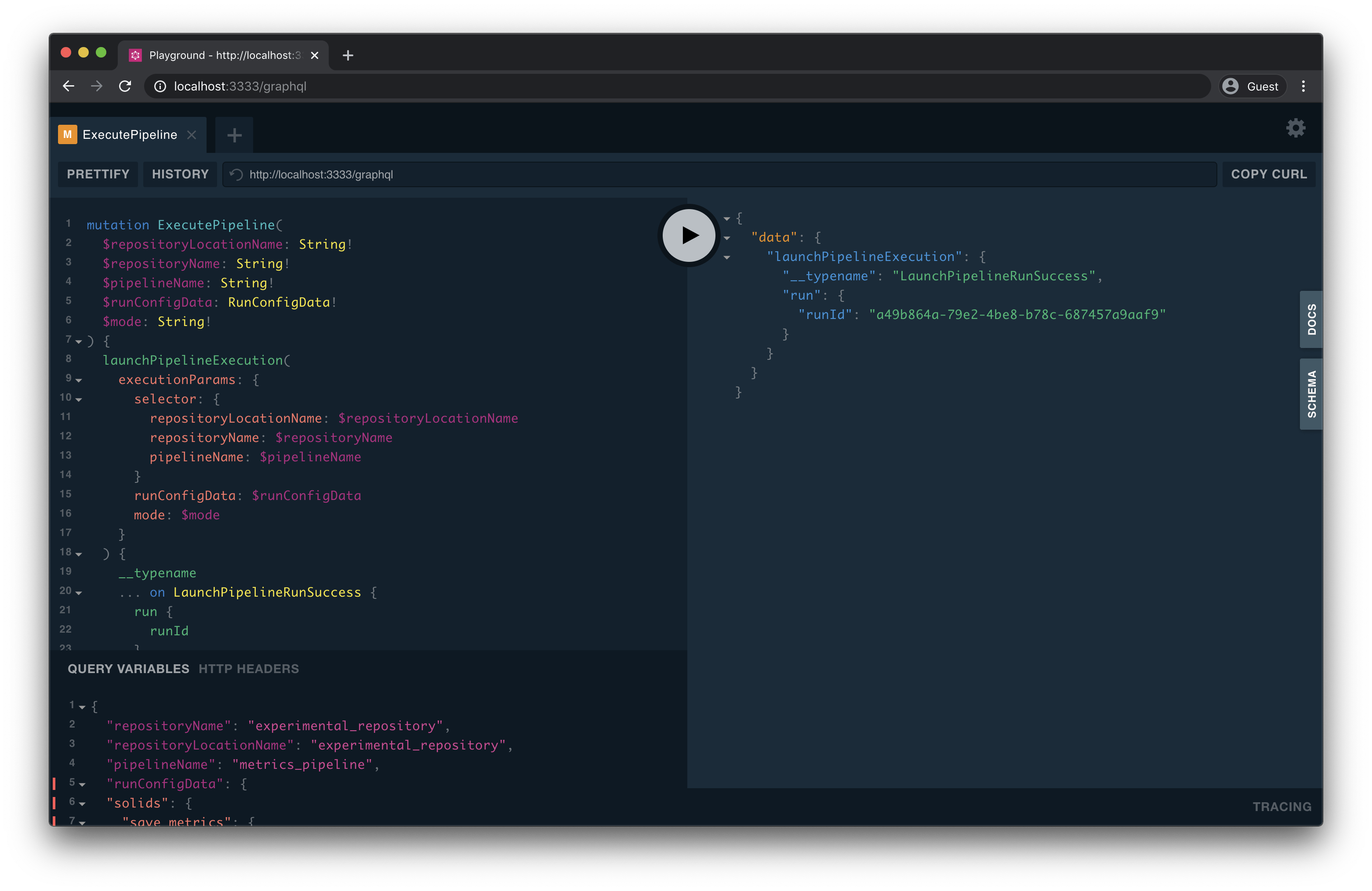
### Exploring the GraphQL schema and documentation
Clicking on the **Docs** tab on the right edge of the playground opens up interactive documentation for the GraphQL API. The interactive documentation is the best way to explore the API and get information about which fields are available on the queries and mutations:
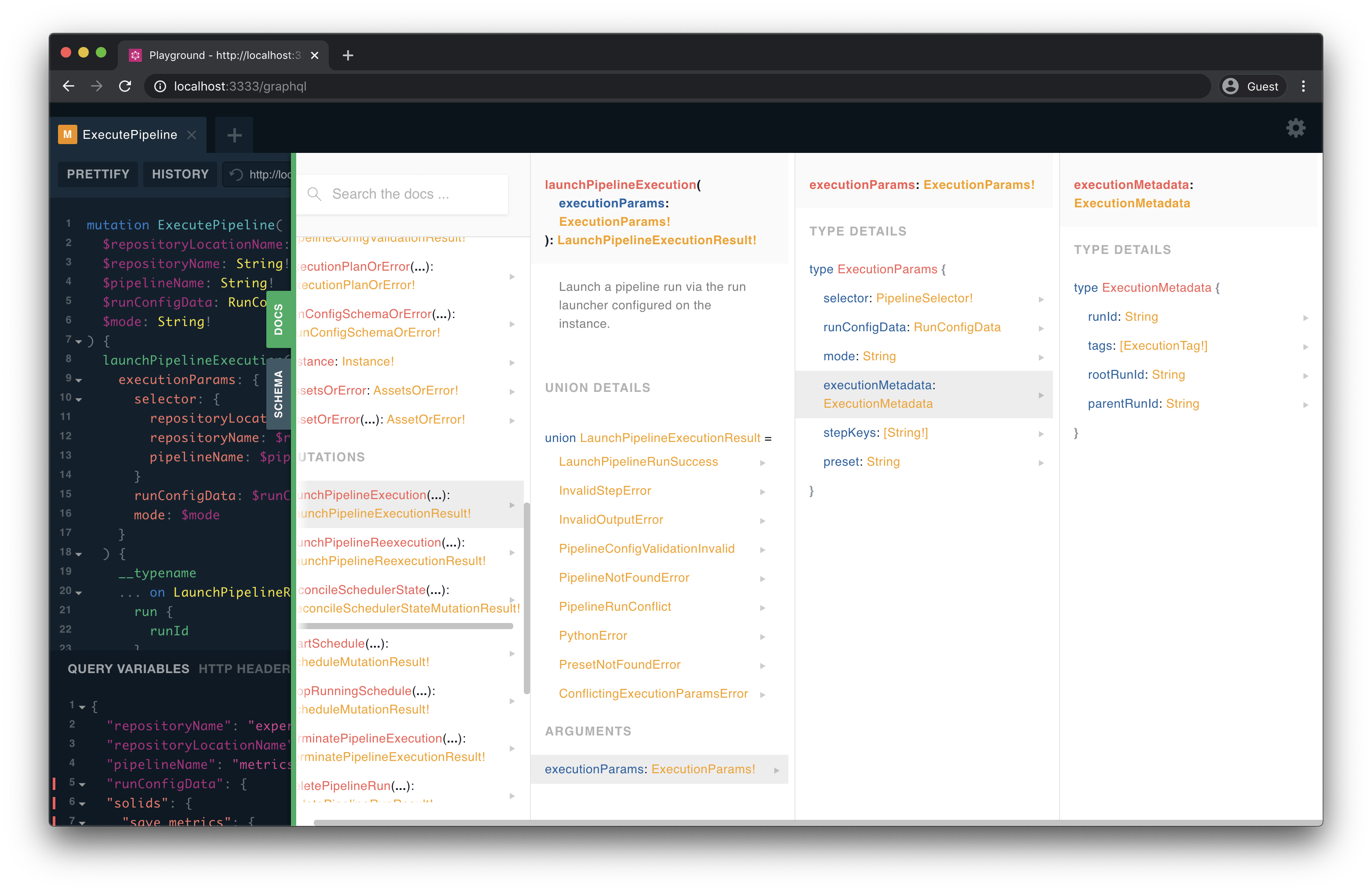
## Python client
Dagster also provides a Python client to interface with Dagster's GraphQL API from Python. For more information, see "[Dagster Python GraphQL client](/api/graphql/graphql-client)".
## Example queries
- [Get a list of Dagster runs](#get-a-list-of-dagster-runs)
- [Get a list of repositories](#get-a-list-of-repositories)
- [Get a list of jobs within a repository](#get-a-list-of-jobs-within-a-repository)
- [Launch a run](#launch-a-run)
- [Terminate an in-progress run](#terminate-an-in-progress-run)
### Get a list of Dagster runs
You may eventually accumulate too many runs to return in one query. The `runsOrError` query takes in optional `cursor` and `limit` arguments for pagination:
```shell
query PaginatedRunsQuery($cursor: String) {
runsOrError(
cursor: $cursor
limit: 10
) {
__typename
... on Runs {
results {
runId
jobName
status
runConfigYaml
startTime
endTime
}
}
}
}
```
The `runsOrError` query also takes in an optional filter argument, of type `RunsFilter`. This query allows you to filter runs by:
- run ID
- job name
- tags
- statuses
For example, the following query will return all failed runs:
```shell
query FilteredRunsQuery($cursor: String) {
runsOrError(
filter: { statuses: [FAILURE] }
cursor: $cursor
limit: 10
) {
__typename
... on Runs {
results {
runId
jobName
status
runConfigYaml
startTime
endTime
}
}
}
}
```
### Get a list of repositories
This query returns the names and location names of all the repositories currently loaded:
```shell
query RepositoriesQuery {
repositoriesOrError {
... on RepositoryConnection {
nodes {
name
location {
name
}
}
}
}
}
```
### Get a list of jobs within a repository
Given a repository, this query returns the names of all the jobs in the repository.
This query takes a `selector`, which is of type `RepositorySelector`. A repository selector consists of both the repository location name and repository name.
```shell
query JobsQuery(
$repositoryLocationName: String!
$repositoryName: String!
) {
repositoryOrError(
repositorySelector: {
repositoryLocationName: $repositoryLocationName
repositoryName: $repositoryName
}
) {
... on Repository {
jobs {
name
}
}
}
}
```
### Launch a run
To launch a run, use the `launchRun` mutation. Here, we define `LaunchRunMutation` to wrap our mutation and pass in the required arguments as query variables. For this query, the required arguments are:
- `selector` - A dictionary that contains the repository location name, repository name, and job name.
- `runConfigData` - The run config for the job execution. **Note**: Note that `runConfigData` is of type `RunConfigData`. This type is used when passing in an arbitrary object for run config. This is any-typed in the GraphQL type system, but must conform to the constraints of the config schema for this job. If it doesn't, the mutation returns a `RunConfigValidationInvalid` response.
```shell
mutation LaunchRunMutation(
$repositoryLocationName: String!
$repositoryName: String!
$jobName: String!
$runConfigData: RunConfigData!
) {
launchRun(
executionParams: {
selector: {
repositoryLocationName: $repositoryLocationName
repositoryName: $repositoryName
jobName: $jobName
}
runConfigData: $runConfigData
}
) {
__typename
... on LaunchRunSuccess {
run {
runId
}
}
... on RunConfigValidationInvalid {
errors {
message
reason
}
}
... on PythonError {
message
}
}
}
```
### Terminate an in-progress run
If you want to stop execution of an in-progress run, use the `terminateRun` mutation. The only required argument for this mutation is the ID of the run.
```shell
mutation TerminateRun($runId: String!) {
terminateRun(runId: $runId){
__typename
... on TerminateRunSuccess{
run {
runId
}
}
... on TerminateRunFailure {
message
}
... on RunNotFoundError {
runId
}
... on PythonError {
message
stack
}
}
}
```
---
---
description: Comprehensive API reference for Dagster core and library.
title: API reference
canonicalUrl: '/api'
slug: '/api'
---
These docs cover the entire public surface of all Dagster CLIs, the core dagster SDK, REST APIs, the GraphQL API, and SDKs for public integration libraries.
Dagster follows [semantic versioning](https://semver.org). We attempt to isolate breaking changes to the public APIs to minor versions on a roughly 12-week cadence, and will announce deprecations in Slack and in the release notes to patch versions on a roughly weekly cadence.
---
---
title: 'airbyte (dagster-airbyte)'
title_meta: 'airbyte (dagster-airbyte) API Documentation - Build Better Data Pipelines | Python Reference Documentation for Dagster'
description: 'airbyte (dagster-airbyte) Dagster API | Comprehensive Python API documentation for Dagster, the data orchestration platform. Learn how to build, test, and maintain data pipelines with our detailed guides and examples.'
last_update:
date: '2025-12-10'
custom_edit_url: null
---
# Airbyte (dagster-airbyte)
This library provides a Dagster integration with [Airbyte](https://www.airbyte.com).
For more information on getting started, see the [Airbyte integration guide](https://docs.dagster.io/integrations/libraries/airbyte).
Loads Airbyte connections from a given Airbyte workspace as Dagster assets.
Materializing these assets will trigger a sync of the Airbyte connection, enabling
you to schedule Airbyte syncs using Dagster.
Example:
```yaml
# defs.yaml
type: dagster_airbyte.AirbyteWorkspaceComponent
attributes:
workspace:
rest_api_base_url: http://localhost:8000/api/public/v1
configuration_api_base_url: http://localhost:8000/api/v1
workspace_id: your-workspace-id
client_id: "{{ env.AIRBYTE_CLIENT_ID }}"
client_secret: "{{ env.AIRBYTE_CLIENT_SECRET }}"
connection_selector:
by_name:
- my_postgres_to_snowflake_connection
- my_mysql_to_bigquery_connection
```
Executes an Airbyte sync for the selected connection.
This method can be overridden in a subclass to customize the sync execution behavior,
such as adding custom logging or handling sync results differently.
Parameters:
- context – The asset execution context provided by Dagster
- airbyte – The BaseAirbyteWorkspace resource used to trigger and monitor syncs
Yields: AssetMaterialization or MaterializeResult events from the Airbyte sync
Example:
Override this method to add custom logging during sync execution:
```python
from dagster_airbyte import AirbyteWorkspaceComponent
import dagster as dg
class CustomAirbyteWorkspaceComponent(AirbyteWorkspaceComponent):
def execute(self, context, airbyte):
context.log.info(f"Starting Airbyte sync for connection")
yield from super().execute(context, airbyte)
context.log.info("Airbyte sync completed successfully")
```
Generates an AssetSpec for a given Airbyte connection table.
This method can be overridden in a subclass to customize how Airbyte connection tables
are converted to Dagster asset specs. By default, it delegates to the configured
DagsterAirbyteTranslator.
Parameters: props – The AirbyteConnectionTableProps containing information about the connection
and table/stream being syncedReturns: An AssetSpec that represents the Airbyte connection table as a Dagster asset
Example:
Override this method to add custom metadata to all Airbyte assets:
```python
from dagster_airbyte import AirbyteWorkspaceComponent
import dagster as dg
class CustomAirbyteWorkspaceComponent(AirbyteWorkspaceComponent):
def get_asset_spec(self, props):
base_spec = super().get_asset_spec(props)
return base_spec.replace_attributes(
metadata={
**base_spec.metadata,
"data_source": "airbyte",
"connection_id": props.connection_id
}
)
```
:::info[beta]
This API is currently in beta, and may have breaking changes in minor version releases, with behavior changes in patch releases.
:::
This resource allows users to programatically interface with the Airbyte Cloud REST API to launch
syncs and monitor their progress for a given Airbyte Cloud workspace.
Examples:
```python
from dagster_airbyte import AirbyteCloudWorkspace, build_airbyte_assets_definitions
import dagster as dg
airbyte_workspace = AirbyteCloudWorkspace(
workspace_id=dg.EnvVar("AIRBYTE_CLOUD_WORKSPACE_ID"),
client_id=dg.EnvVar("AIRBYTE_CLOUD_CLIENT_ID"),
client_secret=dg.EnvVar("AIRBYTE_CLOUD_CLIENT_SECRET"),
)
all_airbyte_assets = build_airbyte_assets_definitions(workspace=airbyte_workspace)
defs = dg.Definitions(
assets=all_airbyte_assets,
resources={"airbyte": airbyte_workspace},
)
```
:::info[beta]
This API is currently in beta, and may have breaking changes in minor version releases, with behavior changes in patch releases.
:::
This resource allows users to programatically interface with the Airbyte REST API to launch
syncs and monitor their progress for a given Airbyte workspace.
Examples:
Using OAuth client credentials:
```python
import dagster as dg
from dagster_airbyte import AirbyteWorkspace, build_airbyte_assets_definitions
airbyte_workspace = AirbyteWorkspace(
rest_api_base_url=dg.EnvVar("AIRBYTE_REST_API_BASE_URL"),
configuration_api_base_url=dg.EnvVar("AIRBYTE_CONFIGURATION_API_BASE_URL"),
workspace_id=dg.EnvVar("AIRBYTE_WORKSPACE_ID"),
client_id=dg.EnvVar("AIRBYTE_CLIENT_ID"),
client_secret=dg.EnvVar("AIRBYTE_CLIENT_SECRET"),
)
all_airbyte_assets = build_airbyte_assets_definitions(workspace=airbyte_workspace)
defs = dg.Definitions(
assets=all_airbyte_assets,
resources={"airbyte": airbyte_workspace},
)
```
Using basic Authentication:
```python
import dagster as dg
from dagster_airbyte import AirbyteWorkspace, build_airbyte_assets_definitions
airbyte_workspace = AirbyteWorkspace(
rest_api_base_url=dg.EnvVar("AIRBYTE_REST_API_BASE_URL"),
configuration_api_base_url=dg.EnvVar("AIRBYTE_CONFIGURATION_API_BASE_URL"),
workspace_id=dg.EnvVar("AIRBYTE_WORKSPACE_ID"),
username=dg.EnvVar("AIRBYTE_USERNAME"),
password=dg.EnvVar("AIRBYTE_PASSWORD"),
)
all_airbyte_assets = build_airbyte_assets_definitions(workspace=airbyte_workspace)
defs = dg.Definitions(
assets=all_airbyte_assets,
resources={"airbyte": airbyte_workspace},
)
```
Using no authentication:
```python
import dagster as dg
from dagster_airbyte import AirbyteWorkspace, build_airbyte_assets_definitions
airbyte_workspace = AirbyteWorkspace(
rest_api_base_url=dg.EnvVar("AIRBYTE_REST_API_BASE_URL"),
configuration_api_base_url=dg.EnvVar("AIRBYTE_CONFIGURATION_API_BASE_URL"),
workspace_id=dg.EnvVar("AIRBYTE_WORKSPACE_ID"),
)
all_airbyte_assets = build_airbyte_assets_definitions(workspace=airbyte_workspace)
defs = dg.Definitions(
assets=all_airbyte_assets,
resources={"airbyte": airbyte_workspace},
)
```
:::info[beta]
This API is currently in beta, and may have breaking changes in minor version releases, with behavior changes in patch releases.
:::
Translator class which converts a AirbyteConnectionTableProps object into AssetSpecs.
Subclass this class to implement custom logic how to translate Airbyte content into asset spec.
:::info[beta]
This API is currently in beta, and may have breaking changes in minor version releases, with behavior changes in patch releases.
:::
Returns a list of AssetSpecs representing the Airbyte content in the workspace.
Parameters:
- workspace (BaseAirbyteWorkspace) – The Airbyte workspace to fetch assets from.
- dagster_airbyte_translator (Optional[[*DagsterAirbyteTranslator*](#dagster_airbyte.DagsterAirbyteTranslator)], optional) – The translator to use to convert Airbyte content into [`dagster.AssetSpec`](../dagster/assets.mdx#dagster.AssetSpec). Defaults to [`DagsterAirbyteTranslator`](#dagster_airbyte.DagsterAirbyteTranslator).
- connection_selector_fn (Optional[Callable[[AirbyteConnection], bool]]) – A function that allows for filtering which Airbyte connection assets are created for.
Returns: The set of assets representing the Airbyte content in the workspace.Return type: List[[AssetSpec](../dagster/assets.mdx#dagster.AssetSpec)]
Examples:
Loading the asset specs for a given Airbyte workspace:
```python
from dagster_airbyte import AirbyteWorkspace, load_airbyte_asset_specs
import dagster as dg
airbyte_workspace = AirbyteWorkspace(
workspace_id=dg.EnvVar("AIRBYTE_WORKSPACE_ID"),
client_id=dg.EnvVar("AIRBYTE_CLIENT_ID"),
client_secret=dg.EnvVar("AIRBYTE_CLIENT_SECRET"),
)
airbyte_specs = load_airbyte_asset_specs(airbyte_workspace)
dg.Definitions(assets=airbyte_specs)
```
Filter connections by name:
```python
from dagster_airbyte import AirbyteWorkspace, load_airbyte_asset_specs
import dagster as dg
airbyte_workspace = AirbyteWorkspace(
workspace_id=dg.EnvVar("AIRBYTE_WORKSPACE_ID"),
client_id=dg.EnvVar("AIRBYTE_CLIENT_ID"),
client_secret=dg.EnvVar("AIRBYTE_CLIENT_SECRET"),
)
airbyte_specs = load_airbyte_asset_specs(
workspace=airbyte_workspace,
connection_selector_fn=lambda connection: connection.name in ["connection1", "connection2"]
)
dg.Definitions(assets=airbyte_specs)
```
:::warning[superseded]
This API has been superseded.
Use load_airbyte_asset_specs instead..
:::
Returns a list of AssetSpecs representing the Airbyte content in the workspace.
Parameters:
- workspace (AirbyteCloudWorkspace) – The Airbyte Cloud workspace to fetch assets from.
- dagster_airbyte_translator (Optional[[*DagsterAirbyteTranslator*](#dagster_airbyte.DagsterAirbyteTranslator)], optional) – The translator to use to convert Airbyte content into [`dagster.AssetSpec`](../dagster/assets.mdx#dagster.AssetSpec). Defaults to [`DagsterAirbyteTranslator`](#dagster_airbyte.DagsterAirbyteTranslator).
- connection_selector_fn (Optional[Callable[[AirbyteConnection], bool]]) – A function that allows for filtering which Airbyte connection assets are created for.
Returns: The set of assets representing the Airbyte content in the workspace.Return type: List[[AssetSpec](../dagster/assets.mdx#dagster.AssetSpec)]
Examples:
Loading the asset specs for a given Airbyte Cloud workspace:
```python
from dagster_airbyte import AirbyteCloudWorkspace, load_airbyte_cloud_asset_specs
import dagster as dg
airbyte_cloud_workspace = AirbyteCloudWorkspace(
workspace_id=dg.EnvVar("AIRBYTE_CLOUD_WORKSPACE_ID"),
client_id=dg.EnvVar("AIRBYTE_CLOUD_CLIENT_ID"),
client_secret=dg.EnvVar("AIRBYTE_CLOUD_CLIENT_SECRET"),
)
airbyte_cloud_specs = load_airbyte_cloud_asset_specs(airbyte_cloud_workspace)
dg.Definitions(assets=airbyte_cloud_specs)
```
Filter connections by name:
```python
from dagster_airbyte import AirbyteCloudWorkspace, load_airbyte_cloud_asset_specs
import dagster as dg
airbyte_cloud_workspace = AirbyteCloudWorkspace(
workspace_id=dg.EnvVar("AIRBYTE_CLOUD_WORKSPACE_ID"),
client_id=dg.EnvVar("AIRBYTE_CLOUD_CLIENT_ID"),
client_secret=dg.EnvVar("AIRBYTE_CLOUD_CLIENT_SECRET"),
)
airbyte_cloud_specs = load_airbyte_cloud_asset_specs(
workspace=airbyte_cloud_workspace,
connection_selector_fn=lambda connection: connection.name in ["connection1", "connection2"]
)
dg.Definitions(assets=airbyte_cloud_specs)
```
:::info[beta]
This API is currently in beta, and may have breaking changes in minor version releases, with behavior changes in patch releases.
:::
Create a definition for how to sync the tables of a given Airbyte connection.
Parameters:
- connection_id (str) – The Airbyte Connection ID.
- workspace (Union[AirbyteWorkspace, AirbyteCloudWorkspace]) – The Airbyte workspace to fetch assets from.
- name (Optional[str], optional) – The name of the op.
- group_name (Optional[str], optional) – The name of the asset group.
- dagster_airbyte_translator (Optional[[*DagsterAirbyteTranslator*](#dagster_airbyte.DagsterAirbyteTranslator)], optional) – The translator to use to convert Airbyte content into [`dagster.AssetSpec`](../dagster/assets.mdx#dagster.AssetSpec). Defaults to [`DagsterAirbyteTranslator`](#dagster_airbyte.DagsterAirbyteTranslator).
Examples:
Sync the tables of an Airbyte connection:
```python
from dagster_airbyte import AirbyteCloudWorkspace, airbyte_assets
import dagster as dg
airbyte_workspace = AirbyteCloudWorkspace(
workspace_id=dg.EnvVar("AIRBYTE_CLOUD_WORKSPACE_ID"),
client_id=dg.EnvVar("AIRBYTE_CLOUD_CLIENT_ID"),
client_secret=dg.EnvVar("AIRBYTE_CLOUD_CLIENT_SECRET"),
)
@airbyte_assets(
connection_id="airbyte_connection_id",
workspace=airbyte_workspace,
)
def airbyte_connection_assets(context: dg.AssetExecutionContext, airbyte: AirbyteCloudWorkspace):
yield from airbyte.sync_and_poll(context=context)
defs = dg.Definitions(
assets=[airbyte_connection_assets],
resources={"airbyte": airbyte_workspace},
)
```
Sync the tables of an Airbyte connection with a custom translator:
```python
from dagster_airbyte import (
DagsterAirbyteTranslator,
AirbyteConnectionTableProps,
AirbyteCloudWorkspace,
airbyte_assets
)
import dagster as dg
class CustomDagsterAirbyteTranslator(DagsterAirbyteTranslator):
def get_asset_spec(self, props: AirbyteConnectionTableProps) -> dg.AssetSpec:
default_spec = super().get_asset_spec(props)
return default_spec.merge_attributes(
metadata={"custom": "metadata"},
)
airbyte_workspace = AirbyteCloudWorkspace(
workspace_id=dg.EnvVar("AIRBYTE_CLOUD_WORKSPACE_ID"),
client_id=dg.EnvVar("AIRBYTE_CLOUD_CLIENT_ID"),
client_secret=dg.EnvVar("AIRBYTE_CLOUD_CLIENT_SECRET"),
)
@airbyte_assets(
connection_id="airbyte_connection_id",
workspace=airbyte_workspace,
dagster_airbyte_translator=CustomDagsterAirbyteTranslator()
)
def airbyte_connection_assets(context: dg.AssetExecutionContext, airbyte: AirbyteCloudWorkspace):
yield from airbyte.sync_and_poll(context=context)
defs = dg.Definitions(
assets=[airbyte_connection_assets],
resources={"airbyte": airbyte_workspace},
)
```
:::info[beta]
This API is currently in beta, and may have breaking changes in minor version releases, with behavior changes in patch releases.
:::
The list of AssetsDefinition for all connections in the Airbyte workspace.
Parameters:
- workspace (Union[AirbyteWorkspace, AirbyteCloudWorkspace]) – The Airbyte workspace to fetch assets from.
- dagster_airbyte_translator (Optional[[*DagsterAirbyteTranslator*](#dagster_airbyte.DagsterAirbyteTranslator)], optional) – The translator to use to convert Airbyte content into [`dagster.AssetSpec`](../dagster/assets.mdx#dagster.AssetSpec). Defaults to [`DagsterAirbyteTranslator`](#dagster_airbyte.DagsterAirbyteTranslator).
- connection_selector_fn (Optional[Callable[[AirbyteConnection], bool]]) – A function that allows for filtering which Airbyte connection assets are created for.
Returns: The list of AssetsDefinition for all connections in the Airbyte workspace.Return type: List[[AssetsDefinition](../dagster/assets.mdx#dagster.AssetsDefinition)]
Examples:
Sync the tables of a Airbyte connection:
```python
from dagster_airbyte import AirbyteCloudWorkspace, build_airbyte_assets_definitions
import dagster as dg
airbyte_workspace = AirbyteCloudWorkspace(
workspace_id=dg.EnvVar("AIRBYTE_CLOUD_WORKSPACE_ID"),
client_id=dg.EnvVar("AIRBYTE_CLOUD_CLIENT_ID"),
client_secret=dg.EnvVar("AIRBYTE_CLOUD_CLIENT_SECRET"),
)
airbyte_assets = build_airbyte_assets_definitions(workspace=workspace)
defs = dg.Definitions(
assets=airbyte_assets,
resources={"airbyte": airbyte_workspace},
)
```
Sync the tables of a Airbyte connection with a custom translator:
```python
from dagster_airbyte import (
DagsterAirbyteTranslator,
AirbyteConnectionTableProps,
AirbyteCloudWorkspace,
build_airbyte_assets_definitions
)
import dagster as dg
class CustomDagsterAirbyteTranslator(DagsterAirbyteTranslator):
def get_asset_spec(self, props: AirbyteConnectionTableProps) -> dg.AssetSpec:
default_spec = super().get_asset_spec(props)
return default_spec.merge_attributes(
metadata={"custom": "metadata"},
)
airbyte_workspace = AirbyteCloudWorkspace(
workspace_id=dg.EnvVar("AIRBYTE_CLOUD_WORKSPACE_ID"),
client_id=dg.EnvVar("AIRBYTE_CLOUD_CLIENT_ID"),
client_secret=dg.EnvVar("AIRBYTE_CLOUD_CLIENT_SECRET"),
)
airbyte_assets = build_airbyte_assets_definitions(
workspace=workspace,
dagster_airbyte_translator=CustomDagsterAirbyteTranslator()
)
defs = dg.Definitions(
assets=airbyte_assets,
resources={"airbyte": airbyte_workspace},
)
```
Filter connections by name:
```python
from dagster_airbyte import AirbyteCloudWorkspace, build_airbyte_assets_definitions
import dagster as dg
airbyte_workspace = AirbyteCloudWorkspace(
workspace_id=dg.EnvVar("AIRBYTE_CLOUD_WORKSPACE_ID"),
client_id=dg.EnvVar("AIRBYTE_CLOUD_CLIENT_ID"),
client_secret=dg.EnvVar("AIRBYTE_CLOUD_CLIENT_SECRET"),
)
airbyte_assets = build_airbyte_assets_definitions(
workspace=workspace,
connection_selector_fn=lambda connection: connection.name in ["connection1", "connection2"]
)
defs = dg.Definitions(
assets=airbyte_assets,
resources={"airbyte": airbyte_workspace},
)
```
:::warning[superseded]
This API has been superseded.
If you are using Airbyte 1.6.0 or higher, please see the migration guide: https://docs.dagster.io/integrations/libraries/airbyte/migration-guide.
:::
This resource allows users to programatically interface with the Airbyte REST API to launch
syncs and monitor their progress.
Examples:
```python
from dagster import job, EnvVar
from dagster_airbyte import AirbyteResource
my_airbyte_resource = AirbyteResource(
host=EnvVar("AIRBYTE_HOST"),
port=EnvVar("AIRBYTE_PORT"),
# If using basic auth
username=EnvVar("AIRBYTE_USERNAME"),
password=EnvVar("AIRBYTE_PASSWORD"),
)
airbyte_assets = build_airbyte_assets(
connection_id="87b7fe85-a22c-420e-8d74-b30e7ede77df",
destination_tables=["releases", "tags", "teams"],
)
Definitions(
assets=[airbyte_assets],
resources={"airbyte": my_airbyte_resource},
)
```
:::warning[superseded]
This API has been superseded.
If you are using Airbyte 1.6.0 or higher, please see the migration guide: https://docs.dagster.io/integrations/libraries/airbyte/migration-guide.
:::
Loads Airbyte connection assets from a configured AirbyteResource instance. This fetches information
about defined connections at initialization time, and will error on workspace load if the Airbyte
instance is not reachable.
Parameters:
- airbyte ([*ResourceDefinition*](../dagster/resources.mdx#dagster.ResourceDefinition)) – An AirbyteResource configured with the appropriate connection details.
- workspace_id (Optional[str]) – The ID of the Airbyte workspace to load connections from. Only required if multiple workspaces exist in your instance.
- key_prefix (Optional[CoercibleToAssetKeyPrefix]) – A prefix for the asset keys created.
- create_assets_for_normalization_tables (bool) – If True, assets will be created for tables created by Airbyte’s normalization feature. If False, only the destination tables will be created. Defaults to True.
- connection_to_group_fn (Optional[Callable[[str], Optional[str]]]) – Function which returns an asset group name for a given Airbyte connection name. If None, no groups will be created. Defaults to a basic sanitization function.
- connection_meta_to_group_fn (Optional[Callable[[AirbyteConnectionMetadata], Optional[str]]]) – Function which returns an asset group name for a given Airbyte connection metadata. If None and connection_to_group_fn is None, no groups will be created
- io_manager_key (Optional[str]) – The I/O manager key to use for all assets. Defaults to “io_manager”. Use this if all assets should be loaded from the same source, otherwise use connection_to_io_manager_key_fn.
- connection_to_io_manager_key_fn (Optional[Callable[[str], Optional[str]]]) – Function which returns an I/O manager key for a given Airbyte connection name. When other ops are downstream of the loaded assets, the IOManager specified determines how the inputs to those ops are loaded. Defaults to “io_manager”.
- connection_filter (Optional[Callable[[AirbyteConnectionMetadata], bool]]) – Optional function which takes in connection metadata and returns False if the connection should be excluded from the output assets.
- connection_to_asset_key_fn (Optional[Callable[[AirbyteConnectionMetadata, str], [*AssetKey*](../dagster/assets.mdx#dagster.AssetKey)]]) – Optional function which takes in connection metadata and table name and returns an asset key for the table. If None, the default asset key is based on the table name. Any asset key prefix will be applied to the output of this function.
- connection_to_freshness_policy_fn (Optional[Callable[[AirbyteConnectionMetadata], Optional[[*FreshnessPolicy*](../dagster/assets.mdx#dagster.FreshnessPolicy)]]]) – Optional function which takes in connection metadata and returns a freshness policy for the connection’s assets. If None, no freshness policies will be applied to the assets.
- connection_to_auto_materialize_policy_fn (Optional[Callable[[AirbyteConnectionMetadata], Optional[AutoMaterializePolicy]]]) – Optional function which takes in connection metadata and returns an auto materialization policy for the connection’s assets. If None, no auto materialization policies will be applied to the assets.
Examples:
Loading all Airbyte connections as assets:
```python
from dagster_airbyte import airbyte_resource, load_assets_from_airbyte_instance
airbyte_instance = airbyte_resource.configured(
{
"host": "localhost",
"port": "8000",
}
)
airbyte_assets = load_assets_from_airbyte_instance(airbyte_instance)
```
Filtering the set of loaded connections:
```python
from dagster_airbyte import airbyte_resource, load_assets_from_airbyte_instance
airbyte_instance = airbyte_resource.configured(
{
"host": "localhost",
"port": "8000",
}
)
airbyte_assets = load_assets_from_airbyte_instance(
airbyte_instance,
connection_filter=lambda meta: "snowflake" in meta.name,
)
```
Builds a set of assets representing the tables created by an Airbyte sync operation.
Parameters:
- connection_id (str) – The Airbyte Connection ID that this op will sync. You can retrieve this value from the “Connections” tab of a given connector in the Airbyte UI.
- destination_tables (List[str]) – The names of the tables that you want to be represented in the Dagster asset graph for this sync. This will generally map to the name of the stream in Airbyte, unless a stream prefix has been specified in Airbyte.
- destination_database (Optional[str]) – The name of the destination database.
- destination_schema (Optional[str]) – The name of the destination schema.
- normalization_tables (Optional[Mapping[str, List[str]]]) – If you are using Airbyte’s normalization feature, you may specify a mapping of destination table to a list of derived tables that will be created by the normalization process.
- asset_key_prefix (Optional[List[str]]) – A prefix for the asset keys inside this asset. If left blank, assets will have a key of AssetKey([table_name]).
- deps (Optional[Sequence[Union[[*AssetsDefinition*](../dagster/assets.mdx#dagster.AssetsDefinition), [*SourceAsset*](../dagster/assets.mdx#dagster.SourceAsset), str, [*AssetKey*](../dagster/assets.mdx#dagster.AssetKey)]]]) – A list of assets to add as sources.
- upstream_assets (Optional[Set[[*AssetKey*](../dagster/assets.mdx#dagster.AssetKey)]]) – Deprecated, use deps instead. A list of assets to add as sources.
- stream_to_asset_map (Optional[Mapping[str, str]]) – A mapping of an Airbyte stream name to a Dagster asset. This allows the use of the “prefix” setting in Airbyte with special characters that aren’t valid asset names.
Executes a Airbyte job sync for a given `connection_id`, and polls until that sync
completes, raising an error if it is unsuccessful. It outputs a AirbyteOutput which contains
the job details for a given `connection_id`.
It requires the use of the `airbyte_resource`, which allows it to
communicate with the Airbyte API.
Examples:
```python
from dagster import job
from dagster_airbyte import airbyte_resource, airbyte_sync_op
my_airbyte_resource = airbyte_resource.configured(
{
"host": {"env": "AIRBYTE_HOST"},
"port": {"env": "AIRBYTE_PORT"},
}
)
sync_foobar = airbyte_sync_op.configured({"connection_id": "foobar"}, name="sync_foobar")
@job(resource_defs={"airbyte": my_airbyte_resource})
def my_simple_airbyte_job():
sync_foobar()
@job(resource_defs={"airbyte": my_airbyte_resource})
def my_composed_airbyte_job():
final_foobar_state = sync_foobar(start_after=some_op())
other_op(final_foobar_state)
```
---
---
title: 'airlift (dagster-airlift)'
title_meta: 'airlift (dagster-airlift) API Documentation - Build Better Data Pipelines | Python Reference Documentation for Dagster'
description: 'airlift (dagster-airlift) Dagster API | Comprehensive Python API documentation for Dagster, the data orchestration platform. Learn how to build, test, and maintain data pipelines with our detailed guides and examples.'
last_update:
date: '2025-12-10'
custom_edit_url: null
---
:::info[beta]
This API is currently in beta, and may have breaking changes in minor version releases, with behavior changes in patch releases.
:::
A class that represents a running Airflow Instance and provides methods for interacting with its REST API.
Parameters:
- auth_backend ([*AirflowAuthBackend*](#dagster_airlift.core.AirflowAuthBackend)) – The authentication backend to use when making requests to the Airflow instance.
- name (str) – The name of the Airflow instance. This will be prefixed to any assets automatically created using this instance.
- batch_task_instance_limit (int) – The number of task instances to query at a time when fetching task instances. Defaults to 100.
- batch_dag_runs_limit (int) – The number of dag runs to query at a time when fetching dag runs. Defaults to 100.
Given a run ID of an airflow dag, return the state of that run.
Parameters:
- dag_id (str) – The dag id.
- run_id (str) – The run id.
Returns: The state of the run. Will be one of the states defined by Airflow.Return type: str
Trigger a dag run for the given dag_id.
Does not wait for the run to finish. To wait for the completed run to finish, use [`wait_for_run_completion()`](#dagster_airlift.core.AirflowInstance.wait_for_run_completion).
Parameters:
- dag_id (str) – The dag id to trigger.
- logical_date (Optional[datetime.datetime]) – The Airflow logical_date to use for the dag run. If not provided, the current time will be used. Previously known as execution_date in Airflow; find more information in the Airflow docs: [https://airflow.apache.org/docs/apache-airflow/stable/faq.html#what-does-execution-date-mean](https://airflow.apache.org/docs/apache-airflow/stable/faq.html#what-does-execution-date-mean)
Returns: The dag run id.Return type: str
Given a run ID of an airflow dag, wait for that run to reach a completed state.
Parameters:
- dag_id (str) – The dag id.
- run_id (str) – The run id.
- timeout (int) – The number of seconds to wait before timing out.
Returns: None
:::info[beta]
This API is currently in beta, and may have breaking changes in minor version releases, with behavior changes in patch releases.
:::
An abstract class that represents an authentication backend for an Airflow instance.
Requires two methods to be implemented by subclasses:
- get_session: Returns a requests.Session object that can be used to make requests to the Airflow instance, and handles authentication.
- get_webserver_url: Returns the base URL of the Airflow webserver.
The dagster-airlift package provides the following default implementations:
- `dagster-airlift.core.AirflowBasicAuthBackend`: An authentication backend that uses Airflow’s basic auth to authenticate with the Airflow instance.
- `dagster-airlift.mwaa.MwaaSessionAuthBackend`: An authentication backend that uses AWS MWAA’s web login token to authenticate with the Airflow instance (requires dagster-airlift[mwaa]).
:::info[beta]
This API is currently in beta, and may have breaking changes in minor version releases, with behavior changes in patch releases.
:::
A [`dagster_airlift.core.AirflowAuthBackend`](#dagster_airlift.core.AirflowAuthBackend) that authenticates using basic auth.
Parameters:
- webserver_url (str) – The URL of the webserver.
- username (str) – The username to authenticate with.
- password (str) – The password to authenticate with.
Examples:
Creating a [`AirflowInstance`](#dagster_airlift.core.AirflowInstance) using this backend.
```python
from dagster_airlift.core import AirflowInstance, AirflowBasicAuthBackend
af_instance = AirflowInstance(
name="my-instance",
auth_backend=AirflowBasicAuthBackend(
webserver_url="https://my-webserver-hostname",
username="my-username",
password="my-password"
)
)
```
:::info[beta]
This API is currently in beta, and may have breaking changes in minor version releases, with behavior changes in patch releases.
:::
Builds a [`dagster.Definitions`](../dagster/definitions.mdx#dagster.Definitions) object from an Airflow instance.
For every DAG in the Airflow instance, this function will create a Dagster asset for the DAG
with an asset key instance_name/dag/dag_id. It will also create a sensor that polls the Airflow
instance for DAG runs and emits Dagster events for each successful run.
An optional defs argument can be provided, where the user can pass in a [`dagster.Definitions`](../dagster/definitions.mdx#dagster.Definitions)
object containing assets which are mapped to Airflow DAGs and tasks. These assets will be enriched with
metadata from the Airflow instance, and placed upstream of the automatically generated DAG assets.
An optional event_transformer_fn can be provided, which allows the user to modify the Dagster events
produced by the sensor. The function takes the Dagster events produced by the sensor and returns a sequence
of Dagster events.
An optional dag_selector_fn can be provided, which allows the user to filter which DAGs assets are created for.
The function takes a [`dagster_airlift.core.serialization.serialized_data.DagInfo`](#dagster_airlift.core.DagInfo) object and returns a
boolean indicating whether the DAG should be included.
Parameters:
- airflow_instance ([*AirflowInstance*](#dagster_airlift.core.AirflowInstance)) – The Airflow instance to build assets and the sensor from.
- defs – Optional[Definitions]: A [`dagster.Definitions`](../dagster/definitions.mdx#dagster.Definitions) object containing assets that are mapped to Airflow DAGs and tasks.
- sensor_minimum_interval_seconds (int) – The minimum interval in seconds between sensor runs.
- event_transformer_fn (DagsterEventTransformerFn) – A function that allows for modifying the Dagster events produced by the sensor.
- dag_selector_fn (Optional[Callable[[[*DagInfo*](#dagster_airlift.core.DagInfo)], bool]]) – A function that allows for filtering which DAGs assets are created for.
- source_code_retrieval_enabled (Optional[bool]) – Whether to retrieve source code for the Airflow DAGs. By default, source code is retrieved when the number of DAGs is under 50 for performance reasons. This setting overrides the default behavior.
- default_sensor_status (Optional[DefaultSensorStatus]) – The default status for the sensor. By default, the sensor will be enabled.
Returns: A [`dagster.Definitions`](../dagster/definitions.mdx#dagster.Definitions) object containing the assets and sensor.Return type: [Definitions](../dagster/definitions.mdx#dagster.Definitions)
Examples:
Building a [`dagster.Definitions`](../dagster/definitions.mdx#dagster.Definitions) object from an Airflow instance.
```python
from dagster_airlift.core import (
AirflowInstance,
AirflowBasicAuthBackend,
build_defs_from_airflow_instance,
)
from .constants import AIRFLOW_BASE_URL, AIRFLOW_INSTANCE_NAME, PASSWORD, USERNAME
airflow_instance = AirflowInstance(
auth_backend=AirflowBasicAuthBackend(
webserver_url=AIRFLOW_BASE_URL, username=USERNAME, password=PASSWORD
),
name=AIRFLOW_INSTANCE_NAME,
)
defs = build_defs_from_airflow_instance(airflow_instance=airflow_instance)
```
Providing task-mapped assets to the function.
```python
from dagster import Definitions
from dagster_airlift.core import (
AirflowInstance,
AirflowBasicAuthBackend,
assets_with_task_mappings,
build_defs_from_airflow_instance,
)
...
defs = build_defs_from_airflow_instance(
airflow_instance=airflow_instance, # same as above
defs=Definitions(
assets=assets_with_task_mappings(
dag_id="rebuild_iris_models",
task_mappings={
"my_task": [AssetSpec("my_first_asset"), AssetSpec("my_second_asset")],
},
),
),
)
```
Providing a custom event transformer function.
```python
from typing import Sequence
from dagster import Definitions, SensorEvaluationContext
from dagster_airlift.core import (
AirflowInstance,
AirflowBasicAuthBackend,
AssetEvent,
assets_with_task_mappings,
build_defs_from_airflow_instance,
AirflowDefinitionsData,
)
...
def add_tags_to_events(
context: SensorEvaluationContext,
defs_data: AirflowDefinitionsData,
events: Sequence[AssetEvent]
) -> Sequence[AssetEvent]:
altered_events = []
for event in events:
altered_events.append(event._replace(tags={"my_tag": "my_value"}))
return altered_events
defs = build_defs_from_airflow_instance(
airflow_instance=airflow_instance, # same as above
event_transformer_fn=add_tags_to_events,
)
```
Filtering which DAGs assets are created for.
```python
from dagster import Definitions
from dagster_airlift.core import (
AirflowInstance,
AirflowBasicAuthBackend,
AssetEvent,
assets_with_task_mappings,
build_defs_from_airflow_instance,
DagInfo,
)
...
def only_include_dag(dag_info: DagInfo) -> bool:
return dag_info.dag_id == "my_dag_id"
defs = build_defs_from_airflow_instance(
airflow_instance=airflow_instance, # same as above
dag_selector_fn=only_include_dag,
)
```
:::info[beta]
This API is currently in beta, and may have breaking changes in minor version releases, with behavior changes in patch releases.
:::
Modify assets to be associated with a particular task in Airlift tooling.
Used in concert with build_defs_from_airflow_instance to observe an airflow
instance to monitor the tasks that are associated with the assets and
keep their materialization histories up to date.
Concretely this adds metadata to all asset specs in the provided definitions
with the provided dag_id and task_id. The dag_id comes from the dag_id argument;
the task_id comes from the key of the provided task_mappings dictionary.
There is a single metadata key “airlift/task-mapping” that is used to store
this information. It is a list of dictionaries with keys “dag_id” and “task_id”.
Example:
```python
from dagster import AssetSpec, Definitions, asset
from dagster_airlift.core import assets_with_task_mappings
@asset
def asset_one() -> None: ...
Definitions(
assets=assets_with_task_mappings(
dag_id="dag_one",
task_mappings={
"task_one": [asset_one],
"task_two": [AssetSpec(key="asset_two"), AssetSpec(key="asset_three")],
},
)
)
```
:::info[beta]
This API is currently in beta, and may have breaking changes in minor version releases, with behavior changes in patch releases.
:::
Modify assets to be associated with a particular dag in Airlift tooling.
Used in concert with build_defs_from_airflow_instance to observe an airflow
instance to monitor the dags that are associated with the assets and
keep their materialization histories up to date.
In contrast with assets_with_task_mappings, which maps assets on a per-task basis, this is used in concert with
proxying_to_dagster dag-level mappings where an entire dag is migrated at once.
Concretely this adds metadata to all asset specs in the provided definitions
with the provided dag_id. The dag_id comes from the key of the provided dag_mappings dictionary.
There is a single metadata key “airlift/dag-mapping” that is used to store
this information. It is a list of strings, where each string is a dag_id which the asset is associated with.
Example:
```python
from dagster import AssetSpec, Definitions, asset
from dagster_airlift.core import assets_with_dag_mappings
@asset
def asset_one() -> None: ...
Definitions(
assets=assets_with_dag_mappings(
dag_mappings={
"dag_one": [asset_one],
"dag_two": [AssetSpec(key="asset_two"), AssetSpec(key="asset_three")],
},
)
)
```
:::info[beta]
This API is currently in beta, and may have breaking changes in minor version releases, with behavior changes in patch releases.
:::
Given an asset or assets definition, return a new asset or assets definition with metadata
that indicates that it is targeted by multiple airflow tasks. An example of this would
be a separate weekly and daily dag that contains a task that targets a single asset.
```python
from dagster import Definitions, AssetSpec, asset
from dagster_airlift import (
build_defs_from_airflow_instance,
targeted_by_multiple_tasks,
assets_with_task_mappings,
)
# Asset maps to a single task.
@asset
def other_asset(): ...
# Asset maps to a physical entity which is produced by two different airflow tasks.
@asset
def scheduled_twice(): ...
defs = build_defs_from_airflow_instance(
airflow_instance=airflow_instance,
defs=Definitions(
assets=[
*assets_with_task_mappings(
dag_id="other_dag",
task_mappings={
"task1": [other_asset]
},
),
*assets_with_multiple_task_mappings(
assets=[scheduled_twice],
task_handles=[
{"dag_id": "weekly_dag", "task_id": "task1"},
{"dag_id": "daily_dag", "task_id": "task1"},
],
),
]
),
)
```
alias of `Callable`[[`SensorEvaluationContext`, [`AirflowDefinitionsData`](#dagster_airlift.core.AirflowDefinitionsData), `Sequence`[[`AssetMaterialization`](../dagster/ops.mdx#dagster.AssetMaterialization)]], `Iterable`[[`AssetMaterialization`](../dagster/ops.mdx#dagster.AssetMaterialization) | [`AssetObservation`](../dagster/assets.mdx#dagster.AssetObservation) | `AssetCheckEvaluation`]]
:::info[beta]
This API is currently in beta, and may have breaking changes in minor version releases, with behavior changes in patch releases.
:::
A record containing information about a given airflow dag.
Users should not instantiate this class directly. It is provided when customizing which DAGs are included
in the generated definitions using the dag_selector_fn argument of [`build_defs_from_airflow_instance()`](#dagster_airlift.core.build_defs_from_airflow_instance).
Parameters: metadata (Dict[str, Any]) – The metadata associated with the dag, retrieved by the Airflow REST API:
[https://airflow.apache.org/docs/apache-airflow/stable/stable-rest-api-ref.html#operation/get_dags](https://airflow.apache.org/docs/apache-airflow/stable/stable-rest-api-ref.html#operation/get_dags)
:::info[beta]
This API is currently in beta, and may have breaking changes in minor version releases, with behavior changes in patch releases.
:::
A class that holds data about the assets that are mapped to Airflow dags and tasks, and
provides methods for retrieving information about the mappings.
The user should not instantiate this class directly. It is provided when customizing the events
that are generated by the Airflow sensor using the event_transformer_fn argument of
[`build_defs_from_airflow_instance()`](#dagster_airlift.core.build_defs_from_airflow_instance).
:::info[beta]
This API is currently in beta, and may have breaking changes in minor version releases, with behavior changes in patch releases.
:::
A [`dagster_airlift.core.AirflowAuthBackend`](#dagster_airlift.core.AirflowAuthBackend) that authenticates to AWS MWAA.
Under the hood, this class uses the MWAA boto3 session to request a web login token and then
uses the token to authenticate to the MWAA web server.
Parameters:
- mwaa_session (boto3.Session) – The boto3 MWAA session
- env_name (str) – The name of the MWAA environment
Examples:
Creating an AirflowInstance pointed at a MWAA environment.
```python
import boto3
from dagster_airlift.mwaa import MwaaSessionAuthBackend
from dagster_airlift.core import AirflowInstance
boto_client = boto3.client("mwaa")
af_instance = AirflowInstance(
name="my-mwaa-instance",
auth_backend=MwaaSessionAuthBackend(
mwaa_client=boto_client,
env_name="my-mwaa-env"
)
)
```
Proxies tasks and dags to Dagster based on provided proxied state.
Expects a dictionary of in-scope global variables to be provided (typically retrieved with globals()), and a proxied state dictionary
(typically retrieved with [`load_proxied_state_from_yaml()`](#dagster_airlift.in_airflow.load_proxied_state_from_yaml)) for dags in that global state. This function will modify in-place the
dictionary of global variables to replace proxied tasks with appropriate Dagster operators.
In the case of task-level proxying, the proxied tasks will be replaced with new operators that are constructed by the provided build_from_task_fn.
A default implementation of this function is provided in DefaultProxyTaskToDagsterOperator.
In the case of dag-level proxying, the entire dag structure will be replaced with a single task that is constructed by the provided build_from_dag_fn.
A default implementation of this function is provided in DefaultProxyDAGToDagsterOperator.
Parameters:
- global_vars (Dict[str, Any]) – The global variables in the current context. In most cases, retrieved with globals() (no import required). This is equivalent to what airflow already does to introspect the dags which exist in a given module context: [https://airflow.apache.org/docs/apache-airflow/stable/core-concepts/dags.html#loading-dags](https://airflow.apache.org/docs/apache-airflow/stable/core-concepts/dags.html#loading-dags)
- proxied_state (AirflowMigrationState) – The proxied state for the dags.
- logger (Optional[logging.Logger]) – The logger to use. Defaults to logging.getLogger(“dagster_airlift”).
Examples:
Typical usage of this function is to be called at the end of a dag file, retrieving proxied_state from an accompanying proxied_state path.
```python
from pathlib import Path
from airflow import DAG
from airflow.operators.python import PythonOperator
from dagster._time import get_current_datetime_midnight
from dagster_airlift.in_airflow import proxying_to_dagster
from dagster_airlift.in_airflow.proxied_state import load_proxied_state_from_yaml
with DAG(
dag_id="daily_interval_dag",
...,
) as minute_dag:
PythonOperator(task_id="my_task", python_callable=...)
# At the end of the dag file, so we can ensure dags are loaded into globals.
proxying_to_dagster(
proxied_state=load_proxied_state_from_yaml(Path(__file__).parent / "proxied_state"),
global_vars=globals(),
)
```
You can also provide custom implementations of the build_from_task_fn function to customize the behavior of task-level proxying.
```python
from dagster_airlift.in_airflow import proxying_to_dagster, BaseProxyTaskToDagsterOperator
from airflow.models.operator import BaseOperator
... # Dag code here
class CustomAuthTaskProxyOperator(BaseProxyTaskToDagsterOperator):
def get_dagster_session(self, context: Context) -> requests.Session:
# Add custom headers to the session
return requests.Session(headers={"Authorization": "Bearer my_token"})
def get_dagster_url(self, context: Context) -> str:
# Use a custom environment variable for the dagster url
return os.environ["CUSTOM_DAGSTER_URL"]
@classmethod
def build_from_task(cls, task: BaseOperator) -> "CustomAuthTaskProxyOperator":
# Custom logic to build the operator from the task (task_id should remain the same)
if task.task_id == "my_task_needs_more_retries":
return CustomAuthTaskProxyOperator(task_id=task_id, retries=3)
else:
return CustomAuthTaskProxyOperator(task_id=task_id)
proxying_to_dagster(
proxied_state=load_proxied_state_from_yaml(Path(__file__).parent / "proxied_state"),
global_vars=globals(),
build_from_task_fn=CustomAuthTaskProxyOperator.build_from_task,
)
```
You can do the same for dag-level proxying by providing a custom implementation of the build_from_dag_fn function.
```python
from dagster_airlift.in_airflow import proxying_to_dagster, BaseProxyDAGToDagsterOperator
from airflow.models.dag import DAG
... # Dag code here
class CustomAuthDAGProxyOperator(BaseProxyDAGToDagsterOperator):
def get_dagster_session(self, context: Context) -> requests.Session:
# Add custom headers to the session
return requests.Session(headers={"Authorization": "Bearer my_token"})
def get_dagster_url(self, context: Context) -> str:
# Use a custom environment variable for the dagster url
return os.environ["CUSTOM_DAGSTER_URL"]
@classmethod
def build_from_dag(cls, dag: DAG) -> "CustomAuthDAGProxyOperator":
# Custom logic to build the operator from the dag (DAG id should remain the same)
if dag.dag_id == "my_dag_needs_more_retries":
return CustomAuthDAGProxyOperator(task_id="custom override", retries=3, dag=dag)
else:
return CustomAuthDAGProxyOperator(task_id="basic_override", dag=dag)
proxying_to_dagster(
proxied_state=load_proxied_state_from_yaml(Path(__file__).parent / "proxied_state"),
global_vars=globals(),
build_from_dag_fn=CustomAuthDAGProxyOperator.build_from_dag,
)
```
Interface for an operator which materializes dagster assets.
This operator needs to implement the following methods:
>
- get_dagster_session: Returns a requests session that can be used to make requests to the Dagster API.
- get_dagster_url: Returns the URL for the Dagster instance.
- filter_asset_nodes: Filters asset nodes (which are returned from Dagster’s graphql API) to only include those
Optionally, these methods can be overridden as well:
>
- get_partition_key: Determines the partition key to use to trigger the dagster run. This method will only be
Loads the proxied state from a directory of yaml files.
Expects the directory to contain yaml files, where each file corresponds to the id of a dag (ie: dag_id.yaml).
This directory is typically constructed using the dagster-airlift CLI:
>
```bash
AIRFLOW_HOME=... dagster-airlift proxy scaffold
```
The file should have either of the following structure.
In the case of task-level proxying:
>
```yaml
tasks:
- id: task_id
proxied: true
- id: task_id
proxied: false
```
In the case of dag-level proxying:
>
```yaml
proxied: true
```
Parameters: proxied_yaml_path (Path) – The path to the directory containing the yaml files.Returns: The proxied state of the dags and tasks in Airflow.Return type: [AirflowProxiedState](#dagster_airlift.in_airflow.AirflowProxiedState)
A class to store the proxied state of dags and tasks in Airflow.
Typically, this is constructed by [`load_proxied_state_from_yaml()`](#dagster_airlift.in_airflow.load_proxied_state_from_yaml).
Parameters: dags (Dict[str, [*DagProxiedState*](#dagster_airlift.in_airflow.DagProxiedState)]) – A dictionary of dag_id to DagProxiedState.
A class to store the proxied state of tasks in a dag.
Parameters:
- tasks (Dict[str, [*TaskProxiedState*](#dagster_airlift.in_airflow.TaskProxiedState)]) – A dictionary of task_id to TaskProxiedState. If the entire dag is proxied, or proxied state is not set for a task, the task_id will not be present in this dictionary.
- proxied (Optional[bool]) – A boolean indicating whether the entire dag is proxied. If this is None, then the dag proxies at the task level (or
- all). (proxying state has not been set at)
A class to store the proxied state of a task.
Parameters:
- task_id (str) – The id of the task.
- proxied (bool) – A boolean indicating whether the task is proxied.
An operator that proxies task execution to Dagster assets with metadata that map to this task’s dag ID and task ID.
For the DAG ID and task ID that this operator proxies, it expects there to be corresponding assets
in the linked Dagster deployment that have metadata entries with the key dagster-airlift/task-mapping that
map to this DAG ID and task ID. This metadata is typically set using the
[`dagster_airlift.core.assets_with_task_mappings()`](#dagster_airlift.core.assets_with_task_mappings) function.
The following methods must be implemented by subclasses:
>
- `get_dagster_session()` (inherited from [`BaseDagsterAssetsOperator`](#dagster_airlift.in_airflow.BaseDagsterAssetsOperator))
- `get_dagster_url()` (inherited from [`BaseDagsterAssetsOperator`](#dagster_airlift.in_airflow.BaseDagsterAssetsOperator))
- `build_from_task()` A class method which takes the task to be proxied, and constructs
There is a default implementation of this operator, [`DefaultProxyTaskToDagsterOperator`](#dagster_airlift.in_airflow.DefaultProxyTaskToDagsterOperator),
which is used by [`proxying_to_dagster()`](#dagster_airlift.in_airflow.proxying_to_dagster) if no override operator is provided.
The default task proxying operator - which opens a blank session and expects the dagster URL to be set in the environment.
The dagster url is expected to be set in the environment as DAGSTER_URL.
This operator should not be instantiated directly - it is instantiated by [`proxying_to_dagster()`](#dagster_airlift.in_airflow.proxying_to_dagster) if no
override operator is provided.
An operator base class that proxies the entire DAG’s execution to Dagster assets with
metadata that map to the DAG id used by this task.
For the Dag ID that this operator proxies, it expects there to be corresponding assets
in the linked Dagster deployment that have metadata entries with the key dagster-airlift/dag-mapping that
map to this Dag ID. This metadata is typically set using the
[`dagster_airlift.core.assets_with_dag_mappings()`](#dagster_airlift.core.assets_with_dag_mappings) function.
The following methods must be implemented by subclasses:
>
- `get_dagster_session()` (inherited from [`BaseDagsterAssetsOperator`](#dagster_airlift.in_airflow.BaseDagsterAssetsOperator))
- `get_dagster_url()` (inherited from [`BaseDagsterAssetsOperator`](#dagster_airlift.in_airflow.BaseDagsterAssetsOperator))
- `build_from_dag()` A class method which takes the DAG to be proxied, and constructs
There is a default implementation of this operator, [`DefaultProxyDAGToDagsterOperator`](#dagster_airlift.in_airflow.DefaultProxyDAGToDagsterOperator),
which is used by [`proxying_to_dagster()`](#dagster_airlift.in_airflow.proxying_to_dagster) if no override operator is provided.
The default task proxying operator - which opens a blank session and expects the dagster URL to be set in the environment.
The dagster url is expected to be set in the environment as DAGSTER_URL.
This operator should not be instantiated directly - it is instantiated by [`proxying_to_dagster()`](#dagster_airlift.in_airflow.proxying_to_dagster) if no
override operator is provided.
---
---
title: 'aws (dagster-aws)'
title_meta: 'aws (dagster-aws) API Documentation - Build Better Data Pipelines | Python Reference Documentation for Dagster'
description: 'aws (dagster-aws) Dagster API | Comprehensive Python API documentation for Dagster, the data orchestration platform. Learn how to build, test, and maintain data pipelines with our detailed guides and examples.'
last_update:
date: '2025-12-10'
custom_edit_url: null
---
# AWS (dagster-aws)
Utilities for interfacing with AWS with Dagster.
Resource that gives access to S3.
The underlying S3 session is created by calling
`boto3.session.Session(profile_name)`.
The returned resource object is an S3 client, an instance of botocore.client.S3.
Example:
```python
from dagster import job, op, Definitions
from dagster_aws.s3 import S3Resource
@op
def example_s3_op(s3: S3Resource):
return s3.get_client().list_objects_v2(
Bucket='my-bucket',
Prefix='some-key'
)
@job
def example_job():
example_s3_op()
Definitions(
jobs=[example_job],
resources={'s3': S3Resource(region_name='us-west-1')}
)
```
Persistent IO manager using S3 for storage.
Serializes objects via pickling. Suitable for objects storage for distributed executors, so long
as each execution node has network connectivity and credentials for S3 and the backing bucket.
Assigns each op output to a unique filepath containing run ID, step key, and output name.
Assigns each asset to a single filesystem path, at “\/\”. If the asset key
has multiple components, the final component is used as the name of the file, and the preceding
components as parent directories under the base_dir.
Subsequent materializations of an asset will overwrite previous materializations of that asset.
With a base directory of “/my/base/path”, an asset with key
AssetKey([“one”, “two”, “three”]) would be stored in a file called “three” in a directory
with path “/my/base/path/one/two/”.
Example usage:
```python
from dagster import asset, Definitions
from dagster_aws.s3 import S3PickleIOManager, S3Resource
@asset
def asset1():
# create df ...
return df
@asset
def asset2(asset1):
return asset1[:5]
Definitions(
assets=[asset1, asset2],
resources={
"io_manager": S3PickleIOManager(
s3_resource=S3Resource(),
s3_bucket="my-cool-bucket",
s3_prefix="my-cool-prefix",
)
}
)
```
Logs compute function stdout and stderr to S3.
Users should not instantiate this class directly. Instead, use a YAML block in `dagster.yaml`
such as the following:
```YAML
compute_logs:
module: dagster_aws.s3.compute_log_manager
class: S3ComputeLogManager
config:
bucket: "mycorp-dagster-compute-logs"
local_dir: "/tmp/cool"
prefix: "dagster-test-"
use_ssl: true
verify: true
verify_cert_path: "/path/to/cert/bundle.pem"
endpoint_url: "http://alternate-s3-host.io"
skip_empty_files: true
upload_interval: 30
upload_extra_args:
ServerSideEncryption: "AES256"
show_url_only: false
region: "us-west-1"
```
Parameters:
- bucket (str) – The name of the s3 bucket to which to log.
- local_dir (Optional[str]) – Path to the local directory in which to stage logs. Default: `dagster_shared.seven.get_system_temp_directory()`.
- prefix (Optional[str]) – Prefix for the log file keys.
- use_ssl (Optional[bool]) – Whether or not to use SSL. Default True.
- verify (Optional[bool]) – Whether or not to verify SSL certificates. Default True.
- verify_cert_path (Optional[str]) – A filename of the CA cert bundle to use. Only used if verify set to False.
- endpoint_url (Optional[str]) – Override for the S3 endpoint url.
- skip_empty_files – (Optional[bool]): Skip upload of empty log files.
- upload_interval – (Optional[int]): Interval in seconds to upload partial log files to S3. By default, will only upload when the capture is complete.
- upload_extra_args – (Optional[dict]): Extra args for S3 file upload
- show_url_only – (Optional[bool]): Only show the URL of the log file in the UI, instead of fetching and displaying the full content. Default False.
- region – (Optional[str]): The region of the S3 bucket. If not specified, will use the default region of the AWS session.
- inst_data (Optional[[*ConfigurableClassData*](../dagster/internals.mdx#dagster._serdes.ConfigurableClassData)]) – Serializable representation of the compute log manager when newed up from config.
dagster_aws.s3.S3Coordinate DagsterType
A [`dagster.DagsterType`](../dagster/types.mdx#dagster.DagsterType) intended to make it easier to pass information about files on S3
from op to op. Objects of this type should be dicts with `'bucket'` and `'key'` keys,
and may be hydrated from config in the intuitive way, e.g., for an input with the name
`s3_file`:
```YAML
inputs:
s3_file:
value:
bucket: my-bucket
key: my-key
```
Base class for Dagster resources that utilize structured config.
This class is a subclass of both `ResourceDefinition` and `Config`.
Example definition:
```python
class WriterResource(ConfigurableResource):
prefix: str
def output(self, text: str) -> None:
print(f"{self.prefix}{text}")
```
Example usage:
```python
@asset
def asset_that_uses_writer(writer: WriterResource):
writer.output("text")
defs = Definitions(
assets=[asset_that_uses_writer],
resources={"writer": WriterResource(prefix="a_prefix")},
)
```
You can optionally use this class to model configuration only and vend an object
of a different type for use at runtime. This is useful for those who wish to
have a separate object that manages configuration and a separate object at runtime. Or
where you want to directly use a third-party class that you do not control.
To do this you override the create_resource methods to return a different object.
```python
class WriterResource(ConfigurableResource):
prefix: str
def create_resource(self, context: InitResourceContext) -> Writer:
# Writer is pre-existing class defined else
return Writer(self.prefix)
```
Example usage:
```python
@asset
def use_preexisting_writer_as_resource(writer: ResourceParam[Writer]):
writer.output("text")
defs = Definitions(
assets=[use_preexisting_writer_as_resource],
resources={"writer": WriterResource(prefix="a_prefix")},
)
```
RunLauncher that starts a task in ECS for each Dagster job run.
Parameters:
- inst_data (Optional[[*ConfigurableClassData*](../dagster/internals.mdx#dagster._serdes.ConfigurableClassData)]) – If not provided, defaults to None.
- task_definition – If not provided, defaults to None.
- container_name (str) – If not provided, defaults to “run”.
- secrets (Optional[list[str]]) – If not provided, defaults to None.
- secrets_tag (str) – If not provided, defaults to “dagster”.
- env_vars (Optional[Sequence[str]]) – If not provided, defaults to None.
- include_sidecars (bool) – If not provided, defaults to False.
- use_current_ecs_task_config (bool) – If not provided, defaults to True.
- run_task_kwargs (Optional[Mapping[str, Any]]) – If not provided, defaults to None.
- run_resources (Optional[dict[str, Any]]) – If not provided, defaults to None.
- run_ecs_tags (Optional[list[dict[str, Optional[str]]]]) – If not provided, defaults to None.
- propagate_tags (Optional[dict[str, Any]]) – If not provided, defaults to None.
- task_definition_prefix (str) – If not provided, defaults to “run”.
Executor which launches steps as ECS tasks.
To use the ecs_executor, set it as the executor_def when defining a job:
```python
from dagster_aws.ecs import ecs_executor
from dagster import job, op
@op(
tags={"ecs/cpu": "256", "ecs/memory": "512"},
)
def ecs_op():
pass
@job(executor_def=ecs_executor)
def ecs_job():
ecs_op()
```
Then you can configure the executor with run config as follows:
```YAML
execution:
config:
cpu: 1024
memory: 2048
ephemeral_storage: 10
task_overrides:
containerOverrides:
- name: run
environment:
- name: MY_ENV_VAR
value: "my_value"
```
max_concurrent limits the number of ECS tasks that will execute concurrently for one run. By default
there is no limit- it will maximally parallel as allowed by the DAG. Note that this is not a
global limit.
Configuration set on the ECS tasks created by the ECSRunLauncher will also be
set on the tasks created by the ecs_executor.
Configuration set using tags on a @job will only apply to the run level. For configuration
to apply at each step it must be set using tags for each @op.
A resource for interacting with the AWS RDS service.
It wraps both the AWS RDS client ([https://boto3.amazonaws.com/v1/documentation/api/latest/reference/services/rds.html](https://boto3.amazonaws.com/v1/documentation/api/latest/reference/services/rds.html)),
and the AWS RDS Data client ([https://boto3.amazonaws.com/v1/documentation/api/latest/reference/services/rds-data.html](https://boto3.amazonaws.com/v1/documentation/api/latest/reference/services/rds-data.html)).
The AWS-RDS client (`RDSResource.get_rds_client()`) allows access to the management layer of RDS (creating, starting, configuring databases).
The AWS RDS Data (`RDSResource.get_data_client`) allows executing queries on the SQL databases themselves.
Note that AWS RDS Data service is only available for Aurora database. For accessing data from other types of RDS databases,
you should directly use the corresponding SQL client instead (e.g. Postgres/MySQL).
Example:
```python
from dagster import Definitions, asset
from dagster_aws.rds import RDSResource
@asset
def my_table(rds_resource: RDSResource):
with rds_resource.get_rds_client() as rds_client:
rds_client.describe_db_instances()['DBInstances']
with rds_resource.get_data_client() as data_client:
data_client.execute_statement(
resourceArn="RESOURCE_ARN",
secretArn="SECRET_ARN",
sql="SELECT * from mytable",
)
Definitions(
assets=[my_table],
resources={
"rds_resource": RDSResource(
region_name="us-west-1"
)
}
)
```
:::warning[superseded]
This API has been superseded.
While there is no plan to remove this functionality, for new projects, we recommend using Dagster Pipes. For more information, see https://docs.dagster.io/guides/build/external-pipelines.
:::
- spark_config:
- cluster_id: Name of the job flow (cluster) on which to execute.
- region_name: The AWS region that the cluster is in.
- action_on_failure: The EMR action to take when the cluster step fails: [https://docs.aws.amazon.com/emr/latest/APIReference/API_StepConfig.html](https://docs.aws.amazon.com/emr/latest/APIReference/API_StepConfig.html)
- staging_bucket: S3 bucket to use for passing files between the plan process and EMR process.
- staging_prefix: S3 key prefix inside the staging_bucket to use for files passed the plan process and EMR process
- wait_for_logs: If set, the system will wait for EMR logs to appear on S3. Note that logs are copied every 5 minutes, so enabling this will add several minutes to the job runtime.
- local_job_package_path: Absolute path to the package that contains the job definition(s) whose steps will execute remotely on EMR. This is a path on the local fileystem of the process executing the job. The expectation is that this package will also be available on the python path of the launched process running the Spark step on EMR, either deployed on step launch via the deploy_local_job_package option, referenced on s3 via the s3_job_package_path option, or installed on the cluster via bootstrap actions.
- local_pipeline_package_path: (legacy) Absolute path to the package that contains the pipeline definition(s) whose steps will execute remotely on EMR. This is a path on the local fileystem of the process executing the pipeline. The expectation is that this package will also be available on the python path of the launched process running the Spark step on EMR, either deployed on step launch via the deploy_local_pipeline_package option, referenced on s3 via the s3_pipeline_package_path option, or installed on the cluster via bootstrap actions.
- deploy_local_job_package: If set, before every step run, the launcher will zip up all the code in local_job_package_path, upload it to s3, and pass it to spark-submit’s –py-files option. This gives the remote process access to up-to-date user code. If not set, the assumption is that some other mechanism is used for distributing code to the EMR cluster. If this option is set to True, s3_job_package_path should not also be set.
- deploy_local_pipeline_package: (legacy) If set, before every step run, the launcher will zip up all the code in local_job_package_path, upload it to s3, and pass it to spark-submit’s –py-files option. This gives the remote process access to up-to-date user code. If not set, the assumption is that some other mechanism is used for distributing code to the EMR cluster. If this option is set to True, s3_job_package_path should not also be set.
- s3_job_package_path: If set, this path will be passed to the –py-files option of spark-submit. This should usually be a path to a zip file. If this option is set, deploy_local_job_package should not be set to True.
- s3_pipeline_package_path: If set, this path will be passed to the –py-files option of spark-submit. This should usually be a path to a zip file. If this option is set, deploy_local_pipeline_package should not be set to True.
Core class for defining loggers.
Loggers are job-scoped logging handlers, which will be automatically invoked whenever
dagster messages are logged from within a job.
Parameters:
- logger_fn (Callable[[[*InitLoggerContext*](../dagster/loggers.mdx#dagster.InitLoggerContext)], logging.Logger]) – User-provided function to instantiate the logger. This logger will be automatically invoked whenever the methods on `context.log` are called from within job compute logic.
- config_schema (Optional[[*ConfigSchema*](../dagster/config.mdx#dagster.ConfigSchema)]) – The schema for the config. Configuration data available in init_context.logger_config. If not set, Dagster will accept any config provided.
- description (Optional[str]) – A human-readable description of this logger.
## SecretsManager
Resources which surface SecretsManager secrets for use in Dagster resources and jobs.
:::info[beta]
This API is currently in beta, and may have breaking changes in minor version releases, with behavior changes in patch releases.
:::
Resource that gives access to AWS SecretsManager.
The underlying SecretsManager session is created by calling
`boto3.session.Session(profile_name)`.
The returned resource object is a SecretsManager client, an instance of botocore.client.SecretsManager.
Example:
```python
from dagster import build_op_context, job, op
from dagster_aws.secretsmanager import SecretsManagerResource
@op
def example_secretsmanager_op(secretsmanager: SecretsManagerResource):
return secretsmanager.get_client().get_secret_value(
SecretId='arn:aws:secretsmanager:region:aws_account_id:secret:appauthexample-AbCdEf'
)
@job
def example_job():
example_secretsmanager_op()
Definitions(
jobs=[example_job],
resources={
'secretsmanager': SecretsManagerResource(
region_name='us-west-1'
)
}
)
```
:::info[beta]
This API is currently in beta, and may have breaking changes in minor version releases, with behavior changes in patch releases.
:::
Resource that provides a dict which maps selected SecretsManager secrets to
their string values. Also optionally sets chosen secrets as environment variables.
Example:
```python
import os
from dagster import build_op_context, job, op, ResourceParam
from dagster_aws.secretsmanager import SecretsManagerSecretsResource
@op
def example_secretsmanager_secrets_op(secrets: SecretsManagerSecretsResource):
return secrets.fetch_secrets().get("my-secret-name")
@op
def example_secretsmanager_secrets_op_2(secrets: SecretsManagerSecretsResource):
with secrets.secrets_in_environment():
return os.getenv("my-other-secret-name")
@job
def example_job():
example_secretsmanager_secrets_op()
example_secretsmanager_secrets_op_2()
Definitions(
jobs=[example_job],
resources={
'secrets': SecretsManagerSecretsResource(
region_name='us-west-1',
secrets_tag="dagster",
add_to_environment=True,
)
}
)
```
Note that your ops must also declare that they require this resource with or it will not be initialized
for the execution of their compute functions.
:::info[beta]
This API is currently in beta, and may have breaking changes in minor version releases, with behavior changes in patch releases.
:::
Resource that gives access to AWS Systems Manager Parameter Store.
The underlying Parameter Store session is created by calling
`boto3.session.Session(profile_name)`.
The returned resource object is a Systems Manager client, an instance of botocore.client.ssm.
Example:
```python
from typing import Any
from dagster import build_op_context, job, op
from dagster_aws.ssm import SSMResource
@op
def example_ssm_op(ssm: SSMResource):
return ssm.get_client().get_parameter(
Name="a_parameter"
)
@job
def example_job():
example_ssm_op()
Definitions(
jobs=[example_job],
resources={
'ssm': SSMResource(
region_name='us-west-1'
)
}
)
```
:::info[beta]
This API is currently in beta, and may have breaking changes in minor version releases, with behavior changes in patch releases.
:::
Resource that provides a dict which maps selected SSM Parameter Store parameters to
their string values. Optionally sets selected parameters as environment variables.
Example:
```python
import os
from typing import Dict
from dagster import build_op_context, job, op
from dagster_aws.ssm import ParameterStoreResource, ParameterStoreTag
@op
def example_parameter_store_op(parameter_store: ParameterStoreResource):
return parameter_store.fetch_parameters().get("my-parameter-name")
@op
def example_parameter_store_op_2(parameter_store: ParameterStoreResource):
with parameter_store.parameters_in_environment():
return os.getenv("my-other-parameter-name")
@job
def example_job():
example_parameter_store_op()
example_parameter_store_op_2()
defs = Definitions(
jobs=[example_job],
resource_defs={
'parameter_store': ParameterStoreResource(
region_name='us-west-1',
parameter_tags=[ParameterStoreTag(key='my-tag-key', values=['my-tag-value'])],
add_to_environment=True,
with_decryption=True,
)
},
)
```
A context injector that injects context by writing to a temporary S3 location.
Parameters:
- bucket (str) – The S3 bucket to write to.
- client (S3Client) – A boto3 client to use to write to S3.
- key_prefix (Optional[str]) – An optional prefix to use for the S3 key. Defaults to a random string.
Message reader that reads messages by periodically reading message chunks from a specified S3
bucket.
If log_readers is passed, this reader will also start the passed readers
when the first message is received from the external process.
Parameters:
- interval (float) – interval in seconds between attempts to download a chunk
- bucket (str) – The S3 bucket to read from.
- client (boto3.client) – A boto3 S3 client.
- log_readers (Optional[Sequence[PipesLogReader]]) – A set of log readers for logs on S3.
- include_stdio_in_messages (bool) – Whether to send stdout/stderr to Dagster via Pipes messages. Defaults to False.
A pipes client for invoking AWS lambda.
By default context is injected via the lambda input event and messages are parsed out of the
4k tail of logs.
Parameters:
- client (boto3.client) – The boto lambda client used to call invoke.
- context_injector (Optional[[*PipesContextInjector*](../dagster/pipes.mdx#dagster.PipesContextInjector)]) – A context injector to use to inject context into the lambda function. Defaults to [`PipesLambdaEventContextInjector`](#dagster_aws.pipes.PipesLambdaEventContextInjector).
- message_reader (Optional[[*PipesMessageReader*](../dagster/pipes.mdx#dagster.PipesMessageReader)]) – A message reader to use to read messages from the lambda function. Defaults to `PipesLambdaLogsMessageReader`.
Synchronously invoke a lambda function, enriched with the pipes protocol.
Parameters:
- function_name (str) – The name of the function to use.
- event (Mapping[str, Any]) – A JSON serializable object to pass as input to the lambda.
- context (Union[[*OpExecutionContext*](../dagster/execution.mdx#dagster.OpExecutionContext), [*AssetExecutionContext*](../dagster/execution.mdx#dagster.AssetExecutionContext)]) – The context of the currently executing Dagster op or asset.
Returns: Wrapper containing results reported by the external
process.Return type: PipesClientCompletedInvocation
A pipes client for invoking AWS Glue jobs.
Parameters:
- context_injector (Optional[[*PipesContextInjector*](../dagster/pipes.mdx#dagster.PipesContextInjector)]) – A context injector to use to inject context into the Glue job, for example, [`PipesS3ContextInjector`](#dagster_aws.pipes.PipesS3ContextInjector).
- message_reader (Optional[[*PipesMessageReader*](../dagster/pipes.mdx#dagster.PipesMessageReader)]) – A message reader to use to read messages from the glue job run. Defaults to `PipesCloudWatchsMessageReader`. When provided with [`PipesCloudWatchMessageReader`](#dagster_aws.pipes.PipesCloudWatchMessageReader), it will be used to recieve logs and events from the `.../output/\` CloudWatch log stream created by AWS Glue. Note that AWS Glue routes both `stderr` and `stdout` from the main job process into this LogStream.
- client (Optional[boto3.client]) – The boto Glue client used to launch the Glue job
- forward_termination (bool) – Whether to cancel the Glue job run when the Dagster process receives a termination signal.
Start a Glue job, enriched with the pipes protocol.
See also: [AWS API Documentation](https://docs.aws.amazon.com/goto/WebAPI/glue-2017-03-31/StartJobRun)
Parameters:
- context (Union[[*OpExecutionContext*](../dagster/execution.mdx#dagster.OpExecutionContext), [*AssetExecutionContext*](../dagster/execution.mdx#dagster.AssetExecutionContext)]) – The context of the currently executing Dagster op or asset.
- start_job_run_params (Dict) – Parameters for the `start_job_run` boto3 Glue client call.
- extras (Optional[Dict[str, Any]]) – Additional Dagster metadata to pass to the Glue job.
Returns: Wrapper containing results reported by the external
process.Return type: PipesClientCompletedInvocation
A pipes client for running AWS ECS tasks.
Parameters:
- client (Any) – The boto ECS client used to launch the ECS task
- context_injector (Optional[[*PipesContextInjector*](../dagster/pipes.mdx#dagster.PipesContextInjector)]) – A context injector to use to inject context into the ECS task. Defaults to `PipesEnvContextInjector`.
- message_reader (Optional[[*PipesMessageReader*](../dagster/pipes.mdx#dagster.PipesMessageReader)]) – A message reader to use to read messages from the ECS task. Defaults to [`PipesCloudWatchMessageReader`](#dagster_aws.pipes.PipesCloudWatchMessageReader).
- forward_termination (bool) – Whether to cancel the ECS task when the Dagster process receives a termination signal.
Run ECS tasks, enriched with the pipes protocol.
Parameters:
- context (Union[[*OpExecutionContext*](../dagster/execution.mdx#dagster.OpExecutionContext), [*AssetExecutionContext*](../dagster/execution.mdx#dagster.AssetExecutionContext)]) – The context of the currently executing Dagster op or asset.
- run_task_params (dict) – Parameters for the `run_task` boto3 ECS client call. Must contain `taskDefinition` key. See [Boto3 API Documentation](https://boto3.amazonaws.com/v1/documentation/api/latest/reference/services/ecs/client/run_task.html#run-task)
- extras (Optional[Dict[str, Any]]) – Additional information to pass to the Pipes session in the external process.
- pipes_container_name (Optional[str]) – If running more than one container in the task, and using [`PipesCloudWatchMessageReader`](#dagster_aws.pipes.PipesCloudWatchMessageReader), specify the container name which will be running Pipes.
- waiter_config (Optional[WaiterConfig]) – Optional waiter configuration to use. Defaults to 70 days (Delay: 6, MaxAttempts: 1000000).
Returns: Wrapper containing results reported by the external
process.Return type: PipesClientCompletedInvocation
A pipes client for running jobs on AWS EMR.
Parameters:
- message_reader (Optional[[*PipesMessageReader*](../dagster/pipes.mdx#dagster.PipesMessageReader)]) – A message reader to use to read messages from the EMR jobs. Recommended to use [`PipesS3MessageReader`](#dagster_aws.pipes.PipesS3MessageReader) with expect_s3_message_writer set to True.
- client (Optional[boto3.client]) – The boto3 EMR client used to interact with AWS EMR.
- context_injector (Optional[[*PipesContextInjector*](../dagster/pipes.mdx#dagster.PipesContextInjector)]) – A context injector to use to inject context into AWS EMR job. Defaults to `PipesEnvContextInjector`.
- forward_termination (bool) – Whether to cancel the EMR job if the Dagster process receives a termination signal.
- wait_for_s3_logs_seconds (int) – The number of seconds to wait for S3 logs to be written after execution completes.
- s3_application_logs_prefix (str) – The prefix to use when looking for application logs in S3. Defaults to containers. Another common value is steps (for non-yarn clusters).
Run a job on AWS EMR, enriched with the pipes protocol.
Starts a new EMR cluster for each invocation.
Parameters:
- context (Union[[*OpExecutionContext*](../dagster/execution.mdx#dagster.OpExecutionContext), [*AssetExecutionContext*](../dagster/execution.mdx#dagster.AssetExecutionContext)]) – The context of the currently executing Dagster op or asset.
- run_job_flow_params (Optional[dict]) – Parameters for the `run_job_flow` boto3 EMR client call. See [Boto3 EMR API Documentation](https://boto3.amazonaws.com/v1/documentation/api/latest/reference/services/emr.html)
- extras (Optional[Dict[str, Any]]) – Additional information to pass to the Pipes session in the external process.
Returns: Wrapper containing results reported by the external process.Return type: PipesClientCompletedInvocation
:::info[preview]
This API is currently in preview, and may have breaking changes in patch version releases. This API is not considered ready for production use.
:::
A pipes client for running workloads on AWS EMR Containers.
Parameters:
- client (Optional[boto3.client]) – The boto3 AWS EMR containers client used to interact with AWS EMR Containers.
- context_injector (Optional[[*PipesContextInjector*](../dagster/pipes.mdx#dagster.PipesContextInjector)]) – A context injector to use to inject context into AWS EMR Containers workload. Defaults to `PipesEnvContextInjector`.
- message_reader (Optional[[*PipesMessageReader*](../dagster/pipes.mdx#dagster.PipesMessageReader)]) – A message reader to use to read messages from the AWS EMR Containers workload. It’s recommended to use [`PipesS3MessageReader`](#dagster_aws.pipes.PipesS3MessageReader).
- forward_termination (bool) – Whether to cancel the AWS EMR Containers workload if the Dagster process receives a termination signal.
- pipes_params_bootstrap_method (Literal["args", "env"]) – The method to use to inject parameters into the AWS EMR Containers workload. Defaults to “args”.
- waiter_config (Optional[WaiterConfig]) – Optional waiter configuration to use. Defaults to 70 days (Delay: 6, MaxAttempts: 1000000).
Run a workload on AWS EMR Containers, enriched with the pipes protocol.
Parameters:
- context (Union[[*OpExecutionContext*](../dagster/execution.mdx#dagster.OpExecutionContext), [*AssetExecutionContext*](../dagster/execution.mdx#dagster.AssetExecutionContext)]) – The context of the currently executing Dagster op or asset.
- params (dict) – Parameters for the `start_job_run` boto3 AWS EMR Containers client call. See [Boto3 EMR Containers API Documentation](https://boto3.amazonaws.com/v1/documentation/api/latest/reference/services/emr-containers/client/start_job_run.html)
- extras (Optional[Dict[str, Any]]) – Additional information to pass to the Pipes session in the external process.
Returns: Wrapper containing results reported by the external
process.Return type: PipesClientCompletedInvocation
A pipes client for running workloads on AWS EMR Serverless.
Parameters:
- client (Optional[boto3.client]) – The boto3 AWS EMR Serverless client used to interact with AWS EMR Serverless.
- context_injector (Optional[[*PipesContextInjector*](../dagster/pipes.mdx#dagster.PipesContextInjector)]) – A context injector to use to inject context into AWS EMR Serverless workload. Defaults to `PipesEnvContextInjector`.
- message_reader (Optional[[*PipesMessageReader*](../dagster/pipes.mdx#dagster.PipesMessageReader)]) – A message reader to use to read messages from the AWS EMR Serverless workload. Defaults to [`PipesCloudWatchMessageReader`](#dagster_aws.pipes.PipesCloudWatchMessageReader).
- forward_termination (bool) – Whether to cancel the AWS EMR Serverless workload if the Dagster process receives a termination signal.
- poll_interval (float) – The interval in seconds to poll the AWS EMR Serverless workload for status updates. Defaults to 5 seconds.
Run a workload on AWS EMR Serverless, enriched with the pipes protocol.
Parameters:
- context (Union[[*OpExecutionContext*](../dagster/execution.mdx#dagster.OpExecutionContext), [*AssetExecutionContext*](../dagster/execution.mdx#dagster.AssetExecutionContext)]) – The context of the currently executing Dagster op or asset.
- params (dict) – Parameters for the `start_job_run` boto3 AWS EMR Serverless client call. See [Boto3 EMR Serverless API Documentation](https://boto3.amazonaws.com/v1/documentation/api/latest/reference/services/emr-serverless/client/start_job_run.html)
- extras (Optional[Dict[str, Any]]) – Additional information to pass to the Pipes session in the external process.
Returns: Wrapper containing results reported by the external
process.Return type: PipesClientCompletedInvocation
:::warning[deprecated]
This API will be removed in version 2.0.
Please use S3PickleIOManager instead..
:::
Renamed to S3PickleIOManager. See S3PickleIOManager for documentation.
Resource that gives access to S3.
The underlying S3 session is created by calling
`boto3.session.Session(profile_name)`.
The returned resource object is an S3 client, an instance of botocore.client.S3.
Example:
```python
from dagster import build_op_context, job, op
from dagster_aws.s3 import s3_resource
@op(required_resource_keys={'s3'})
def example_s3_op(context):
return context.resources.s3.list_objects_v2(
Bucket='my-bucket',
Prefix='some-key'
)
@job(resource_defs={'s3': s3_resource})
def example_job():
example_s3_op()
example_job.execute_in_process(
run_config={
'resources': {
's3': {
'config': {
'region_name': 'us-west-1',
}
}
}
}
)
```
Note that your ops must also declare that they require this resource with
required_resource_keys, or it will not be initialized for the execution of their compute
functions.
You may configure this resource as follows:
```YAML
resources:
s3:
config:
region_name: "us-west-1"
# Optional[str]: Specifies a custom region for the S3 session. Default is chosen
# through the ordinary boto credential chain.
use_unsigned_session: false
# Optional[bool]: Specifies whether to use an unsigned S3 session. Default: True
endpoint_url: "http://localhost"
# Optional[str]: Specifies a custom endpoint for the S3 session. Default is None.
profile_name: "dev"
# Optional[str]: Specifies a custom profile for S3 session. Default is default
# profile as specified in ~/.aws/credentials file
use_ssl: true
# Optional[bool]: Whether or not to use SSL. By default, SSL is used.
verify: None
# Optional[str]: Whether or not to verify SSL certificates. By default SSL certificates are verified.
# You can also specify this argument if you want to use a different CA cert bundle than the one used by botocore."
aws_access_key_id: None
# Optional[str]: The access key to use when creating the client.
aws_secret_access_key: None
# Optional[str]: The secret key to use when creating the client.
aws_session_token: None
# Optional[str]: The session token to use when creating the client.
```
Persistent IO manager using S3 for storage.
Serializes objects via pickling. Suitable for objects storage for distributed executors, so long
as each execution node has network connectivity and credentials for S3 and the backing bucket.
Assigns each op output to a unique filepath containing run ID, step key, and output name.
Assigns each asset to a single filesystem path, at “\/\”. If the asset key
has multiple components, the final component is used as the name of the file, and the preceding
components as parent directories under the base_dir.
Subsequent materializations of an asset will overwrite previous materializations of that asset.
With a base directory of “/my/base/path”, an asset with key
AssetKey([“one”, “two”, “three”]) would be stored in a file called “three” in a directory
with path “/my/base/path/one/two/”.
Example usage:
1. Attach this IO manager to a set of assets.
```python
from dagster import Definitions, asset
from dagster_aws.s3 import s3_pickle_io_manager, s3_resource
@asset
def asset1():
# create df ...
return df
@asset
def asset2(asset1):
return asset1[:5]
Definitions(
assets=[asset1, asset2],
resources={
"io_manager": s3_pickle_io_manager.configured(
{"s3_bucket": "my-cool-bucket", "s3_prefix": "my-cool-prefix"}
),
"s3": s3_resource,
},
)
```
2. Attach this IO manager to your job to make it available to your ops.
```python
from dagster import job
from dagster_aws.s3 import s3_pickle_io_manager, s3_resource
@job(
resource_defs={
"io_manager": s3_pickle_io_manager.configured(
{"s3_bucket": "my-cool-bucket", "s3_prefix": "my-cool-prefix"}
),
"s3": s3_resource,
},
)
def my_job():
...
```
FileManager that provides abstract access to S3.
Implements the [`FileManager`](../dagster/internals.mdx#dagster._core.storage.file_manager.FileManager) API.
:::info[beta]
This API is currently in beta, and may have breaking changes in minor version releases, with behavior changes in patch releases.
:::
Resource that gives access to AWS SecretsManager.
The underlying SecretsManager session is created by calling
`boto3.session.Session(profile_name)`.
The returned resource object is a SecretsManager client, an instance of botocore.client.SecretsManager.
Example:
```python
from dagster import build_op_context, job, op
from dagster_aws.secretsmanager import secretsmanager_resource
@op(required_resource_keys={'secretsmanager'})
def example_secretsmanager_op(context):
return context.resources.secretsmanager.get_secret_value(
SecretId='arn:aws:secretsmanager:region:aws_account_id:secret:appauthexample-AbCdEf'
)
@job(resource_defs={'secretsmanager': secretsmanager_resource})
def example_job():
example_secretsmanager_op()
example_job.execute_in_process(
run_config={
'resources': {
'secretsmanager': {
'config': {
'region_name': 'us-west-1',
}
}
}
}
)
```
You may configure this resource as follows:
```YAML
resources:
secretsmanager:
config:
region_name: "us-west-1"
# Optional[str]: Specifies a custom region for the SecretsManager session. Default is chosen
# through the ordinary boto credential chain.
profile_name: "dev"
# Optional[str]: Specifies a custom profile for SecretsManager session. Default is default
# profile as specified in ~/.aws/credentials file
```
:::info[beta]
This API is currently in beta, and may have breaking changes in minor version releases, with behavior changes in patch releases.
:::
Resource that provides a dict which maps selected SecretsManager secrets to
their string values. Also optionally sets chosen secrets as environment variables.
Example:
```python
import os
from dagster import build_op_context, job, op
from dagster_aws.secretsmanager import secretsmanager_secrets_resource
@op(required_resource_keys={'secrets'})
def example_secretsmanager_secrets_op(context):
return context.resources.secrets.get("my-secret-name")
@op(required_resource_keys={'secrets'})
def example_secretsmanager_secrets_op_2(context):
return os.getenv("my-other-secret-name")
@job(resource_defs={'secrets': secretsmanager_secrets_resource})
def example_job():
example_secretsmanager_secrets_op()
example_secretsmanager_secrets_op_2()
example_job.execute_in_process(
run_config={
'resources': {
'secrets': {
'config': {
'region_name': 'us-west-1',
'secrets_tag': 'dagster',
'add_to_environment': True,
}
}
}
}
)
```
Note that your ops must also declare that they require this resource with
required_resource_keys, or it will not be initialized for the execution of their compute
functions.
You may configure this resource as follows:
```YAML
resources:
secretsmanager:
config:
region_name: "us-west-1"
# Optional[str]: Specifies a custom region for the SecretsManager session. Default is chosen
# through the ordinary boto credential chain.
profile_name: "dev"
# Optional[str]: Specifies a custom profile for SecretsManager session. Default is default
# profile as specified in ~/.aws/credentials file
secrets: ["arn:aws:secretsmanager:region:aws_account_id:secret:appauthexample-AbCdEf"]
# Optional[List[str]]: Specifies a list of secret ARNs to pull from SecretsManager.
secrets_tag: "dagster"
# Optional[str]: Specifies a tag, all secrets which have the tag set will be pulled
# from SecretsManager.
add_to_environment: true
# Optional[bool]: Whether to set the selected secrets as environment variables. Defaults
# to false.
```
---
---
title: 'azure (dagster-azure)'
title_meta: 'azure (dagster-azure) API Documentation - Build Better Data Pipelines | Python Reference Documentation for Dagster'
description: 'azure (dagster-azure) Dagster API | Comprehensive Python API documentation for Dagster, the data orchestration platform. Learn how to build, test, and maintain data pipelines with our detailed guides and examples.'
last_update:
date: '2025-12-10'
custom_edit_url: null
---
# Azure (dagster-azure)
Utilities for using Azure Storage Accounts with Dagster. This is mostly aimed at Azure Data Lake
Storage Gen 2 (ADLS2) but also contains some utilities for Azure Blob Storage.
Resource containing clients to access Azure Data Lake Storage Gen2.
Contains a client for both the Data Lake and Blob APIs, to work around the limitations
of each.
Example usage:
Attach this resource to your Definitions to be used by assets and jobs.
```python
from dagster import Definitions, asset, job, op
from dagster_azure.adls2 import ADLS2Resource, ADLS2SASToken
@asset
def asset1(adls2: ADLS2Resource):
adls2.adls2_client.list_file_systems()
...
@op
def my_op(adls2: ADLS2Resource):
adls2.adls2_client.list_file_systems()
...
@job
def my_job():
my_op()
Definitions(
assets=[asset1],
jobs=[my_job],
resources={
"adls2": ADLS2Resource(
storage_account="my-storage-account",
credential=ADLS2SASToken(token="my-sas-token"),
)
},
)
```
Attach this resource to your job to make it available to your ops.
```python
from dagster import job, op
from dagster_azure.adls2 import ADLS2Resource, ADLS2SASToken
@op
def my_op(adls2: ADLS2Resource):
adls2.adls2_client.list_file_systems()
...
@job(
resource_defs={
"adls2": ADLS2Resource(
storage_account="my-storage-account",
credential=ADLS2SASToken(token="my-sas-token"),
)
},
)
def my_job():
my_op()
```
Logs op compute function stdout and stderr to Azure Blob Storage.
This is also compatible with Azure Data Lake Storage.
Users should not instantiate this class directly. Instead, use a YAML block in `dagster.yaml`. Examples provided below
will show how to configure with various credentialing schemes.
Parameters:
- storage_account (str) – The storage account name to which to log.
- container (str) – The container (or ADLS2 filesystem) to which to log.
- secret_credential (Optional[dict]) – Secret credential for the storage account. This should be a dictionary with keys client_id, client_secret, and tenant_id.
- access_key_or_sas_token (Optional[str]) – Access key or SAS token for the storage account.
- default_azure_credential (Optional[dict]) – Use and configure DefaultAzureCredential. Cannot be used with sas token or secret key config.
- local_dir (Optional[str]) – Path to the local directory in which to stage logs. Default: `dagster_shared.seven.get_system_temp_directory()`.
- prefix (Optional[str]) – Prefix for the log file keys.
- upload_interval (Optional[int]) – Interval in seconds to upload partial log files blob storage. By default, will only upload when the capture is complete.
- show_url_only (bool) – Only show the URL of the log file in the UI, instead of fetching and displaying the full content. Default False.
- inst_data (Optional[[*ConfigurableClassData*](../dagster/internals.mdx#dagster._serdes.ConfigurableClassData)]) – Serializable representation of the compute log manager when newed up from config.
Examples:
Using an Azure Blob Storage account with an [AzureSecretCredential](https://learn.microsoft.com/en-us/python/api/azure-identity/azure.identity.clientsecretcredential?view=azure-python):
```YAML
compute_logs:
module: dagster_azure.blob.compute_log_manager
class: AzureBlobComputeLogManager
config:
storage_account: my-storage-account
container: my-container
secret_credential:
client_id: my-client-id
client_secret: my-client-secret
tenant_id: my-tenant-id
prefix: "dagster-test-"
local_dir: "/tmp/cool"
upload_interval: 30
show_url_only: false
```
Using an Azure Blob Storage account with a [DefaultAzureCredential](https://learn.microsoft.com/en-us/python/api/azure-identity/azure.identity.defaultazurecredential?view=azure-python):
```YAML
compute_logs:
module: dagster_azure.blob.compute_log_manager
class: AzureBlobComputeLogManager
config:
storage_account: my-storage-account
container: my-container
default_azure_credential:
exclude_environment_credential: false
prefix: "dagster-test-"
local_dir: "/tmp/cool"
upload_interval: 30
show_url_only: false
```
Using an Azure Blob Storage account with an access key:
```YAML
compute_logs:
module: dagster_azure.blob.compute_log_manager
class: AzureBlobComputeLogManager
config:
storage_account: my-storage-account
container: my-container
access_key_or_sas_token: my-access-key
prefix: "dagster-test-"
local_dir: "/tmp/cool"
upload_interval: 30
show_url_only: false
```
Persistent IO manager using Azure Data Lake Storage Gen2 for storage.
Serializes objects via pickling. Suitable for objects storage for distributed executors, so long
as each execution node has network connectivity and credentials for ADLS and the backing
container.
Assigns each op output to a unique filepath containing run ID, step key, and output name.
Assigns each asset to a single filesystem path, at “\/\”. If the asset key
has multiple components, the final component is used as the name of the file, and the preceding
components as parent directories under the base_dir.
Subsequent materializations of an asset will overwrite previous materializations of that asset.
With a base directory of “/my/base/path”, an asset with key
AssetKey([“one”, “two”, “three”]) would be stored in a file called “three” in a directory
with path “/my/base/path/one/two/”.
Example usage:
1. Attach this IO manager to a set of assets.
```python
from dagster import Definitions, asset
from dagster_azure.adls2 import ADLS2PickleIOManager, ADLS2Resource, ADLS2SASToken
@asset
def asset1():
# create df ...
return df
@asset
def asset2(asset1):
return df[:5]
Definitions(
assets=[asset1, asset2],
resources={
"io_manager": ADLS2PickleIOManager(
adls2_file_system="my-cool-fs",
adls2_prefix="my-cool-prefix",
adls2=ADLS2Resource(
storage_account="my-storage-account",
credential=ADLS2SASToken(token="my-sas-token"),
),
),
},
)
```
2. Attach this IO manager to your job to make it available to your ops.
```python
from dagster import job
from dagster_azure.adls2 import ADLS2PickleIOManager, ADLS2Resource, ADLS2SASToken
@job(
resource_defs={
"io_manager": ADLS2PickleIOManager(
adls2_file_system="my-cool-fs",
adls2_prefix="my-cool-prefix",
adls2=ADLS2Resource(
storage_account="my-storage-account",
credential=ADLS2SASToken(token="my-sas-token"),
),
),
},
)
def my_job():
...
```
FileManager that provides abstract access to ADLS2.
Implements the [`FileManager`](../dagster/internals.mdx#dagster._core.storage.file_manager.FileManager) API.
A context injector that injects context by writing to a temporary AzureBlobStorage location.
Parameters:
- container (str) – The AzureBlobStorage container to write to.
- client (azure.storage.blob.BlobServiceClient) – An Azure Blob Storage client.
- key_prefix (Optional[str]) – An optional prefix to use for the Azure Blob Storage key. Defaults to a random string.
Message reader that reads messages by periodically reading message chunks from a specified AzureBlobStorage
container.
If log_readers is passed, this reader will also start the passed readers
when the first message is received from the external process.
Parameters:
- interval (float) – interval in seconds between attempts to download a chunk
- container (str) – The AzureBlobStorage container to read from.
- client (azure.storage.blob.BlobServiceClient) – An azure BlobServiceClient.
- log_readers (Optional[Sequence[PipesLogReader]]) – A set of log readers for logs on AzureBlobStorage.
- include_stdio_in_messages (bool) – Whether to send stdout/stderr to Dagster via Pipes messages. Defaults to False.
Pipes client for Azure ML.
Parameters:
- client (MLClient) – An Azure ML MLClient object.
- context_injector ([*PipesContextInjector*](../dagster/pipes.mdx#dagster.PipesContextInjector)) – A context injector to use to inject context into the Azure ML job process.
- message_reader ([*PipesMessageReader*](../dagster/pipes.mdx#dagster.PipesMessageReader)) – A message reader to use to read messages from the Azure ML job.
- poll_interval_seconds (float) – How long to sleep between checking the status of the job run. Defaults to 5.
- forward_termination (bool) – Whether to cancel the Azure ML job if the orchestration process is interrupted or canceled. Defaults to True.
:::warning[deprecated]
This API will be removed in version 2.0.
Please use ADLS2PickleIOManager instead..
:::
Renamed to ADLS2PickleIOManager. See ADLS2PickleIOManager for documentation.
Resource that gives ops access to Azure Data Lake Storage Gen2.
The underlying client is a `DataLakeServiceClient`.
Attach this resource definition to a [`JobDefinition`](../dagster/jobs.mdx#dagster.JobDefinition) in order to make it
available to your ops.
Example:
```python
from dagster import job, op
from dagster_azure.adls2 import adls2_resource
@op(required_resource_keys={'adls2'})
def example_adls2_op(context):
return list(context.resources.adls2.adls2_client.list_file_systems())
@job(resource_defs={"adls2": adls2_resource})
def my_job():
example_adls2_op()
```
Note that your ops must also declare that they require this resource with
required_resource_keys, or it will not be initialized for the execution of their compute
functions.
You may pass credentials to this resource using either a SAS token, a key or by passing the
DefaultAzureCredential object.
```YAML
resources:
adls2:
config:
storage_account: my_storage_account
# str: The storage account name.
credential:
sas: my_sas_token
# str: the SAS token for the account.
key:
env: AZURE_DATA_LAKE_STORAGE_KEY
# str: The shared access key for the account.
DefaultAzureCredential: {}
# dict: The keyword arguments used for DefaultAzureCredential
# or leave the object empty for no arguments
DefaultAzureCredential:
exclude_environment_credential: true
```
Persistent IO manager using Azure Data Lake Storage Gen2 for storage.
Serializes objects via pickling. Suitable for objects storage for distributed executors, so long
as each execution node has network connectivity and credentials for ADLS and the backing
container.
Assigns each op output to a unique filepath containing run ID, step key, and output name.
Assigns each asset to a single filesystem path, at “\/\”. If the asset key
has multiple components, the final component is used as the name of the file, and the preceding
components as parent directories under the base_dir.
Subsequent materializations of an asset will overwrite previous materializations of that asset.
With a base directory of “/my/base/path”, an asset with key
AssetKey([“one”, “two”, “three”]) would be stored in a file called “three” in a directory
with path “/my/base/path/one/two/”.
Example usage:
Attach this IO manager to a set of assets.
```python
from dagster import Definitions, asset
from dagster_azure.adls2 import adls2_pickle_io_manager, adls2_resource
@asset
def asset1():
# create df ...
return df
@asset
def asset2(asset1):
return df[:5]
Definitions(
assets=[asset1, asset2],
resources={
"io_manager": adls2_pickle_io_manager.configured(
{"adls2_file_system": "my-cool-fs", "adls2_prefix": "my-cool-prefix"}
),
"adls2": adls2_resource,
},
)
```
Attach this IO manager to your job to make it available to your ops.
```python
from dagster import job
from dagster_azure.adls2 import adls2_pickle_io_manager, adls2_resource
@job(
resource_defs={
"io_manager": adls2_pickle_io_manager.configured(
{"adls2_file_system": "my-cool-fs", "adls2_prefix": "my-cool-prefix"}
),
"adls2": adls2_resource,
},
)
def my_job():
...
```
---
---
title: 'orchestration on celery + docker'
title_meta: 'orchestration on celery + docker API Documentation - Build Better Data Pipelines | Python Reference Documentation for Dagster'
description: 'orchestration on celery + docker Dagster API | Comprehensive Python API documentation for Dagster, the data orchestration platform. Learn how to build, test, and maintain data pipelines with our detailed guides and examples.'
last_update:
date: '2025-12-10'
custom_edit_url: null
---
Celery-based executor which launches tasks in docker containers.
The Celery executor exposes config settings for the underlying Celery app under
the `config_source` key. This config corresponds to the “new lowercase settings” introduced
in Celery version 4.0 and the object constructed from config will be passed to the
`celery.Celery` constructor as its `config_source` argument.
(See [https://docs.celeryq.dev/en/stable/userguide/configuration.html](https://docs.celeryq.dev/en/stable/userguide/configuration.html) for details.)
The executor also exposes the `broker`, backend, and `include` arguments to the
`celery.Celery` constructor.
In the most common case, you may want to modify the `broker` and `backend` (e.g., to use
Redis instead of RabbitMQ). We expect that `config_source` will be less frequently
modified, but that when op executions are especially fast or slow, or when there are
different requirements around idempotence or retry, it may make sense to execute jobs
with variations on these settings.
To use the celery_docker_executor, set it as the executor_def when defining a job:
```python
from dagster import job
from dagster_celery_docker.executor import celery_docker_executor
@job(executor_def=celery_docker_executor)
def celery_enabled_job():
pass
```
Then you can configure the executor as follows:
```YAML
execution:
config:
docker:
image: 'my_repo.com/image_name:latest'
registry:
url: 'my_repo.com'
username: 'my_user'
password: {env: 'DOCKER_PASSWORD'}
env_vars: ["DAGSTER_HOME"] # environment vars to pass from celery worker to docker
container_kwargs: # keyword args to be passed to the container. example:
volumes: ['/home/user1/:/mnt/vol2','/var/www:/mnt/vol1']
broker: 'pyamqp://guest@localhost//' # Optional[str]: The URL of the Celery broker
backend: 'rpc://' # Optional[str]: The URL of the Celery results backend
include: ['my_module'] # Optional[List[str]]: Modules every worker should import
config_source: # Dict[str, Any]: Any additional parameters to pass to the
#... # Celery workers. This dict will be passed as the `config_source`
#... # argument of celery.Celery().
```
Note that the YAML you provide here must align with the configuration with which the Celery
workers on which you hope to run were started. If, for example, you point the executor at a
different broker than the one your workers are listening to, the workers will never be able to
pick up tasks for execution.
In deployments where the celery_docker_job_executor is used all appropriate celery and dagster_celery
commands must be invoked with the -A dagster_celery_docker.app argument.
---
---
title: 'orchestration on celery + kubernetes'
title_meta: 'orchestration on celery + kubernetes API Documentation - Build Better Data Pipelines | Python Reference Documentation for Dagster'
description: 'orchestration on celery + kubernetes Dagster API | Comprehensive Python API documentation for Dagster, the data orchestration platform. Learn how to build, test, and maintain data pipelines with our detailed guides and examples.'
last_update:
date: '2025-12-10'
custom_edit_url: null
---
In contrast to the `K8sRunLauncher`, which launches dagster runs as single K8s
Jobs, this run launcher is intended for use in concert with
[`dagster_celery_k8s.celery_k8s_job_executor()`](#dagster_celery_k8s.celery_k8s_job_executor).
With this run launcher, execution is delegated to:
>
1. A run worker Kubernetes Job, which traverses the dagster run execution plan and submits steps to Celery queues for execution;
2. The step executions which are submitted to Celery queues are picked up by Celery workers, and each step execution spawns a step execution Kubernetes Job. See the implementation defined in `dagster_celery_k8.executor.create_k8s_job_task()`.
You can configure a Dagster instance to use this RunLauncher by adding a section to your
`dagster.yaml` like the following:
```yaml
run_launcher:
module: dagster_k8s.launcher
class: CeleryK8sRunLauncher
config:
instance_config_map: "dagster-k8s-instance-config-map"
dagster_home: "/some/path"
postgres_password_secret: "dagster-k8s-pg-password"
broker: "some_celery_broker_url"
backend: "some_celery_backend_url"
```
Celery-based executor which launches tasks as Kubernetes Jobs.
The Celery executor exposes config settings for the underlying Celery app under
the `config_source` key. This config corresponds to the “new lowercase settings” introduced
in Celery version 4.0 and the object constructed from config will be passed to the
`celery.Celery` constructor as its `config_source` argument.
(See [https://docs.celeryq.dev/en/stable/userguide/configuration.html](https://docs.celeryq.dev/en/stable/userguide/configuration.html) for details.)
The executor also exposes the `broker`, backend, and `include` arguments to the
`celery.Celery` constructor.
In the most common case, you may want to modify the `broker` and `backend` (e.g., to use
Redis instead of RabbitMQ). We expect that `config_source` will be less frequently
modified, but that when op executions are especially fast or slow, or when there are
different requirements around idempotence or retry, it may make sense to execute dagster jobs
with variations on these settings.
To use the celery_k8s_job_executor, set it as the executor_def when defining a job:
```python
from dagster import job
from dagster_celery_k8s.executor import celery_k8s_job_executor
@job(executor_def=celery_k8s_job_executor)
def celery_enabled_job():
pass
```
Then you can configure the executor as follows:
```YAML
execution:
config:
job_image: 'my_repo.com/image_name:latest'
job_namespace: 'some-namespace'
broker: 'pyamqp://guest@localhost//' # Optional[str]: The URL of the Celery broker
backend: 'rpc://' # Optional[str]: The URL of the Celery results backend
include: ['my_module'] # Optional[List[str]]: Modules every worker should import
config_source: # Dict[str, Any]: Any additional parameters to pass to the
#... # Celery workers. This dict will be passed as the `config_source`
#... # argument of celery.Celery().
```
Note that the YAML you provide here must align with the configuration with which the Celery
workers on which you hope to run were started. If, for example, you point the executor at a
different broker than the one your workers are listening to, the workers will never be able to
pick up tasks for execution.
In deployments where the celery_k8s_job_executor is used all appropriate celery and dagster_celery
commands must be invoked with the -A dagster_celery_k8s.app argument.
---
---
title: 'celery (dagster-celery)'
title_meta: 'celery (dagster-celery) API Documentation - Build Better Data Pipelines | Python Reference Documentation for Dagster'
description: 'celery (dagster-celery) Dagster API | Comprehensive Python API documentation for Dagster, the data orchestration platform. Learn how to build, test, and maintain data pipelines with our detailed guides and examples.'
last_update:
date: '2025-12-10'
custom_edit_url: null
---
# Celery (dagster-celery)
## Quickstart
To get a local rabbitmq broker started and available via the default
`pyamqp://guest@localhost:5672`, in the `dagster/python_modules/libraries/dagster-celery/`
directory run:
```bash
docker-compose up
```
To run a celery worker:
```bash
celery -A dagster_celery.app worker -l info
```
To start multiple workers in the background, run:
```bash
celery multi start w2 -A dagster_celery.app -l info
```
To execute a job using the celery-backed executor, you’ll need to set the job’s `executor_def` to
the celery_executor.
```python
from dagster import job
from dagster_celery import celery_executor
@job(executor_def=celery_executor)
def my_job():
pass
```
### Monitoring your Celery tasks
We advise using [Flower](https://celery.readthedocs.io/en/latest/userguide/monitoring.html#flower-real-time-celery-web-monitor):
```bash
celery -A dagster_celery.app flower
```
### Customizing the Celery broker, backend, and other app configuration
By default this will use `amqp://guest:**@localhost:5672//` as the Celery broker URL and
`rpc://` as the results backend. In production, you will want to change these values. Pending the
introduction of a dagster_celery CLI, that would entail writing a Python module `my_module` as
follows:
```python
from celery import Celery
from dagster_celery.tasks import create_task
app = Celery('dagster', broker_url='some://custom@value', ...)
execute_plan = create_task(app)
if __name__ == '__main__':
app.worker_main()
```
You can then run the celery worker using:
```bash
celery -A my_module worker --loglevel=info
```
This customization mechanism is used to implement dagster_celery_k8s and dagster_celery_k8s which delegate the execution of steps to ephemeral kubernetes pods and docker containers, respectively.
Celery-based executor.
The Celery executor exposes config settings for the underlying Celery app under
the `config_source` key. This config corresponds to the “new lowercase settings” introduced
in Celery version 4.0 and the object constructed from config will be passed to the
`celery.Celery` constructor as its `config_source` argument.
(See [https://docs.celeryq.dev/en/stable/userguide/configuration.html](https://docs.celeryq.dev/en/stable/userguide/configuration.html) for details.)
The executor also exposes the `broker`, backend, and `include` arguments to the
`celery.Celery` constructor.
In the most common case, you may want to modify the `broker` and `backend` (e.g., to use
Redis instead of RabbitMQ). We expect that `config_source` will be less frequently
modified, but that when solid executions are especially fast or slow, or when there are
different requirements around idempotence or retry, it may make sense to execute jobs
with variations on these settings.
To use the celery_executor, set it as the executor_def when defining a job:
```python
from dagster import job
from dagster_celery import celery_executor
@job(executor_def=celery_executor)
def celery_enabled_job():
pass
```
Then you can configure the executor as follows:
```YAML
execution:
config:
broker: 'pyamqp://guest@localhost//' # Optional[str]: The URL of the Celery broker
backend: 'rpc://' # Optional[str]: The URL of the Celery results backend
include: ['my_module'] # Optional[List[str]]: Modules every worker should import
config_source: # Dict[str, Any]: Any additional parameters to pass to the
#... # Celery workers. This dict will be passed as the `config_source`
#... # argument of celery.Celery().
```
Note that the YAML you provide here must align with the configuration with which the Celery
workers on which you hope to run were started. If, for example, you point the executor at a
different broker than the one your workers are listening to, the workers will never be able to
pick up tasks for execution.
## CLI
The `dagster-celery` CLI lets you start, monitor, and terminate workers.
The name of the worker. Defaults to a unique name prefixed with “dagster-” and ending with the hostname.
-y, --config-yaml \
Specify the path to a config YAML file with options for the worker. This is the same config block that you provide to dagster_celery.celery_executor when configuring a job for execution with Celery, with, e.g., the URL of the broker to use.
-q, --queue \
Names of the queues on which this worker should listen for tasks. Provide multiple -q arguments to specify multiple queues. Note that each celery worker may listen on no more than four queues.
-d, --background
Set this flag to run the worker in the background.
-i, --includes \
Python modules the worker should import. Provide multiple -i arguments to specify multiple modules.
-l, --loglevel \
Log level for the worker.
-A, --app \
Arguments:
ADDITIONAL_ARGS
Optional argument(s)
### dagster-celery worker list
List running dagster-celery workers. Note that we use the broker to contact the workers.
```shell
dagster-celery worker list [OPTIONS]
```
Options:
-y, --config-yaml \
Specify the path to a config YAML file with options for the workers you are trying to manage. This is the same config block that you provide to dagster_celery.celery_executor when configuring a job for execution with Celery, with, e.g., the URL of the broker to use. Without this config file, you will not be able to find your workers (since the CLI won’t know how to reach the broker).
### dagster-celery worker terminate
Shut down dagster-celery workers. Note that we use the broker to send signals to the workers to terminate – if the broker is not running, this command is a no-op. Provide the argument NAME to terminate a specific worker by name.
```shell
dagster-celery worker terminate [OPTIONS] [NAME]
```
Options:
-a, --all
Set this flag to terminate all running workers.
-y, --config-yaml \
Specify the path to a config YAML file with options for the workers you are trying to manage. This is the same config block that you provide to dagster_celery.celery_executor when configuring a job for execution with Celery, with, e.g., the URL of the broker to use. Without this config file, you will not be able to terminate your workers (since the CLI won’t know how to reach the broker).
Arguments:
NAME
Optional argument
---
---
title: 'census (dagster-census)'
title_meta: 'census (dagster-census) API Documentation - Build Better Data Pipelines | Python Reference Documentation for Dagster'
description: 'census (dagster-census) Dagster API | Comprehensive Python API documentation for Dagster, the data orchestration platform. Learn how to build, test, and maintain data pipelines with our detailed guides and examples.'
last_update:
date: '2025-12-10'
custom_edit_url: null
---
# Census (dagster-census)
This library provides an integration with Census.
Loads Census syncs from a Census workspace as Dagster assets.
Materializing these assets will trigger the Census sync, enabling
you to schedule Census syncs using Dagster.
Example:
```yaml
# defs.yaml
type: dagster_census.CensusComponent
attributes:
workspace:
api_key: "{{ env.CENSUS_API_KEY }}"
sync_selector:
by_name:
- my_first_sync
- my_second_sync
```
Executes a Census sync for the selected sync.
This method can be overridden in a subclass to customize the sync execution behavior,
such as adding custom logging or handling sync results differently.
Parameters:
- context – The asset execution context provided by Dagster
- census – The CensusResource used to trigger and monitor syncs
Returns: MaterializeResult event from the Census sync
Example:
Override this method to add custom logging during sync execution:
```python
from dagster_census import CensusComponent
import dagster as dg
class CustomCensusComponent(CensusComponent):
def execute(self, context, census):
context.log.info(f"Starting Census sync for {context.asset_key}")
result = super().execute(context, census)
context.log.info("Census sync completed successfully")
return result
```
Executes a Census sync for a given `sync_id` and polls until that sync completes, raising
an error if it is unsuccessful.
It outputs a [`CensusOutput`](#dagster_census.CensusOutput) which contains the details of the Census
sync after it successfully completes.
It requires the use of the `census_resource`, which allows it to
communicate with the Census API.
Examples:
```python
from dagster import job
from dagster_census import census_resource, census_sync_op
my_census_resource = census_resource.configured(
{
"api_key": {"env": "CENSUS_API_KEY"},
}
)
sync_foobar = census_sync_op.configured({"sync_id": "foobar"}, name="sync_foobar")
@job(resource_defs={"census": my_census_resource})
def my_simple_census_job():
sync_foobar()
```
This resource allows users to programatically interface with the Census REST API to launch
syncs and monitor their progress. This currently implements only a subset of the functionality
exposed by the API.
Examples:
```python
import dagster as dg
from dagster_census import CensusResource
census_resource = CensusResource(
api_key=dg.EnvVar("CENSUS_API_KEY")
)
@dg.asset
def census_sync_asset(census: CensusResource):
census.trigger_sync_and_poll(sync_id=123456)
defs = dg.Definitions(
assets=[census_sync_asset],
resources={"census": census_resource}
)
```
Contains recorded information about the state of a Census sync after a sync completes.
Parameters:
- sync_run (Dict[str, Any]) – The details of the specific sync run.
- source (Dict[str, Any]) – Information about the source for the Census sync.
- destination (Dict[str, Any]) – Information about the destination for the Census sync.
---
---
title: 'dask (dagster-dask)'
title_meta: 'dask (dagster-dask) API Documentation - Build Better Data Pipelines | Python Reference Documentation for Dagster'
description: 'dask (dagster-dask) Dagster API | Comprehensive Python API documentation for Dagster, the data orchestration platform. Learn how to build, test, and maintain data pipelines with our detailed guides and examples.'
last_update:
date: '2025-12-10'
custom_edit_url: null
---
# Dask (dagster-dask)
See also the [Dask deployment guide](https://docs.dagster.io/deployment/execution/dask).
dagster_dask.dask_executor ExecutorDefinition
Dask-based executor.
The ‘cluster’ can be one of the following:
(‘existing’, ‘local’, ‘yarn’, ‘ssh’, ‘pbs’, ‘moab’, ‘sge’, ‘lsf’, ‘slurm’, ‘oar’, ‘kube’).
If the Dask executor is used without providing executor-specific config, a local Dask cluster
will be created (as when calling `dask.distributed.Client()`
with `dask.distributed.LocalCluster()`).
The Dask executor optionally takes the following config:
```none
cluster:
{
local?: # takes distributed.LocalCluster parameters
{
timeout?: 5, # Timeout duration for initial connection to the scheduler
n_workers?: 4 # Number of workers to start
threads_per_worker?: 1 # Number of threads per each worker
}
}
```
To use the dask_executor, set it as the executor_def when defining a job:
```python
from dagster import job
from dagster_dask import dask_executor
@job(executor_def=dask_executor)
def dask_enabled_job():
pass
```
---
---
title: 'databricks (dagster-databricks)'
title_meta: 'databricks (dagster-databricks) API Documentation - Build Better Data Pipelines | Python Reference Documentation for Dagster'
description: 'databricks (dagster-databricks) Dagster API | Comprehensive Python API documentation for Dagster, the data orchestration platform. Learn how to build, test, and maintain data pipelines with our detailed guides and examples.'
last_update:
date: '2025-12-10'
custom_edit_url: null
---
# Databricks (dagster-databricks)
The `dagster_databricks` package provides these main pieces of functionality:
- A resource, `databricks_pyspark_step_launcher`, which will execute a op within a Databricks context on a cluster, such that the `pyspark` resource uses the cluster’s Spark instance.
- An op factory, `create_databricks_run_now_op`, which creates an op that launches an existing Databricks job using the [Run Now API](https://docs.databricks.com/api/workspace/jobs/runnow).
- A op factory, `create_databricks_submit_run_op`, which creates an op that submits a one-time run of a set of tasks on Databricks using the [Submit Run API](https://docs.databricks.com/api/workspace/jobs/submit).
Note that, for the `databricks_pyspark_step_launcher`, either S3 or Azure Data Lake Storage config
must be specified for ops to succeed, and the credentials for this storage must also be
stored as a Databricks Secret and stored in the resource config so that the Databricks cluster can
access storage.
:::info[preview]
This API is currently in preview, and may have breaking changes in patch version releases. This API is not considered ready for production use.
:::
get_asset_spec
Generates an AssetSpec for a given Databricks task.
This method can be overridden in a subclass to customize how Databricks Asset Bundle
tasks are converted to Dagster asset specs. By default, it creates an asset spec with
metadata about the task type, configuration, and dependencies.
Parameters: task – The DatabricksBaseTask containing information about the Databricks job taskReturns: An AssetSpec that represents the Databricks task as a Dagster asset
Example:
Override this method to add custom tags or modify the asset key:
```python
from dagster_databricks import DatabricksAssetBundleComponent
from dagster import AssetSpec
class CustomDatabricksAssetBundleComponent(DatabricksAssetBundleComponent):
def get_asset_spec(self, task):
base_spec = super().get_asset_spec(task)
return base_spec.replace_attributes(
tags={
**base_spec.tags,
"job_name": task.job_name,
"environment": "production"
}
)
```
Resource which provides a Python client for interacting with Databricks within an
op or asset.
`class` dagster_databricks.DatabricksClient
A thin wrapper over the Databricks REST API.
`property` workspace_client
Retrieve a reference to the underlying Databricks Workspace client. For more information,
see the [Databricks SDK for Python](https://docs.databricks.com/dev-tools/sdk-python.html).
Examples:
```python
from dagster import op
from databricks.sdk import WorkspaceClient
@op(required_resource_keys={"databricks_client"})
def op1(context):
# Initialize the Databricks Jobs API
client = context.resources.databricks_client.api_client
# Example 1: Run a Databricks job with some parameters.
client.jobs.run_now(...)
# Example 2: Trigger a one-time run of a Databricks workload.
client.jobs.submit(...)
# Example 3: Get an existing run.
client.jobs.get_run(...)
# Example 4: Cancel a run.
client.jobs.cancel_run(...)
```
Returns: The authenticated Databricks SDK Workspace Client.Return type: WorkspaceClient
#### Ops
dagster_databricks.create_databricks_run_now_op
Creates an op that launches an existing databricks job.
As config, the op accepts a blob of the form described in Databricks’ Job API:
[https://docs.databricks.com/api/workspace/jobs/runnow](https://docs.databricks.com/api/workspace/jobs/runnow). The only required field is
`job_id`, which is the ID of the job to be executed. Additional fields can be used to specify
override parameters for the Databricks Job.
Parameters:
- databricks_job_id (int) – The ID of the Databricks Job to be executed.
- databricks_job_configuration (dict) – Configuration for triggering a new job run of a Databricks Job. See [https://docs.databricks.com/api/workspace/jobs/runnow](https://docs.databricks.com/api/workspace/jobs/runnow) for the full configuration.
- poll_interval_seconds (float) – How often to poll the Databricks API to check whether the Databricks job has finished running.
- max_wait_time_seconds (float) – How long to wait for the Databricks job to finish running before raising an error.
- name (Optional[str]) – The name of the op. If not provided, the name will be _databricks_run_now_op.
- databricks_resource_key (str) – The name of the resource key used by this op. If not provided, the resource key will be “databricks”.
Returns: An op definition to run the Databricks Job.Return type: [OpDefinition](../dagster/ops.mdx#dagster.OpDefinition)
Example:
```python
from dagster import job
from dagster_databricks import create_databricks_run_now_op, DatabricksClientResource
DATABRICKS_JOB_ID = 1234
run_now_op = create_databricks_run_now_op(
databricks_job_id=DATABRICKS_JOB_ID,
databricks_job_configuration={
"python_params": [
"--input",
"schema.db.input_table",
"--output",
"schema.db.output_table",
],
},
)
@job(
resource_defs={
"databricks": DatabricksClientResource(
host=EnvVar("DATABRICKS_HOST"),
token=EnvVar("DATABRICKS_TOKEN")
)
}
)
def do_stuff():
run_now_op()
```
Creates an op that submits a one-time run of a set of tasks on Databricks.
As config, the op accepts a blob of the form described in Databricks’ Job API:
[https://docs.databricks.com/api/workspace/jobs/submit](https://docs.databricks.com/api/workspace/jobs/submit).
Parameters:
- databricks_job_configuration (dict) – Configuration for submitting a one-time run of a set of tasks on Databricks. See [https://docs.databricks.com/api/workspace/jobs/submit](https://docs.databricks.com/api/workspace/jobs/submit) for the full configuration.
- poll_interval_seconds (float) – How often to poll the Databricks API to check whether the Databricks job has finished running.
- max_wait_time_seconds (float) – How long to wait for the Databricks job to finish running before raising an error.
- name (Optional[str]) – The name of the op. If not provided, the name will be _databricks_submit_run_op.
- databricks_resource_key (str) – The name of the resource key used by this op. If not provided, the resource key will be “databricks”.
Returns: An op definition to submit a one-time run of a set of tasks on Databricks.Return type: [OpDefinition](../dagster/ops.mdx#dagster.OpDefinition)
Example:
```python
from dagster import job
from dagster_databricks import create_databricks_submit_run_op, DatabricksClientResource
submit_run_op = create_databricks_submit_run_op(
databricks_job_configuration={
"new_cluster": {
"spark_version": '2.1.0-db3-scala2.11',
"num_workers": 2
},
"notebook_task": {
"notebook_path": "/Users/dagster@example.com/PrepareData",
},
}
)
@job(
resource_defs={
"databricks": DatabricksClientResource(
host=EnvVar("DATABRICKS_HOST"),
token=EnvVar("DATABRICKS_TOKEN")
)
}
)
def do_stuff():
submit_run_op()
```
:::warning[superseded]
This API has been superseded.
While there is no plan to remove this functionality, for new projects, we recommend using Dagster Pipes. For more information, see https://docs.dagster.io/guides/build/external-pipelines.
:::
Resource for running ops as a Databricks Job.
When this resource is used, the op will be executed in Databricks using the ‘Run Submit’
API. Pipeline code will be zipped up and copied to a directory in DBFS along with the op’s
execution context.
Use the ‘run_config’ configuration to specify the details of the Databricks cluster used, and
the ‘storage’ key to configure persistent storage on that cluster. Storage is accessed by
setting the credentials in the Spark context, as documented [here for S3](https://docs.databricks.com/data/data-sources/aws/amazon-s3.html#alternative-1-set-aws-keys-in-the-spark-context) and [here for ADLS](https://docs.microsoft.com/en-gb/azure/databricks/data/data-sources/azure/azure-datalake-gen2#--access-directly-using-the-storage-account-access-key).
#### Pipes
`class` dagster_databricks.PipesDatabricksClient
Pipes client for databricks.
Parameters:
- client (WorkspaceClient) – A databricks WorkspaceClient object.
- (Optional[Mapping[str (env) – An optional dict of environment variables to pass to the databricks job.
- str]] – An optional dict of environment variables to pass to the databricks job.
- context_injector (Optional[[*PipesContextInjector*](../dagster/pipes.mdx#dagster.PipesContextInjector)]) – A context injector to use to inject context into the k8s container process. Defaults to [`PipesDbfsContextInjector`](#dagster_databricks.PipesDbfsContextInjector).
- message_reader (Optional[[*PipesMessageReader*](../dagster/pipes.mdx#dagster.PipesMessageReader)]) – A message reader to use to read messages from the databricks job. Defaults to [`PipesDbfsMessageReader`](#dagster_databricks.PipesDbfsMessageReader).
- poll_interval_seconds (float) – How long to sleep between checking the status of the job run. Defaults to 5.
- forward_termination (bool) – Whether to cancel the Databricks job if the orchestration process is interrupted or canceled. Defaults to True.
A context injector that injects context into a Databricks job by writing a JSON file to DBFS.
Parameters: client (WorkspaceClient) – A databricks WorkspaceClient object.
`class` dagster_databricks.PipesDbfsMessageReader
Message reader that reads messages by periodically reading message chunks from an
automatically-generated temporary directory on DBFS.
If log_readers is passed, this reader will also start the passed readers
when the first message is received from the external process.
Parameters:
- interval (float) – interval in seconds between attempts to download a chunk
- client (WorkspaceClient) – A databricks WorkspaceClient object.
- cluster_log_root (Optional[str]) – The root path on DBFS where the cluster logs are written. If set, this will be used to read stderr/stdout logs.
- include_stdio_in_messages (bool) – Whether to send stdout/stderr to Dagster via Pipes messages. Defaults to False.
- log_readers (Optional[Sequence[PipesLogReader]]) – A set of log readers for logs on DBFS.
`class` dagster_databricks.PipesDbfsLogReader
Reader that reads a log file from DBFS.
Parameters:
- interval (float) – interval in seconds between attempts to download a log chunk
- remote_log_name (Literal["stdout", "stderr"]) – The name of the log file to read.
- target_stream (TextIO) – The stream to which to forward log chunks that have been read.
- client (WorkspaceClient) – A databricks WorkspaceClient object.
- debug_info (Optional[str]) – An optional message containing debug information about the log reader.
---
---
title: 'datadog (dagster-datadog)'
title_meta: 'datadog (dagster-datadog) API Documentation - Build Better Data Pipelines | Python Reference Documentation for Dagster'
description: 'datadog (dagster-datadog) Dagster API | Comprehensive Python API documentation for Dagster, the data orchestration platform. Learn how to build, test, and maintain data pipelines with our detailed guides and examples.'
last_update:
date: '2025-12-10'
custom_edit_url: null
---
# Datadog (dagster-datadog)
This library provides an integration with Datadog, to support publishing metrics to Datadog from
within Dagster ops.
We use the Python [datadogpy](https://github.com/DataDog/datadogpy) library. To use it, you’ll
first need to create a DataDog account and get both [API and Application keys](https://docs.datadoghq.com/account_management/api-app-keys).
The integration uses [DogStatsD](https://docs.datadoghq.com/developers/dogstatsd), so you’ll need
to ensure the datadog agent is running on the host you’re sending metrics from.
:::info[beta]
This API is currently in beta, and may have breaking changes in minor version releases, with behavior changes in patch releases.
:::
This resource is a thin wrapper over the
[dogstatsd library](https://datadogpy.readthedocs.io/en/latest/).
As such, we directly mirror the public API methods of DogStatsd here; you can refer to the
[Datadog documentation](https://docs.datadoghq.com/developers/dogstatsd/) for how to use this
resource.
Examples:
```python
@op
def datadog_op(datadog_resource: DatadogResource):
datadog_client = datadog_resource.get_client()
datadog_client.event('Man down!', 'This server needs assistance.')
datadog_client.gauge('users.online', 1001, tags=["protocol:http"])
datadog_client.increment('page.views')
datadog_client.decrement('page.views')
datadog_client.histogram('album.photo.count', 26, tags=["gender:female"])
datadog_client.distribution('album.photo.count', 26, tags=["color:blue"])
datadog_client.set('visitors.uniques', 999, tags=["browser:ie"])
datadog_client.service_check('svc.check_name', datadog_client.WARNING)
datadog_client.timing("query.response.time", 1234)
# Use timed decorator
@datadog_client.timed('run_fn')
def run_fn():
pass
run_fn()
@job
def job_for_datadog_op() -> None:
datadog_op()
job_for_datadog_op.execute_in_process(
resources={"datadog_resource": DatadogResource(api_key="FOO", app_key="BAR")}
)
```
:::info[beta]
This API is currently in beta, and may have breaking changes in minor version releases, with behavior changes in patch releases.
:::
This legacy resource is a thin wrapper over the
[dogstatsd library](https://datadogpy.readthedocs.io/en/latest/).
Prefer using [`DatadogResource`](#dagster_datadog.DatadogResource).
As such, we directly mirror the public API methods of DogStatsd here; you can refer to the
[DataDog documentation](https://docs.datadoghq.com/developers/dogstatsd/) for how to use this
resource.
Examples:
```python
@op(required_resource_keys={'datadog'})
def datadog_op(context):
dd = context.resources.datadog
dd.event('Man down!', 'This server needs assistance.')
dd.gauge('users.online', 1001, tags=["protocol:http"])
dd.increment('page.views')
dd.decrement('page.views')
dd.histogram('album.photo.count', 26, tags=["gender:female"])
dd.distribution('album.photo.count', 26, tags=["color:blue"])
dd.set('visitors.uniques', 999, tags=["browser:ie"])
dd.service_check('svc.check_name', dd.WARNING)
dd.timing("query.response.time", 1234)
# Use timed decorator
@dd.timed('run_fn')
def run_fn():
pass
run_fn()
@job(resource_defs={'datadog': datadog_resource})
def dd_job():
datadog_op()
result = dd_job.execute_in_process(
run_config={'resources': {'datadog': {'config': {'api_key': 'YOUR_KEY', 'app_key': 'YOUR_KEY'}}}}
)
```
---
---
title: 'datahub (dagster-datahub)'
title_meta: 'datahub (dagster-datahub) API Documentation - Build Better Data Pipelines | Python Reference Documentation for Dagster'
description: 'datahub (dagster-datahub) Dagster API | Comprehensive Python API documentation for Dagster, the data orchestration platform. Learn how to build, test, and maintain data pipelines with our detailed guides and examples.'
last_update:
date: '2025-12-10'
custom_edit_url: null
---
# Datahub (dagster-datahub)
This library provides an integration with Datahub, to support pushing metadata to Datahub from
within Dagster ops.
We use the [Datahub Python Library](https://github.com/datahub-project/datahub). To use it, you’ll
first need to start up a Datahub Instance. [Datahub Quickstart Guide](https://datahubproject.io/docs/quickstart).
Base class for Dagster resources that utilize structured config.
This class is a subclass of both `ResourceDefinition` and `Config`.
Example definition:
```python
class WriterResource(ConfigurableResource):
prefix: str
def output(self, text: str) -> None:
print(f"{self.prefix}{text}")
```
Example usage:
```python
@asset
def asset_that_uses_writer(writer: WriterResource):
writer.output("text")
defs = Definitions(
assets=[asset_that_uses_writer],
resources={"writer": WriterResource(prefix="a_prefix")},
)
```
You can optionally use this class to model configuration only and vend an object
of a different type for use at runtime. This is useful for those who wish to
have a separate object that manages configuration and a separate object at runtime. Or
where you want to directly use a third-party class that you do not control.
To do this you override the create_resource methods to return a different object.
```python
class WriterResource(ConfigurableResource):
prefix: str
def create_resource(self, context: InitResourceContext) -> Writer:
# Writer is pre-existing class defined else
return Writer(self.prefix)
```
Example usage:
```python
@asset
def use_preexisting_writer_as_resource(writer: ResourceParam[Writer]):
writer.output("text")
defs = Definitions(
assets=[use_preexisting_writer_as_resource],
resources={"writer": WriterResource(prefix="a_prefix")},
)
```
Base class for Dagster resources that utilize structured config.
This class is a subclass of both `ResourceDefinition` and `Config`.
Example definition:
```python
class WriterResource(ConfigurableResource):
prefix: str
def output(self, text: str) -> None:
print(f"{self.prefix}{text}")
```
Example usage:
```python
@asset
def asset_that_uses_writer(writer: WriterResource):
writer.output("text")
defs = Definitions(
assets=[asset_that_uses_writer],
resources={"writer": WriterResource(prefix="a_prefix")},
)
```
You can optionally use this class to model configuration only and vend an object
of a different type for use at runtime. This is useful for those who wish to
have a separate object that manages configuration and a separate object at runtime. Or
where you want to directly use a third-party class that you do not control.
To do this you override the create_resource methods to return a different object.
```python
class WriterResource(ConfigurableResource):
prefix: str
def create_resource(self, context: InitResourceContext) -> Writer:
# Writer is pre-existing class defined else
return Writer(self.prefix)
```
Example usage:
```python
@asset
def use_preexisting_writer_as_resource(writer: ResourceParam[Writer]):
writer.output("text")
defs = Definitions(
assets=[use_preexisting_writer_as_resource],
resources={"writer": WriterResource(prefix="a_prefix")},
)
```
---
---
title: 'dbt (dagster-dbt)'
title_meta: 'dbt (dagster-dbt) API Documentation - Build Better Data Pipelines | Python Reference Documentation for Dagster'
description: 'dbt (dagster-dbt) Dagster API | Comprehensive Python API documentation for Dagster, the data orchestration platform. Learn how to build, test, and maintain data pipelines with our detailed guides and examples.'
last_update:
date: '2025-12-10'
custom_edit_url: null
---
# dbt (dagster-dbt)
Dagster orchestrates [dbt](https://www.getdbt.com/) alongside other technologies, so you can combine dbt with Spark, Python,
and other tools in a single workflow. Dagster’s software-defined asset abstractions make it simple to define
data assets that depend on specific dbt models, or define the computation required to compute
the sources that your dbt models depend on.
For more information on using the dbt and dbt Cloud integrations, see the [Dagster & dbt](https://docs.dagster.io/integrations/libraries/dbt) and
[Dagster & dbt Cloud](https://docs.dagster.io/integrations/libraries/dbt/dbt-cloud) docs.
Expose a DBT project to Dagster as a set of assets.
This component assumes that you have already set up a dbt project, for example, the dbt [Jaffle shop](https://github.com/dbt-labs/jaffle-shop). Run git clone –depth=1 https://github.com/dbt-labs/jaffle-shop.git jaffle_shop && rm -rf jaffle_shop/.git to copy that project
into your Dagster project directory.
Scaffold a DbtProjectComponent definition by running dg scaffold defs dagster_dbt.DbtProjectComponent –project-path path/to/your/existing/dbt_project
in the Dagster project directory.
Example:
```yaml
# defs.yaml
type: dagster_dbt.DbtProjectComponent
attributes:
project: "{{ project_root }}/path/to/dbt_project"
cli_args:
- build
```
Executes the dbt command for the selected assets.
This method can be overridden in a subclass to customize the execution behavior,
such as adding custom logging, modifying CLI arguments, or handling events differently.
Parameters:
- context – The asset execution context provided by Dagster
- dbt – The DbtCliResource used to execute dbt commands
Yields: Events from the dbt CLI execution (e.g., AssetMaterialization, AssetObservation)
Example:
Override this method to add custom logging before and after execution:
```python
from dagster_dbt import DbtProjectComponent
import dagster as dg
class CustomDbtProjectComponent(DbtProjectComponent):
def execute(self, context, dbt):
context.log.info("Starting custom dbt execution")
yield from super().execute(context, dbt)
context.log.info("Completed custom dbt execution")
```
Generates an AssetSpec for a given dbt node.
This method can be overridden in a subclass to customize how dbt nodes are converted
to Dagster asset specs. By default, it delegates to the configured DagsterDbtTranslator.
Parameters:
- manifest – The dbt manifest dictionary containing information about all dbt nodes
- unique_id – The unique identifier for the dbt node (e.g., “model.my_project.my_model”)
- project – The DbtProject object, if available
Returns: An AssetSpec that represents the dbt node as a Dagster asset
Example:
Override this method to add custom tags to all dbt models:
```python
from dagster_dbt import DbtProjectComponent
import dagster as dg
class CustomDbtProjectComponent(DbtProjectComponent):
def get_asset_spec(self, manifest, unique_id, project):
base_spec = super().get_asset_spec(manifest, unique_id, project)
return base_spec.replace_attributes(
tags={**base_spec.tags, "custom_tag": "my_value"}
)
```
To use the dbt component, see the [dbt component integration guide](https://docs.dagster.io/integrations/libraries/dbt).
### Component YAML
When you scaffold a dbt component definition, the following `defs.yaml` configuration file will be created:
```yaml
type: dagster_dbt.DbtProjectComponent
attributes:
project: '{{ context.project_root }}/dbt'
```
## dagster-dbt
### dagster-dbt project
Commands for using a dbt project in Dagster.
```shell
dagster-dbt project [OPTIONS] COMMAND [ARGS]...
```
#### prepare-and-package
This command will invoke `prepare_and_package` on [`DbtProject`](#dagster_dbt.DbtProject) found in the target module or file.
Note that this command runs dbt deps and dbt parse.
```shell
dagster-dbt project prepare-and-package [OPTIONS]
```
Options:
--file \
The file containing DbtProject definitions to prepare.
--components \
The path to a dg project directory containing DbtProjectComponents.
#### scaffold
This command will initialize a new Dagster project and create directories and files that
load assets from an existing dbt project.
```shell
dagster-dbt project scaffold [OPTIONS]
```
Options:
--project-name \
Required The name of the Dagster project to initialize for your dbt project.
--dbt-project-dir \
The path of your dbt project directory. This path must contain a dbt_project.yml file. By default, this command will assume that the current working directory contains a dbt project, but you can set a different directory by setting this option.
## dbt Core
Here, we provide interfaces to manage dbt projects invoked by the local dbt command line interface
(dbt CLI).
Create a definition for how to compute a set of dbt resources, described by a manifest.json.
When invoking dbt commands using [`DbtCliResource`](#dagster_dbt.DbtCliResource)’s
[`cli()`](#dagster_dbt.DbtCliResource.cli) method, Dagster events are emitted by calling
`yield from` on the event stream returned by [`stream()`](#dagster_dbt.DbtCliInvocation.stream).
Parameters:
- manifest (Union[Mapping[str, Any], str, Path]) – The contents of a manifest.json file or the path to a manifest.json file. A manifest.json contains a representation of a dbt project (models, tests, macros, etc). We use this representation to create corresponding Dagster assets.
- select (str) – A dbt selection string for the models in a project that you want to include. Defaults to `fqn:*`.
- exclude (Optional[str]) – A dbt selection string for the models in a project that you want to exclude. Defaults to “”.
- selector (Optional[str]) – A dbt selector for the models in a project that you want to include. Cannot be combined with select or exclude. Defaults to None.
- name (Optional[str]) – The name of the op.
- io_manager_key (Optional[str]) – The IO manager key that will be set on each of the returned assets. When other ops are downstream of the loaded assets, the IOManager specified here determines how the inputs to those ops are loaded. Defaults to “io_manager”.
- partitions_def (Optional[[*PartitionsDefinition*](../dagster/partitions.mdx#dagster.PartitionsDefinition)]) – Defines the set of partition keys that compose the dbt assets.
- dagster_dbt_translator (Optional[[*DagsterDbtTranslator*](#dagster_dbt.DagsterDbtTranslator)]) – Allows customizing how to map dbt models, seeds, etc. to asset keys and asset metadata.
- backfill_policy (Optional[[*BackfillPolicy*](../dagster/partitions.mdx#dagster.BackfillPolicy)]) – If a partitions_def is defined, this determines how to execute backfills that target multiple partitions. If a time window partition definition is used, this parameter defaults to a single-run policy.
- op_tags (Optional[Dict[str, Any]]) – A dictionary of tags for the op that computes the assets. Frameworks may expect and require certain metadata to be attached to a op. Values that are not strings will be json encoded and must meet the criteria that json.loads(json.dumps(value)) == value.
- required_resource_keys (Optional[Set[str]]) – Set of required resource handles.
- project (Optional[[*DbtProject*](#dagster_dbt.DbtProject)]) – A DbtProject instance which provides a pointer to the dbt project location and manifest. Not required, but needed to attach code references from model code to Dagster assets.
- retry_policy (Optional[[*RetryPolicy*](../dagster/ops.mdx#dagster.RetryPolicy)]) – The retry policy for the op that computes the asset.
- pool (Optional[str]) – A string that identifies the concurrency pool that governs the dbt assets’ execution.
Examples:
Running `dbt build` for a dbt project:
```python
from pathlib import Path
from dagster import AssetExecutionContext
from dagster_dbt import DbtCliResource, dbt_assets
@dbt_assets(manifest=Path("target", "manifest.json"))
def my_dbt_assets(context: AssetExecutionContext, dbt: DbtCliResource):
yield from dbt.cli(["build"], context=context).stream()
```
Running dbt commands with flags:
```python
from pathlib import Path
from dagster import AssetExecutionContext
from dagster_dbt import DbtCliResource, dbt_assets
@dbt_assets(manifest=Path("target", "manifest.json"))
def my_dbt_assets(context: AssetExecutionContext, dbt: DbtCliResource):
yield from dbt.cli(["build", "--full-refresh"], context=context).stream()
```
Running dbt commands with `--vars`:
```python
import json
from pathlib import Path
from dagster import AssetExecutionContext
from dagster_dbt import DbtCliResource, dbt_assets
@dbt_assets(manifest=Path("target", "manifest.json"))
def my_dbt_assets(context: AssetExecutionContext, dbt: DbtCliResource):
dbt_vars = {"key": "value"}
yield from dbt.cli(["build", "--vars", json.dumps(dbt_vars)], context=context).stream()
```
Retrieving dbt artifacts after running a dbt command:
```python
from pathlib import Path
from dagster import AssetExecutionContext
from dagster_dbt import DbtCliResource, dbt_assets
@dbt_assets(manifest=Path("target", "manifest.json"))
def my_dbt_assets(context: AssetExecutionContext, dbt: DbtCliResource):
dbt_build_invocation = dbt.cli(["build"], context=context)
yield from dbt_build_invocation.stream()
run_results_json = dbt_build_invocation.get_artifact("run_results.json")
```
Running multiple dbt commands for a dbt project:
```python
from pathlib import Path
from dagster import AssetExecutionContext
from dagster_dbt import DbtCliResource, dbt_assets
@dbt_assets(manifest=Path("target", "manifest.json"))
def my_dbt_assets(context: AssetExecutionContext, dbt: DbtCliResource):
yield from dbt.cli(["run"], context=context).stream()
yield from dbt.cli(["test"], context=context).stream()
```
Accessing the dbt event stream alongside the Dagster event stream:
```python
from pathlib import Path
from dagster import AssetExecutionContext
from dagster_dbt import DbtCliResource, dbt_assets
@dbt_assets(manifest=Path("target", "manifest.json"))
def my_dbt_assets(context: AssetExecutionContext, dbt: DbtCliResource):
dbt_cli_invocation = dbt.cli(["build"], context=context)
# Each dbt event is structured: https://docs.getdbt.com/reference/events-logging
for dbt_event in dbt_invocation.stream_raw_events():
for dagster_event in dbt_event.to_default_asset_events(
manifest=dbt_invocation.manifest,
dagster_dbt_translator=dbt_invocation.dagster_dbt_translator,
context=dbt_invocation.context,
target_path=dbt_invocation.target_path,
):
# Manipulate `dbt_event`
...
# Then yield the Dagster event
yield dagster_event
```
Customizing the Dagster asset definition metadata inferred from a dbt project using [`DagsterDbtTranslator`](#dagster_dbt.DagsterDbtTranslator):
```python
from pathlib import Path
from dagster import AssetExecutionContext
from dagster_dbt import DagsterDbtTranslator, DbtCliResource, dbt_assets
class CustomDagsterDbtTranslator(DagsterDbtTranslator):
...
@dbt_assets(
manifest=Path("target", "manifest.json"),
dagster_dbt_translator=CustomDagsterDbtTranslator(),
)
def my_dbt_assets(context: AssetExecutionContext, dbt: DbtCliResource):
yield from dbt.cli(["build"], context=context).stream()
```
Using a custom resource key for dbt:
```python
from pathlib import Path
from dagster import AssetExecutionContext
from dagster_dbt import DbtCliResource, dbt_assets
@dbt_assets(manifest=Path("target", "manifest.json"))
def my_dbt_assets(context: AssetExecutionContext, my_custom_dbt_resource_key: DbtCliResource):
yield from my_custom_dbt_resource_key.cli(["build"], context=context).stream()
```
Using a dynamically generated resource key for dbt using required_resource_keys:
```python
from pathlib import Path
from dagster import AssetExecutionContext
from dagster_dbt import DbtCliResource, dbt_assets
dbt_resource_key = "my_custom_dbt_resource_key"
@dbt_assets(manifest=Path("target", "manifest.json"), required_resource_keys={my_custom_dbt_resource_key})
def my_dbt_assets(context: AssetExecutionContext):
dbt = getattr(context.resources, dbt_resource_key)
yield from dbt.cli(["build"], context=context).stream()
```
Invoking another Dagster [`ResourceDefinition`](../dagster/resources.mdx#dagster.ResourceDefinition) alongside dbt:
```python
from pathlib import Path
from dagster import AssetExecutionContext
from dagster_dbt import DbtCliResource, dbt_assets
from dagster_slack import SlackResource
@dbt_assets(manifest=Path("target", "manifest.json"))
def my_dbt_assets(context: AssetExecutionContext, dbt: DbtCliResource, slack: SlackResource):
yield from dbt.cli(["build"], context=context).stream()
slack_client = slack.get_client()
slack_client.chat_postMessage(channel="#my-channel", text="dbt build succeeded!")
```
Defining and accessing Dagster [`Config`](../dagster/config.mdx#dagster.Config) alongside dbt:
```python
from pathlib import Path
from dagster import AssetExecutionContext, Config
from dagster_dbt import DbtCliResource, dbt_assets
class MyDbtConfig(Config):
full_refresh: bool
@dbt_assets(manifest=Path("target", "manifest.json"))
def my_dbt_assets(context: AssetExecutionContext, dbt: DbtCliResource, config: MyDbtConfig):
dbt_build_args = ["build"]
if config.full_refresh:
dbt_build_args += ["--full-refresh"]
yield from dbt.cli(dbt_build_args, context=context).stream()
```
Defining Dagster `PartitionDefinition` alongside dbt:
```python
import json
from pathlib import Path
from dagster import AssetExecutionContext, DailyPartitionDefinition
from dagster_dbt import DbtCliResource, dbt_assets
@dbt_assets(
manifest=Path("target", "manifest.json"),
partitions_def=DailyPartitionsDefinition(start_date="2023-01-01")
)
def partitionshop_dbt_assets(context: AssetExecutionContext, dbt: DbtCliResource):
time_window = context.partition_time_window
dbt_vars = {
"min_date": time_window.start.isoformat(),
"max_date": time_window.end.isoformat()
}
dbt_build_args = ["build", "--vars", json.dumps(dbt_vars)]
yield from dbt.cli(dbt_build_args, context=context).stream()
```
Holds a set of methods that derive Dagster asset definition metadata given a representation
of a dbt resource (models, tests, sources, etc).
This class is exposed so that methods can be overriden to customize how Dagster asset metadata
is derived.
A function that takes a dictionary representing properties of a dbt resource, and
returns the Dagster asset key that represents that resource.
Note that a dbt resource is unrelated to Dagster’s resource concept, and simply represents
a model, seed, snapshot or source in a given dbt project. You can learn more about dbt
resources and the properties available in this dictionary here:
[https://docs.getdbt.com/reference/artifacts/manifest-json#resource-details](https://docs.getdbt.com/reference/artifacts/manifest-json#resource-details)
This method can be overridden to provide a custom asset key for a dbt resource.
Parameters: dbt_resource_props (Mapping[str, Any]) – A dictionary representing the dbt resource.Returns: The Dagster asset key for the dbt resource.Return type: [AssetKey](../dagster/assets.mdx#dagster.AssetKey)
Examples:
Adding a prefix to the default asset key generated for each dbt resource:
```python
from typing import Any, Mapping
from dagster import AssetKey
from dagster_dbt import DagsterDbtTranslator
class CustomDagsterDbtTranslator(DagsterDbtTranslator):
def get_asset_key(self, dbt_resource_props: Mapping[str, Any]) -> AssetKey:
return super().get_asset_key(dbt_resource_props).with_prefix("prefix")
```
Adding a prefix to the default asset key generated for each dbt resource, but only for dbt sources:
```python
from typing import Any, Mapping
from dagster import AssetKey
from dagster_dbt import DagsterDbtTranslator
class CustomDagsterDbtTranslator(DagsterDbtTranslator):
def get_asset_key(self, dbt_resource_props: Mapping[str, Any]) -> AssetKey:
asset_key = super().get_asset_key(dbt_resource_props)
if dbt_resource_props["resource_type"] == "source":
asset_key = asset_key.with_prefix("my_prefix")
return asset_key
```
:::info[beta]
This API is currently in beta, and may have breaking changes in minor version releases, with behavior changes in patch releases.
:::
A function that takes a dictionary representing properties of a dbt resource, and
returns the Dagster `dagster.AutoMaterializePolicy` for that resource.
Note that a dbt resource is unrelated to Dagster’s resource concept, and simply represents
a model, seed, snapshot or source in a given dbt project. You can learn more about dbt
resources and the properties available in this dictionary here:
[https://docs.getdbt.com/reference/artifacts/manifest-json#resource-details](https://docs.getdbt.com/reference/artifacts/manifest-json#resource-details)
This method can be overridden to provide a custom auto-materialize policy for a dbt resource.
Parameters: dbt_resource_props (Mapping[str, Any]) – A dictionary representing the dbt resource.Returns: A Dagster auto-materialize policy.Return type: Optional[AutoMaterializePolicy]
Examples:
Set a custom auto-materialize policy for all dbt resources:
```python
from typing import Any, Mapping
from dagster_dbt import DagsterDbtTranslator
class CustomDagsterDbtTranslator(DagsterDbtTranslator):
def get_auto_materialize_policy(self, dbt_resource_props: Mapping[str, Any]) -> Optional[AutoMaterializePolicy]:
return AutoMaterializePolicy.eager()
```
Set a custom auto-materialize policy for dbt resources with a specific tag:
```python
from typing import Any, Mapping
from dagster_dbt import DagsterDbtTranslator
class CustomDagsterDbtTranslator(DagsterDbtTranslator):
def get_auto_materialize_policy(self, dbt_resource_props: Mapping[str, Any]) -> Optional[AutoMaterializePolicy]:
auto_materialize_policy = None
if "my_custom_tag" in dbt_resource_props.get("tags", []):
auto_materialize_policy = AutoMaterializePolicy.eager()
return auto_materialize_policy
```
:::info[beta]
This API is currently in beta, and may have breaking changes in minor version releases, with behavior changes in patch releases.
:::
A function that takes a dictionary representing properties of a dbt resource, and
returns the Dagster `dagster.AutoMaterializePolicy` for that resource.
Note that a dbt resource is unrelated to Dagster’s resource concept, and simply represents
a model, seed, snapshot or source in a given dbt project. You can learn more about dbt
resources and the properties available in this dictionary here:
[https://docs.getdbt.com/reference/artifacts/manifest-json#resource-details](https://docs.getdbt.com/reference/artifacts/manifest-json#resource-details)
This method can be overridden to provide a custom AutomationCondition for a dbt resource.
Parameters: dbt_resource_props (Mapping[str, Any]) – A dictionary representing the dbt resource.Returns: A Dagster auto-materialize policy.Return type: Optional[AutoMaterializePolicy]
Examples:
Set a custom AutomationCondition for all dbt resources:
```python
from typing import Any, Mapping
from dagster_dbt import DagsterDbtTranslator
class CustomDagsterDbtTranslator(DagsterDbtTranslator):
def get_automation_condition(self, dbt_resource_props: Mapping[str, Any]) -> Optional[AutomationCondition]:
return AutomationCondition.eager()
```
Set a custom AutomationCondition for dbt resources with a specific tag:
```python
from typing import Any, Mapping
from dagster_dbt import DagsterDbtTranslator
class CustomDagsterDbtTranslator(DagsterDbtTranslator):
def get_automation_condition(self, dbt_resource_props: Mapping[str, Any]) -> Optional[AutomationCondition]:
automation_condition = None
if "my_custom_tag" in dbt_resource_props.get("tags", []):
automation_condition = AutomationCondition.eager()
return automation_condition
```
A function that takes a dictionary representing properties of a dbt resource, and
returns the Dagster code version for that resource.
Note that a dbt resource is unrelated to Dagster’s resource concept, and simply represents
a model, seed, snapshot or source in a given dbt project. You can learn more about dbt
resources and the properties available in this dictionary here:
[https://docs.getdbt.com/reference/artifacts/manifest-json#resource-details](https://docs.getdbt.com/reference/artifacts/manifest-json#resource-details)
This method can be overridden to provide a custom code version for a dbt resource.
Parameters: dbt_resource_props (Mapping[str, Any]) – A dictionary representing the dbt resource.Returns: A Dagster code version.Return type: Optional[str]
Examples:
```python
from typing import Any, Mapping
from dagster_dbt import DagsterDbtTranslator
class CustomDagsterDbtTranslator(DagsterDbtTranslator):
def get_code_version(self, dbt_resource_props: Mapping[str, Any]) -> Optional[str]:
return dbt_resource_props["checksum"]["checksum"]
```
A function that takes a dictionary representing properties of a dbt resource, and
returns the Dagster description for that resource.
Note that a dbt resource is unrelated to Dagster’s resource concept, and simply represents
a model, seed, snapshot or source in a given dbt project. You can learn more about dbt
resources and the properties available in this dictionary here:
[https://docs.getdbt.com/reference/artifacts/manifest-json#resource-details](https://docs.getdbt.com/reference/artifacts/manifest-json#resource-details)
This method can be overridden to provide a custom description for a dbt resource.
Parameters: dbt_resource_props (Mapping[str, Any]) – A dictionary representing the dbt resource.Returns: The description for the dbt resource.Return type: str
Examples:
```python
from typing import Any, Mapping
from dagster_dbt import DagsterDbtTranslator
class CustomDagsterDbtTranslator(DagsterDbtTranslator):
def get_description(self, dbt_resource_props: Mapping[str, Any]) -> str:
return "custom description"
```
A function that takes a dictionary representing properties of a dbt resource, and
returns the Dagster group name for that resource.
Note that a dbt resource is unrelated to Dagster’s resource concept, and simply represents
a model, seed, snapshot or source in a given dbt project. You can learn more about dbt
resources and the properties available in this dictionary here:
[https://docs.getdbt.com/reference/artifacts/manifest-json#resource-details](https://docs.getdbt.com/reference/artifacts/manifest-json#resource-details)
This method can be overridden to provide a custom group name for a dbt resource.
Parameters: dbt_resource_props (Mapping[str, Any]) – A dictionary representing the dbt resource.Returns: A Dagster group name.Return type: Optional[str]
Examples:
```python
from typing import Any, Mapping
from dagster_dbt import DagsterDbtTranslator
class CustomDagsterDbtTranslator(DagsterDbtTranslator):
def get_group_name(self, dbt_resource_props: Mapping[str, Any]) -> Optional[str]:
return "custom_group_prefix" + dbt_resource_props.get("config", {}).get("group")
```
A function that takes a dictionary representing properties of a dbt resource, and
returns the Dagster metadata for that resource.
Note that a dbt resource is unrelated to Dagster’s resource concept, and simply represents
a model, seed, snapshot or source in a given dbt project. You can learn more about dbt
resources and the properties available in this dictionary here:
[https://docs.getdbt.com/reference/artifacts/manifest-json#resource-details](https://docs.getdbt.com/reference/artifacts/manifest-json#resource-details)
This method can be overridden to provide a custom metadata for a dbt resource.
Parameters: dbt_resource_props (Mapping[str, Any]) – A dictionary representing the dbt resource.Returns: A dictionary representing the Dagster metadata for the dbt resource.Return type: Mapping[str, Any]
Examples:
```python
from typing import Any, Mapping
from dagster_dbt import DagsterDbtTranslator
class CustomDagsterDbtTranslator(DagsterDbtTranslator):
def get_metadata(self, dbt_resource_props: Mapping[str, Any]) -> Mapping[str, Any]:
return {"custom": "metadata"}
```
A function that takes a dictionary representing properties of a dbt resource, and
returns the Dagster owners for that resource.
Note that a dbt resource is unrelated to Dagster’s resource concept, and simply represents
a model, seed, snapshot or source in a given dbt project. You can learn more about dbt
resources and the properties available in this dictionary here:
[https://docs.getdbt.com/reference/artifacts/manifest-json#resource-details](https://docs.getdbt.com/reference/artifacts/manifest-json#resource-details)
This method can be overridden to provide custom owners for a dbt resource.
Parameters: dbt_resource_props (Mapping[str, Any]) – A dictionary representing the dbt resource.Returns: A set of Dagster owners.Return type: Optional[Sequence[str]]
Examples:
```python
from typing import Any, Mapping
from dagster_dbt import DagsterDbtTranslator
class CustomDagsterDbtTranslator(DagsterDbtTranslator):
def get_owners(self, dbt_resource_props: Mapping[str, Any]) -> Optional[Sequence[str]]:
return ["user@owner.com", "team:team@owner.com"]
```
:::info[beta]
This API is currently in beta, and may have breaking changes in minor version releases, with behavior changes in patch releases.
:::
A function that takes two dictionaries: the first, representing properties of a dbt
resource; and the second, representing the properties of a parent dependency to the first
dbt resource. The function returns the Dagster partition mapping for the dbt dependency.
Note that a dbt resource is unrelated to Dagster’s resource concept, and simply represents
a model, seed, snapshot or source in a given dbt project. You can learn more about dbt
resources and the properties available in this dictionary here:
[https://docs.getdbt.com/reference/artifacts/manifest-json#resource-details](https://docs.getdbt.com/reference/artifacts/manifest-json#resource-details)
This method can be overridden to provide a custom partition mapping for a dbt dependency.
Parameters:
- dbt_resource_props (Mapping[str, Any]) – A dictionary representing the dbt child resource.
- dbt_parent_resource_props (Mapping[str, Any]) – A dictionary representing the dbt parent resource, in relationship to the child.
Returns: The Dagster partition mapping for the dbt resource. If None is returned, the
default partition mapping will be used.Return type: Optional[[PartitionMapping](../dagster/partitions.mdx#dagster.PartitionMapping)]
A function that takes a dictionary representing properties of a dbt resource, and
returns the Dagster tags for that resource.
Note that a dbt resource is unrelated to Dagster’s resource concept, and simply represents
a model, seed, snapshot or source in a given dbt project. You can learn more about dbt
resources and the properties available in this dictionary here:
[https://docs.getdbt.com/reference/artifacts/manifest-json#resource-details](https://docs.getdbt.com/reference/artifacts/manifest-json#resource-details)
dbt tags are strings, but Dagster tags are key-value pairs. To bridge this divide, the dbt
tag string is used as the Dagster tag key, and the Dagster tag value is set to the empty
string, “”.
Any dbt tags that don’t match Dagster’s supported tag key format (e.g. they contain
unsupported characters) will be ignored.
This method can be overridden to provide custom tags for a dbt resource.
Parameters: dbt_resource_props (Mapping[str, Any]) – A dictionary representing the dbt resource.Returns: A dictionary representing the Dagster tags for the dbt resource.Return type: Mapping[str, str]
Examples:
```python
from typing import Any, Mapping
from dagster_dbt import DagsterDbtTranslator
class CustomDagsterDbtTranslator(DagsterDbtTranslator):
def get_tags(self, dbt_resource_props: Mapping[str, Any]) -> Mapping[str, str]:
return {"custom": "tag"}
```
Settings to enable Dagster features for your dbt project.
Parameters:
- enable_asset_checks (bool) – Whether to load dbt tests as Dagster asset checks. Defaults to True.
- enable_duplicate_source_asset_keys (bool) – Whether to allow dbt sources with duplicate Dagster asset keys. Defaults to False.
- enable_code_references (bool) – Whether to enable Dagster code references for dbt resources. Defaults to False.
- enable_dbt_selection_by_name (bool) – Whether to enable selecting dbt resources by name, rather than fully qualified name. Defaults to False.
- enable_source_tests_as_checks (bool) – Whether to load dbt source tests as Dagster asset checks. Defaults to False. If False, asset observations will be emitted for source tests.
Defines a selection of assets from a dbt manifest wrapper and a dbt selection string.
Parameters:
- manifest (Mapping[str, Any]) – The dbt manifest blob.
- select (str) – A dbt selection string to specify a set of dbt resources.
- exclude (Optional[str]) – A dbt selection string to exclude a set of dbt resources.
Examples:
```python
import json
from pathlib import Path
from dagster_dbt import DbtManifestAssetSelection
manifest = json.loads(Path("path/to/manifest.json").read_text())
# select the dbt assets that have the tag "foo".
my_selection = DbtManifestAssetSelection(manifest=manifest, select="tag:foo")
```
Build an asset selection for a dbt selection string.
See [https://docs.getdbt.com/reference/node-selection/syntax#how-does-selection-work](https://docs.getdbt.com/reference/node-selection/syntax#how-does-selection-work) for
more information.
Parameters:
- dbt_select (str) – A dbt selection string to specify a set of dbt resources.
- dbt_exclude (Optional[str]) – A dbt selection string to exclude a set of dbt resources.
Returns: An asset selection for the selected dbt nodes.Return type: [AssetSelection](../dagster/assets.mdx#dagster.AssetSelection)
Examples:
```python
from dagster_dbt import dbt_assets, build_dbt_asset_selection
@dbt_assets(manifest=...)
def all_dbt_assets():
...
# Select the dbt assets that have the tag "foo".
foo_selection = build_dbt_asset_selection([dbt_assets], dbt_select="tag:foo")
# Select the dbt assets that have the tag "foo" and all Dagster assets downstream
# of them (dbt-related or otherwise)
foo_and_downstream_selection = foo_selection.downstream()
```
Building an asset selection on a dbt assets definition with an existing selection:
```python
from dagster_dbt import dbt_assets, build_dbt_asset_selection
@dbt_assets(
manifest=...
select="bar+",
)
def bar_plus_dbt_assets():
...
# Select the dbt assets that are in the intersection of having the tag "foo" and being
# in the existing selection "bar+".
bar_plus_and_foo_selection = build_dbt_asset_selection(
[bar_plus_dbt_assets],
dbt_select="tag:foo"
)
# Furthermore, select all assets downstream (dbt-related or otherwise).
bar_plus_and_foo_and_downstream_selection = bar_plus_and_foo_selection.downstream()
```
Build a schedule to materialize a specified set of dbt resources from a dbt selection string.
See [https://docs.getdbt.com/reference/node-selection/syntax#how-does-selection-work](https://docs.getdbt.com/reference/node-selection/syntax#how-does-selection-work) for
more information.
Parameters:
- job_name (str) – The name of the job to materialize the dbt resources.
- cron_schedule (str) – The cron schedule to define the schedule.
- dbt_select (str) – A dbt selection string to specify a set of dbt resources.
- dbt_exclude (Optional[str]) – A dbt selection string to exclude a set of dbt resources.
- dbt_selector (str) – A dbt selector to select resources to materialize.
- schedule_name (Optional[str]) – The name of the dbt schedule to create.
- tags (Optional[Mapping[str, str]]) – A dictionary of tags (string key-value pairs) to attach to the scheduled runs.
- config (Optional[[*RunConfig*](../dagster/config.mdx#dagster.RunConfig)]) – The config that parameterizes the execution of this schedule.
- execution_timezone (Optional[str]) – Timezone in which the schedule should run. Supported strings for timezones are the ones provided by the IANA time zone database \ - e.g. “America/Los_Angeles”.
Returns: A definition to materialize the selected dbt resources on a cron schedule.Return type: [ScheduleDefinition](../dagster/schedules-sensors.mdx#dagster.ScheduleDefinition)
Examples:
```python
from dagster_dbt import dbt_assets, build_schedule_from_dbt_selection
@dbt_assets(manifest=...)
def all_dbt_assets():
...
daily_dbt_assets_schedule = build_schedule_from_dbt_selection(
[all_dbt_assets],
job_name="all_dbt_assets",
cron_schedule="0 0 * * *",
dbt_select="fqn:*",
)
```
Return the corresponding Dagster asset key for a dbt model, seed, or snapshot.
Parameters:
- dbt_assets ([*AssetsDefinition*](../dagster/assets.mdx#dagster.AssetsDefinition)) – An AssetsDefinition object produced by @dbt_assets.
- model_name (str) – The name of the dbt model, seed, or snapshot.
Returns: The corresponding Dagster asset key.Return type: [AssetKey](../dagster/assets.mdx#dagster.AssetKey)
Examples:
```python
from dagster import asset
from dagster_dbt import dbt_assets, get_asset_key_for_model
@dbt_assets(manifest=...)
def all_dbt_assets():
...
@asset(deps={get_asset_key_for_model([all_dbt_assets], "customers")})
def cleaned_customers():
...
```
Returns the corresponding Dagster asset key for a dbt source with a singular table.
Parameters: source_name (str) – The name of the dbt source.Raises: DagsterInvalidInvocationError – If the source has more than one table.Returns: The corresponding Dagster asset key.Return type: [AssetKey](../dagster/assets.mdx#dagster.AssetKey)
Examples:
```python
from dagster import asset
from dagster_dbt import dbt_assets, get_asset_key_for_source
@dbt_assets(manifest=...)
def all_dbt_assets():
...
@asset(key=get_asset_key_for_source([all_dbt_assets], "my_source"))
def upstream_python_asset():
...
```
Returns the corresponding Dagster asset keys for all tables in a dbt source.
This is a convenience method that makes it easy to define a multi-asset that generates
all the tables for a given dbt source.
Parameters: source_name (str) – The name of the dbt source.Returns:
A mapping of the table name to corresponding Dagster asset key
for all tables in the given dbt source.
Return type: Mapping[str, [AssetKey](../dagster/assets.mdx#dagster.AssetKey)]
Examples:
```python
from dagster import AssetOut, multi_asset
from dagster_dbt import dbt_assets, get_asset_keys_by_output_name_for_source
@dbt_assets(manifest=...)
def all_dbt_assets():
...
@multi_asset(
outs={
name: AssetOut(key=asset_key)
for name, asset_key in get_asset_keys_by_output_name_for_source(
[all_dbt_assets], "raw_data"
).items()
},
)
def upstream_python_asset():
...
```
Representation of a dbt project and related settings that assist with managing the project preparation.
Using this helps achieve a setup where the dbt manifest file
and dbt dependencies are available and up-to-date:
* during development, pull the dependencies and reload the manifest at run time to pick up any changes.
* when deployed, expect a manifest that was created at build time to reduce start-up time.
The cli `dagster-dbt project prepare-and-package` can be used as part of the deployment process to
handle the project preparation.
This object can be passed directly to [`DbtCliResource`](#dagster_dbt.DbtCliResource).
Parameters:
- project_dir (Union[str, Path]) – The directory of the dbt project.
- target_path (Union[str, Path]) – The path, relative to the project directory, to output artifacts. It corresponds to the target path in dbt. Default: “target”
- profiles_dir (Union[str, Path]) – The path to the directory containing your dbt profiles.yml. By default, the current working directory is used, which is the dbt project directory.
- profile (Optional[str]) – The profile from your dbt profiles.yml to use for execution, if it should be explicitly set.
- target (Optional[str]) – The target from your dbt profiles.yml to use for execution, if it should be explicitly set.
- packaged_project_dir (Optional[Union[str, Path]]) – A directory that will contain a copy of the dbt project and the manifest.json when the artifacts have been built. The prepare method will handle syncing the project_path to this directory. This is useful when the dbt project needs to be part of the python package data like when deploying using PEX.
- state_path (Optional[Union[str, Path]]) – The path, relative to the project directory, to reference artifacts from another run.
Examples:
Creating a DbtProject with by referencing the dbt project directory:
```python
from pathlib import Path
from dagster_dbt import DbtProject
my_project = DbtProject(project_dir=Path("path/to/dbt_project"))
```
Creating a DbtProject that changes target based on environment variables and uses manged state artifacts:
```python
import os
from pathlib import Path
from dagster_dbt import DbtProject
def get_env():
if os.getenv("DAGSTER_CLOUD_IS_BRANCH_DEPLOYMENT", "") == "1":
return "BRANCH"
if os.getenv("DAGSTER_CLOUD_DEPLOYMENT_NAME", "") == "prod":
return "PROD"
return "LOCAL"
dbt_project = DbtProject(
project_dir=Path('path/to/dbt_project'),
state_path="target/managed_state",
target=get_env(),
)
```
Prepare a dbt project at run time during development, i.e. when dagster dev is used.
This method has no effect outside this development context.
The preparation process ensures that the dbt manifest file and dbt dependencies are available and up-to-date.
During development, it pulls the dependencies and reloads the manifest at run time to pick up any changes.
If this method returns successfully, self.manifest_path will point to a loadable manifest file.
This method causes errors if the manifest file has not been correctly created by the preparation process.
Examples:
Preparing a DbtProject during development:
```python
from pathlib import Path
from dagster import Definitions
from dagster_dbt import DbtProject
my_project = DbtProject(project_dir=Path("path/to/dbt_project"))
my_project.prepare_if_dev()
Definitions(
resources={
"dbt": DbtCliResource(project_dir=my_project),
},
...
)
```
:::warning[superseded]
This API has been superseded.
Create `FreshnessPolicy` objects for your dbt models by overriding `get_asset_spec` in your `DagsterDbtTranslator`, or by updating the `translation` configuration of your `DbtProjectComponent` instead..
:::
Returns a sequence of freshness checks constructed from the provided dbt assets.
Freshness checks can be configured on a per-model basis in the model schema configuration.
For assets which are not partitioned based on time, the freshness check configuration mirrors
that of the `build_last_update_freshness_checks()` function. lower_bound_delta is provided in
terms of seconds, and deadline_cron is optional.
For time-partitioned assets, the freshness check configuration mirrors that of the
`build_time_partition_freshness_checks()` function.
Below is example of configuring a non-time-partitioned dbt asset with a freshness check.
This code would be placed in the schema.yml file for the dbt model.
```YAML
models:
- name: customers
...
meta:
dagster:
freshness_check:
lower_bound_delta_seconds: 86400 # 1 day
deadline_cron: "0 0 * * *" # Optional
severity: "WARN" # Optional, defaults to "WARN"
```
Below is an example of configuring a time-partitioned dbt asset with a freshness check.
This code would be placed in the schema.yml file for the dbt model.
```yaml
models:
- name: customers
...
meta:
dagster:
freshness_check:
deadline_cron: "0 0 * * *"
severity: "WARN" # Optional, defaults to "WARN"
```
Parameters: dbt_assets (Sequence[[*AssetsDefinition*](../dagster/assets.mdx#dagster.AssetsDefinition)]) – A sequence of dbt assets to construct freshness
checks from.Returns:
A sequence of asset checks definitions representing the
freshness checks for the provided dbt assets.
Return type: Sequence[[AssetChecksDefinition](../dagster/asset-checks.mdx#dagster.AssetChecksDefinition)]
A resource used to execute dbt CLI commands.
Parameters:
- project_dir (str) – The path to the dbt project directory. This directory should contain a dbt_project.yml. See [https://docs.getdbt.com/reference/dbt_project.yml](https://docs.getdbt.com/reference/dbt_project.yml) for more information.
- global_config_flags (List[str]) – A list of global flags configuration to pass to the dbt CLI invocation. Invoke dbt –help to see a full list of global flags.
- profiles_dir (Optional[str]) – The path to the directory containing your dbt profiles.yml. By default, the current working directory is used, which is the dbt project directory. See [https://docs.getdbt.com/docs/core/connect-data-platform/connection-profiles](https://docs.getdbt.com/docs/core/connect-data-platform/connection-profiles) for more information.
- profile (Optional[str]) – The profile from your dbt profiles.yml to use for execution. See [https://docs.getdbt.com/docs/core/connect-data-platform/connection-profiles](https://docs.getdbt.com/docs/core/connect-data-platform/connection-profiles) for more information.
- target (Optional[str]) – The target from your dbt profiles.yml to use for execution. See [https://docs.getdbt.com/docs/core/connect-data-platform/connection-profiles](https://docs.getdbt.com/docs/core/connect-data-platform/connection-profiles) for more information.
- dbt_executable (str) – The path to the dbt executable. By default, this is dbt.
- state_path (Optional[str]) – The path, relative to the project directory, to a directory of dbt artifacts to be used with –state / –defer-state.
Examples:
Creating a dbt resource with only a reference to `project_dir`:
```python
from dagster_dbt import DbtCliResource
dbt = DbtCliResource(project_dir="/path/to/dbt/project")
```
Creating a dbt resource with a custom `profiles_dir`:
```python
from dagster_dbt import DbtCliResource
dbt = DbtCliResource(
project_dir="/path/to/dbt/project",
profiles_dir="/path/to/dbt/project/profiles",
)
```
Creating a dbt resource with a custom `profile` and `target`:
```python
from dagster_dbt import DbtCliResource
dbt = DbtCliResource(
project_dir="/path/to/dbt/project",
profiles_dir="/path/to/dbt/project/profiles",
profile="jaffle_shop",
target="dev",
)
```
Creating a dbt resource with global configs, e.g. disabling colored logs with `--no-use-color`:
```python
from dagster_dbt import DbtCliResource
dbt = DbtCliResource(
project_dir="/path/to/dbt/project",
global_config_flags=["--no-use-color"],
)
```
Creating a dbt resource with custom dbt executable path:
```python
from dagster_dbt import DbtCliResource
dbt = DbtCliResource(
project_dir="/path/to/dbt/project",
dbt_executable="/path/to/dbt/executable",
)
```
Create a subprocess to execute a dbt CLI command.
Parameters:
- args (Sequence[str]) – The dbt CLI command to execute.
- raise_on_error (bool) – Whether to raise an exception if the dbt CLI command fails.
- manifest (Optional[Union[Mapping[str, Any], str, Path]]) – The dbt manifest blob. If an execution context from within @dbt_assets is provided to the context argument, then the manifest provided to @dbt_assets will be used.
- dagster_dbt_translator (Optional[[*DagsterDbtTranslator*](#dagster_dbt.DagsterDbtTranslator)]) – The translator to link dbt nodes to Dagster assets. If an execution context from within @dbt_assets is provided to the context argument, then the dagster_dbt_translator provided to @dbt_assets will be used.
- context (Optional[Union[[*OpExecutionContext*](../dagster/execution.mdx#dagster.OpExecutionContext), [*AssetExecutionContext*](../dagster/execution.mdx#dagster.AssetExecutionContext)]]) – The execution context from within @dbt_assets. If an AssetExecutionContext is passed, its underlying OpExecutionContext will be used.
- target_path (Optional[Path]) – An explicit path to a target folder to use to store and retrieve dbt artifacts when running a dbt CLI command. If not provided, a unique target path will be generated.
Returns:
A invocation instance that can be used to retrieve the output of the
dbt CLI command.
Return type: [DbtCliInvocation](#dagster_dbt.DbtCliInvocation)
Examples:
Streaming Dagster events for dbt asset materializations and observations:
```python
from pathlib import Path
from dagster import AssetExecutionContext
from dagster_dbt import DbtCliResource, dbt_assets
@dbt_assets(manifest=Path("target", "manifest.json"))
def my_dbt_assets(context: AssetExecutionContext, dbt: DbtCliResource):
yield from dbt.cli(["run"], context=context).stream()
```
Retrieving a dbt artifact after streaming the Dagster events:
```python
from pathlib import Path
from dagster import AssetExecutionContext
from dagster_dbt import DbtCliResource, dbt_assets
@dbt_assets(manifest=Path("target", "manifest.json"))
def my_dbt_assets(context: AssetExecutionContext, dbt: DbtCliResource):
dbt_run_invocation = dbt.cli(["run"], context=context)
yield from dbt_run_invocation.stream()
# Retrieve the `run_results.json` dbt artifact as a dictionary:
run_results_json = dbt_run_invocation.get_artifact("run_results.json")
# Retrieve the `run_results.json` dbt artifact as a file path:
run_results_path = dbt_run_invocation.target_path.joinpath("run_results.json")
```
Customizing the asset materialization metadata when streaming the Dagster events:
```python
from pathlib import Path
from dagster import AssetExecutionContext
from dagster_dbt import DbtCliResource, dbt_assets
@dbt_assets(manifest=Path("target", "manifest.json"))
def my_dbt_assets(context: AssetExecutionContext, dbt: DbtCliResource):
dbt_cli_invocation = dbt.cli(["run"], context=context)
for dagster_event in dbt_cli_invocation.stream():
if isinstance(dagster_event, Output):
context.add_output_metadata(
metadata={
"my_custom_metadata": "my_custom_metadata_value",
},
output_name=dagster_event.output_name,
)
yield dagster_event
```
Suppressing exceptions from a dbt CLI command when a non-zero exit code is returned:
```python
from pathlib import Path
from dagster import AssetExecutionContext
from dagster_dbt import DbtCliResource, dbt_assets
@dbt_assets(manifest=Path("target", "manifest.json"))
def my_dbt_assets(context: AssetExecutionContext, dbt: DbtCliResource):
dbt_run_invocation = dbt.cli(["run"], context=context, raise_on_error=False)
if dbt_run_invocation.is_successful():
yield from dbt_run_invocation.stream()
else:
...
```
Invoking a dbt CLI command in a custom asset or op:
```python
import json
from dagster import Nothing, Out, asset, op
from dagster_dbt import DbtCliResource
@asset
def my_dbt_asset(dbt: DbtCliResource):
dbt_macro_args = {"key": "value"}
dbt.cli(["run-operation", "my-macro", json.dumps(dbt_macro_args)]).wait()
@op(out=Out(Nothing))
def my_dbt_op(dbt: DbtCliResource):
dbt_macro_args = {"key": "value"}
yield from dbt.cli(["run-operation", "my-macro", json.dumps(dbt_macro_args)]).stream()
```
Build the defer arguments for the dbt CLI command, using the supplied state directory.
If no state directory is supplied, or the state directory does not have a manifest for.
comparison, an empty list of arguments is returned.
Returns: The defer arguments for the dbt CLI command.Return type: Sequence[str]
Build the state arguments for the dbt CLI command, using the supplied state directory.
If no state directory is supplied, or the state directory does not have a manifest for.
comparison, an empty list of arguments is returned.
Returns: The state arguments for the dbt CLI command.Return type: Sequence[str]
The representation of an invoked dbt command.
Parameters:
- process (subprocess.Popen) – The process running the dbt command.
- manifest (Mapping[str, Any]) – The dbt manifest blob.
- project (Optional[[*DbtProject*](#dagster_dbt.DbtProject)]) – The dbt project.
- project_dir (Path) – The path to the dbt project.
- target_path (Path) – The path to the dbt target folder.
- raise_on_error (bool) – Whether to raise an exception if the dbt command fails.
Retrieve a dbt artifact from the target path.
See [https://docs.getdbt.com/reference/artifacts/dbt-artifacts](https://docs.getdbt.com/reference/artifacts/dbt-artifacts) for more information.
Parameters: artifact (Union[Literal["manifest.json"], Literal["catalog.json"], Literal["run_results.json"], Literal["sources.json"]]) – The name of the artifact to retrieve.Returns: The artifact as a dictionary.Return type: Dict[str, Any]
Examples:
```python
from dagster_dbt import DbtCliResource
dbt = DbtCliResource(project_dir="/path/to/dbt/project")
dbt_cli_invocation = dbt.cli(["run"]).wait()
# Retrieve the run_results.json artifact.
run_results = dbt_cli_invocation.get_artifact("run_results.json")
```
Return an exception if the dbt CLI process failed.
Returns: An exception if the dbt CLI process failed, and None otherwise.Return type: Optional[Exception]
Examples:
```python
from dagster_dbt import DbtCliResource
dbt = DbtCliResource(project_dir="/path/to/dbt/project")
dbt_cli_invocation = dbt.cli(["run"], raise_on_error=False)
error = dbt_cli_invocation.get_error()
if error:
logger.error(error)
```
Return whether the dbt CLI process completed successfully.
Returns: True, if the dbt CLI process returns with a zero exit code, and False otherwise.Return type: bool
Examples:
```python
from dagster_dbt import DbtCliResource
dbt = DbtCliResource(project_dir="/path/to/dbt/project")
dbt_cli_invocation = dbt.cli(["run"], raise_on_error=False)
if dbt_cli_invocation.is_successful():
...
```
Stream the events from the dbt CLI process and convert them to Dagster events.
Returns:
A set of corresponding Dagster events.
In a Dagster asset definition, the following are yielded:
- Output for refables (e.g. models, seeds, snapshots.)
- AssetCheckResult for dbt test results that are enabled as asset checks.
- AssetObservation for dbt test results that are not enabled as asset checks.
In a Dagster op definition, the following are yielded:
- AssetMaterialization refables (e.g. models, seeds, snapshots.)
- AssetCheckEvaluation for dbt test results that are enabled as asset checks.
- AssetObservation for dbt test results that are not enabled as asset checks.
Return type: Iterator[Union[[Output](../dagster/ops.mdx#dagster.Output), [AssetMaterialization](../dagster/ops.mdx#dagster.AssetMaterialization), [AssetObservation](../dagster/assets.mdx#dagster.AssetObservation), [AssetCheckResult](../dagster/asset-checks.mdx#dagster.AssetCheckResult), AssetCheckEvaluation]]
Examples:
```python
from pathlib import Path
from dagster_dbt import DbtCliResource, dbt_assets
@dbt_assets(manifest=Path("target", "manifest.json"))
def my_dbt_assets(context, dbt: DbtCliResource):
yield from dbt.cli(["run"], context=context).stream()
```
Stream the events from the dbt CLI process.
Returns: An iterator of events from the dbt CLI process.Return type: Iterator[[DbtCliEventMessage](#dagster_dbt.DbtCliEventMessage)]
Wait for the dbt CLI process to complete.
Returns: The current representation of the dbt CLI invocation.Return type: [DbtCliInvocation](#dagster_dbt.DbtCliInvocation)
Examples:
```python
from dagster_dbt import DbtCliResource
dbt = DbtCliResource(project_dir="/path/to/dbt/project")
dbt_cli_invocation = dbt.cli(["run"]).wait()
```
A wrapper around an iterator of dbt events which contains additional methods for
post-processing the events, such as fetching row counts for materialized tables.
Functionality which will fetch column schema metadata for dbt models in a run
once they’re built. It will also fetch schema information for upstream models and generate
column lineage metadata using sqlglot, if enabled.
Parameters: generate_column_lineage (bool) – Whether to generate column lineage metadata using sqlglot.Returns: A set of corresponding Dagster events for dbt models, with column metadata attached,
yielded in the order they are emitted by dbt.Return type: Iterator[Union[[Output](../dagster/ops.mdx#dagster.Output), [AssetMaterialization](../dagster/ops.mdx#dagster.AssetMaterialization), [AssetObservation](../dagster/assets.mdx#dagster.AssetObservation), [AssetCheckResult](../dagster/asset-checks.mdx#dagster.AssetCheckResult), AssetCheckEvaluation]]
Functionality which will fetch row counts for materialized dbt
models in a dbt run once they are built. Note that row counts will not be fetched
for views, since this requires running the view’s SQL query which may be costly.
Returns: A set of corresponding Dagster events for dbt models, with row counts attached,
yielded in the order they are emitted by dbt.Return type: Iterator[Union[[Output](../dagster/ops.mdx#dagster.Output), [AssetMaterialization](../dagster/ops.mdx#dagster.AssetMaterialization), [AssetObservation](../dagster/assets.mdx#dagster.AssetObservation), [AssetCheckResult](../dagster/asset-checks.mdx#dagster.AssetCheckResult), AssetCheckEvaluation]]
Associate each warehouse query with the produced asset materializations for use in Dagster
Plus Insights. Currently supports Snowflake and BigQuery.
For more information, see the documentation for
dagster_cloud.dagster_insights.dbt_with_snowflake_insights and
dagster_cloud.dagster_insights.dbt_with_bigquery_insights.
Parameters:
- skip_config_check (bool) – If true, skips the check that the dbt project config is set up correctly. Defaults to False.
- record_observation_usage (bool) – If True, associates the usage associated with asset observations with that asset. Default is True.
Example:
```python
@dbt_assets(manifest=DBT_MANIFEST_PATH)
def jaffle_shop_dbt_assets(
context: AssetExecutionContext,
dbt: DbtCliResource,
):
yield from dbt.cli(["build"], context=context).stream().with_insights()
```
The representation of a dbt CLI event.
Parameters:
- raw_event (Dict[str, Any]) – The raw event dictionary. See [https://docs.getdbt.com/reference/events-logging#structured-logging](https://docs.getdbt.com/reference/events-logging#structured-logging) for more information.
- event_history_metadata (Dict[str, Any]) – A dictionary of metadata about the current event, gathered from previous historical events.
Convert a dbt CLI event to a set of corresponding Dagster events.
Parameters:
- manifest (Union[Mapping[str, Any], str, Path]) – The dbt manifest blob.
- dagster_dbt_translator ([*DagsterDbtTranslator*](#dagster_dbt.DagsterDbtTranslator)) – Optionally, a custom translator for linking dbt nodes to Dagster assets.
- context (Optional[Union[[*OpExecutionContext*](../dagster/execution.mdx#dagster.OpExecutionContext), [*AssetExecutionContext*](../dagster/execution.mdx#dagster.AssetExecutionContext)]]) – The execution context.
- target_path (Optional[Path]) – An explicit path to a target folder used to retrieve dbt artifacts while generating events.
Returns:
A set of corresponding Dagster events.
>
In a Dagster asset definition, the following are yielded:
- Output for refables (e.g. models, seeds, snapshots.)
- AssetCheckResult for dbt test results that are enabled as asset checks.
- AssetObservation for dbt test results that are not enabled as asset checks.
In a Dagster op definition, the following are yielded:
- AssetMaterialization refables (e.g. models, seeds, snapshots.)
- AssetCheckEvaluation for dbt test results that are enabled as asset checks.
- AssetObservation for dbt test results that are not enabled as asset checks.
Return type: Iterator[Union[[Output](../dagster/ops.mdx#dagster.Output), [AssetMaterialization](../dagster/ops.mdx#dagster.AssetMaterialization), [AssetObservation](../dagster/assets.mdx#dagster.AssetObservation), [AssetCheckResult](../dagster/asset-checks.mdx#dagster.AssetCheckResult), AssetCheckEvaluation]]
## dbt Cloud v2
Updated interfaces to manage dbt projects invoked by the hosted dbt Cloud service.
Create a definition for how to compute a set of dbt Cloud resources,
described by a manifest.json for a given dbt Cloud workspace.
Parameters:
- workspace ([*DbtCloudWorkspace*](#dagster_dbt.DbtCloudWorkspace)) – The dbt Cloud workspace.
- select (str) – A dbt selection string for the models in a project that you want to include. Defaults to `fqn:*`.
- exclude (str) – A dbt selection string for the models in a project that you want to exclude. Defaults to “”.
- selector (str) – A dbt selector to select resources to materialize. Defaults to “”.
- name (Optional[str], optional) – The name of the op.
- group_name (Optional[str], optional) – The name of the asset group.
- dagster_dbt_translator (Optional[[*DagsterDbtTranslator*](#dagster_dbt.DagsterDbtTranslator)], optional) – The translator to use to convert dbt Cloud content into [`dagster.AssetSpec`](../dagster/assets.mdx#dagster.AssetSpec). Defaults to [`DagsterDbtTranslator`](#dagster_dbt.DagsterDbtTranslator).
The DbtCloudCredentials to access your dbt Cloud workspace.
Parameters:
- account_id (int) – The ID of your dbt Cloud account.
- token (str) – Your dbt Cloud API token.
- access_url (str) – Your dbt Cloud workspace URL.
This class represents a dbt Cloud workspace and provides utilities
to interact with dbt Cloud APIs.
Parameters:
- credentials ([*DbtCloudCredentials*](#dagster_dbt.DbtCloudCredentials)) – An instance of DbtCloudCredentials class.
- project_id (int) – The ID of the dbt cloud project to use for this resource.
- environment_id (int) – The ID of the environment to use for the dbt Cloud project used in this resource.
- adhoc_job_name (Optional[str]) – The name of the ad hoc job that will be created by Dagster in your dbt Cloud workspace. This ad hoc job is used to parse your project and materialize your dbt Cloud assets. If not provided, this job name will be generated using your project ID and environment ID.
- request_max_retries (int) – The maximum number of times requests to the dbt Cloud API should be retried before failing.
- request_retry_delay (float) – Time (in seconds) to wait between each request retry.
- request_timeout – Time (in seconds) after which the requests to dbt Cloud are declared timed out.
Creates a dbt CLI invocation with the dbt Cloud client.
Parameters:
- args – (Sequence[str]): The dbt CLI command to execute.
- dagster_dbt_translator (Optional[[*DagsterDbtTranslator*](#dagster_dbt.DagsterDbtTranslator)]) – Allows customizing how to map dbt models, seeds, etc. to asset keys and asset metadata.
- context (Optional[[*AssetExecutionContext*](../dagster/execution.mdx#dagster.AssetExecutionContext)]) – The execution context.
## dbt Cloud
Here, we provide interfaces to manage dbt projects invoked by the hosted dbt Cloud service.
:::info[beta]
This API is currently in beta, and may have breaking changes in minor version releases, with behavior changes in patch releases.
:::
Loads a set of dbt models, managed by a dbt Cloud job, into Dagster assets. In order to
determine the set of dbt models, the project is compiled to generate the necessary artifacts
that define the dbt models and their dependencies.
One Dagster asset is created for each dbt model.
Parameters:
- dbt_cloud ([*ResourceDefinition*](../dagster/resources.mdx#dagster.ResourceDefinition)) – The dbt Cloud resource to use to connect to the dbt Cloud API.
- job_id (int) – The ID of the dbt Cloud job to load assets from.
- node_info_to_asset_key – (Mapping[str, Any] -> AssetKey): A function that takes a dictionary of dbt metadata and returns the AssetKey that you want to represent a given model or source. By default: dbt model -> AssetKey([model_name]) and dbt source -> AssetKey([source_name, table_name])
- node_info_to_group_fn (Dict[str, Any] -> Optional[str]) – A function that takes a dictionary of dbt node info and returns the group that this node should be assigned to.
- node_info_to_auto_materialize_policy_fn (Dict[str, Any] -> Optional[AutoMaterializePolicy]) – A function that takes a dictionary of dbt node info and optionally returns a AutoMaterializePolicy that should be applied to this node. By default, AutoMaterializePolicies will be created from config applied to dbt models, i.e.: dagster_auto_materialize_policy=\{“type”: “lazy”} will result in that model being assigned AutoMaterializePolicy.lazy()
- node_info_to_definition_metadata_fn (Dict[str, Any] -> Optional[Dict[str, RawMetadataMapping]]) – A function that takes a dictionary of dbt node info and optionally returns a dictionary of metadata to be attached to the corresponding definition. This is added to the default metadata assigned to the node, which consists of the node’s schema (if present).
- partitions_def (Optional[[*PartitionsDefinition*](../dagster/partitions.mdx#dagster.PartitionsDefinition)]) – beta Defines the set of partition keys that compose the dbt assets.
- partition_key_to_vars_fn (Optional[str -> Dict[str, Any]]) – beta A function to translate a given partition key (e.g. ‘2022-01-01’) to a dictionary of vars to be passed into the dbt invocation (e.g. \{“run_date”: “2022-01-01”})
Returns: A definition for the loaded assets.Return type: CacheableAssetsDefinition
Examples:
```python
from dagster import repository
from dagster_dbt import dbt_cloud_resource, load_assets_from_dbt_cloud_job
DBT_CLOUD_JOB_ID = 1234
dbt_cloud = dbt_cloud_resource.configured(
{
"auth_token": {"env": "DBT_CLOUD_API_TOKEN"},
"account_id": {"env": "DBT_CLOUD_ACCOUNT_ID"},
}
)
dbt_cloud_assets = load_assets_from_dbt_cloud_job(
dbt_cloud=dbt_cloud, job_id=DBT_CLOUD_JOB_ID
)
@repository
def dbt_cloud_sandbox():
return [dbt_cloud_assets]
```
:::info[beta]
This API is currently in beta, and may have breaking changes in minor version releases, with behavior changes in patch releases.
:::
Initiates a run for a dbt Cloud job, then polls until the run completes. If the job
fails or is otherwised stopped before succeeding, a dagster.Failure exception will be raised,
and this op will fail.
It requires the use of a ‘dbt_cloud’ resource, which is used to connect to the dbt Cloud API.
Config Options:
job_id (int)
The integer ID of the relevant dbt Cloud job. You can find this value by going to the details
page of your job in the dbt Cloud UI. It will be the final number in the url, e.g.:
`https://cloud.getdbt.com/#/accounts/\{account_id}/projects/\{project_id}/jobs/\{job_id}/`
poll_interval (float)
The time (in seconds) that will be waited between successive polls. Defaults to `10`.
poll_timeout (float)
The maximum time (in seconds) that will waited before this operation is timed out. By
default, this will never time out.
yield_materializations (bool)
If True, materializations corresponding to the results of the dbt operation will be
yielded when the solid executes. Defaults to `True`.
rasset_key_prefix (float)
If provided and yield_materializations is True, these components will be used to ”
prefix the generated asset keys. Defaults to [“dbt”].
Examples:
```python
from dagster import job
from dagster_dbt import dbt_cloud_resource, dbt_cloud_run_op
my_dbt_cloud_resource = dbt_cloud_resource.configured(
{"auth_token": {"env": "DBT_CLOUD_AUTH_TOKEN"}, "account_id": 77777}
)
run_dbt_nightly_sync = dbt_cloud_run_op.configured(
{"job_id": 54321}, name="run_dbt_nightly_sync"
)
@job(resource_defs={"dbt_cloud": my_dbt_cloud_resource})
def dbt_cloud():
run_dbt_nightly_sync()
```
:::info[beta]
This API is currently in beta, and may have breaking changes in minor version releases, with behavior changes in patch releases.
:::
This resource helps interact with dbt Cloud connectors.
:::info[beta]
This API is currently in beta, and may have breaking changes in minor version releases, with behavior changes in patch releases.
:::
This resource allows users to programatically interface with the dbt Cloud Administrative REST
API (v2) to launch jobs and monitor their progress. This currently implements only a subset of
the functionality exposed by the API.
For a complete set of documentation on the dbt Cloud Administrative REST API, including expected
response JSON schemae, see the [dbt Cloud API Docs](https://docs.getdbt.com/dbt-cloud/api-v2).
To configure this resource, we recommend using the [configured](https://legacy-docs.dagster.io/concepts/configuration/configured) method.
Examples:
```python
from dagster import job
from dagster_dbt import dbt_cloud_resource
my_dbt_cloud_resource = dbt_cloud_resource.configured(
{
"auth_token": {"env": "DBT_CLOUD_AUTH_TOKEN"},
"account_id": {"env": "DBT_CLOUD_ACCOUNT_ID"},
}
)
@job(resource_defs={"dbt_cloud": my_dbt_cloud_resource})
def my_dbt_cloud_job():
...
```
Get the group name for a dbt node.
If a Dagster group is configured in the metadata for the node, use that.
Otherwise, if a dbt group is configured for the node, use that.
Get the group name for a dbt node.
Has the same behavior as the default_group_from_dbt_resource_props, except for that, if no group can be determined
from config or metadata, falls back to using the subdirectory of the models directory that the
source file is in.
Parameters: dbt_resource_props (Mapping[str, Any]) – A dictionary representing the dbt resource.
---
---
title: 'deltalake + pandas (dagster-deltalake-pandas)'
title_meta: 'deltalake + pandas (dagster-deltalake-pandas) API Documentation - Build Better Data Pipelines | Python Reference Documentation for Dagster'
description: 'deltalake + pandas (dagster-deltalake-pandas) Dagster API | Comprehensive Python API documentation for Dagster, the data orchestration platform. Learn how to build, test, and maintain data pipelines with our detailed guides and examples.'
last_update:
date: '2025-12-10'
custom_edit_url: null
---
# Deltalake + Pandas (dagster-deltalake-pandas)
This library provides an integration with the [Delta Lake](https://delta.io) storage framework.
Related guides:
- [Using Dagster with Delta Lake guide](https://docs.dagster.io/integrations/libraries/deltalake)
- [DeltaLake I/O manager reference](https://docs.dagster.io/integrations/libraries/deltalake/reference)
Base class for an IO manager definition that reads inputs from and writes outputs to Delta Lake.
Examples:
```python
from dagster_deltalake import DeltaLakeIOManager
from dagster_deltalake_pandas import DeltaLakePandasTypeHandler
class MyDeltaLakeIOManager(DeltaLakeIOManager):
@staticmethod
def type_handlers() -> Sequence[DbTypeHandler]:
return [DeltaLakePandasTypeHandler()]
@asset(
key_prefix=["my_schema"] # will be used as the schema (parent folder) in Delta Lake
)
def my_table() -> pd.DataFrame: # the name of the asset will be the table name
...
Definitions(
assets=[my_table],
resources={"io_manager": MyDeltaLakeIOManager()}
)
```
If you do not provide a schema, Dagster will determine a schema based on the assets and ops using
the I/O Manager. For assets, the schema will be determined from the asset key, as in the above example.
For ops, the schema can be specified by including a “schema” entry in output metadata. If none
of these is provided, the schema will default to “public”.
```python
@op(
out={"my_table": Out(metadata={"schema": "my_schema"})}
)
def make_my_table() -> pd.DataFrame:
...
```
To only use specific columns of a table as input to a downstream op or asset, add the metadata “columns” to the
In or AssetIn.
```python
@asset(
ins={"my_table": AssetIn("my_table", metadata={"columns": ["a"]})}
)
def my_table_a(my_table: pd.DataFrame):
# my_table will just contain the data from column "a"
...
```
---
---
title: 'deltalake + polars (dagster-deltalake-polars)'
title_meta: 'deltalake + polars (dagster-deltalake-polars) API Documentation - Build Better Data Pipelines | Python Reference Documentation for Dagster'
description: 'deltalake + polars (dagster-deltalake-polars) Dagster API | Comprehensive Python API documentation for Dagster, the data orchestration platform. Learn how to build, test, and maintain data pipelines with our detailed guides and examples.'
last_update:
date: '2025-12-10'
custom_edit_url: null
---
# Deltalake + Polars (dagster-deltalake-polars)
This library provides an integration with the [Delta Lake](https://delta.io) storage framework.
Related guides:
- [Using Dagster with Delta Lake guide](https://docs.dagster.io/integrations/libraries/deltalake)
- [DeltaLake I/O manager reference](https://docs.dagster.io/integrations/libraries/deltalake/reference)
Base class for an IO manager definition that reads inputs from and writes outputs to Delta Lake.
Examples:
```python
from dagster_deltalake import DeltaLakeIOManager
from dagster_deltalake_pandas import DeltaLakePandasTypeHandler
class MyDeltaLakeIOManager(DeltaLakeIOManager):
@staticmethod
def type_handlers() -> Sequence[DbTypeHandler]:
return [DeltaLakePandasTypeHandler()]
@asset(
key_prefix=["my_schema"] # will be used as the schema (parent folder) in Delta Lake
)
def my_table() -> pd.DataFrame: # the name of the asset will be the table name
...
Definitions(
assets=[my_table],
resources={"io_manager": MyDeltaLakeIOManager()}
)
```
If you do not provide a schema, Dagster will determine a schema based on the assets and ops using
the I/O Manager. For assets, the schema will be determined from the asset key, as in the above example.
For ops, the schema can be specified by including a “schema” entry in output metadata. If none
of these is provided, the schema will default to “public”.
```python
@op(
out={"my_table": Out(metadata={"schema": "my_schema"})}
)
def make_my_table() -> pd.DataFrame:
...
```
To only use specific columns of a table as input to a downstream op or asset, add the metadata “columns” to the
In or AssetIn.
```python
@asset(
ins={"my_table": AssetIn("my_table", metadata={"columns": ["a"]})}
)
def my_table_a(my_table: pd.DataFrame):
# my_table will just contain the data from column "a"
...
```
---
---
title: 'delta lake (dagster-deltalake)'
title_meta: 'delta lake (dagster-deltalake) API Documentation - Build Better Data Pipelines | Python Reference Documentation for Dagster'
description: 'delta lake (dagster-deltalake) Dagster API | Comprehensive Python API documentation for Dagster, the data orchestration platform. Learn how to build, test, and maintain data pipelines with our detailed guides and examples.'
last_update:
date: '2025-12-10'
custom_edit_url: null
---
# Delta Lake (dagster-deltalake)
This library provides an integration with the [Delta Lake](https://delta.io) storage framework.
Related Guides:
- [Using Dagster with Delta Lake tutorial](https://docs.dagster.io/integrations/libraries/deltalake)
- [Delta Lake reference](https://docs.dagster.io/integrations/libraries/deltalake/reference)
Base class for an IO manager definition that reads inputs from and writes outputs to Delta Lake.
Examples:
```python
from dagster_deltalake import DeltaLakeIOManager
from dagster_deltalake_pandas import DeltaLakePandasTypeHandler
class MyDeltaLakeIOManager(DeltaLakeIOManager):
@staticmethod
def type_handlers() -> Sequence[DbTypeHandler]:
return [DeltaLakePandasTypeHandler()]
@asset(
key_prefix=["my_schema"] # will be used as the schema (parent folder) in Delta Lake
)
def my_table() -> pd.DataFrame: # the name of the asset will be the table name
...
Definitions(
assets=[my_table],
resources={"io_manager": MyDeltaLakeIOManager()}
)
```
If you do not provide a schema, Dagster will determine a schema based on the assets and ops using
the I/O Manager. For assets, the schema will be determined from the asset key, as in the above example.
For ops, the schema can be specified by including a “schema” entry in output metadata. If none
of these is provided, the schema will default to “public”.
```python
@op(
out={"my_table": Out(metadata={"schema": "my_schema"})}
)
def make_my_table() -> pd.DataFrame:
...
```
To only use specific columns of a table as input to a downstream op or asset, add the metadata “columns” to the
In or AssetIn.
```python
@asset(
ins={"my_table": AssetIn("my_table", metadata={"columns": ["a"]})}
)
def my_table_a(my_table: pd.DataFrame):
# my_table will just contain the data from column "a"
...
```
Base class for an IO manager definition that reads inputs from and writes outputs to Delta Lake.
Examples:
```python
from dagster_deltalake import DeltaLakeIOManager
from dagster_deltalake_pandas import DeltaLakePandasTypeHandler
class MyDeltaLakeIOManager(DeltaLakeIOManager):
@staticmethod
def type_handlers() -> Sequence[DbTypeHandler]:
return [DeltaLakePandasTypeHandler()]
@asset(
key_prefix=["my_schema"] # will be used as the schema (parent folder) in Delta Lake
)
def my_table() -> pd.DataFrame: # the name of the asset will be the table name
...
Definitions(
assets=[my_table],
resources={"io_manager": MyDeltaLakeIOManager()}
)
```
If you do not provide a schema, Dagster will determine a schema based on the assets and ops using
the I/O Manager. For assets, the schema will be determined from the asset key, as in the above example.
For ops, the schema can be specified by including a “schema” entry in output metadata. If none
of these is provided, the schema will default to “public”.
```python
@op(
out={"my_table": Out(metadata={"schema": "my_schema"})}
)
def make_my_table() -> pd.DataFrame:
...
```
To only use specific columns of a table as input to a downstream op or asset, add the metadata “columns” to the
In or AssetIn.
```python
@asset(
ins={"my_table": AssetIn("my_table", metadata={"columns": ["a"]})}
)
def my_table_a(my_table: pd.DataFrame):
# my_table will just contain the data from column "a"
...
```
Resource for interacting with a Delta table.
Examples:
```python
from dagster import Definitions, asset
from dagster_deltalake import DeltaTableResource, LocalConfig
@asset
def my_table(delta_table: DeltaTableResource):
df = delta_table.load().to_pandas()
Definitions(
assets=[my_table],
resources={
"delta_table": DeltaTableResource(
url="/path/to/table",
storage_options=LocalConfig()
)
}
)
```
---
---
title: 'dlt (dagster-dlt)'
title_meta: 'dlt (dagster-dlt) API Documentation - Build Better Data Pipelines | Python Reference Documentation for Dagster'
description: 'dlt (dagster-dlt) Dagster API | Comprehensive Python API documentation for Dagster, the data orchestration platform. Learn how to build, test, and maintain data pipelines with our detailed guides and examples.'
last_update:
date: '2025-12-10'
custom_edit_url: null
---
# dlt (dagster-dlt)
This library provides a Dagster integration with [dlt](https://dlthub.com).
For more information on getting started, see the [Dagster & dlt](https://docs.dagster.io/integrations/libraries/dlt) documentation.
Executes the dlt pipeline for the selected resources.
This method can be overridden in a subclass to customize the pipeline execution behavior,
such as adding custom logging, validation, or error handling.
Parameters:
- context – The asset execution context provided by Dagster
- dlt_pipeline_resource – The DagsterDltResource used to run the dlt pipeline
Yields: Events from the dlt pipeline execution (e.g., AssetMaterialization, MaterializeResult)
Example:
Override this method to add custom logging during pipeline execution:
```python
from dagster_dlt import DltLoadCollectionComponent
from dagster import AssetExecutionContext
class CustomDltLoadCollectionComponent(DltLoadCollectionComponent):
def execute(self, context, dlt_pipeline_resource):
context.log.info("Starting dlt pipeline execution")
yield from super().execute(context, dlt_pipeline_resource)
context.log.info("dlt pipeline execution completed")
```
Generates an AssetSpec for a given dlt resource.
This method can be overridden in a subclass to customize how dlt resources are
converted to Dagster asset specs. By default, it delegates to the configured
DagsterDltTranslator.
Parameters: data – The DltResourceTranslatorData containing information about the dlt source
and resource being loadedReturns: An AssetSpec that represents the dlt resource as a Dagster asset
Example:
Override this method to add custom tags based on resource properties:
```python
from dagster_dlt import DltLoadCollectionComponent
from dagster import AssetSpec
class CustomDltLoadCollectionComponent(DltLoadCollectionComponent):
def get_asset_spec(self, data):
base_spec = super().get_asset_spec(data)
return base_spec.replace_attributes(
tags={
**base_spec.tags,
"source": data.source_name,
"resource": data.resource_name
}
)
```
To use the dlt component, see the [dlt component integration guide](https://docs.dagster.io/integrations/libraries/dlt).
### YAML configuration
When you scaffold a dlt component definition, the following `defs.yaml` configuration file will be created:
```yaml
type: dagster_dlt.DltLoadCollectionComponent
attributes:
loads:
- source: .loads.my_load_source
pipeline: .loads.my_load_pipeline
```
Asset Factory for using data load tool (dlt).
Parameters:
- dlt_source (DltSource) – The DltSource to be ingested.
- dlt_pipeline (Pipeline) – The dlt Pipeline defining the destination parameters.
- name (Optional[str], optional) – The name of the op.
- group_name (Optional[str], optional) – The name of the asset group.
- dagster_dlt_translator ([*DagsterDltTranslator*](#dagster_dlt.DagsterDltTranslator), optional) – Customization object for defining asset parameters from dlt resources.
- partitions_def (Optional[[*PartitionsDefinition*](../dagster/partitions.mdx#dagster.PartitionsDefinition)]) – Optional partitions definition.
- backfill_policy (Optional[[*BackfillPolicy*](../dagster/partitions.mdx#dagster.BackfillPolicy)]) – If a partitions_def is defined, this determines how to execute backfills that target multiple partitions. If a time window partition definition is used, this parameter defaults to a single-run policy.
- op_tags (Optional[Mapping[str, Any]]) – The tags for the underlying op.
- pool (Optional[str]) – A string that identifies the concurrency pool that governs the dlt assets’ execution.
Examples:
Loading Hubspot data to Snowflake with an auto materialize policy using the dlt verified source:
```python
from dagster_dlt import DagsterDltResource, DagsterDltTranslator, dlt_assets
class HubspotDagsterDltTranslator(DagsterDltTranslator):
@public
def get_auto_materialize_policy(self, resource: DltResource) -> Optional[AutoMaterializePolicy]:
return AutoMaterializePolicy.eager().with_rules(
AutoMaterializeRule.materialize_on_cron("0 0 * * *")
)
@dlt_assets(
dlt_source=hubspot(include_history=True),
dlt_pipeline=pipeline(
pipeline_name="hubspot",
dataset_name="hubspot",
destination="snowflake",
progress="log",
),
name="hubspot",
group_name="hubspot",
dagster_dlt_translator=HubspotDagsterDltTranslator(),
)
def hubspot_assets(context: AssetExecutionContext, dlt: DagsterDltResource):
yield from dlt.run(context=context)
```
Loading Github issues to snowflake:
```python
from dagster_dlt import DagsterDltResource, dlt_assets
@dlt_assets(
dlt_source=github_reactions(
"dagster-io", "dagster", items_per_page=100, max_items=250
),
dlt_pipeline=pipeline(
pipeline_name="github_issues",
dataset_name="github",
destination="snowflake",
progress="log",
),
name="github",
group_name="github",
)
def github_reactions_dagster_assets(context: AssetExecutionContext, dlt: DagsterDltResource):
yield from dlt.run(context=context)
```
Build a list of asset specs from a dlt source and pipeline.
Parameters:
- dlt_source (DltSource) – dlt source object
- dlt_pipeline (Pipeline) – dlt pipeline object
- dagster_dlt_translator (Optional[[*DagsterDltTranslator*](#dagster_dlt.DagsterDltTranslator)]) – Allows customizing how to map dlt project to asset keys and asset metadata.
Returns: List[AssetSpec] list of asset specs from dlt source and pipeline
:::warning[superseded]
This API has been superseded.
Use `DagsterDltTranslator.get_asset_spec(...).key` instead..
:::
Defines asset key for a given dlt resource key and dataset name.
This method can be overridden to provide custom asset key for a dlt resource.
Parameters: resource (DltResource) – dlt resourceReturns: AssetKey of Dagster asset derived from dlt resource
:::warning[superseded]
This API has been superseded.
Use `DagsterDltTranslator.get_asset_spec(...).auto_materialize_policy` instead..
:::
Defines resource specific auto materialize policy.
This method can be overridden to provide custom auto materialize policy for a dlt resource.
Parameters: resource (DltResource) – dlt resourceReturns: The auto-materialize policy for a resourceReturn type: Optional[AutoMaterializePolicy]
:::warning[superseded]
This API has been superseded.
Use `DagsterDltTranslator.get_asset_spec(...).automation_condition` instead..
:::
Defines resource specific automation condition.
This method can be overridden to provide custom automation condition for a dlt resource.
Parameters: resource (DltResource) – dlt resourceReturns: The automation condition for a resourceReturn type: Optional[[AutomationCondition](../dagster/assets.mdx#dagster.AutomationCondition)]
:::warning[superseded]
This API has been superseded.
Iterate over `DagsterDltTranslator.get_asset_spec(...).deps` to access `AssetDep.asset_key` instead..
:::
Defines upstream asset dependencies given a dlt resource.
Defaults to a concatenation of resource.source_name and resource.name.
Parameters: resource (DltResource) – dlt resourceReturns: The Dagster asset keys upstream of dlt_resource_key.Return type: Iterable[[AssetKey](../dagster/assets.mdx#dagster.AssetKey)]
:::warning[superseded]
This API has been superseded.
Use `DagsterDltTranslator.get_asset_spec(...).description` instead..
:::
A method that takes in a dlt resource returns the Dagster description of the resource.
This method can be overridden to provide a custom description for a dlt resource.
Parameters: resource (DltResource) – dlt resourceReturns: The Dagster description for the dlt resource.Return type: Optional[str]
:::warning[superseded]
This API has been superseded.
Use `DagsterDltTranslator.get_asset_spec(...).group_name` instead..
:::
A method that takes in a dlt resource and returns the Dagster group name of the resource.
This method can be overridden to provide a custom group name for a dlt resource.
Parameters: resource (DltResource) – dlt resourceReturns: A Dagster group name for the dlt resource.Return type: Optional[str]
:::warning[superseded]
This API has been superseded.
Use `DagsterDltTranslator.get_asset_spec(...).kinds` instead..
:::
A method that takes in a dlt resource and returns the kinds which should be
attached. Defaults to the destination type and “dlt”.
This method can be overridden to provide custom kinds for a dlt resource.
Parameters:
- resource (DltResource) – dlt resource
- destination (Destination) – dlt destination
Returns: The kinds of the asset.Return type: Set[str]
:::warning[superseded]
This API has been superseded.
Use `DagsterDltTranslator.get_asset_spec(...).metadata` instead..
:::
Defines resource specific metadata.
Parameters: resource (DltResource) – dlt resourceReturns: The custom metadata entries for this resource.Return type: Mapping[str, Any]
:::warning[superseded]
This API has been superseded.
Use `DagsterDltTranslator.get_asset_spec(...).owners` instead..
:::
A method that takes in a dlt resource and returns the Dagster owners of the resource.
This method can be overridden to provide custom owners for a dlt resource.
Parameters: resource (DltResource) – dlt resourceReturns: A sequence of Dagster owners for the dlt resource.Return type: Optional[Sequence[str]]
:::warning[superseded]
This API has been superseded.
Use `DagsterDltTranslator.get_asset_spec(...).tags` instead..
:::
A method that takes in a dlt resource and returns the Dagster tags of the structure.
This method can be overridden to provide custom tags for a dlt resource.
Parameters: resource (DltResource) – dlt resourceReturns:
A dictionary representing the Dagster tags for the
dlt resource.
Return type: Optional[Mapping[str, str]]
Runs the dlt pipeline with subset support.
Parameters:
- context (Union[[*OpExecutionContext*](../dagster/execution.mdx#dagster.OpExecutionContext), [*AssetExecutionContext*](../dagster/execution.mdx#dagster.AssetExecutionContext)]) – Asset or op execution context
- dlt_source (Optional[DltSource]) – optional dlt source if resource is used from an @op
- dlt_pipeline (Optional[Pipeline]) – optional dlt pipeline if resource is used from an @op
- dagster_dlt_translator (Optional[[*DagsterDltTranslator*](#dagster_dlt.DagsterDltTranslator)]) – optional dlt translator if resource is used from an @op
- **kwargs (dict[str, Any]) – Keyword args passed to pipeline run method
Returns: An iterator of MaterializeResult or AssetMaterializationReturn type: DltEventIterator[DltEventType]
---
---
title: 'orchestration on docker'
title_meta: 'orchestration on docker API Documentation - Build Better Data Pipelines | Python Reference Documentation for Dagster'
description: 'orchestration on docker Dagster API | Comprehensive Python API documentation for Dagster, the data orchestration platform. Learn how to build, test, and maintain data pipelines with our detailed guides and examples.'
last_update:
date: '2025-12-10'
custom_edit_url: null
---
# Orchestration on Docker
## APIs
dagster_docker.DockerRunLauncher RunLauncher
Launches runs in a Docker container.
dagster_docker.docker_executor ExecutorDefinition
:::info[beta]
This API is currently in beta, and may have breaking changes in minor version releases, with behavior changes in patch releases.
:::
Executor which launches steps as Docker containers.
To use the docker_executor, set it as the executor_def when defining a job:
```python
from dagster_docker import docker_executor
from dagster import job
@job(executor_def=docker_executor)
def docker_job():
pass
```
Then you can configure the executor with run config as follows:
```YAML
execution:
config:
registry: ...
network: ...
networks: ...
container_kwargs: ...
```
If you’re using the DockerRunLauncher, configuration set on the containers created by the run
launcher will also be set on the containers that are created for each step.
### Ops
dagster_docker.docker_container_op `=` \
:::info[beta]
This API is currently in beta, and may have breaking changes in minor version releases, with behavior changes in patch releases.
:::
An op that runs a Docker container using the docker Python API.
Contrast with the docker_executor, which runs each Dagster op in a Dagster job in its
own Docker container.
This op may be useful when:
- You need to orchestrate a command that isn’t a Dagster op (or isn’t written in Python)
- You want to run the rest of a Dagster job using a specific executor, and only a single op in docker.
For example:
```python
from dagster_docker import docker_container_op
from dagster import job
first_op = docker_container_op.configured(
{
"image": "busybox",
"command": ["echo HELLO"],
},
name="first_op",
)
second_op = docker_container_op.configured(
{
"image": "busybox",
"command": ["echo GOODBYE"],
},
name="second_op",
)
@job
def full_job():
second_op(first_op())
```
You can create your own op with the same implementation by calling the execute_docker_container function
inside your own op.
dagster_docker.execute_docker_container
:::info[beta]
This API is currently in beta, and may have breaking changes in minor version releases, with behavior changes in patch releases.
:::
This function is a utility for executing a Docker container from within a Dagster op.
Parameters:
- image (str) – The image to use for the launched Docker container.
- entrypoint (Optional[Sequence[str]]) – The ENTRYPOINT to run in the launched Docker container. Default: None.
- command (Optional[Sequence[str]]) – The CMD to run in the launched Docker container. Default: None.
- networks (Optional[Sequence[str]]) – Names of the Docker networks to which to connect the launched container. Default: None.
- registry – (Optional[Mapping[str, str]]): Information for using a non local/public Docker registry. Can have “url”, “username”, or “password” keys.
- env_vars (Optional[Sequence[str]]) – List of environemnt variables to include in the launched container. ach can be of the form KEY=VALUE or just KEY (in which case the value will be pulled from the calling environment.
- container_kwargs (Optional[Dict[str[Any]]]) – key-value pairs that can be passed into containers.create in the Docker Python API. See [https://docker-py.readthedocs.io/en/stable/containers.html](https://docker-py.readthedocs.io/en/stable/containers.html) for the full list of available options.
### Pipes
`class` dagster_docker.PipesDockerClient
A pipes client that runs external processes in docker containers.
By default context is injected via environment variables and messages are parsed out of the
log stream, with other logs forwarded to stdout of the orchestration process.
Parameters:
- env (Optional[Mapping[str, str]]) – An optional dict of environment variables to pass to the container.
- register (Optional[Mapping[str, str]]) – An optional dict of registry credentials to login to the docker client.
- context_injector (Optional[[*PipesContextInjector*](../dagster/pipes.mdx#dagster.PipesContextInjector)]) – A context injector to use to inject context into the docker container process. Defaults to `PipesEnvContextInjector`.
- message_reader (Optional[[*PipesMessageReader*](../dagster/pipes.mdx#dagster.PipesMessageReader)]) – A message reader to use to read messages from the docker container process. Defaults to `DockerLogsMessageReader`.
---
---
title: 'duckdb + pandas (dagster-duckdb-pandas)'
title_meta: 'duckdb + pandas (dagster-duckdb-pandas) API Documentation - Build Better Data Pipelines | Python Reference Documentation for Dagster'
description: 'duckdb + pandas (dagster-duckdb-pandas) Dagster API | Comprehensive Python API documentation for Dagster, the data orchestration platform. Learn how to build, test, and maintain data pipelines with our detailed guides and examples.'
last_update:
date: '2025-12-10'
custom_edit_url: null
---
# DuckDB + Pandas (dagster-duckdb-pandas)
This library provides an integration with the [DuckDB](https://duckdb.org) database and Pandas data processing library.
Related guides:
- [Using Dagster with DuckDB guide](https://docs.dagster.io/integrations/libraries/duckdb)
- [DuckDB I/O manager reference](https://docs.dagster.io/integrations/libraries/duckdb/reference)
An I/O manager definition that reads inputs from and writes Pandas DataFrames to DuckDB. When
using the DuckDBPandasIOManager, any inputs and outputs without type annotations will be loaded
as Pandas DataFrames.
Returns: IOManagerDefinition
Examples:
```python
from dagster_duckdb_pandas import DuckDBPandasIOManager
@asset(
key_prefix=["my_schema"] # will be used as the schema in DuckDB
)
def my_table() -> pd.DataFrame: # the name of the asset will be the table name
...
Definitions(
assets=[my_table],
resources={"io_manager": DuckDBPandasIOManager(database="my_db.duckdb")}
)
```
You can set a default schema to store the assets using the `schema` configuration value of the DuckDB I/O
Manager. This schema will be used if no other schema is specified directly on an asset or op.
```python
Definitions(
assets=[my_table],
resources={"io_manager": DuckDBPandasIOManager(database="my_db.duckdb", schema="my_schema")}
)
```
On individual assets, you an also specify the schema where they should be stored using metadata or
by adding a `key_prefix` to the asset key. If both `key_prefix` and metadata are defined, the metadata will
take precedence.
```python
@asset(
key_prefix=["my_schema"] # will be used as the schema in duckdb
)
def my_table() -> pd.DataFrame:
...
@asset(
metadata={"schema": "my_schema"} # will be used as the schema in duckdb
)
def my_other_table() -> pd.DataFrame:
...
```
For ops, the schema can be specified by including a “schema” entry in output metadata.
```python
@op(
out={"my_table": Out(metadata={"schema": "my_schema"})}
)
def make_my_table() -> pd.DataFrame:
...
```
If none of these is provided, the schema will default to “public”.
To only use specific columns of a table as input to a downstream op or asset, add the metadata “columns” to the
In or AssetIn.
```python
@asset(
ins={"my_table": AssetIn("my_table", metadata={"columns": ["a"]})}
)
def my_table_a(my_table: pd.DataFrame) -> pd.DataFrame:
# my_table will just contain the data from column "a"
...
```
Stores and loads Pandas DataFrames in DuckDB.
To use this type handler, return it from the `type_handlers` method of an I/O manager that inherits from ``DuckDBIOManager`.
Example:
```python
from dagster_duckdb import DuckDBIOManager
from dagster_duckdb_pandas import DuckDBPandasTypeHandler
class MyDuckDBIOManager(DuckDBIOManager):
@staticmethod
def type_handlers() -> Sequence[DbTypeHandler]:
return [DuckDBPandasTypeHandler()]
@asset(
key_prefix=["my_schema"] # will be used as the schema in duckdb
)
def my_table() -> pd.DataFrame: # the name of the asset will be the table name
...
Definitions(
assets=[my_table],
resources={"io_manager": MyDuckDBIOManager(database="my_db.duckdb")}
)
```
An I/O manager definition that reads inputs from and writes Pandas DataFrames to DuckDB. When
using the duckdb_pandas_io_manager, any inputs and outputs without type annotations will be loaded
as Pandas DataFrames.
Returns: IOManagerDefinition
Examples:
```python
from dagster_duckdb_pandas import duckdb_pandas_io_manager
@asset(
key_prefix=["my_schema"] # will be used as the schema in DuckDB
)
def my_table() -> pd.DataFrame: # the name of the asset will be the table name
...
Definitions(
assets=[my_table],
resources={"io_manager": duckdb_pandas_io_manager.configured({"database": "my_db.duckdb"})}
)
```
You can set a default schema to store the assets using the `schema` configuration value of the DuckDB I/O
Manager. This schema will be used if no other schema is specified directly on an asset or op.
```python
Definitions(
assets=[my_table],
resources={"io_manager": duckdb_pandas_io_manager.configured({"database": "my_db.duckdb", "schema": "my_schema"})}
)
```
On individual assets, you an also specify the schema where they should be stored using metadata or
by adding a `key_prefix` to the asset key. If both `key_prefix` and metadata are defined, the metadata will
take precedence.
```python
@asset(
key_prefix=["my_schema"] # will be used as the schema in duckdb
)
def my_table() -> pd.DataFrame:
...
@asset(
metadata={"schema": "my_schema"} # will be used as the schema in duckdb
)
def my_other_table() -> pd.DataFrame:
...
```
For ops, the schema can be specified by including a “schema” entry in output metadata.
```python
@op(
out={"my_table": Out(metadata={"schema": "my_schema"})}
)
def make_my_table() -> pd.DataFrame:
...
```
If none of these is provided, the schema will default to “public”.
To only use specific columns of a table as input to a downstream op or asset, add the metadata “columns” to the
In or AssetIn.
```python
@asset(
ins={"my_table": AssetIn("my_table", metadata={"columns": ["a"]})}
)
def my_table_a(my_table: pd.DataFrame) -> pd.DataFrame:
# my_table will just contain the data from column "a"
...
```
---
---
title: 'duckdb + polars (dagster-duckdb-polars)'
title_meta: 'duckdb + polars (dagster-duckdb-polars) API Documentation - Build Better Data Pipelines | Python Reference Documentation for Dagster'
description: 'duckdb + polars (dagster-duckdb-polars) Dagster API | Comprehensive Python API documentation for Dagster, the data orchestration platform. Learn how to build, test, and maintain data pipelines with our detailed guides and examples.'
last_update:
date: '2025-12-10'
custom_edit_url: null
---
# DuckDB + Polars (dagster-duckdb-polars)
This library provides an integration with the [DuckDB](https://duckdb.org) database and Polars data processing library.
Related guides:
- [Using Dagster with DuckDB guide](https://docs.dagster.io/integrations/libraries/duckdb)
- [DuckDB I/O manager reference](https://docs.dagster.io/integrations/libraries/duckdb/reference)
An I/O manager definition that reads inputs from and writes Polars DataFrames to DuckDB. When
using the DuckDBPolarsIOManager, any inputs and outputs without type annotations will be loaded
as Polars DataFrames.
Returns: IOManagerDefinition
Examples:
```python
from dagster_duckdb_polars import DuckDBPolarsIOManager
@asset(
key_prefix=["my_schema"] # will be used as the schema in DuckDB
)
def my_table() -> pl.DataFrame: # the name of the asset will be the table name
...
Definitions(
assets=[my_table],
resources={"io_manager": DuckDBPolarsIOManager(database="my_db.duckdb")}
)
```
You can set a default schema to store the assets using the `schema` configuration value of the DuckDB I/O
Manager. This schema will be used if no other schema is specified directly on an asset or op.
```python
Definitions(
assets=[my_table],
resources={"io_manager": DuckDBPolarsIOManager(database="my_db.duckdb", schema="my_schema")}
)
```
On individual assets, you an also specify the schema where they should be stored using metadata or
by adding a `key_prefix` to the asset key. If both `key_prefix` and metadata are defined, the metadata will
take precedence.
```python
@asset(
key_prefix=["my_schema"] # will be used as the schema in duckdb
)
def my_table() -> pl.DataFrame:
...
@asset(
metadata={"schema": "my_schema"} # will be used as the schema in duckdb
)
def my_other_table() -> pl.DataFrame:
...
```
For ops, the schema can be specified by including a “schema” entry in output metadata.
```python
@op(
out={"my_table": Out(metadata={"schema": "my_schema"})}
)
def make_my_table() -> pl.DataFrame:
...
```
If none of these is provided, the schema will default to “public”.
>
To only use specific columns of a table as input to a downstream op or asset, add the metadata “columns” to the
In or AssetIn.
```python
@asset(
ins={"my_table": AssetIn("my_table", metadata={"columns": ["a"]})}
)
def my_table_a(my_table: pl.DataFrame) -> pl.DataFrame:
# my_table will just contain the data from column "a"
...
```
Stores and loads Polars DataFrames in DuckDB.
To use this type handler, return it from the `type_handlers` method of an I/O manager that inherits from ``DuckDBIOManager`.
Example:
```python
from dagster_duckdb import DuckDBIOManager
from dagster_duckdb_polars import DuckDBPolarsTypeHandler
class MyDuckDBIOManager(DuckDBIOManager):
@staticmethod
def type_handlers() -> Sequence[DbTypeHandler]:
return [DuckDBPolarsTypeHandler()]
@asset(
key_prefix=["my_schema"] # will be used as the schema in duckdb
)
def my_table() -> pl.DataFrame: # the name of the asset will be the table name
...
Definitions(
assets=[my_table],
resources={"io_manager": MyDuckDBIOManager(database="my_db.duckdb")}
)
```
An I/O manager definition that reads inputs from and writes polars dataframes to DuckDB. When
using the duckdb_polars_io_manager, any inputs and outputs without type annotations will be loaded
as Polars DataFrames.
Returns: IOManagerDefinition
Examples:
```python
from dagster_duckdb_polars import duckdb_polars_io_manager
@asset(
key_prefix=["my_schema"] # will be used as the schema in DuckDB
)
def my_table() -> pl.DataFrame: # the name of the asset will be the table name
...
Definitions(
assets=[my_table],
resources={"io_manager": duckdb_polars_io_manager.configured({"database": "my_db.duckdb"})}
)
```
You can set a default schema to store the assets using the `schema` configuration value of the DuckDB I/O
Manager. This schema will be used if no other schema is specified directly on an asset or op.
```python
Definitions(
assets=[my_table],
resources={"io_manager": duckdb_polars_io_manager.configured({"database": "my_db.duckdb", "schema": "my_schema"})}
)
```
On individual assets, you an also specify the schema where they should be stored using metadata or
by adding a `key_prefix` to the asset key. If both `key_prefix` and metadata are defined, the metadata will
take precedence.
```python
@asset(
key_prefix=["my_schema"] # will be used as the schema in duckdb
)
def my_table() -> pl.DataFrame:
...
@asset(
metadata={"schema": "my_schema"} # will be used as the schema in duckdb
)
def my_other_table() -> pl.DataFrame:
...
```
For ops, the schema can be specified by including a “schema” entry in output metadata.
```python
@op(
out={"my_table": Out(metadata={"schema": "my_schema"})}
)
def make_my_table() -> pl.DataFrame:
...
```
If none of these is provided, the schema will default to “public”.
To only use specific columns of a table as input to a downstream op or asset, add the metadata “columns” to the
In or AssetIn.
```python
@asset(
ins={"my_table": AssetIn("my_table", metadata={"columns": ["a"]})}
)
def my_table_a(my_table: pl.DataFrame) -> pl.DataFrame:
# my_table will just contain the data from column "a"
...
```
---
---
title: 'duckdb + pyspark (dagster-duckdb-pyspark)'
title_meta: 'duckdb + pyspark (dagster-duckdb-pyspark) API Documentation - Build Better Data Pipelines | Python Reference Documentation for Dagster'
description: 'duckdb + pyspark (dagster-duckdb-pyspark) Dagster API | Comprehensive Python API documentation for Dagster, the data orchestration platform. Learn how to build, test, and maintain data pipelines with our detailed guides and examples.'
last_update:
date: '2025-12-10'
custom_edit_url: null
---
# DuckDB + PySpark (dagster-duckdb-pyspark)
This library provides an integration with the [DuckDB](https://duckdb.org) database and PySpark data processing library.
Related guides:
- [Using Dagster with DuckDB guide](https://docs.dagster.io/integrations/libraries/duckdb)
- [DuckDB I/O manager reference](https://docs.dagster.io/integrations/libraries/duckdb/reference)
An I/O manager definition that reads inputs from and writes PySpark DataFrames to DuckDB. When
using the DuckDBPySparkIOManager, any inputs and outputs without type annotations will be loaded
as PySpark DataFrames.
Returns: IOManagerDefinition
Examples:
```python
from dagster_duckdb_pyspark import DuckDBPySparkIOManager
@asset(
key_prefix=["my_schema"] # will be used as the schema in DuckDB
)
def my_table() -> pyspark.sql.DataFrame: # the name of the asset will be the table name
...
Definitions(
assets=[my_table],
resources={"io_manager": DuckDBPySparkIOManager(database="my_db.duckdb")}
)
```
You can set a default schema to store the assets using the `schema` configuration value of the DuckDB I/O
Manager. This schema will be used if no other schema is specified directly on an asset or op.
```python
Definitions(
assets=[my_table],
resources={"io_manager": DuckDBPySparkIOManager(database="my_db.duckdb", schema="my_schema")}
)
```
On individual assets, you an also specify the schema where they should be stored using metadata or
by adding a `key_prefix` to the asset key. If both `key_prefix` and metadata are defined, the metadata will
take precedence.
```python
@asset(
key_prefix=["my_schema"] # will be used as the schema in duckdb
)
def my_table() -> pyspark.sql.DataFrame:
...
@asset(
metadata={"schema": "my_schema"} # will be used as the schema in duckdb
)
def my_other_table() -> pyspark.sql.DataFrame:
...
```
For ops, the schema can be specified by including a “schema” entry in output metadata.
```python
@op(
out={"my_table": Out(metadata={"schema": "my_schema"})}
)
def make_my_table() -> pyspark.sql.DataFrame:
...
```
If none of these is provided, the schema will default to “public”.
To only use specific columns of a table as input to a downstream op or asset, add the metadata “columns” to the
In or AssetIn.
```python
@asset(
ins={"my_table": AssetIn("my_table", metadata={"columns": ["a"]})}
)
def my_table_a(my_table: pyspark.sql.DataFrame) -> pyspark.sql.DataFrame:
# my_table will just contain the data from column "a"
...
```
Stores PySpark DataFrames in DuckDB.
To use this type handler, return it from the `type_handlers` method of an I/O manager that inherits from ``DuckDBIOManager`.
Example:
```python
from dagster_duckdb import DuckDBIOManager
from dagster_duckdb_pyspark import DuckDBPySparkTypeHandler
class MyDuckDBIOManager(DuckDBIOManager):
@staticmethod
def type_handlers() -> Sequence[DbTypeHandler]:
return [DuckDBPySparkTypeHandler()]
@asset(
key_prefix=["my_schema"] # will be used as the schema in duckdb
)
def my_table() -> pyspark.sql.DataFrame: # the name of the asset will be the table name
...
Definitions(
assets=[my_table],
resources={"io_manager": MyDuckDBIOManager(database="my_db.duckdb")}
)
```
An I/O manager definition that reads inputs from and writes PySpark DataFrames to DuckDB. When
using the duckdb_pyspark_io_manager, any inputs and outputs without type annotations will be loaded
as PySpark DataFrames.
Returns: IOManagerDefinition
Examples:
```python
from dagster_duckdb_pyspark import duckdb_pyspark_io_manager
@asset(
key_prefix=["my_schema"] # will be used as the schema in DuckDB
)
def my_table() -> pyspark.sql.DataFrame: # the name of the asset will be the table name
...
Definitions(
assets=[my_table],
resources={"io_manager": duckdb_pyspark_io_manager.configured({"database": "my_db.duckdb"})}
)
```
You can set a default schema to store the assets using the `schema` configuration value of the DuckDB I/O
Manager. This schema will be used if no other schema is specified directly on an asset or op.
```python
Definitions(
assets=[my_table],
resources={"io_manager": duckdb_pyspark_io_manager.configured({"database": "my_db.duckdb", "schema": "my_schema"})}
)
```
On individual assets, you an also specify the schema where they should be stored using metadata or
by adding a `key_prefix` to the asset key. If both `key_prefix` and metadata are defined, the metadata will
take precedence.
```python
@asset(
key_prefix=["my_schema"] # will be used as the schema in duckdb
)
def my_table() -> pyspark.sql.DataFrame:
...
@asset(
metadata={"schema": "my_schema"} # will be used as the schema in duckdb
)
def my_other_table() -> pyspark.sql.DataFrame:
...
```
For ops, the schema can be specified by including a “schema” entry in output metadata.
```python
@op(
out={"my_table": Out(metadata={"schema": "my_schema"})}
)
def make_my_table() -> pyspark.sql.DataFrame:
...
```
If none of these is provided, the schema will default to “public”.
To only use specific columns of a table as input to a downstream op or asset, add the metadata “columns” to the
In or AssetIn.
```python
@asset(
ins={"my_table": AssetIn("my_table", metadata={"columns": ["a"]})}
)
def my_table_a(my_table: pyspark.sql.DataFrame) -> pyspark.sql.DataFrame:
# my_table will just contain the data from column "a"
...
```
---
---
title: 'duckdb (dagster-duckdb)'
title_meta: 'duckdb (dagster-duckdb) API Documentation - Build Better Data Pipelines | Python Reference Documentation for Dagster'
description: 'duckdb (dagster-duckdb) Dagster API | Comprehensive Python API documentation for Dagster, the data orchestration platform. Learn how to build, test, and maintain data pipelines with our detailed guides and examples.'
last_update:
date: '2025-12-10'
custom_edit_url: null
---
# DuckDB (dagster-duckdb)
This library provides an integration with the [DuckDB](https://duckdb.org) database.
Related Guides:
- [Using Dagster with DuckDB guide](https://docs.dagster.io/integrations/libraries/duckdb)
- [DuckDB I/O manager reference](https://docs.dagster.io/integrations/libraries/duckdb/reference)
Base class for an IO manager definition that reads inputs from and writes outputs to DuckDB.
Examples:
```python
from dagster_duckdb import DuckDBIOManager
from dagster_duckdb_pandas import DuckDBPandasTypeHandler
class MyDuckDBIOManager(DuckDBIOManager):
@staticmethod
def type_handlers() -> Sequence[DbTypeHandler]:
return [DuckDBPandasTypeHandler()]
@asset(
key_prefix=["my_schema"] # will be used as the schema in duckdb
)
def my_table() -> pd.DataFrame: # the name of the asset will be the table name
...
Definitions(
assets=[my_table],
resources={"io_manager": MyDuckDBIOManager(database="my_db.duckdb")}
)
```
You can set a default schema to store the assets using the `schema` configuration value of the DuckDB I/O
Manager. This schema will be used if no other schema is specified directly on an asset or op.
```python
Definitions(
assets=[my_table],
resources={"io_manager": MyDuckDBIOManager(database="my_db.duckdb", schema="my_schema")}
)
```
On individual assets, you an also specify the schema where they should be stored using metadata or
by adding a `key_prefix` to the asset key. If both `key_prefix` and metadata are defined, the metadata will
take precedence.
```python
@asset(
key_prefix=["my_schema"] # will be used as the schema in duckdb
)
def my_table() -> pd.DataFrame:
...
@asset(
metadata={"schema": "my_schema"} # will be used as the schema in duckdb
)
def my_other_table() -> pd.DataFrame:
...
```
For ops, the schema can be specified by including a “schema” entry in output metadata.
```python
@op(
out={"my_table": Out(metadata={"schema": "my_schema"})}
)
def make_my_table() -> pd.DataFrame:
...
```
If none of these is provided, the schema will default to “public”.
To only use specific columns of a table as input to a downstream op or asset, add the metadata “columns” to the
In or AssetIn.
```python
@asset(
ins={"my_table": AssetIn("my_table", metadata={"columns": ["a"]})}
)
def my_table_a(my_table: pd.DataFrame):
# my_table will just contain the data from column "a"
...
```
Set DuckDB configuration options using the connection_config field. See
[https://duckdb.org/docs/sql/configuration.html](https://duckdb.org/docs/sql/configuration.html) for all available settings.
```python
Definitions(
assets=[my_table],
resources={"io_manager": MyDuckDBIOManager(database="my_db.duckdb",
connection_config={"arrow_large_buffer_size": True})}
)
```
Resource for interacting with a DuckDB database.
Examples:
```python
from dagster import Definitions, asset
from dagster_duckdb import DuckDBResource
@asset
def my_table(duckdb: DuckDBResource):
with duckdb.get_connection() as conn:
conn.execute("SELECT * from MY_SCHEMA.MY_TABLE")
Definitions(
assets=[my_table],
resources={"duckdb": DuckDBResource(database="path/to/db.duckdb")}
)
```
Builds an IO manager definition that reads inputs from and writes outputs to DuckDB.
Parameters:
- type_handlers (Sequence[DbTypeHandler]) – Each handler defines how to translate between DuckDB tables and an in-memory type - e.g. a Pandas DataFrame. If only one DbTypeHandler is provided, it will be used as the default_load_type.
- default_load_type (Type) – When an input has no type annotation, load it as this type.
Returns: IOManagerDefinition
Examples:
```python
from dagster_duckdb import build_duckdb_io_manager
from dagster_duckdb_pandas import DuckDBPandasTypeHandler
@asset(
key_prefix=["my_schema"] # will be used as the schema in duckdb
)
def my_table() -> pd.DataFrame: # the name of the asset will be the table name
...
duckdb_io_manager = build_duckdb_io_manager([DuckDBPandasTypeHandler()])
Definitions(
assets=[my_table]
resources={"io_manager" duckdb_io_manager.configured({"database": "my_db.duckdb"})}
)
```
You can set a default schema to store the assets using the `schema` configuration value of the DuckDB I/O
Manager. This schema will be used if no other schema is specified directly on an asset or op.
```python
Definitions(
assets=[my_table]
resources={"io_manager" duckdb_io_manager.configured(
{"database": "my_db.duckdb", "schema": "my_schema"} # will be used as the schema
)}
)
```
On individual assets, you an also specify the schema where they should be stored using metadata or
by adding a `key_prefix` to the asset key. If both `key_prefix` and metadata are defined, the metadata will
take precedence.
```python
@asset(
key_prefix=["my_schema"] # will be used as the schema in duckdb
)
def my_table() -> pd.DataFrame:
...
@asset(
metadata={"schema": "my_schema"} # will be used as the schema in duckdb
)
def my_other_table() -> pd.DataFrame:
...
```
For ops, the schema can be specified by including a “schema” entry in output metadata.
```python
@op(
out={"my_table": Out(metadata={"schema": "my_schema"})}
)
def make_my_table() -> pd.DataFrame:
...
```
If none of these is provided, the schema will default to “public”.
To only use specific columns of a table as input to a downstream op or asset, add the metadata “columns” to the
In or AssetIn.
```python
@asset(
ins={"my_table": AssetIn("my_table", metadata={"columns": ["a"]})}
)
def my_table_a(my_table: pd.DataFrame):
# my_table will just contain the data from column "a"
...
```
---
---
title: 'fivetran (dagster-fivetran)'
title_meta: 'fivetran (dagster-fivetran) API Documentation - Build Better Data Pipelines | Python Reference Documentation for Dagster'
description: 'fivetran (dagster-fivetran) Dagster API | Comprehensive Python API documentation for Dagster, the data orchestration platform. Learn how to build, test, and maintain data pipelines with our detailed guides and examples.'
last_update:
date: '2025-12-10'
custom_edit_url: null
---
# Fivetran (dagster-fivetran)
This library provides a Dagster integration with [Fivetran](https://www.fivetran.com).
Loads Fivetran connectors from a given Fivetran instance as Dagster assets.
Materializing these assets will trigger a sync of the Fivetran connector, enabling
you to schedule Fivetran syncs using Dagster.
Example:
```yaml
# defs.yaml
type: dagster_fivetran.FivetranAccountComponent
attributes:
workspace:
account_id: your_account_id
api_key: "{{ env.FIVETRAN_API_KEY }}"
api_secret: "{{ env.FIVETRAN_API_SECRET }}"
connector_selector:
by_name:
- my_postgres_connector
- my_snowflake_connector
```
Executes a Fivetran sync for the selected connector.
This method can be overridden in a subclass to customize the sync execution behavior,
such as adding custom logging or handling sync results differently.
Parameters:
- context – The asset execution context provided by Dagster
- fivetran – The FivetranWorkspace resource used to trigger and monitor syncs
Yields: AssetMaterialization or MaterializeResult events from the Fivetran sync
Example:
Override this method to add custom logging during sync execution:
```python
from dagster_fivetran import FivetranAccountComponent
import dagster as dg
class CustomFivetranAccountComponent(FivetranAccountComponent):
def execute(self, context, fivetran):
context.log.info("Starting Fivetran sync")
yield from super().execute(context, fivetran)
context.log.info("Fivetran sync completed successfully")
```
Generates an AssetSpec for a given Fivetran connector table.
This method can be overridden in a subclass to customize how Fivetran connector tables
are converted to Dagster asset specs. By default, it delegates to the configured
DagsterFivetranTranslator.
Parameters: props – The FivetranConnectorTableProps containing information about the connector
and destination table being syncedReturns: An AssetSpec that represents the Fivetran connector table as a Dagster asset
Example:
Override this method to add custom tags based on connector properties:
```python
from dagster_fivetran import FivetranAccountComponent
import dagster as dg
class CustomFivetranAccountComponent(FivetranAccountComponent):
def get_asset_spec(self, props):
base_spec = super().get_asset_spec(props)
return base_spec.replace_attributes(
tags={
**base_spec.tags,
"connector_type": props.connector_type,
"destination": props.destination_name
}
)
```
To use the Fivetran component, see the [Fivetran component integration guide](https://docs.dagster.io/integrations/libraries/fivetran).
### YAML configuration
When you scaffold a Fivetran component definition, the following `defs.yaml` configuration file will be created:
```yaml
type: dagster_fivetran.FivetranAccountComponent
attributes:
workspace:
account_id: test_account
api_key: '{{ env.FIVETRAN_API_KEY }}'
api_secret: '{{ env.FIVETRAN_API_SECRET }}'
```
Executes a sync and poll process to materialize Fivetran assets.
This method can only be used in the context of an asset execution.
Parameters:
- context ([*AssetExecutionContext*](../dagster/execution.mdx#dagster.AssetExecutionContext)) – The execution context from within @fivetran_assets.
- config (Optional[FivetranSyncConfig]) – Optional configuration to control sync behavior. If config.resync is True, performs a historical resync instead of a normal sync. If config.resync_parameters is provided, only the specified tables will be resynced.
Returns:
An iterator of MaterializeResult
or AssetMaterialization.
Return type: Iterator[Union[[AssetMaterialization](../dagster/ops.mdx#dagster.AssetMaterialization), [MaterializeResult](../dagster/assets.mdx#dagster.MaterializeResult)]]
Examples:
Normal sync (without config):
```python
from dagster import AssetExecutionContext
from dagster_fivetran import FivetranWorkspace, fivetran_assets
@fivetran_assets(connector_id="my_connector", workspace=fivetran_workspace)
def my_fivetran_assets(context: AssetExecutionContext, fivetran: FivetranWorkspace):
yield from fivetran.sync_and_poll(context=context)
```
Historical resync of specific tables (config passed at runtime):
```python
from dagster import AssetExecutionContext
from dagster_fivetran import FivetranWorkspace, FivetranSyncConfig, fivetran_assets
@fivetran_assets(connector_id="my_connector", workspace=fivetran_workspace)
def my_fivetran_assets(
context: AssetExecutionContext,
fivetran: FivetranWorkspace,
config: FivetranSyncConfig,
):
# When materializing, pass config with:
# resync=True
# resync_parameters={"schema_name": ["table1", "table2"]}
yield from fivetran.sync_and_poll(context=context, config=config)
```
Full historical resync (config passed at runtime):
```python
from dagster import AssetExecutionContext
from dagster_fivetran import FivetranWorkspace, FivetranSyncConfig, fivetran_assets
@fivetran_assets(connector_id="my_connector", workspace=fivetran_workspace)
def my_fivetran_assets(
context: AssetExecutionContext,
fivetran: FivetranWorkspace,
config: FivetranSyncConfig,
):
# When materializing, pass config with resync=True to resync all tables
yield from fivetran.sync_and_poll(context=context, config=config)
```
Translator class which converts a FivetranConnectorTableProps object into AssetSpecs.
Subclass this class to implement custom logic on how to translate Fivetran content into asset spec.
Create a definition for how to sync the tables of a given Fivetran connector.
Parameters:
- connector_id (str) – The Fivetran Connector ID. You can retrieve this value from the “Setup” tab of a given connector in the Fivetran UI.
- workspace ([*FivetranWorkspace*](#dagster_fivetran.FivetranWorkspace)) – The Fivetran workspace to fetch assets from.
- name (Optional[str], optional) – The name of the op.
- group_name (Optional[str], optional) – The name of the asset group.
- dagster_fivetran_translator (Optional[[*DagsterFivetranTranslator*](#dagster_fivetran.DagsterFivetranTranslator)], optional) – The translator to use to convert Fivetran content into [`dagster.AssetSpec`](../dagster/assets.mdx#dagster.AssetSpec). Defaults to [`DagsterFivetranTranslator`](#dagster_fivetran.DagsterFivetranTranslator).
- connector_selector_fn (Optional[ConnectorSelectorFn]) – A function that allows for filtering which Fivetran connector assets are created for.
Examples:
Sync the tables of a Fivetran connector:
```python
from dagster_fivetran import FivetranWorkspace, fivetran_assets
import dagster as dg
fivetran_workspace = FivetranWorkspace(
account_id=dg.EnvVar("FIVETRAN_ACCOUNT_ID"),
api_key=dg.EnvVar("FIVETRAN_API_KEY"),
api_secret=dg.EnvVar("FIVETRAN_API_SECRET"),
)
@fivetran_assets(
connector_id="fivetran_connector_id",
name="fivetran_connector_id",
group_name="fivetran_connector_id",
workspace=fivetran_workspace,
)
def fivetran_connector_assets(context: dg.AssetExecutionContext, fivetran: FivetranWorkspace):
yield from fivetran.sync_and_poll(context=context)
defs = dg.Definitions(
assets=[fivetran_connector_assets],
resources={"fivetran": fivetran_workspace},
)
```
Sync the tables of a Fivetran connector with a custom translator:
```python
from dagster_fivetran import (
DagsterFivetranTranslator,
FivetranConnectorTableProps,
FivetranWorkspace,
fivetran_assets
)
import dagster as dg
class CustomDagsterFivetranTranslator(DagsterFivetranTranslator):
def get_asset_spec(self, props: FivetranConnectorTableProps) -> dg.AssetSpec:
default_spec = super().get_asset_spec(props)
return default_spec.replace_attributes(
key=default_spec.key.with_prefix("my_prefix"),
)
fivetran_workspace = FivetranWorkspace(
account_id=dg.EnvVar("FIVETRAN_ACCOUNT_ID"),
api_key=dg.EnvVar("FIVETRAN_API_KEY"),
api_secret=dg.EnvVar("FIVETRAN_API_SECRET"),
)
@fivetran_assets(
connector_id="fivetran_connector_id",
name="fivetran_connector_id",
group_name="fivetran_connector_id",
workspace=fivetran_workspace,
dagster_fivetran_translator=CustomDagsterFivetranTranslator(),
)
def fivetran_connector_assets(context: dg.AssetExecutionContext, fivetran: FivetranWorkspace):
yield from fivetran.sync_and_poll(context=context)
defs = dg.Definitions(
assets=[fivetran_connector_assets],
resources={"fivetran": fivetran_workspace},
)
```
Returns a list of AssetSpecs representing the Fivetran content in the workspace.
Parameters:
- workspace ([*FivetranWorkspace*](#dagster_fivetran.FivetranWorkspace)) – The Fivetran workspace to fetch assets from.
- dagster_fivetran_translator (Optional[[*DagsterFivetranTranslator*](#dagster_fivetran.DagsterFivetranTranslator)], optional) – The translator to use to convert Fivetran content into [`dagster.AssetSpec`](../dagster/assets.mdx#dagster.AssetSpec). Defaults to [`DagsterFivetranTranslator`](#dagster_fivetran.DagsterFivetranTranslator).
- connector_selector_fn (Optional[ConnectorSelectorFn]) – A function that allows for filtering which Fivetran connector assets are created for.
Returns: The set of assets representing the Fivetran content in the workspace.Return type: List[[AssetSpec](../dagster/assets.mdx#dagster.AssetSpec)]
Examples:
Loading the asset specs for a given Fivetran workspace:
```python
from dagster_fivetran import FivetranWorkspace, load_fivetran_asset_specs
import dagster as dg
fivetran_workspace = FivetranWorkspace(
account_id=dg.EnvVar("FIVETRAN_ACCOUNT_ID"),
api_key=dg.EnvVar("FIVETRAN_API_KEY"),
api_secret=dg.EnvVar("FIVETRAN_API_SECRET"),
)
fivetran_specs = load_fivetran_asset_specs(fivetran_workspace)
defs = dg.Definitions(assets=[*fivetran_specs], resources={"fivetran": fivetran_workspace}
```
The list of AssetsDefinition for all connectors in the Fivetran workspace.
Parameters:
- workspace ([*FivetranWorkspace*](#dagster_fivetran.FivetranWorkspace)) – The Fivetran workspace to fetch assets from.
- dagster_fivetran_translator (Optional[[*DagsterFivetranTranslator*](#dagster_fivetran.DagsterFivetranTranslator)], optional) – The translator to use to convert Fivetran content into [`dagster.AssetSpec`](../dagster/assets.mdx#dagster.AssetSpec). Defaults to [`DagsterFivetranTranslator`](#dagster_fivetran.DagsterFivetranTranslator).
- connector_selector_fn (Optional[ConnectorSelectorFn]) – A function that allows for filtering which Fivetran connector assets are created for.
Returns: The list of AssetsDefinition for all connectors in the Fivetran workspace.Return type: List[[AssetsDefinition](../dagster/assets.mdx#dagster.AssetsDefinition)]
Examples:
Sync the tables of a Fivetran connector:
```python
from dagster_fivetran import FivetranWorkspace, build_fivetran_assets_definitions
import dagster as dg
fivetran_workspace = FivetranWorkspace(
account_id=dg.EnvVar("FIVETRAN_ACCOUNT_ID"),
api_key=dg.EnvVar("FIVETRAN_API_KEY"),
api_secret=dg.EnvVar("FIVETRAN_API_SECRET"),
)
fivetran_assets = build_fivetran_assets_definitions(workspace=workspace)
defs = dg.Definitions(
assets=[*fivetran_assets],
resources={"fivetran": fivetran_workspace},
)
```
Sync the tables of a Fivetran connector with a custom translator:
```python
from dagster_fivetran import (
DagsterFivetranTranslator,
FivetranConnectorTableProps,
FivetranWorkspace,
build_fivetran_assets_definitions
)
import dagster as dg
class CustomDagsterFivetranTranslator(DagsterFivetranTranslator):
def get_asset_spec(self, props: FivetranConnectorTableProps) -> dg.AssetSpec:
default_spec = super().get_asset_spec(props)
return default_spec.replace_attributes(
key=default_spec.key.with_prefix("my_prefix"),
)
fivetran_workspace = FivetranWorkspace(
account_id=dg.EnvVar("FIVETRAN_ACCOUNT_ID"),
api_key=dg.EnvVar("FIVETRAN_API_KEY"),
api_secret=dg.EnvVar("FIVETRAN_API_SECRET"),
)
fivetran_assets = build_fivetran_assets_definitions(
workspace=workspace,
dagster_fivetran_translator=CustomDagsterFivetranTranslator()
)
defs = dg.Definitions(
assets=[*fivetran_assets],
resources={"fivetran": fivetran_workspace},
)
```
Fetches column metadata for each table synced with the Fivetran API.
Retrieves the column schema for each destination table.
Returns: An iterator of Dagster events with column metadata attached.Return type: [FivetranEventIterator](#dagster_fivetran.fivetran_event_iterator.FivetranEventIterator)
:::warning[deprecated]
This API will be removed in version 0.30.
Use `FivetranWorkspace` instead..
:::
This resource allows users to programatically interface with the Fivetran REST API to launch
syncs and monitor their progress. This currently implements only a subset of the functionality
exposed by the API.
For a complete set of documentation on the Fivetran REST API, including expected response JSON
schemae, see the [Fivetran API Docs](https://fivetran.com/docs/rest-api/connectors).
To configure this resource, we recommend using the [configured](https://legacy-docs.dagster.io/concepts/configuration/configured) method.
Examples:
```python
from dagster import job
from dagster_fivetran import fivetran_resource
my_fivetran_resource = fivetran_resource.configured(
{
"api_key": {"env": "FIVETRAN_API_KEY"},
"api_secret": {"env": "FIVETRAN_API_SECRET"},
}
)
@job(resource_defs={"fivetran":my_fivetran_resource})
def my_fivetran_job():
...
```
:::warning[deprecated]
This API will be removed in version 0.30.
Use `FivetranWorkspace` instead..
:::
This class exposes methods on top of the Fivetran REST API.
:::warning[deprecated]
This API will be removed in version 0.30.
Use the `build_fivetran_assets_definitions` factory instead..
:::
Loads Fivetran connector assets from a configured FivetranResource instance. This fetches information
about defined connectors at initialization time, and will error on workspace load if the Fivetran
instance is not reachable.
Parameters:
- fivetran ([*ResourceDefinition*](../dagster/resources.mdx#dagster.ResourceDefinition)) – A FivetranResource configured with the appropriate connection details.
- key_prefix (Optional[CoercibleToAssetKeyPrefix]) – A prefix for the asset keys created.
- connector_to_group_fn (Optional[Callable[[str], Optional[str]]]) – Function which returns an asset group name for a given Fivetran connector name. If None, no groups will be created. Defaults to a basic sanitization function.
- io_manager_key (Optional[str]) – The IO manager key to use for all assets. Defaults to “io_manager”. Use this if all assets should be loaded from the same source, otherwise use connector_to_io_manager_key_fn.
- connector_to_io_manager_key_fn (Optional[Callable[[str], Optional[str]]]) – Function which returns an IO manager key for a given Fivetran connector name. When other ops are downstream of the loaded assets, the IOManager specified determines how the inputs to those ops are loaded. Defaults to “io_manager”.
- connector_filter (Optional[Callable[[FivetranConnectorMetadata], bool]]) – Optional function which takes in connector metadata and returns False if the connector should be excluded from the output assets.
- connector_to_asset_key_fn (Optional[Callable[[FivetranConnectorMetadata, str], [*AssetKey*](../dagster/assets.mdx#dagster.AssetKey)]]) – Optional function which takes in connector metadata and a table name and returns an AssetKey for that table. Defaults to a function that generates an AssetKey matching the table name, split by “.”.
- destination_ids (Optional[List[str]]) – A list of destination IDs to fetch connectors from. If None, all destinations will be polled for connectors.
- poll_interval (float) – The time (in seconds) that will be waited between successive polls.
- poll_timeout (Optional[float]) – The maximum time that will waited before this operation is timed out. By default, this will never time out.
- fetch_column_metadata (bool) – If True, will fetch column schema information for each table in the connector. This will induce additional API calls.
Examples:
Loading all Fivetran connectors as assets:
```python
from dagster_fivetran import fivetran_resource, load_assets_from_fivetran_instance
fivetran_instance = fivetran_resource.configured(
{
"api_key": "some_key",
"api_secret": "some_secret",
}
)
fivetran_assets = load_assets_from_fivetran_instance(fivetran_instance)
```
Filtering the set of loaded connectors:
```python
from dagster_fivetran import fivetran_resource, load_assets_from_fivetran_instance
fivetran_instance = fivetran_resource.configured(
{
"api_key": "some_key",
"api_secret": "some_secret",
}
)
fivetran_assets = load_assets_from_fivetran_instance(
fivetran_instance,
connector_filter=lambda meta: "snowflake" in meta.name,
)
```
:::warning[deprecated]
This API will be removed in version 0.30.
Use the `fivetran_assets` decorator instead..
:::
Build a set of assets for a given Fivetran connector.
Returns an AssetsDefinition which connects the specified `asset_keys` to the computation that
will update them. Internally, executes a Fivetran sync for a given `connector_id`, and
polls until that sync completes, raising an error if it is unsuccessful. Requires the use of the
[`fivetran_resource`](#dagster_fivetran.fivetran_resource), which allows it to communicate with the
Fivetran API.
Parameters:
- connector_id (str) – The Fivetran Connector ID that this op will sync. You can retrieve this value from the “Setup” tab of a given connector in the Fivetran UI.
- destination_tables (List[str]) – schema_name.table_name for each table that you want to be represented in the Dagster asset graph for this connection.
- poll_interval (float) – The time (in seconds) that will be waited between successive polls.
- poll_timeout (Optional[float]) – The maximum time that will waited before this operation is timed out. By default, this will never time out.
- io_manager_key (Optional[str]) – The io_manager to be used to handle each of these assets.
- asset_key_prefix (Optional[List[str]]) – A prefix for the asset keys inside this asset. If left blank, assets will have a key of AssetKey([schema_name, table_name]).
- metadata_by_table_name (Optional[Mapping[str, RawMetadataMapping]]) – A mapping from destination table name to user-supplied metadata that should be associated with the asset for that table.
- group_name (Optional[str]) – A string name used to organize multiple assets into groups. This group name will be applied to all assets produced by this multi_asset.
- infer_missing_tables (bool) – If True, will create asset materializations for tables specified in destination_tables even if they are not present in the Fivetran sync output. This is useful in cases where Fivetran does not sync any data for a table and therefore does not include it in the sync output API response.
- op_tags (Optional[Dict[str, Any]]) – A dictionary of tags for the op that computes the asset. Frameworks may expect and require certain metadata to be attached to a op. Values that are not strings will be json encoded and must meet the criteria that json.loads(json.dumps(value)) == value.
- fetch_column_metadata (bool) – If True, will fetch column schema information for each table in the connector. This will induce additional API calls.
Examples:
Basic example:
>
```python
from dagster import AssetKey, repository, with_resources
from dagster_fivetran import fivetran_resource
from dagster_fivetran.assets import build_fivetran_assets
my_fivetran_resource = fivetran_resource.configured(
{
"api_key": {"env": "FIVETRAN_API_KEY"},
"api_secret": {"env": "FIVETRAN_API_SECRET"},
}
)
```
Attaching metadata:
>
```python
fivetran_assets = build_fivetran_assets(
connector_id="foobar",
table_names=["schema1.table1", "schema2.table2"],
metadata_by_table_name={
"schema1.table1": {
"description": "This is a table that contains foo and bar",
},
"schema2.table2": {
"description": "This is a table that contains baz and quux",
},
},
)
```
:::warning[deprecated]
This API will be removed in version 0.30.
Fivetran ops are no longer best practice and will soon be removed. Use `FivetranWorkspace` resource and `@fivetran_asset` decorator instead..
:::
Executes a Fivetran sync for a given `connector_id`, and polls until that sync
completes, raising an error if it is unsuccessful. It outputs a FivetranOutput which contains
the details of the Fivetran connector after the sync successfully completes, as well as details
about which tables the sync updates.
It requires the use of the [`fivetran_resource`](#dagster_fivetran.fivetran_resource), which allows it to
communicate with the Fivetran API.
Examples:
```python
from dagster import job
from dagster_fivetran import fivetran_resource, fivetran_sync_op
my_fivetran_resource = fivetran_resource.configured(
{
"api_key": {"env": "FIVETRAN_API_KEY"},
"api_secret": {"env": "FIVETRAN_API_SECRET"},
}
)
sync_foobar = fivetran_sync_op.configured({"connector_id": "foobar"}, name="sync_foobar")
@job(resource_defs={"fivetran": my_fivetran_resource})
def my_simple_fivetran_job():
sync_foobar()
@job(resource_defs={"fivetran": my_fivetran_resource})
def my_composed_fivetran_job():
final_foobar_state = sync_foobar(start_after=some_op())
other_op(final_foobar_state)
```
---
---
title: 'gcp + pandas (dagster-gcp-pandas)'
title_meta: 'gcp + pandas (dagster-gcp-pandas) API Documentation - Build Better Data Pipelines | Python Reference Documentation for Dagster'
description: 'gcp + pandas (dagster-gcp-pandas) Dagster API | Comprehensive Python API documentation for Dagster, the data orchestration platform. Learn how to build, test, and maintain data pipelines with our detailed guides and examples.'
last_update:
date: '2025-12-10'
custom_edit_url: null
---
# GCP + Pandas (dagster-gcp-pandas)
## Google BigQuery
This library provides an integration with the [BigQuery](https://cloud.google.com/bigquery) database and Pandas data processing library.
Related Guides:
- [Using Dagster with BigQuery](https://docs.dagster.io/integrations/libraries/gcp/bigquery)
- [BigQuery I/O manager reference](https://docs.dagster.io/integrations/libraries/gcp/bigquery/reference)
An I/O manager definition that reads inputs from and writes pandas DataFrames to BigQuery.
Returns: IOManagerDefinition
Examples:
```python
from dagster_gcp_pandas import BigQueryPandasIOManager
from dagster import Definitions, EnvVar
@asset(
key_prefix=["my_dataset"] # will be used as the dataset in BigQuery
)
def my_table() -> pd.DataFrame: # the name of the asset will be the table name
...
Definitions(
assets=[my_table],
resources={
"io_manager": BigQueryPandasIOManager(project=EnvVar("GCP_PROJECT"))
}
)
```
You can set a default dataset to store the assets using the `dataset` configuration value of the BigQuery I/O
Manager. This dataset will be used if no other dataset is specified directly on an asset or op.
```python
Definitions(
assets=[my_table],
resources={
"io_manager": BigQueryPandasIOManager(project=EnvVar("GCP_PROJECT"), dataset="my_dataset")
}
)
```
On individual assets, you an also specify the dataset where they should be stored using metadata or
by adding a `key_prefix` to the asset key. If both `key_prefix` and metadata are defined, the metadata will
take precedence.
```python
@asset(
key_prefix=["my_dataset"] # will be used as the dataset in BigQuery
)
def my_table() -> pd.DataFrame:
...
@asset(
# note that the key needs to be "schema"
metadata={"schema": "my_dataset"} # will be used as the dataset in BigQuery
)
def my_other_table() -> pd.DataFrame:
...
```
For ops, the dataset can be specified by including a “schema” entry in output metadata.
```python
@op(
out={"my_table": Out(metadata={"schema": "my_schema"})}
)
def make_my_table() -> pd.DataFrame:
...
```
If none of these is provided, the dataset will default to “public”.
To only use specific columns of a table as input to a downstream op or asset, add the metadata “columns” to the
In or AssetIn.
```python
@asset(
ins={"my_table": AssetIn("my_table", metadata={"columns": ["a"]})}
)
def my_table_a(my_table: pd.DataFrame) -> pd.DataFrame:
# my_table will just contain the data from column "a"
...
```
If you cannot upload a file to your Dagster deployment, or otherwise cannot
[authenticate with GCP](https://cloud.google.com/docs/authentication/provide-credentials-adc)
via a standard method, you can provide a service account key as the “gcp_credentials” configuration.
Dagster will store this key in a temporary file and set GOOGLE_APPLICATION_CREDENTIALS to point to the file.
After the run completes, the file will be deleted, and GOOGLE_APPLICATION_CREDENTIALS will be
unset. The key must be base64 encoded to avoid issues with newlines in the keys. You can retrieve
the base64 encoded key with this shell command: cat $GOOGLE_APPLICATION_CREDENTIALS | base64
Plugin for the BigQuery I/O Manager that can store and load Pandas DataFrames as BigQuery tables.
Examples:
```python
from dagster_gcp import BigQueryIOManager
from dagster_bigquery_pandas import BigQueryPandasTypeHandler
from dagster import Definitions, EnvVar
class MyBigQueryIOManager(BigQueryIOManager):
@staticmethod
def type_handlers() -> Sequence[DbTypeHandler]:
return [BigQueryPandasTypeHandler()]
@asset(
key_prefix=["my_dataset"], # my_dataset will be used as the dataset in BigQuery
)
def my_table() -> pd.DataFrame: # the name of the asset will be the table name
...
Definitions(
assets=[my_table],
resources={
"io_manager": MyBigQueryIOManager(project=EnvVar("GCP_PROJECT"))
}
)
```
An I/O manager definition that reads inputs from and writes pandas DataFrames to BigQuery.
Returns: IOManagerDefinition
Examples:
```python
from dagster_gcp_pandas import bigquery_pandas_io_manager
from dagster import Definitions
@asset(
key_prefix=["my_dataset"], # will be used as the dataset in BigQuery
)
def my_table() -> pd.DataFrame: # the name of the asset will be the table name
...
Definitions(
assets=[my_table],
resources={
"io_manager": bigquery_pandas_io_manager.configured({
"project": {"env": "GCP_PROJECT"}
})
}
)
```
You can set a default dataset to store the assets using the `dataset` configuration value of the BigQuery I/O
Manager. This dataset will be used if no other dataset is specified directly on an asset or op.
```python
Definitions(
assets=[my_table],
resources={
"io_manager": bigquery_pandas_io_manager.configured({
"project": {"env": "GCP_PROJECT"},
"dataset": "my_dataset"
})
}
)
```
On individual assets, you an also specify the dataset where they should be stored using metadata or
by adding a `key_prefix` to the asset key. If both `key_prefix` and metadata are defined, the metadata will
take precedence.
```python
@asset(
key_prefix=["my_dataset"] # will be used as the dataset in BigQuery
)
def my_table() -> pd.DataFrame:
...
@asset(
# note that the key needs to be "schema"
metadata={"schema": "my_dataset"} # will be used as the dataset in BigQuery
)
def my_other_table() -> pd.DataFrame:
...
```
For ops, the dataset can be specified by including a “schema” entry in output metadata.
```python
@op(
out={"my_table": Out(metadata={"schema": "my_schema"})}
)
def make_my_table() -> pd.DataFrame:
...
```
If none of these is provided, the dataset will default to “public”.
To only use specific columns of a table as input to a downstream op or asset, add the metadata “columns” to the
In or AssetIn.
```python
@asset(
ins={"my_table": AssetIn("my_table", metadata={"columns": ["a"]})}
)
def my_table_a(my_table: pd.DataFrame) -> pd.DataFrame:
# my_table will just contain the data from column "a"
...
```
If you cannot upload a file to your Dagster deployment, or otherwise cannot
[authenticate with GCP](https://cloud.google.com/docs/authentication/provide-credentials-adc)
via a standard method, you can provide a service account key as the “gcp_credentials” configuration.
Dagster will store this key in a temporary file and set GOOGLE_APPLICATION_CREDENTIALS to point to the file.
After the run completes, the file will be deleted, and GOOGLE_APPLICATION_CREDENTIALS will be
unset. The key must be base64 encoded to avoid issues with newlines in the keys. You can retrieve
the base64 encoded key with this shell command: cat $GOOGLE_APPLICATION_CREDENTIALS | base64
---
---
title: 'gcp + pyspark (dagster-gcp-pyspark)'
title_meta: 'gcp + pyspark (dagster-gcp-pyspark) API Documentation - Build Better Data Pipelines | Python Reference Documentation for Dagster'
description: 'gcp + pyspark (dagster-gcp-pyspark) Dagster API | Comprehensive Python API documentation for Dagster, the data orchestration platform. Learn how to build, test, and maintain data pipelines with our detailed guides and examples.'
last_update:
date: '2025-12-10'
custom_edit_url: null
---
# GCP + PySpark (dagster-gcp-pyspark)
## Google BigQuery
This library provides an integration with the [BigQuery](https://cloud.google.com/bigquery) database and PySpark data processing library.
Related Guides:
- [Using Dagster with BigQuery](https://docs.dagster.io/integrations/libraries/gcp/bigquery)
- [BigQuery I/O manager reference](https://docs.dagster.io/integrations/libraries/gcp/bigquery/reference)
An I/O manager definition that reads inputs from and writes PySpark DataFrames to BigQuery.
Returns: IOManagerDefinition
Examples:
```python
from dagster_gcp_pyspark import BigQueryPySparkIOManager
from dagster import Definitions, EnvVar
@asset(
key_prefix=["my_dataset"] # will be used as the dataset in BigQuery
)
def my_table() -> pyspark.sql.DataFrame: # the name of the asset will be the table name
...
Definitions(
assets=[my_table],
resources={
"io_manager": BigQueryPySparkIOManager(project=EnvVar("GCP_PROJECT"))
}
)
```
You can set a default dataset to store the assets using the `dataset` configuration value of the BigQuery I/O
Manager. This dataset will be used if no other dataset is specified directly on an asset or op.
```python
Definitions(
assets=[my_table],
resources={
"io_manager": BigQueryPySparkIOManager(project=EnvVar("GCP_PROJECT"), dataset="my_dataset")
}
)
```
On individual assets, you an also specify the dataset where they should be stored using metadata or
by adding a `key_prefix` to the asset key. If both `key_prefix` and metadata are defined, the metadata will
take precedence.
```python
@asset(
key_prefix=["my_dataset"] # will be used as the dataset in BigQuery
)
def my_table() -> pyspark.sql.DataFrame:
...
@asset(
# note that the key needs to be "schema"
metadata={"schema": "my_dataset"} # will be used as the dataset in BigQuery
)
def my_other_table() -> pyspark.sql.DataFrame:
...
```
For ops, the dataset can be specified by including a “schema” entry in output metadata.
```python
@op(
out={"my_table": Out(metadata={"schema": "my_schema"})}
)
def make_my_table() -> pyspark.sql.DataFrame:
...
```
If none of these is provided, the dataset will default to “public”.
To only use specific columns of a table as input to a downstream op or asset, add the metadata “columns” to the
In or AssetIn.
```python
@asset(
ins={"my_table": AssetIn("my_table", metadata={"columns": ["a"]})}
)
def my_table_a(my_table: pyspark.sql.DataFrame) -> pyspark.sql.DataFrame:
# my_table will just contain the data from column "a"
...
```
If you cannot upload a file to your Dagster deployment, or otherwise cannot
[authenticate with GCP](https://cloud.google.com/docs/authentication/provide-credentials-adc)
via a standard method, you can provide a service account key as the “gcp_credentials” configuration.
Dagster will store this key in a temporary file and set GOOGLE_APPLICATION_CREDENTIALS to point to the file.
After the run completes, the file will be deleted, and GOOGLE_APPLICATION_CREDENTIALS will be
unset. The key must be base64 encoded to avoid issues with newlines in the keys. You can retrieve
the base64 encoded key with this shell command: cat $GOOGLE_APPLICATION_CREDENTIALS | base64
Plugin for the BigQuery I/O Manager that can store and load PySpark DataFrames as BigQuery tables.
Examples:
```python
from dagster_gcp import BigQueryIOManager
from dagster_bigquery_pandas import BigQueryPySparkTypeHandler
from dagster import Definitions, EnvVar
class MyBigQueryIOManager(BigQueryIOManager):
@staticmethod
def type_handlers() -> Sequence[DbTypeHandler]:
return [BigQueryPySparkTypeHandler()]
@asset(
key_prefix=["my_dataset"], # my_dataset will be used as the dataset in BigQuery
)
def my_table() -> pyspark.sql.DataFrame: # the name of the asset will be the table name
...
Definitions(
assets=[my_table],
resources={
"io_manager": MyBigQueryIOManager(project=EnvVar("GCP_PROJECT"))
}
)
```
An I/O manager definition that reads inputs from and writes PySpark DataFrames to BigQuery.
Returns: IOManagerDefinition
Examples:
```python
from dagster_gcp_pyspark import bigquery_pyspark_io_manager
from dagster import Definitions
@asset(
key_prefix=["my_dataset"], # will be used as the dataset in BigQuery
)
def my_table() -> pd.DataFrame: # the name of the asset will be the table name
...
Definitions(
assets=[my_table],
resources={
"io_manager": bigquery_pyspark_io_manager.configured({
"project": {"env": "GCP_PROJECT"}
})
}
)
```
You can set a default dataset to store the assets using the `dataset` configuration value of the BigQuery I/O
Manager. This dataset will be used if no other dataset is specified directly on an asset or op.
```python
Definitions(
assets=[my_table],
resources={
"io_manager": bigquery_pyspark_io_manager.configured({
"project": {"env": "GCP_PROJECT"},
"dataset": "my_dataset"
})
}
)
```
On individual assets, you an also specify the dataset where they should be stored using metadata or
by adding a `key_prefix` to the asset key. If both `key_prefix` and metadata are defined, the metadata will
take precedence.
```python
@asset(
key_prefix=["my_dataset"] # will be used as the dataset in BigQuery
)
def my_table() -> pyspark.sql.DataFrame:
...
@asset(
# note that the key needs to be "schema"
metadata={"schema": "my_dataset"} # will be used as the dataset in BigQuery
)
def my_other_table() -> pyspark.sql.DataFrame:
...
```
For ops, the dataset can be specified by including a “schema” entry in output metadata.
```python
@op(
out={"my_table": Out(metadata={"schema": "my_schema"})}
)
def make_my_table() -> pyspark.sql.DataFrame:
...
```
If none of these is provided, the dataset will default to “public”.
To only use specific columns of a table as input to a downstream op or asset, add the metadata “columns” to the
In or AssetIn.
```python
@asset(
ins={"my_table": AssetIn("my_table", metadata={"columns": ["a"]})}
)
def my_table_a(my_table: pyspark.sql.DataFrame) -> pyspark.sql.DataFrame:
# my_table will just contain the data from column "a"
...
```
If you cannot upload a file to your Dagster deployment, or otherwise cannot
[authenticate with GCP](https://cloud.google.com/docs/authentication/provide-credentials-adc)
via a standard method, you can provide a service account key as the “gcp_credentials” configuration.
Dagster will store this key in a temporary file and set GOOGLE_APPLICATION_CREDENTIALS to point to the file.
After the run completes, the file will be deleted, and GOOGLE_APPLICATION_CREDENTIALS will be
unset. The key must be base64 encoded to avoid issues with newlines in the keys. You can retrieve
the base64 encoded key with this shell command: cat $GOOGLE_APPLICATION_CREDENTIALS | base64
---
---
title: 'gcp (dagster-gcp)'
title_meta: 'gcp (dagster-gcp) API Documentation - Build Better Data Pipelines | Python Reference Documentation for Dagster'
description: 'gcp (dagster-gcp) Dagster API | Comprehensive Python API documentation for Dagster, the data orchestration platform. Learn how to build, test, and maintain data pipelines with our detailed guides and examples.'
last_update:
date: '2025-12-10'
custom_edit_url: null
---
# GCP (dagster-gcp)
## BigQuery
Related Guides:
- [Using Dagster with BigQuery](https://docs.dagster.io/integrations/libraries/gcp/bigquery)
- [BigQuery I/O manager reference](https://docs.dagster.io/integrations/libraries/gcp/bigquery/reference)
Resource for interacting with Google BigQuery.
Examples:
```python
from dagster import Definitions, asset
from dagster_gcp import BigQueryResource
@asset
def my_table(bigquery: BigQueryResource):
with bigquery.get_client() as client:
client.query("SELECT * FROM my_dataset.my_table")
defs = Definitions(
assets=[my_table],
resources={
"bigquery": BigQueryResource(project="my-project")
}
)
```
Base class for an I/O manager definition that reads inputs from and writes outputs to BigQuery.
Examples:
```python
from dagster_gcp import BigQueryIOManager
from dagster_bigquery_pandas import BigQueryPandasTypeHandler
from dagster import Definitions, EnvVar
class MyBigQueryIOManager(BigQueryIOManager):
@staticmethod
def type_handlers() -> Sequence[DbTypeHandler]:
return [BigQueryPandasTypeHandler()]
@asset(
key_prefix=["my_dataset"] # my_dataset will be used as the dataset in BigQuery
)
def my_table() -> pd.DataFrame: # the name of the asset will be the table name
...
defs = Definitions(
assets=[my_table],
resources={
"io_manager": MyBigQueryIOManager(project=EnvVar("GCP_PROJECT"))
}
)
```
You can set a default dataset to store the assets using the `dataset` configuration value of the BigQuery I/O
Manager. This dataset will be used if no other dataset is specified directly on an asset or op.
```python
defs = Definitions(
assets=[my_table],
resources={
"io_manager": MyBigQueryIOManager(project=EnvVar("GCP_PROJECT"), dataset="my_dataset")
}
)
```
On individual assets, you an also specify the dataset where they should be stored using metadata or
by adding a `key_prefix` to the asset key. If both `key_prefix` and metadata are defined, the metadata will
take precedence.
```python
@asset(
key_prefix=["my_dataset"] # will be used as the dataset in BigQuery
)
def my_table() -> pd.DataFrame:
...
@asset(
# note that the key needs to be "schema"
metadata={"schema": "my_dataset"} # will be used as the dataset in BigQuery
)
def my_other_table() -> pd.DataFrame:
...
```
For ops, the dataset can be specified by including a “schema” entry in output metadata.
```python
@op(
out={"my_table": Out(metadata={"schema": "my_schema"})}
)
def make_my_table() -> pd.DataFrame:
...
```
If none of these is provided, the dataset will default to “public”.
To only use specific columns of a table as input to a downstream op or asset, add the metadata `columns` to the
[`In`](../dagster/ops.mdx#dagster.In) or [`AssetIn`](../dagster/assets.mdx#dagster.AssetIn).
```python
@asset(
ins={"my_table": AssetIn("my_table", metadata={"columns": ["a"]})}
)
def my_table_a(my_table: pd.DataFrame) -> pd.DataFrame:
# my_table will just contain the data from column "a"
...
```
If you cannot upload a file to your Dagster deployment, or otherwise cannot
[authenticate with GCP](https://cloud.google.com/docs/authentication/provide-credentials-adc)
via a standard method, you can provide a service account key as the `gcp_credentials` configuration.
Dagster will store this key in a temporary file and set `GOOGLE_APPLICATION_CREDENTIALS` to point to the file.
After the run completes, the file will be deleted, and `GOOGLE_APPLICATION_CREDENTIALS` will be
unset. The key must be base64 encoded to avoid issues with newlines in the keys. You can retrieve
the base64 encoded with this shell command: `cat $GOOGLE_APPLICATION_CREDENTIALS | base64`
BigQuery Create Dataset.
This op encapsulates creating a BigQuery dataset.
Expects a BQ client to be provisioned in resources as context.resources.bigquery.
BigQuery Delete Dataset.
This op encapsulates deleting a BigQuery dataset.
Expects a BQ client to be provisioned in resources as context.resources.bigquery.
Get the last updated timestamps of a list BigQuery table.
Note that this only works on BigQuery tables, and not views.
Parameters:
- client (bigquery.Client) – The BigQuery client.
- dataset_id (str) – The BigQuery dataset ID.
- table_ids (Sequence[str]) – The table IDs to get the last updated timestamp for.
Returns: A mapping of table IDs to their last updated timestamps (UTC).Return type: Mapping[str, datetime]
Resource for interacting with Google Cloud Storage.
Example:
```python
@asset
def my_asset(gcs: GCSResource):
client = gcs.get_client()
# client is a google.cloud.storage.Client
...
```
Persistent IO manager using GCS for storage.
Serializes objects via pickling. Suitable for objects storage for distributed executors, so long
as each execution node has network connectivity and credentials for GCS and the backing bucket.
Assigns each op output to a unique filepath containing run ID, step key, and output name.
Assigns each asset to a single filesystem path, at `\/\`. If the asset key
has multiple components, the final component is used as the name of the file, and the preceding
components as parent directories under the base_dir.
Subsequent materializations of an asset will overwrite previous materializations of that asset.
With a base directory of `/my/base/path`, an asset with key
`AssetKey(["one", "two", "three"])` would be stored in a file called `three` in a directory
with path `/my/base/path/one/two/`.
Example usage:
1. Attach this IO manager to a set of assets.
```python
from dagster import asset, Definitions
from dagster_gcp.gcs import GCSPickleIOManager, GCSResource
@asset
def asset1():
# create df ...
return df
@asset
def asset2(asset1):
return asset1[:5]
Definitions(
assets=[asset1, asset2],
resources={
"io_manager": GCSPickleIOManager(
gcs_bucket="my-cool-bucket",
gcs_prefix="my-cool-prefix",
gcs=GCSResource(project="my-cool-project")
),
}
)
```
2. Attach this IO manager to your job to make it available to your ops.
```python
from dagster import job
from dagster_gcp.gcs import GCSPickleIOManager, GCSResource
@job(
resource_defs={
"io_manager": GCSPickleIOManager(
gcs=GCSResource(project="my-cool-project")
gcs_bucket="my-cool-bucket",
gcs_prefix="my-cool-prefix"
),
}
)
def my_job():
...
```
Return a list of updated keys in a GCS bucket.
Parameters:
- bucket (str) – The name of the GCS bucket.
- prefix (Optional[str]) – The prefix to filter the keys by.
- since_key (Optional[str]) – The key to start from. If provided, only keys updated after this key will be returned.
- gcs_session (Optional[google.cloud.storage.client.Client]) – A GCS client session. If not provided, a new session will be created.
Returns: A list of keys in the bucket, sorted by update time, that are newer than the since_key.Return type: List[str]
Example:
```python
@resource
def google_cloud_storage_client(context):
return storage.Client().from_service_account_json("my-service-account.json")
@sensor(job=my_job, required_resource_keys={"google_cloud_storage_client"})
def my_gcs_sensor(context):
since_key = context.cursor or None
new_gcs_keys = get_gcs_keys(
"my-bucket",
prefix="data",
since_key=since_key,
gcs_session=context.resources.google_cloud_storage_client
)
if not new_gcs_keys:
return SkipReason("No new gcs files found for bucket 'my-bucket'.")
for gcs_key in new_gcs_keys:
yield RunRequest(run_key=gcs_key, run_config={
"ops": {
"gcs_files": {
"config": {
"gcs_key": gcs_key
}
}
}
})
last_key = new_gcs_keys[-1]
context.update_cursor(last_key)
```
Logs op compute function stdout and stderr to GCS.
Users should not instantiate this class directly. Instead, use a YAML block in `dagster.yaml`
such as the following:
```YAML
compute_logs:
module: dagster_gcp.gcs.compute_log_manager
class: GCSComputeLogManager
config:
bucket: "mycorp-dagster-compute-logs"
local_dir: "/tmp/cool"
prefix: "dagster-test-"
upload_interval: 30
```
There are more configuration examples in the instance documentation guide: [https://docs.dagster.io/deployment/oss/oss-instance-configuration#compute-log-storage](https://docs.dagster.io/deployment/oss/oss-instance-configuration#compute-log-storage)
Parameters:
- bucket (str) – The name of the GCS bucket to which to log.
- local_dir (Optional[str]) – Path to the local directory in which to stage logs. Default: `dagster_shared.seven.get_system_temp_directory()`.
- prefix (Optional[str]) – Prefix for the log file keys.
- json_credentials_envvar (Optional[str]) – Environment variable that contains the JSON with a private key and other credentials information. If this is set, `GOOGLE_APPLICATION_CREDENTIALS` will be ignored. Can be used when the private key cannot be used as a file.
- upload_interval – (Optional[int]): Interval in seconds to upload partial log files to GCS. By default, will only upload when the capture is complete.
- show_url_only – (Optional[bool]): Only show the URL of the log file in the UI, instead of fetching and displaying the full content. Default False.
- inst_data (Optional[[*ConfigurableClassData*](../dagster/internals.mdx#dagster._serdes.ConfigurableClassData)]) – Serializable representation of the compute log manager when instantiated from config.
:::info[beta]
This API is currently in beta, and may have breaking changes in minor version releases, with behavior changes in patch releases.
:::
Resource for connecting to a Dataproc cluster.
Example:
```default
@asset
def my_asset(dataproc: DataprocResource):
with dataproc.get_client() as client:
# client is a dagster_gcp.DataprocClient
...
```
:::info[preview]
This API is currently in preview, and may have breaking changes in patch version releases. This API is not considered ready for production use.
:::
A pipes client for running workloads on GCP Dataproc in Job mode.
Parameters:
- client (Optional[google.cloud.dataproc_v1.JobControllerClient]) – The GCP Dataproc client to use.
- context_injector (Optional[[*PipesContextInjector*](../dagster/pipes.mdx#dagster.PipesContextInjector)]) – A context injector to use to inject context into the GCP Dataproc job. Defaults to `PipesEnvContextInjector`.
- message_reader ([*PipesMessageReader*](../dagster/pipes.mdx#dagster.PipesMessageReader)) – A message reader to use to read messages from the GCP Dataproc job. For example, [`PipesGCSMessageReader`](#dagster_gcp.pipes.PipesGCSMessageReader).
- forward_termination (bool) – Whether to cancel the GCP Dataproc job if the Dagster process receives a termination signal.
- poll_interval (float) – The interval in seconds to poll the GCP Dataproc job for status updates. Defaults to 5 seconds.
Run a job on GCP Dataproc, enriched with the pipes protocol.
Parameters:
- context (Union[[*OpExecutionContext*](../dagster/execution.mdx#dagster.OpExecutionContext), [*AssetExecutionContext*](../dagster/execution.mdx#dagster.AssetExecutionContext)]) – The context of the currently executing Dagster op or asset.
- submit_job_params (SubmitJobParams) – Parameters for the `JobControllerClient.submit_job` call. See [Google Cloud SDK Documentation](https://cloud.google.com/python/docs/reference/dataproc/latest/google.cloud.dataproc_v1.services.job_controller.JobControllerClient#google_cloud_dataproc_v1_services_job_controller_JobControllerClient_submit_job)
- extras (Optional[Dict[str, Any]]) – Additional information to pass to the Pipes session in the external process.
Returns: Wrapper containing results reported by the external
process.Return type: PipesClientCompletedInvocation
A context injector that injects context by writing to a temporary GCS location.
Parameters:
- bucket (str) – The GCS bucket to write to.
- client (google.cloud.storage.Client) – A Google Cloud SDK client to use to write to GCS.
- key_prefix (Optional[str]) – An optional prefix to use for the GCS key. Will be concatenated with a random string.
Message reader that reads messages by periodically reading message chunks from a specified GCS
bucket.
If log_readers is passed, this reader will also start the passed readers
when the first message is received from the external process.
Parameters:
- interval (float) – interval in seconds between attempts to download a chunk
- bucket (str) – The GCS bucket to read from.
- client (Optional[cloud.google.storage.Client]) – The GCS client to use.
- log_readers (Optional[Sequence[PipesLogReader]]) – A set of log readers for logs on GCS.
- include_stdio_in_messages (bool) – Whether to send stdout/stderr to Dagster via Pipes messages. Defaults to False.
:::warning[deprecated]
This API will be removed in version 2.0.
Please use GCSPickleIOManager instead..
:::
Renamed to GCSPickleIOManager. See GCSPickleIOManager for documentation.
Builds an I/O manager definition that reads inputs from and writes outputs to BigQuery.
Parameters:
- type_handlers (Sequence[DbTypeHandler]) – Each handler defines how to translate between slices of BigQuery tables and an in-memory type - e.g. a Pandas DataFrame. If only one DbTypeHandler is provided, it will be used as the default_load_type.
- default_load_type (Type) – When an input has no type annotation, load it as this type.
Returns: IOManagerDefinition
Examples:
```python
from dagster_gcp import build_bigquery_io_manager
from dagster_bigquery_pandas import BigQueryPandasTypeHandler
from dagster import Definitions
@asset(
key_prefix=["my_prefix"],
metadata={"schema": "my_dataset"} # will be used as the dataset in BigQuery
)
def my_table() -> pd.DataFrame: # the name of the asset will be the table name
...
@asset(
key_prefix=["my_dataset"] # my_dataset will be used as the dataset in BigQuery
)
def my_second_table() -> pd.DataFrame: # the name of the asset will be the table name
...
bigquery_io_manager = build_bigquery_io_manager([BigQueryPandasTypeHandler()])
Definitions(
assets=[my_table, my_second_table],
resources={
"io_manager": bigquery_io_manager.configured({
"project" : {"env": "GCP_PROJECT"}
})
}
)
```
You can set a default dataset to store the assets using the `dataset` configuration value of the BigQuery I/O
Manager. This dataset will be used if no other dataset is specified directly on an asset or op.
```python
Definitions(
assets=[my_table],
resources={
"io_manager": bigquery_io_manager.configured({
"project" : {"env": "GCP_PROJECT"}
"dataset": "my_dataset"
})
}
)
```
On individual assets, you an also specify the dataset where they should be stored using metadata or
by adding a `key_prefix` to the asset key. If both `key_prefix` and metadata are defined, the metadata will
take precedence.
```python
@asset(
key_prefix=["my_dataset"] # will be used as the dataset in BigQuery
)
def my_table() -> pd.DataFrame:
...
@asset(
# note that the key needs to be "schema"
metadata={"schema": "my_dataset"} # will be used as the dataset in BigQuery
)
def my_other_table() -> pd.DataFrame:
...
```
For ops, the dataset can be specified by including a “schema” entry in output metadata.
```python
@op(
out={"my_table": Out(metadata={"schema": "my_schema"})}
)
def make_my_table() -> pd.DataFrame:
...
```
If none of these is provided, the dataset will default to “public”.
To only use specific columns of a table as input to a downstream op or asset, add the metadata `columns` to the
[`In`](../dagster/ops.mdx#dagster.In) or [`AssetIn`](../dagster/assets.mdx#dagster.AssetIn).
```python
@asset(
ins={"my_table": AssetIn("my_table", metadata={"columns": ["a"]})}
)
def my_table_a(my_table: pd.DataFrame) -> pd.DataFrame:
# my_table will just contain the data from column "a"
...
```
If you cannot upload a file to your Dagster deployment, or otherwise cannot
[authenticate with GCP](https://cloud.google.com/docs/authentication/provide-credentials-adc)
via a standard method, you can provide a service account key as the `gcp_credentials` configuration.
Dagster willstore this key in a temporary file and set `GOOGLE_APPLICATION_CREDENTIALS` to point to the file.
After the run completes, the file will be deleted, and `GOOGLE_APPLICATION_CREDENTIALS` will be
unset. The key must be base64 encoded to avoid issues with newlines in the keys. You can retrieve
the base64 encoded with this shell command: `cat $GOOGLE_APPLICATION_CREDENTIALS | base64`
Persistent IO manager using GCS for storage.
Serializes objects via pickling. Suitable for objects storage for distributed executors, so long
as each execution node has network connectivity and credentials for GCS and the backing bucket.
Assigns each op output to a unique filepath containing run ID, step key, and output name.
Assigns each asset to a single filesystem path, at `\/\`. If the asset key
has multiple components, the final component is used as the name of the file, and the preceding
components as parent directories under the base_dir.
Subsequent materializations of an asset will overwrite previous materializations of that asset.
With a base directory of `/my/base/path`, an asset with key
`AssetKey(["one", "two", "three"])` would be stored in a file called `three` in a directory
with path `/my/base/path/one/two/`.
Example usage:
1. Attach this IO manager to a set of assets.
```python
from dagster import Definitions, asset
from dagster_gcp.gcs import gcs_pickle_io_manager, gcs_resource
@asset
def asset1():
# create df ...
return df
@asset
def asset2(asset1):
return asset1[:5]
Definitions(
assets=[asset1, asset2],
resources={
"io_manager": gcs_pickle_io_manager.configured(
{"gcs_bucket": "my-cool-bucket", "gcs_prefix": "my-cool-prefix"}
),
"gcs": gcs_resource.configured({"project": "my-cool-project"}),
},
)
```
2. Attach this IO manager to your job to make it available to your ops.
```python
from dagster import job
from dagster_gcp.gcs import gcs_pickle_io_manager, gcs_resource
@job(
resource_defs={
"io_manager": gcs_pickle_io_manager.configured(
{"gcs_bucket": "my-cool-bucket", "gcs_prefix": "my-cool-prefix"}
),
"gcs": gcs_resource.configured({"project": "my-cool-project"}),
},
)
def my_job():
...
```
FileManager that provides abstract access to GCS.
Implements the [`FileManager`](../dagster/internals.mdx#dagster._core.storage.file_manager.FileManager) API.
:::info[beta]
This API is currently in beta, and may have breaking changes in minor version releases, with behavior changes in patch releases.
:::
---
---
title: 'great expectations (dagster-ge)'
title_meta: 'great expectations (dagster-ge) API Documentation - Build Better Data Pipelines | Python Reference Documentation for Dagster'
description: 'great expectations (dagster-ge) Dagster API | Comprehensive Python API documentation for Dagster, the data orchestration platform. Learn how to build, test, and maintain data pipelines with our detailed guides and examples.'
last_update:
date: '2025-12-10'
custom_edit_url: null
---
# Great Expectations (dagster-ge)
dagster_ge.ge_validation_op_factory
:::info[beta]
This API is currently in beta, and may have breaking changes in minor version releases, with behavior changes in patch releases.
:::
Generates ops for interacting with Great Expectations.
Parameters:
- - name (str) – the name of the op
- datasource_name (str) – the name of your DataSource, see your great_expectations.yml
- data_connector_name (str) – the name of the data connector for this datasource. This should point to a RuntimeDataConnector. For information on how to set this up, see: [https://docs.greatexpectations.io/docs/guides/connecting_to_your_data/how_to_create_a_batch_of_data_from_an_in_memory_spark_or_pandas_dataframe](https://docs.greatexpectations.io/docs/guides/connecting_to_your_data/how_to_create_a_batch_of_data_from_an_in_memory_spark_or_pandas_dataframe)
- data_asset_name (str) – the name of the data asset that this op will be validating.
- suite_name (str) – the name of your expectation suite, see your great_expectations.yml
- batch_identifier_fn (dict) – A dicitonary of batch identifiers to uniquely identify this batch of data. To learn more about batch identifiers, see: [https://docs.greatexpectations.io/docs/reference/datasources#batches](https://docs.greatexpectations.io/docs/reference/datasources#batches).
- input_dagster_type ([*DagsterType*](../dagster/types.mdx#dagster.DagsterType)) – the Dagster type used to type check the input to the op. Defaults to dagster_pandas.DataFrame.
- runtime_method_type (str) – how GE should interperet the op input. One of (“batch_data”, “path”, “query”). Defaults to “batch_data”, which will interperet the input as an in-memory object.
extra_kwargs (Optional[dict]) –
adds extra kwargs to the invocation of ge_data_context’s get_validator method. If not set, input will be:
>
```default
{ "datasource_name": datasource_name, "data_connector_name": data_connector_name, "data_asset_name": data_asset_name, "runtime_parameters": { "": }, "batch_identifiers": batch_identifiers, "expectation_suite_name": suite_name, }
```
Returns: An op that takes in a set of data and yields both an expectation with relevant metadata and
an output with all the metadata (for user processing)
---
---
title: 'github (dagster-github)'
title_meta: 'github (dagster-github) API Documentation - Build Better Data Pipelines | Python Reference Documentation for Dagster'
description: 'github (dagster-github) Dagster API | Comprehensive Python API documentation for Dagster, the data orchestration platform. Learn how to build, test, and maintain data pipelines with our detailed guides and examples.'
last_update:
date: '2025-12-10'
custom_edit_url: null
---
# GitHub (dagster-github)
This library provides an integration with GitHub Apps, to support performing various automation
operations within your github repositories and with the tighter permissions scopes that github apps
allow for vs using a personal token.
Presently, it provides a thin wrapper on the [github v4 graphql API](https://developer.github.com/v4).
To use this integration, you’ll first need to create a GitHub App for it.
1. Create App: Follow the instructions in [https://developer.github.com/apps/quickstart-guides/setting-up-your-development-environment/](https://developer.github.com/apps/quickstart-guides/setting-up-your-development-environment), You will end up with a private key and App ID, which will be used when configuring the `dagster-github` resource. Note you will need to grant your app the relevent permissions for the API requests you want to make, for example to post issues it will need read/write access for the issues repository permission, more info on GitHub application permissions can be found [here](https://developer.github.com/v3/apps/permissions)
2. Install App: Follow the instructions in [https://developer.github.com/apps/quickstart-guides/setting-up-your-development-environment/#step-7-install-the-app-on-your-account](https://developer.github.com/apps/quickstart-guides/setting-up-your-development-environment/#step-7-install-the-app-on-your-account)
3. Find your installation_id: You can pull this from the GitHub app administration page, `https://github.com/apps//installations/`. Note if your app is installed more than once you can also programatically retrieve these IDs.
Sharing your App ID and Installation ID is fine, but make sure that the Private Key for your app is
stored securily.
## Posting Issues
Now, you can create issues in GitHub from Dagster with the GitHub resource:
```python
import os
from dagster import job, op
from dagster_github import GithubResource
@op
def github_op(github: GithubResource):
github.get_client().create_issue(
repo_name='dagster',
repo_owner='dagster-io',
title='Dagster\'s first github issue',
body='this open source thing seems like a pretty good idea',
)
@job(resource_defs={
'github': GithubResource(
github_app_id=os.getenv('GITHUB_APP_ID'),
github_app_private_rsa_key=os.getenv('GITHUB_PRIVATE_KEY'),
github_installation_id=os.getenv('GITHUB_INSTALLATION_ID')
)})
def github_job():
github_op()
github_job.execute_in_process()
```
Run the above code, and you’ll see the issue appear in GitHub:
GitHub enterprise users can provide their hostname in the run config. Provide `github_hostname`
as part of your github config like below.
```python
GithubResource(
github_app_id=os.getenv('GITHUB_APP_ID'),
github_app_private_rsa_key=os.getenv('GITHUB_PRIVATE_KEY'),
github_installation_id=os.getenv('GITHUB_INSTALLATION_ID'),
github_hostname=os.getenv('GITHUB_HOSTNAME'),
)
```
By provisioning `GithubResource` as a Dagster resource, you can post to GitHub from
within any asset or op execution.
:::warning[deprecated]
This API will be removed in version 0.27.
`GithubClient` is deprecated. Use your own resource and client instead. Learn how to create your own resource here: https://docs.dagster.io/guides/build/external-resources/defining-resources.
:::
A client for interacting with the GitHub API.
This client handles authentication and provides methods for making requests
to the GitHub API using an authenticated session.
Parameters:
- client (requests.Session) – The HTTP session used for making requests.
- app_id (int) – The GitHub App ID.
- app_private_rsa_key (str) – The private RSA key for the GitHub App.
- default_installation_id (Optional[int]) – The default installation ID for the GitHub App.
- hostname (Optional[str]) – The GitHub hostname, defaults to None.
- installation_tokens (Dict[Any, Any]) – A dictionary to store installation tokens.
- app_token (Dict[str, Any]) – A dictionary to store the app token.
Create a new issue in the specified GitHub repository.
This method first retrieves the repository ID using the provided repository name
and owner, then creates a new issue in that repository with the given title and body.
Parameters:
- repo_name (str) – The name of the repository where the issue will be created.
- repo_owner (str) – The owner of the repository where the issue will be created.
- title (str) – The title of the issue.
- body (str) – The body content of the issue.
- installation_id (Optional[int]) – The installation ID to use for authentication.
Returns: The response data from the GitHub API containing the created issue details.Return type: Dict[str, Any]Raises: RuntimeError – If there are errors in the response from the GitHub API.
Create a new pull request in the specified GitHub repository.
This method creates a pull request from the head reference (branch) to the base reference (branch)
in the specified repositories. It uses the provided title and body for the pull request description.
Parameters:
- base_repo_name (str) – The name of the base repository where the pull request will be created.
- base_repo_owner (str) – The owner of the base repository.
- base_ref_name (str) – The name of the base reference (branch) to which the changes will be merged.
- head_repo_name (str) – The name of the head repository from which the changes will be taken.
- head_repo_owner (str) – The owner of the head repository.
- head_ref_name (str) – The name of the head reference (branch) from which the changes will be taken.
- title (str) – The title of the pull request.
- body (Optional[str]) – The body content of the pull request. Defaults to None.
- maintainer_can_modify (Optional[bool]) – Whether maintainers can modify the pull request. Defaults to None.
- draft (Optional[bool]) – Whether the pull request is a draft. Defaults to None.
- installation_id (Optional[int]) – The installation ID to use for authentication.
Returns: The response data from the GitHub API containing the created pull request details.Return type: Dict[str, Any]Raises: RuntimeError – If there are errors in the response from the GitHub API.
Create a new reference (branch) in the specified GitHub repository.
This method first retrieves the repository ID and the source reference (branch or tag)
using the provided repository name, owner, and source reference. It then creates a new
reference (branch) in that repository with the given target name.
Parameters:
- repo_name (str) – The name of the repository where the reference will be created.
- repo_owner (str) – The owner of the repository where the reference will be created.
- source (str) – The source reference (branch or tag) from which the new reference will be created.
- target (str) – The name of the new reference (branch) to be created.
- installation_id (Optional[int]) – The installation ID to use for authentication.
Returns: The response data from the GitHub API containing the created reference details.Return type: Dict[str, Any]Raises: RuntimeError – If there are errors in the response from the GitHub API.
Execute a GraphQL query against the GitHub API.
This method sends a POST request to the GitHub API with the provided GraphQL query
and optional variables. It ensures that the appropriate installation token is included
in the request headers.
Parameters:
- query (str) – The GraphQL query string to be executed.
- variables (Optional[Dict[str, Any]]) – Optional variables to include in the query.
- headers (Optional[Dict[str, Any]]) – Optional headers to include in the request.
- installation_id (Optional[int]) – The installation ID to use for authentication.
Returns: The response data from the GitHub API.Return type: Dict[str, Any]Raises:
- RuntimeError – If no installation ID is provided and no default installation ID is set.
- requests.exceptions.HTTPError – If the request to the GitHub API fails.
Retrieve the list of installations for the authenticated GitHub App.
This method makes a GET request to the GitHub API to fetch the installations
associated with the authenticated GitHub App. It ensures that the app token
is valid and includes it in the request headers.
Parameters: headers (Optional[Dict[str, Any]]) – Optional headers to include in the request.Returns: A dictionary containing the installations data.Return type: Dict[str, Any]Raises: requests.exceptions.HTTPError – If the request to the GitHub API fails.
:::warning[deprecated]
This API will be removed in version 0.27.
`GithubResource` is deprecated. Use your own resource instead. Learn how to create your own resource here: https://docs.dagster.io/guides/build/external-resources/defining-resources.
:::
A resource configuration class for GitHub integration.
This class provides configuration fields for setting up a GitHub Application,
including the application ID, private RSA key, installation ID, and hostname.
Parameters:
- github_app_id (int) – The GitHub Application ID. For more information, see [https://developer.github.com/apps/](https://developer.github.com/apps/).
- github_app_private_rsa_key (str) – The private RSA key text for the GitHub Application. For more information, see [https://developer.github.com/apps/](https://developer.github.com/apps/).
- github_installation_id (Optional[int]) – The GitHub Application Installation ID. Defaults to None. For more information, see [https://developer.github.com/apps/](https://developer.github.com/apps/).
- github_hostname (Optional[str]) – The GitHub hostname. Defaults to api.github.com. For more information, see [https://developer.github.com/apps/](https://developer.github.com/apps/).
:::warning[deprecated]
This API will be removed in version 0.27.
`github_resource` is deprecated. Use your own resource instead. Learn how to create your own resource here: https://docs.dagster.io/guides/build/external-resources/defining-resources.
:::
---
---
title: 'graphql (dagster-graphql)'
title_meta: 'graphql (dagster-graphql) API Documentation - Build Better Data Pipelines | Python Reference Documentation for Dagster'
description: 'graphql (dagster-graphql) Dagster API | Comprehensive Python API documentation for Dagster, the data orchestration platform. Learn how to build, test, and maintain data pipelines with our detailed guides and examples.'
last_update:
date: '2025-12-10'
custom_edit_url: null
---
Official Dagster Python Client for GraphQL.
Utilizes the gql library to dispatch queries over HTTP to a remote Dagster GraphQL Server
As of now, all operations on this client are synchronous.
Intended usage:
```python
client = DagsterGraphQLClient("localhost", port_number=3000)
status = client.get_run_status(**SOME_RUN_ID**)
```
Parameters:
- hostname (str) – Hostname for the Dagster GraphQL API, like localhost or YOUR_ORG_HERE.dagster.cloud.
- port_number (Optional[int]) – Port number to connect to on the host. Defaults to None.
- transport (Optional[Transport], optional) – A custom transport to use to connect to the GraphQL API with (e.g. for custom auth). Defaults to None.
- use_https (bool, optional) – Whether to use https in the URL connection string for the GraphQL API. Defaults to False.
- timeout (int) – Number of seconds before requests should time out. Defaults to 60.
- headers (Optional[Dict[str, str]]) – Additional headers to include in the request. To use this client in Dagster Cloud, set the “Dagster-Cloud-Api-Token” header to a user token generated in the Dagster Cloud UI.
Raises: ConnectionError – if the client cannot connect to the host.
Get the status of a given Pipeline Run.
Parameters: run_id (str) – run id of the requested pipeline run.Raises:
- [DagsterGraphQLClientError](#dagster_graphql.DagsterGraphQLClientError)DagsterGraphQLClientError("PipelineNotFoundError", message) – if the requested run id is not found
- [DagsterGraphQLClientError](#dagster_graphql.DagsterGraphQLClientError)DagsterGraphQLClientError("PythonError", message) – on internal framework errors
Returns: returns a status Enum describing the state of the requested pipeline runReturn type: [DagsterRunStatus](../dagster/internals.mdx#dagster.DagsterRunStatus)
Reloads a Dagster Repository Location, which reloads all repositories in that repository location.
This is useful in a variety of contexts, including refreshing the Dagster UI without restarting
the server.
Parameters: repository_location_name (str) – The name of the repository locationReturns: Object with information about the result of the reload requestReturn type: [ReloadRepositoryLocationInfo](#dagster_graphql.ReloadRepositoryLocationInfo)
:::warning[deprecated]
This API will be removed in version 2.0.
:::
Shuts down the server that is serving metadata for the provided repository location.
This is primarily useful when you want the server to be restarted by the compute environment
in which it is running (for example, in Kubernetes, the pod in which the server is running
will automatically restart when the server is shut down, and the repository metadata will
be reloaded)
Parameters: repository_location_name (str) – The name of the repository locationReturns: Object with information about the result of the reload requestReturn type: ShutdownRepositoryLocationInfo
Submits a job with attached configuration for execution.
Parameters:
- job_name (str) – The job’s name
- repository_location_name (Optional[str]) – The name of the repository location where the job is located. If omitted, the client will try to infer the repository location from the available options on the Dagster deployment. Defaults to None.
- repository_name (Optional[str]) – The name of the repository where the job is located. If omitted, the client will try to infer the repository from the available options on the Dagster deployment. Defaults to None.
- run_config (Optional[Union[[*RunConfig*](../dagster/config.mdx#dagster.RunConfig), Mapping[str, Any]]]) – This is the run config to execute the job with. Note that runConfigData is any-typed in the GraphQL type system. This type is used when passing in an arbitrary object for run config. However, it must conform to the constraints of the config schema for this job. If it does not, the client will throw a DagsterGraphQLClientError with a message of JobConfigValidationInvalid. Defaults to None.
- tags (Optional[Dict[str, Any]]) – A set of tags to add to the job execution.
- op_selection (Optional[Sequence[str]]) – A list of ops to execute.
- asset_selection (Optional[Sequence[CoercibleToAssetKey]]) – A list of asset keys to execute.
Raises:
- [DagsterGraphQLClientError](#dagster_graphql.DagsterGraphQLClientError)DagsterGraphQLClientError("InvalidStepError", invalid_step_key) – the job has an invalid step
- [DagsterGraphQLClientError](#dagster_graphql.DagsterGraphQLClientError)DagsterGraphQLClientError("InvalidOutputError", body=error_object) – some solid has an invalid output within the job. The error_object is of type dagster_graphql.InvalidOutputErrorInfo.
- [DagsterGraphQLClientError](#dagster_graphql.DagsterGraphQLClientError)DagsterGraphQLClientError("RunConflict", message) – a DagsterRunConflict occured during execution. This indicates that a conflicting job run already exists in run storage.
- [DagsterGraphQLClientError](#dagster_graphql.DagsterGraphQLClientError)DagsterGraphQLClientError("PipelineConfigurationInvalid", invalid_step_key) – the run_config is not in the expected format for the job
- [DagsterGraphQLClientError](#dagster_graphql.DagsterGraphQLClientError)DagsterGraphQLClientError("JobNotFoundError", message) – the requested job does not exist
- [DagsterGraphQLClientError](#dagster_graphql.DagsterGraphQLClientError)DagsterGraphQLClientError("PythonError", message) – an internal framework error occurred
Returns: run id of the submitted pipeline runReturn type: str
This class gives information about an InvalidOutputError from submitting a pipeline for execution
from GraphQL.
Parameters:
- step_key (str) – key of the step that failed
- invalid_output_name (str) – the name of the invalid output from the given step
This class gives information about the result of reloading
a Dagster repository location with a GraphQL mutation.
Parameters:
- status ([*ReloadRepositoryLocationStatus*](#dagster_graphql.ReloadRepositoryLocationStatus)) – The status of the reload repository location mutation
- failure_type – (Optional[str], optional): the failure type if status == ReloadRepositoryLocationStatus.FAILURE. Can be one of ReloadNotSupported, RepositoryLocationNotFound, or RepositoryLocationLoadFailure. Defaults to None.
- message (Optional[str], optional) – the failure message/reason if status == ReloadRepositoryLocationStatus.FAILURE. Defaults to None.
This enum describes the status of a GraphQL mutation to reload a Dagster repository location.
Parameters: Enum (str) – can be either ReloadRepositoryLocationStatus.SUCCESS
or ReloadRepositoryLocationStatus.FAILURE.
---
---
title: 'iceberg (dagster-iceberg)'
title_meta: 'iceberg (dagster-iceberg) API Documentation - Build Better Data Pipelines | Python Reference Documentation for Dagster'
description: 'iceberg (dagster-iceberg) Dagster API | Comprehensive Python API documentation for Dagster, the data orchestration platform. Learn how to build, test, and maintain data pipelines with our detailed guides and examples.'
last_update:
date: '2025-12-10'
custom_edit_url: null
---
# Iceberg (dagster-iceberg)
This library provides an integration with the [Iceberg](https://iceberg.apache.org) table
format.
For more information on getting started, see the [Dagster & Iceberg](https://docs.dagster.io/integrations/libraries/iceberg) documentation.
Note: This is a community-supported integration. For support, see the [Dagster Community Integrations repository](https://github.com/dagster-io/community-integrations/tree/main/libraries/dagster-iceberg).
:::info[preview]
This API is currently in preview, and may have breaking changes in patch version releases. This API is not considered ready for production use.
:::
An I/O manager definition that reads inputs from and writes outputs to Iceberg tables using PyArrow.
Examples:
```python
import pandas as pd
import pyarrow as pa
from dagster import Definitions, asset
from dagster_iceberg.config import IcebergCatalogConfig
from dagster_iceberg.io_manager.arrow import PyArrowIcebergIOManager
CATALOG_URI = "sqlite:////home/vscode/workspace/.tmp/examples/select_columns/catalog.db"
CATALOG_WAREHOUSE = (
"file:///home/vscode/workspace/.tmp/examples/select_columns/warehouse"
)
resources = {
"io_manager": PyArrowIcebergIOManager(
name="test",
config=IcebergCatalogConfig(
properties={"uri": CATALOG_URI, "warehouse": CATALOG_WAREHOUSE}
),
namespace="dagster",
)
}
@asset
def iris_dataset() -> pa.Table:
pa.Table.from_pandas(
pd.read_csv(
"https://docs.dagster.io/assets/iris.csv",
names=[
"sepal_length_cm",
"sepal_width_cm",
"petal_length_cm",
"petal_width_cm",
"species",
],
)
)
defs = Definitions(assets=[iris_dataset], resources=resources)
```
If you do not provide a schema, Dagster will determine a schema based on the assets and ops using
the I/O manager. For assets, the schema will be determined from the asset key, as in the above example.
For ops, the schema can be specified by including a “schema” entry in output metadata. If none
of these is provided, the schema will default to “public”. The I/O manager will check if the namespace
exists in the Iceberg catalog. It does not automatically create the namespace if it does not exist.
```python
@op(
out={"my_table": Out(metadata={"schema": "my_schema"})}
)
def make_my_table() -> pa.Table:
...
```
To only use specific columns of a table as input to a downstream op or asset, add the metadata “columns” to the
`In` or `AssetIn`.
```python
@asset(
ins={"my_table": AssetIn("my_table", metadata={"columns": ["a"]})}
)
def my_table_a(my_table: pa.Table):
# my_table will just contain the data from column "a"
...
```
:::info[preview]
This API is currently in preview, and may have breaking changes in patch version releases. This API is not considered ready for production use.
:::
An I/O manager definition that reads inputs from and writes outputs to Iceberg tables using Daft.
Examples:
```python
import daft as da
import pandas as pd
from dagster import Definitions, asset
from dagster_iceberg.config import IcebergCatalogConfig
from dagster_iceberg.io_manager.daft import DaftIcebergIOManager
CATALOG_URI = "sqlite:////home/vscode/workspace/.tmp/examples/select_columns/catalog.db"
CATALOG_WAREHOUSE = (
"file:///home/vscode/workspace/.tmp/examples/select_columns/warehouse"
)
resources = {
"io_manager": DaftIcebergIOManager(
name="test",
config=IcebergCatalogConfig(
properties={"uri": CATALOG_URI, "warehouse": CATALOG_WAREHOUSE}
),
namespace="dagster",
)
}
@asset
def iris_dataset() -> da.DataFrame:
return da.from_pandas(
pd.read_csv(
"https://docs.dagster.io/assets/iris.csv",
names=[
"sepal_length_cm",
"sepal_width_cm",
"petal_length_cm",
"petal_width_cm",
"species",
],
)
)
defs = Definitions(assets=[iris_dataset], resources=resources)
```
If you do not provide a schema, Dagster will determine a schema based on the assets and ops using
the I/O manager. For assets, the schema will be determined from the asset key, as in the above example.
For ops, the schema can be specified by including a “schema” entry in output metadata. If none
of these is provided, the schema will default to “public”. The I/O manager will check if the namespace
exists in the Iceberg catalog. It does not automatically create the namespace if it does not exist.
```python
@op(
out={"my_table": Out(metadata={"schema": "my_schema"})}
)
def make_my_table() -> da.DataFrame:
...
```
To only use specific columns of a table as input to a downstream op or asset, add the metadata “columns” to the
`In` or `AssetIn`.
```python
@asset(
ins={"my_table": AssetIn("my_table", metadata={"columns": ["a"]})}
)
def my_table_a(my_table: da.DataFrame):
# my_table will just contain the data from column "a"
...
```
:::info[preview]
This API is currently in preview, and may have breaking changes in patch version releases. This API is not considered ready for production use.
:::
An I/O manager definition that reads inputs from and writes outputs to Iceberg tables using pandas.
Examples:
```python
import pandas as pd
from dagster import Definitions, asset
from dagster_iceberg.config import IcebergCatalogConfig
from dagster_iceberg.io_manager.pandas import PandasIcebergIOManager
CATALOG_URI = "sqlite:////home/vscode/workspace/.tmp/examples/select_columns/catalog.db"
CATALOG_WAREHOUSE = (
"file:///home/vscode/workspace/.tmp/examples/select_columns/warehouse"
)
resources = {
"io_manager": PandasIcebergIOManager(
name="test",
config=IcebergCatalogConfig(
properties={"uri": CATALOG_URI, "warehouse": CATALOG_WAREHOUSE}
),
namespace="dagster",
)
}
@asset
def iris_dataset() -> pd.DataFrame:
return pd.read_csv(
"https://docs.dagster.io/assets/iris.csv",
names=[
"sepal_length_cm",
"sepal_width_cm",
"petal_length_cm",
"petal_width_cm",
"species",
],
)
defs = Definitions(assets=[iris_dataset], resources=resources)
```
If you do not provide a schema, Dagster will determine a schema based on the assets and ops using
the I/O manager. For assets, the schema will be determined from the asset key, as in the above example.
For ops, the schema can be specified by including a “schema” entry in output metadata. If none
of these is provided, the schema will default to “public”. The I/O manager will check if the namespace
exists in the Iceberg catalog. It does not automatically create the namespace if it does not exist.
```python
@op(
out={"my_table": Out(metadata={"schema": "my_schema"})}
)
def make_my_table() -> pd.DataFrame:
...
```
To only use specific columns of a table as input to a downstream op or asset, add the metadata “columns” to the
`In` or `AssetIn`.
```python
@asset(
ins={"my_table": AssetIn("my_table", metadata={"columns": ["a"]})}
)
def my_table_a(my_table: pd.DataFrame):
# my_table will just contain the data from column "a"
...
```
:::info[preview]
This API is currently in preview, and may have breaking changes in patch version releases. This API is not considered ready for production use.
:::
An I/O manager definition that reads inputs from and writes outputs to Iceberg tables using Polars.
Examples:
```python
import polars as pl
from dagster import Definitions, asset
from dagster_iceberg.config import IcebergCatalogConfig
from dagster_iceberg.io_manager.polars import PolarsIcebergIOManager
CATALOG_URI = "sqlite:////home/vscode/workspace/.tmp/examples/select_columns/catalog.db"
CATALOG_WAREHOUSE = (
"file:///home/vscode/workspace/.tmp/examples/select_columns/warehouse"
)
resources = {
"io_manager": PolarsIcebergIOManager(
name="test",
config=IcebergCatalogConfig(
properties={"uri": CATALOG_URI, "warehouse": CATALOG_WAREHOUSE}
),
namespace="dagster",
)
}
@asset
def iris_dataset() -> pl.DataFrame:
return pl.read_csv(
"https://docs.dagster.io/assets/iris.csv",
has_header=False,
new_columns=[
"sepal_length_cm",
"sepal_width_cm",
"petal_length_cm",
"petal_width_cm",
"species",
],
)
defs = Definitions(assets=[iris_dataset], resources=resources)
```
If you do not provide a schema, Dagster will determine a schema based on the assets and ops using
the I/O manager. For assets, the schema will be determined from the asset key, as in the above example.
For ops, the schema can be specified by including a “schema” entry in output metadata. If none
of these is provided, the schema will default to “public”. The I/O manager will check if the namespace
exists in the Iceberg catalog. It does not automatically create the namespace if it does not exist.
```python
@op(
out={"my_table": Out(metadata={"schema": "my_schema"})}
)
def make_my_table() -> pl.DataFrame:
...
```
To only use specific columns of a table as input to a downstream op or asset, add the metadata “columns” to the
`In` or `AssetIn`.
```python
@asset(
ins={"my_table": AssetIn("my_table", metadata={"columns": ["a"]})}
)
def my_table_a(my_table: pl.DataFrame):
# my_table will just contain the data from column "a"
...
```
:::info[preview]
This API is currently in preview, and may have breaking changes in patch version releases. This API is not considered ready for production use.
:::
An I/O manager definition that reads inputs from and writes outputs to Iceberg tables using PySpark.
This I/O manager is only designed to work with Spark Connect.
Example:
```python
from dagster import Definitions, asset
from dagster_iceberg.io_manager.spark import SparkIcebergIOManager
from pyspark.sql import SparkSession
from pyspark.sql.connect.dataframe import DataFrame
resources = {
"io_manager": SparkIcebergIOManager(
catalog_name="test",
namespace="dagster",
remote_url="spark://localhost",
)
}
@asset
def iris_dataset() -> DataFrame:
spark = SparkSession.builder.remote("sc://localhost").getOrCreate()
return spark.read.csv(
"https://docs.dagster.io/assets/iris.csv",
schema=(
"sepal_length_cm FLOAT, "
"sepal_width_cm FLOAT, "
"petal_length_cm FLOAT, "
"petal_width_cm FLOAT, "
"species STRING"
),
)
defs = Definitions(assets=[iris_dataset], resources=resources)
```
:::info[preview]
This API is currently in preview, and may have breaking changes in patch version releases. This API is not considered ready for production use.
:::
Resource for interacting with a PyIceberg table.
Example:
```python
from dagster import Definitions, asset
from dagster_iceberg import IcebergTableResource
@asset
def my_table(iceberg_table: IcebergTableResource):
df = iceberg_table.load().to_pandas()
warehouse_path = "/path/to/warehouse"
defs = Definitions(
assets=[my_table],
resources={
"iceberg_table": IcebergTableResource(
name="my_catalog",
config=IcebergCatalogConfig(
properties={
"uri": f"sqlite:///{warehouse_path}/pyiceberg_catalog.db",
"warehouse": f"file://{warehouse_path}",
}
),
table="my_table",
namespace="my_namespace",
)
},
)
```
:::info[preview]
This API is currently in preview, and may have breaking changes in patch version releases. This API is not considered ready for production use.
:::
Configuration for Iceberg Catalogs.
See the [Catalogs section](https://py.iceberg.apache.org/configuration/#catalogs)
for configuration options.
You can configure the Iceberg IO manager:
>
1. Using a `.pyiceberg.yaml` configuration file.
2. Through environment variables.
3. Using the `IcebergCatalogConfig` configuration object.
For more information about the first two configuration options, see
[Setting Configuration Values](https://py.iceberg.apache.org/configuration/#setting-configuration-values).
Example:
```python
from dagster_iceberg.config import IcebergCatalogConfig
from dagster_iceberg.io_manager.arrow import PyArrowIcebergIOManager
warehouse_path = "/path/to/warehouse"
io_manager = PyArrowIcebergIOManager(
name="my_catalog",
config=IcebergCatalogConfig(
properties={
"uri": f"sqlite:///{warehouse_path}/pyiceberg_catalog.db",
"warehouse": f"file://{warehouse_path}",
}
),
namespace="my_namespace",
)
```
:::info[preview]
This API is currently in preview, and may have breaking changes in patch version releases. This API is not considered ready for production use.
:::
Base class for an I/O manager definition that reads inputs from and writes outputs to Iceberg tables.
Examples:
```python
import pandas as pd
import pyarrow as pa
from dagster import Definitions, asset
from dagster_iceberg.config import IcebergCatalogConfig
from dagster_iceberg.io_manager.arrow import PyArrowIcebergIOManager
CATALOG_URI = "sqlite:////home/vscode/workspace/.tmp/examples/select_columns/catalog.db"
CATALOG_WAREHOUSE = (
"file:///home/vscode/workspace/.tmp/examples/select_columns/warehouse"
)
resources = {
"io_manager": PyArrowIcebergIOManager(
name="test",
config=IcebergCatalogConfig(
properties={"uri": CATALOG_URI, "warehouse": CATALOG_WAREHOUSE}
),
namespace="dagster",
)
}
@asset
def iris_dataset() -> pa.Table:
pa.Table.from_pandas(
pd.read_csv(
"https://docs.dagster.io/assets/iris.csv",
names=[
"sepal_length_cm",
"sepal_width_cm",
"petal_length_cm",
"petal_width_cm",
"species",
],
)
)
defs = Definitions(assets=[iris_dataset], resources=resources)
```
If you do not provide a schema, Dagster will determine a schema based on the assets and ops using
the I/O manager. For assets, the schema will be determined from the asset key, as in the above example.
For ops, the schema can be specified by including a “schema” entry in output metadata. If none
of these is provided, the schema will default to “public”. The I/O manager will check if the namespace
exists in the Iceberg catalog. It does not automatically create the namespace if it does not exist.
```python
@op(
out={"my_table": Out(metadata={"schema": "my_schema"})}
)
def make_my_table() -> pa.Table:
...
```
To only use specific columns of a table as input to a downstream op or asset, add the metadata “columns” to the
`In` or `AssetIn`.
```python
@asset(
ins={"my_table": AssetIn("my_table", metadata={"columns": ["a"]})}
)
def my_table_a(my_table: pa.Table):
# my_table will just contain the data from column "a"
...
```
To select a write mode, set the `write_mode` key in the asset definition metadata or at runtime via output metadata.
Write mode set at runtime takes precedence over the one set in the definition metadata.
Valid modes are `append`, `overwrite`, and `upsert`; default is `overwrite`.
```python
# set at definition time via definition metadata
@asset(
metadata={"write_mode": "append"}
)
def my_table_a(my_table: pa.Table):
return my_table
# set at runtime via output metadata
@asset
def my_table_a(context: AssetExecutionContext, my_table: pa.Table):
# my_table will be written with append mode
context.add_output_metadata({"write_mode": "append"})
return my_table
```
To use upsert mode, set `write_mode` to `upsert` and provide `upsert_options` in asset definition metadata
or output metadata. The `upsert_options` dictionary should contain `join_cols` (list of columns to join on),
`when_matched_update_all` (boolean), and `when_not_matched_insert_all` (boolean).
Upsert options set at runtime take precedence over those set in definition metadata.
```python
# set at definition time via definition metadata
@asset(
metadata={
"write_mode": "upsert",
"upsert_options": {
"join_cols": ["id"],
"when_matched_update_all": True,
"when_not_matched_insert_all": True,
}
}
)
def my_table_upsert(my_table: pa.Table):
return my_table
# set at runtime via output metadata (overrides definition metadata)
@asset(
metadata={
"write_mode": "upsert",
"upsert_options": {
"join_cols": ["id"],
"when_matched_update_all": True,
"when_not_matched_insert_all": False,
}
}
)
def my_table_upsert_dynamic(context: AssetExecutionContext, my_table: pa.Table):
# Override upsert options at runtime
context.add_output_metadata({
"upsert_options": {
"join_cols": ["id", "timestamp"],
"when_matched_update_all": False,
"when_not_matched_insert_all": False,
}
})
return my_table
```
:::info[preview]
This API is currently in preview, and may have breaking changes in patch version releases. This API is not considered ready for production use.
:::
Base class for a type handler that reads inputs from and writes outputs to Iceberg tables.
---
---
title: 'kubernetes (dagster-k8s)'
title_meta: 'kubernetes (dagster-k8s) API Documentation - Build Better Data Pipelines | Python Reference Documentation for Dagster'
description: 'kubernetes (dagster-k8s) Dagster API | Comprehensive Python API documentation for Dagster, the data orchestration platform. Learn how to build, test, and maintain data pipelines with our detailed guides and examples.'
last_update:
date: '2025-12-10'
custom_edit_url: null
---
# Kubernetes (dagster-k8s)
See also the [Kubernetes deployment guide](https://docs.dagster.io/deployment/oss/deployment-options/kubernetes).
This library contains utilities for running Dagster with Kubernetes. This includes a Python API
allowing the webserver to launch runs as Kubernetes Jobs, as well as a Helm chart you can use as the basis
for a Dagster deployment on a Kubernetes cluster.
## APIs
dagster_k8s.K8sRunLauncher RunLauncher
RunLauncher that starts a Kubernetes Job for each Dagster job run.
Encapsulates each run in a separate, isolated invocation of `dagster-graphql`.
You can configure a Dagster instance to use this RunLauncher by adding a section to your
`dagster.yaml` like the following:
```yaml
run_launcher:
module: dagster_k8s.launcher
class: K8sRunLauncher
config:
service_account_name: your_service_account
job_image: my_project/dagster_image:latest
instance_config_map: dagster-instance
postgres_password_secret: dagster-postgresql-secret
```
dagster_k8s.k8s_job_executor ExecutorDefinition
Executor which launches steps as Kubernetes Jobs.
To use the k8s_job_executor, set it as the executor_def when defining a job:
```python
from dagster_k8s import k8s_job_executor
from dagster import job
@job(executor_def=k8s_job_executor)
def k8s_job():
pass
```
Then you can configure the executor with run config as follows:
```YAML
execution:
config:
job_namespace: 'some-namespace'
image_pull_policy: ...
image_pull_secrets: ...
service_account_name: ...
env_config_maps: ...
env_secrets: ...
env_vars: ...
job_image: ... # leave out if using userDeployments
max_concurrent: ...
```
max_concurrent limits the number of pods that will execute concurrently for one run. By default
there is no limit- it will maximally parallel as allowed by the DAG. Note that this is not a
global limit.
Configuration set on the Kubernetes Jobs and Pods created by the K8sRunLauncher will also be
set on Kubernetes Jobs and Pods created by the k8s_job_executor.
Configuration set using tags on a @job will only apply to the run level. For configuration
to apply at each step it must be set using tags for each @op.
## Ops
dagster_k8s.k8s_job_op `=` \
:::info[beta]
This API is currently in beta, and may have breaking changes in minor version releases, with behavior changes in patch releases.
:::
An op that runs a Kubernetes job using the k8s API.
Contrast with the k8s_job_executor, which runs each Dagster op in a Dagster job in its
own k8s job.
This op may be useful when:
- You need to orchestrate a command that isn’t a Dagster op (or isn’t written in Python)
- You want to run the rest of a Dagster job using a specific executor, and only a single op in k8s.
For example:
```python
from dagster_k8s import k8s_job_op
from dagster import job
first_op = k8s_job_op.configured(
{
"image": "busybox",
"command": ["/bin/sh", "-c"],
"args": ["echo HELLO"],
},
name="first_op",
)
second_op = k8s_job_op.configured(
{
"image": "busybox",
"command": ["/bin/sh", "-c"],
"args": ["echo GOODBYE"],
},
name="second_op",
)
@job
def full_job():
second_op(first_op())
```
You can create your own op with the same implementation by calling the execute_k8s_job function
inside your own op.
The service account that is used to run this job should have the following RBAC permissions:
```YAML
rules:
- apiGroups: ["batch"]
resources: ["jobs", "jobs/status"]
verbs: ["*"]
# The empty arg "" corresponds to the core API group
- apiGroups: [""]
resources: ["pods", "pods/log", "pods/status"]
verbs: ["*"]'
```
dagster_k8s.execute_k8s_job
:::info[beta]
This API is currently in beta, and may have breaking changes in minor version releases, with behavior changes in patch releases.
:::
This function is a utility for executing a Kubernetes job from within a Dagster op.
Parameters:
- image (str) – The image in which to launch the k8s job.
- command (Optional[List[str]]) – The command to run in the container within the launched k8s job. Default: None.
- args (Optional[List[str]]) – The args for the command for the container. Default: None.
- namespace (Optional[str]) – Override the kubernetes namespace in which to run the k8s job. Default: None.
- image_pull_policy (Optional[str]) – Allows the image pull policy to be overridden, e.g. to facilitate local testing with [kind](https://kind.sigs.k8s.io/). Default: `"Always"`. See: [https://kubernetes.io/docs/concepts/containers/images/#updating-images](https://kubernetes.io/docs/concepts/containers/images/#updating-images).
- image_pull_secrets (Optional[List[Dict[str, str]]]) – Optionally, a list of dicts, each of which corresponds to a Kubernetes `LocalObjectReference` (e.g., `\{'name': 'myRegistryName'}`). This allows you to specify the ``imagePullSecrets` on a pod basis. Typically, these will be provided through the service account, when needed, and you will not need to pass this argument. See: [https://kubernetes.io/docs/concepts/containers/images/#specifying-imagepullsecrets-on-a-pod](https://kubernetes.io/docs/concepts/containers/images/#specifying-imagepullsecrets-on-a-pod) and [https://kubernetes.io/docs/reference/generated/kubernetes-api/v1.17/#podspec-v1-core](https://kubernetes.io/docs/reference/generated/kubernetes-api/v1.17/#podspec-v1-core)
- service_account_name (Optional[str]) – The name of the Kubernetes service account under which to run the Job. Defaults to “default” env_config_maps (Optional[List[str]]): A list of custom ConfigMapEnvSource names from which to draw environment variables (using `envFrom`) for the Job. Default: `[]`. See: [https://kubernetes.io/docs/tasks/inject-data-application/define-environment-variable-container/#define-an-environment-variable-for-a-container](https://kubernetes.io/docs/tasks/inject-data-application/define-environment-variable-container/#define-an-environment-variable-for-a-container)
- env_secrets (Optional[List[str]]) – A list of custom Secret names from which to draw environment variables (using `envFrom`) for the Job. Default: `[]`. See: [https://kubernetes.io/docs/tasks/inject-data-application/distribute-credentials-secure/#configure-all-key-value-pairs-in-a-secret-as-container-environment-variables](https://kubernetes.io/docs/tasks/inject-data-application/distribute-credentials-secure/#configure-all-key-value-pairs-in-a-secret-as-container-environment-variables)
- env_vars (Optional[List[str]]) – A list of environment variables to inject into the Job. Default: `[]`. See: [https://kubernetes.io/docs/tasks/inject-data-application/distribute-credentials-secure/#configure-all-key-value-pairs-in-a-secret-as-container-environment-variables](https://kubernetes.io/docs/tasks/inject-data-application/distribute-credentials-secure/#configure-all-key-value-pairs-in-a-secret-as-container-environment-variables)
- volume_mounts (Optional[List[[*Permissive*](../dagster/config.mdx#dagster.Permissive)]]) – A list of volume mounts to include in the job’s container. Default: `[]`. See: [https://v1-18.docs.kubernetes.io/docs/reference/generated/kubernetes-api/v1.18/#volumemount-v1-core](https://v1-18.docs.kubernetes.io/docs/reference/generated/kubernetes-api/v1.18/#volumemount-v1-core)
- volumes (Optional[List[[*Permissive*](../dagster/config.mdx#dagster.Permissive)]]) – A list of volumes to include in the Job’s Pod. Default: `[]`. See: [https://v1-18.docs.kubernetes.io/docs/reference/generated/kubernetes-api/v1.18/#volume-v1-core](https://v1-18.docs.kubernetes.io/docs/reference/generated/kubernetes-api/v1.18/#volume-v1-core)
- labels (Optional[Dict[str, str]]) – Additional labels that should be included in the Job’s Pod. See: [https://kubernetes.io/docs/concepts/overview/working-with-objects/labels](https://kubernetes.io/docs/concepts/overview/working-with-objects/labels)
- resources (Optional[Dict[str, Any]]) – [https://kubernetes.io/docs/concepts/configuration/manage-resources-containers/](https://kubernetes.io/docs/concepts/configuration/manage-resources-containers/)
- scheduler_name (Optional[str]) – Use a custom Kubernetes scheduler for launched Pods. See: [https://kubernetes.io/docs/tasks/extend-kubernetes/configure-multiple-schedulers/](https://kubernetes.io/docs/tasks/extend-kubernetes/configure-multiple-schedulers/)
- load_incluster_config (bool) – Whether the op is running within a k8s cluster. If `True`, we assume the launcher is running within the target cluster and load config using `kubernetes.config.load_incluster_config`. Otherwise, we will use the k8s config specified in `kubeconfig_file` (using `kubernetes.config.load_kube_config`) or fall back to the default kubeconfig. Default: True,
- kubeconfig_file (Optional[str]) – The kubeconfig file from which to load config. Defaults to using the default kubeconfig. Default: None.
- timeout (Optional[int]) – Raise an exception if the op takes longer than this timeout in seconds to execute. Default: None.
- container_config (Optional[Dict[str, Any]]) – Raw k8s config for the k8s pod’s main container ([https://kubernetes.io/docs/reference/generated/kubernetes-api/v1.30/#container-v1-core](https://kubernetes.io/docs/reference/generated/kubernetes-api/v1.30/#container-v1-core)). Keys can either snake_case or camelCase.Default: None.
- pod_template_spec_metadata (Optional[Dict[str, Any]]) – Raw k8s config for the k8s pod’s metadata ([https://kubernetes.io/docs/reference/kubernetes-api/common-definitions/object-meta/#ObjectMeta](https://kubernetes.io/docs/reference/kubernetes-api/common-definitions/object-meta/#ObjectMeta)). Keys can either snake_case or camelCase. Default: None.
- pod_spec_config (Optional[Dict[str, Any]]) – Raw k8s config for the k8s pod’s pod spec ([https://kubernetes.io/docs/reference/kubernetes-api/workload-resources/pod-v1/#PodSpec](https://kubernetes.io/docs/reference/kubernetes-api/workload-resources/pod-v1/#PodSpec)). Keys can either snake_case or camelCase. Default: None.
- job_metadata (Optional[Dict[str, Any]]) – Raw k8s config for the k8s job’s metadata ([https://kubernetes.io/docs/reference/kubernetes-api/common-definitions/object-meta/#ObjectMeta](https://kubernetes.io/docs/reference/kubernetes-api/common-definitions/object-meta/#ObjectMeta)). Keys can either snake_case or camelCase. Default: None.
- job_spec_config (Optional[Dict[str, Any]]) – Raw k8s config for the k8s job’s job spec ([https://kubernetes.io/docs/reference/generated/kubernetes-api/v1.30/#jobspec-v1-batch](https://kubernetes.io/docs/reference/generated/kubernetes-api/v1.30/#jobspec-v1-batch)). Keys can either snake_case or camelCase.Default: None.
- k8s_job_name (Optional[str]) – Overrides the name of the k8s job. If not set, will be set to a unique name based on the current run ID and the name of the calling op. If set, make sure that the passed in name is a valid Kubernetes job name that does not already exist in the cluster.
- merge_behavior (Optional[K8sConfigMergeBehavior]) – How raw k8s config set on this op should be merged with any raw k8s config set on the code location that launched the op. By default, the value is K8sConfigMergeBehavior.DEEP, meaning that the two dictionaries are recursively merged, appending list fields together and merging dictionary fields. Setting it to SHALLOW will make the dictionaries shallowly merged - any shared values in the dictionaries will be replaced by the values set on this op.
- delete_failed_k8s_jobs (bool) – Whether to immediately delete failed Kubernetes jobs. If False, failed jobs will remain accessible through the Kubernetes API until deleted by a user or cleaned up by the .spec.ttlSecondsAfterFinished parameter of the job. ([https://kubernetes.io/docs/concepts/workloads/controllers/ttlafterfinished/](https://kubernetes.io/docs/concepts/workloads/controllers/ttlafterfinished/)). Defaults to True.
## Python API
The `K8sRunLauncher` allows webserver instances to be configured to launch new runs by starting
per-run Kubernetes Jobs. To configure the `K8sRunLauncher`, your `dagster.yaml` should
include a section like:
```yaml
run_launcher:
module: dagster_k8s.launcher
class: K8sRunLauncher
config:
image_pull_secrets:
service_account_name: dagster
job_image: "my-company.com/image:latest"
dagster_home: "/opt/dagster/dagster_home"
postgres_password_secret: "dagster-postgresql-secret"
image_pull_policy: "IfNotPresent"
job_namespace: "dagster"
instance_config_map: "dagster-instance"
env_config_maps:
- "dagster-k8s-job-runner-env"
env_secrets:
- "dagster-k8s-some-secret"
env_vars:
- "ENV_VAR=1"
labels:
resources:
run_k8s_config:
pod_template_spec_metadata:
pod_spec_config:
job_metadata:
job_spec_config:
container_config:
volume_mounts:
volumes:
security_context:
scheduler_name:
kubeconfig_file:
```
## Helm chart
For local dev (e.g., on kind or minikube):
```shell
helm install \
--set dagsterWebserver.image.repository="dagster.io/buildkite-test-image" \
--set dagsterWebserver.image.tag="py310-latest" \
--set job_runner.image.repository="dagster.io/buildkite-test-image" \
--set job_runner.image.tag="py310-latest" \
--set imagePullPolicy="IfNotPresent" \
dagster \
helm/dagster/
```
Upon installation, the Helm chart will provide instructions for port forwarding
the Dagster webserver and Flower (if configured).
## Running tests
To run the unit tests:
```default
pytest -m "not integration"
```
To run the integration tests, you must have [Docker](https://docs.docker.com/install),
[kind](https://kind.sigs.k8s.io/docs/user/quick-start#installation),
and [helm](https://helm.sh/docs/intro/install) installed.
On macOS:
```default
brew install kind
brew install helm
```
Docker must be running.
You may experience slow first test runs thanks to image pulls (run `pytest -svv --fulltrace` for
visibility). Building images and loading them to the kind cluster is slow, and there is
no visibility into the progress of the load.
NOTE: This process is quite slow, as it requires bootstrapping a local `kind` cluster with
Docker images and the `dagster-k8s` Helm chart. For faster development, you can either:
1. Keep a warm kind cluster
2. Use a remote K8s cluster, e.g. via AWS EKS or GCP GKE
Instructions are below.
### Faster local development (with kind)
You may find that the kind cluster creation, image loading, and kind cluster creation loop
is too slow for effective local dev.
You may bypass cluster creation and image loading in the following way. First add the `--no-cleanup`
flag to your pytest invocation:
```shell
pytest --no-cleanup -s -vvv -m "not integration"
```
The tests will run as before, but the kind cluster will be left running after the tests are completed.
For subsequent test runs, you can run:
```shell
pytest --kind-cluster="cluster-d9971c84d44d47f382a2928c8c161faa" --existing-helm-namespace="dagster-test-95590a" -s -vvv -m "not integration"
```
This will bypass cluster creation, image loading, and Helm chart installation, for much faster tests.
The kind cluster name and Helm namespace for this command can be found in the logs, or retrieved
via the respective CLIs, using `kind get clusters` and `kubectl get namespaces`. Note that
for `kubectl` and `helm` to work correctly with a kind cluster, you should override your
kubeconfig file location with:
```shell
kind get kubeconfig --name kind-test > /tmp/kubeconfig
export KUBECONFIG=/tmp/kubeconfig
```
#### Manual kind cluster setup
The test fixtures provided by `dagster-k8s` automate the process described below, but sometimes
it’s useful to manually configure a kind cluster and load images onto it.
First, ensure you have a Docker image appropriate for your Python version. Run, from the root of
the repo:
```shell
./python_modules/dagster-test/dagster_test/test_project/build.sh 3.7.6 \
dagster.io.priv/buildkite-test-image:py310-latest
```
In the above invocation, the Python majmin version should be appropriate for your desired tests.
Then run the following commands to create the cluster and load the image. Note that there is no
feedback from the loading process.
```shell
kind create cluster --name kind-test
kind load docker-image --name kind-test dagster.io/dagster-docker-buildkite:py310-latest
```
If you are deploying the Helm chart with an in-cluster Postgres (rather than an external database),
and/or with dagster-celery workers (and a RabbitMQ), you’ll also want to have images present for
rabbitmq and postgresql:
```shell
docker pull docker.io/bitnami/rabbitmq
docker pull docker.io/bitnami/postgresql
kind load docker-image --name kind-test docker.io/bitnami/rabbitmq:latest
kind load docker-image --name kind-test docker.io/bitnami/postgresql:latest
```
Then you can run pytest as follows:
```shell
pytest --kind-cluster=kind-test
```
### Faster local development (with an existing K8s cluster)
If you already have a development K8s cluster available, you can run tests on that cluster vs.
running locally in `kind`.
For this to work, first build and deploy the test image to a registry available to your cluster.
For example, with a private ECR repository:
```default
./python_modules/dagster-test/dagster_test/test_project/build.sh 3.7.6
docker tag dagster-docker-buildkite:latest $AWS_ACCOUNT_ID.dkr.ecr.us-west-2.amazonaws.com/dagster-k8s-tests:2020-04-21T21-04-06
aws ecr get-login --no-include-email --region us-west-1 | sh
docker push $AWS_ACCOUNT_ID.dkr.ecr.us-west-1.amazonaws.com/dagster-k8s-tests:2020-04-21T21-04-06
```
Then, you can run tests on EKS with:
```default
export DAGSTER_DOCKER_IMAGE_TAG="2020-04-21T21-04-06"
export DAGSTER_DOCKER_REPOSITORY="$AWS_ACCOUNT_ID.dkr.ecr.us-west-2.amazonaws.com"
export DAGSTER_DOCKER_IMAGE="dagster-k8s-tests"
# First run with --no-cleanup to leave Helm chart in place
pytest --cluster-provider="kubeconfig" --no-cleanup -s -vvv
# Subsequent runs against existing Helm chart
pytest --cluster-provider="kubeconfig" --existing-helm-namespace="dagster-test-" -s -vvv
```
### Validating Helm charts
To test / validate Helm charts, you can run:
```shell
helm install dagster --dry-run --debug helm/dagster
helm lint
```
### Enabling GCR access from Minikube
To enable GCR access from Minikube:
```shell
kubectl create secret docker-registry element-dev-key \
--docker-server=https://gcr.io \
--docker-username=oauth2accesstoken \
--docker-password="$(gcloud auth print-access-token)" \
--docker-email=my@email.com
```
### A note about PVCs
Both the Postgres and the RabbitMQ Helm charts will store credentials using Persistent Volume
Claims, which will outlive test invocations and calls to `helm uninstall`. These must be deleted if
you want to change credentials. To view your pvcs, run:
```default
kubectl get pvc
```
### Testing Redis
The Redis Helm chart installs w/ a randomly-generated password by default; turn this off:
```default
helm install dagredis stable/redis --set usePassword=false
```
Then, to connect to your database from outside the cluster execute the following commands:
```default
kubectl port-forward --namespace default svc/dagredis-master 6379:6379
redis-cli -h 127.0.0.1 -p 6379
```
## Pipes
`class` dagster_k8s.PipesK8sClient
A pipes client for launching kubernetes pods.
By default context is injected via environment variables and messages are parsed out of
the pod logs, with other logs forwarded to stdout of the orchestration process.
The first container within the containers list of the pod spec is expected (or set) to be
the container prepared for pipes protocol communication.
Parameters:
- env (Optional[Mapping[str, str]]) – An optional dict of environment variables to pass to the subprocess.
- context_injector (Optional[[*PipesContextInjector*](../dagster/pipes.mdx#dagster.PipesContextInjector)]) – A context injector to use to inject context into the k8s container process. Defaults to `PipesEnvContextInjector`.
- message_reader (Optional[[*PipesMessageReader*](../dagster/pipes.mdx#dagster.PipesMessageReader)]) – A message reader to use to read messages from the k8s container process. Defaults to [`PipesK8sPodLogsMessageReader`](#dagster_k8s.PipesK8sPodLogsMessageReader).
- load_incluster_config (Optional[bool]) – Whether this client is expected to be running from inside a kubernetes cluster and should load config using `kubernetes.config.load_incluster_config`. Otherwise `kubernetes.config.load_kube_config` is used with the kubeconfig_file argument. Default: None
- kubeconfig_file (Optional[str]) – The value to pass as the config_file argument to `kubernetes.config.load_kube_config`. Default: None.
- kube_context (Optional[str]) – The value to pass as the context argument to `kubernetes.config.load_kube_config`. Default: None.
- poll_interval (Optional[float]) – How many seconds to wait between requests when polling the kubernetes API Default: 10.
run
Publish a kubernetes pod and wait for it to complete, enriched with the pipes protocol.
Parameters:
- context (Union[[*OpExecutionContext*](../dagster/execution.mdx#dagster.OpExecutionContext), [*AssetExecutionContext*](../dagster/execution.mdx#dagster.AssetExecutionContext)]) – The execution context.
- image (Optional[str]) – The image to set the first container in the pod spec to use.
- command (Optional[Union[str, Sequence[str]]]) – The command to set the first container in the pod spec to use.
- namespace (Optional[str]) – Which kubernetes namespace to use, defaults to the current namespace if running inside a kubernetes cluster or falling back to “default”.
- env (Optional[Mapping[str,str]]) – A mapping of environment variable names to values to set on the first container in the pod spec, on top of those configured on resource.
- base_pod_meta (Optional[Mapping[str, Any]]) – Raw k8s config for the k8s pod’s metadata ([https://kubernetes.io/docs/reference/kubernetes-api/common-definitions/object-meta/#ObjectMeta](https://kubernetes.io/docs/reference/kubernetes-api/common-definitions/object-meta/#ObjectMeta)) Keys can either snake_case or camelCase. The name value will be overridden.
- base_pod_spec (Optional[Mapping[str, Any]]) – Raw k8s config for the k8s pod’s pod spec ([https://kubernetes.io/docs/reference/kubernetes-api/workload-resources/pod-v1/#PodSpec](https://kubernetes.io/docs/reference/kubernetes-api/workload-resources/pod-v1/#PodSpec)). Keys can either snake_case or camelCase. The dagster context will be readable from any container within the pod, but only the first container in the pod.spec.containers will be able to communicate back to Dagster.
- extras (Optional[PipesExtras]) – Extra values to pass along as part of the ext protocol.
- context_injector (Optional[[*PipesContextInjector*](../dagster/pipes.mdx#dagster.PipesContextInjector)]) – Override the default ext protocol context injection.
- message_reader (Optional[[*PipesMessageReader*](../dagster/pipes.mdx#dagster.PipesMessageReader)]) – Override the default ext protocol message reader.
- ignore_containers (Optional[Set]) – Ignore certain containers from waiting for termination. Defaults to None.
- enable_multi_container_logs (bool) – Whether or not to enable multi-container log consumption.
- pod_wait_timeout (float) – How long to wait for the pod to terminate before raising an exception. Defaults to 24h. Set to 0 to disable.
Returns:
Wrapper containing results reported by the external
process.
Return type: PipesClientCompletedInvocation
`class` dagster_k8s.PipesK8sPodLogsMessageReader
Message reader that reads messages from kubernetes pod logs.
---
---
title: 'looker (dagster-looker)'
title_meta: 'looker (dagster-looker) API Documentation - Build Better Data Pipelines | Python Reference Documentation for Dagster'
description: 'looker (dagster-looker) Dagster API | Comprehensive Python API documentation for Dagster, the data orchestration platform. Learn how to build, test, and maintain data pipelines with our detailed guides and examples.'
last_update:
date: '2025-12-10'
custom_edit_url: null
---
# Looker (dagster-looker)
Dagster allows you to represent your Looker project as assets, alongside other your other
technologies like dbt and Sling. This allows you to see how your Looker assets are connected to
your other data assets, and how changes to other data assets might impact your Looker project.
:::info[beta]
This API is currently in beta, and may have breaking changes in minor version releases, with behavior changes in patch releases.
:::
Pulls in the contents of a Looker instance into Dagster assets.
Example:
```yaml
# defs.yaml
type: dagster_looker.LookerComponent
attributes:
looker_resource:
base_url: https://your-company.looker.com
client_id: "{{ env.LOOKER_CLIENT_ID }}"
client_secret: "{{ env.LOOKER_CLIENT_SECRET }}"
looker_filter:
dashboard_folders:
- ["Shared"]
only_fetch_explores_used_in_dashboards: true
```
Generates an AssetSpec for a given Looker content item.
This method can be overridden in a subclass to customize how Looker content
(dashboards, looks, explores) are converted to Dagster asset specs. By default,
it delegates to the configured DagsterLookerApiTranslator.
Parameters: looker_structure – The LookerApiTranslatorStructureData containing information
about the Looker content item and instanceReturns: An AssetSpec that represents the Looker content as a Dagster asset
Example:
Override this method to add custom tags based on content properties:
```python
from dagster_looker import LookerComponent
from dagster import AssetSpec
class CustomLookerComponent(LookerComponent):
def get_asset_spec(self, looker_structure):
base_spec = super().get_asset_spec(looker_structure)
return base_spec.replace_attributes(
tags={
**base_spec.tags,
"looker_type": looker_structure.structure_data.structure_type,
"folder": looker_structure.structure_data.data.get("folder", {}).get("name")
}
)
```
To use the Looker component, see the [Looker component integration guide](https://docs.dagster.io/integrations/libraries/looker).
### YAML configuration
When you scaffold a Looker component definition, the following `defs.yaml` configuration file will be created:
```yaml
type: dagster_looker.LookerComponent
attributes:
looker_resource:
base_url: "{{ env.LOOKER_BASE_URL }}"
client_id: "{{ env.LOOKER_CLIENT_ID }}"
client_secret: "{{ env.LOOKER_CLIENT_SECRET }}"
```
## Looker API
Here, we provide interfaces to manage Looker projects using the Looker API.
:::info[beta]
This API is currently in beta, and may have breaking changes in minor version releases, with behavior changes in patch releases.
:::
Represents a connection to a Looker instance and provides methods
to interact with the Looker API.
:::warning[deprecated]
This API will be removed in version 1.9.0.
Use dagster_looker.load_looker_asset_specs instead.
:::
Returns a Definitions object which will load structures from the Looker instance
and translate it into assets, using the provided translator.
Parameters:
- request_start_pdt_builds (Optional[Sequence[[*RequestStartPdtBuild*](#dagster_looker.RequestStartPdtBuild)]]) – A list of requests to start PDT builds. See [https://developers.looker.com/api/explorer/4.0/types/DerivedTable/RequestStartPdtBuild?sdk=py](https://developers.looker.com/api/explorer/4.0/types/DerivedTable/RequestStartPdtBuild?sdk=py) for documentation on all available fields.
- dagster_looker_translator (Optional[[*DagsterLookerApiTranslator*](#dagster_looker.DagsterLookerApiTranslator)]) – The translator to use to convert Looker structures into assets. Defaults to DagsterLookerApiTranslator.
Returns: A Definitions object which will contain return the Looker structures as assets.Return type: [Definitions](../dagster/definitions.mdx#dagster.Definitions)
A request to start a PDT build. See [https://developers.looker.com/api/explorer/4.0/types/DerivedTable/RequestStartPdtBuild?sdk=py](https://developers.looker.com/api/explorer/4.0/types/DerivedTable/RequestStartPdtBuild?sdk=py)
for documentation on all available fields.
Parameters:
- model_name – The model of the PDT to start building.
- view_name – The view name of the PDT to start building.
- force_rebuild – Force rebuild of required dependent PDTs, even if they are already materialized.
- force_full_incremental – Force involved incremental PDTs to fully re-materialize.
- workspace – Workspace in which to materialize selected PDT (‘dev’ or default ‘production’).
- source – The source of this request.
Filters the set of Looker objects to fetch.
Parameters:
- dashboard_folders (Optional[List[List[str]]]) – A list of folder paths to fetch dashboards from. Each folder path is a list of folder names, starting from the root folder. All dashboards contained in the specified folders will be fetched. If not provided, all dashboards will be fetched.
- only_fetch_explores_used_in_dashboards (bool) – If True, only explores used in the fetched dashboards will be fetched. If False, all explores will be fetched. Defaults to False.
:::info[beta]
This API is currently in beta, and may have breaking changes in minor version releases, with behavior changes in patch releases.
:::
Returns a list of AssetSpecs representing the Looker structures.
Parameters:
- looker_resource ([*LookerResource*](#dagster_looker.LookerResource)) – The Looker resource to fetch assets from.
- dagster_looker_translator (Optional[Union[[*DagsterLookerApiTranslator*](#dagster_looker.DagsterLookerApiTranslator), Type[[*DagsterLookerApiTranslator*](#dagster_looker.DagsterLookerApiTranslator)]]]) – The translator to use to convert Looker structures into [`dagster.AssetSpec`](../dagster/assets.mdx#dagster.AssetSpec). Defaults to [`DagsterLookerApiTranslator`](#dagster_looker.DagsterLookerApiTranslator).
Returns: The set of AssetSpecs representing the Looker structures.Return type: List[[AssetSpec](../dagster/assets.mdx#dagster.AssetSpec)]
:::info[beta]
This API is currently in beta, and may have breaking changes in minor version releases, with behavior changes in patch releases.
:::
Returns the AssetsDefinitions of the executable assets for the given the list of refreshable PDTs.
Parameters:
- resource_key (str) – The resource key to use for the Looker resource.
- request_start_pdt_builds (Optional[Sequence[[*RequestStartPdtBuild*](#dagster_looker.RequestStartPdtBuild)]]) – A list of requests to start PDT builds. See [https://developers.looker.com/api/explorer/4.0/types/DerivedTable/RequestStartPdtBuild?sdk=py](https://developers.looker.com/api/explorer/4.0/types/DerivedTable/RequestStartPdtBuild?sdk=py) for documentation on all available fields.
- dagster_looker_translator (Optional[Union[[*DagsterLookerApiTranslator*](#dagster_looker.DagsterLookerApiTranslator), Type[[*DagsterLookerApiTranslator*](#dagster_looker.DagsterLookerApiTranslator)]]]) – The translator to use to convert Looker structures into [`dagster.AssetSpec`](../dagster/assets.mdx#dagster.AssetSpec). Defaults to [`DagsterLookerApiTranslator`](#dagster_looker.DagsterLookerApiTranslator).
Returns: The AssetsDefinitions of the executable assets for the given the list of refreshable PDTs.Return type: [AssetsDefinition](../dagster/assets.mdx#dagster.AssetsDefinition)
## lkml (LookML)
Here, we provide interfaces to manage Looker projects defined a set of locally accessible
LookML files.
:::info[beta]
This API is currently in beta, and may have breaking changes in minor version releases, with behavior changes in patch releases.
:::
Build a list of asset specs from a set of Looker structures defined in a Looker project.
Parameters:
- project_dir (Path) – The path to the Looker project directory.
- dagster_looker_translator (Optional[DagsterLookerTranslator]) – Allows customizing how to map looker structures to asset keys and asset metadata.
Examples:
```python
from pathlib import Path
from dagster import external_assets_from_specs
from dagster_looker import build_looker_asset_specs
looker_specs = build_looker_asset_specs(project_dir=Path("my_looker_project"))
looker_assets = external_assets_from_specs(looker_specs)
```
:::info[beta]
This API is currently in beta, and may have breaking changes in minor version releases, with behavior changes in patch releases.
:::
Holds a set of methods that derive Dagster asset definition metadata given a representation
of a LookML structure (dashboards, explores, views).
This class is exposed so that methods can be overridden to customize how Dagster asset metadata
is derived.
:::warning[superseded]
This API has been superseded.
Use `DagsterLookerLkmlTranslator.get_asset_spec(...).key` instead..
:::
A method that takes in a LookML structure (dashboards, explores, views) and
returns the Dagster asset key that represents the structure.
The LookML structure is parsed using `lkml`. You can learn more about this here:
[https://lkml.readthedocs.io/en/latest/simple.html](https://lkml.readthedocs.io/en/latest/simple.html).
You can learn more about LookML dashboards and the properties available in this
dictionary here: [https://cloud.google.com/looker/docs/reference/param-lookml-dashboard](https://cloud.google.com/looker/docs/reference/param-lookml-dashboard).
You can learn more about LookML explores and views and the properties available in this
dictionary here: [https://cloud.google.com/looker/docs/reference/lookml-quick-reference](https://cloud.google.com/looker/docs/reference/lookml-quick-reference).
This method can be overridden to provide a custom asset key for a LookML structure.
Parameters: lookml_structure (Tuple[Path, str, Mapping[str, Any]]) – A tuple with the path to file
defining a LookML structure, the LookML structure type, and a dictionary
representing a LookML structure.Returns: The Dagster asset key that represents the LookML structure.Return type: [AssetKey](../dagster/assets.mdx#dagster.AssetKey)
A method that takes in a LookML structure (dashboards, explores, views) and
returns the Dagster asset spec that represents the structure.
The LookML structure is parsed using `lkml`. You can learn more about this here:
[https://lkml.readthedocs.io/en/latest/simple.html](https://lkml.readthedocs.io/en/latest/simple.html).
You can learn more about LookML dashboards and the properties available in this
dictionary here: [https://cloud.google.com/looker/docs/reference/param-lookml-dashboard](https://cloud.google.com/looker/docs/reference/param-lookml-dashboard).
You can learn more about LookML explores and views and the properties available in this
dictionary here: [https://cloud.google.com/looker/docs/reference/lookml-quick-reference](https://cloud.google.com/looker/docs/reference/lookml-quick-reference).
This method can be overridden to provide a custom asset spec for a LookML structure.
Parameters: lookml_structure (Tuple[Path, str, Mapping[str, Any]]) – A tuple with the path to file
defining a LookML structure, the LookML structure type, and a dictionary
representing a LookML structure.Returns: The Dagster asset spec that represents the LookML structure.Return type: [AssetSpec](../dagster/assets.mdx#dagster.AssetSpec)
:::warning[superseded]
This API has been superseded.
Iterate over `DagsterLookerLkmlTranslator.get_asset_spec(...).deps` to access `AssetDep.asset_key` instead..
:::
A method that takes in a LookML structure (dashboards, explores, views) and
returns the Dagster dependencies of the structure.
The LookML structure is parsed using `lkml`. You can learn more about this here:
[https://lkml.readthedocs.io/en/latest/simple.html](https://lkml.readthedocs.io/en/latest/simple.html).
You can learn more about LookML dashboards and the properties available in this
dictionary here: [https://cloud.google.com/looker/docs/reference/param-lookml-dashboard](https://cloud.google.com/looker/docs/reference/param-lookml-dashboard).
You can learn more about LookML explores and views and the properties available in this
dictionary here: [https://cloud.google.com/looker/docs/reference/lookml-quick-reference](https://cloud.google.com/looker/docs/reference/lookml-quick-reference).
This method can be overridden to provide custom dependencies for a LookML structure.
Parameters: lookml_structure (Tuple[Path, str, Mapping[str, Any]]) – A tuple with the path to file
defining a LookML structure, the LookML structure type, and a dictionary
representing a LookML structure.Returns: The Dagster dependencies for the LookML structure.Return type: Sequence[[AssetKey](../dagster/assets.mdx#dagster.AssetKey)]
:::warning[superseded]
This API has been superseded.
Use `DagsterLookerLkmlTranslator.get_asset_spec(...).description` instead..
:::
A method that takes in a LookML structure (dashboards, explores, views) and
returns the Dagster description of the structure.
The LookML structure is parsed using `lkml`. You can learn more about this here:
[https://lkml.readthedocs.io/en/latest/simple.html](https://lkml.readthedocs.io/en/latest/simple.html).
You can learn more about LookML dashboards and the properties available in this
dictionary here: [https://cloud.google.com/looker/docs/reference/param-lookml-dashboard](https://cloud.google.com/looker/docs/reference/param-lookml-dashboard).
You can learn more about LookML explores and views and the properties available in this
dictionary here: [https://cloud.google.com/looker/docs/reference/lookml-quick-reference](https://cloud.google.com/looker/docs/reference/lookml-quick-reference).
This method can be overridden to provide a custom description for a LookML structure.
Parameters: lookml_structure (Tuple[Path, str, Mapping[str, Any]]) – A tuple with the path to file
defining a LookML structure, the LookML structure type, and a dictionary
representing a LookML structure.Returns: The Dagster description for the LookML structure.Return type: Optional[str]
:::warning[superseded]
This API has been superseded.
Use `DagsterLookerLkmlTranslator.get_asset_spec(...).group_name` instead..
:::
A method that takes in a LookML structure (dashboards, explores, views) and
returns the Dagster group name of the structure.
The LookML structure is parsed using `lkml`. You can learn more about this here:
[https://lkml.readthedocs.io/en/latest/simple.html](https://lkml.readthedocs.io/en/latest/simple.html).
You can learn more about LookML dashboards and the properties available in this
dictionary here: [https://cloud.google.com/looker/docs/reference/param-lookml-dashboard](https://cloud.google.com/looker/docs/reference/param-lookml-dashboard).
You can learn more about LookML explores and views and the properties available in this
dictionary here: [https://cloud.google.com/looker/docs/reference/lookml-quick-reference](https://cloud.google.com/looker/docs/reference/lookml-quick-reference).
This method can be overridden to provide a custom group name for a LookML structure.
Parameters: lookml_structure (Tuple[Path, str, Mapping[str, Any]]) – A tuple with the path to file
defining a LookML structure, the LookML structure type, and a dictionary
representing a LookML structure.Returns: A Dagster group name for the LookML structure.Return type: Optional[str]
:::warning[superseded]
This API has been superseded.
Use `DagsterLookerLkmlTranslator.get_asset_spec(...).metadata` instead..
:::
A method that takes in a LookML structure (dashboards, explores, views) and
returns the Dagster metadata of the structure.
The LookML structure is parsed using `lkml`. You can learn more about this here:
[https://lkml.readthedocs.io/en/latest/simple.html](https://lkml.readthedocs.io/en/latest/simple.html).
You can learn more about LookML dashboards and the properties available in this
dictionary here: [https://cloud.google.com/looker/docs/reference/param-lookml-dashboard](https://cloud.google.com/looker/docs/reference/param-lookml-dashboard).
You can learn more about LookML explores and views and the properties available in this
dictionary here: [https://cloud.google.com/looker/docs/reference/lookml-quick-reference](https://cloud.google.com/looker/docs/reference/lookml-quick-reference).
This method can be overridden to provide custom metadata for a LookML structure.
Parameters: lookml_structure (Tuple[Path, str, Mapping[str, Any]]) – A tuple with the path to file
defining a LookML structure, the LookML structure type, and a dictionary
representing a LookML structure.Returns:
A dictionary representing the Dagster metadata for the
LookML structure.
Return type: Optional[Mapping[str, Any]]
:::warning[superseded]
This API has been superseded.
Use `DagsterLookerLkmlTranslator.get_asset_spec(...).owners` instead..
:::
A method that takes in a LookML structure (dashboards, explores, views) and
returns the Dagster owners of the structure.
The LookML structure is parsed using `lkml`. You can learn more about this here:
[https://lkml.readthedocs.io/en/latest/simple.html](https://lkml.readthedocs.io/en/latest/simple.html).
You can learn more about LookML dashboards and the properties available in this
dictionary here: [https://cloud.google.com/looker/docs/reference/param-lookml-dashboard](https://cloud.google.com/looker/docs/reference/param-lookml-dashboard).
You can learn more about LookML explores and views and the properties available in this
dictionary here: [https://cloud.google.com/looker/docs/reference/lookml-quick-reference](https://cloud.google.com/looker/docs/reference/lookml-quick-reference).
This method can be overridden to provide custom owners for a LookML structure.
Parameters: lookml_structure (Tuple[Path, str, Mapping[str, Any]]) – A tuple with the path to file
defining a LookML structure, the LookML structure type, and a dictionary
representing a LookML structure.Returns: A sequence of Dagster owners for the LookML structure.Return type: Optional[Sequence[str]]
:::warning[superseded]
This API has been superseded.
Use `DagsterLookerLkmlTranslator.get_asset_spec(...).tags` instead..
:::
A method that takes in a LookML structure (dashboards, explores, views) and
returns the Dagster tags of the structure.
The LookML structure is parsed using `lkml`. You can learn more about this here:
[https://lkml.readthedocs.io/en/latest/simple.html](https://lkml.readthedocs.io/en/latest/simple.html).
You can learn more about LookML dashboards and the properties available in this
dictionary here: [https://cloud.google.com/looker/docs/reference/param-lookml-dashboard](https://cloud.google.com/looker/docs/reference/param-lookml-dashboard).
You can learn more about LookML explores and views and the properties available in this
dictionary here: [https://cloud.google.com/looker/docs/reference/lookml-quick-reference](https://cloud.google.com/looker/docs/reference/lookml-quick-reference).
This method can be overridden to provide custom tags for a LookML structure.
Parameters: lookml_structure (Tuple[Path, str, Mapping[str, Any]]) – A tuple with the path to file
defining a LookML structure, the LookML structure type, and a dictionary
representing a LookML structure.Returns:
A dictionary representing the Dagster tags for the
LookML structure.
Return type: Optional[Mapping[str, str]]
---
---
title: 'mlflow (dagster-mlflow)'
title_meta: 'mlflow (dagster-mlflow) API Documentation - Build Better Data Pipelines | Python Reference Documentation for Dagster'
description: 'mlflow (dagster-mlflow) Dagster API | Comprehensive Python API documentation for Dagster, the data orchestration platform. Learn how to build, test, and maintain data pipelines with our detailed guides and examples.'
last_update:
date: '2025-12-10'
custom_edit_url: null
---
# MLflow (dagster-mlflow)
dagster_mlflow.mlflow_tracking ResourceDefinition
:::info[beta]
This API is currently in beta, and may have breaking changes in minor version releases, with behavior changes in patch releases.
:::
This resource initializes an MLflow run that’s used for all steps within a Dagster run.
This resource provides access to all of mlflow’s methods as well as the mlflow tracking client’s
methods.
Usage:
1. Add the mlflow resource to any ops in which you want to invoke mlflow tracking APIs.
2. Add the end_mlflow_on_run_finished hook to your job to end the MLflow run when the Dagster run is finished.
Examples:
```python
from dagster_mlflow import end_mlflow_on_run_finished, mlflow_tracking
@op(required_resource_keys={"mlflow"})
def mlflow_op(context):
mlflow.log_params(some_params)
mlflow.tracking.MlflowClient().create_registered_model(some_model_name)
@end_mlflow_on_run_finished
@job(resource_defs={"mlflow": mlflow_tracking})
def mlf_example():
mlflow_op()
# example using an mlflow instance with s3 storage
mlf_example.execute_in_process(run_config={
"resources": {
"mlflow": {
"config": {
"experiment_name": my_experiment,
"mlflow_tracking_uri": "http://localhost:5000",
# if want to run a nested run, provide parent_run_id
"parent_run_id": an_existing_mlflow_run_id,
# if you want to resume a run or avoid creating a new run in the resource init,
# provide mlflow_run_id
"mlflow_run_id": an_existing_mlflow_run_id,
# env variables to pass to mlflow
"env": {
"MLFLOW_S3_ENDPOINT_URL": my_s3_endpoint,
"AWS_ACCESS_KEY_ID": my_aws_key_id,
"AWS_SECRET_ACCESS_KEY": my_secret,
},
# env variables you want to log as mlflow tags
"env_to_tag": ["DOCKER_IMAGE_TAG"],
# key-value tags to add to your experiment
"extra_tags": {"super": "experiment"},
}
}
}
})
```
---
---
title: 'microsoft teams (dagster-msteams)'
title_meta: 'microsoft teams (dagster-msteams) API Documentation - Build Better Data Pipelines | Python Reference Documentation for Dagster'
description: 'microsoft teams (dagster-msteams) Dagster API | Comprehensive Python API documentation for Dagster, the data orchestration platform. Learn how to build, test, and maintain data pipelines with our detailed guides and examples.'
last_update:
date: '2025-12-10'
custom_edit_url: null
---
This resource is for connecting to Microsoft Teams.
Provides a dagster_msteams.TeamsClient which can be used to
interface with the MS Teams API.
By configuring this resource, you can post messages to MS Teams from any Dagster op,
asset, schedule, or sensor:
Examples:
```python
import os
from dagster import op, job, Definitions, EnvVar
from dagster_msteams import Card, MSTeamsResource
@op
def teams_op(msteams: MSTeamsResource):
card = Card()
card.add_attachment(text_message="Hello There !!")
msteams.get_client().post_message(payload=card.payload)
@job
def teams_job():
teams_op()
Definitions(
jobs=[teams_job],
resources={
"msteams": MSTeamsResource(
hook_url=EnvVar("TEAMS_WEBHOOK_URL")
)
}
)
```
Create a hook on step failure events that will message the given MS Teams webhook URL.
Parameters:
- message_fn (Optional(Callable[[[*HookContext*](../dagster/hooks.mdx#dagster.HookContext)], str])) – Function which takes in the HookContext outputs the message you want to send.
- dagit_base_url – deprecated (Optional[str]): The base url of your webserver instance. Specify this to allow messages to include deeplinks to the specific run that triggered the hook.
- webserver_base_url – (Optional[str]): The base url of your webserver instance. Specify this to allow messages to include deeplinks to the specific run that triggered the hook.
Examples:
```python
@teams_on_failure(webserver_base_url="http://localhost:3000")
@job(...)
def my_job():
pass
```
```python
def my_message_fn(context: HookContext) -> str:
return f"Op {context.op.name} failed!"
@op
def a_op(context):
pass
@job(...)
def my_job():
a_op.with_hooks(hook_defs={teams_on_failure("#foo", my_message_fn)})
```
Create a hook on step success events that will message the given MS Teams webhook URL.
Parameters:
- message_fn (Optional(Callable[[[*HookContext*](../dagster/hooks.mdx#dagster.HookContext)], str])) – Function which takes in the HookContext outputs the message you want to send.
- dagit_base_url – deprecated (Optional[str]): The base url of your webserver instance. Specify this to allow messages to include deeplinks to the specific run that triggered the hook.
Examples:
```python
@teams_on_success(webserver_base_url="http://localhost:3000")
@job(...)
def my_job():
pass
```
```python
def my_message_fn(context: HookContext) -> str:
return f"Op {context.op.name} failed!"
@op
def a_op(context):
pass
@job(...)
def my_job():
a_op.with_hooks(hook_defs={teams_on_success("#foo", my_message_fn)})
```
Create a sensor on run failures that will message the given MS Teams webhook URL.
Parameters:
- hook_url (str) – MS Teams incoming webhook URL.
- message_fn (Optional(Callable[[[*RunFailureSensorContext*](../dagster/schedules-sensors.mdx#dagster.RunFailureSensorContext)], str])) – Function which takes in the `RunFailureSensorContext` and outputs the message you want to send. Defaults to a text message that contains error message, job name, and run ID.
- http_proxy – (Optional[str]): Proxy for requests using http protocol.
- https_proxy – (Optional[str]): Proxy for requests using https protocol.
- timeout – (Optional[float]): Connection timeout in seconds. Defaults to 60.
- verify – (Optional[bool]): Whether to verify the servers TLS certificate.
- name – (Optional[str]): The name of the sensor. Defaults to “teams_on_run_failure”.
- dagit_base_url – deprecated (Optional[str]): The base url of your webserver instance. Specify this to allow messages to include deeplinks to the failed run.
- default_status (DefaultSensorStatus) – Whether the sensor starts as running or not. The default status can be overridden from Dagit or via the GraphQL API.
- monitored_jobs (Optional[List[Union[[*JobDefinition*](../dagster/jobs.mdx#dagster.JobDefinition), [*GraphDefinition*](../dagster/graphs.mdx#dagster.GraphDefinition), UnresolvedAssetJobDefinition, [*RepositorySelector*](../dagster/schedules-sensors.mdx#dagster.RepositorySelector), [*JobSelector*](../dagster/schedules-sensors.mdx#dagster.JobSelector)]]]) – Jobs in the current repository that will be monitored by this sensor. Defaults to None, which means the alert will be sent when any job in the repository matches the requested run_status. To monitor jobs in external repositories, use RepositorySelector and JobSelector.
- monitor_all_code_locations (bool) – If set to True, the sensor will monitor all runs in the Dagster deployment. If set to True, an error will be raised if you also specify monitored_jobs or job_selection. Defaults to False.
- webserver_base_url – (Optional[str]): The base url of your webserver instance. Specify this to allow messages to include deeplinks to the failed run.
- monitor_all_repositories (bool) – deprecated If set to True, the sensor will monitor all runs in the Dagster instance. If set to True, an error will be raised if you also specify monitored_jobs or job_selection. Defaults to False.
Examples:
```python
teams_on_run_failure = make_teams_on_run_failure_sensor(
hook_url=os.getenv("TEAMS_WEBHOOK_URL")
)
@repository
def my_repo():
return [my_job + teams_on_run_failure]
```
```python
def my_message_fn(context: RunFailureSensorContext) -> str:
return "Job {job_name} failed! Error: {error}".format(
job_name=context.dagster_run.job_name,
error=context.failure_event.message,
)
teams_on_run_failure = make_teams_on_run_failure_sensor(
hook_url=os.getenv("TEAMS_WEBHOOK_URL"),
message_fn=my_message_fn,
webserver_base_url="http://localhost:3000",
)
```
This resource is for connecting to Microsoft Teams.
The resource object is a dagster_msteams.TeamsClient.
By configuring this resource, you can post messages to MS Teams from any Dagster solid:
Examples:
```python
import os
from dagster import op, job
from dagster_msteams import Card, msteams_resource
@op(required_resource_keys={"msteams"})
def teams_op(context):
card = Card()
card.add_attachment(text_message="Hello There !!")
context.resources.msteams.post_message(payload=card.payload)
@job(resource_defs={"msteams": msteams_resource})
def teams_job():
teams_op()
teams_job.execute_in_process(
{"resources": {"msteams": {"config": {"hook_url": os.getenv("TEAMS_WEBHOOK_URL")}}}}
)
```
---
---
title: 'mysql (dagster-mysql)'
title_meta: 'mysql (dagster-mysql) API Documentation - Build Better Data Pipelines | Python Reference Documentation for Dagster'
description: 'mysql (dagster-mysql) Dagster API | Comprehensive Python API documentation for Dagster, the data orchestration platform. Learn how to build, test, and maintain data pipelines with our detailed guides and examples.'
last_update:
date: '2025-12-10'
custom_edit_url: null
---
# MySQL (dagster-mysql)
dagster_mysql.MySQLResource ResourceDefinition
Resource for interacting with a MySQL database. Wraps an underlying mysql.connector connection.
Examples:
```python
from dagster import Definitions, asset, EnvVar
from dagster_mysql import MySQLResource
@asset
def my_table(mysql: MySQLResource):
with mysql.get_connection() as conn:
with conn.cursor() as cur:
cur.execute("SELECT * FROM table;")
Definitions(
assets=[my_table],
resources={
"mysql": MySQLResource(
host="localhost",
port=3306,
user="root",
password=EnvVar("MYSQL_PASSWORD")
)
}
)
```
`class` dagster_mysql.MySQLEventLogStorage
MySQL-backed event log storage.
Users should not directly instantiate this class; it is instantiated by internal machinery when
`dagster-webserver` and `dagster-graphql` load, based on the values in the `dagster.yaml` file in
`$DAGSTER_HOME`. Configuration of this class should be done by setting values in that file.
dagster.yaml
```YAML
event_log_storage:
module: dagster_mysql.event_log
class: MySQLEventLogStorage
config:
mysql_db:
username: { username }
password: { password }
hostname: { hostname }
db_name: { db_name }
port: { port }
```
Note that the fields in this config are [`StringSource`](../dagster/config.mdx#dagster.StringSource) and
[`IntSource`](../dagster/config.mdx#dagster.IntSource) and can be configured from environment variables.
`class` dagster_mysql.MySQLRunStorage
MySQL-backed run storage.
Users should not directly instantiate this class; it is instantiated by internal machinery when
`dagster-webserver` and `dagster-graphql` load, based on the values in the `dagster.yaml` file in
`$DAGSTER_HOME`. Configuration of this class should be done by setting values in that file.
dagster.yaml
```YAML
run_storage:
module: dagster_mysql.run_storage
class: MySQLRunStorage
config:
mysql_db:
username: { username }
password: { password }
hostname: { hostname }
db_name: { database }
port: { port }
```
Note that the fields in this config are [`StringSource`](../dagster/config.mdx#dagster.StringSource) and
[`IntSource`](../dagster/config.mdx#dagster.IntSource) and can be configured from environment variables.
`class` dagster_mysql.MySQLScheduleStorage
MySQL-backed run storage.
Users should not directly instantiate this class; it is instantiated by internal machinery when
`dagster-webserver` and `dagster-graphql` load, based on the values in the `dagster.yaml` file in
`$DAGSTER_HOME`. Configuration of this class should be done by setting values in that file.
dagster.yaml
```YAML
schedule_storage:
module: dagster_mysql.schedule_storage
class: MySQLScheduleStorage
config:
mysql_db:
username: { username }
password: { password }
hostname: { hostname }
db_name: { db_name }
port: { port }
```
Note that the fields in this config are [`StringSource`](../dagster/config.mdx#dagster.StringSource) and
[`IntSource`](../dagster/config.mdx#dagster.IntSource) and can be configured from environment variables.
---
---
title: 'omni (dagster-omni)'
title_meta: 'omni (dagster-omni) API Documentation - Build Better Data Pipelines | Python Reference Documentation for Dagster'
description: 'omni (dagster-omni) Dagster API | Comprehensive Python API documentation for Dagster, the data orchestration platform. Learn how to build, test, and maintain data pipelines with our detailed guides and examples.'
last_update:
date: '2025-12-10'
custom_edit_url: null
---
# Omni (dagster-omni)
Dagster allows you to represent your Omni documents as assets, with dependencies on the data
assets (e.g. database tables) that they depend on. This allows you to understand how changes to
upstream data may interact with end product dashboards.
:::info[preview]
This API is currently in preview, and may have breaking changes in patch version releases. This API is not considered ready for production use.
:::
Pulls in the contents of an Omni workspace into Dagster assets.
Example:
```yaml
# defs.yaml
type: dagster_omni.OmniComponent
attributes:
workspace:
base_url: https://your-company.omniapp.co
api_key: "{{ env.OMNI_API_KEY }}"
```
Generates an AssetSpec for a given Omni document.
This method can be overridden in a subclass to customize how Omni documents
(workbooks, queries) are converted to Dagster asset specs. By default, it applies
any configured translation function to the base asset spec.
Parameters:
- context – The component load context provided by Dagster
- data – The OmniTranslatorData containing information about the Omni document
Returns: An AssetSpec that represents the Omni document as a Dagster asset, or None
if the document should not be represented as an asset
Example:
Override this method to add custom metadata based on document properties:
```python
from dagster_omni import OmniComponent
import dagster as dg
class CustomOmniComponent(OmniComponent):
def get_asset_spec(self, context, data):
base_spec = super().get_asset_spec(context, data)
if base_spec:
return base_spec.replace_attributes(
metadata={
**base_spec.metadata,
"omni_type": type(data.obj).__name__,
"workspace": data.workspace_data.workspace_id
}
)
return None
```
The main class for interacting with Omni is the `OmniComponent`. This class is responsible for connecting to your Omni instance,
fetching information about your documents, and building Dagster asset definitions from that information.
`OmniComponent` is a `StateBackedComponent`, which means that it only fetches updated information from the Omni API when you tell
it to, and you will need to redeploy your code location after updating your metadata in order to see those changes.
The simplest way to update the stored state of your `OmniComponent` is to use the `dg utils refresh-component-state` command. When
deploying your code location, this command should be executed in your CI/CD workflow (e.g. github actions).
---
---
title: 'openai (dagster-openai)'
title_meta: 'openai (dagster-openai) API Documentation - Build Better Data Pipelines | Python Reference Documentation for Dagster'
description: 'openai (dagster-openai) Dagster API | Comprehensive Python API documentation for Dagster, the data orchestration platform. Learn how to build, test, and maintain data pipelines with our detailed guides and examples.'
last_update:
date: '2025-12-10'
custom_edit_url: null
---
# OpenAI (dagster-openai)
The dagster_openai library provides utilities for using OpenAI with Dagster.
A good place to start with dagster_openai is [the guide](https://docs.dagster.io/integrations/libraries/openai).
This wrapper can be used on any endpoint of the
[openai library](https://github.com/openai/openai-python)
to log the OpenAI API usage metadata in the asset metadata.
Examples:
```python
from dagster import (
AssetExecutionContext,
AssetKey,
AssetSelection,
AssetSpec,
Definitions,
EnvVar,
MaterializeResult,
asset,
define_asset_job,
multi_asset,
)
from dagster_openai import OpenAIResource, with_usage_metadata
@asset(compute_kind="OpenAI")
def openai_asset(context: AssetExecutionContext, openai: OpenAIResource):
with openai.get_client(context) as client:
client.fine_tuning.jobs.create = with_usage_metadata(
context=context, output_name="some_output_name", func=client.fine_tuning.jobs.create
)
client.fine_tuning.jobs.create(model="gpt-3.5-turbo", training_file="some_training_file")
openai_asset_job = define_asset_job(name="openai_asset_job", selection="openai_asset")
@multi_asset(
specs=[
AssetSpec("my_asset1"),
AssetSpec("my_asset2"),
]
)
def openai_multi_asset(context: AssetExecutionContext, openai: OpenAIResource):
with openai.get_client(context, asset_key=AssetKey("my_asset1")) as client:
client.chat.completions.create(
model="gpt-3.5-turbo", messages=[{"role": "user", "content": "Say this is a test"}]
)
# The materialization of `my_asset1` will include both OpenAI usage metadata
# and the metadata added when calling `MaterializeResult`.
return (
MaterializeResult(asset_key="my_asset1", metadata={"foo": "bar"}),
MaterializeResult(asset_key="my_asset2", metadata={"baz": "qux"}),
)
openai_multi_asset_job = define_asset_job(
name="openai_multi_asset_job", selection=AssetSelection.assets(openai_multi_asset)
)
Definitions(
assets=[openai_asset, openai_multi_asset],
jobs=[openai_asset_job, openai_multi_asset_job],
resources={
"openai": OpenAIResource(api_key=EnvVar("OPENAI_API_KEY")),
},
)
```
This resource is wrapper over the
[openai library](https://github.com/openai/openai-python).
By configuring this OpenAI resource, you can interact with OpenAI API
and log its usage metadata in the asset metadata.
Examples:
```python
import os
from dagster import AssetExecutionContext, Definitions, EnvVar, asset, define_asset_job
from dagster_openai import OpenAIResource
@asset(compute_kind="OpenAI")
def openai_asset(context: AssetExecutionContext, openai: OpenAIResource):
with openai.get_client(context) as client:
client.chat.completions.create(
model="gpt-3.5-turbo",
messages=[{"role": "user", "content": "Say this is a test"}]
)
openai_asset_job = define_asset_job(name="openai_asset_job", selection="openai_asset")
Definitions(
assets=[openai_asset],
jobs=[openai_asset_job],
resources={
"openai": OpenAIResource(api_key=EnvVar("OPENAI_API_KEY")),
},
)
```
Yields an `openai.Client` for interacting with the OpenAI API.
By default, in an asset context, the client comes with wrapped endpoints
for three API resources, Completions, Embeddings and Chat,
allowing to log the API usage metadata in the asset metadata.
Note that the endpoints are not and cannot be wrapped
to automatically capture the API usage metadata in an op context.
Parameters: context – The `context` object for computing the op or asset in which `get_client` is called.
Examples:
```python
from dagster import (
AssetExecutionContext,
Definitions,
EnvVar,
GraphDefinition,
OpExecutionContext,
asset,
define_asset_job,
op,
)
from dagster_openai import OpenAIResource
@op
def openai_op(context: OpExecutionContext, openai: OpenAIResource):
with openai.get_client(context) as client:
client.chat.completions.create(
model="gpt-3.5-turbo", messages=[{"role": "user", "content": "Say this is a test"}]
)
openai_op_job = GraphDefinition(name="openai_op_job", node_defs=[openai_op]).to_job()
@asset(compute_kind="OpenAI")
def openai_asset(context: AssetExecutionContext, openai: OpenAIResource):
with openai.get_client(context) as client:
client.chat.completions.create(
model="gpt-3.5-turbo", messages=[{"role": "user", "content": "Say this is a test"}]
)
openai_asset_job = define_asset_job(name="openai_asset_job", selection="openai_asset")
Definitions(
assets=[openai_asset],
jobs=[openai_asset_job, openai_op_job],
resources={
"openai": OpenAIResource(api_key=EnvVar("OPENAI_API_KEY")),
},
)
```
Yields an `openai.Client` for interacting with the OpenAI.
When using this method, the OpenAI API usage metadata is automatically
logged in the asset materializations associated with the provided `asset_key`.
By default, the client comes with wrapped endpoints
for three API resources, Completions, Embeddings and Chat,
allowing to log the API usage metadata in the asset metadata.
This method can only be called when working with assets,
i.e. the provided `context` must be of type `AssetExecutionContext`.
Parameters:
- context – The `context` object for computing the asset in which `get_client` is called.
- asset_key – the `asset_key` of the asset for which a materialization should include the metadata.
Examples:
```python
from dagster import (
AssetExecutionContext,
AssetKey,
AssetSpec,
Definitions,
EnvVar,
MaterializeResult,
asset,
define_asset_job,
multi_asset,
)
from dagster_openai import OpenAIResource
@asset(compute_kind="OpenAI")
def openai_asset(context: AssetExecutionContext, openai: OpenAIResource):
with openai.get_client_for_asset(context, context.asset_key) as client:
client.chat.completions.create(
model="gpt-3.5-turbo", messages=[{"role": "user", "content": "Say this is a test"}]
)
openai_asset_job = define_asset_job(name="openai_asset_job", selection="openai_asset")
@multi_asset(specs=[AssetSpec("my_asset1"), AssetSpec("my_asset2")], compute_kind="OpenAI")
def openai_multi_asset(context: AssetExecutionContext, openai_resource: OpenAIResource):
with openai_resource.get_client_for_asset(context, asset_key=AssetKey("my_asset1")) as client:
client.chat.completions.create(
model="gpt-3.5-turbo", messages=[{"role": "user", "content": "Say this is a test"}]
)
return (
MaterializeResult(asset_key="my_asset1", metadata={"some_key": "some_value1"}),
MaterializeResult(asset_key="my_asset2", metadata={"some_key": "some_value2"}),
)
openai_multi_asset_job = define_asset_job(
name="openai_multi_asset_job", selection="openai_multi_asset"
)
Definitions(
assets=[openai_asset, openai_multi_asset],
jobs=[openai_asset_job, openai_multi_asset_job],
resources={
"openai": OpenAIResource(api_key=EnvVar("OPENAI_API_KEY")),
},
)
```
---
---
title: 'pagerduty (dagster-pagerduty)'
title_meta: 'pagerduty (dagster-pagerduty) API Documentation - Build Better Data Pipelines | Python Reference Documentation for Dagster'
description: 'pagerduty (dagster-pagerduty) Dagster API | Comprehensive Python API documentation for Dagster, the data orchestration platform. Learn how to build, test, and maintain data pipelines with our detailed guides and examples.'
last_update:
date: '2025-12-10'
custom_edit_url: null
---
# PagerDuty (dagster-pagerduty)
This library provides an integration with PagerDuty, to support creating alerts from your Dagster
code.
Presently, it provides a thin wrapper on the [Events API V2](https://v2.developer.pagerduty.com/docs/events-api-v2).
## Getting Started
You can install this library with:
```default
pip install dagster-pagerduty
```
To use this integration, you’ll first need to create an Events API V2 PagerDuty integration on a PagerDuty service. There are instructions
[here](https://support.pagerduty.com/docs/services-and-integrations#section-events-api-v2) for
creating a new PagerDuty service & integration.
Once your Events API V2 integration is set up, you’ll find an Integration Key (also referred to as a
“Routing Key”) on the Integrations tab for your service. This key is used to authorize events
created from the PagerDuty events API.
Once your service/integration is created, you can provision a PagerDuty resource and issue PagerDuty
alerts from within your ops.
---
---
title: 'pandas (dagster-pandas)'
title_meta: 'pandas (dagster-pandas) API Documentation - Build Better Data Pipelines | Python Reference Documentation for Dagster'
description: 'pandas (dagster-pandas) Dagster API | Comprehensive Python API documentation for Dagster, the data orchestration platform. Learn how to build, test, and maintain data pipelines with our detailed guides and examples.'
last_update:
date: '2025-12-10'
custom_edit_url: null
---
# Pandas (dagster-pandas)
The dagster_pandas library provides utilities for using pandas with Dagster and for implementing
validation on pandas DataFrames. A good place to start with dagster_pandas is the [validation
guide](https://docs.dagster.io/integrations/libraries/pandas).
:::info[beta]
This API is currently in beta, and may have breaking changes in minor version releases, with behavior changes in patch releases.
:::
Constructs a custom pandas dataframe dagster type.
Parameters:
- name (str) – Name of the dagster pandas type.
- description (Optional[str]) – A markdown-formatted string, displayed in tooling.
- columns (Optional[List[[*PandasColumn*](#dagster_pandas.PandasColumn)]]) – A list of `PandasColumn` objects which express dataframe column schemas and constraints.
- metadata_fn (Optional[Callable[[], Union[Dict[str, Union[str, float, int, Dict, [*MetadataValue*](../dagster/metadata.mdx#dagster.MetadataValue)]]) – A callable which takes your dataframe and returns a dict with string label keys and MetadataValue values.
- dataframe_constraints (Optional[List[DataFrameConstraint]]) – A list of objects that inherit from `DataFrameConstraint`. This allows you to express dataframe-level constraints.
- loader (Optional[[*DagsterTypeLoader*](../dagster/types.mdx#dagster.DagsterTypeLoader)]) – An instance of a class that inherits from [`DagsterTypeLoader`](../dagster/types.mdx#dagster.DagsterTypeLoader). If None, we will default to using dataframe_loader.
:::info[beta]
This API is currently in beta, and may have breaking changes in minor version releases, with behavior changes in patch releases.
:::
A dataframe constraint that validates the expected count of rows.
Parameters:
- num_allowed_rows (int) – The number of allowed rows in your dataframe.
- error_tolerance (Optional[int]) – The acceptable threshold if you are not completely certain. Defaults to 0.
:::info[beta]
This API is currently in beta, and may have breaking changes in minor version releases, with behavior changes in patch releases.
:::
A dataframe constraint that validates column existence and ordering.
Parameters:
- strict_column_list (List[str]) – The exact list of columns that your dataframe must have.
- enforce_ordering (Optional[bool]) – If true, will enforce that the ordering of column names must match. Default is False.
:::info[beta]
This API is currently in beta, and may have breaking changes in minor version releases, with behavior changes in patch releases.
:::
The main API for expressing column level schemas and constraints for your custom dataframe
types.
Parameters:
- name (str) – Name of the column. This must match up with the column name in the dataframe you expect to receive.
- is_required (Optional[bool]) – Flag indicating the optional/required presence of the column. If th column exists, the validate function will validate the column. Defaults to True.
- constraints (Optional[List[Constraint]]) – List of constraint objects that indicate the validation rules for the pandas column.
dagster_pandas.DataFrame `=` \
Define a type in dagster. These can be used in the inputs and outputs of ops.
Parameters:
- type_check_fn (Callable[[[*TypeCheckContext*](../dagster/execution.mdx#dagster.TypeCheckContext), Any], [Union[bool, [*TypeCheck*](../dagster/ops.mdx#dagster.TypeCheck)]]]) – The function that defines the type check. It takes the value flowing through the input or output of the op. If it passes, return either `True` or a [`TypeCheck`](../dagster/ops.mdx#dagster.TypeCheck) with `success` set to `True`. If it fails, return either `False` or a [`TypeCheck`](../dagster/ops.mdx#dagster.TypeCheck) with `success` set to `False`. The first argument must be named `context` (or, if unused, `_`, `_context`, or `context_`). Use `required_resource_keys` for access to resources.
- key (Optional[str]) –
The unique key to identify types programmatically. The key property always has a value. If you omit key to the argument to the init function, it instead receives the value of `name`. If neither `key` nor `name` is provided, a `CheckError` is thrown.
In the case of a generic type such as `List` or `Optional`, this is generated programmatically based on the type parameters.
- name (Optional[str]) – A unique name given by a user. If `key` is `None`, `key` becomes this value. Name is not given in a case where the user does not specify a unique name for this type, such as a generic class.
- description (Optional[str]) – A markdown-formatted string, displayed in tooling.
- loader (Optional[[*DagsterTypeLoader*](../dagster/types.mdx#dagster.DagsterTypeLoader)]) – An instance of a class that inherits from [`DagsterTypeLoader`](../dagster/types.mdx#dagster.DagsterTypeLoader) and can map config data to a value of this type. Specify this argument if you will need to shim values of this type using the config machinery. As a rule, you should use the [`@dagster_type_loader`](../dagster/types.mdx#dagster.dagster_type_loader) decorator to construct these arguments.
- required_resource_keys (Optional[Set[str]]) – Resource keys required by the `type_check_fn`.
- is_builtin (bool) – Defaults to False. This is used by tools to display or filter built-in types (such as `String`, `Int`) to visually distinguish them from user-defined types. Meant for internal use.
- kind (DagsterTypeKind) – Defaults to None. This is used to determine the kind of runtime type for InputDefinition and OutputDefinition type checking.
- typing_type – Defaults to None. A valid python typing type (e.g. Optional[List[int]]) for the value contained within the DagsterType. Meant for internal use.
---
---
title: 'pandera (dagster-pandera)'
title_meta: 'pandera (dagster-pandera) API Documentation - Build Better Data Pipelines | Python Reference Documentation for Dagster'
description: 'pandera (dagster-pandera) Dagster API | Comprehensive Python API documentation for Dagster, the data orchestration platform. Learn how to build, test, and maintain data pipelines with our detailed guides and examples.'
last_update:
date: '2025-12-10'
custom_edit_url: null
---
# Pandera (dagster-pandera)
The dagster_pandera library allows Dagster users to use dataframe validation library [Pandera](https://github.com/pandera-dev/pandera) for the validation of Pandas dataframes. See [the guide](https://docs.dagster.io/integrations/libraries/pandera) for details.
dagster_pandera.pandera_schema_to_dagster_type
:::info[beta]
This API is currently in beta, and may have breaking changes in minor version releases, with behavior changes in patch releases.
:::
Convert a Pandera dataframe schema to a DagsterType.
The generated Dagster type will be given an automatically generated name. The schema’s title
property, name property, or class name (in that order) will be used. If neither title or
name is defined, a name of the form DagsterPanderaDataframe\ is generated.
Additional metadata is also extracted from the Pandera schema and attached to the returned
DagsterType as a metadata dictionary. The extracted metadata includes:
- Descriptions on the schema and constituent columns and checks.
- Data types for each column.
- String representations of all column-wise checks.
- String representations of all row-wise (i.e. “wide”) checks.
The returned DagsterType type will call the Pandera schema’s validate() method in its type
check function. Validation is done in lazy mode, i.e. pandera will attempt to validate all
values in the dataframe, rather than stopping on the first error.
If validation fails, the returned TypeCheck object will contain two pieces of metadata:
- num_failures total number of validation errors.
- failure_sample a table containing up to the first 10 validation errors.
Parameters: schema (Union[pa.DataFrameSchema, Type[pa.DataFrameModel]])Returns: Dagster Type constructed from the Pandera schema.Return type: [DagsterType](../dagster/types.mdx#dagster.DagsterType)
---
---
title: 'papertrail (dagster-papertrail)'
title_meta: 'papertrail (dagster-papertrail) API Documentation - Build Better Data Pipelines | Python Reference Documentation for Dagster'
description: 'papertrail (dagster-papertrail) Dagster API | Comprehensive Python API documentation for Dagster, the data orchestration platform. Learn how to build, test, and maintain data pipelines with our detailed guides and examples.'
last_update:
date: '2025-12-10'
custom_edit_url: null
---
# Papertrail (dagster-papertrail)
This library provides an integration with [Papertrail](https://papertrailapp.com) for logging.
You can easily set up your Dagster job to log to Papertrail. You’ll need an active Papertrail
account, and have your papertrail URL and port handy.
Core class for defining loggers.
Loggers are job-scoped logging handlers, which will be automatically invoked whenever
dagster messages are logged from within a job.
Parameters:
- logger_fn (Callable[[[*InitLoggerContext*](../dagster/loggers.mdx#dagster.InitLoggerContext)], logging.Logger]) – User-provided function to instantiate the logger. This logger will be automatically invoked whenever the methods on `context.log` are called from within job compute logic.
- config_schema (Optional[[*ConfigSchema*](../dagster/config.mdx#dagster.ConfigSchema)]) – The schema for the config. Configuration data available in init_context.logger_config. If not set, Dagster will accept any config provided.
- description (Optional[str]) – A human-readable description of this logger.
---
---
title: 'pipes (dagster-pipes)'
title_meta: 'pipes (dagster-pipes) API Documentation - Build Better Data Pipelines | Python Reference Documentation for Dagster'
description: 'pipes (dagster-pipes) Dagster API | Comprehensive Python API documentation for Dagster, the data orchestration platform. Learn how to build, test, and maintain data pipelines with our detailed guides and examples.'
last_update:
date: '2025-12-10'
custom_edit_url: null
---
# Pipes (dagster-pipes)
The `dagster-pipes` library is intended for inclusion in an external process that integrates with Dagster using the [Pipes](https://docs.dagster.io/guides/build/external-pipelines) protocol. This could be in an environment like Databricks, Kubernetes, or Docker. Using this library, you can write code in the external process that streams metadata back to Dagster.
For a detailed look at the Pipes process, including how to customize it, refer to the [Dagster Pipes details and customization guide](https://docs.dagster.io/guides/build/external-pipelines/dagster-pipes-details-and-customization).
Looking to set up a Pipes client in Dagster? Refer to the [Dagster Pipes API reference](https://docs.dagster.io/api/libraries/dagster-pipes).
Note: This library isn’t included with `dagster` and must be [installed separately](https://pypi.org/project/dagster-pipes).
Initialize the Dagster Pipes context.
This function should be called near the entry point of a pipes process. It will load injected
context information from Dagster and spin up the machinery for streaming messages back to
Dagster.
If the process was not launched by Dagster, this function will emit a warning and return a
MagicMock object. This should make all operations on the context no-ops and prevent your code
from crashing.
Parameters:
- context_loader (Optional[[*PipesContextLoader*](#dagster_pipes.PipesContextLoader)]) – The context loader to use. Defaults to [`PipesDefaultContextLoader`](#dagster_pipes.PipesDefaultContextLoader).
- message_writer (Optional[[*PipesMessageWriter*](#dagster_pipes.PipesMessageWriter)]) – The message writer to use. Defaults to [`PipesDefaultMessageWriter`](#dagster_pipes.PipesDefaultMessageWriter).
- params_loader (Optional[[*PipesParamsLoader*](#dagster_pipes.PipesParamsLoader)]) – The params loader to use. Defaults to [`PipesEnvVarParamsLoader`](#dagster_pipes.PipesEnvVarParamsLoader).
Returns: The initialized context.Return type: [PipesContext](#dagster_pipes.PipesContext)
The context for a Dagster Pipes process.
This class is analogous to [`OpExecutionContext`](../dagster/execution.mdx#dagster.OpExecutionContext) on the Dagster side of the Pipes
connection. It provides access to information such as the asset key(s) and partition key(s) in
scope for the current step. It also provides methods for logging and emitting results that will
be streamed back to Dagster.
This class should not be directly instantiated by the user. Instead it should be initialized by
calling [`open_dagster_pipes()`](#dagster_pipes.open_dagster_pipes), which will return the singleton instance of this class.
After open_dagster_pipes() has been called, the singleton instance can also be retrieved by
calling [`PipesContext.get()`](#dagster_pipes.PipesContext.get).
Close the pipes connection. This will flush all buffered messages to the orchestration
process and cause any further attempt to write a message to raise an error. This method is
idempotent– subsequent calls after the first have no effect.
Get the value of an extra provided by the user. Raises an error if the extra is not defined.
Parameters: key (str) – The key of the extra.Returns: The value of the extra.Return type: Any
Report to Dagster that an asset check has been performed. Streams a payload containing
check result information back to Dagster. If no assets or associated checks are in scope, raises an error.
Parameters:
- check_name (str) – The name of the check.
- passed (bool) – Whether the check passed.
- severity (PipesAssetCheckSeverity) – The severity of the check. Defaults to “ERROR”.
- metadata (Optional[Mapping[str, Union[PipesMetadataRawValue, PipesMetadataValue]]]) – Metadata for the check. Defaults to None.
- asset_key (Optional[str]) – The asset key for the check. If only a single asset is in scope, default to that asset’s key. If multiple assets are in scope, this must be set explicitly or an error will be raised.
Report to Dagster that an asset has been materialized. Streams a payload containing
materialization information back to Dagster. If no assets are in scope, raises an error.
Parameters:
- metadata (Optional[Mapping[str, Union[PipesMetadataRawValue, PipesMetadataValue]]]) – Metadata for the materialized asset. Defaults to None.
- data_version (Optional[str]) – The data version for the materialized asset. Defaults to None.
- asset_key (Optional[str]) – The asset key for the materialized asset. If only a single asset is in scope, default to that asset’s key. If multiple assets are in scope, this must be set explicitly or an error will be raised.
Send a JSON serializable payload back to the orchestration process. Can be retrieved there
using get_custom_messages.
Parameters: payload (Any) – JSON serializable data.
The partition time window for the currently scoped partition
or partitions. Returns None if partitions in scope are not temporal. Raises an error if no
partitions are in scope.
Type: Optional[PipesTimeWindow]
Mapping of asset key to provenance for the
currently scoped assets. Raises an error if no assets are in scope.
Type: Mapping[str, Optional[PipesDataProvenance]]
The run ID for the currently executing pipeline run.
Type: str
## Advanced
Most Pipes users won’t need to use the APIs in the following sections unless they are customizing the Pipes protocol.
Refer to the [Dagster Pipes details and customization guide](https://docs.dagster.io/guides/build/external-pipelines/dagster-pipes-details-and-customization) for more information.
### Context loaders
Context loaders load the context payload from the location specified in the bootstrap payload.
A @contextmanager that loads context data injected by the orchestration process.
This method should read and yield the context data from the location specified by the passed in
PipesParams.
Parameters: params (PipesParams) – The params provided by the context injector in the orchestration
process.Yields: PipesContextData – The context data.
Context loader that loads context data from either a file or directly from the provided params.
The location of the context data is configured by the params received by the loader. If the params
include a key path, then the context data will be loaded from a file at the specified path. If
the params instead include a key data, then the corresponding value should be a dict
representing the context data.
A @contextmanager that loads context data injected by the orchestration process.
This method should read and yield the context data from the location specified by the passed in
PipesParams.
Parameters: params (PipesParams) – The params provided by the context injector in the orchestration
process.Yields: PipesContextData – The context data.
A @contextmanager that loads context data injected by the orchestration process.
This method should read and yield the context data from the location specified by the passed in
PipesParams.
Parameters: params (PipesParams) – The params provided by the context injector in the orchestration
process.Yields: PipesContextData – The context data.
A @contextmanager that loads context data injected by the orchestration process.
This method should read and yield the context data from the location specified by the passed in
PipesParams.
Parameters: params (PipesParams) – The params provided by the context injector in the orchestration
process.Yields: PipesContextData – The context data.
A @contextmanager that loads context data injected by the orchestration process.
This method should read and yield the context data from the location specified by the passed in
PipesParams.
Parameters: params (PipesParams) – The params provided by the context injector in the orchestration
process.Yields: PipesContextData – The context data.
A @contextmanager that loads context data injected by the orchestration process.
This method should read and yield the context data from the location specified by the passed in
PipesParams.
Parameters: params (PipesParams) – The params provided by the context injector in the orchestration
process.Yields: PipesContextData – The context data.
### Params loaders
Params loaders load the bootstrap payload from some globally accessible key-value store.
Object that loads params passed from the orchestration process by the context injector and
message reader. These params are used to respectively bootstrap the
[`PipesContextLoader`](#dagster_pipes.PipesContextLoader) and [`PipesMessageWriter`](#dagster_pipes.PipesMessageWriter).
Return arbitary reader-specific information to be passed back to the orchestration
process under the extras key of the initialization payload.
Returns: A dict of arbitrary data to be passed back to the orchestration process.Return type: PipesExtras
Return a payload containing information about the external process to be passed back to
the orchestration process. This should contain information that cannot be known before
the external process is launched.
This method should not be overridden by users. Instead, users should
override get_opened_extras to inject custom data.
A @contextmanager that initializes a channel for writing messages back to Dagster.
This method should takes the params passed by the orchestration-side
`PipesMessageReader` and use them to construct and yield a
[`PipesMessageWriterChannel`](#dagster_pipes.PipesMessageWriterChannel).
Parameters: params (PipesParams) – The params provided by the message reader in the orchestration
process.Yields: PipesMessageWriterChannel – Channel for writing messagse back to Dagster.
Message writer that writes messages to either a file or the stdout or stderr stream.
The write location is configured by the params received by the writer. If the params include a
key path, then messages will be written to a file at the specified path. If the params instead
include a key stdio, then messages then the corresponding value must specify either stderr
or stdout, and messages will be written to the selected stream.
A @contextmanager that initializes a channel for writing messages back to Dagster.
This method should takes the params passed by the orchestration-side
`PipesMessageReader` and use them to construct and yield a
[`PipesMessageWriterChannel`](#dagster_pipes.PipesMessageWriterChannel).
Parameters: params (PipesParams) – The params provided by the message reader in the orchestration
process.Yields: PipesMessageWriterChannel – Channel for writing messagse back to Dagster.
Construct and yield a [`PipesBlobStoreMessageWriterChannel`](#dagster_pipes.PipesBlobStoreMessageWriterChannel).
Parameters: params (PipesParams) – The params provided by the message reader in the orchestration
process.Yields: PipesBlobStoreMessageWriterChannel – Channel that periodically uploads message chunks to
a blob store.
Message writer that writes messages by periodically writing message chunks to an S3 bucket.
Parameters:
- client (Any) – A boto3.client(“s3”) object.
- interval (float) – interval in seconds between upload chunk uploads
Message writer that writes messages by periodically writing message chunks to a GCS bucket.
Parameters:
- client (google.cloud.storage.Client) – A google.cloud.storage.Client object.
- interval (float) – interval in seconds between upload chunk uploads
Return arbitary reader-specific information to be passed back to the orchestration
process under the extras key of the initialization payload.
Returns: A dict of arbitrary data to be passed back to the orchestration process.Return type: PipesExtras
Message writer that writes messages by periodically writing message chunks to an
AzureBlobStorage container.
Parameters:
- client (Any) – An azure.storage.blob.BlobServiceClient object.
- interval (float) – interval in seconds between upload chunk uploads.
Message writer channel that periodically writes message chunks to an endpoint mounted on the filesystem.
Parameters: interval (float) – interval in seconds between chunk uploads
Message writer channel for writing messages by periodically writing message chunks to an S3 bucket.
Parameters:
- client (Any) – A boto3.client(“s3”) object.
- bucket (str) – The name of the S3 bucket to write to.
- key_prefix (Optional[str]) – An optional prefix to use for the keys of written blobs.
- interval (float) – interval in seconds between upload chunk uploads
Message writer channel for writing messages by periodically writing message chunks to a GCS bucket.
Parameters:
- client (google.cloud.storage.Client) – A google.cloud.storage.Client object.
- bucket (str) – The name of the GCS bucket to write to.
- key_prefix (Optional[str]) – An optional prefix to use for the keys of written blobs.
- interval (float) – interval in seconds between upload chunk uploads
Message writer channel for writing messages by periodically writing message chunks to an
AzureBlobStorage container.
Parameters:
- client (Any) – An azure.storage.blob.BlobServiceClient object.
- bucket (str) – The name of the AzureBlobStorage container to write to.
- key_prefix (Optional[str]) – An optional prefix to use for the keys of written blobs.
- interval (float) – interval in seconds between upload chunk uploads
Encode value by serializing to JSON, compressing with zlib, and finally encoding with base64.
base64_encode(compress(to_json(value))) in function notation.
Parameters: value (Any) – The value to encode. Must be JSON-serializable.Returns: The encoded value.Return type: str
Decode a value by decoding from base64, decompressing with zlib, and finally deserializing from
JSON. from_json(decompress(base64_decode(value))) in function notation.
Parameters: value (Any) – The value to decode.Returns: The decoded value.Return type: Any
---
---
title: 'polars (dagster-polars)'
title_meta: 'polars (dagster-polars) API Documentation - Build Better Data Pipelines | Python Reference Documentation for Dagster'
description: 'polars (dagster-polars) Dagster API | Comprehensive Python API documentation for Dagster, the data orchestration platform. Learn how to build, test, and maintain data pipelines with our detailed guides and examples.'
last_update:
date: '2025-12-10'
custom_edit_url: null
---
# Polars (dagster-polars)
This library provides Dagster integration with [Polars](https://pola.rs).
It allows using Polars eager or lazy DataFrames as inputs and outputs with Dagster’s @asset and @op.
Type annotations are used to control whether to load an eager or lazy DataFrame. Lazy DataFrames can be sinked as output.
Multiple serialization formats (Parquet, Delta Lake, BigQuery) and filesystems (local, S3, GCS, …) are supported.
A comprehensive list of dagster-polars behavior for supported type annotations can be found in [Type Annotations](#types)`Type Annotations` section.
Note: This is a community-supported integration. For support, see the [Dagster Community Integrations repository](https://github.com/dagster-io/community-integrations/tree/main/libraries/dagster-polars).
## Installation
```default
pip install dagster-polars
```
Some IOManagers (like [`PolarsDeltaIOManager`](#dagster_polars.PolarsDeltaIOManager)) may require additional dependencies, which are provided with extras like dagster-polars[delta].
Please check the documentation for each IOManager for more details.
## Quickstart
Common filesystem-based IOManagers features highlights, using [`PolarsParquetIOManager`](#dagster_polars.PolarsParquetIOManager) as an example (see [`BasePolarsUPathIOManager`](#dagster_polars.BasePolarsUPathIOManager) for the full list of features provided by dagster-polars):
Type annotations are not required. By default an eager pl.DataFrame will be loaded.
```python
from dagster import asset
import polars as pl
@asset(io_manager_key="polars_parquet_io_manager")
def upstream():
return DataFrame({"foo": [1, 2, 3]})
@asset(io_manager_key="polars_parquet_io_manager")
def downstream(upstream) -> pl.LazyFrame:
assert isinstance(upstream, pl.DataFrame)
return upstream.lazy() # LazyFrame will be sinked
```
Lazy pl.LazyFrame can be scanned by annotating the input with pl.LazyFrame, and returning a pl.LazyFrame will sink it:
```python
@asset(io_manager_key="polars_parquet_io_manager")
def downstream(upstream: pl.LazyFrame) -> pl.LazyFrame:
assert isinstance(upstream, pl.LazyFrame)
return upstream
```
The same logic applies to partitioned assets:
```python
@asset
def downstream(partitioned_upstream: Dict[str, pl.LazyFrame]):
assert isinstance(partitioned_upstream, dict)
assert isinstance(partitioned_upstream["my_partition"], pl.LazyFrame)
```
Optional inputs and outputs are supported:
```python
@asset
def upstream() -> Optional[pl.DataFrame]:
if has_data:
return DataFrame({"foo": [1, 2, 3]}) # type check will pass
else:
return None # type check will pass and `dagster_polars` will skip writing the output completely
@asset
def downstream(upstream: Optional[pl.LazyFrame]): # upstream will be None if it doesn't exist in storage
...
```
By default all the IOManagers store separate partitions as physically separated locations, such as:
- /my/asset/key/partition_0.extension
- /my/asset/key/partition_1.extension
This mode is useful for e.g. snapshotting.
Some IOManagers (like [`PolarsDeltaIOManager`](#dagster_polars.PolarsDeltaIOManager)) support reading and writing partitions in storage-native format in the same location.
This mode can be typically enabled by setting “partition_by” metadata value. For example, [`PolarsDeltaIOManager`](#dagster_polars.PolarsDeltaIOManager) would store different partitions in the same /my/asset/key.delta directory, which will be properly partitioned.
This mode should be preferred for true partitioning.
## Type Annotations
Type aliases like DataFrameWithPartitions are provided by `dagster_polars.types` for convenience.
## Supported type annotations and dagster-polars behavior
| Type annotation | Type Alias | Behavior |
| :------------------------ | :--------- | :-------------------------------------------------------------------------- |
| DataFrame | | read/write aDataFrame |
| LazyFrame | | read/sink aLazyFrame |
| Optional[DataFrame] | | read/write aDataFrame. Do nothing if no data is found in storage or the output isNone |
| Optional[LazyFrame] | | read aLazyFrame. Do nothing if no data is found in storage |
| Dict[str, DataFrame] | DataFrameWithPartitions | read multipleDataFrame`s as `Dict[str, DataFrame]. Raises an error for missing partitions, unless“allow_missing_partitions”input metadata is set toTrue |
| Dict[str, LazyFrame] | LazyFramePartitions | read multipleLazyFrame`s as `Dict[str, LazyFrame]. Raises an error for missing partitions, unless“allow_missing_partitions”input metadata is set toTrue |
Generic builtins (like tuple[…] instead of Tuple[…]) are supported for Python >= 3.9.
Base class for dagster-polars IOManagers.
Doesn’t define a specific storage format.
To implement a specific storage format (parquet, csv, etc), inherit from this class and implement the write_df_to_path, sink_df_to_path and scan_df_from_path methods.
Features:
- All the features of [`UPathIOManager`](../dagster/io-managers.mdx#dagster.UPathIOManager) - works with local and remote filesystems (like S3), supports loading multiple partitions with respect to [`PartitionMapping`](../dagster/partitions.mdx#dagster.PartitionMapping), and more
- loads the correct type - polars.DataFrame, polars.LazyFrame, or other types defined in `dagster_polars.types` - based on the input type annotation (or dagster.DagsterType’s typing_type)
- can sink lazy pl.LazyFrame DataFrames
- handles Nones with Optional types by skipping loading missing inputs or saving None outputs
- logs various metadata about the DataFrame - size, schema, sample, stats, …
- the “columns” input metadata value can be used to select a subset of columns to load
Implements reading and writing Polars DataFrames in Apache Parquet format.
Features:
- All features provided by [`BasePolarsUPathIOManager`](#dagster_polars.BasePolarsUPathIOManager).
- All read/write options can be set via corresponding metadata or config parameters (metadata takes precedence).
- Supports reading partitioned Parquet datasets (for example, often produced by Spark).
- Supports reading/writing custom metadata in the Parquet file’s schema as json-serialized bytes at “dagster_polars_metadata” key.
Examples:
```python
from dagster import asset
from dagster_polars import PolarsParquetIOManager
import polars as pl
@asset(
io_manager_key="polars_parquet_io_manager",
key_prefix=["my_dataset"]
)
def my_asset() -> pl.DataFrame: # data will be stored at /my_dataset/my_asset.parquet
...
defs = Definitions(
assets=[my_table],
resources={
"polars_parquet_io_manager": PolarsParquetIOManager(base_dir="s3://my-bucket/my-dir")
}
)
```
Reading partitioned Parquet datasets:
```python
from dagster import SourceAsset
my_asset = SourceAsset(
key=["path", "to", "dataset"],
io_manager_key="polars_parquet_io_manager",
metadata={
"partition_by": ["year", "month", "day"]
}
)
```
Implements writing and reading DeltaLake tables.
Features:
- All features provided by [`BasePolarsUPathIOManager`](#dagster_polars.BasePolarsUPathIOManager).
- All read/write options can be set via corresponding metadata or config parameters (metadata takes precedence).
- Supports native DeltaLake partitioning by storing different asset partitions in the same DeltaLake table. To enable this behavior, set the partition_by metadata value or config parameter and use a non-dict type annotation when loading the asset. The partition_by value will be used in delta_write_options of pl.DataFrame.write_delta and pyarrow_options of pl.scan_delta). When using a one-dimensional PartitionsDefinition, it should be a single string like “column”. When using a MultiPartitionsDefinition, it should be a dict with dimension to column names mapping, like \{“dimension”: “column”}.
Install dagster-polars[delta] to use this IOManager.
Examples:
```python
from dagster import asset
from dagster_polars import PolarsDeltaIOManager
import polars as pl
@asset(
io_manager_key="polars_delta_io_manager",
key_prefix=["my_dataset"]
)
def my_asset() -> pl.DataFrame: # data will be stored at /my_dataset/my_asset.delta
...
defs = Definitions(
assets=[my_table],
resources={
"polars_delta_io_manager": PolarsDeltaIOManager(base_dir="s3://my-bucket/my-dir")
}
)
```
Appending to a DeltaLake table and merging schema:
```python
@asset(
io_manager_key="polars_delta_io_manager",
metadata={
"mode": "append",
"delta_write_options": {"schema_mode":"merge"},
},
)
def my_table() -> pl.DataFrame:
...
```
Overwriting the schema if it has changed:
```python
@asset(
io_manager_key="polars_delta_io_manager",
metadata={
"mode": "overwrite",
"delta_write_options": {
"schema_mode": "overwrite"
},
)
def my_table() -> pl.DataFrame:
...
```
Using native DeltaLake partitioning by storing different asset partitions in the same DeltaLake table:
```python
from dagster import AssetExecutionContext, DailyPartitionedDefinition
from dagster_polars import LazyFramePartitions
@asset(
io_manager_key="polars_delta_io_manager",
metadata={
"partition_by": "partition_col"
},
partitions_def=StaticPartitionsDefinition(["a, "b", "c"])
)
def upstream(context: AssetExecutionContext) -> pl.DataFrame:
df = ...
# column with the partition_key must match `partition_by` metadata value
return df.with_columns(pl.lit(context.partition_key).alias("partition_col"))
@asset
def downstream(upstream: pl.LazyFrame) -> pl.DataFrame:
...
```
When using MuiltiPartitionsDefinition, partition_by metadata value should be a dictionary mapping dimensions to column names.
```python
from dagster import AssetExecutionContext, DailyPartitionedDefinition, MultiPartitionsDefinition, StaticPartitionsDefinition
from dagster_polars import LazyFramePartitions
@asset(
io_manager_key="polars_delta_io_manager",
metadata={
"partition_by": {"time": "date", "clients": "client"} # dimension -> column mapping
},
partitions_def=MultiPartitionsDefinition(
{
"date": DailyPartitionedDefinition(...),
"clients": StaticPartitionsDefinition(...)
}
)
)
def upstream(context: AssetExecutionContext) -> pl.DataFrame:
df = ...
partition_keys_by_dimension = context.partition_key.keys_by_dimension
return df.with_columns(
pl.lit(partition_keys_by_dimension["time"]).alias("date"), # time dimension matches date column
pl.lit(partition_keys_by_dimension["clients"]).alias("client") # clients dimension matches client column
)
@asset
def downstream(upstream: pl.LazyFrame) -> pl.DataFrame:
...
```
Implements reading and writing Polars DataFrames from/to [BigQuery](https://cloud.google.com/bigquery)).
Features:
- All `DBIOManager` features
- Supports writing partitioned tables (“partition_expr” input metadata key must be specified).
Returns: IOManagerDefinition
Examples:
```python
from dagster import Definitions, EnvVar
from dagster_polars import PolarsBigQueryIOManager
@asset(
key_prefix=["my_dataset"] # will be used as the dataset in BigQuery
)
def my_table() -> pl.DataFrame: # the name of the asset will be the table name
...
defs = Definitions(
assets=[my_table],
resources={
"io_manager": PolarsBigQueryIOManager(project=EnvVar("GCP_PROJECT"))
}
)
```
You can tell Dagster in which dataset to create tables by setting the “dataset” configuration value.
If you do not provide a dataset as configuration to the I/O manager, Dagster will determine a dataset based
on the assets and ops using the I/O Manager. For assets, the dataset will be determined from the asset key,
as shown in the above example. The final prefix before the asset name will be used as the dataset. For example,
if the asset “my_table” had the key prefix [“gcp”, “bigquery”, “my_dataset”], the dataset “my_dataset” will be
used. For ops, the dataset can be specified by including a “schema” entry in output metadata. If “schema” is
not provided via config or on the asset/op, “public” will be used for the dataset.
```python
@op(
out={"my_table": Out(metadata={"schema": "my_dataset"})}
)
def make_my_table() -> pl.DataFrame:
# the returned value will be stored at my_dataset.my_table
...
```
To only use specific columns of a table as input to a downstream op or asset, add the metadata “columns” to the
In or AssetIn.
```python
@asset(
ins={"my_table": AssetIn("my_table", metadata={"columns": ["a"]})}
)
def my_table_a(my_table: pl.DataFrame) -> pd.DataFrame:
# my_table will just contain the data from column "a"
...
```
If you cannot upload a file to your Dagster deployment, or otherwise cannot
[authenticate with GCP](https://cloud.google.com/docs/authentication/provide-credentials-adc)
via a standard method, you can provide a service account key as the “gcp_credentials” configuration.
Dagster will store this key in a temporary file and set GOOGLE_APPLICATION_CREDENTIALS to point to the file.
After the run completes, the file will be deleted, and GOOGLE_APPLICATION_CREDENTIALS will be
unset. The key must be base64 encoded to avoid issues with newlines in the keys. You can retrieve
the base64 encoded key with this shell command: cat $GOOGLE_APPLICATION_CREDENTIALS | base64
The “write_disposition” metadata key can be used to set the write_disposition parameter
of bigquery.JobConfig. For example, set it to “WRITE_APPEND” to append to an existing table intead of
overwriting it.
Install dagster-polars[gcp] to use this IOManager.
Convert patito model to dagster type checking.
Compatible with any IOManager. Logs Dagster metadata associated with
the Patito model, such as dagster/column_schema.
Parameters:
- model (type[pt.Model]) – the Patito model.
- name (Optional[str]) – Dagster Type name. Defaults to the model class name.
- description (Optional[str]) – Dagster Type description. By default it references the model class name.
Returns: Dagster type with patito validation function.Return type: [DagsterType](../dagster/types.mdx#dagster.DagsterType)
Examples:
```python
import dagster as dg
import patito as pt
class MyTable(pt.Model):
col_1: str | None
col_2: int = pt.Field(unique=True)
@asset(
dagster_type=patito_model_to_dagster_type(MyTable),
io_manager_key="my_io_manager",
)
def my_asset() -> pl.DataFrame:
return pl.DataFrame({
"col_1": ['a'],
"col_2": [2],
})
```
---
---
title: 'postgresql (dagster-postgres)'
title_meta: 'postgresql (dagster-postgres) API Documentation - Build Better Data Pipelines | Python Reference Documentation for Dagster'
description: 'postgresql (dagster-postgres) Dagster API | Comprehensive Python API documentation for Dagster, the data orchestration platform. Learn how to build, test, and maintain data pipelines with our detailed guides and examples.'
last_update:
date: '2025-12-10'
custom_edit_url: null
---
# PostgreSQL (dagster-postgres)
dagster_postgres.PostgresEventLogStorage `=` \
Postgres-backed event log storage.
Users should not directly instantiate this class; it is instantiated by internal machinery when
`dagster-webserver` and `dagster-graphql` load, based on the values in the `dagster.yaml` file in
`$DAGSTER_HOME`. Configuration of this class should be done by setting values in that file.
To use Postgres for all of the components of your instance storage, you can add the following
block to your `dagster.yaml`:
dagster.yaml
```YAML
storage:
postgres:
postgres_db:
username: my_username
password: my_password
hostname: my_hostname
db_name: my_database
port: 5432
```
If you are configuring the different storage components separately and are specifically
configuring your event log storage to use Postgres, you can add a block such as the following
to your `dagster.yaml`:
dagster.yaml
```YAML
event_log_storage:
module: dagster_postgres.event_log
class: PostgresEventLogStorage
config:
postgres_db:
username: { username }
password: { password }
hostname: { hostname }
db_name: { db_name }
port: { port }
```
Note that the fields in this config are [`StringSource`](../dagster/config.mdx#dagster.StringSource) and
[`IntSource`](../dagster/config.mdx#dagster.IntSource) and can be configured from environment variables.
dagster_postgres.PostgresRunStorage `=` \
Postgres-backed run storage.
Users should not directly instantiate this class; it is instantiated by internal machinery when
`dagster-webserver` and `dagster-graphql` load, based on the values in the `dagster.yaml` file in
`$DAGSTER_HOME`. Configuration of this class should be done by setting values in that file.
To use Postgres for all of the components of your instance storage, you can add the following
block to your `dagster.yaml`:
dagster.yaml
```YAML
storage:
postgres:
postgres_db:
username: my_username
password: my_password
hostname: my_hostname
db_name: my_database
port: 5432
```
If you are configuring the different storage components separately and are specifically
configuring your run storage to use Postgres, you can add a block such as the following
to your `dagster.yaml`:
dagster.yaml
```YAML
run_storage:
module: dagster_postgres.run_storage
class: PostgresRunStorage
config:
postgres_db:
username: { username }
password: { password }
hostname: { hostname }
db_name: { db_name }
port: { port }
```
Note that the fields in this config are [`StringSource`](../dagster/config.mdx#dagster.StringSource) and
[`IntSource`](../dagster/config.mdx#dagster.IntSource) and can be configured from environment variables.
dagster_postgres.PostgresScheduleStorage `=` \
Postgres-backed run storage.
Users should not directly instantiate this class; it is instantiated by internal machinery when
`dagster-webserver` and `dagster-graphql` load, based on the values in the `dagster.yaml` file in
`$DAGSTER_HOME`. Configuration of this class should be done by setting values in that file.
To use Postgres for all of the components of your instance storage, you can add the following
block to your `dagster.yaml`:
dagster.yaml
```YAML
storage:
postgres:
postgres_db:
username: my_username
password: my_password
hostname: my_hostname
db_name: my_database
port: 5432
```
If you are configuring the different storage components separately and are specifically
configuring your schedule storage to use Postgres, you can add a block such as the following
to your `dagster.yaml`:
dagster.yaml
```YAML
schedule_storage:
module: dagster_postgres.schedule_storage
class: PostgresScheduleStorage
config:
postgres_db:
username: { username }
password: { password }
hostname: { hostname }
db_name: { db_name }
port: { port }
```
Note that the fields in this config are [`StringSource`](../dagster/config.mdx#dagster.StringSource) and
[`IntSource`](../dagster/config.mdx#dagster.IntSource) and can be configured from environment variables.
---
---
title: 'power bi (dagster-powerbi)'
title_meta: 'power bi (dagster-powerbi) API Documentation - Build Better Data Pipelines | Python Reference Documentation for Dagster'
description: 'power bi (dagster-powerbi) Dagster API | Comprehensive Python API documentation for Dagster, the data orchestration platform. Learn how to build, test, and maintain data pipelines with our detailed guides and examples.'
last_update:
date: '2025-12-10'
custom_edit_url: null
---
# Power BI (dagster-powerbi)
Dagster allows you to represent your Power BI Workspaces as assets, alongside other your other
technologies like dbt and Sling. This allows you to see how your Power BI assets are connected to
your other data assets, and how changes to other data assets might impact your Power BI Workspaces.
Generates an AssetSpec for a given Power BI content item.
This method can be overridden in a subclass to customize how Power BI content
(reports, dashboards, semantic models, datasets) are converted to Dagster asset specs.
By default, it delegates to the configured DagsterPowerBITranslator.
Parameters: data – The PowerBITranslatorData containing information about the Power BI content
item and workspaceReturns: An AssetSpec that represents the Power BI content as a Dagster asset
Example:
Override this method to add custom metadata based on content properties:
```python
from dagster_powerbi import PowerBIWorkspaceComponent
from dagster import AssetSpec
class CustomPowerBIWorkspaceComponent(PowerBIWorkspaceComponent):
def get_asset_spec(self, data):
base_spec = super().get_asset_spec(data)
return base_spec.replace_attributes(
metadata={
**base_spec.metadata,
"workspace_name": data.workspace_data.properties.get("name"),
"content_type": data.content_type
}
)
```
To use the Power BI component, see the [Power BI component integration guide](https://docs.dagster.io/integrations/libraries/powerbi).
### YAML configuration
When you scaffold a Power BI component definition, the following `defs.yaml` configuration file will be created:
```yaml
type: dagster_powerbi.PowerBIWorkspaceComponent
attributes:
workspace:
workspace_id: "{{ env.POWERBI_WORKSPACE_ID }}"
credentials:
client_id: "{{ env.POWERBI_CLIENT_ID }}"
client_secret: "{{ env.POWERBI_CLIENT_SECRET }}"
tenant_id: "{{ env.POWERBI_TENANT_ID }}"
# Alternatively, you can use an API access token
# credentials:
# token: "{{ env.POWERBI_API_TOKEN }}"
```
## Assets (Power BI API)
Here, we provide interfaces to manage Power BI Workspaces using the Power BI API.
:::warning[deprecated]
This API will be removed in version 1.9.0.
Use dagster_powerbi.load_powerbi_asset_specs instead.
:::
Returns a Definitions object which will load Power BI content from
the workspace and translate it into assets, using the provided translator.
Parameters:
- context (Optional[DefinitionsLoadContext]) – The context to use when loading the definitions. If not provided, retrieved contextually.
- dagster_powerbi_translator (Type[[*DagsterPowerBITranslator*](#dagster_powerbi.DagsterPowerBITranslator)]) – The translator to use to convert Power BI content into AssetSpecs. Defaults to DagsterPowerBITranslator.
- enable_refresh_semantic_models (bool) – Whether to enable refreshing semantic models by materializing them in Dagster.
Returns: A Definitions object which will build and return the Power BI content.Return type: [Definitions](../dagster/definitions.mdx#dagster.Definitions)
Translator class which converts raw response data from the PowerBI API into AssetSpecs.
Subclass this class to implement custom logic for each type of PowerBI content.
:::info[beta]
This API is currently in beta, and may have breaking changes in minor version releases, with behavior changes in patch releases.
:::
Returns a list of AssetSpecs representing the Power BI content in the workspace.
Parameters:
- workspace ([*PowerBIWorkspace*](#dagster_powerbi.PowerBIWorkspace)) – The Power BI workspace to load assets from.
- dagster_powerbi_translator (Optional[Union[[*DagsterPowerBITranslator*](#dagster_powerbi.DagsterPowerBITranslator), Type[[*DagsterPowerBITranslator*](#dagster_powerbi.DagsterPowerBITranslator)]]]) – The translator to use to convert Power BI content into [`dagster.AssetSpec`](../dagster/assets.mdx#dagster.AssetSpec). Defaults to [`DagsterPowerBITranslator`](#dagster_powerbi.DagsterPowerBITranslator).
- use_workspace_scan (bool) – Whether to scan the entire workspace using admin APIs at once to get all content. Defaults to True.
Returns: The set of assets representing the Power BI content in the workspace.Return type: List[[AssetSpec](../dagster/assets.mdx#dagster.AssetSpec)]
:::info[beta]
This API is currently in beta, and may have breaking changes in minor version releases, with behavior changes in patch releases.
:::
Builds an asset definition for refreshing a PowerBI semantic model.
---
---
title: 'prometheus (dagster-prometheus)'
title_meta: 'prometheus (dagster-prometheus) API Documentation - Build Better Data Pipelines | Python Reference Documentation for Dagster'
description: 'prometheus (dagster-prometheus) Dagster API | Comprehensive Python API documentation for Dagster, the data orchestration platform. Learn how to build, test, and maintain data pipelines with our detailed guides and examples.'
last_update:
date: '2025-12-10'
custom_edit_url: null
---
:::info[beta]
This API is currently in beta, and may have breaking changes in minor version releases, with behavior changes in patch releases.
:::
This resource is used to send metrics to a Prometheus Pushgateway.
Example:
```python
from dagster_prometheus import PrometheusResource
from dagster import Definitions, job, op
@op
def example_prometheus_op(prometheus: PrometheusResource):
prometheus.push_to_gateway(job="my_job")
@job
def my_job():
example_prometheus_op()
Definitions(
jobs=[my_job],
resources={"prometheus": PrometheusResource(gateway="http://pushgateway.local")},
)
```
:::info[beta]
This API is currently in beta, and may have breaking changes in minor version releases, with behavior changes in patch releases.
:::
---
---
title: 'pyspark (dagster-pyspark)'
title_meta: 'pyspark (dagster-pyspark) API Documentation - Build Better Data Pipelines | Python Reference Documentation for Dagster'
description: 'pyspark (dagster-pyspark) Dagster API | Comprehensive Python API documentation for Dagster, the data orchestration platform. Learn how to build, test, and maintain data pipelines with our detailed guides and examples.'
last_update:
date: '2025-12-10'
custom_edit_url: null
---
This resource provides access to a PySpark SparkSession for executing PySpark code within Dagster.
Example:
```python
@op(required_resource_keys={"pyspark"})
def my_op(context):
spark_session = context.resources.pyspark.spark_session
dataframe = spark_session.read.json("examples/src/main/resources/people.json")
my_pyspark_resource = pyspark_resource.configured(
{"spark_conf": {"spark.executor.memory": "2g"}}
)
@job(resource_defs={"pyspark": my_pyspark_resource})
def my_spark_job():
my_op()
```
---
---
title: 'sigma (dagster-sigma)'
title_meta: 'sigma (dagster-sigma) API Documentation - Build Better Data Pipelines | Python Reference Documentation for Dagster'
description: 'sigma (dagster-sigma) Dagster API | Comprehensive Python API documentation for Dagster, the data orchestration platform. Learn how to build, test, and maintain data pipelines with our detailed guides and examples.'
last_update:
date: '2025-12-10'
custom_edit_url: null
---
# Sigma (dagster-sigma)
Dagster allows you to represent the workbooks and datasets in your Sigma project as assets alongside other
technologies including dbt and Sling. This allows you to visualize relationships between your Sigma assets
and their dependencies.
Related documentation pages: [Using Dagster with Sigma](https://docs.dagster.io/integrations/libraries/sigma).
:::info[beta]
This API is currently in beta, and may have breaking changes in minor version releases, with behavior changes in patch releases.
:::
Pulls in the contents of a Sigma organization into Dagster assets.
Example:
```yaml
# defs.yaml
type: dagster_sigma.SigmaComponent
attributes:
organization:
base_url: https://aws-api.sigmacomputing.com
client_id: "{{ env.SIGMA_CLIENT_ID }}"
client_secret: "{{ env.SIGMA_CLIENT_SECRET }}"
sigma_filter:
workbook_folders:
- ["My Documents", "Analytics"]
include_unused_datasets: false
```
Generates an AssetSpec for a given Sigma content item.
This method can be overridden in a subclass to customize how Sigma content
(workbooks, datasets) are converted to Dagster asset specs. By default, it delegates
to the configured DagsterSigmaTranslator.
Parameters: data – The SigmaTranslatorData containing information about the Sigma content item
and organizationReturns: An AssetSpec that represents the Sigma content as a Dagster asset
Example:
Override this method to add custom tags based on content properties:
```python
from dagster_sigma import SigmaComponent
from dagster import AssetSpec
class CustomSigmaComponent(SigmaComponent):
def get_asset_spec(self, data):
base_spec = super().get_asset_spec(data)
return base_spec.replace_attributes(
tags={
**base_spec.tags,
"sigma_type": data.properties.get("type"),
"owner": data.properties.get("ownerId")
}
)
```
To use the Sigma component, see the [Sigma component integration guide](https://docs.dagster.io/integrations/libraries/sigma).
### YAML configuration
When you scaffold a Sigma component definition, the following `defs.yaml` configuration file will be created:
```yaml
type: dagster_sigma.SigmaComponent
attributes:
organization:
base_url: "{{ env.SIGMA_BASE_URL }}"
client_id: "{{ env.SIGMA_CLIENT_ID }}"
client_secret: "{{ env.SIGMA_CLIENT_SECRET }}"
```
## Sigma API
Here, we provide interfaces to manage Sigma projects using the Sigma API.
:::warning[deprecated]
This API will be removed in version 1.9.0.
Use dagster_sigma.load_sigma_asset_specs instead.
:::
Returns a Definitions object representing the Sigma content in the organization.
Parameters: dagster_sigma_translator (Type[[*DagsterSigmaTranslator*](#dagster_sigma.DagsterSigmaTranslator)]) – The translator to use
to convert Sigma content into AssetSpecs. Defaults to DagsterSigmaTranslator.Returns: The set of assets representing the Sigma content in the organization.Return type: [Definitions](../dagster/definitions.mdx#dagster.Definitions)
Enumeration of Sigma API base URLs for different cloud providers.
[https://help.sigmacomputing.com/reference/get-started-sigma-api#identify-your-api-request-url](https://help.sigmacomputing.com/reference/get-started-sigma-api#identify-your-api-request-url)
Represents a Sigma dataset, a centralized data definition which can
contain aggregations or other manipulations.
[https://help.sigmacomputing.com/docs/datasets](https://help.sigmacomputing.com/docs/datasets)
Represents a Sigma workbook, a collection of visualizations and queries
for data exploration and analysis.
[https://help.sigmacomputing.com/docs/workbooks](https://help.sigmacomputing.com/docs/workbooks)
Filters the set of Sigma objects to fetch.
Parameters:
- workbook_folders (Optional[Sequence[Sequence[str]]]) – A list of folder paths to fetch workbooks from. Each folder path is a list of folder names, starting from the root folder. All workbooks contained in the specified folders will be fetched. If not provided, all workbooks will be fetched.
- workbooks (Optional[Sequence[Sequence[str]]]) – A list of fully qualified workbook paths to fetch. Each workbook path is a list of folder names, starting from the root folder, and ending with the workbook name. If not provided, all workbooks will be fetched.
- include_unused_datasets (bool) – Whether to include datasets that are not used in any workbooks. Defaults to True.
:::info[beta]
This API is currently in beta, and may have breaking changes in minor version releases, with behavior changes in patch releases.
:::
Returns a list of AssetSpecs representing the Sigma content in the organization.
Parameters:
- organization ([*SigmaOrganization*](#dagster_sigma.SigmaOrganization)) – The Sigma organization to fetch assets from.
- dagster_sigma_translator (Optional[Union[[*DagsterSigmaTranslator*](#dagster_sigma.DagsterSigmaTranslator), Type[DagsterSigmaTranslatorr]]]) – The translator to use to convert Sigma content into [`dagster.AssetSpec`](../dagster/assets.mdx#dagster.AssetSpec). Defaults to [`DagsterSigmaTranslator`](#dagster_sigma.DagsterSigmaTranslator).
- sigma_filter (Optional[[*SigmaFilter*](#dagster_sigma.SigmaFilter)]) – Filters the set of Sigma objects to fetch.
- fetch_column_data (bool) – Whether to fetch column data for datasets, which can be slow.
- fetch_lineage_data (bool) – Whether to fetch any lineage data for workbooks and datasets.
- snapshot_path (Optional[Union[str, Path]]) – Path to a snapshot file to load Sigma data from, rather than fetching it from the Sigma API.
Returns: The set of assets representing the Sigma content in the organization.Return type: List[[AssetSpec](../dagster/assets.mdx#dagster.AssetSpec)]
---
---
title: 'slack (dagster-slack)'
title_meta: 'slack (dagster-slack) API Documentation - Build Better Data Pipelines | Python Reference Documentation for Dagster'
description: 'slack (dagster-slack) Dagster API | Comprehensive Python API documentation for Dagster, the data orchestration platform. Learn how to build, test, and maintain data pipelines with our detailed guides and examples.'
last_update:
date: '2025-12-10'
custom_edit_url: null
---
# Slack (dagster-slack)
This library provides an integration with Slack, to support posting messages in your company’s Slack workspace.
Presently, it provides a thin wrapper on the Slack client API [chat.postMessage](https://api.slack.com/methods/chat.postMessage).
To use this integration, you’ll first need to create a Slack App for it.
1. Create App: Go to [https://api.slack.com/apps](https://api.slack.com/apps) and click “Create New App”:
2. Install App: After creating an app, on the left-hand side of the app configuration, click “Bot Users”, and then create a bot user. Then, click “Install App” on the left hand side, and finally “Install App to Workspace”.
3. Bot Token: Once finished, this will create a new bot token for your bot/workspace:
Copy this bot token and put it somewhere safe; see [Safely Storing Credentials](https://api.slack.com/docs/oauth-safety) for more on this topic.
dagster_slack.SlackResource ResourceDefinition
This resource is for connecting to Slack.
By configuring this Slack resource, you can post messages to Slack from any Dagster op, asset, schedule or sensor.
Examples:
```python
import os
from dagster import EnvVar, job, op
from dagster_slack import SlackResource
@op
def slack_op(slack: SlackResource):
slack.get_client().chat_postMessage(channel='#noise', text=':wave: hey there!')
@job
def slack_job():
slack_op()
Definitions(
jobs=[slack_job],
resources={
"slack": SlackResource(token=EnvVar("MY_SLACK_TOKEN")),
},
)
```
dagster_slack.make_slack_on_run_failure_sensor
Create a sensor on job failures that will message the given Slack channel.
Parameters:
- channel (str) – The channel to send the message to (e.g. “#my_channel”)
- slack_token (str) – The slack token. Tokens are typically either user tokens or bot tokens. More in the Slack API documentation here: [https://api.slack.com/docs/token-types](https://api.slack.com/docs/token-types)
- text_fn (Optional(Callable[[[*RunFailureSensorContext*](../dagster/schedules-sensors.mdx#dagster.RunFailureSensorContext)], str])) – Function which takes in the `RunFailureSensorContext` and outputs the message you want to send. Defaults to a text message that contains error message, job name, and run ID. The usage of the text_fn changes depending on whether you’re using blocks_fn. If you are using blocks_fn, this is used as a fallback string to display in notifications. If you aren’t, this is the main body text of the message. It can be formatted as plain text, or with markdown. See more details in [https://api.slack.com/methods/chat.postMessage#text_usage](https://api.slack.com/methods/chat.postMessage#text_usage)
- blocks_fn (Callable[[[*RunFailureSensorContext*](../dagster/schedules-sensors.mdx#dagster.RunFailureSensorContext)], List[Dict]]) – Function which takes in the `RunFailureSensorContext` and outputs the message blocks you want to send. See information about Blocks in [https://api.slack.com/reference/block-kit/blocks](https://api.slack.com/reference/block-kit/blocks)
- name – (Optional[str]): The name of the sensor. Defaults to “slack_on_run_failure”.
- dagit_base_url – deprecated (Optional[str]): The base url of your Dagit instance. Specify this to allow messages to include deeplinks to the failed job run.
- minimum_interval_seconds – (Optional[int]): The minimum number of seconds that will elapse between sensor evaluations.
- monitored_jobs (Optional[List[Union[[*JobDefinition*](../dagster/jobs.mdx#dagster.JobDefinition), [*GraphDefinition*](../dagster/graphs.mdx#dagster.GraphDefinition), [*RepositorySelector*](../dagster/schedules-sensors.mdx#dagster.RepositorySelector), [*JobSelector*](../dagster/schedules-sensors.mdx#dagster.JobSelector), CodeLocationSensor]]]) – The jobs in the current repository that will be monitored by this failure sensor. Defaults to None, which means the alert will be sent when any job in the repository fails. To monitor jobs in external repositories, use RepositorySelector and JobSelector
- job_selection (Optional[List[Union[[*JobDefinition*](../dagster/jobs.mdx#dagster.JobDefinition), [*GraphDefinition*](../dagster/graphs.mdx#dagster.GraphDefinition), [*RepositorySelector*](../dagster/schedules-sensors.mdx#dagster.RepositorySelector), [*JobSelector*](../dagster/schedules-sensors.mdx#dagster.JobSelector), CodeLocationSensor]]]) – deprecated (deprecated in favor of monitored_jobs) The jobs in the current repository that will be monitored by this failure sensor. Defaults to None, which means the alert will be sent when any job in the repository fails.
- monitor_all_code_locations (bool) – If set to True, the sensor will monitor all runs in the Dagster deployment. If set to True, an error will be raised if you also specify monitored_jobs or job_selection. Defaults to False.
- default_status (DefaultSensorStatus) – Whether the sensor starts as running or not. The default status can be overridden from Dagit or via the GraphQL API.
- webserver_base_url – (Optional[str]): The base url of your webserver instance. Specify this to allow messages to include deeplinks to the failed job run.
- monitor_all_repositories (bool) – deprecated If set to True, the sensor will monitor all runs in the Dagster instance. If set to True, an error will be raised if you also specify monitored_jobs or job_selection. Defaults to False.
Examples:
```python
slack_on_run_failure = make_slack_on_run_failure_sensor(
"#my_channel",
os.getenv("MY_SLACK_TOKEN")
)
@repository
def my_repo():
return [my_job + slack_on_run_failure]
```
```python
def my_message_fn(context: RunFailureSensorContext) -> str:
return (
f"Job {context.dagster_run.job_name} failed!"
f"Error: {context.failure_event.message}"
)
slack_on_run_failure = make_slack_on_run_failure_sensor(
channel="#my_channel",
slack_token=os.getenv("MY_SLACK_TOKEN"),
text_fn=my_message_fn,
webserver_base_url="http://mycoolsite.com",
)
```
dagster_slack.slack_on_failure HookDefinition
Create a hook on step failure events that will message the given Slack channel.
Parameters:
- channel (str) – The channel to send the message to (e.g. “#my_channel”)
- message_fn (Optional(Callable[[[*HookContext*](../dagster/hooks.mdx#dagster.HookContext)], str])) – Function which takes in the HookContext outputs the message you want to send.
- dagit_base_url – deprecated (Optional[str]): The base url of your webserver instance. Specify this to allow messages to include deeplinks to the specific run that triggered the hook.
- webserver_base_url – (Optional[str]): The base url of your webserver instance. Specify this to allow messages to include deeplinks to the specific run that triggered the hook.
Examples:
```python
@slack_on_failure("#foo", webserver_base_url="http://localhost:3000")
@job(...)
def my_job():
pass
```
```python
def my_message_fn(context: HookContext) -> str:
return f"Op {context.op} failed!"
@op
def an_op(context):
pass
@job(...)
def my_job():
an_op.with_hooks(hook_defs={slack_on_failure("#foo", my_message_fn)})
```
dagster_slack.slack_on_success HookDefinition
Create a hook on step success events that will message the given Slack channel.
Parameters:
- channel (str) – The channel to send the message to (e.g. “#my_channel”)
- message_fn (Optional(Callable[[[*HookContext*](../dagster/hooks.mdx#dagster.HookContext)], str])) – Function which takes in the HookContext outputs the message you want to send.
- dagit_base_url – deprecated (Optional[str]): The base url of your webserver instance. Specify this to allow messages to include deeplinks to the specific run that triggered the hook.
- webserver_base_url – (Optional[str]): The base url of your webserver instance. Specify this to allow messages to include deeplinks to the specific run that triggered the hook.
Examples:
```python
@slack_on_success("#foo", webserver_base_url="http://localhost:3000")
@job(...)
def my_job():
pass
```
```python
def my_message_fn(context: HookContext) -> str:
return f"Op {context.op} worked!"
@op
def an_op(context):
pass
@job(...)
def my_job():
an_op.with_hooks(hook_defs={slack_on_success("#foo", my_message_fn)})
```
## Legacy
dagster_slack.slack_resource ResourceDefinition
This resource is for connecting to Slack.
The resource object is a slack_sdk.WebClient.
By configuring this Slack resource, you can post messages to Slack from any Dagster op, asset, schedule or sensor.
Examples:
```python
import os
from dagster import job, op
from dagster_slack import slack_resource
@op(required_resource_keys={'slack'})
def slack_op(context):
context.resources.slack.chat_postMessage(channel='#noise', text=':wave: hey there!')
@job(resource_defs={'slack': slack_resource})
def slack_job():
slack_op()
slack_job.execute_in_process(
run_config={'resources': {'slack': {'config': {'token': os.getenv('SLACK_TOKEN')}}}}
)
```
---
---
title: 'sling (dagster-sling)'
title_meta: 'sling (dagster-sling) API Documentation - Build Better Data Pipelines | Python Reference Documentation for Dagster'
description: 'sling (dagster-sling) Dagster API | Comprehensive Python API documentation for Dagster, the data orchestration platform. Learn how to build, test, and maintain data pipelines with our detailed guides and examples.'
last_update:
date: '2025-12-10'
custom_edit_url: null
---
# Sling (dagster-sling)
This library provides a Dagster integration with [Sling](https://slingdata.io).
For more information on getting started, see the [Dagster & Sling](https://docs.dagster.io/integrations/libraries/sling) documentation.
Expose one or more Sling replications to Dagster as assets.
To get started, run:
`dg scaffold defs dagster_sling.SlingReplicationCollectionComponent \{defs_path}`
This will create a defs.yaml as well as a `replication.yaml`, which is a Sling-specific configuration
file. See Sling’s [documentation](https://docs.slingdata.io/concepts/replication#overview) on `replication.yaml`.
Executes a Sling replication for the selected streams.
This method can be overridden in a subclass to customize the replication execution
behavior, such as adding custom logging, modifying metadata collection, or handling
results differently.
Parameters:
- context – The asset execution context provided by Dagster
- sling – The SlingResource used to execute the replication
- replication_spec_model – The model containing replication configuration and metadata options
Yields: AssetMaterialization or MaterializeResult events from the Sling replication
Example:
Override this method to add custom logging during replication:
```python
from dagster_sling import SlingReplicationCollectionComponent
from dagster import AssetExecutionContext
class CustomSlingComponent(SlingReplicationCollectionComponent):
def execute(self, context, sling, replication_spec_model):
context.log.info("Starting Sling replication")
yield from super().execute(context, sling, replication_spec_model)
context.log.info("Sling replication completed")
```
Generates an AssetSpec for a given Sling stream definition.
This method can be overridden in a subclass to customize how Sling stream definitions
are converted to Dagster asset specs. By default, it delegates to the configured
DagsterSlingTranslator.
Parameters: stream_definition – A dictionary representing a single stream from the Sling
replication config, containing source and target informationReturns: An AssetSpec that represents the Sling stream as a Dagster asset
Example:
Override this method to add custom metadata based on stream properties:
```python
from dagster_sling import SlingReplicationCollectionComponent
from dagster import AssetSpec
class CustomSlingComponent(SlingReplicationCollectionComponent):
def get_asset_spec(self, stream_definition):
base_spec = super().get_asset_spec(stream_definition)
return base_spec.replace_attributes(
metadata={
**base_spec.metadata,
"source": stream_definition.get("source"),
"target": stream_definition.get("target")
}
)
```
To use the Sling component, see the [Sling component integration guide](https://docs.dagster.io/integrations/libraries/sling).
### YAML configuration
When you scaffold a Sling component definition, the following `defs.yaml` configuration file will be created:
```yaml
type: dagster_sling.SlingReplicationCollectionComponent
attributes:
replications:
- path: replication.yaml
```
The following `replication.yaml` file will also be created:
```yaml
source: {}
streams: {}
target: {}
```
Create a definition for how to materialize a set of Sling replication streams as Dagster assets, as
described by a Sling replication config. This will create on Asset for every Sling target stream.
A Sling Replication config is a configuration that maps sources to destinations. For the full
spec and descriptions, see [Sling’s Documentation](https://docs.slingdata.io/sling-cli/run/configuration).
Parameters:
- replication_config (Union[Mapping[str, Any], str, Path]) – A path to a Sling replication config, or a dictionary of a replication config.
- dagster_sling_translator – (DagsterSlingTranslator): Allows customization of how to map a Sling stream to a Dagster AssetKey.
- (Optional[str] (name) – The name of the op.
- partitions_def (Optional[[*PartitionsDefinition*](../dagster/partitions.mdx#dagster.PartitionsDefinition)]) – The partitions definition for this asset.
- backfill_policy (Optional[[*BackfillPolicy*](../dagster/partitions.mdx#dagster.BackfillPolicy)]) – The backfill policy for this asset.
- op_tags (Optional[Mapping[str, Any]]) – The tags for the underlying op.
- pool (Optional[str]) – A string that identifies the concurrency pool that governs the sling assets’ execution.
Examples:
Running a sync by providing a path to a Sling Replication config:
```python
from dagster_sling import sling_assets, SlingResource, SlingConnectionResource
sling_resource = SlingResource(
connections=[
SlingConnectionResource(
name="MY_POSTGRES", type="postgres", connection_string=EnvVar("POSTGRES_URL")
),
SlingConnectionResource(
name="MY_DUCKDB",
type="duckdb",
connection_string="duckdb:///var/tmp/duckdb.db",
),
]
)
config_path = "/path/to/replication.yaml"
@sling_assets(replication_config=config_path)
def my_assets(context, sling: SlingResource):
yield from sling.replicate(context=context)
```
:::warning[superseded]
This API has been superseded.
Use `DagsterSlingTranslator.get_asset_spec(...).key` instead..
:::
A function that takes a stream definition from a Sling replication config and returns a
Dagster AssetKey.
The stream definition is a dictionary key/value pair where the key is the stream name and
the value is a dictionary representing the Sling Replication Stream Config.
For example:
```python
stream_definition = {"public.users":
{'sql': 'select all_user_id, name from public."all_Users"',
'object': 'public.all_users'}
}
```
By default, this returns the class’s target_prefix parameter concatenated with the stream name.
A stream named “public.accounts” will create an AssetKey named “target_public_accounts”.
Override this function to customize how to map a Sling stream to a Dagster AssetKey.
Alternatively, you can provide metadata in your Sling replication config to specify the
Dagster AssetKey for a stream as follows:
```yaml
public.users:
meta:
dagster:
asset_key: "mydb_users"
```
Parameters: stream_definition (Mapping[str, Any]) – A dictionary representing the stream definitionReturns: The Dagster AssetKey for the replication stream.Return type: [AssetKey](../dagster/assets.mdx#dagster.AssetKey)
Examples:
Using a custom mapping for streams:
```python
class CustomSlingTranslator(DagsterSlingTranslator):
def get_asset_spec(self, stream_definition: Mapping[str, Any]) -> AssetKey:
default_spec = super().get_asset_spec(stream_definition)
map = {"stream1": "asset1", "stream2": "asset2"}
return default_spec.replace_attributes(key=AssetKey(map[stream_definition["name"]]))
```
A function that takes a stream definition from a Sling replication config and returns a
Dagster AssetSpec.
The stream definition is a dictionary key/value pair where the key is the stream name and
the value is a dictionary representing the Sling Replication Stream Config.
:::warning[superseded]
This API has been superseded.
Use `DagsterSlingTranslator.get_asset_spec(...).auto_materialize_policy` instead..
:::
Defines the auto-materialize policy for a given stream definition.
This method checks the provided stream definition for a specific configuration
indicating an auto-materialize policy. If the configuration is found, it returns
an eager auto-materialize policy. Otherwise, it returns None.
Parameters:
- stream_definition (Mapping[str, Any]) – A dictionary representing the stream definition,
- details. (which includes configuration)
Returns: An eager auto-materialize policy if the configuration
is found, otherwise None.Return type: Optional[AutoMaterializePolicy]
:::warning[superseded]
This API has been superseded.
Iterate over `DagsterSlingTranslator.get_asset_spec(...).deps` to access `AssetDep.asset_key` instead..
:::
A function that takes a stream definition from a Sling replication config and returns a
Dagster AssetKey for each dependency of the replication stream.
By default, this returns the stream name. For example, a stream named “public.accounts”
will create an AssetKey named “target_public_accounts” and a dependency named “public_accounts”.
Override this function to customize how to map a Sling stream to a Dagster dependency.
Alternatively, you can provide metadata in your Sling replication config to specify the
Dagster AssetKey for a stream as follows:
```yaml
public.users:
meta:
dagster:
deps: "sourcedb_users"
```
Parameters: stream_definition (Mapping[str, Any]) – A dictionary representing the stream definitionReturns: A list of Dagster AssetKey for each dependency of the replication stream.Return type: Iterable[[AssetKey](../dagster/assets.mdx#dagster.AssetKey)]
:::warning[superseded]
This API has been superseded.
Use `DagsterSlingTranslator.get_asset_spec(...).description` instead..
:::
Retrieves the description for a given stream definition.
This method checks the provided stream definition for a description. It first looks
for an “sql” key in the configuration and returns its value if found. If not, it looks
for a description in the metadata under the “dagster” key.
Parameters:
- stream_definition (Mapping[str, Any]) – A dictionary representing the stream definition,
- details. (which includes configuration)
Returns: The description of the stream if found, otherwise None.Return type: Optional[str]
:::warning[superseded]
This API has been superseded.
Use `DagsterSlingTranslator.get_asset_spec(...).group_name` instead..
:::
Retrieves the group name for a given stream definition.
This method checks the provided stream definition for a group name in the metadata
under the “dagster” key.
Parameters:
- stream_definition (Mapping[str, Any]) – A dictionary representing the stream definition,
- details. (which includes configuration)
Returns: The group name if found, otherwise None.Return type: Optional[str]
:::warning[superseded]
This API has been superseded.
Use `DagsterSlingTranslator.get_asset_spec(...).kinds` instead..
:::
Retrieves the kinds for a given stream definition.
This method returns “sling” by default. This method can be overridden to provide custom kinds.
Parameters:
- stream_definition (Mapping[str, Any]) – A dictionary representing the stream definition,
- details. (which includes configuration)
Returns: A set containing kinds for the stream’s assets.Return type: Set[str]
:::warning[superseded]
This API has been superseded.
Use `DagsterSlingTranslator.get_asset_spec(...).metadata` instead..
:::
Retrieves the metadata for a given stream definition.
This method extracts the configuration from the provided stream definition and returns
it as a JSON metadata value.
Parameters:
- stream_definition (Mapping[str, Any]) – A dictionary representing the stream definition,
- details. (which includes configuration)
Returns: A dictionary containing the stream configuration as JSON metadata.Return type: Mapping[str, Any]
:::warning[superseded]
This API has been superseded.
Use `DagsterSlingTranslator.get_asset_spec(...).tags` instead..
:::
Retrieves the tags for a given stream definition.
This method returns an empty dictionary, indicating that no tags are associated with
the stream definition by default. This method can be overridden to provide custom tags.
Parameters:
- stream_definition (Mapping[str, Any]) – A dictionary representing the stream definition,
- details. (which includes configuration)
Returns: An empty dictionary.Return type: Mapping[str, Any]
A function that takes a stream name from a Sling replication config and returns a
sanitized name for the stream.
By default, this removes any non-alphanumeric characters from the stream name and replaces
them with underscores, while removing any double quotes.
Parameters: stream_name (str) – The name of the stream.
Examples:
Using a custom stream name sanitizer:
```python
class CustomSlingTranslator(DagsterSlingTranslator):
def sanitize_stream_name(self, stream_name: str) -> str:
return stream_name.replace(".", "")
```
Resource for interacting with the Sling package. This resource can be used to run Sling replications.
Parameters: connections (List[[*SlingConnectionResource*](#dagster_sling.SlingConnectionResource)]) – A list of connections to use for the replication.
Examples:
```python
from dagster_etl.sling import SlingResource, SlingConnectionResource
sling_resource = SlingResource(
connections=[
SlingConnectionResource(
name="MY_POSTGRES",
type="postgres",
connection_string=EnvVar("POSTGRES_CONNECTION_STRING"),
),
SlingConnectionResource(
name="MY_SNOWFLAKE",
type="snowflake",
host=EnvVar("SNOWFLAKE_HOST"),
user=EnvVar("SNOWFLAKE_USER"),
database=EnvVar("SNOWFLAKE_DATABASE"),
password=EnvVar("SNOWFLAKE_PASSWORD"),
role=EnvVar("SNOWFLAKE_ROLE"),
),
]
)
```
A representation of a connection to a database or file to be used by Sling. This resource can be used as a source or a target for a Sling syncs.
Reference the Sling docs for more information on possible connection types and parameters: [https://docs.slingdata.io/connections](https://docs.slingdata.io/connections)
The name of the connection is passed to Sling and must match the name of the connection provided in the replication configuration: [https://docs.slingdata.io/sling-cli/run/configuration/replication](https://docs.slingdata.io/sling-cli/run/configuration/replication)
You may provide either a connection string or keyword arguments for the connection.
Examples:
Creating a Sling Connection for a file, such as CSV or JSON:
```python
source = SlingConnectionResource(name="MY_FILE", type="file")
```
Create a Sling Connection for a Postgres database, using a connection string:
```python
postgres_conn = SlingConnectionResource(name="MY_POSTGRES", type="postgres", connection_string=EnvVar("POSTGRES_CONNECTION_STRING"))
mysql_conn = SlingConnectionResource(name="MY_MYSQL", type="mysql", connection_string="mysql://user:password@host:port/schema")
```
Create a Sling Connection for a Postgres or Snowflake database, using keyword arguments:
---
---
title: 'snowflake with pandas (dagster-snowflake-pandas)'
title_meta: 'snowflake with pandas (dagster-snowflake-pandas) API Documentation - Build Better Data Pipelines | Python Reference Documentation for Dagster'
description: 'snowflake with pandas (dagster-snowflake-pandas) Dagster API | Comprehensive Python API documentation for Dagster, the data orchestration platform. Learn how to build, test, and maintain data pipelines with our detailed guides and examples.'
last_update:
date: '2025-12-10'
custom_edit_url: null
---
# Snowflake with Pandas (dagster-snowflake-pandas)
This library provides an integration with the [Snowflake](https://www.snowflake.com) data
warehouse and Pandas data processing library.
To use this library, you should first ensure that you have an appropriate [Snowflake user](https://docs.snowflake.net/manuals/user-guide/admin-user-management.html) configured to access
your data warehouse.
Related Guides:
- [Using Dagster with Snowflake guides](https://docs.dagster.io/integrations/libraries/snowflake)
- [Snowflake I/O manager reference](https://docs.dagster.io/integrations/libraries/snowflake/reference)
An I/O manager definition that reads inputs from and writes Pandas DataFrames to Snowflake. When
using the SnowflakePandasIOManager, any inputs and outputs without type annotations will be loaded
as Pandas DataFrames.
Returns: IOManagerDefinition
Examples:
```python
from dagster_snowflake_pandas import SnowflakePandasIOManager
from dagster import asset, Definitions, EnvVar
@asset(
key_prefix=["my_schema"], # will be used as the schema in snowflake
)
def my_table() -> pd.DataFrame: # the name of the asset will be the table name
...
Definitions(
assets=[my_table],
resources={
"io_manager": SnowflakePandasIOManager(database="MY_DATABASE", account=EnvVar("SNOWFLAKE_ACCOUNT"))
}
)
```
You can set a default schema to store the assets using the `schema` configuration value of the Snowflake I/O
Manager. This schema will be used if no other schema is specified directly on an asset or op.
```python
Definitions(
assets=[my_table],
resources={
"io_manager": SnowflakePandasIOManager(database="my_database", schema="my_schema")
}
)
```
On individual assets, you an also specify the schema where they should be stored using metadata or
by adding a `key_prefix` to the asset key. If both `key_prefix` and metadata are defined, the metadata will
take precedence.
```python
@asset(
key_prefix=["my_schema"], # will be used as the schema in snowflake
)
def my_table() -> pd.DataFrame:
...
@asset(
metadata={"schema": "my_schema"} # will be used as the schema in snowflake
)
def my_other_table() -> pd.DataFrame:
...
```
For ops, the schema can be specified by including a “schema” entry in output metadata.
```python
@op(
out={"my_table": Out(metadata={"schema": "my_schema"})}
)
def make_my_table() -> pd.DataFrame:
...
```
If none of these is provided, the schema will default to “public”.
To only use specific columns of a table as input to a downstream op or asset, add the metadata “columns” to the
In or AssetIn.
```python
@asset(
ins={"my_table": AssetIn("my_table", metadata={"columns": ["a"]})}
)
def my_table_a(my_table: pd.DataFrame) -> pd.DataFrame:
# my_table will just contain the data from column "a"
...
```
Plugin for the Snowflake I/O Manager that can store and load Pandas DataFrames as Snowflake tables.
Examples:
```python
from dagster_snowflake import SnowflakeIOManager
from dagster_snowflake_pandas import SnowflakePandasTypeHandler
from dagster_snowflake_pyspark import SnowflakePySparkTypeHandler
from dagster import Definitions, EnvVar
class MySnowflakeIOManager(SnowflakeIOManager):
@staticmethod
def type_handlers() -> Sequence[DbTypeHandler]:
return [SnowflakePandasTypeHandler(), SnowflakePySparkTypeHandler()]
@asset(
key_prefix=["my_schema"], # will be used as the schema in snowflake
)
def my_table() -> pd.DataFrame: # the name of the asset will be the table name
...
Definitions(
assets=[my_table],
resources={
"io_manager": MySnowflakeIOManager(database="MY_DATABASE", account=EnvVar("SNOWFLAKE_ACCOUNT"), ...)
}
)
```
An I/O manager definition that reads inputs from and writes Pandas DataFrames to Snowflake. When
using the snowflake_pandas_io_manager, any inputs and outputs without type annotations will be loaded
as Pandas DataFrames.
Returns: IOManagerDefinition
Examples:
```python
from dagster_snowflake_pandas import snowflake_pandas_io_manager
from dagster import asset, Definitions
@asset(
key_prefix=["my_schema"], # will be used as the schema in snowflake
)
def my_table() -> pd.DataFrame: # the name of the asset will be the table name
...
Definitions(
assets=[my_table],
resources={
"io_manager": snowflake_pandas_io_manager.configured({
"database": "my_database",
"account": {"env": "SNOWFLAKE_ACCOUNT"}
})
}
)
```
You can set a default schema to store the assets using the `schema` configuration value of the Snowflake I/O
Manager. This schema will be used if no other schema is specified directly on an asset or op.
```python
Definitions(
assets=[my_table],
resources={"io_manager": snowflake_pandas_io_manager.configured(
{"database": "my_database", "schema": "my_schema"} # will be used as the schema
)}
)
```
On individual assets, you an also specify the schema where they should be stored using metadata or
by adding a `key_prefix` to the asset key. If both `key_prefix` and metadata are defined, the metadata will
take precedence.
```python
@asset(
key_prefix=["my_schema"], # will be used as the schema in snowflake
)
def my_table() -> pd.DataFrame:
...
@asset(
metadata={"schema": "my_schema"} # will be used as the schema in snowflake
)
def my_other_table() -> pd.DataFrame:
...
```
For ops, the schema can be specified by including a “schema” entry in output metadata.
```python
@op(
out={"my_table": Out(metadata={"schema": "my_schema"})}
)
def make_my_table() -> pd.DataFrame:
...
```
If none of these is provided, the schema will default to “public”.
To only use specific columns of a table as input to a downstream op or asset, add the metadata “columns” to the
In or AssetIn.
```python
@asset(
ins={"my_table": AssetIn("my_table", metadata={"columns": ["a"]})}
)
def my_table_a(my_table: pd.DataFrame) -> pd.DataFrame:
# my_table will just contain the data from column "a"
...
```
---
---
title: 'snowflake polars (dagster-snowflake-polars)'
title_meta: 'snowflake polars (dagster-snowflake-polars) API Documentation - Build Better Data Pipelines | Python Reference Documentation for Dagster'
description: 'snowflake polars (dagster-snowflake-polars) Dagster API | Comprehensive Python API documentation for Dagster, the data orchestration platform. Learn how to build, test, and maintain data pipelines with our detailed guides and examples.'
last_update:
date: '2025-12-10'
custom_edit_url: null
---
# Snowflake Polars (dagster-snowflake-polars)
This library provides an integration with Snowflake and Polars, allowing you to use Polars DataFrames with Snowflake storage.
:::info[beta]
This API is currently in beta, and may have breaking changes in minor version releases, with behavior changes in patch releases.
:::
An I/O manager definition that reads inputs from and writes Polars DataFrames to Snowflake. When
using the snowflake_polars_io_manager, any inputs and outputs without type annotations will be loaded
as Polars DataFrames.
Returns: IOManagerDefinition
Examples:
```python
from dagster_snowflake_polars import snowflake_polars_io_manager
from dagster import asset, Definitions
import polars as pl
@asset(
key_prefix=["my_schema"], # will be used as the schema in snowflake
)
def my_table() -> pl.DataFrame: # the name of the asset will be the table name
...
defs = Definitions(
assets=[my_table],
resources={
"io_manager": snowflake_polars_io_manager.configured({
"database": "my_database",
"account": {"env": "SNOWFLAKE_ACCOUNT"}
})
}
)
```
You can set a default schema to store the assets using the `schema` configuration value of the Snowflake I/O
Manager. This schema will be used if no other schema is specified directly on an asset or op.
```python
defs = Definitions(
assets=[my_table],
resources={"io_manager": snowflake_polars_io_manager.configured(
{"database": "my_database", "schema": "my_schema"} # will be used as the schema
)}
)
```
On individual assets, you can also specify the schema where they should be stored using metadata or
by adding a `key_prefix` to the asset key. If both `key_prefix` and metadata are defined, the metadata will
take precedence.
```python
@asset(
key_prefix=["my_schema"], # will be used as the schema in snowflake
)
def my_table() -> pl.DataFrame:
...
@asset(
metadata={"schema": "my_schema"} # will be used as the schema in snowflake
)
def my_other_table() -> pl.DataFrame:
...
```
For ops, the schema can be specified by including a “schema” entry in output metadata.
```python
@op(
out={"my_table": Out(metadata={"schema": "my_schema"})}
)
def make_my_table() -> pl.DataFrame:
...
```
If none of these is provided, the schema will default to “public”.
To only use specific columns of a table as input to a downstream op or asset, add the metadata “columns” to the
In or AssetIn.
```python
@asset(
ins={"my_table": AssetIn("my_table", metadata={"columns": ["a"]})}
)
def my_table_a(my_table: pl.DataFrame) -> pl.DataFrame:
# my_table will just contain the data from column "a"
...
```
:::info[beta]
This API is currently in beta, and may have breaking changes in minor version releases, with behavior changes in patch releases.
:::
An I/O manager definition that reads inputs from and writes Polars DataFrames to Snowflake. When
using the SnowflakePolarsIOManager, any inputs and outputs without type annotations will be loaded
as Polars DataFrames.
Returns: IOManagerDefinition
Examples:
```python
from dagster_snowflake_polars import SnowflakePolarsIOManager
from dagster import asset, Definitions, EnvVar
import polars as pl
@asset(
key_prefix=["my_schema"], # will be used as the schema in snowflake
)
def my_table() -> pl.DataFrame: # the name of the asset will be the table name
...
defs = Definitions(
assets=[my_table],
resources={
"io_manager": SnowflakePolarsIOManager(database="MY_DATABASE", account=EnvVar("SNOWFLAKE_ACCOUNT"))
}
)
```
You can set a default schema to store the assets using the `schema` configuration value of the Snowflake I/O
Manager. This schema will be used if no other schema is specified directly on an asset or op.
```python
defs = Definitions(
assets=[my_table],
resources={
"io_manager": SnowflakePolarsIOManager(database="my_database", schema="my_schema")
}
)
```
On individual assets, you can also specify the schema where they should be stored using metadata or
by adding a `key_prefix` to the asset key. If both `key_prefix` and metadata are defined, the metadata will
take precedence.
```python
@asset(
key_prefix=["my_schema"], # will be used as the schema in snowflake
)
def my_table() -> pl.DataFrame:
...
@asset(
metadata={"schema": "my_schema"} # will be used as the schema in snowflake
)
def my_other_table() -> pl.DataFrame:
...
```
For ops, the schema can be specified by including a “schema” entry in output metadata.
```python
@op(
out={"my_table": Out(metadata={"schema": "my_schema"})}
)
def make_my_table() -> pl.DataFrame:
...
```
If none of these is provided, the schema will default to “public”.
To only use specific columns of a table as input to a downstream op or asset, add the metadata “columns” to the
In or AssetIn.
```python
@asset(
ins={"my_table": AssetIn("my_table", metadata={"columns": ["a"]})}
)
def my_table_a(my_table: pl.DataFrame) -> pl.DataFrame:
# my_table will just contain the data from column "a"
...
```
:::info[beta]
This API is currently in beta, and may have breaking changes in minor version releases, with behavior changes in patch releases.
:::
Plugin for the Snowflake I/O Manager that can store and load Polars DataFrames as Snowflake tables.
This handler uses Polars’ native write_database method with ADBC (Arrow Database Connectivity)
for efficient data transfer without converting to pandas.
Examples:
```python
from dagster_snowflake import SnowflakeIOManager
from dagster_snowflake_polars import SnowflakePolarsTypeHandler
from dagster import Definitions, EnvVar
class MySnowflakeIOManager(SnowflakeIOManager):
@staticmethod
def type_handlers() -> Sequence[DbTypeHandler]:
return [SnowflakePolarsTypeHandler()]
@asset(
key_prefix=["my_schema"], # will be used as the schema in snowflake
)
def my_table() -> pl.DataFrame: # the name of the asset will be the table name
...
defs = Definitions(
assets=[my_table],
resources={
"io_manager": MySnowflakeIOManager(database="MY_DATABASE", account=EnvVar("SNOWFLAKE_ACCOUNT"), ...)
}
)
```
---
---
title: 'snowflake with pyspark (dagster-snowflake-pyspark)'
title_meta: 'snowflake with pyspark (dagster-snowflake-pyspark) API Documentation - Build Better Data Pipelines | Python Reference Documentation for Dagster'
description: 'snowflake with pyspark (dagster-snowflake-pyspark) Dagster API | Comprehensive Python API documentation for Dagster, the data orchestration platform. Learn how to build, test, and maintain data pipelines with our detailed guides and examples.'
last_update:
date: '2025-12-10'
custom_edit_url: null
---
# Snowflake with PySpark (dagster-snowflake-pyspark)
This library provides an integration with the [Snowflake](https://www.snowflake.com) data
warehouse and PySpark data processing library.
To use this library, you should first ensure that you have an appropriate [Snowflake user](https://docs.snowflake.net/manuals/user-guide/admin-user-management.html) configured to access
your data warehouse.
Related Guides:
- [Using Dagster with Snowflake guide](https://docs.dagster.io/integrations/libraries/snowflake)
- [Snowflake I/O manager reference](https://docs.dagster.io/integrations/libraries/snowflake/reference)
An I/O manager definition that reads inputs from and writes PySpark DataFrames to Snowflake. When
using the SnowflakePySparkIOManager, any inputs and outputs without type annotations will be loaded
as PySpark DataFrames.
Returns: IOManagerDefinition
Examples:
```python
from dagster_snowflake_pyspark import SnowflakePySparkIOManager
from pyspark.sql import DataFrame
from dagster import Definitions, EnvVar
@asset(
key_prefix=["my_schema"] # will be used as the schema in snowflake
)
def my_table() -> DataFrame: # the name of the asset will be the table name
...
Definitions(
assets=[my_table],
resources={
"io_manager": SnowflakePySparkIOManager(
database="my_database",
warehouse="my_warehouse", # required for SnowflakePySparkIOManager
account=EnvVar("SNOWFLAKE_ACCOUNT"),
password=EnvVar("SNOWFLAKE_PASSWORD"),
...
)
}
)
```
Note that the warehouse configuration value is required when using the SnowflakePySparkIOManager
You can set a default schema to store the assets using the `schema` configuration value of the Snowflake I/O
Manager. This schema will be used if no other schema is specified directly on an asset or op.
```python
Definitions(
assets=[my_table]
resources={
"io_manager" SnowflakePySparkIOManager(database="my_database", schema="my_schema", ...)
}
)
```
On individual assets, you an also specify the schema where they should be stored using metadata or
by adding a `key_prefix` to the asset key. If both `key_prefix` and metadata are defined, the metadata will
take precedence.
```python
@asset(
key_prefix=["my_schema"] # will be used as the schema in snowflake
)
def my_table() -> DataFrame:
...
@asset(
metadata={"schema": "my_schema"} # will be used as the schema in snowflake
)
def my_other_table() -> DataFrame:
...
```
For ops, the schema can be specified by including a “schema” entry in output metadata.
```python
@op(
out={"my_table": Out(metadata={"schema": "my_schema"})}
)
def make_my_table() -> DataFrame:
...
```
If none of these is provided, the schema will default to “public”.
To only use specific columns of a table as input to a downstream op or asset, add the metadata “columns” to the
In or AssetIn.
```python
@asset(
ins={"my_table": AssetIn("my_table", metadata={"columns": ["a"]})}
)
def my_table_a(my_table: DataFrame) -> DataFrame:
# my_table will just contain the data from column "a"
...
```
Plugin for the Snowflake I/O Manager that can store and load PySpark DataFrames as Snowflake tables.
Examples:
```python
from dagster_snowflake import SnowflakeIOManager
from dagster_snowflake_pandas import SnowflakePandasTypeHandler
from dagster_snowflake_pyspark import SnowflakePySparkTypeHandler
from dagster import Definitions, EnvVar
class MySnowflakeIOManager(SnowflakeIOManager):
@staticmethod
def type_handlers() -> Sequence[DbTypeHandler]:
return [SnowflakePandasTypeHandler(), SnowflakePySparkTypeHandler()]
@asset(
key_prefix=["my_schema"] # will be used as the schema in snowflake
)
def my_table() -> pd.DataFrame: # the name of the asset will be the table name
...
Definitions(
assets=[my_table],
resources={
"io_manager": MySnowflakeIOManager(database="MY_DATABASE", account=EnvVar("SNOWFLAKE_ACCOUNT"), warehouse="my_warehouse", ...)
}
)
```
An I/O manager definition that reads inputs from and writes PySpark DataFrames to Snowflake. When
using the snowflake_pyspark_io_manager, any inputs and outputs without type annotations will be loaded
as PySpark DataFrames.
Returns: IOManagerDefinition
Examples:
```python
from dagster_snowflake_pyspark import snowflake_pyspark_io_manager
from pyspark.sql import DataFrame
from dagster import Definitions
@asset(
key_prefix=["my_schema"] # will be used as the schema in snowflake
)
def my_table() -> DataFrame: # the name of the asset will be the table name
...
Definitions(
assets=[my_table],
resources={
"io_manager": snowflake_pyspark_io_manager.configured({
"database": "my_database",
"warehouse": "my_warehouse", # required for snowflake_pyspark_io_manager
"account" : {"env": "SNOWFLAKE_ACCOUNT"},
"password": {"env": "SNOWFLAKE_PASSWORD"},
...
})
}
)
```
Note that the warehouse configuration value is required when using the snowflake_pyspark_io_manager
You can set a default schema to store the assets using the `schema` configuration value of the Snowflake I/O
Manager. This schema will be used if no other schema is specified directly on an asset or op.
```python
Definitions(
assets=[my_table]
resources={"io_manager" snowflake_pyspark_io_manager.configured(
{"database": "my_database", "schema": "my_schema", ...} # will be used as the schema
)}
)
```
On individual assets, you an also specify the schema where they should be stored using metadata or
by adding a `key_prefix` to the asset key. If both `key_prefix` and metadata are defined, the metadata will
take precedence.
```python
@asset(
key_prefix=["my_schema"] # will be used as the schema in snowflake
)
def my_table() -> DataFrame:
...
@asset(
metadata={"schema": "my_schema"} # will be used as the schema in snowflake
)
def my_other_table() -> DataFrame:
...
```
For ops, the schema can be specified by including a “schema” entry in output metadata.
```python
@op(
out={"my_table": Out(metadata={"schema": "my_schema"})}
)
def make_my_table() -> DataFrame:
...
```
If none of these is provided, the schema will default to “public”.
To only use specific columns of a table as input to a downstream op or asset, add the metadata “columns” to the
In or AssetIn.
```python
@asset(
ins={"my_table": AssetIn("my_table", metadata={"columns": ["a"]})}
)
def my_table_a(my_table: DataFrame) -> DataFrame:
# my_table will just contain the data from column "a"
...
```
---
---
title: 'snowflake (dagster-snowflake)'
title_meta: 'snowflake (dagster-snowflake) API Documentation - Build Better Data Pipelines | Python Reference Documentation for Dagster'
description: 'snowflake (dagster-snowflake) Dagster API | Comprehensive Python API documentation for Dagster, the data orchestration platform. Learn how to build, test, and maintain data pipelines with our detailed guides and examples.'
last_update:
date: '2025-12-10'
custom_edit_url: null
---
# Snowflake (dagster-snowflake)
This library provides an integration with the [Snowflake](https://www.snowflake.com) data
warehouse.
To use this library, you should first ensure that you have an appropriate [Snowflake user](https://docs.snowflake.net/manuals/user-guide/admin-user-management.html) configured to access
your data warehouse.
Related Guides:
- [Using Dagster with Snowflake](https://docs.dagster.io/integrations/libraries/snowflake)
- [Snowflake I/O manager reference](https://docs.dagster.io/integrations/libraries/snowflake/reference)
- [Transitioning data pipelines from development to production](https://docs.dagster.io/guides/operate/dev-to-prod)
- [Testing against production with Dagster+ Branch Deployments](https://docs.dagster.io/deployment/dagster-plus/deploying-code/branch-deployments)
Base class for an IO manager definition that reads inputs from and writes outputs to Snowflake.
Examples:
```python
from dagster_snowflake import SnowflakeIOManager
from dagster_snowflake_pandas import SnowflakePandasTypeHandler
from dagster_snowflake_pyspark import SnowflakePySparkTypeHandler
from dagster import Definitions, EnvVar
class MySnowflakeIOManager(SnowflakeIOManager):
@staticmethod
def type_handlers() -> Sequence[DbTypeHandler]:
return [SnowflakePandasTypeHandler(), SnowflakePySparkTypeHandler()]
@asset(
key_prefix=["my_schema"] # will be used as the schema in snowflake
)
def my_table() -> pd.DataFrame: # the name of the asset will be the table name
...
defs = Definitions(
assets=[my_table],
resources={
"io_manager": MySnowflakeIOManager(database="my_database", account=EnvVar("SNOWFLAKE_ACCOUNT"), ...)
}
)
```
You can set a default schema to store the assets using the `schema` configuration value of the Snowflake I/O
Manager. This schema will be used if no other schema is specified directly on an asset or op.
```python
defs = Definitions(
assets=[my_table]
resources={
"io_manager" MySnowflakeIOManager(database="my_database", schema="my_schema", ...)
}
)
```
On individual assets, you an also specify the schema where they should be stored using metadata or
by adding a `key_prefix` to the asset key. If both `key_prefix` and metadata are defined, the metadata will
take precedence.
```python
@asset(
key_prefix=["my_schema"] # will be used as the schema in snowflake
)
def my_table() -> pd.DataFrame:
...
@asset(
metadata={"schema": "my_schema"} # will be used as the schema in snowflake
)
def my_other_table() -> pd.DataFrame:
...
```
For ops, the schema can be specified by including a “schema” entry in output metadata.
```python
@op(
out={"my_table": Out(metadata={"schema": "my_schema"})}
)
def make_my_table() -> pd.DataFrame:
...
```
If none of these is provided, the schema will default to “public”.
To only use specific columns of a table as input to a downstream op or asset, add the metadata `columns` to the
In or AssetIn.
```python
@asset(
ins={"my_table": AssetIn("my_table", metadata={"columns": ["a"]})}
)
def my_table_a(my_table: pd.DataFrame) -> pd.DataFrame:
# my_table will just contain the data from column "a"
...
```
A resource for connecting to the Snowflake data warehouse.
If connector configuration is not set, SnowflakeResource.get_connection() will return a
[snowflake.connector.Connection](https://docs.snowflake.com/en/developer-guide/python-connector/python-connector-api#object-connection)
object. If connector=”sqlalchemy” configuration is set, then SnowflakeResource.get_connection() will
return a [SQLAlchemy Connection](https://docs.sqlalchemy.org/en/20/core/connections.html#sqlalchemy.engine.Connection)
or a [SQLAlchemy raw connection](https://docs.sqlalchemy.org/en/20/core/connections.html#sqlalchemy.engine.Engine.raw_connection).
A simple example of loading data into Snowflake and subsequently querying that data is shown below:
Examples:
```python
from dagster import job, op
from dagster_snowflake import SnowflakeResource
@op
def get_one(snowflake_resource: SnowflakeResource):
with snowflake_resource.get_connection() as conn:
# conn is a snowflake.connector.Connection object
conn.cursor().execute("SELECT 1")
@job
def my_snowflake_job():
get_one()
my_snowflake_job.execute_in_process(
resources={
'snowflake_resource': SnowflakeResource(
account=EnvVar("SNOWFLAKE_ACCOUNT"),
user=EnvVar("SNOWFLAKE_USER"),
password=EnvVar("SNOWFLAKE_PASSWORD")
database="MY_DATABASE",
schema="MY_SCHEMA",
warehouse="MY_WAREHOUSE"
)
}
)
```
`class` dagster_snowflake.SnowflakeConnection
A connection to Snowflake that can execute queries. In general this class should not be
directly instantiated, but rather used as a resource in an op or asset via the
[`snowflake_resource()`](#dagster_snowflake.snowflake_resource).
Note that the SnowflakeConnection is only used by the snowflake_resource. The Pythonic SnowflakeResource does
not use this SnowflakeConnection class.
execute_queries
Execute multiple queries in Snowflake.
Parameters:
- sql_queries (str) – List of queries to be executed in series
- parameters (Optional[Union[Sequence[Any], Mapping[Any, Any]]]) – Parameters to be passed to every query. See the [Snowflake documentation](https://docs.snowflake.com/en/user-guide/python-connector-example.html#binding-data) for more information.
- fetch_results (bool) – If True, will return the results of the queries as a list. Defaults to False. If True and use_pandas_result is also True, results will be returned as Pandas DataFrames.
- use_pandas_result (bool) – If True, will return the results of the queries as a list of a Pandas DataFrames. Defaults to False. If fetch_results is False and use_pandas_result is True, an error will be raised.
Returns: The results of the queries as a list if fetch_results or use_pandas_result is True,
otherwise returns None
Examples:
```python
@op
def create_fresh_database(snowflake: SnowflakeResource):
queries = ["DROP DATABASE IF EXISTS MY_DATABASE", "CREATE DATABASE MY_DATABASE"]
snowflake.execute_queries(
sql_queries=queries
)
```
execute_query
Execute a query in Snowflake.
Parameters:
- sql (str) – the query to be executed
- parameters (Optional[Union[Sequence[Any], Mapping[Any, Any]]]) – Parameters to be passed to the query. See the [Snowflake documentation](https://docs.snowflake.com/en/user-guide/python-connector-example.html#binding-data) for more information.
- fetch_results (bool) – If True, will return the result of the query. Defaults to False. If True and use_pandas_result is also True, results will be returned as a Pandas DataFrame.
- use_pandas_result (bool) – If True, will return the result of the query as a Pandas DataFrame. Defaults to False. If fetch_results is False and use_pandas_result is True, an error will be raised.
Returns: The result of the query if fetch_results or use_pandas_result is True, otherwise returns None
Examples:
```python
@op
def drop_database(snowflake: SnowflakeResource):
snowflake.execute_query(
"DROP DATABASE IF EXISTS MY_DATABASE"
)
```
get_connection
Gets a connection to Snowflake as a context manager.
If using the execute_query, execute_queries, or load_table_from_local_parquet methods,
you do not need to create a connection using this context manager.
Parameters: raw_conn (bool) – If using the sqlalchemy connector, you can set raw_conn to True to create a raw
connection. Defaults to True.
Examples:
```python
@op(
required_resource_keys={"snowflake"}
)
def get_query_status(query_id):
with context.resources.snowflake.get_connection() as conn:
# conn is a Snowflake Connection object or a SQLAlchemy Connection if
# sqlalchemy is specified as the connector in the Snowflake Resource config
return conn.get_query_status(query_id)
```
load_table_from_local_parquet
Stores the content of a parquet file to a Snowflake table.
Parameters:
- src (str) – the name of the file to store in Snowflake
- table (str) – the name of the table to store the data. If the table does not exist, it will be created. Otherwise the contents of the table will be replaced with the data in src
Examples:
```python
import pandas as pd
import pyarrow as pa
import pyarrow.parquet as pq
@op
def write_parquet_file(snowflake: SnowflakeResource):
df = pd.DataFrame({"one": [1, 2, 3], "ten": [11, 12, 13]})
table = pa.Table.from_pandas(df)
pq.write_table(table, "example.parquet')
snowflake.load_table_from_local_parquet(
src="example.parquet",
table="MY_TABLE"
)
```
## Data Freshness
dagster_snowflake.fetch_last_updated_timestamps
Fetch the last updated times of a list of tables in Snowflake.
If the underlying query to fetch the last updated time returns no results, a ValueError will be raised.
Parameters:
- snowflake_connection (Union[SqlDbConnection, [*SnowflakeConnection*](#dagster_snowflake.SnowflakeConnection)]) – A connection to Snowflake. Accepts either a SnowflakeConnection or a sqlalchemy connection object, which are the two types of connections emittable from the snowflake resource.
- schema (str) – The schema of the tables to fetch the last updated time for.
- tables (Sequence[str]) – A list of table names to fetch the last updated time for.
- database (Optional[str]) – The database of the table. Only required if the connection has not been set with a database.
- ignore_missing_tables (Optional[bool]) – If True, tables not found in Snowflake will be excluded from the result.
Returns: A dictionary of table names to their last updated time in UTC.Return type: Mapping[str, datetime]
## Ops
dagster_snowflake.snowflake_op_for_query
This function is an op factory that constructs an op to execute a snowflake query.
Note that you can only use snowflake_op_for_query if you know the query you’d like to
execute at graph construction time. If you’d like to execute queries dynamically during
job execution, you should manually execute those queries in your custom op using the
snowflake resource.
Parameters:
- sql (str) – The sql query that will execute against the provided snowflake resource.
- parameters (dict) – The parameters for the sql query.
Returns: Returns the constructed op definition.Return type: [OpDefinition](../dagster/ops.mdx#dagster.OpDefinition)
Builds an IO manager definition that reads inputs from and writes outputs to Snowflake.
Parameters:
- type_handlers (Sequence[DbTypeHandler]) – Each handler defines how to translate between slices of Snowflake tables and an in-memory type - e.g. a Pandas DataFrame. If only one DbTypeHandler is provided, it will be used as the default_load_type.
- default_load_type (Type) – When an input has no type annotation, load it as this type.
Returns: IOManagerDefinition
Examples:
```python
from dagster_snowflake import build_snowflake_io_manager
from dagster_snowflake_pandas import SnowflakePandasTypeHandler
from dagster_snowflake_pyspark import SnowflakePySparkTypeHandler
from dagster import Definitions
@asset(
key_prefix=["my_prefix"]
metadata={"schema": "my_schema"} # will be used as the schema in snowflake
)
def my_table() -> pd.DataFrame: # the name of the asset will be the table name
...
@asset(
key_prefix=["my_schema"] # will be used as the schema in snowflake
)
def my_second_table() -> pd.DataFrame: # the name of the asset will be the table name
...
snowflake_io_manager = build_snowflake_io_manager([SnowflakePandasTypeHandler(), SnowflakePySparkTypeHandler()])
Definitions(
assets=[my_table, my_second_table],
resources={
"io_manager": snowflake_io_manager.configured({
"database": "my_database",
"account" : {"env": "SNOWFLAKE_ACCOUNT"}
...
})
}
)
```
You can set a default schema to store the assets using the `schema` configuration value of the Snowflake I/O
Manager. This schema will be used if no other schema is specified directly on an asset or op.
```python
Definitions(
assets=[my_table]
resources={"io_manager" snowflake_io_manager.configured(
{"database": "my_database", "schema": "my_schema", ...} # will be used as the schema
)}
)
```
On individual assets, you an also specify the schema where they should be stored using metadata or
by adding a `key_prefix` to the asset key. If both `key_prefix` and metadata are defined, the metadata will
take precedence.
```python
@asset(
key_prefix=["my_schema"] # will be used as the schema in snowflake
)
def my_table() -> pd.DataFrame:
...
@asset(
metadata={"schema": "my_schema"} # will be used as the schema in snowflake
)
def my_other_table() -> pd.DataFrame:
...
```
For ops, the schema can be specified by including a “schema” entry in output metadata.
```python
@op(
out={"my_table": Out(metadata={"schema": "my_schema"})}
)
def make_my_table() -> pd.DataFrame:
...
```
If none of these is provided, the schema will default to “public”.
To only use specific columns of a table as input to a downstream op or asset, add the metadata `columns` to the
In or AssetIn.
```python
@asset(
ins={"my_table": AssetIn("my_table", metadata={"columns": ["a"]})}
)
def my_table_a(my_table: pd.DataFrame) -> pd.DataFrame:
# my_table will just contain the data from column "a"
...
```
A resource for connecting to the Snowflake data warehouse. The returned resource object is an
instance of [`SnowflakeConnection`](#dagster_snowflake.SnowflakeConnection).
A simple example of loading data into Snowflake and subsequently querying that data is shown below:
Examples:
```python
from dagster import job, op
from dagster_snowflake import snowflake_resource
@op(required_resource_keys={'snowflake'})
def get_one(context):
context.resources.snowflake.execute_query('SELECT 1')
@job(resource_defs={'snowflake': snowflake_resource})
def my_snowflake_job():
get_one()
my_snowflake_job.execute_in_process(
run_config={
'resources': {
'snowflake': {
'config': {
'account': {'env': 'SNOWFLAKE_ACCOUNT'},
'user': {'env': 'SNOWFLAKE_USER'},
'password': {'env': 'SNOWFLAKE_PASSWORD'},
'database': {'env': 'SNOWFLAKE_DATABASE'},
'schema': {'env': 'SNOWFLAKE_SCHEMA'},
'warehouse': {'env': 'SNOWFLAKE_WAREHOUSE'},
}
}
}
}
)
```
---
---
title: 'spark (dagster-spark)'
title_meta: 'spark (dagster-spark) API Documentation - Build Better Data Pipelines | Python Reference Documentation for Dagster'
description: 'spark (dagster-spark) Dagster API | Comprehensive Python API documentation for Dagster, the data orchestration platform. Learn how to build, test, and maintain data pipelines with our detailed guides and examples.'
last_update:
date: '2025-12-10'
custom_edit_url: null
---
Spark configuration.
See the Spark documentation for reference:
[https://spark.apache.org/docs/latest/submitting-applications.html](https://spark.apache.org/docs/latest/submitting-applications.html)
---
---
title: 'ssh / sftp (dagster-ssh)'
title_meta: 'ssh / sftp (dagster-ssh) API Documentation - Build Better Data Pipelines | Python Reference Documentation for Dagster'
description: 'ssh / sftp (dagster-ssh) Dagster API | Comprehensive Python API documentation for Dagster, the data orchestration platform. Learn how to build, test, and maintain data pipelines with our detailed guides and examples.'
last_update:
date: '2025-12-10'
custom_edit_url: null
---
# SSH / SFTP (dagster-ssh)
This library provides an integration with SSH and SFTP.
:::info[beta]
This API is currently in beta, and may have breaking changes in minor version releases, with behavior changes in patch releases.
:::
A Dagster resource for establishing SSH connections and performing remote file operations.
This resource leverages the Paramiko library to provide robust SSH connectivity,
including support for key-based and password authentication, tunneling, and SFTP transfers.
Parameters:
- remote_host (str) – The hostname or IP address of the remote server to connect to.
- remote_port (Optional[int]) – The SSH port on the remote host. Defaults to standard SSH port 22.
- username (Optional[str]) – The username for SSH authentication. If not provided, defaults to the current system user.
- password (Optional[str]) – The password for SSH authentication. Not recommended for production use; prefer key-based authentication.
- key_file (Optional[str]) – Path to the SSH private key file for authentication.
- key_string (Optional[str]) – SSH private key as a string for authentication.
- timeout (int, optional) – Connection timeout in seconds. Defaults to 10.
- keepalive_interval (int, optional) – Interval for sending SSH keepalive packets. (Defaults to 30 seconds.)
- compress (bool, optional) – Whether to compress the SSH transport stream. Defaults to True.
- no_host_key_check (bool, optional) – Disable host key verification.
- allow_host_key_change (bool, optional) – Allow connections to hosts with changed host keys. (Defaults to False.)
Example:
Creating an SSH resource with key-based authentication:
```python
ssh_resource = SSHResource(
remote_host="example.com",
username="myuser", key_file="/path/to/private/key"
)
```
Creating an SSH resource with password authentication:
```python
ssh_resource = SSHResource(
remote_host="example.com",
username="myuser",
password="my_secure_password"
)
```
Using the resource to transfer a file:
```python
local_file = ssh_resource.sftp_get("/remote/path/file.txt", "/local/path/file.txt")
```
:::info[beta]
This API is currently in beta, and may have breaking changes in minor version releases, with behavior changes in patch releases.
:::
A Dagster resource factory for creating SSHResource instances.
This function converts Dagster resource context configuration into an SSHResource
that can be used for remote SSH connections and file operations.
Parameters: init_context ([*InitResourceContext*](../dagster/resources.mdx#dagster.InitResourceContext)) – The Dagster resource initialization context containing configuration parameters.Returns: A configured SSH resource ready for use in Dagster pipelines.Return type: [SSHResource](#dagster_ssh.SSHResource)
Example:
Configuring the SSH resource in a Dagster pipeline:
```python
from dagster import Definitions, job, op
from dagster_ssh import ssh_resource
@op
def transfer_files(ssh):
ssh.sftp_get("/remote/file", "/local/file")
@job
def my_ssh_job():
transfer_files(ssh=ssh_resource.configured({
"remote_host": "example.com",
"username": "myuser",
"key_file": "/path/to/private/key"
}))
Definitions(jobs=[my_ssh_job])
```
---
---
title: 'tableau (dagster-tableau)'
title_meta: 'tableau (dagster-tableau) API Documentation - Build Better Data Pipelines | Python Reference Documentation for Dagster'
description: 'tableau (dagster-tableau) Dagster API | Comprehensive Python API documentation for Dagster, the data orchestration platform. Learn how to build, test, and maintain data pipelines with our detailed guides and examples.'
last_update:
date: '2025-12-10'
custom_edit_url: null
---
# Tableau (dagster-tableau)
Dagster allows you to represent your Tableau workspace as assets, alongside other your other
technologies like dbt and Sling. This allows you to see how your Tableau assets are connected to
your other data assets, and how changes to other data assets might impact your Tableau workspace.
:::info[beta]
This API is currently in beta, and may have breaking changes in minor version releases, with behavior changes in patch releases.
:::
Pulls in the contents of a Tableau workspace into Dagster assets.
Example:
```yaml
# defs.yaml
type: dagster_tableau.TableauComponent
attributes:
workspace:
type: cloud
connected_app_client_id: "{{ env.TABLEAU_CLIENT_ID }}"
connected_app_secret_id: "{{ env.TABLEAU_SECRET_ID }}"
connected_app_secret_value: "{{ env.TABLEAU_SECRET_VALUE }}"
username: "{{ env.TABLEAU_USERNAME }}"
site_name: my_site
pod_name: 10ax
```
Generates an AssetSpec for a given Tableau content item.
This method can be overridden in a subclass to customize how Tableau content
(workbooks, dashboards, sheets, data sources) are converted to Dagster asset specs.
By default, it delegates to the configured DagsterTableauTranslator.
Parameters: data – The TableauTranslatorData containing information about the Tableau content
item and workspaceReturns: An AssetSpec that represents the Tableau content as a Dagster asset
Example:
Override this method to add custom metadata based on content properties:
```python
from dagster_tableau import TableauComponent
from dagster import AssetSpec
class CustomTableauComponent(TableauComponent):
def get_asset_spec(self, data):
base_spec = super().get_asset_spec(data)
return base_spec.replace_attributes(
metadata={
**base_spec.metadata,
"tableau_type": data.content_data.content_type,
"project": data.content_data.properties.get("project", {}).get("name")
}
)
```
To use the Tableau component, see the [Tableau component integration guide](https://docs.dagster.io/integrations/libraries/tableau).
### YAML configuration
When you scaffold a Tableau component definition, the following `defs.yaml` configuration file will be created:
```yaml
type: dagster_tableau.TableauComponent
attributes:
workspace:
type: cloud
connected_app_client_id: "{{ env.TABLEAU_CONNECTED_APP_CLIENT_ID }}"
connected_app_secret_id: "{{ env.TABLEAU_CONNECTED_APP_SECRET_ID }}"
connected_app_secret_value: "{{ env.TABLEAU_CONNECTED_APP_SECRET_VALUE }}"
username: "{{ env.TABLEAU_USERNAME }}"
site_name: "{{ env.TABLEAU_SITE_NAME }}"
pod_name: "{{ env.TABLEAU_POD_NAME }}"
```
## Tableau API
Here, we provide interfaces to manage Tableau projects using the Tableau API.
:::info[beta]
This API is currently in beta, and may have breaking changes in minor version releases, with behavior changes in patch releases.
:::
Represents a workspace in Tableau Cloud and provides utilities
to interact with Tableau APIs.
:::info[beta]
This API is currently in beta, and may have breaking changes in minor version releases, with behavior changes in patch releases.
:::
Represents a workspace in Tableau Server and provides utilities
to interact with Tableau APIs.
Translator class which converts raw response data from the Tableau API into AssetSpecs.
Subclass this class to implement custom logic for each type of Tableau content.
:::info[beta]
This API is currently in beta, and may have breaking changes in minor version releases, with behavior changes in patch releases.
:::
Create a definition for how to refresh the extracted data sources and views of a given Tableau workspace.
Parameters:
- workspace (Union[[*TableauCloudWorkspace*](#dagster_tableau.TableauCloudWorkspace), [*TableauServerWorkspace*](#dagster_tableau.TableauServerWorkspace)]) – The Tableau workspace to fetch assets from.
- name (Optional[str], optional) – The name of the op.
- group_name (Optional[str], optional) – The name of the asset group.
- dagster_tableau_translator (Optional[[*DagsterTableauTranslator*](#dagster_tableau.DagsterTableauTranslator)], optional) – The translator to use to convert Tableau content into [`dagster.AssetSpec`](../dagster/assets.mdx#dagster.AssetSpec). Defaults to [`DagsterTableauTranslator`](#dagster_tableau.DagsterTableauTranslator).
- workbook_selector_fn (Optional[WorkbookSelectorFn]) – beta A function that allows for filtering which Tableau workbook assets are created for, including data sources, sheets and dashboards.
Examples:
Refresh extracted data sources and views in Tableau:
```python
from dagster_tableau import TableauCloudWorkspace, tableau_assets
import dagster as dg
tableau_workspace = TableauCloudWorkspace(
connected_app_client_id=dg.EnvVar("TABLEAU_CONNECTED_APP_CLIENT_ID"),
connected_app_secret_id=dg.EnvVar("TABLEAU_CONNECTED_APP_SECRET_ID"),
connected_app_secret_value=dg.EnvVar("TABLEAU_CONNECTED_APP_SECRET_VALUE"),
username=dg.EnvVar("TABLEAU_USERNAME"),
site_name=dg.EnvVar("TABLEAU_SITE_NAME"),
pod_name=dg.EnvVar("TABLEAU_POD_NAME"),
)
@tableau_assets(
workspace=tableau_workspace,
name="tableau_workspace_assets",
group_name="tableau",
)
def tableau_workspace_assets(context: dg.AssetExecutionContext, tableau: TableauCloudWorkspace):
yield from tableau.refresh_and_poll(context=context)
defs = dg.Definitions(
assets=[tableau_workspace_assets],
resources={"tableau": tableau_workspace},
)
```
Refresh extracted data sources and views in Tableau with a custom translator:
```python
from dagster_tableau import (
DagsterTableauTranslator,
TableauTranslatorData,
TableauCloudWorkspace,
tableau_assets
)
import dagster as dg
class CustomDagsterTableauTranslator(DagsterTableauTranslator):
def get_asset_spec(self, data: TableauTranslatorData) -> dg.AssetSpec:
default_spec = super().get_asset_spec(data)
return default_spec.replace_attributes(
key=default_spec.key.with_prefix("my_prefix"),
)
tableau_workspace = TableauCloudWorkspace(
connected_app_client_id=dg.EnvVar("TABLEAU_CONNECTED_APP_CLIENT_ID"),
connected_app_secret_id=dg.EnvVar("TABLEAU_CONNECTED_APP_SECRET_ID"),
connected_app_secret_value=dg.EnvVar("TABLEAU_CONNECTED_APP_SECRET_VALUE"),
username=dg.EnvVar("TABLEAU_USERNAME"),
site_name=dg.EnvVar("TABLEAU_SITE_NAME"),
pod_name=dg.EnvVar("TABLEAU_POD_NAME"),
)
@tableau_assets(
workspace=tableau_workspace,
name="tableau_workspace_assets",
group_name="tableau",
dagster_tableau_translator=CustomDagsterTableauTranslator(),
)
def tableau_workspace_assets(context: dg.AssetExecutionContext, tableau: TableauCloudWorkspace):
yield from tableau.refresh_and_poll(context=context)
defs = dg.Definitions(
assets=[tableau_workspace_assets],
resources={"tableau": tableau_workspace},
)
```
:::info[beta]
This API is currently in beta, and may have breaking changes in minor version releases, with behavior changes in patch releases.
:::
Returns a list of AssetSpecs representing the Tableau content in the workspace.
Parameters:
- workspace (Union[[*TableauCloudWorkspace*](#dagster_tableau.TableauCloudWorkspace), [*TableauServerWorkspace*](#dagster_tableau.TableauServerWorkspace)]) – The Tableau workspace to fetch assets from.
- dagster_tableau_translator (Optional[[*DagsterTableauTranslator*](#dagster_tableau.DagsterTableauTranslator)]) – The translator to use to convert Tableau content into [`dagster.AssetSpec`](../dagster/assets.mdx#dagster.AssetSpec). Defaults to [`DagsterTableauTranslator`](#dagster_tableau.DagsterTableauTranslator).
- workbook_selector_fn (Optional[WorkbookSelectorFn]) – beta A function that allows for filtering which Tableau workbook assets are created for, including data sources, sheets and dashboards.
Returns: The set of assets representing the Tableau content in the workspace.Return type: List[[AssetSpec](../dagster/assets.mdx#dagster.AssetSpec)]
:::info[beta]
This API is currently in beta, and may have breaking changes in minor version releases, with behavior changes in patch releases.
:::
:::warning[superseded]
This API has been superseded.
Use `tableau_assets` decorator instead..
:::
Returns the AssetsDefinition of the materializable assets in the Tableau workspace.
Parameters:
- resource_key (str) – The resource key to use for the Tableau resource.
- specs (Sequence[[*AssetSpec*](../dagster/assets.mdx#dagster.AssetSpec)]) – The asset specs of the executable assets in the Tableau workspace.
- refreshable_workbook_ids (Optional[Sequence[str]]) –
deprecated A list of workbook IDs. The provided workbooks must have extracts as data sources and be refreshable in Tableau.
When materializing your Tableau assets, the workbooks provided are refreshed, refreshing their sheets and dashboards before pulling their data in Dagster.
- refreshable_data_source_ids (Optional[Sequence[str]]) –
A list of data source IDs. The provided data sources must have extracts and be refreshable in Tableau.
When materializing your Tableau assets, the provided data source are refreshed, refreshing upstream sheets and dashboards before pulling their data in Dagster.
Returns: The AssetsDefinition of the executable assets in the Tableau workspace.Return type: [AssetsDefinition](../dagster/assets.mdx#dagster.AssetsDefinition)
Parses a list of Tableau AssetSpecs provided as input and return two lists of AssetSpecs,
one for the Tableau external assets and another one for the Tableau materializable assets.
In Tableau, data sources are considered external assets,
while sheets and dashboards are considered materializable assets.
Parameters:
- specs (Sequence[[*AssetSpec*](../dagster/assets.mdx#dagster.AssetSpec)]) – The asset specs of the assets in the Tableau workspace.
- include_data_sources_with_extracts (bool) – Whether to include published data sources with extracts in materializable assets.
Returns:
A named tuple representing the parsed Tableau asset specs
as external_asset_specs and materializable_asset_specs.
Return type: ParsedTableauAssetSpecs
---
---
title: 'twilio (dagster-twilio)'
title_meta: 'twilio (dagster-twilio) API Documentation - Build Better Data Pipelines | Python Reference Documentation for Dagster'
description: 'twilio (dagster-twilio) Dagster API | Comprehensive Python API documentation for Dagster, the data orchestration platform. Learn how to build, test, and maintain data pipelines with our detailed guides and examples.'
last_update:
date: '2025-12-10'
custom_edit_url: null
---
# Twilio (dagster-twilio)
This library provides an integration with Twilio.
dagster_twilio.TwilioResource ResourceDefinition
This resource is for connecting to Twilio.
## Legacy
dagster_twilio.twilio_resource ResourceDefinition
---
---
title: 'weights & biases (dagster-wandb)'
title_meta: 'weights & biases (dagster-wandb) API Documentation - Build Better Data Pipelines | Python Reference Documentation for Dagster'
description: 'weights & biases (dagster-wandb) Dagster API | Comprehensive Python API documentation for Dagster, the data orchestration platform. Learn how to build, test, and maintain data pipelines with our detailed guides and examples.'
last_update:
date: '2025-12-10'
custom_edit_url: null
---
# Weights & Biases (dagster-wandb)
This library provides a Dagster integration with [Weights & Biases](https://wandb.ai).
Use Dagster and Weights & Biases (W&B) to orchestrate your MLOps pipelines and maintain ML assets.
The integration with W&B makes it easy within Dagster to:
- use and create [W&B Artifacts](https://docs.wandb.ai/guides/artifacts).
- use and create Registered Models in the [W&B Model Registry](https://docs.wandb.ai/guides/models).
- run training jobs on dedicated compute using [W&B Launch](https://docs.wandb.ai/guides/launch).
- use the [wandb](https://github.com/wandb/wandb) client in ops and assets.
## Useful links
For a complete set of documentation, see [Dagster integration](https://docs.wandb.ai/guides/integrations/dagster) on the W&B website.
For full-code examples, see [examples/with_wandb](https://github.com/dagster-io/dagster/tree/master/examples/with_wandb) in the Dagster’s Github repo.
Dagster resource used to communicate with the W&B API. It’s useful when you want to use the
wandb client within your ops and assets. It’s a required resources if you are using the W&B IO
Manager.
It automatically authenticates using the provided API key.
For a complete set of documentation, see [Dagster integration](https://docs.wandb.ai/guides/integrations/dagster).
To configure this resource, we recommend using the [configured](https://legacy-docs.dagster.io/concepts/configuration/configured) method.
Example:
```python
from dagster import job
from dagster_wandb import wandb_resource
my_wandb_resource = wandb_resource.configured({"api_key": {"env": "WANDB_API_KEY"}})
@job(resource_defs={"wandb_resource": my_wandb_resource})
def my_wandb_job():
...
```
It starts a Launch Agent and runs it as a long running process until stopped manually.
Agents are processes that poll launch queues and execute the jobs (or dispatch them to external
services to be executed) in order.
Example:
```YAML
# config.yaml
resources:
wandb_config:
config:
entity: my_entity
project: my_project
ops:
run_launch_agent:
config:
max_jobs: -1
queues:
- my_dagster_queue
```
```python
from dagster_wandb.launch.ops import run_launch_agent
from dagster_wandb.resources import wandb_resource
from dagster import job, make_values_resource
@job(
resource_defs={
"wandb_config": make_values_resource(
entity=str,
project=str,
),
"wandb_resource": wandb_resource.configured(
{"api_key": {"env": "WANDB_API_KEY"}}
),
},
)
def run_launch_agent_example():
run_launch_agent()
```
Executes a Launch job.
A Launch job is assigned to a queue in order to be executed. You can create a queue or use the
default one. Make sure you have an active agent listening to that queue. You can run an agent
inside your Dagster instance but can also consider using a deployable agent in Kubernetes.
Example:
```YAML
# config.yaml
resources:
wandb_config:
config:
entity: my_entity
project: my_project
ops:
my_launched_job:
config:
entry_point:
- python
- train.py
queue: my_dagster_queue
uri: https://github.com/wandb/example-dagster-integration-with-launch
```
```python
from dagster_wandb.launch.ops import run_launch_job
from dagster_wandb.resources import wandb_resource
from dagster import job, make_values_resource
@job(
resource_defs={
"wandb_config": make_values_resource(
entity=str,
project=str,
),
"wandb_resource": wandb_resource.configured(
{"api_key": {"env": "WANDB_API_KEY"}}
),
},
)
def run_launch_job_example():
run_launch_job.alias("my_launched_job")() # we rename the job with an alias
```
---
---
title: 'dagstermill'
title_meta: 'dagstermill API Documentation - Build Better Data Pipelines | Python Reference Documentation for Dagster'
description: 'dagstermill Dagster API | Comprehensive Python API documentation for Dagster, the data orchestration platform. Learn how to build, test, and maintain data pipelines with our detailed guides and examples.'
last_update:
date: '2025-12-10'
custom_edit_url: null
---
# Dagstermill
This library provides an integration with papermill to allow you to run Jupyter notebooks with Dagster.
Related Guides:
- [Using Jupyter notebooks with Papermill and Dagster](https://docs.dagster.io/integrations/libraries/jupyter)
:::info[beta]
This API is currently in beta, and may have breaking changes in minor version releases, with behavior changes in patch releases.
:::
Creates a Dagster asset for a Jupyter notebook.
Parameters:
- name (str) – The name for the asset
- notebook_path (str) – Path to the backing notebook
- key_prefix (Optional[Union[str, Sequence[str]]]) – If provided, the asset’s key is the concatenation of the key_prefix and the asset’s name, which defaults to the name of the decorated function. Each item in key_prefix must be a valid name in dagster (ie only contains letters, numbers, and _) and may not contain python reserved keywords.
- ins (Optional[Mapping[str, [*AssetIn*](../dagster/assets.mdx#dagster.AssetIn)]]) – A dictionary that maps input names to information about the input.
- deps (Optional[Sequence[Union[[*AssetsDefinition*](../dagster/assets.mdx#dagster.AssetsDefinition), [*SourceAsset*](../dagster/assets.mdx#dagster.SourceAsset), [*AssetKey*](../dagster/assets.mdx#dagster.AssetKey), str]]]) – The assets that are upstream dependencies, but do not pass an input value to the notebook.
- config_schema (Optional[[*ConfigSchema*](../dagster/config.mdx#dagster.ConfigSchema)) – The configuration schema for the asset’s underlying op. If set, Dagster will check that config provided for the op matches this schema and fail if it does not. If not set, Dagster will accept any config provided for the op.
- metadata (Optional[Dict[str, Any]]) – A dict of metadata entries for the asset.
- required_resource_keys (Optional[Set[str]]) – Set of resource handles required by the notebook.
- description (Optional[str]) – Description of the asset to display in the Dagster UI.
- partitions_def (Optional[[*PartitionsDefinition*](../dagster/partitions.mdx#dagster.PartitionsDefinition)]) – Defines the set of partition keys that compose the asset.
- op_tags (Optional[Dict[str, Any]]) – A dictionary of tags for the op that computes the asset. Frameworks may expect and require certain metadata to be attached to a op. Values that are not strings will be json encoded and must meet the criteria that json.loads(json.dumps(value)) == value.
- group_name (Optional[str]) – A string name used to organize multiple assets into groups. If not provided, the name “default” is used.
- resource_defs (Optional[Mapping[str, [*ResourceDefinition*](../dagster/resources.mdx#dagster.ResourceDefinition)]]) – beta (Beta) A mapping of resource keys to resource definitions. These resources will be initialized during execution, and can be accessed from the context within the notebook.
- io_manager_key (Optional[str]) – A string key for the IO manager used to store the output notebook. If not provided, the default key output_notebook_io_manager will be used.
- retry_policy (Optional[[*RetryPolicy*](../dagster/ops.mdx#dagster.RetryPolicy)]) – The retry policy for the op that computes the asset.
- save_notebook_on_failure (bool) – If True and the notebook fails during execution, the failed notebook will be written to the Dagster storage directory. The location of the file will be printed in the Dagster logs. Defaults to False.
- asset_tags (Optional[Dict[str, Any]]) – A dictionary of tags to apply to the asset.
- non_argument_deps (Optional[Union[Set[[*AssetKey*](../dagster/assets.mdx#dagster.AssetKey)], Set[str]]]) – Deprecated, use deps instead. Set of asset keys that are upstream dependencies, but do not pass an input to the asset.
Examples:
```python
from dagstermill import define_dagstermill_asset
from dagster import asset, AssetIn, AssetKey
from sklearn import datasets
import pandas as pd
import numpy as np
@asset
def iris_dataset():
sk_iris = datasets.load_iris()
return pd.DataFrame(
data=np.c_[sk_iris["data"], sk_iris["target"]],
columns=sk_iris["feature_names"] + ["target"],
)
iris_kmeans_notebook = define_dagstermill_asset(
name="iris_kmeans_notebook",
notebook_path="/path/to/iris_kmeans.ipynb",
ins={
"iris": AssetIn(key=AssetKey("iris_dataset"))
}
)
```
:::info[beta]
This API is currently in beta, and may have breaking changes in minor version releases, with behavior changes in patch releases.
:::
Wrap a Jupyter notebook in a op.
Parameters:
- name (str) – The name of the op.
- notebook_path (str) – Path to the backing notebook.
- ins (Optional[Mapping[str, [*In*](../dagster/ops.mdx#dagster.In)]]) – The op’s inputs.
- outs (Optional[Mapping[str, [*Out*](../dagster/ops.mdx#dagster.Out)]]) – The op’s outputs. Your notebook should call [`yield_result()`](#dagstermill.yield_result) to yield each of these outputs.
- required_resource_keys (Optional[Set[str]]) – The string names of any required resources.
- output_notebook_name – (Optional[str]): If set, will be used as the name of an injected output of type of `BufferedIOBase` that is the file object of the executed notebook (in addition to the [`AssetMaterialization`](../dagster/ops.mdx#dagster.AssetMaterialization) that is always created). It allows the downstream ops to access the executed notebook via a file object.
- asset_key_prefix (Optional[Union[List[str], str]]) – If set, will be used to prefix the asset keys for materialized notebooks.
- description (Optional[str]) – If set, description used for op.
- tags (Optional[Dict[str, str]]) – If set, additional tags used to annotate op. Dagster uses the tag keys notebook_path and kind, which cannot be overwritten by the user.
- io_manager_key (Optional[str]) – If using output_notebook_name, you can additionally provide a string key for the IO manager used to store the output notebook. If not provided, the default key output_notebook_io_manager will be used.
- save_notebook_on_failure (bool) – If True and the notebook fails during execution, the failed notebook will be written to the Dagster storage directory. The location of the file will be printed in the Dagster logs. Defaults to False.
Returns: [`OpDefinition`](../dagster/ops.mdx#dagster.OpDefinition)
:::info[beta]
This API is currently in beta, and may have breaking changes in minor version releases, with behavior changes in patch releases.
:::
Built-in IO Manager for handling output notebook.
Get a dagstermill execution context for interactive exploration and development.
Parameters:
- op_config (Optional[Any]) – If specified, this value will be made available on the context as its `op_config` property.
- resource_defs (Optional[Mapping[str, [*ResourceDefinition*](../dagster/resources.mdx#dagster.ResourceDefinition)]]) – Specifies resources to provide to context.
- logger_defs (Optional[Mapping[str, [*LoggerDefinition*](../dagster/loggers.mdx#dagster.LoggerDefinition)]]) – Specifies loggers to provide to context.
- run_config (Optional[dict]) – The config dict with which to construct the context.
Returns: [`DagstermillExecutionContext`](#dagstermill.DagstermillExecutionContext)
Yield a dagster event directly from notebook code.
When called interactively or in development, returns its input.
Parameters: dagster_event (Union[[`dagster.AssetMaterialization`](../dagster/ops.mdx#dagster.AssetMaterialization), [`dagster.ExpectationResult`](../dagster/ops.mdx#dagster.ExpectationResult), [`dagster.TypeCheck`](../dagster/ops.mdx#dagster.TypeCheck), [`dagster.Failure`](../dagster/ops.mdx#dagster.Failure), [`dagster.RetryRequested`](../dagster/ops.mdx#dagster.RetryRequested)]) – An event to yield back to Dagster.
Yield a result directly from notebook code.
When called interactively or in development, returns its input.
Parameters:
- value (Any) – The value to yield.
- output_name (Optional[str]) – The name of the result to yield (default: `'result'`).
:::info[beta]
This API is currently in beta, and may have breaking changes in minor version releases, with behavior changes in patch releases.
:::
Dagstermill-specific execution context.
Do not initialize directly: use [`dagstermill.get_context()`](#dagstermill.get_context).
The job definition for the context.
This will be a dagstermill-specific shim.
Type: [`dagster.JobDefinition`](../dagster/jobs.mdx#dagster.JobDefinition)
The op definition for the context.
In interactive contexts, this may be a dagstermill-specific shim, depending whether an
op definition was passed to `dagstermill.get_context`.
Type: [`dagster.OpDefinition`](../dagster/ops.mdx#dagster.OpDefinition)
---
---
description: Dagster libraries allow you to integrate with a wide variety of tools and services.
sidebar_class_name: hidden
title: Dagster libraries
canonicalUrl: '/api/libraries'
slug: '/api/libraries'
---
import DocCardList from '@theme/DocCardList';
---
---
description: "Dagster's external assets REST API allows you to report updates for external assets back to Dagster."
title: External assets REST API
---
# External assets REST API reference
As Dagster doesn't control scheduling or materializing [external assets](/guides/build/assets/external-assets), it's up to you to keep their metadata updated. Use the endpoints described in this reference to report updates for external assets back to Dagster.
## API functionality
Using the External Asset APIs, you can:
- Report an event for an external asset to Dagster
- Report an evaluation for an external asset to Dagster
- Report an event for an external asset to Dagster
## Authentication
Authentication is required only if requests are being made against a [Dagster+ instance](/deployment/dagster-plus). To authenticate, provide a valid [Dagster+ user token](/deployment/dagster-plus/management/tokens/user-tokens) using the `Dagster-Cloud-Api-Token` header:
```bash
curl --request POST \
--url https://{ORGANIZATION}.dagster.cloud/{deployment_name}/report_asset_materialization/ \
--header 'Content-Type: application/json' \
--header 'Dagster-Cloud-Api-Token: {TOKEN}' \
--data '{
"asset_key": "{ASSET_KEY}",
"metadata": {
"rows": 10
},
}'
```
## Constructing request URLs
The full URL you send requests to will vary depending on how you access your Dagster instance:
| Location | URL | Example request URL |
| ---------------------- | ----------------------------------------------- | ----------------------------------------------------- |
| Local webserver | Defaults to `localhost:3000` | `localhost:3000/report_asset_check` |
| Dagster+ | `{ORGANIZATION}.dagster.plus/{DEPLOYMENT_NAME}` | `https://my-org.dagster.plus/prod/report_asset_check` |
| Open source deployment | URL of the Dagster webserver | `https://dagster.my-org.com/report_asset_check` |
## Available APIs
| Endpoint | Description |
| ------------------------------------------------------------------------- | ---------------------------------------------------------------------------------------------------------------------- |
| [`POST /report_asset_materialization/`](#report-an-asset-materialization) | Records an event for an external asset. |
| [`POST /report_asset_check/`](#report-an-asset-check-evaluation) | Records an evaluation for an external asset. |
| [`POST /report_asset_observation/`](#report-an-asset-observation) | Records an event for an external asset. |
### Report an asset materialization
Records an event for an external asset. This event type notifies the Dagster framework that a materialized value has been produced for an asset.
Using this endpoint, you could report to Dagster that an [external asset](/guides/build/assets/external-assets) has been updated and include [metadata about the materialization](/guides/build/assets/metadata-and-tags). For example, the number of updated rows, the time the update occurred, and so on.
#### Resources
Method
POST
Resource URL
/report_asset_materialization/
Authentication
Required only for Dagster+. The request header must contain the{' '}
Dagster-Cloud-Api-Token header and a valid user token.
Request header
The request header must specify the following:
Dagster-Cloud-Api-Token - Required if using Dagster+, e.g.{' '}
Dagster-Cloud-Api-Token: [USER_TOKEN]
Content-Type - Required if the request contains a JSON body, specified as{' '}
Content-Type: application/json
Request body
If included, the request body must be valid JSON.
#### Parameters
Parameters can be passed in multiple ways and will be considered in the following order:
1. URL (`asset_key` only)
2. Request body, which must be valid JSON
3. Query parameter
Name
Required/Optional
Description
asset_key
Required
The key of the materialized asset. May be passed as:
URL path - Specified as path components after
/report_asset_materialization/, where each
/ delimits parts of a multipart
.
JSON body - Value is passed to the
constructor.
Query parameter - Accepts string or JSON encoded array for multipart keys.
metadata
Optional
Arbitrary metadata about the asset, specified as key-value pairs. May be passed as:
JSON body - Value is passed to the
constructor.
Query parameter - Accepts a JSON encoded object.
data_version
Optional
The data version of the asset associated with the materialization. May be passed in JSON body or as a query
parameter; value is passed to
via tags.
description
Optional
A human-readable description of the materialized value. May be passed in JSON body or as a query parameter;
value is passed to the
constructor.
partition
Optional
The name of the partition that was materialized. May be passed in JSON body or as a query parameter; value is
passed to the
constructor.
#### Returns
The API will return JSON, whether the request succeeds or fails.
- `200 OK` - Response body contains an empty object: `{}`
- `400 Bad request` - Response body contains an `error` object: `{"error": ...}`
#### Examples
##### Local webserver
Report an asset materialization against locally running webserver:
```bash
curl -X POST localhost:3000/report_asset_materialization/{ASSET_KEY}
```
##### Dagster+
Report an asset materialization against Dagster+ with a JSON body via cURL:
```bash
curl --request POST \
--url https://{ORGANIZATION}.dagster.cloud/{DEPLOYMENT_NAME}/report_asset_materialization/ \
--header 'Content-Type: application/json' \
--header 'Dagster-Cloud-Api-Token: {TOKEN}' \
--data '{
"asset_key": "{ASSET_KEY}",
"metadata": {
"rows": 10
},
}'
```
Report an asset materialization against Dagster+ in Python using `requests`:
```python
import requests
url = "https://{ORGANIZATION}.dagster.cloud/{DEPLOYMENT_NAME}/report_asset_materialization/"
payload = {
"asset_key": "ASSET_KEY",
"metadata": {"rows": 10},
}
headers = {
"Content-Type": "application/json",
"Dagster-Cloud-Api-Token": "TOKEN"
}
response = requests.request("POST", url, json=payload, headers=headers)
response.raise_for_status()
```
##### Open source deployment
Report an asset materialization against an open source deployment (hosted at `DAGSTER_WEBSERVER_HOST`) in Python using `requests`:
```python
import requests
url = f"{DAGSTER_WEBSERVER_HOST}/report_asset_materialization/{ASSET_KEY}"
response = requests.request("POST", url)
response.raise_for_status()
```
### Report an asset check evaluation
Records an `AssetCheckEvaluation` event for an external asset. This event type notifies the Dagster framework of the results of an executed check.
Using this endpoint, you could report to Dagster that an [asset check](/guides/test/asset-checks) has been executed and include metadata about the check. For example, if the check looks for `null` values in an `id` column, you could include the number of records with `null` IDs.
#### Resources
Method
POST
Resource URL
/report_asset_check/
Authentication
Required only for Dagster+. The request header must contain the{' '}
Dagster-Cloud-Api-Token header and a valid user token.
Request header
The request header must specify the following:
Dagster-Cloud-Api-Token - Required if using Dagster+, e.g.{' '}
Dagster-Cloud-Api-Token: [USER_TOKEN]
Content-Type - Required if the request contains a JSON body, specified as{' '}
Content-Type: application/json
Request body
If included, the request body must be valid JSON.
#### Parameters
Parameters can be passed in multiple ways and will be considered in the following order:
1. URL (`asset_key` only)
2. Request body, which must be valid JSON
3. Query parameter
Name
Required/Optional
Description
asset_key
Required
The key of the checked asset. May be passed as:
URL path - Specified as path components after
/report_asset_check/, where each /
delimits parts of a multipart .
JSON body - Value is passed to the
constructor.
Query parameter - Accepts string or JSON encoded array for multipart keys.
passed
Required
The pass/fail result of the check. May be passed as:
JSON body - Value is passed to the
AssetCheckEvaluation constructor.
Query parameter - Accepts a JSON encoded boolean:
true or false.
check_name
Required
The name of the check. May be passed in JSON body or as a query parameter; value is passed to the{' '}
AssetCheckEvaluation
constructor.
metadata
Optional
Arbitrary metadata about the check, specified as key-value pairs. May be passed as:
JSON body - Value is passed to the
AssetCheckEvaluation constructor.
Query parameter - Accepts a JSON encoded object.
severity
Optional
The severity of the check. Accepted values are:
WARN
ERROR (default)
May be passed in JSON body or as a query parameter; value is passed to the AssetCheckEvaluation{' '}
constructor.
#### Returns
The API will return JSON, whether the request succeeds or fails.
- `200 OK` - Response body contains an empty object: `{}`
- `400 Bad request` - Response body contains an `error` object: `{"error": ...}`
#### Examples
##### Local webserver
Report a successful asset check (`check_null_ids`) against a locally running webserver:
```bash
curl -X POST localhost:3000/report_asset_check/{ASSET_KEY}?check_name=check_null_ids&passed=true
```
##### Dagster+
Report a failed asset check (`check_null_ids`) against Dagster+ with a JSON body via cURL:
```bash
curl --request POST \
--url https://{ORGANIZATION}.dagster.cloud/{DEPLOYMENT_NAME}/report_asset_check/ \
--header 'Content-Type: application/json' \
--header 'Dagster-Cloud-Api-Token: {TOKEN}' \
--data '{
"asset_key": "{ASSET_KEY}",
"check_name": "check_null_ids",
"passed": false,
"metadata": {
"null_rows": 3
},
}'
```
### Report an asset observation
Records an event for an external asset. This event type captures metadata about an asset at a point in time and provides it to the Dagster framework. Refer to the [Asset observation](/guides/build/assets/metadata-and-tags/asset-observations) documentation for more information.
#### Resources
Method
POST
Resource URL
/report_asset_observation/
Authentication
Required only for Dagster+. The request header must contain the{' '}
Dagster-Cloud-Api-Token header and a valid user token.
Request header
The request header must specify the following:
Dagster-Cloud-Api-Token - Required if using Dagster+, e.g.{' '}
Dagster-Cloud-Api-Token: [USER_TOKEN]
Content-Type - Required if the request contains a JSON body, specified as{' '}
Content-Type: application/json
Request body
If included, the request body must be valid JSON.
#### Parameters
Parameters can be passed in multiple ways and will be considered in the following order:
1. URL (`asset_key` only)
2. Request body, which must be valid JSON
3. Query parameter
Name
Required/Optional
Description
asset_key
Required
The key of the observed asset. May be passed as:
URL path - Specified as path components after
/report_asset_observation/, where each /
delimits parts of a multipart .
JSON body - Value is passed to the
constructor.
Query parameter - Accepts string or JSON encoded array for multipart keys.
metadata
Optional
Arbitrary metadata about the asset, specified as key-value pairs. May be passed as:
JSON body - Value is passed to the
constructor.
Query parameter - Accepts a JSON encoded object.
data_version
Optional
The data version of the observed asset. May be passed in JSON body or as a query parameter; value is passed to
via tags.
description
Optional
A human-readable description of the asset or observation. May be passed in JSON body or as a query parameter;
value is passed to the
constructor.
partition
Optional
The name of the partition that was observed. May be passed in JSON body or as a query parameter; value is passed
to the
constructor.
#### Returns
The API will return JSON, whether the request succeeds or fails.
- `200 OK` - Response body contains an empty object: `{}`
- `400 Bad request` - Response body contains an `error` object: `{"error": ...}`
#### Examples
##### Local webserver
Report an asset observation with a data version against a locally running webserver:
```bash
curl -X POST localhost:3000/report_asset_observation/{ASSET_KEY}?data_version={VERSION}
```
##### Dagster+
Report an asset observation against Dagster+ with a JSON body via cURL:
```bash
curl --request POST \
--url https://{ORGANIZATION}.dagster.cloud/{DEPLOYMENT_NAME}/report_asset_observation/ \
--header 'Content-Type: application/json' \
--header 'Dagster-Cloud-Api-Token: {TOKEN}' \
--data '{
"asset_key": "{ASSET_KEY}",
"metadata": {
"rows": 10
},
"data_version": "{VERSION}",
}'
```
## Instance API
Refer to the [External assets instance API doc](/api/dagster/external-assets-instance-api) for information on the instance API.